What’s new
New translations: Russian and Ukrainian.

Updated Oct 12, 2026
Audiobooks and podcasts: simple player managed by a caregiver
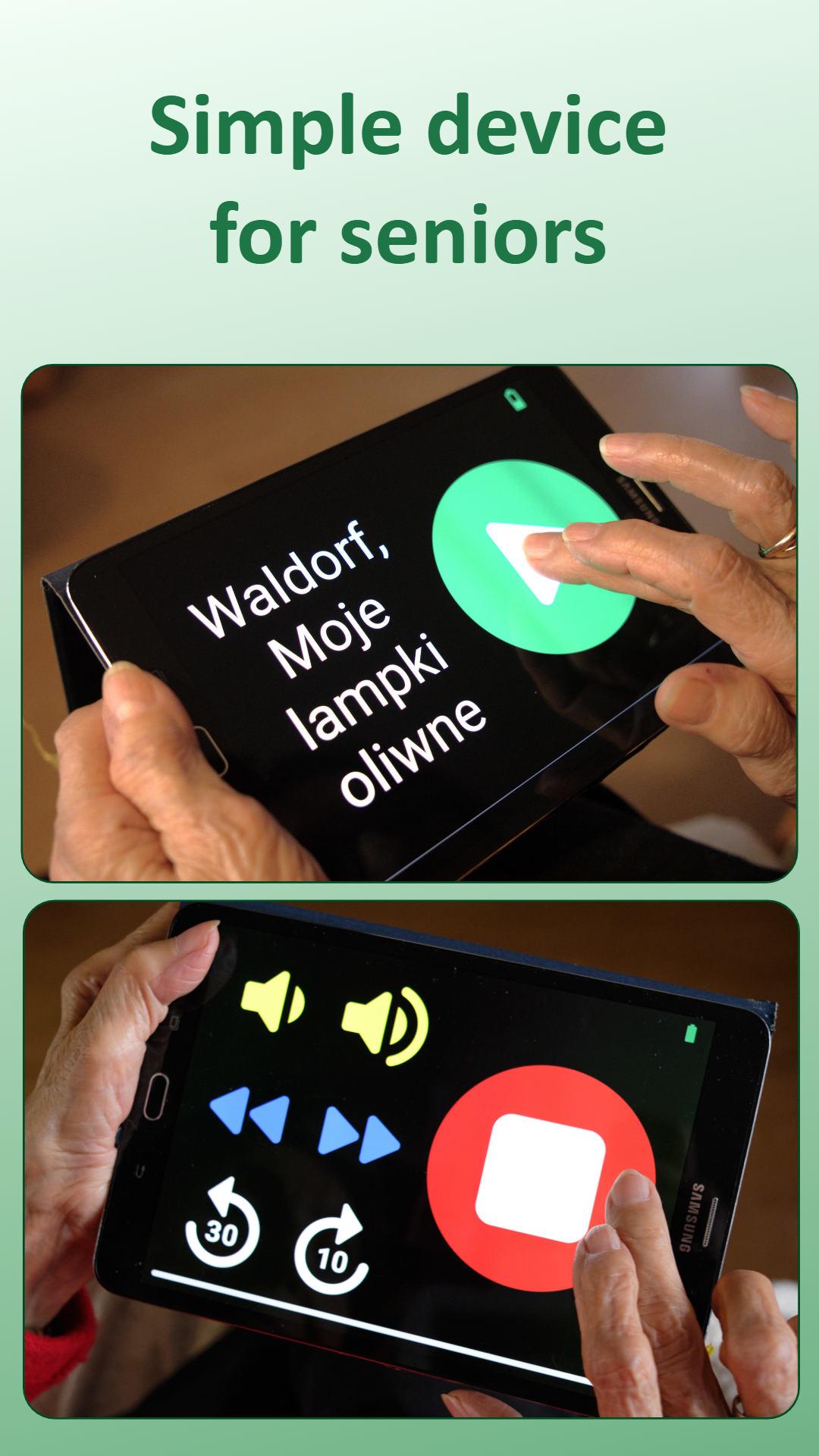
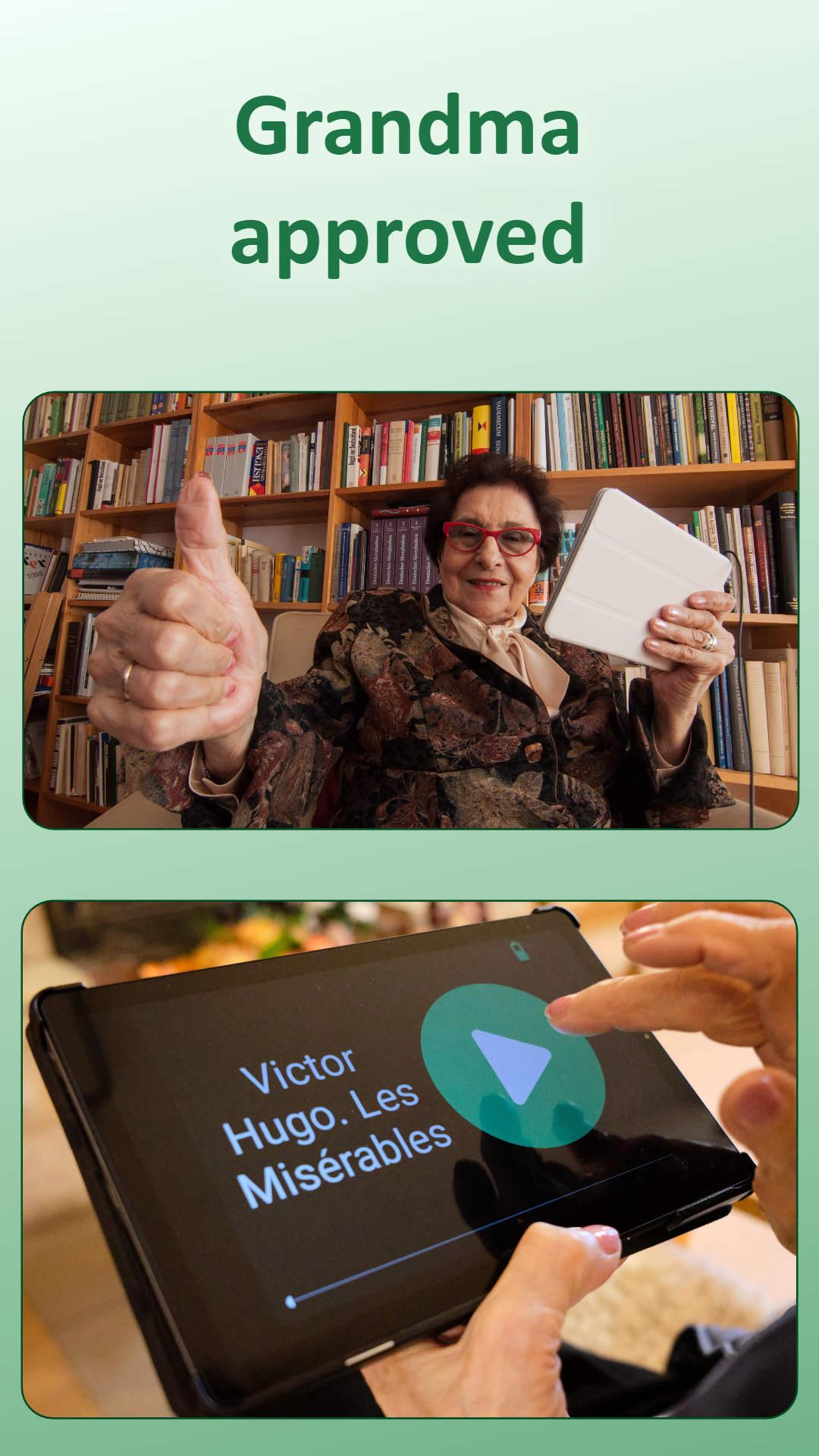
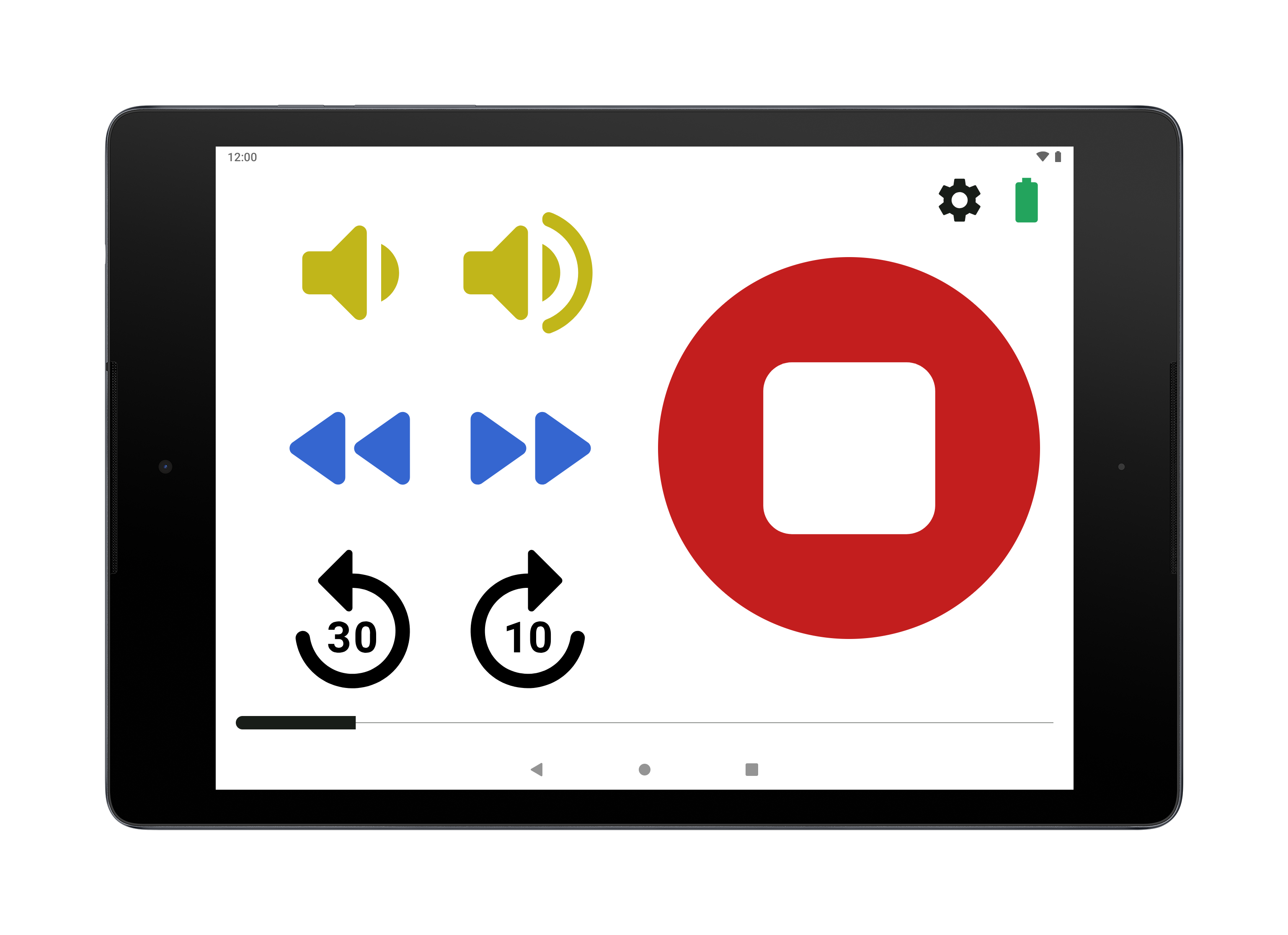
Audiobook and podcast player built for seniors, visually impaired and non-tech-savvy listeners who need an easy way to play audio. Instead of complex menus and unnecessary features, Homer offers a clear, minimal interface focused on one thing: easy audiobook and podcast playback.
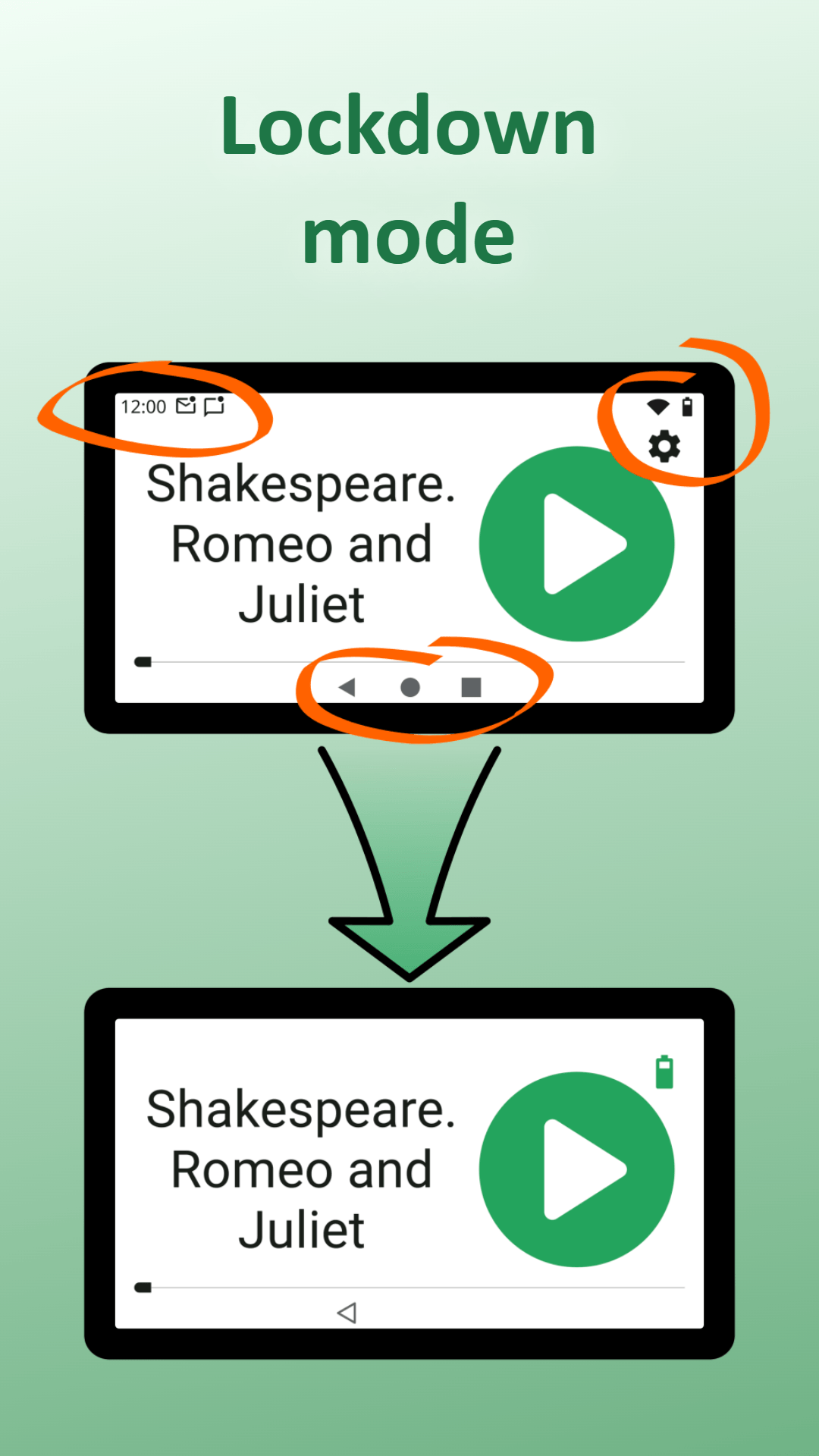
Use the special "lockdown mode" to turn an Android tablet into a dedicated, single-purpose audiobook and podcast device.
Designed for: - Elderly who want simple, independent listening - Visually impaired users who benefit from large controls and spoken titles - Non-tech-savvy users who find standard apps overwhelming - People with cognitive challenges who need basic functionality
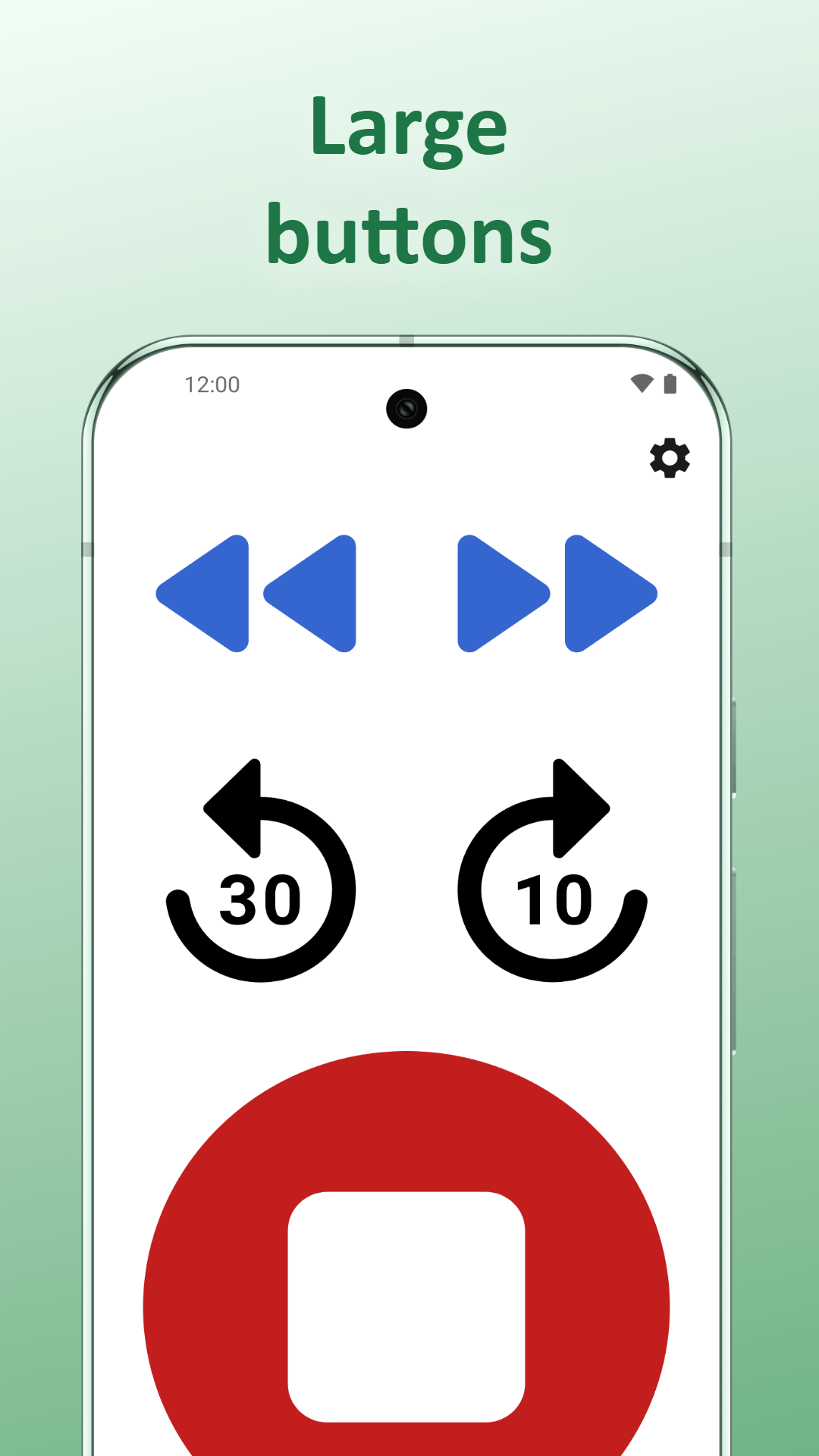
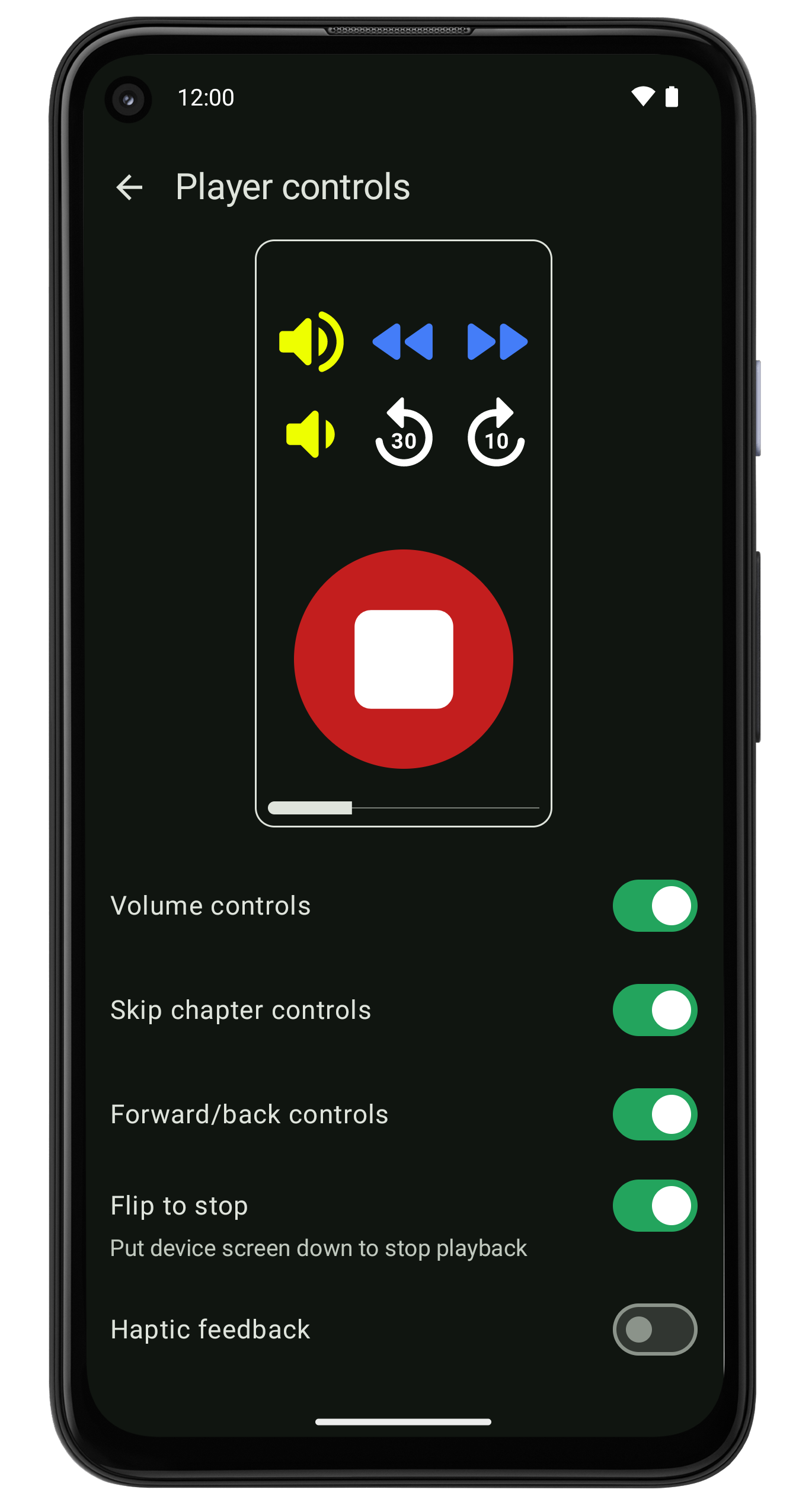
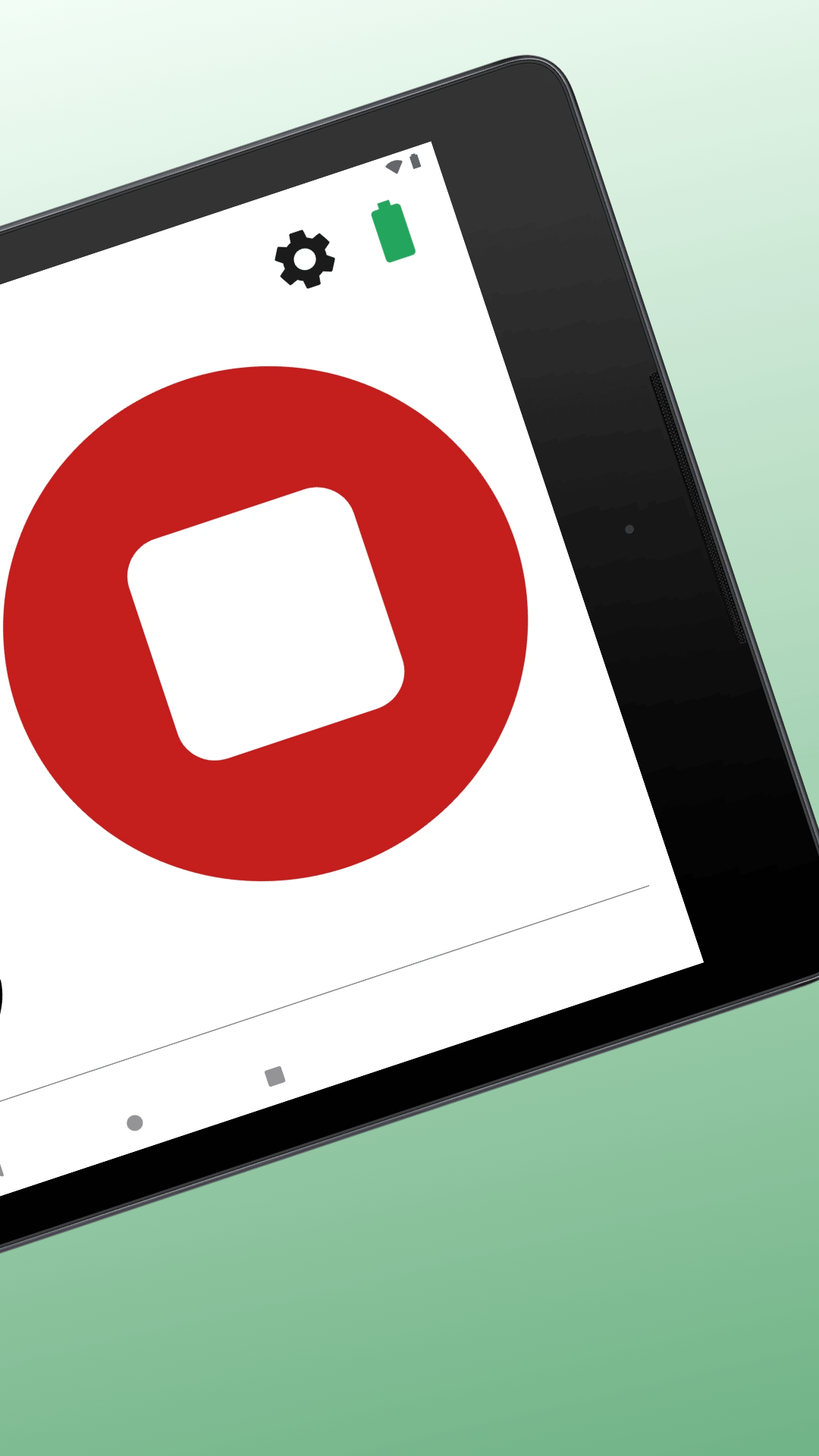
Easy to use: - Large, easy-to-tap buttons - Simple navigation with swipe left/right - Flat content structure (no deep nested folders) - No ads, no pop-ups, no distracting clutter - Optional title read-aloud for accessibility - Flip-to-stop: place device screen-down to pause playback
Lockdown mode: - only playback functionality - blocks exiting the app - hides settings - no access to other apps, notifications nor settings
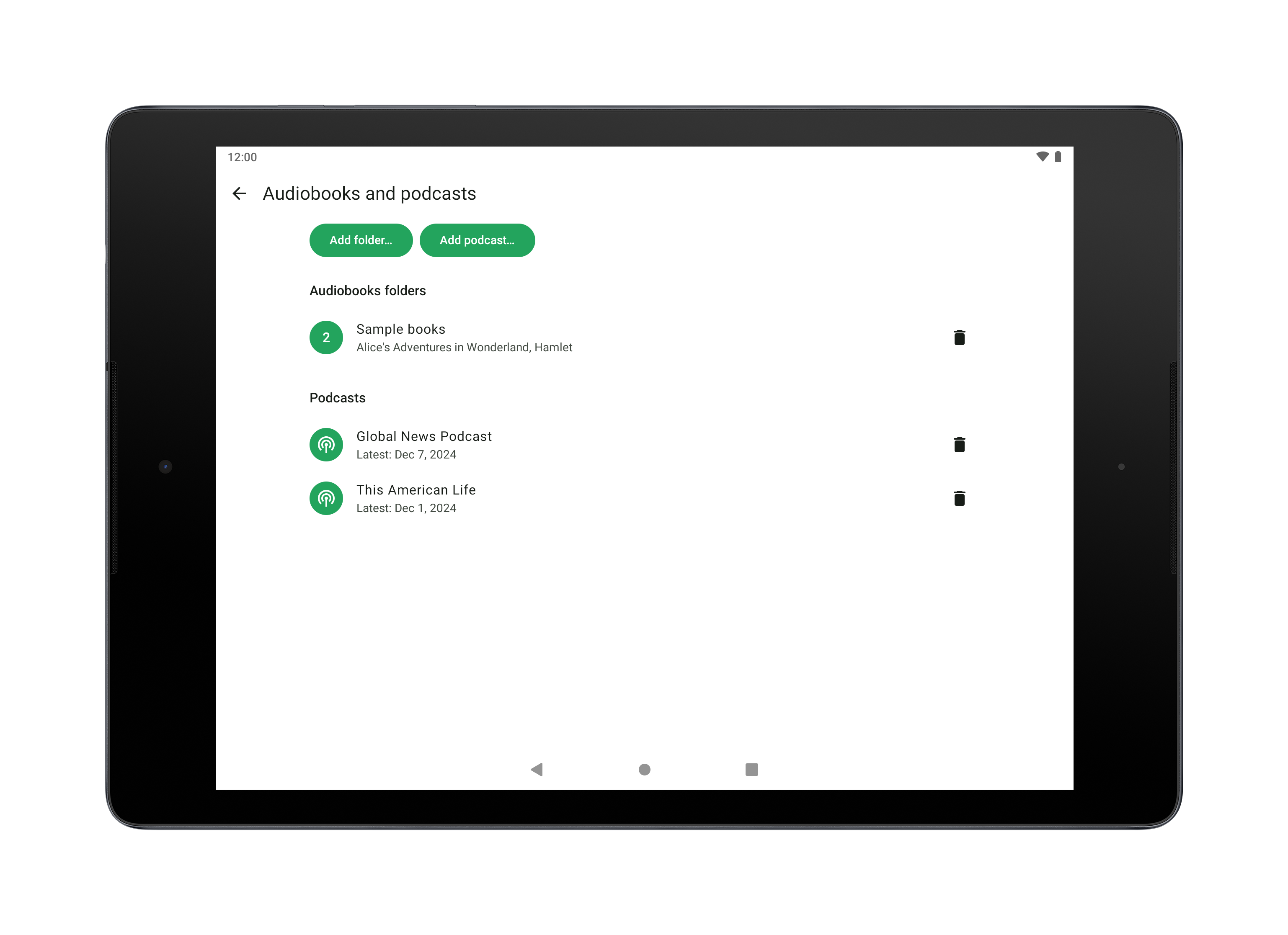
Audiobooks: - Play DRM-free audiobooks from device storage - Resume position saved separately for each book
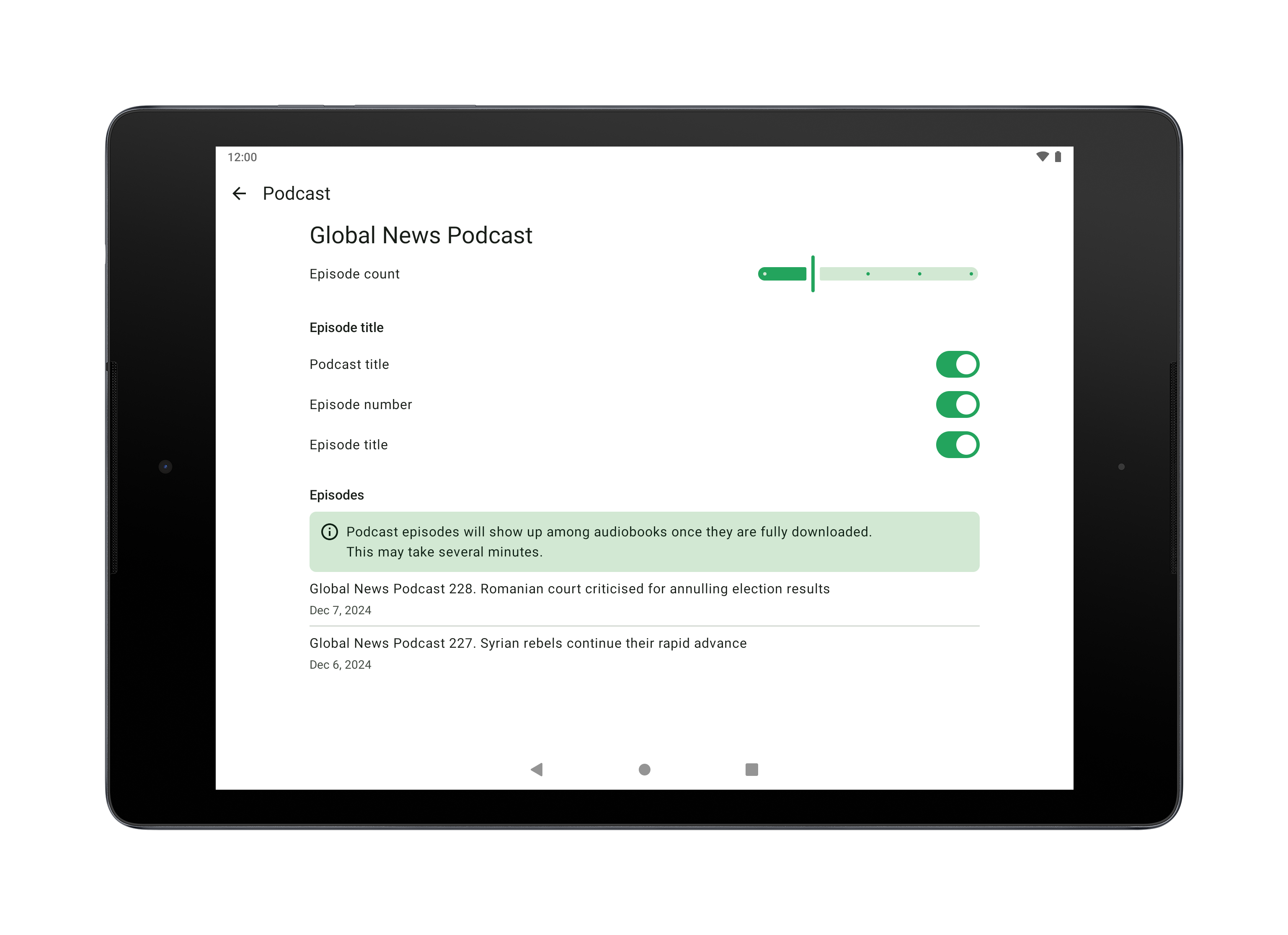
Podcasts: - Automatically updates to show the latest 1-5 episodes - Downloads full episodes for reliable offline playback
Caregiver-managed setup (secondary role): - A caregiver configures content and settings in advance - Optional lockdown mode hides all apps and functionality except the player - Device is prepared once, then used independently by the listener
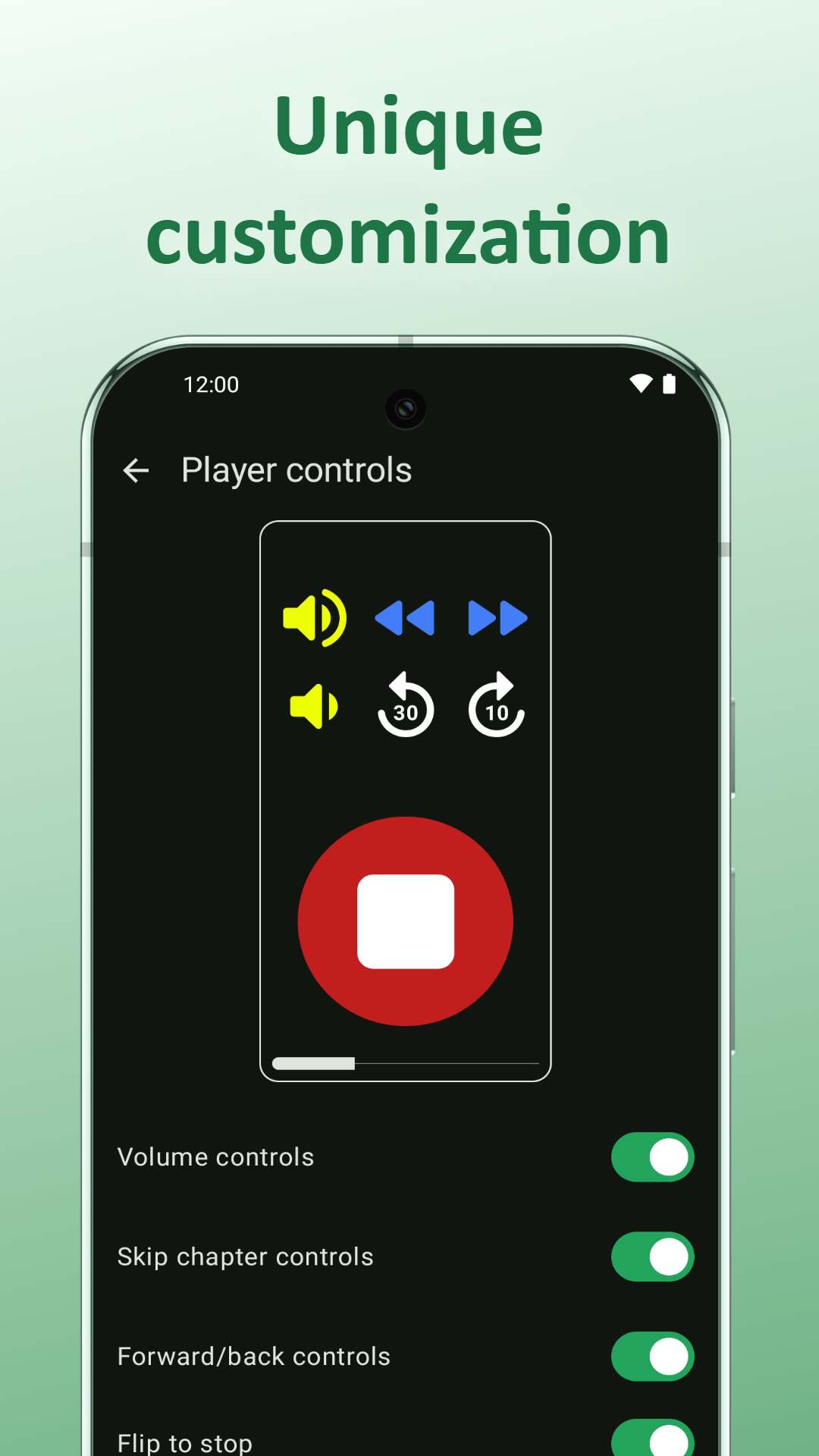
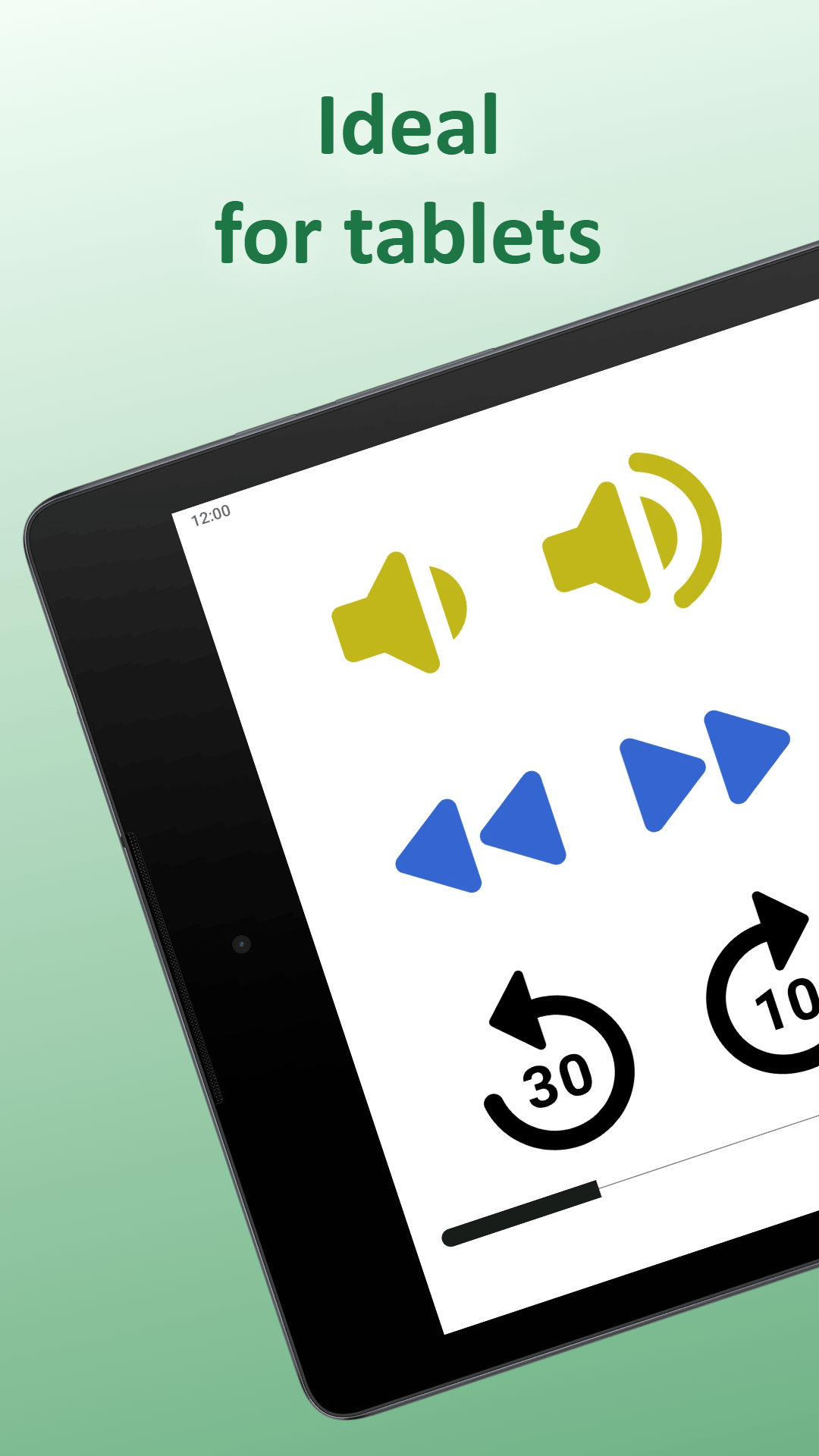
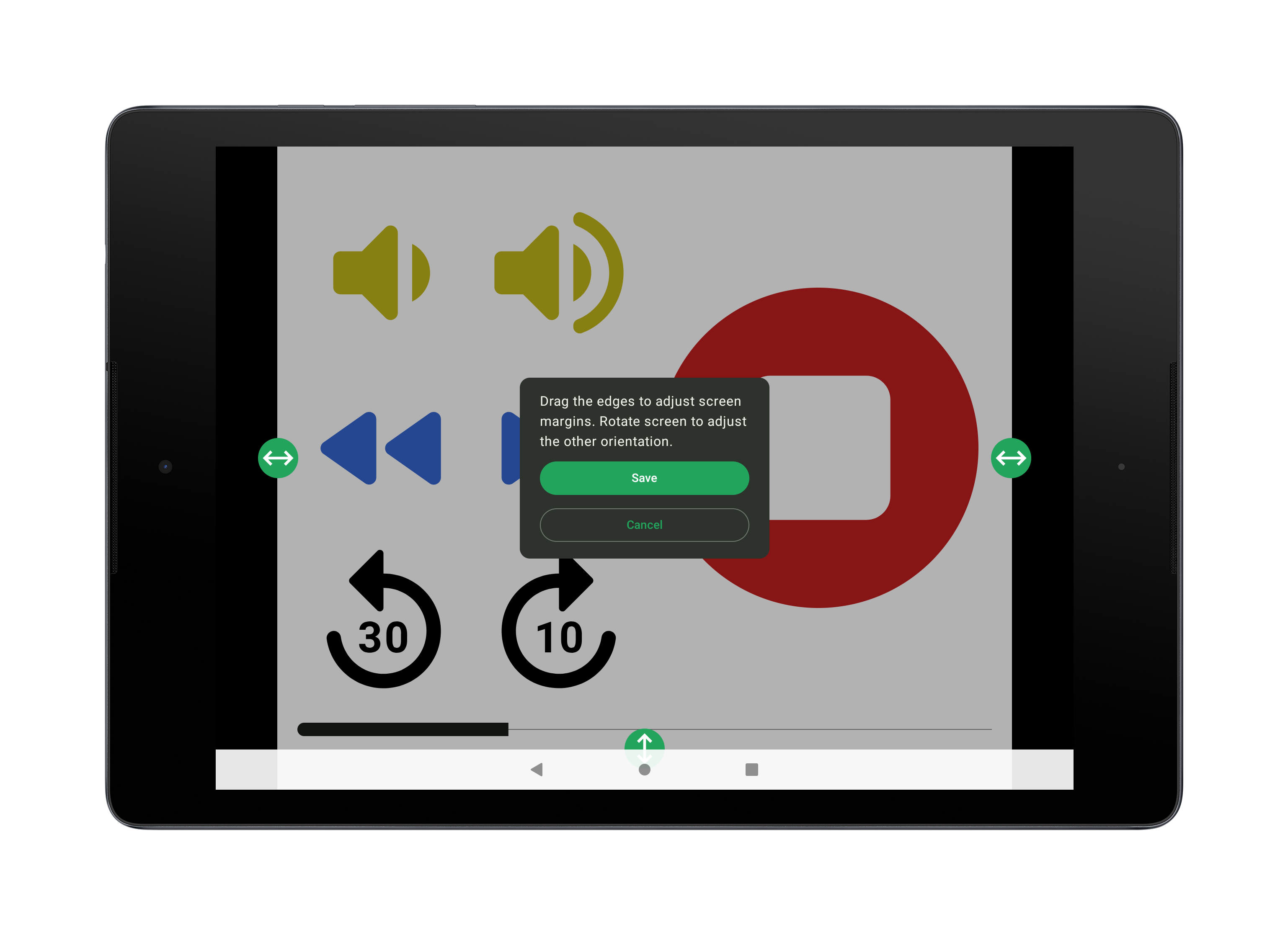
Additional features: - High-contrast light and dark themes - Customizable controls: volume, chapter skip, forward, rewind - Adjustable playback speed - Sleep timer with shake-to-continue
How it works: 1. Install Homer on an Android 7+ phone or tablet. 2. Add audiobooks/podcasts and adjust the interface as needed. 3. Optionally lock or hide settings. 4. Hand the device to the listener for simple, independent daily use.
Homer makes audiobook and podcast listening accessible for people who cannot comfortably use standard smartphone apps.

New translations: Russian and Ukrainian.
Recent approved comments · sorted by newest
View all comments