
Quick answer
Audiobookshelf client with downloads, accurate playback sync and, customization
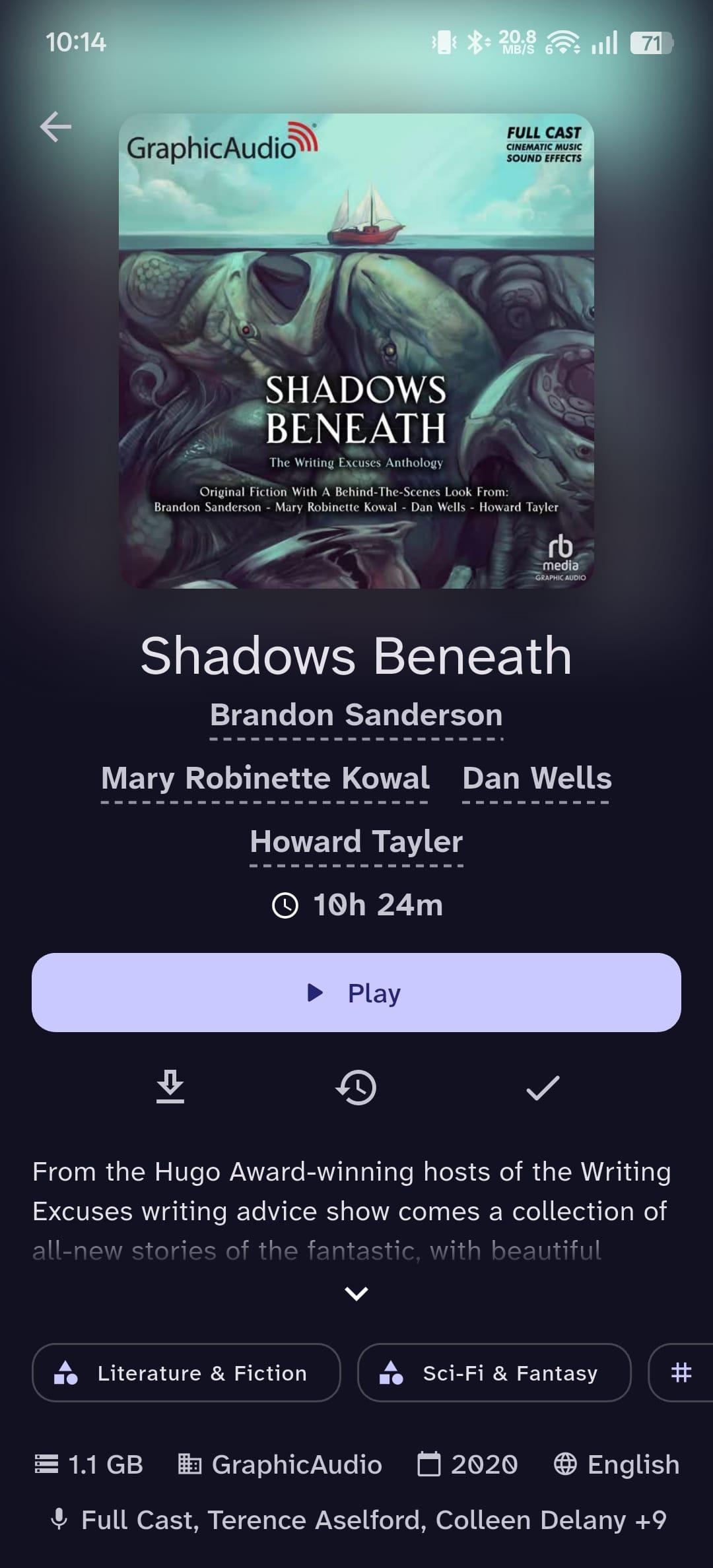
Storii is a modern, feature-rich client for Audiobookshelf that focuses on a clean user experience and maintainable architecture.
Features:
- Audiobooks & Podcasts streaming with background playback and progress sync
- Offline downloads - fully functional download manager with pause/resume, search, sort, and grid view
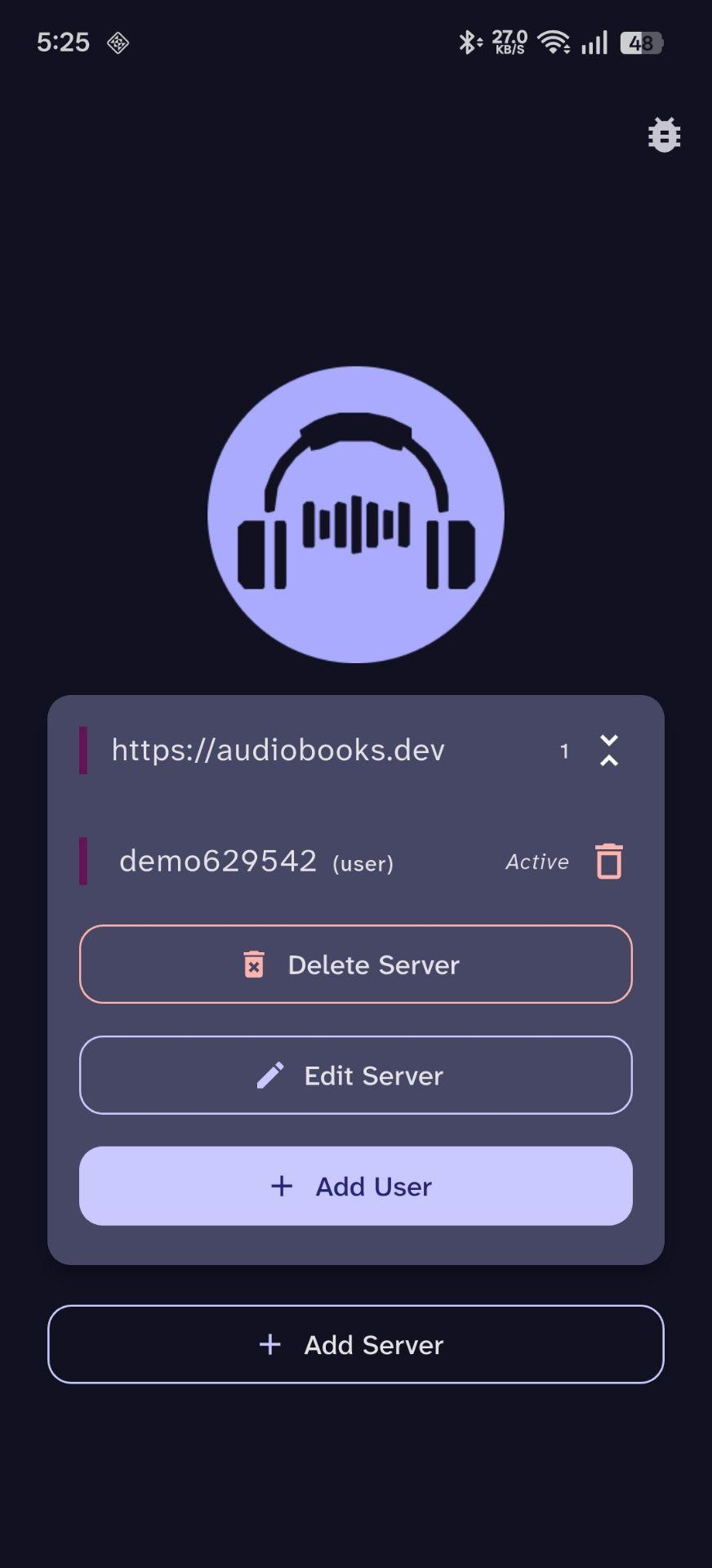
- Multi-user, multi-server and OIDC support with persistent sessions
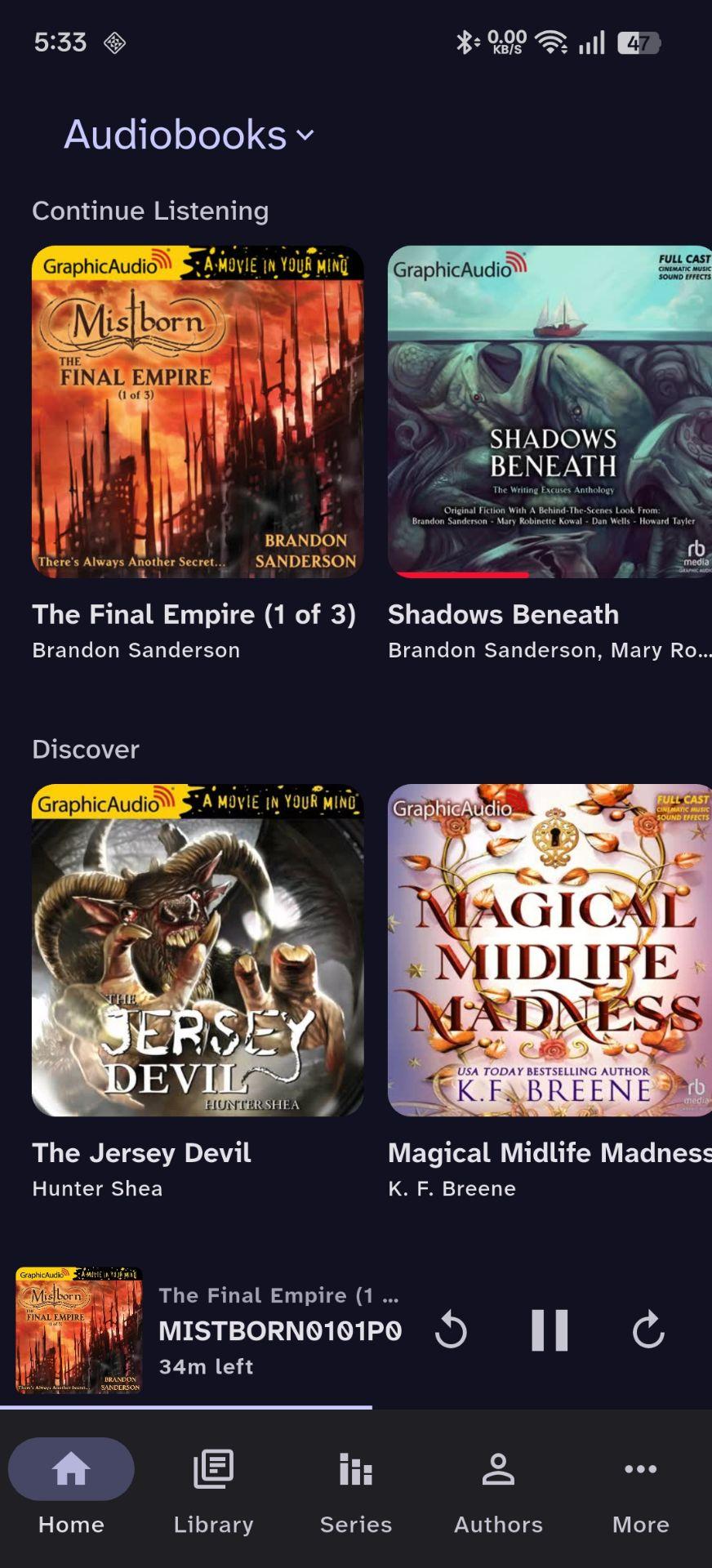
- Personalized home shelves: continue listening, recent series, newest authors, etc.
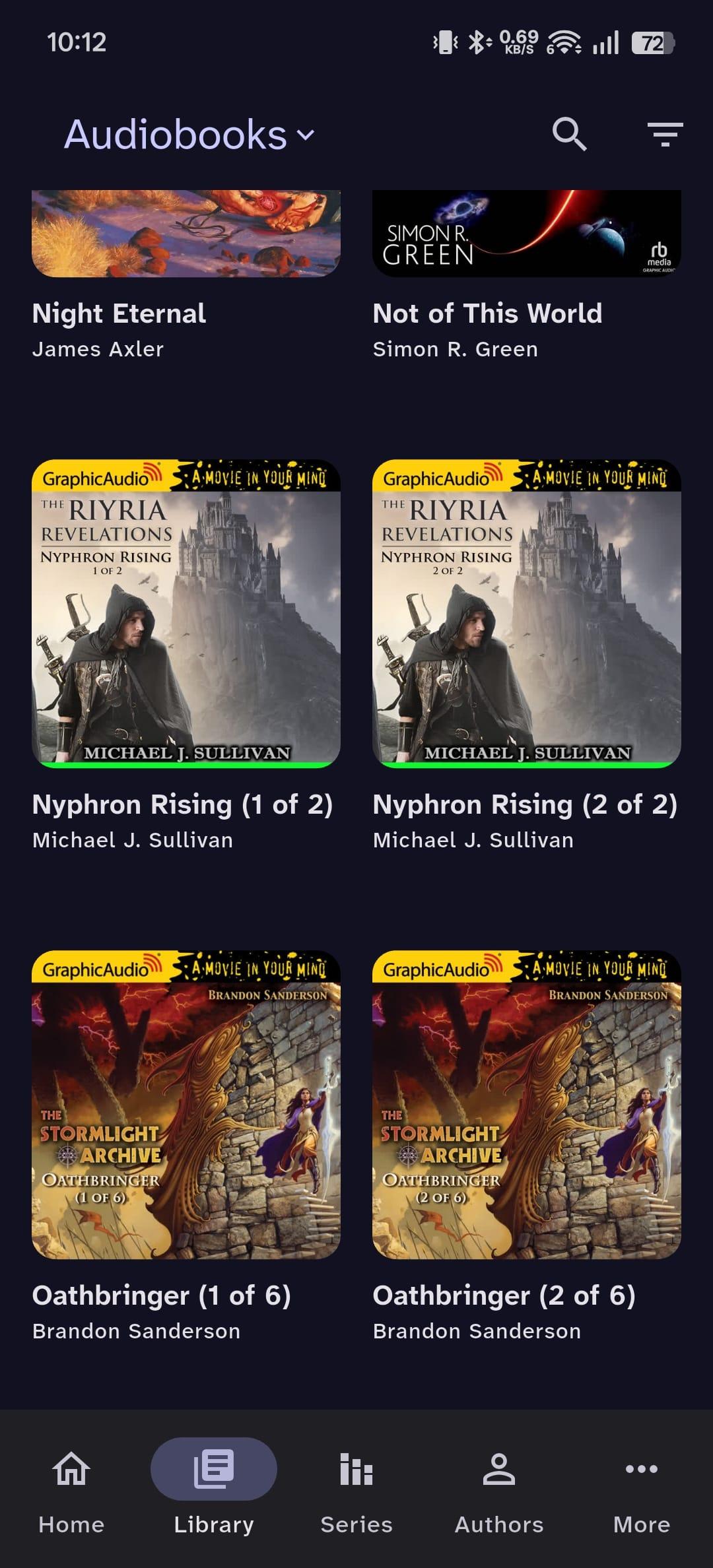
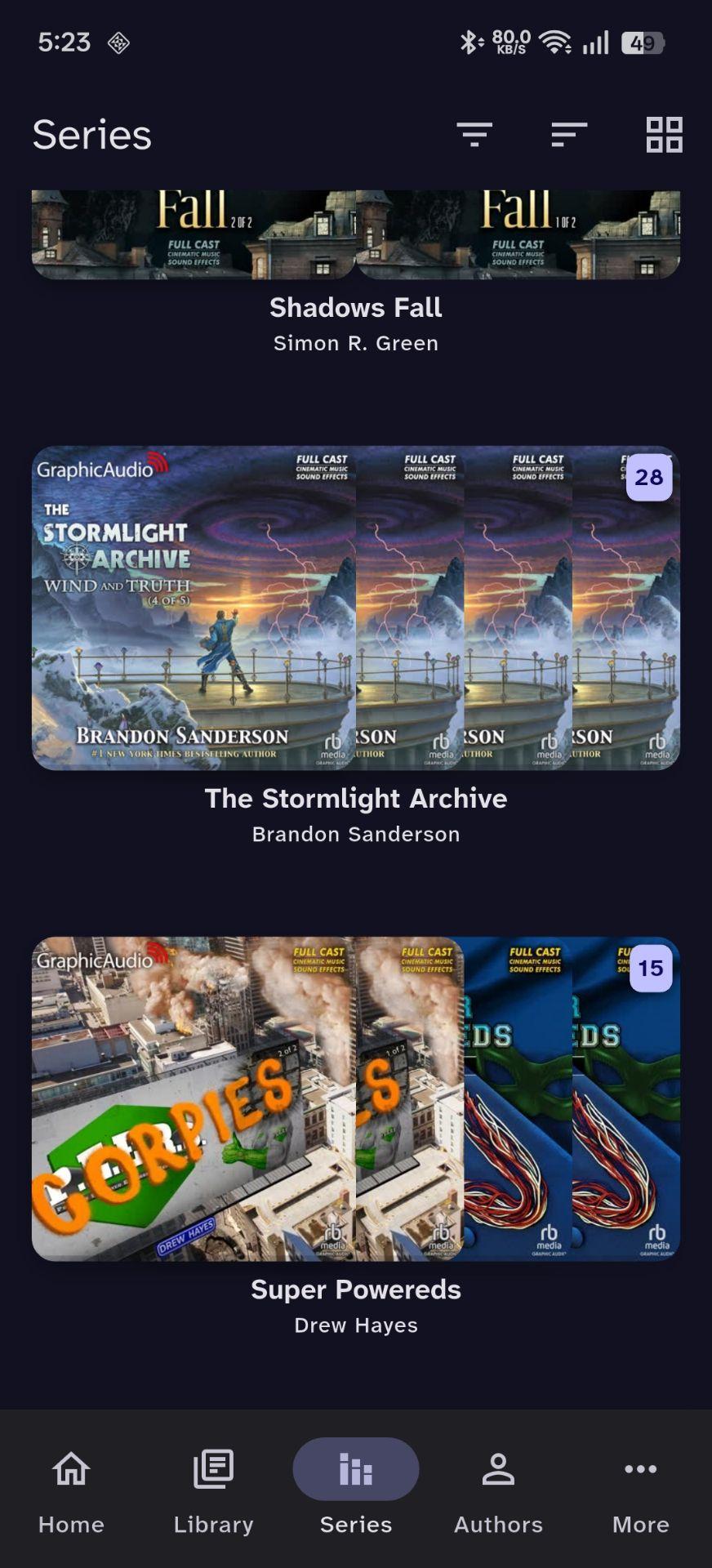
- Advanced library browsing with filters, sorting, and series grouping
- Search across books, series, authors, narrators, tags, and genres
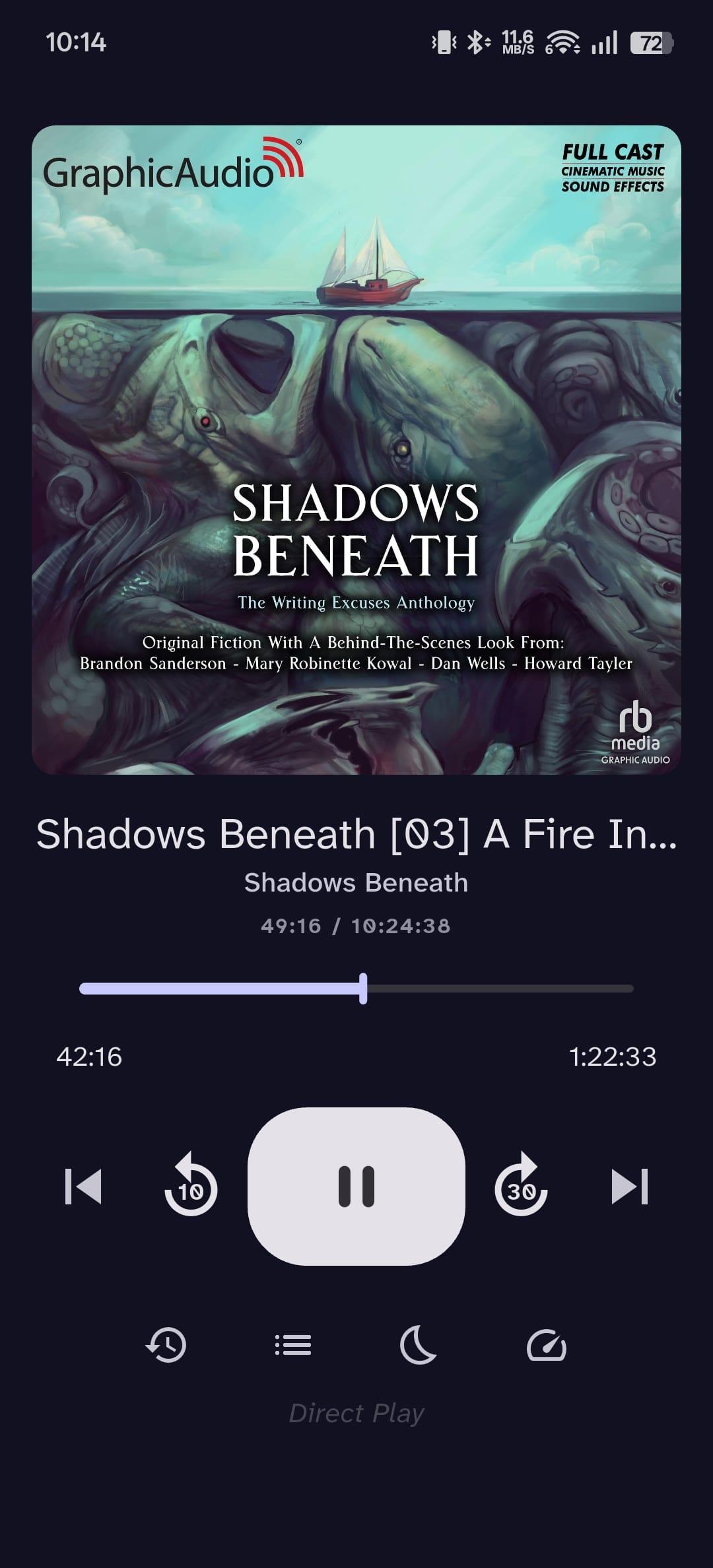
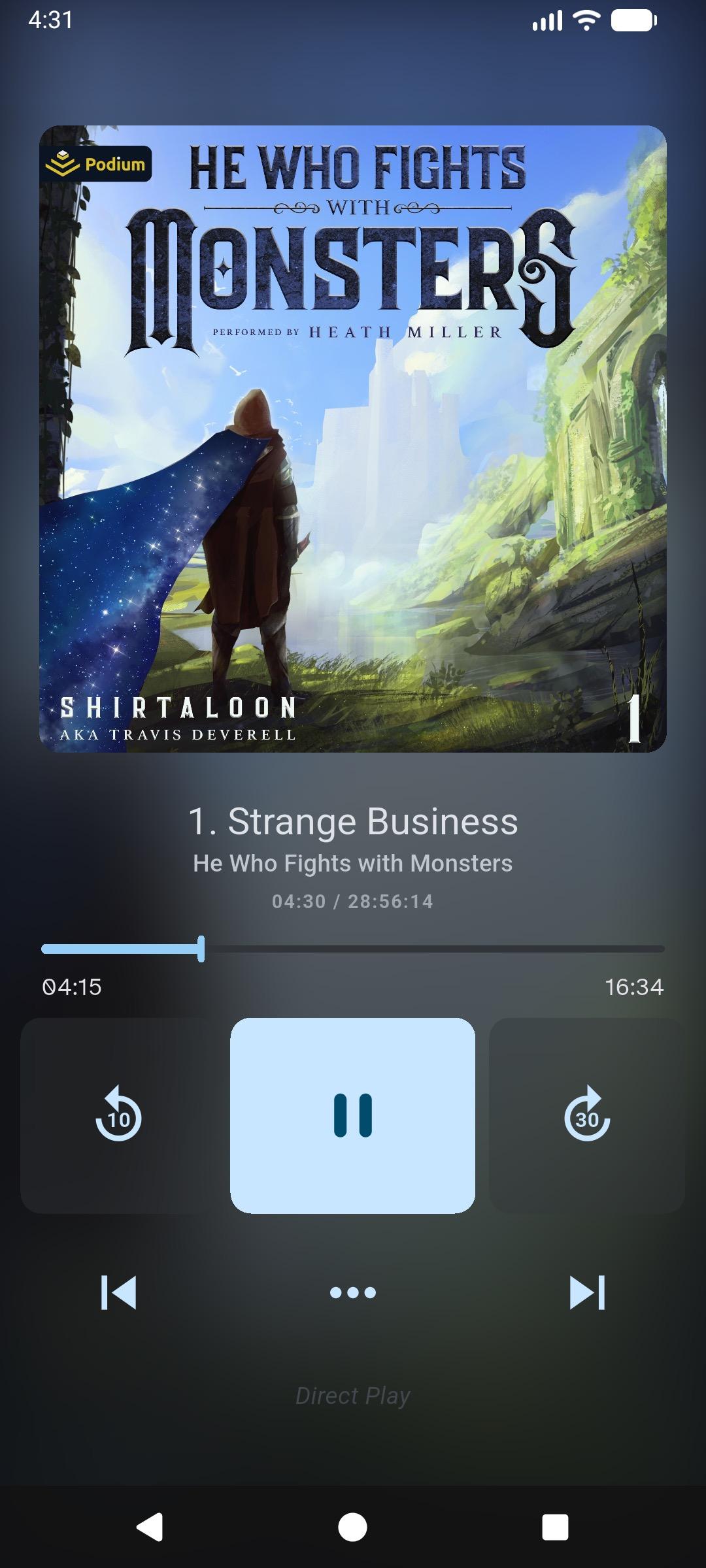
- Customizable player: sleep timer, speed control, seek buttons, chapter navigation, listening history, bookmarks, OS notification controls, and configurable skip-back after interruptions
- Playback queue: supporting collections & playlists
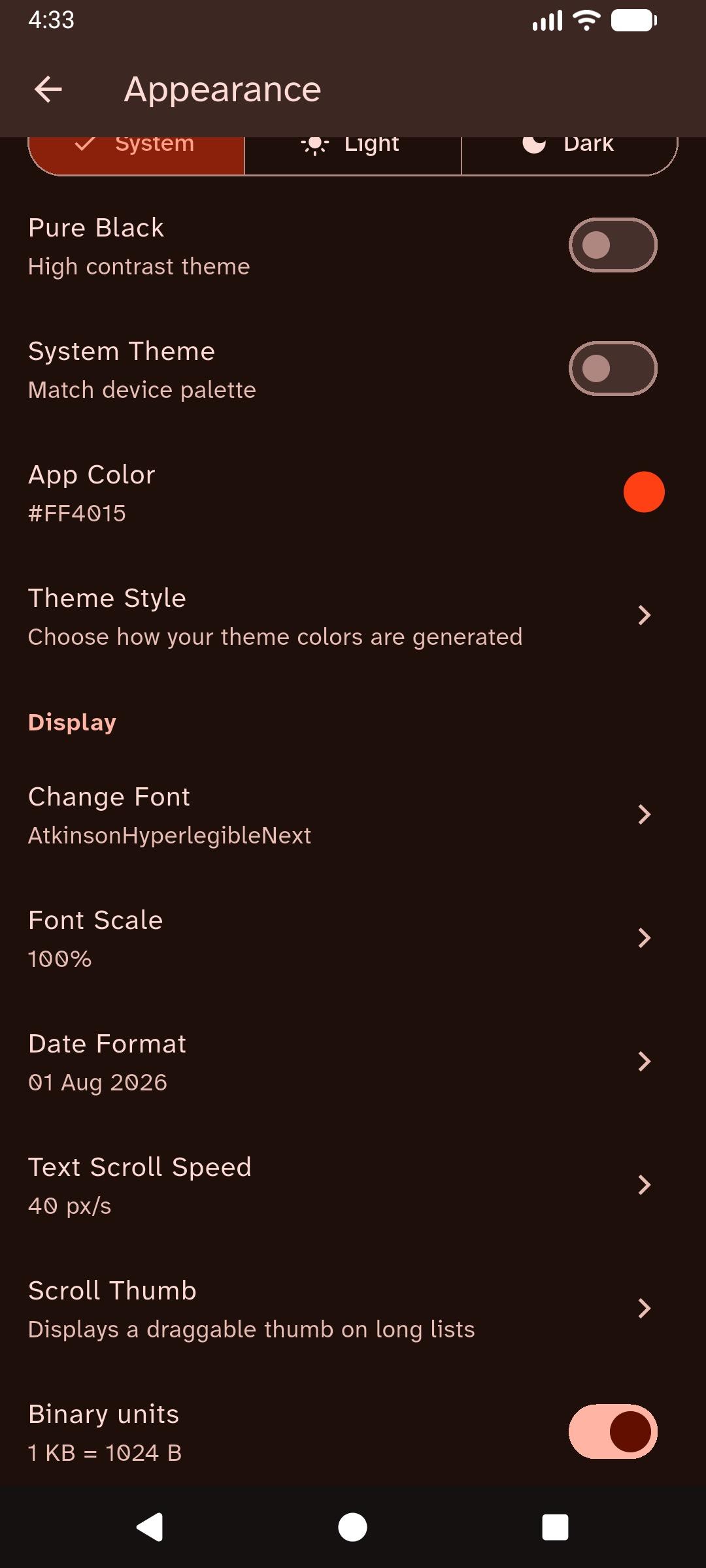
- Appearance settings: system/light/dark themes, dynamic colors, pure black mode, custom fonts, font scaling
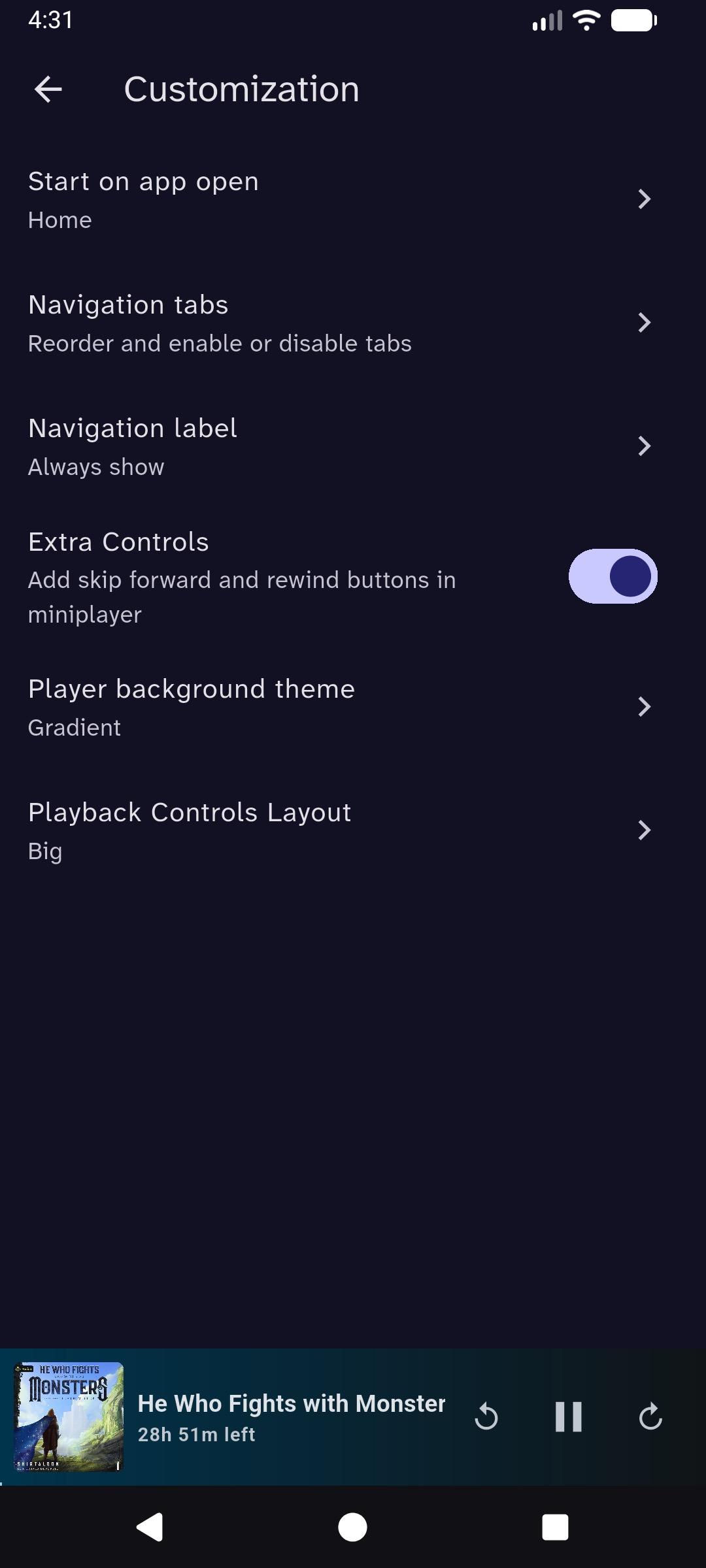
- Navigation customization: reorder tabs, choose startup screen, label behavior
- Server admin tools (admin users): trigger library scans, re-scan/re-match items
- Android Auto: browse library and play books and episodes
- Home screen widget with media cover art
- Local URL per server with automatic local/remote switching
- Play on startup to auto-resume last played item
- Play links for media items to autoplay via browser URLs
Screenshots

How to install
- Download the APK from the button at the top of this page.
- Allow “Install unknown apps” for your browser or file manager only, not for every app.
- Open the downloaded file and confirm the installation.
- If installation fails with “App not installed,” remove an earlier build of the same app first. A signature conflict is the usual cause.
Data safety
- Every file is checked against its published SHA-256 before it is listed.
- Files are scanned for malware on every update.
- The permissions each app requests are listed on its own page.
- Read the full safety policy for how we test, flag, and delist files.
Frequently asked questions
What is Storii - audiobookshelf client?
Audiobookshelf client with downloads, accurate playback sync and, customization
Who develops Storii - audiobookshelf client?
Storii - audiobookshelf client is developed by Likhith Praveen K.
Which Android version does Storii - audiobookshelf client require?
Storii - audiobookshelf client requires Android API 24 or later.
What is the current version of Storii - audiobookshelf client?
The synchronized F-Droid version is 0.11.0.
Which license does Storii - audiobookshelf client use?
The signed F-Droid metadata lists GPL-3.0-or-later.
Where is the source code for Storii - audiobookshelf client?
https://github.com/likhithpraveenk/storii
Comments
Recent approved comments · sorted by newest
View all comments