Track satellite passes with ease!
Thanks to Celestrak and SatNOGS you have access to over 9000 active satellites.
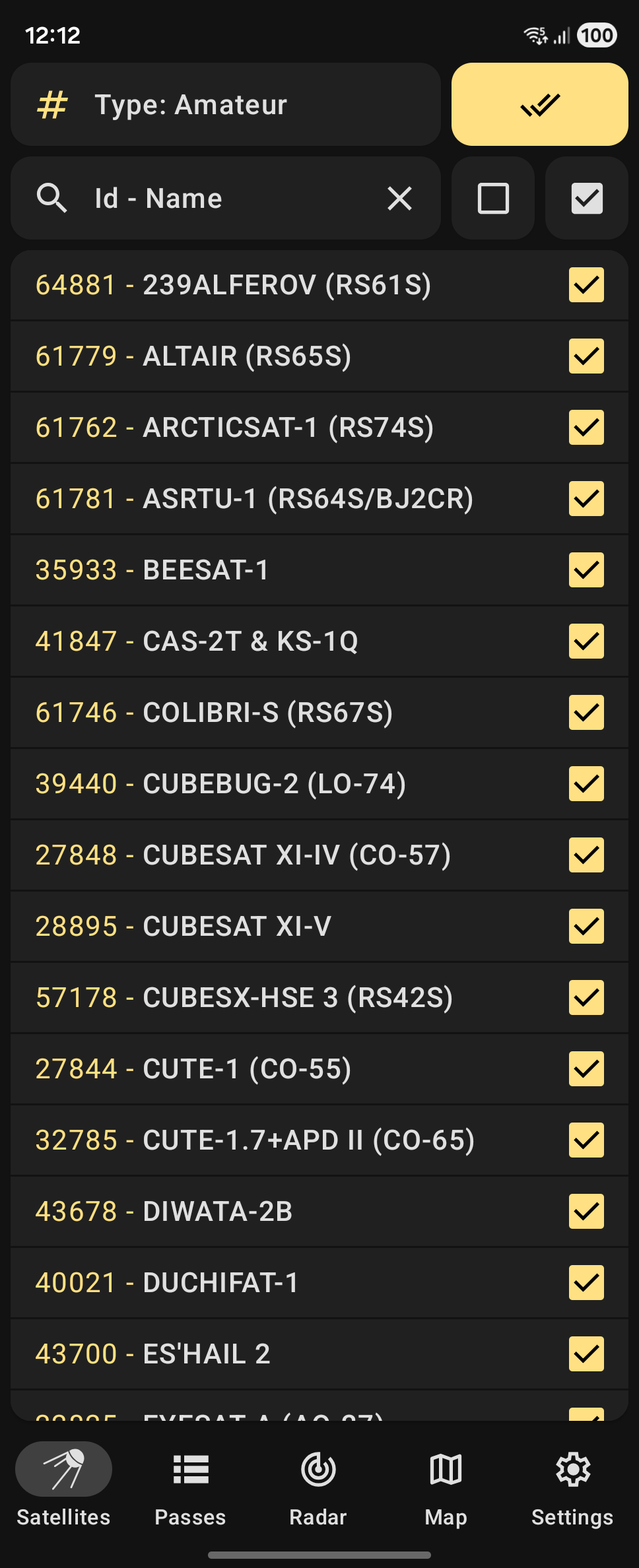
You can search the entire database by NORAD Catalog Number or the satellite's name.
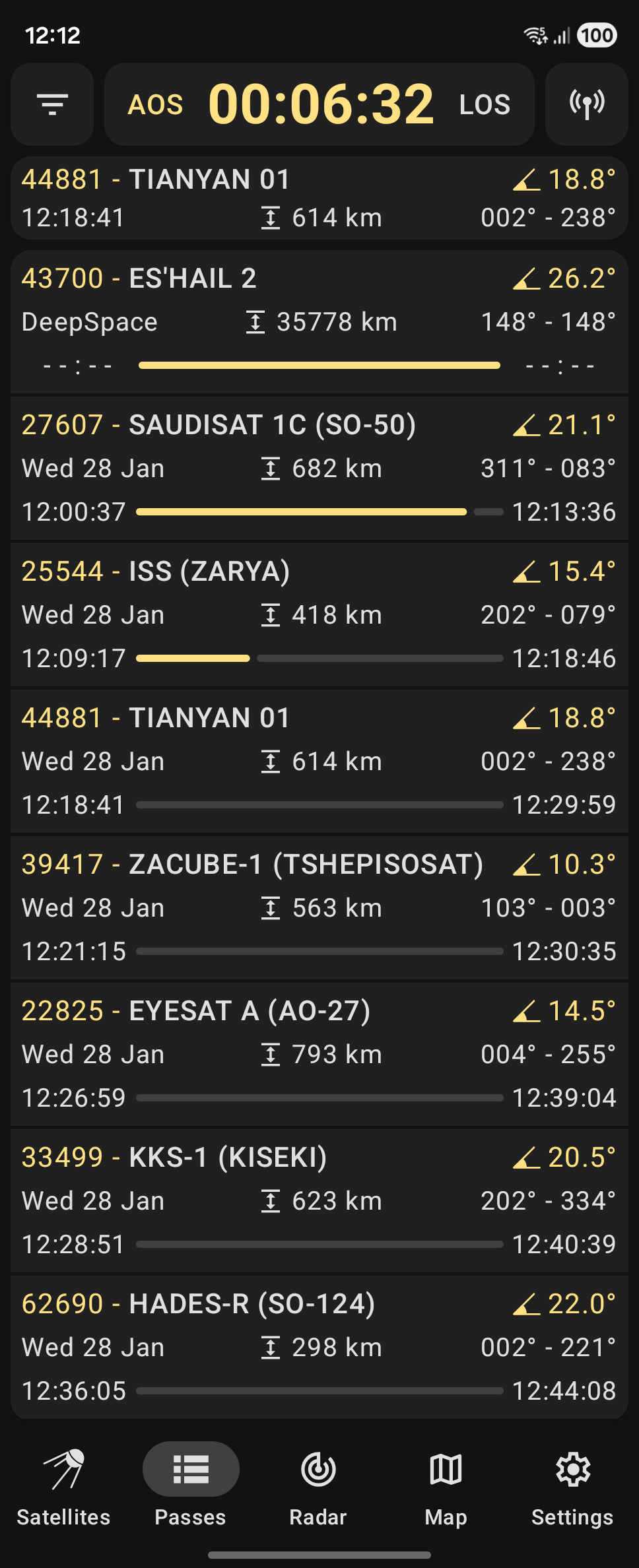
Orbital positions and passes are calculated relative to your location.
To get reliable data make sure to set the station position via the app Settings.
The application is built using Kotlin, Coroutines, Jetpack Compose and Navigation.
It is now and always will be completely ad-free and open-source.
Main features:
Predicting satellite positions and passes for up to 10 days
Showing the list of currently active and upcoming satellite passes
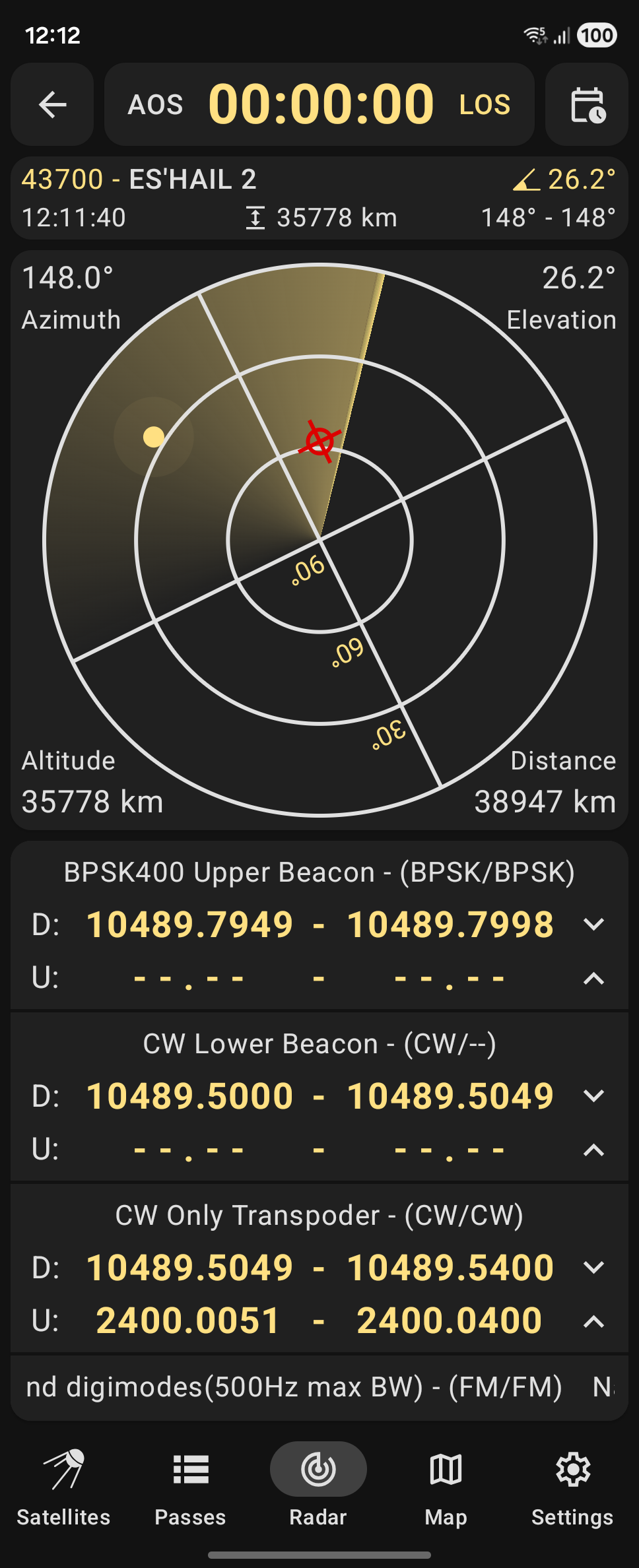
Showing the active pass progress, polar trajectory and transceivers info
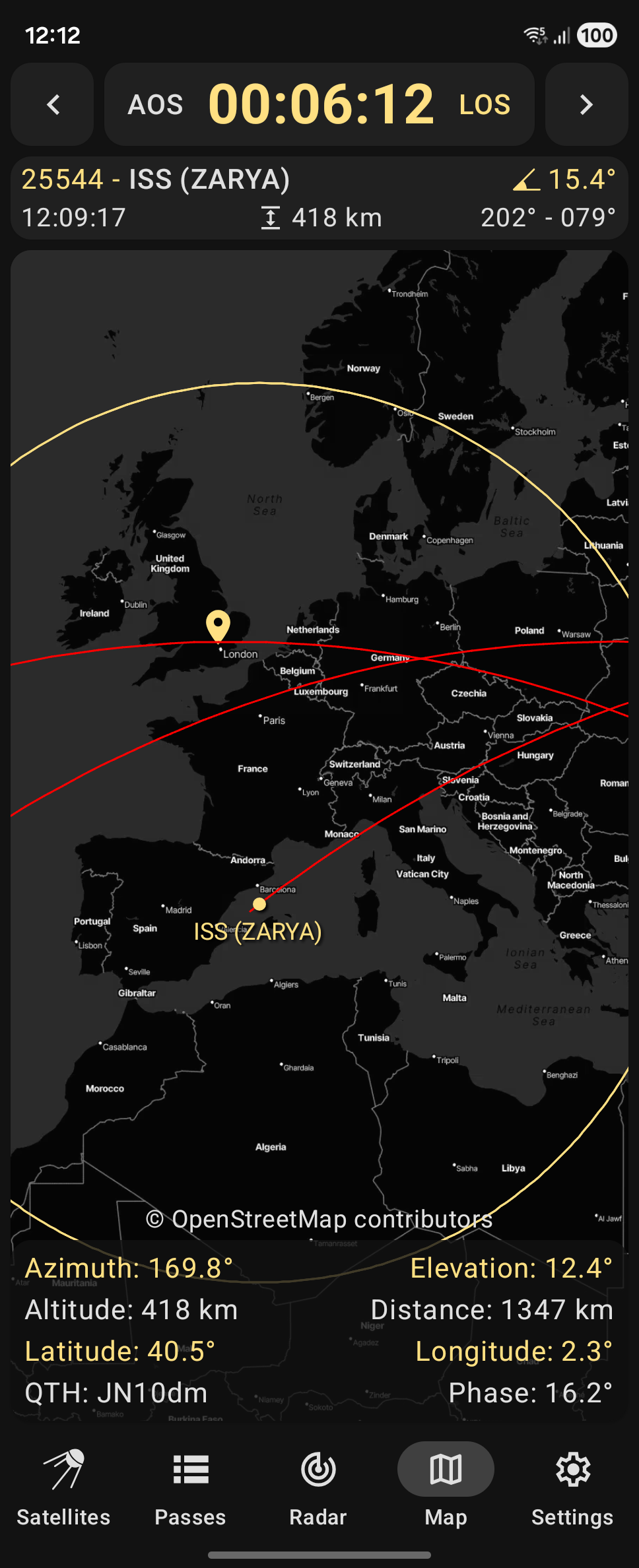
Showing the satellite positional data, footprint and ground track on the map
Custom TLE satellite data import is available via Three Line Element .txt files
Offline first: calculations are made offline. Weekly TLE data update is recommended.
Screenshots
What’s new
* Tweaked sun calculations, added tests by atsunatsu (#241) * Overhauled sources import, added HTTP status by wty2019wty (#242) * Localized AMSAT status screen for Chinese by atsunatsu (#245) * Extracted hardcoded UI strings to resources by TianhengZhuang (#247) * Added AMSAT satellite status reports submission by atsunatsu (#248)
How to install
Download the APK from the button at the top of this page.
Allow “Install unknown apps” for your browser or file manager only, not for every app.
Open the downloaded file and confirm the installation.
If installation fails with “App not installed,” remove an earlier build of the same app first. A signature conflict is the usual cause.
Data safety
Every file is checked against its published SHA-256 before it is listed.
Files are scanned for malware on every update.
The permissions each app requests are listed on its own page.
Read the full safety policy for how we test, flag, and delist files.