Point Forecast icon

Point Forecast

crome1394
Weather Science & Education
Version
1.1.10
Size
13.7 MB
Requires
Android API 26+
4.3 / 5 · 3,029 ratings 0 downloads

Updated Sep 22, 2026

Quick answer

NWS point forecasts with maps, tides, and weather hazards

F-Droid repository metadata

Point Forecast is an Android client for U.S. National Weather Service point forecasts. It is not affiliated with NOAA or NWS.

Features:

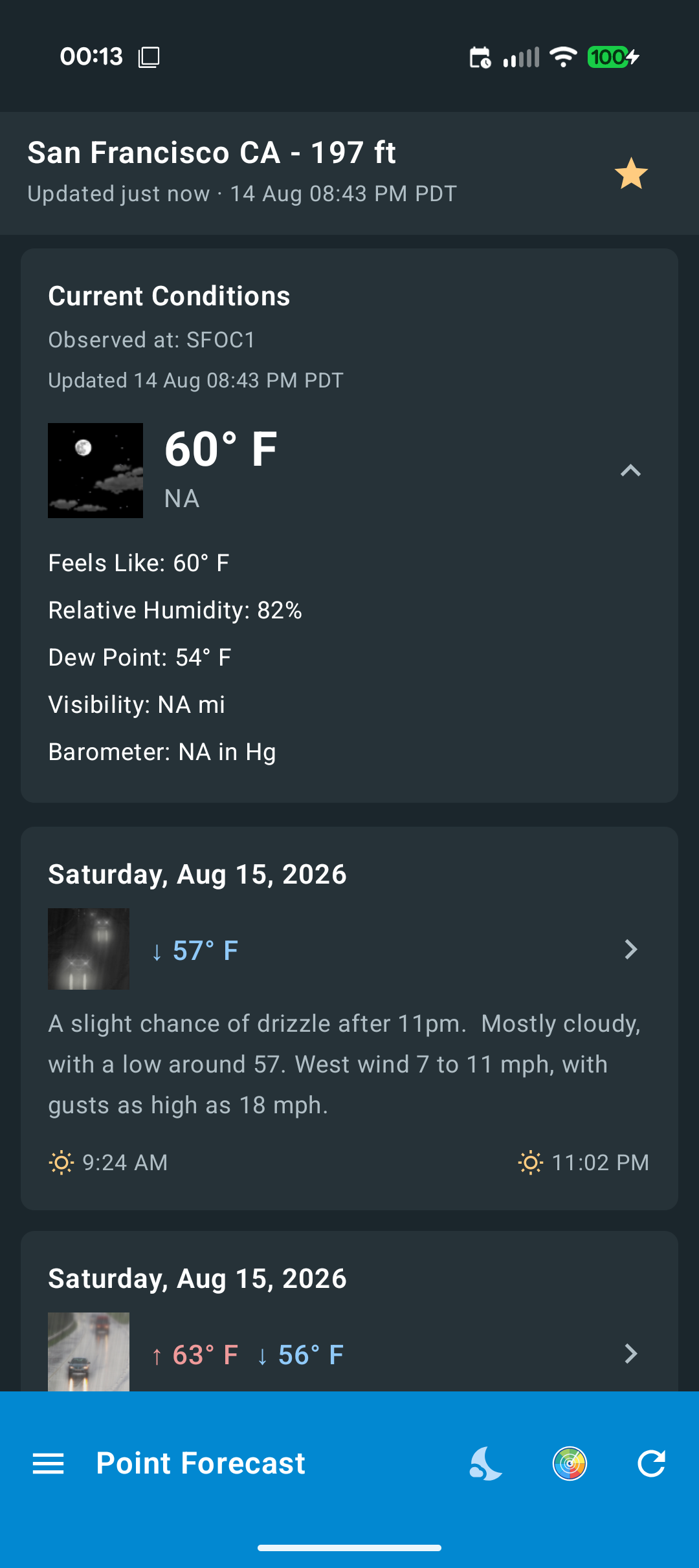
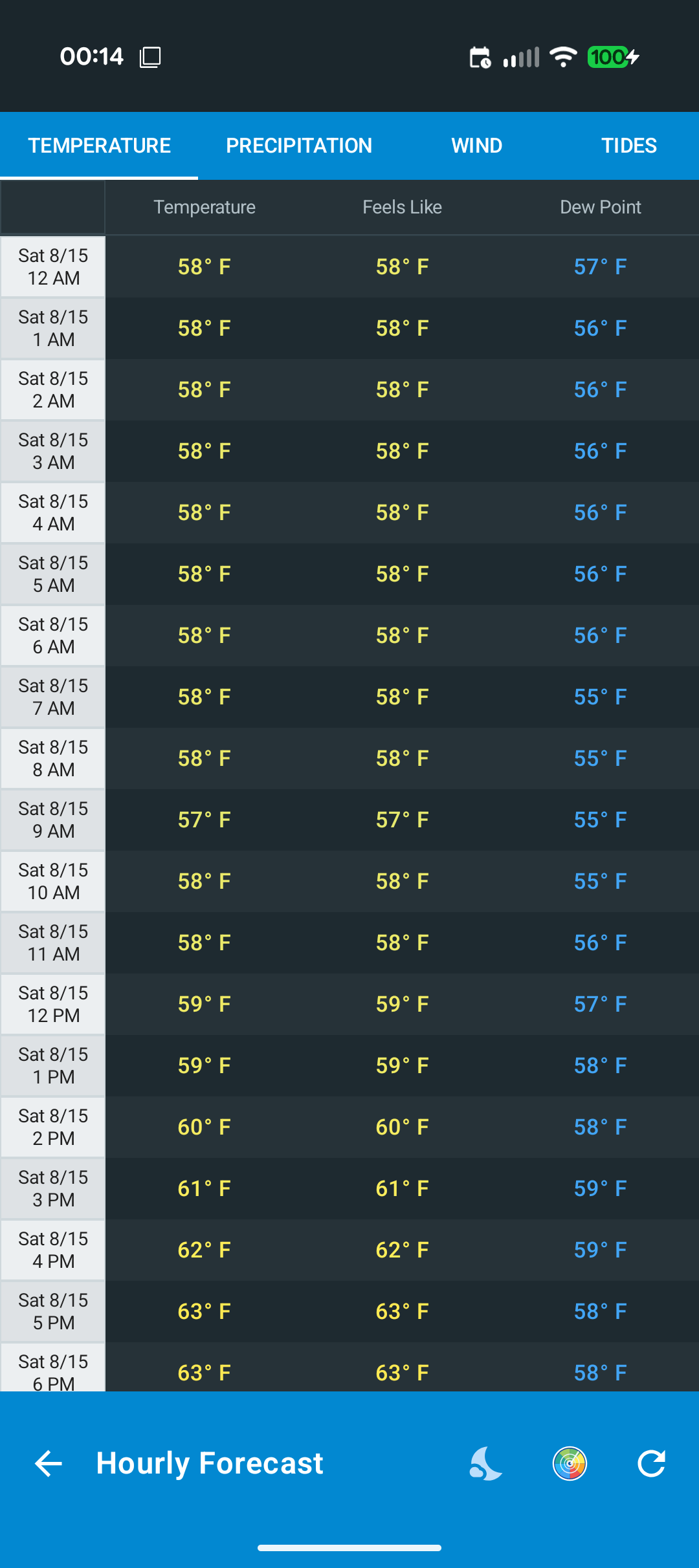
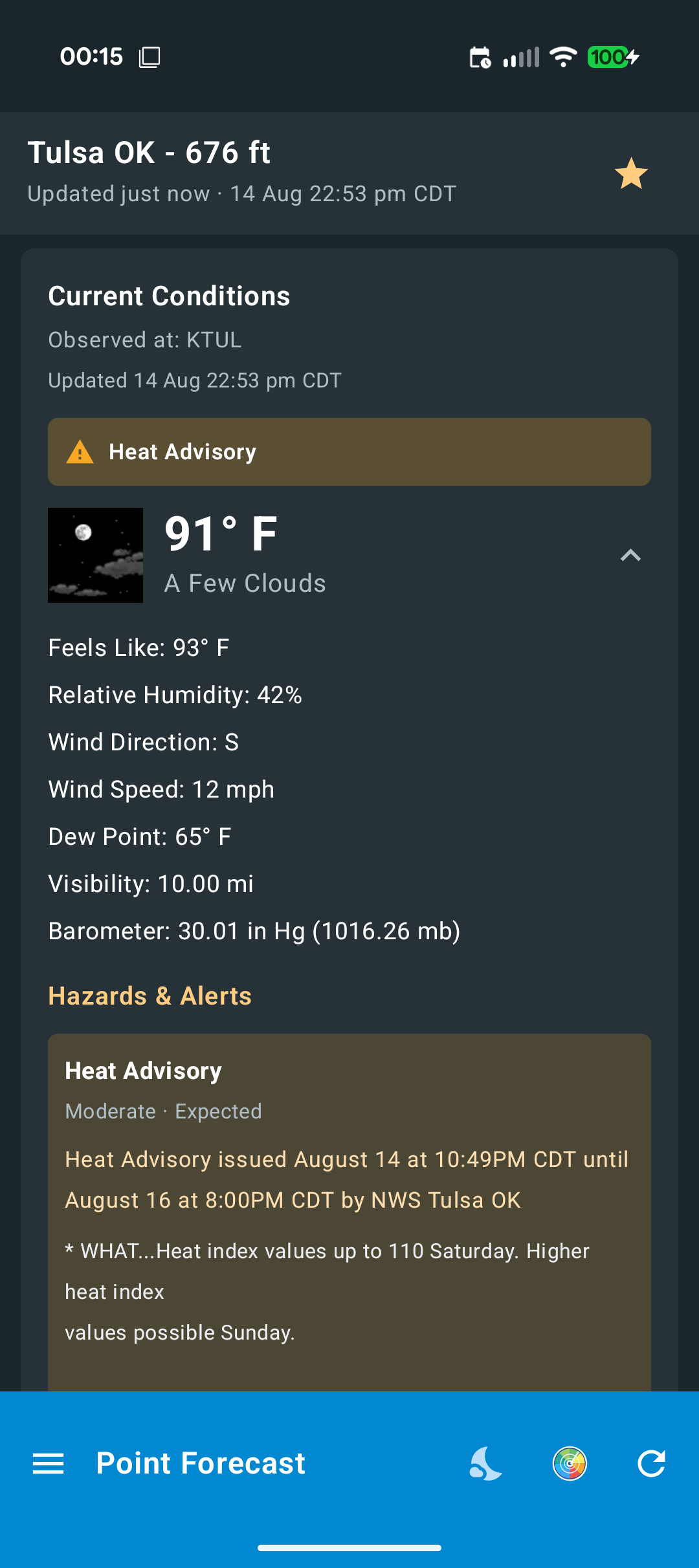
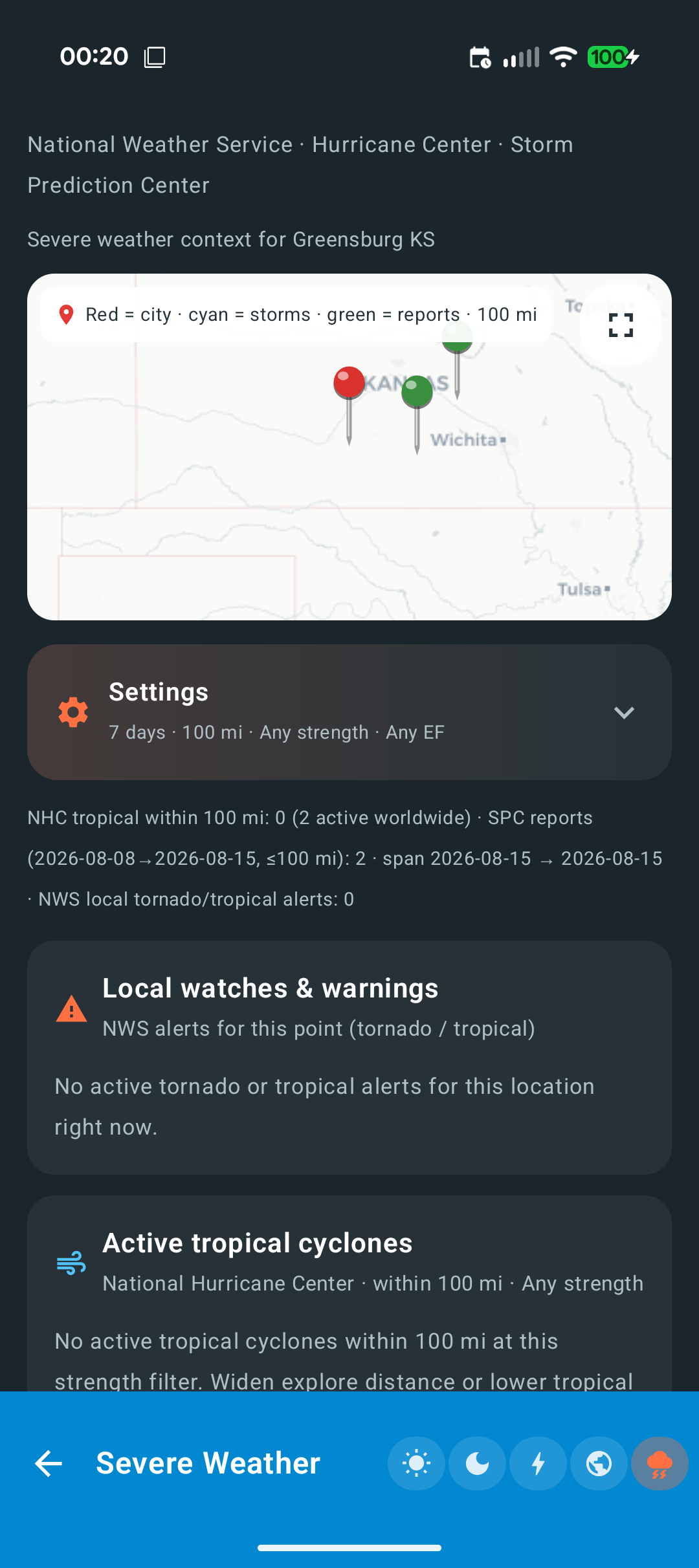
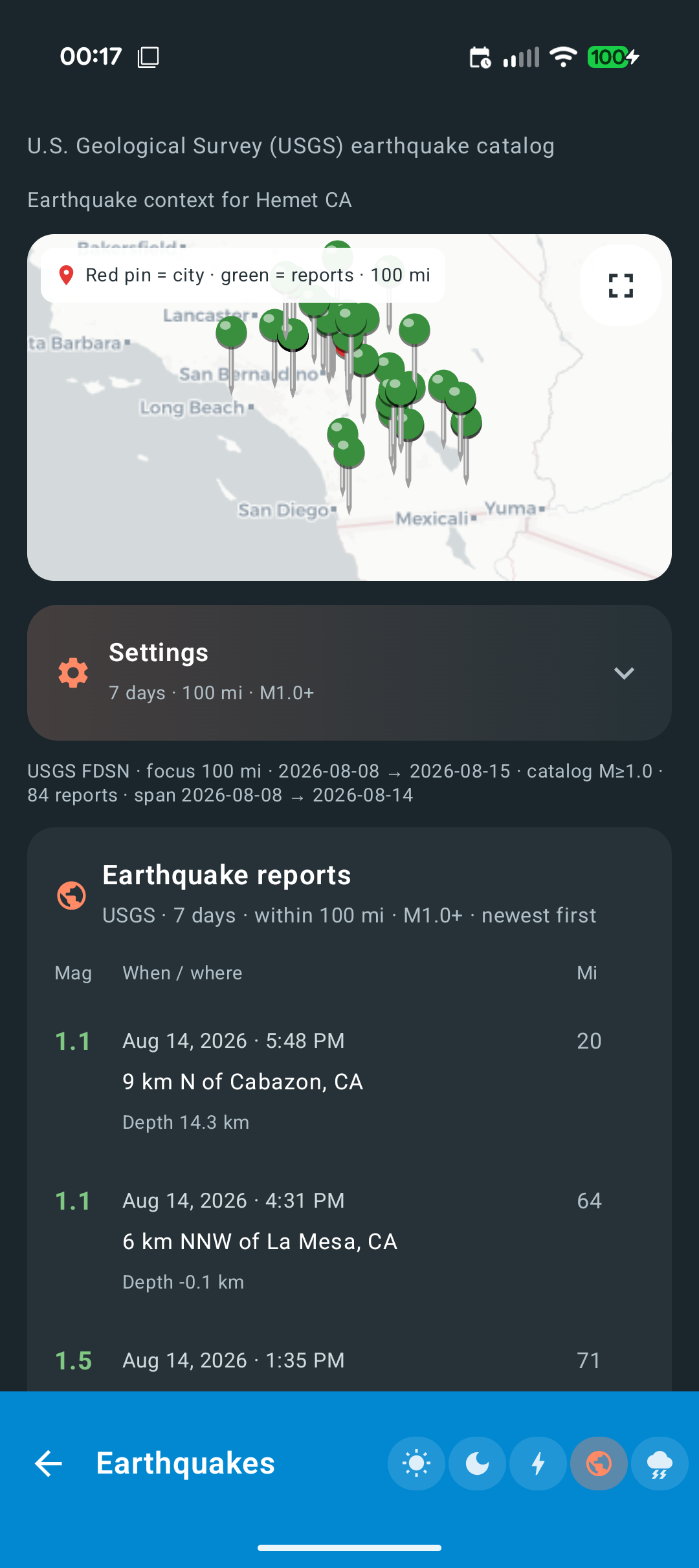
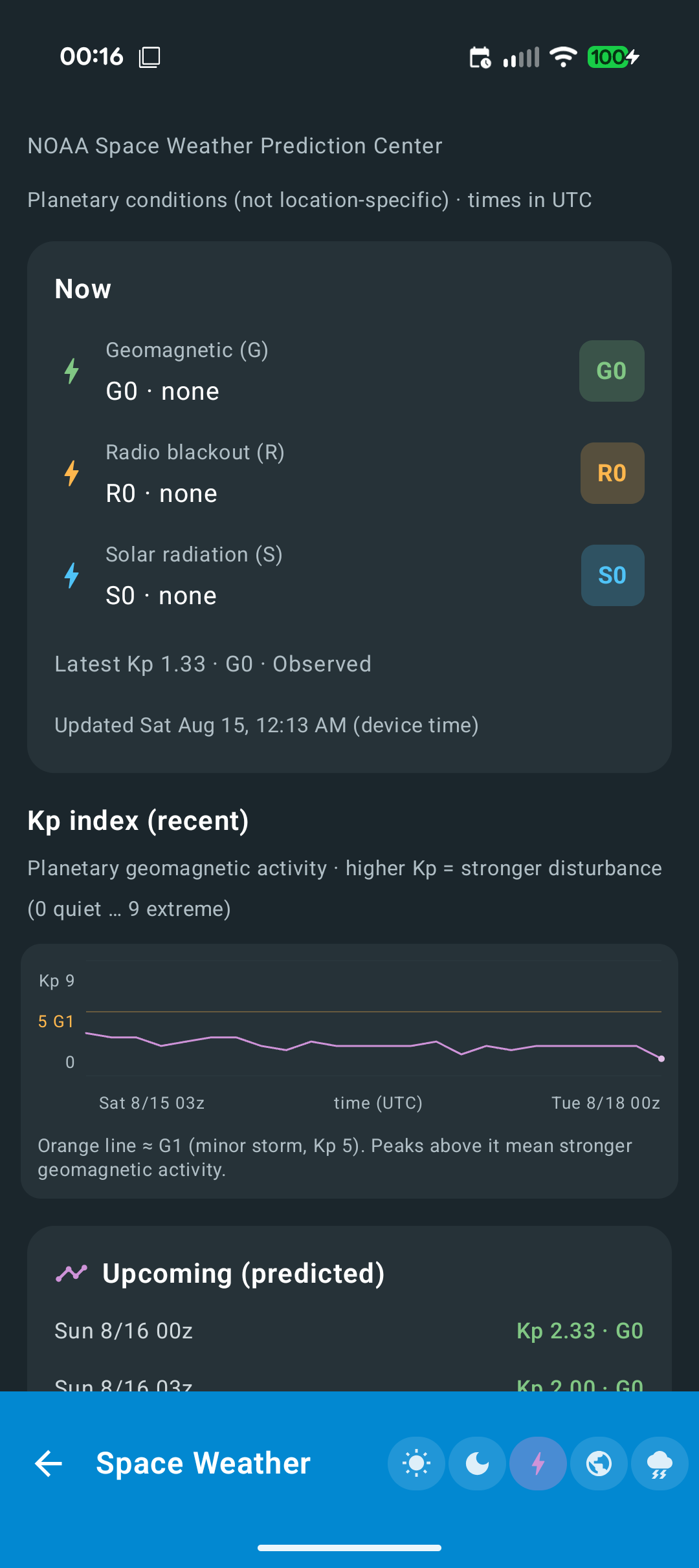
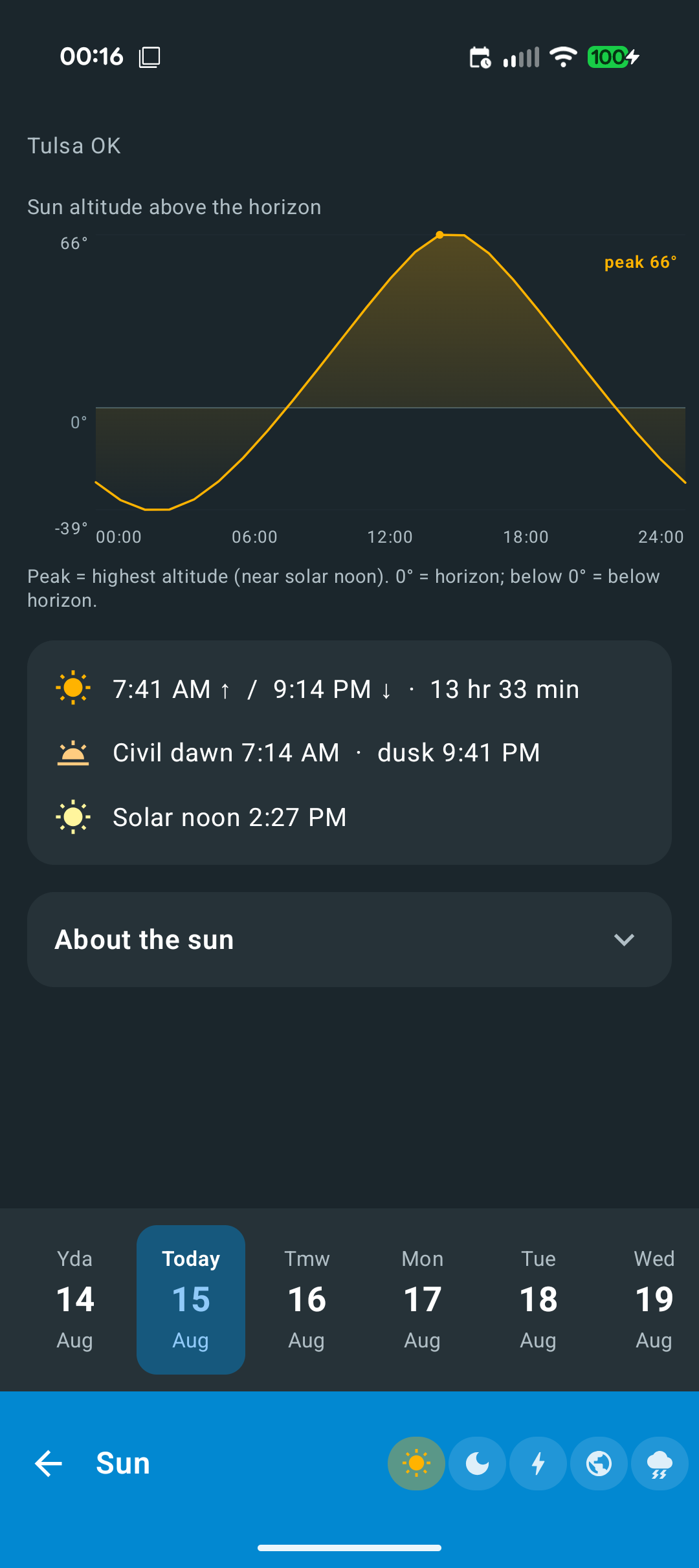
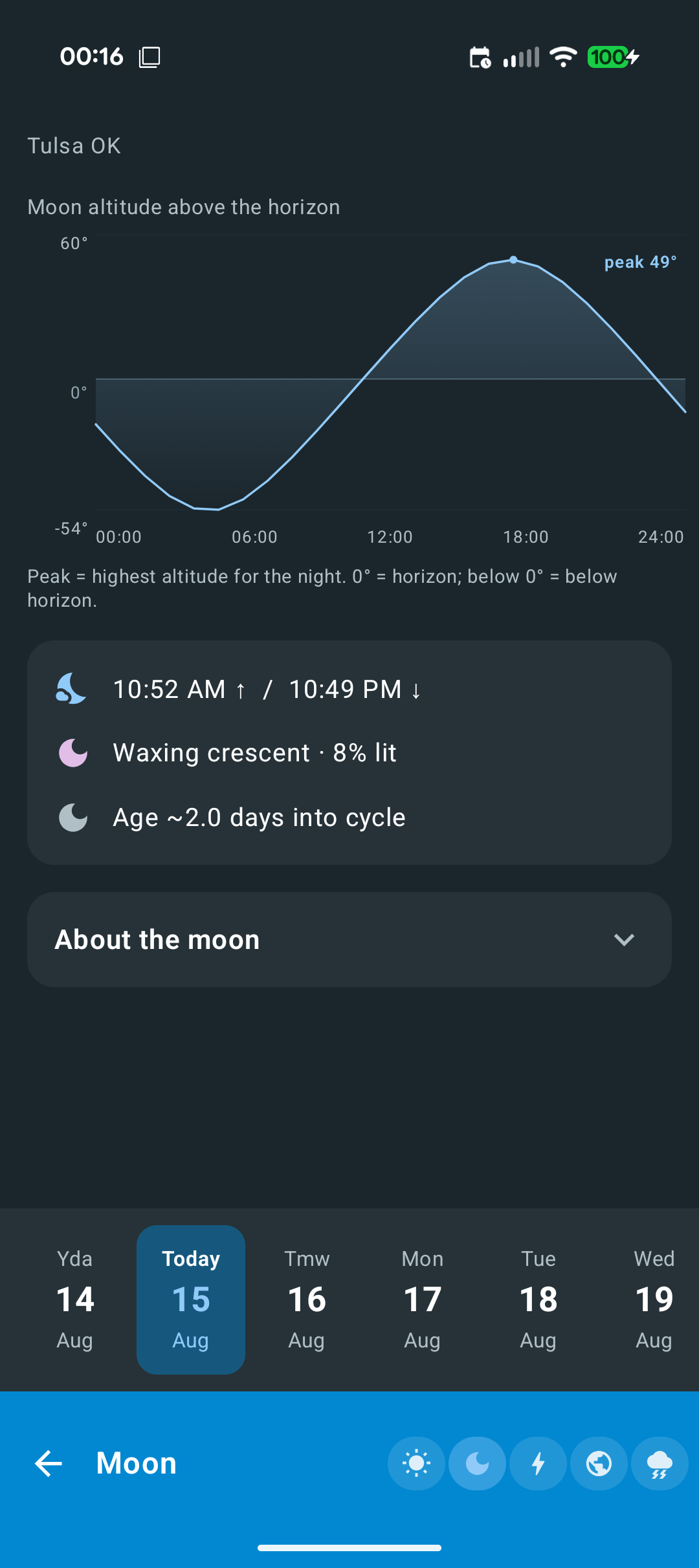
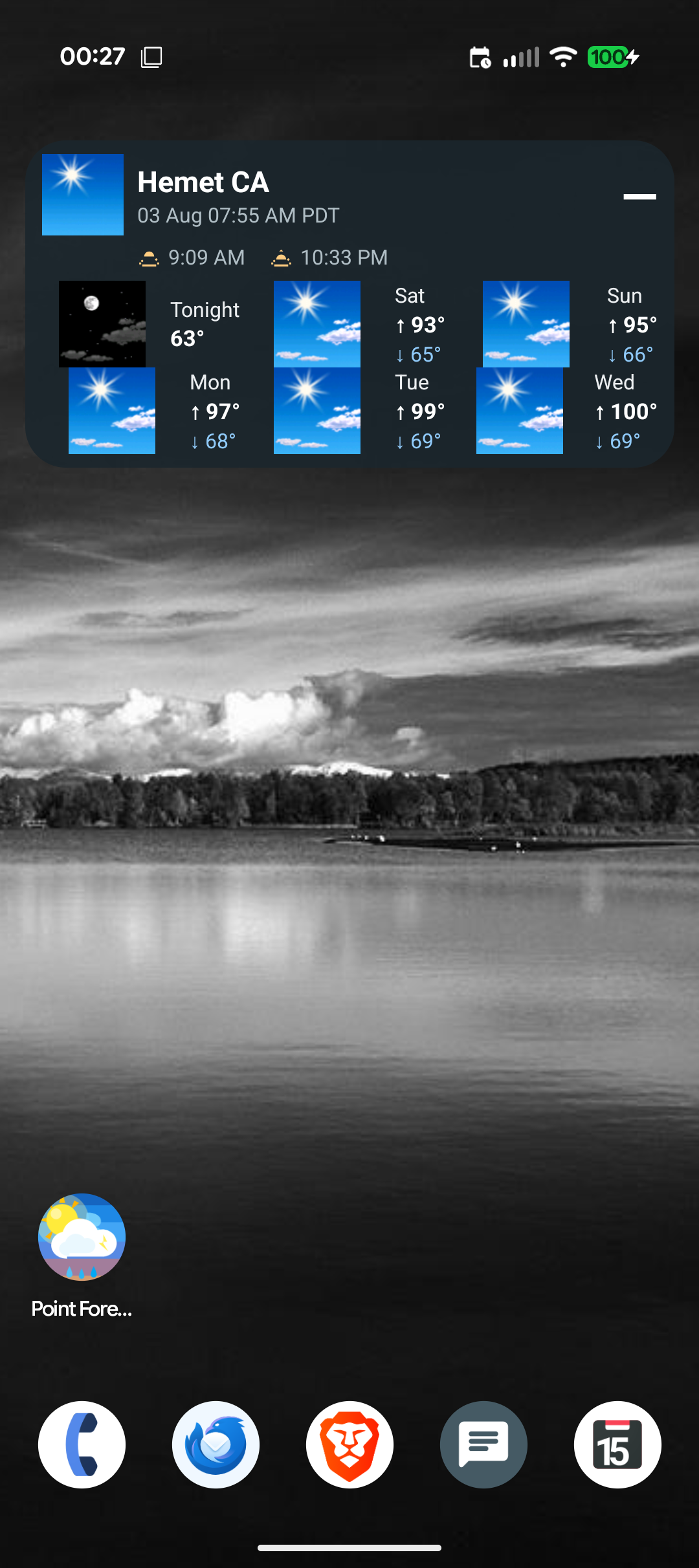
* Current conditions and multi-day NWS forecast * Hourly tables (temperature, precipitation, wind, tides/water level, air quality, visibility, pressure, UV, space weather) * Watches, warnings, and advisories * Map location picker (osmdroid — no Google Play Services) and city search * Sun, moon, space weather, earthquakes, and severe weather summaries * Home screen widget with bundled NWS forecast icons

Privacy:

* No accounts, advertisements, or analytics * Location is used only when you choose GPS or the map * Preferences and cache stay on the device * HTTPS only to public weather and map services

Source license: MIT. See NOTICE for third-party data and library credits.
Screenshots

Point Forecast screenshot 1
Point Forecast screenshot 2
Point Forecast screenshot 3
Point Forecast screenshot 4
Point Forecast screenshot 5
Point Forecast screenshot 6
Point Forecast screenshot 7
Point Forecast screenshot 8
Point Forecast screenshot 9

What’s new

• About screen: GitHub and Buy Me a Coffee links with icons
• Drawer saved cities: edit/delete icons + long-press drag to reorder
• Settings Hamburger menu: long-press drag reorder (same as Hourly tabs)
• Fix Settings drag gesture dropping when crossing another row

How to install

  1. Download the APK from the button at the top of this page.
  2. Allow “Install unknown apps” for your browser or file manager only, not for every app.
  3. Open the downloaded file and confirm the installation.
  4. If installation fails with “App not installed,” remove an earlier build of the same app first. A signature conflict is the usual cause.

Data safety

  • Every file is checked against its published SHA-256 before it is listed.
  • Files are scanned for malware on every update.
  • The permissions each app requests are listed on its own page.
  • Read the full safety policy for how we test, flag, and delist files.

Comments

Recent approved comments · sorted by newest

Verification code
Be specific and keep it about the app. No links. Comments are reviewed before publication. Device and Android details are recorded automatically. Privacy policy.

Loading recent comments...

View all comments