Know what to study next — a decision-free study tracker
F-Droid repository metadata
StudyDesk is a study execution app for students.
Features:
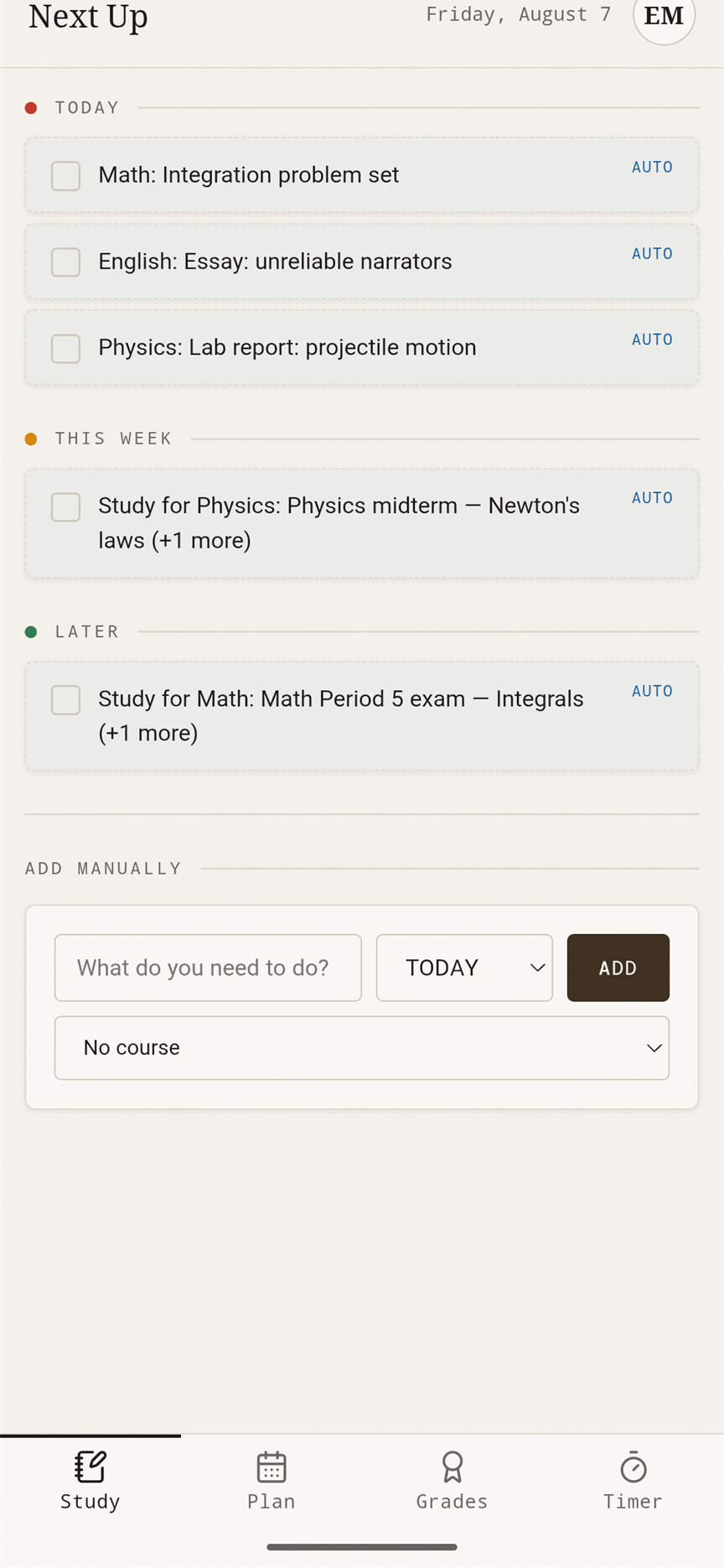
* Enter your courses and deadlines; the Next Up engine ranks what to do right now
* Organise courses by school year and period (jakso)
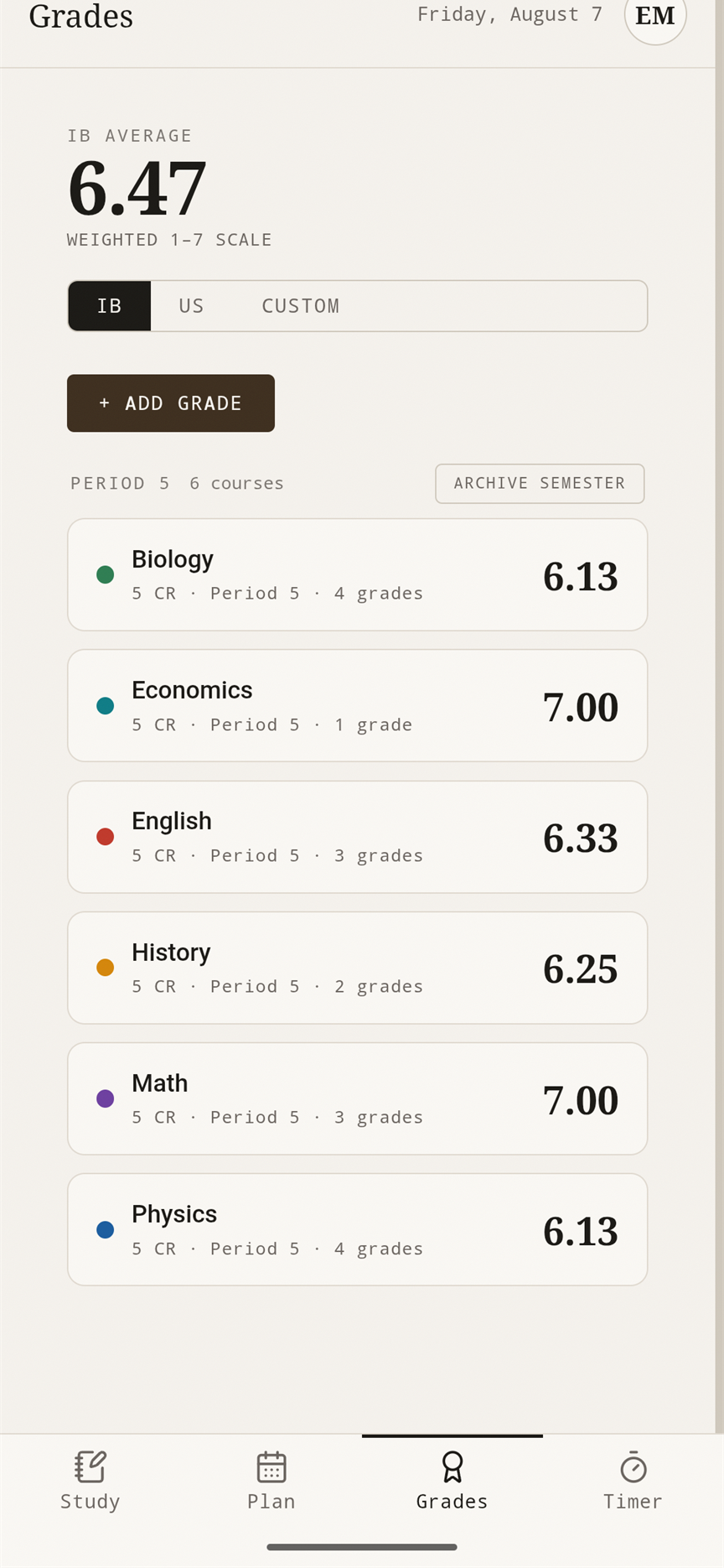
* Read-only Period History with per-period GPA
* Grade on IB and GPA scales
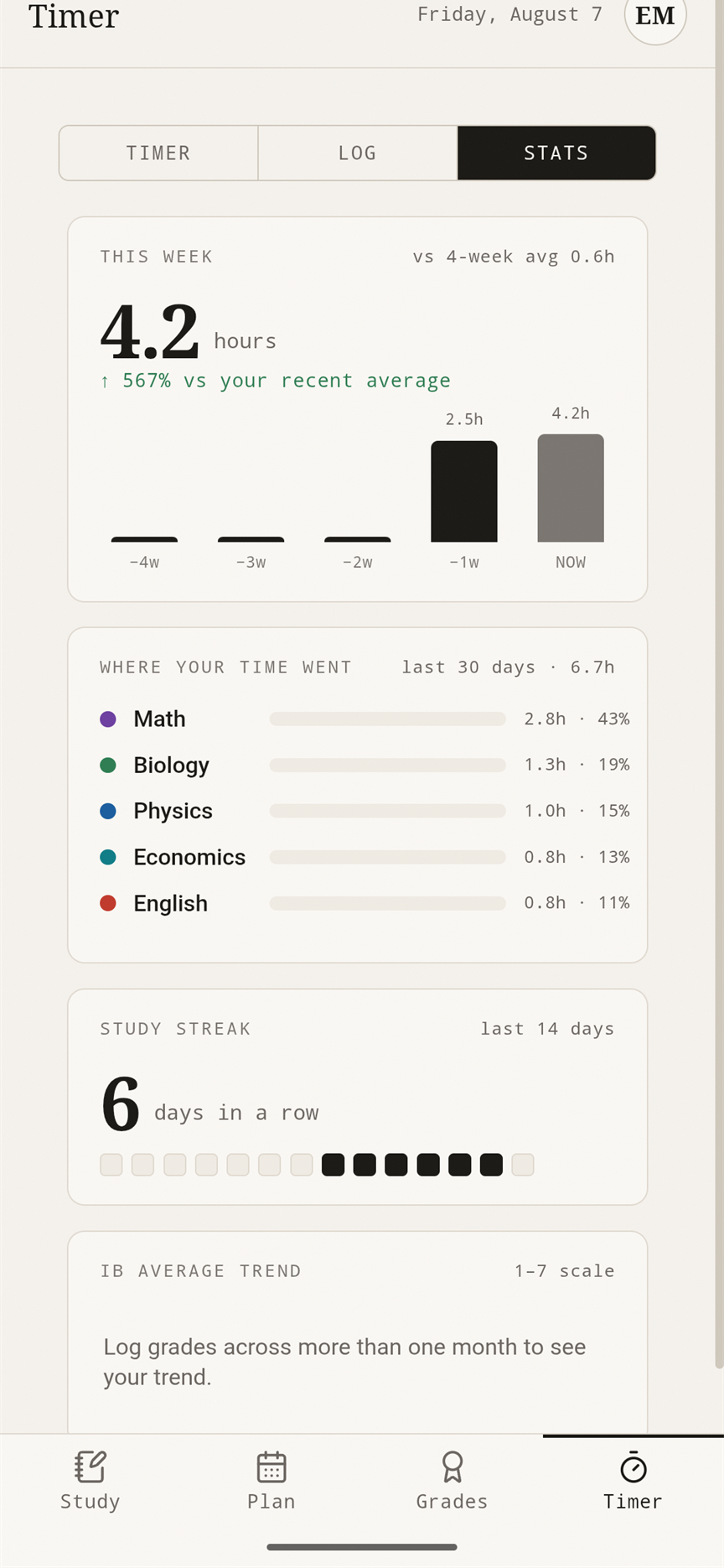
* Built-in Pomodoro focus timer
* Optional AI study debrief after a session
Warm paper aesthetic. Local-first; optional account-gated cloud sync. No Google Play Services — Google sign-in is a plain web OAuth flow.
Part of the Limecore Nexus suite. Available in English, Finnish, French, German, Spanish, Chinese, Hindi, Portuguese, Indonesian and Arabic.
Screenshots
What’s new
Live on every device.
Changes reach your other devices within seconds and reconnect by themselves. Focus Sync shares one timer across phone, desktop and web: start on the phone to pin it, pause or end anywhere, saved once. New: progress counters, UI size, and a desktop glance window with a tray icon. Dark mode covers system bars and pickers, the grade trend uses your scale, and sign-up explains the password rule.
How to install
Download the APK from the button at the top of this page.
Allow “Install unknown apps” for your browser or file manager only, not for every app.
Open the downloaded file and confirm the installation.
If installation fails with “App not installed,” remove an earlier build of the same app first. A signature conflict is the usual cause.
Data safety
Every file is checked against its published SHA-256 before it is listed.
Files are scanned for malware on every update.
The permissions each app requests are listed on its own page.
Read the full safety policy for how we test, flag, and delist files.
Frequently asked questions
What is StudyDesk?
Know what to study next — a decision-free study tracker