Quick answer
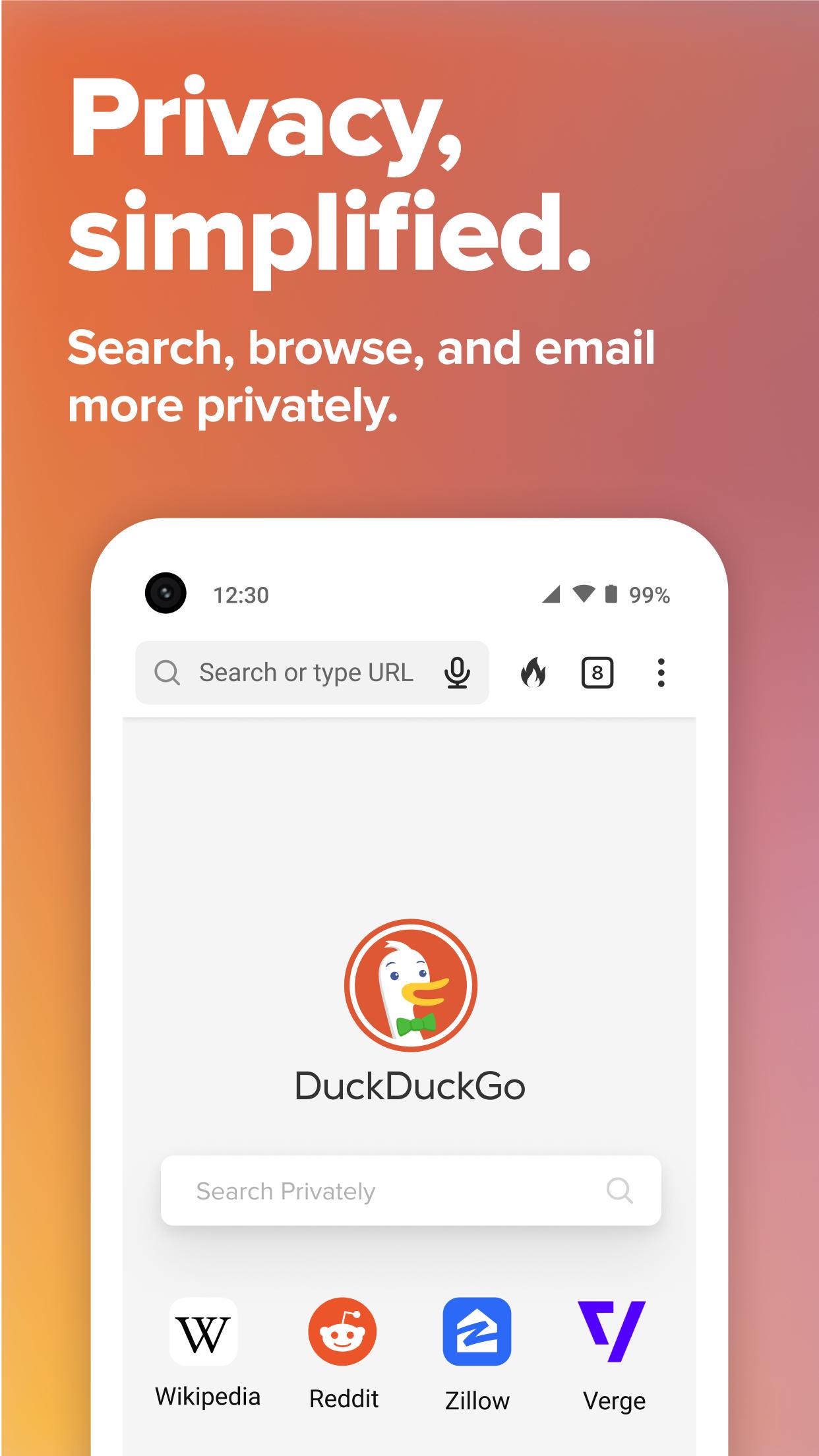
Privacy, simplified
F-Droid repository metadata
At DuckDuckGo, we believe the Internet shouldn't feel so creepy, and getting the privacy you deserve online should be as simple as closing the blinds.
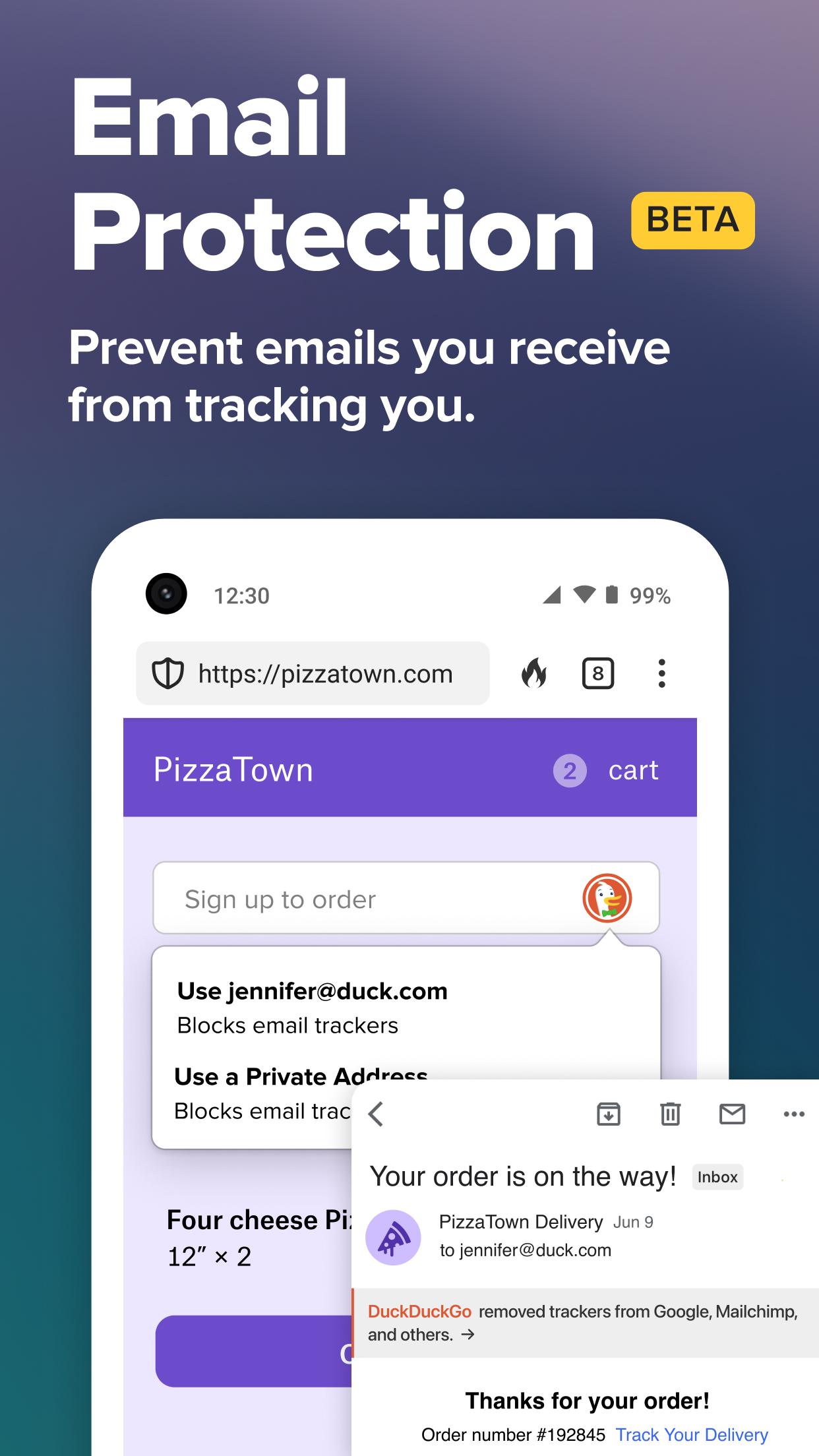
Our app provides the privacy essentials you need to seamlessly take control of your personal information as you search and browse the web, no matter where the Internet takes you:
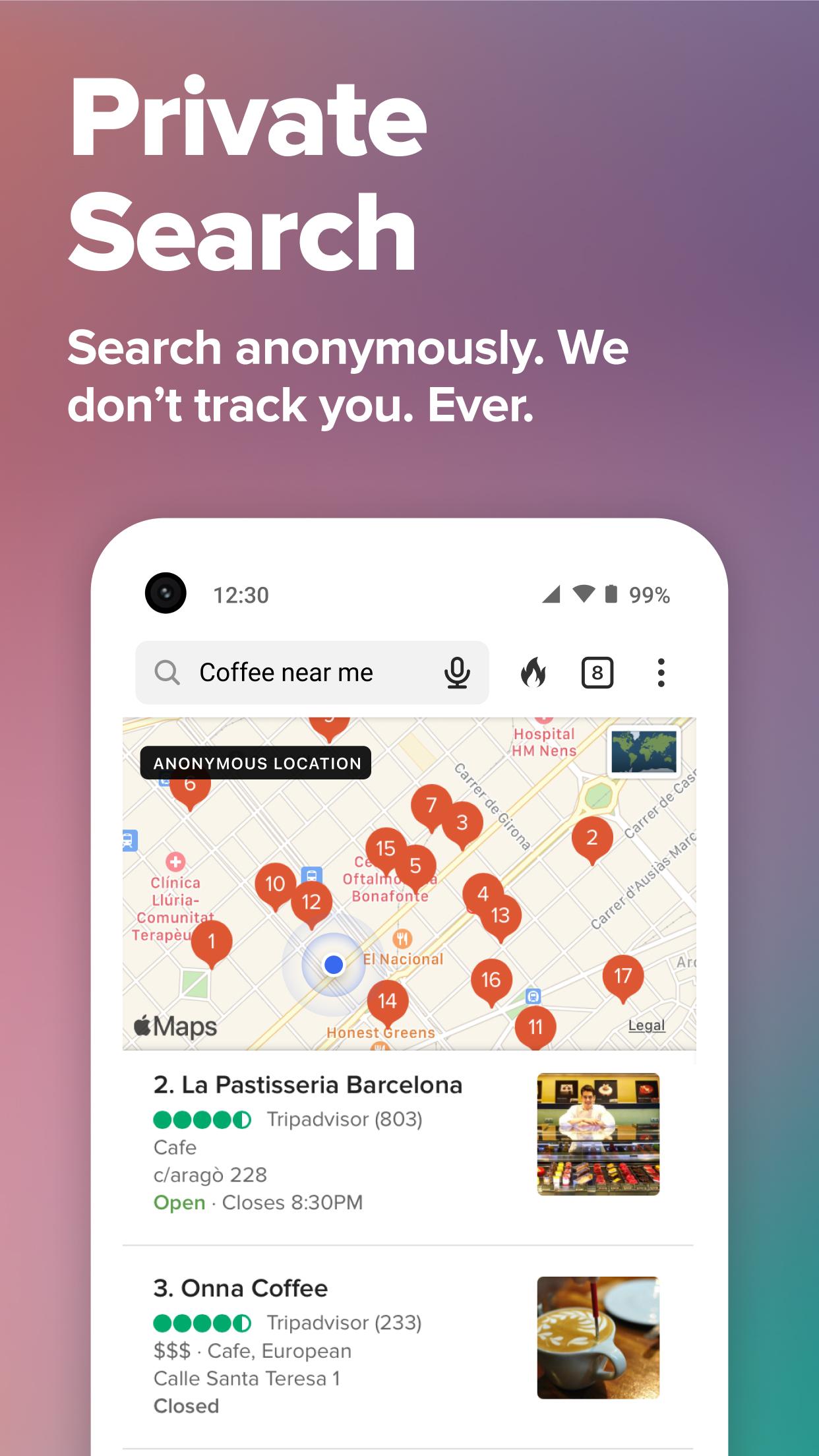
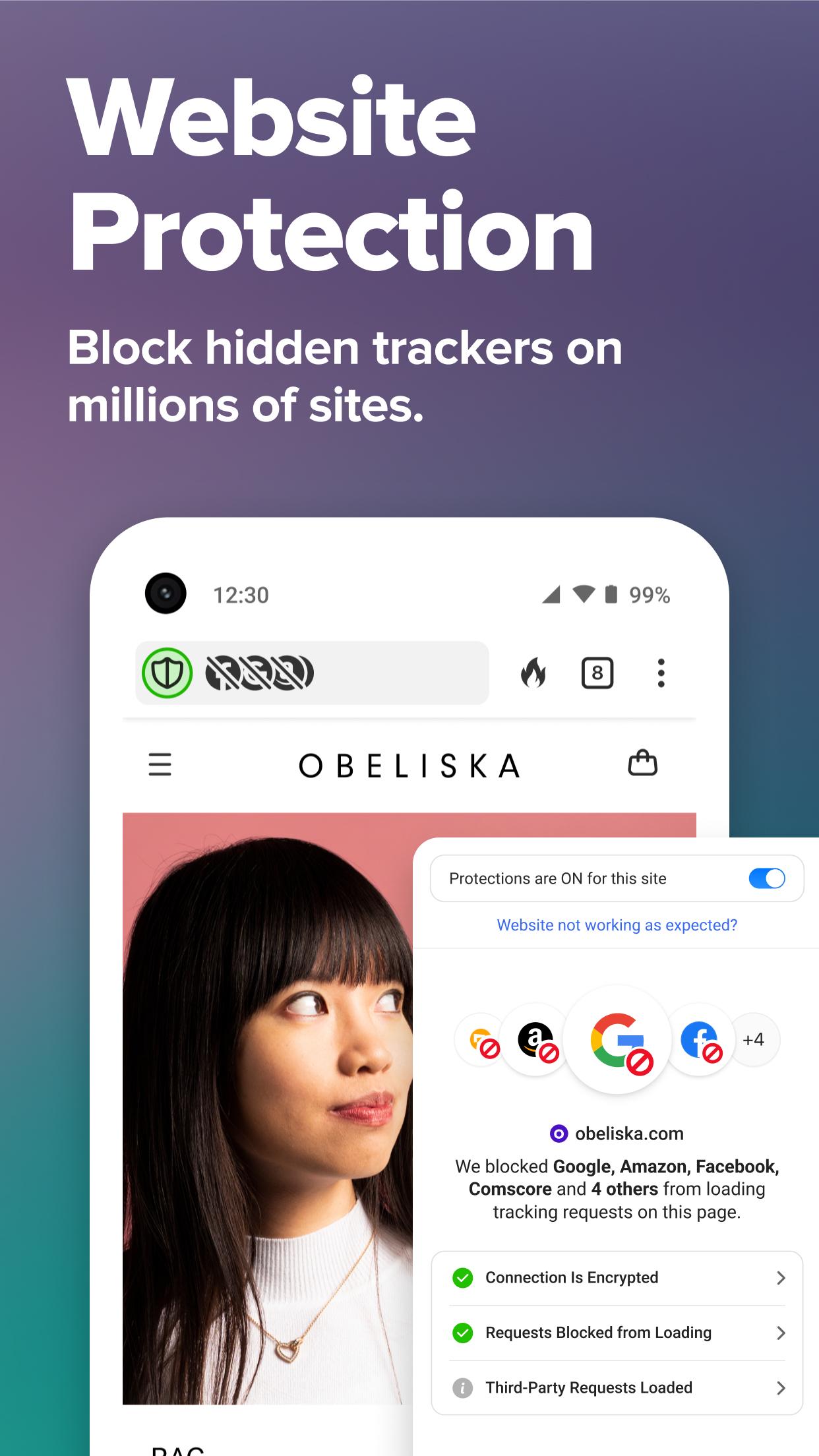
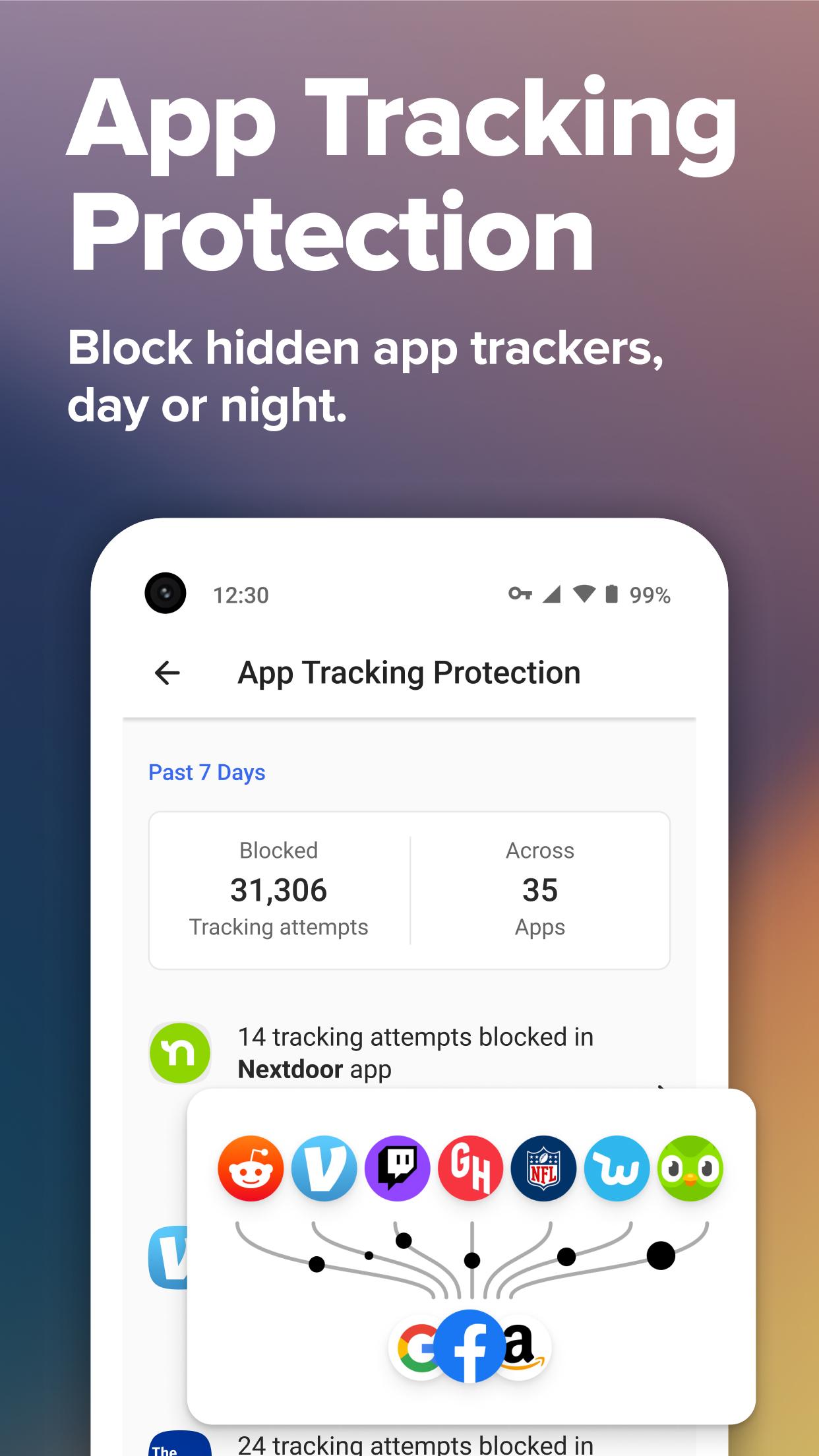
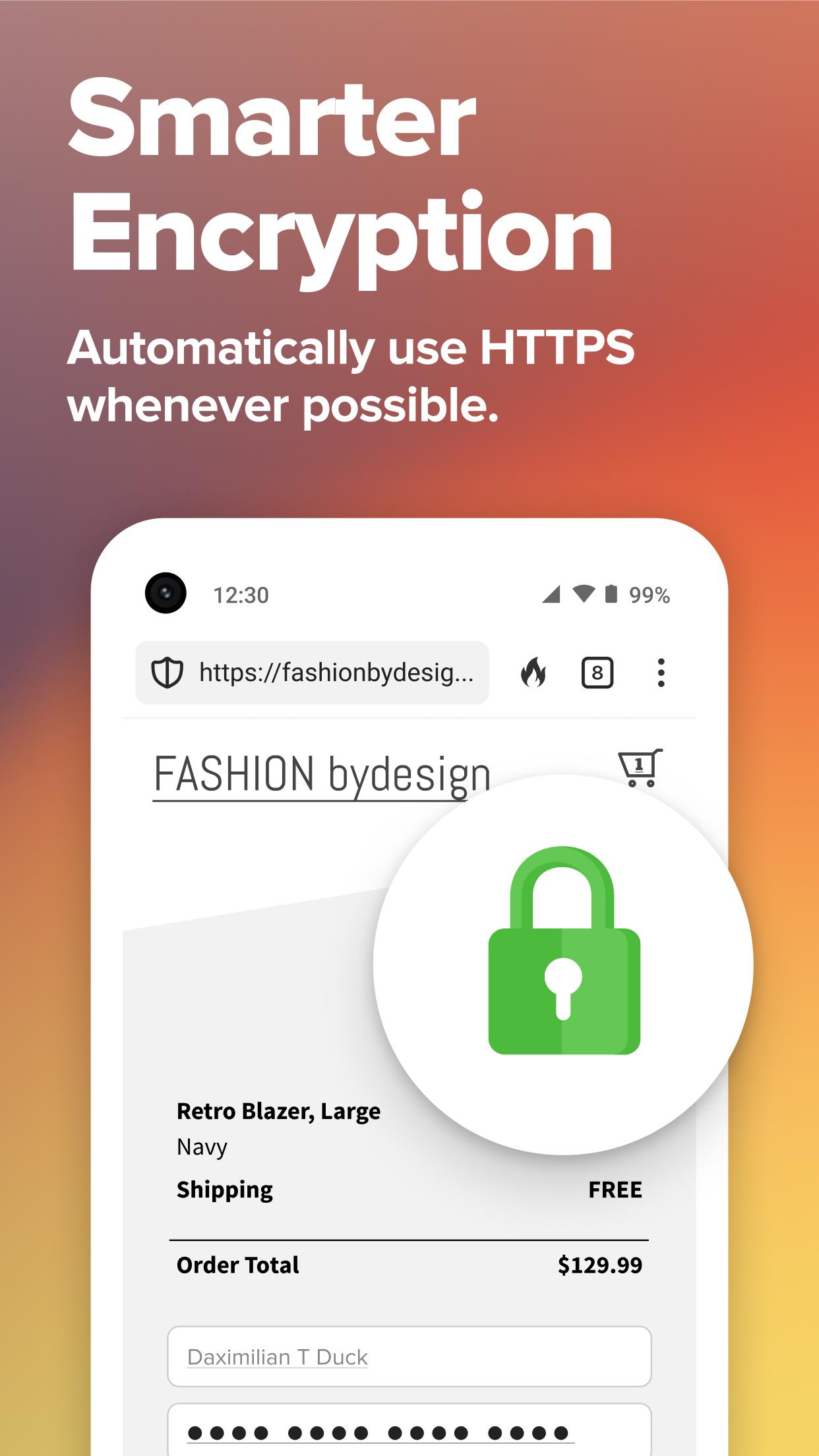
* Escape Advertising Tracker Networks — Our Privacy Protection will block all the hidden third-party trackers we can find, exposing the major advertising networks tracking you over time, so that you can track who's trying to track you. * Increase Encryption Protection — We force sites to use an encrypted connection where available, protecting your data from prying eyes, like ISPs. * Search Privately — You share your most personal information with your search engine, like your financial, medical, and political questions. What you search for is your own business, which is why DuckDuckGo search doesn't track you. Ever. * Decode Privacy Policies — We've partnered with Terms of Service Didn't Read to include their scores and labels of website terms of service and privacy policies, where available.
As you search and browse, the DuckDuckGo Privacy Browser shows you a Privacy Grade rating when you visit a website (A-F). This rating lets you see how protected you are at a glance, dig into the details to see who we caught trying to track you, and learn how we enhanced the underlying site's privacy measures. The Privacy Grade is scored automatically based on the prevalence of hidden tracker networks, encryption availability, and website privacy practices.
Our app provides standard browsing functionality including tabs, bookmarks, and autocomplete. In addition to strong Privacy Protection as described above, we also packed in some extra privacy features into the browser itself:
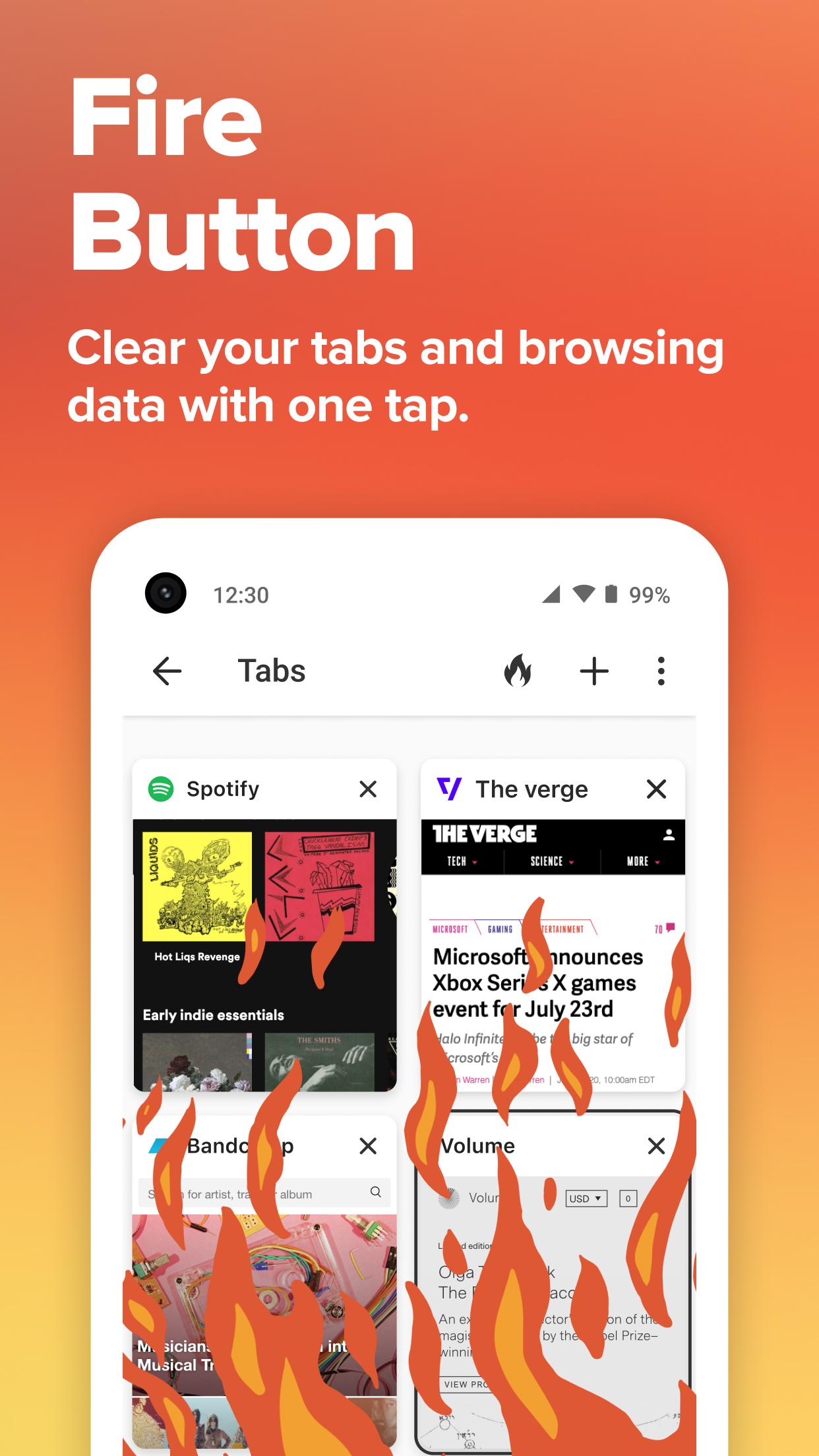
* Fire Button — Clear all your tabs and data with one tap. * Application Lock — Secure the app with Touch ID or Face ID.
Too many people believe you simply can't expect privacy on the Internet. We're fighting to change that, and have made it our mission to set a new standard of trust online. Install DuckDuckGo and take back your privacy!
Antifeatures: * NonFreeNet - Uses DuckDuckGo as the exclusive search engine, for which the source code is not available.
Screenshots
How to install
- Download the APK from the button at the top of this page.
- Allow “Install unknown apps” for your browser or file manager only, not for every app.
- Open the downloaded file and confirm the installation.
- If installation fails with “App not installed,” remove an earlier build of the same app first. A signature conflict is the usual cause.
Data safety
- Every file is checked against its published SHA-256 before it is listed.
- Files are scanned for malware on every update.
- The permissions each app requests are listed on its own page.
- Read the full safety policy for how we test, flag, and delist files.
Comments
Recent approved comments · sorted by newest
View all comments