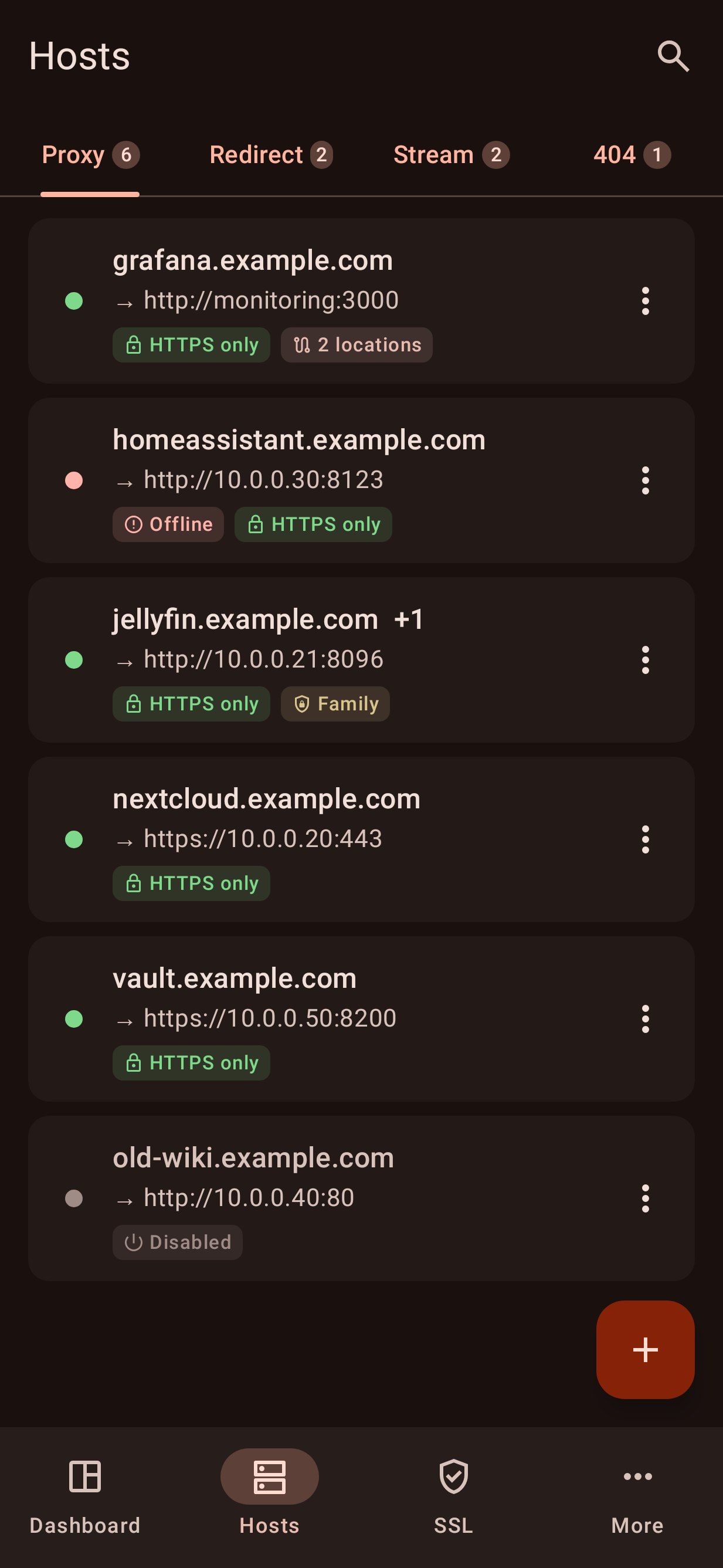
NPM Mobile manages your Nginx Proxy Manager (NPM) server from your phone. It is a native app, not a web wrapper: it talks directly to your server's API, with no cloud service in between and no tracking.
Features
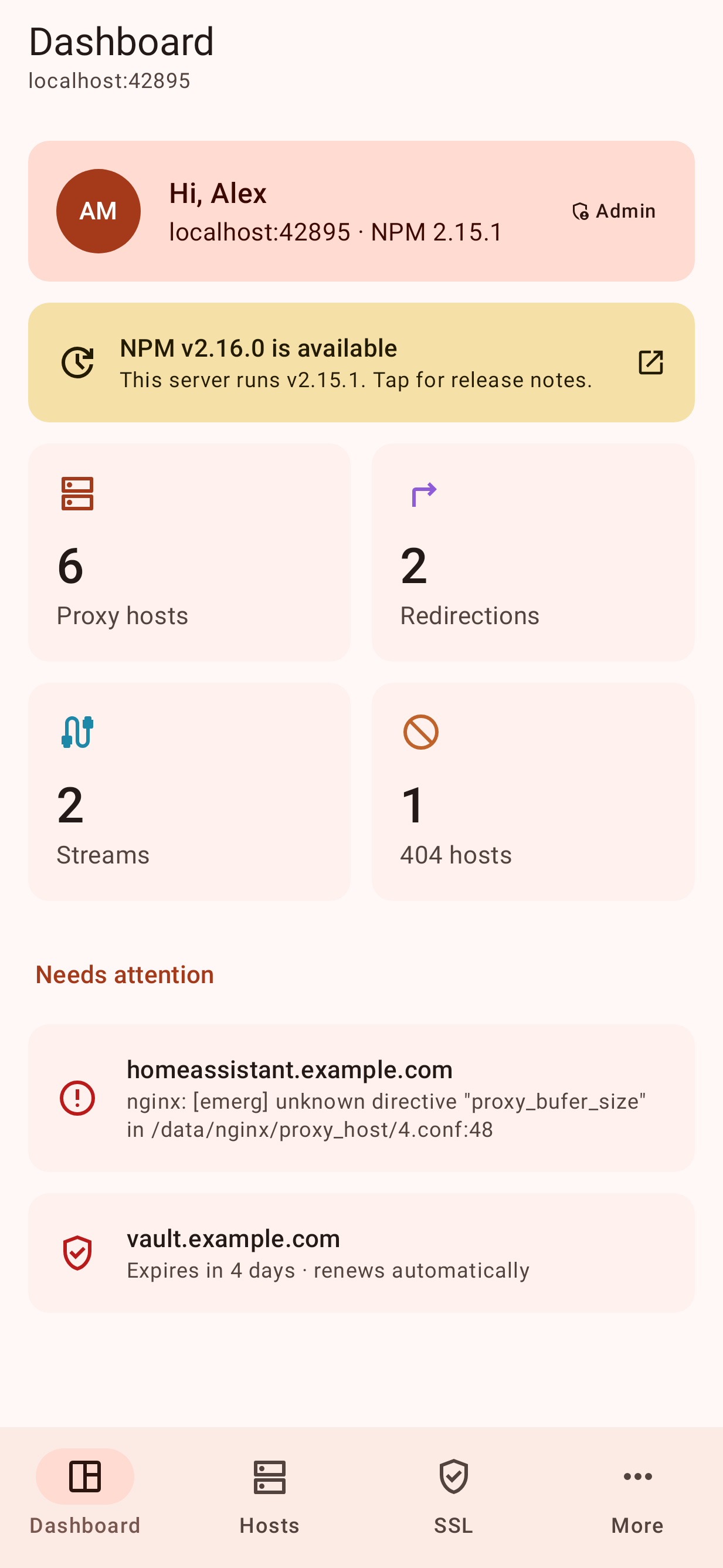
Dashboard: host counts, NPM update notice, and a list of problems (hosts whose nginx config failed, certificates expiring soon)
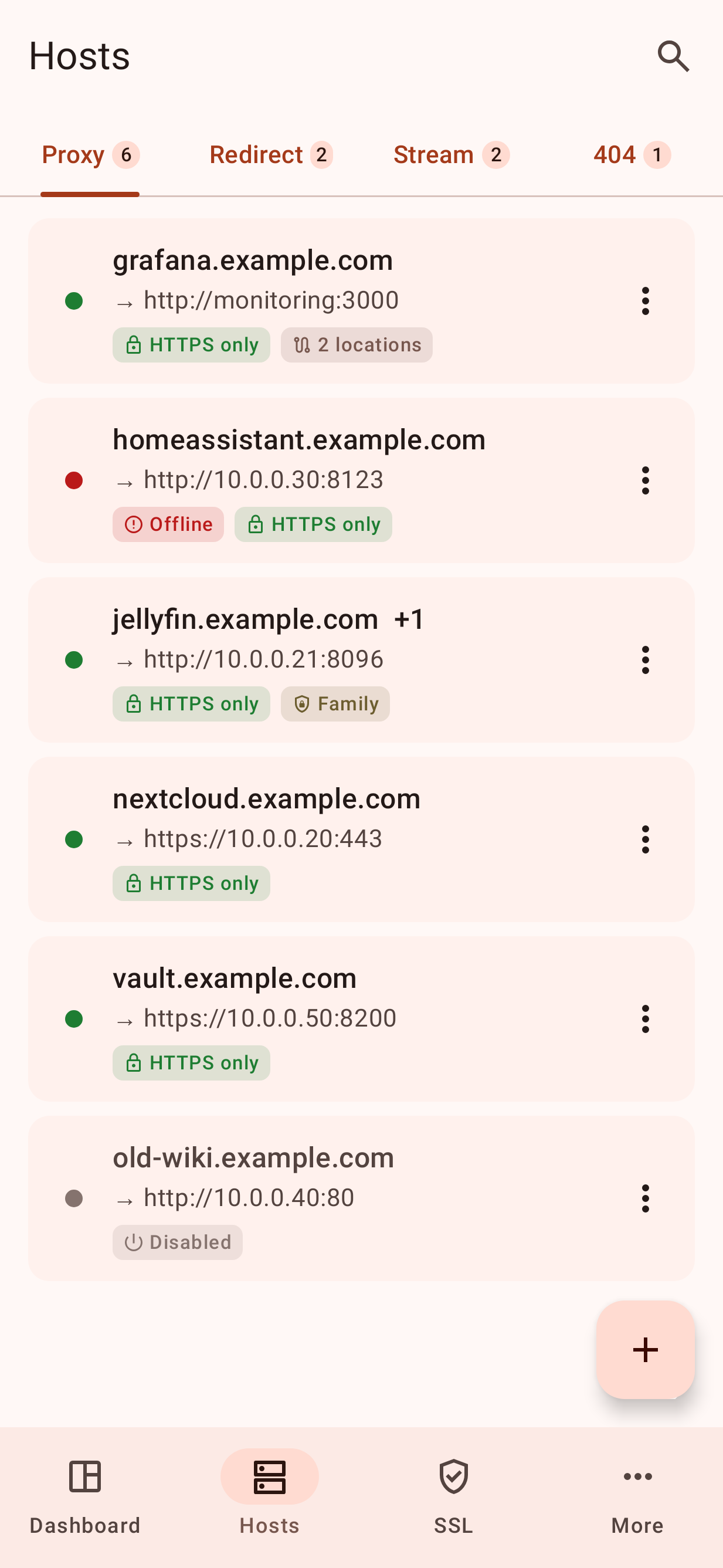
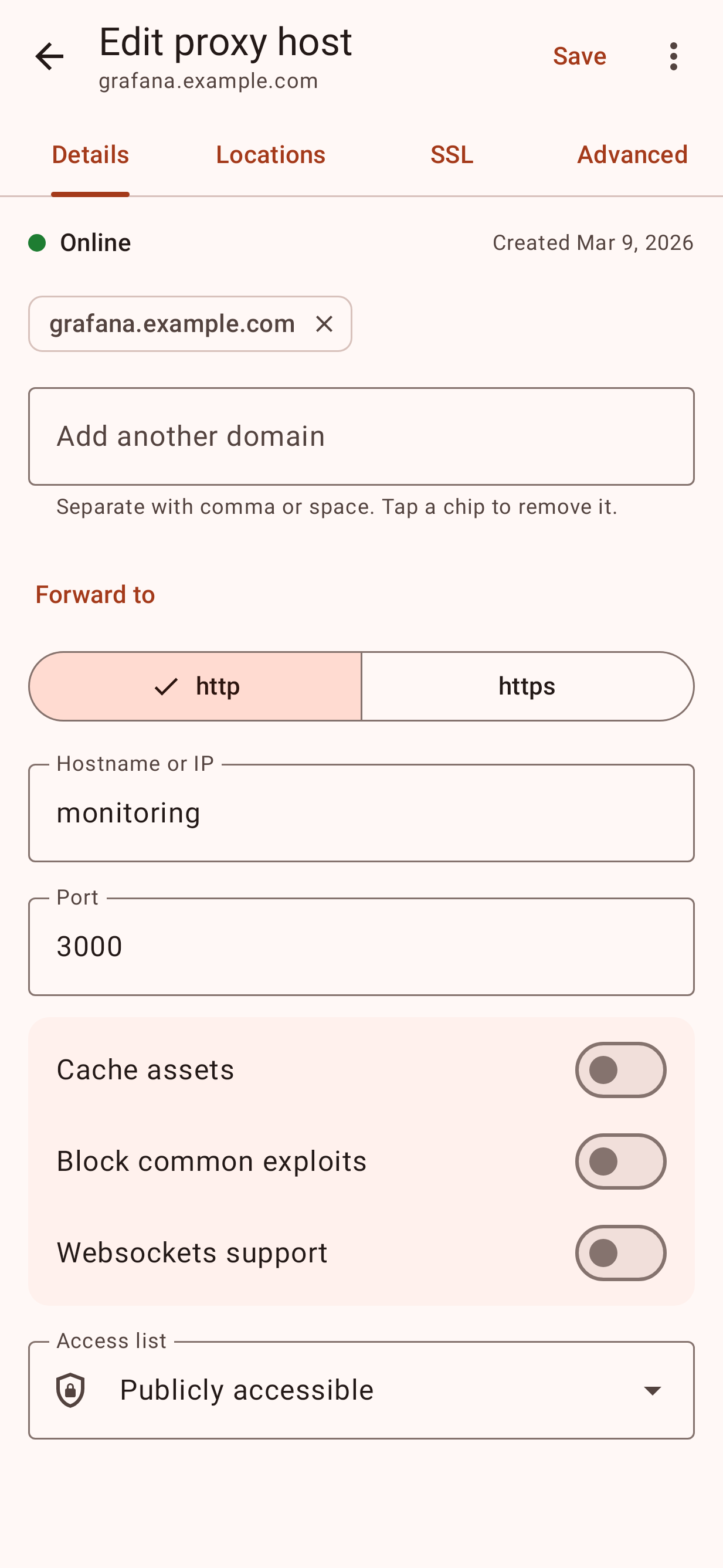
Redirection hosts, streams (TCP/UDP) and 404 hosts
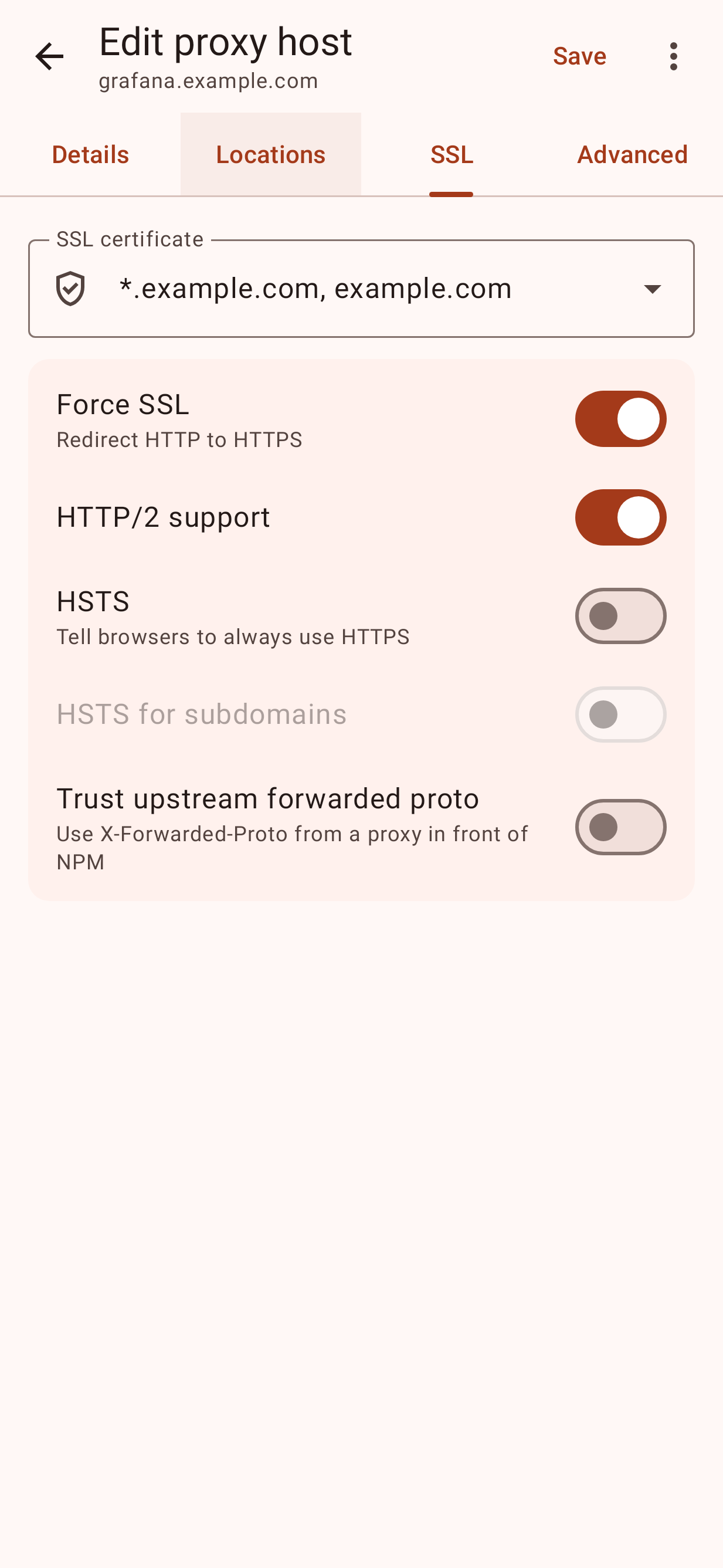
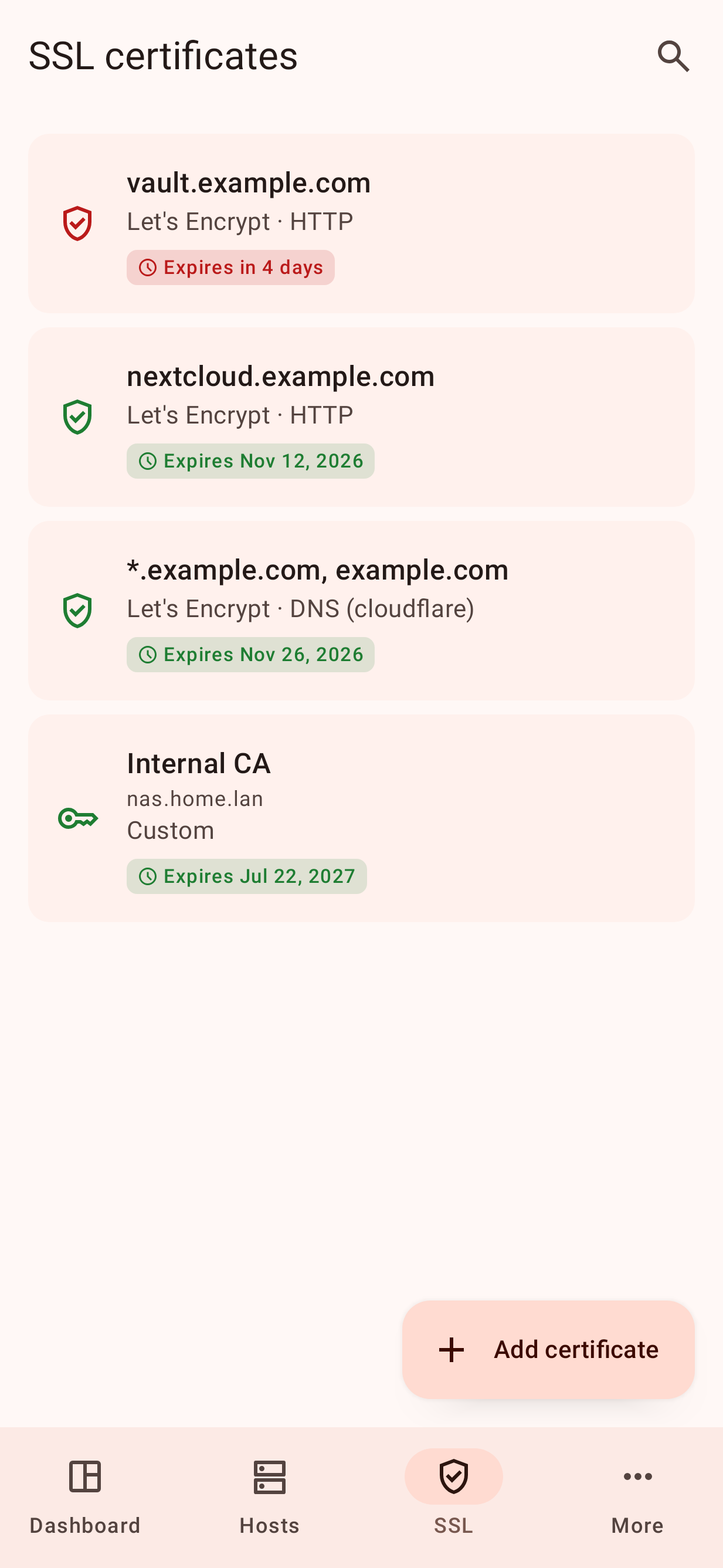
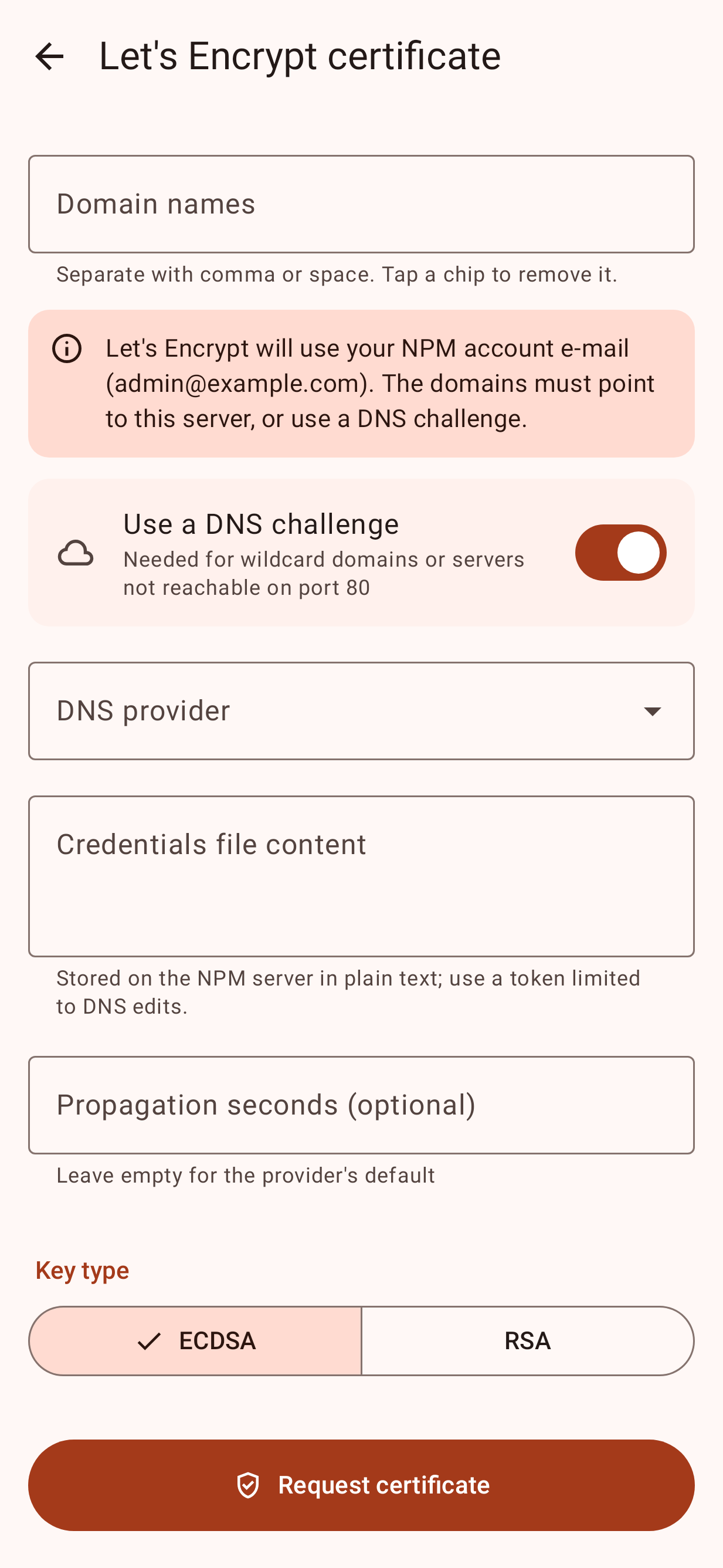
SSL certificates: request Let's Encrypt certificates (HTTP or DNS challenge with any provider NPM supports), test domain reachability, renew, download, delete, and upload custom certificates with validation
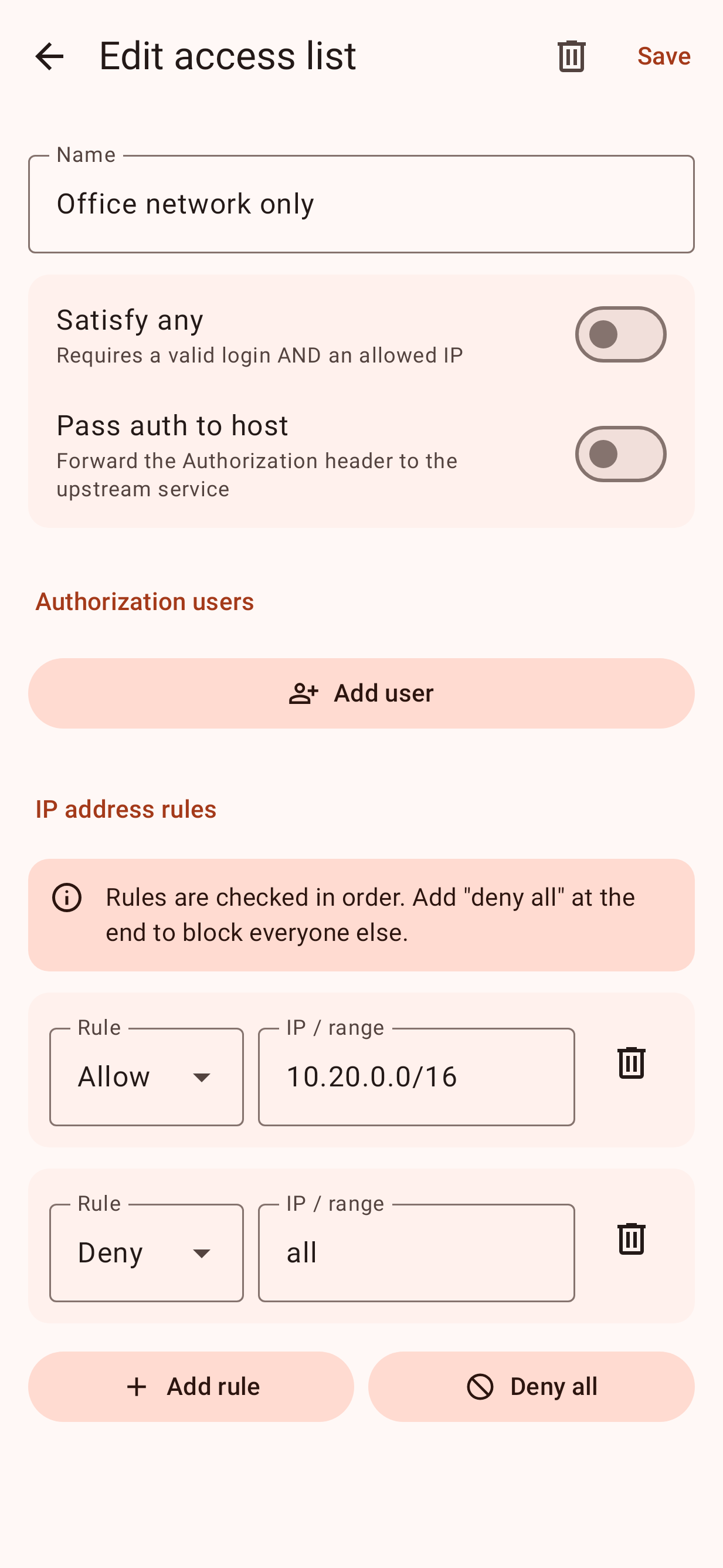
Access lists: basic-auth users and allow/deny IP rules
Users (admins): accounts, roles, per-section permissions and passwords
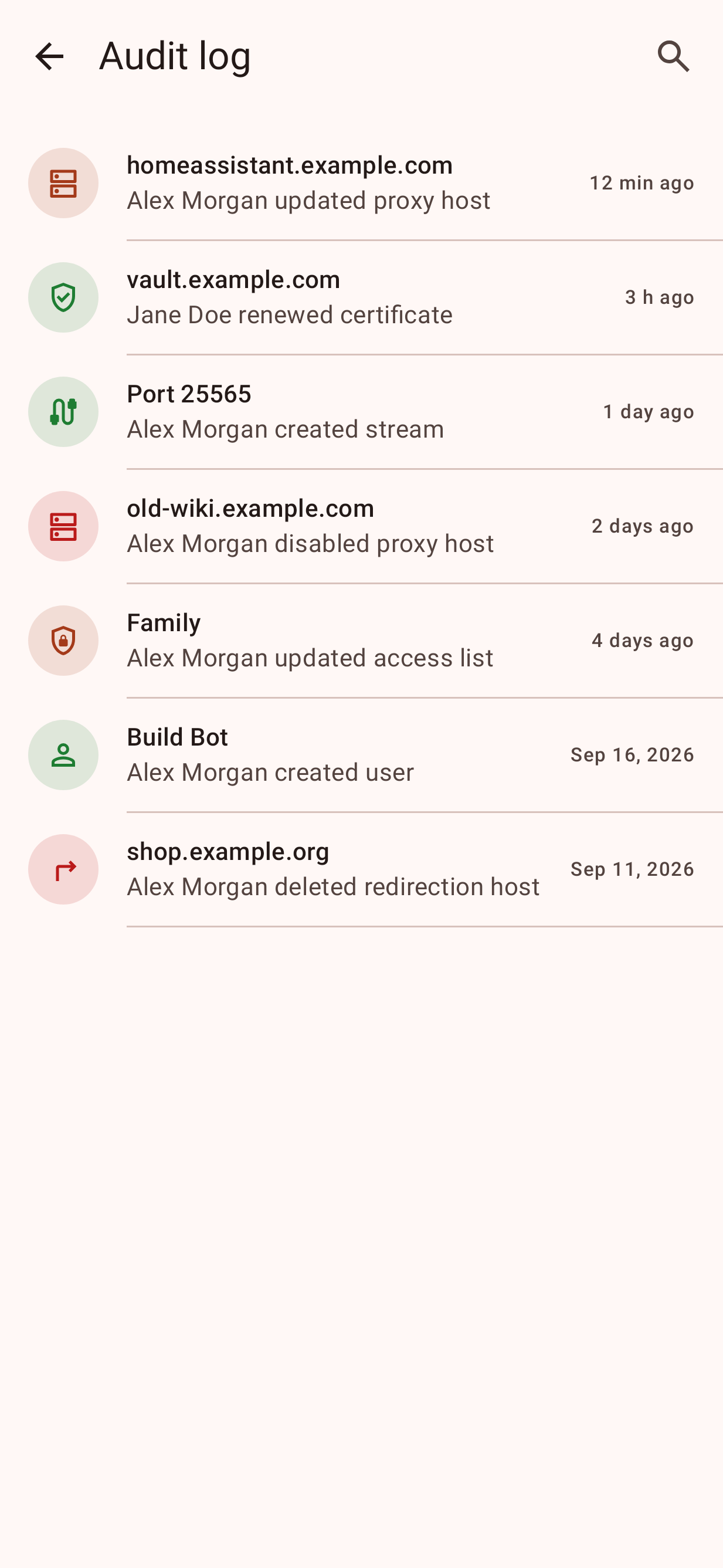
Audit log and the default site setting
Your account: profile, password, and two-factor authentication (QR code setup, backup codes); 2FA sign-in is supported
Several NPM servers, automatic session renewal, light/dark theme and Material You colors
Session tokens are stored encrypted with a key from the Android Keystore. Plain HTTP is allowed for LAN addresses (NPM's admin UI usually runs on port 81); for HTTP to a public address the app warns you first.
Tested with Nginx Proxy Manager 2.15. This is an unofficial app, not affiliated with the Nginx Proxy Manager project.
Screenshots
What’s new
* Much smaller download (2 MB instead of 10 MB): the app is now optimized with R8 * Android 17: asks for local network access, which Android now requires to reach an NPM server on your home network * Fixed screen titles overlapping the status bar
How to install
Download the APK from the button at the top of this page.
Allow “Install unknown apps” for your browser or file manager only, not for every app.
Open the downloaded file and confirm the installation.
If installation fails with “App not installed,” remove an earlier build of the same app first. A signature conflict is the usual cause.
Data safety
Every file is checked against its published SHA-256 before it is listed.
Files are scanned for malware on every update.
The permissions each app requests are listed on its own page.
Read the full safety policy for how we test, flag, and delist files.