Private AI chat that runs language models on your phone, offline
Private AI that runs on your phone.
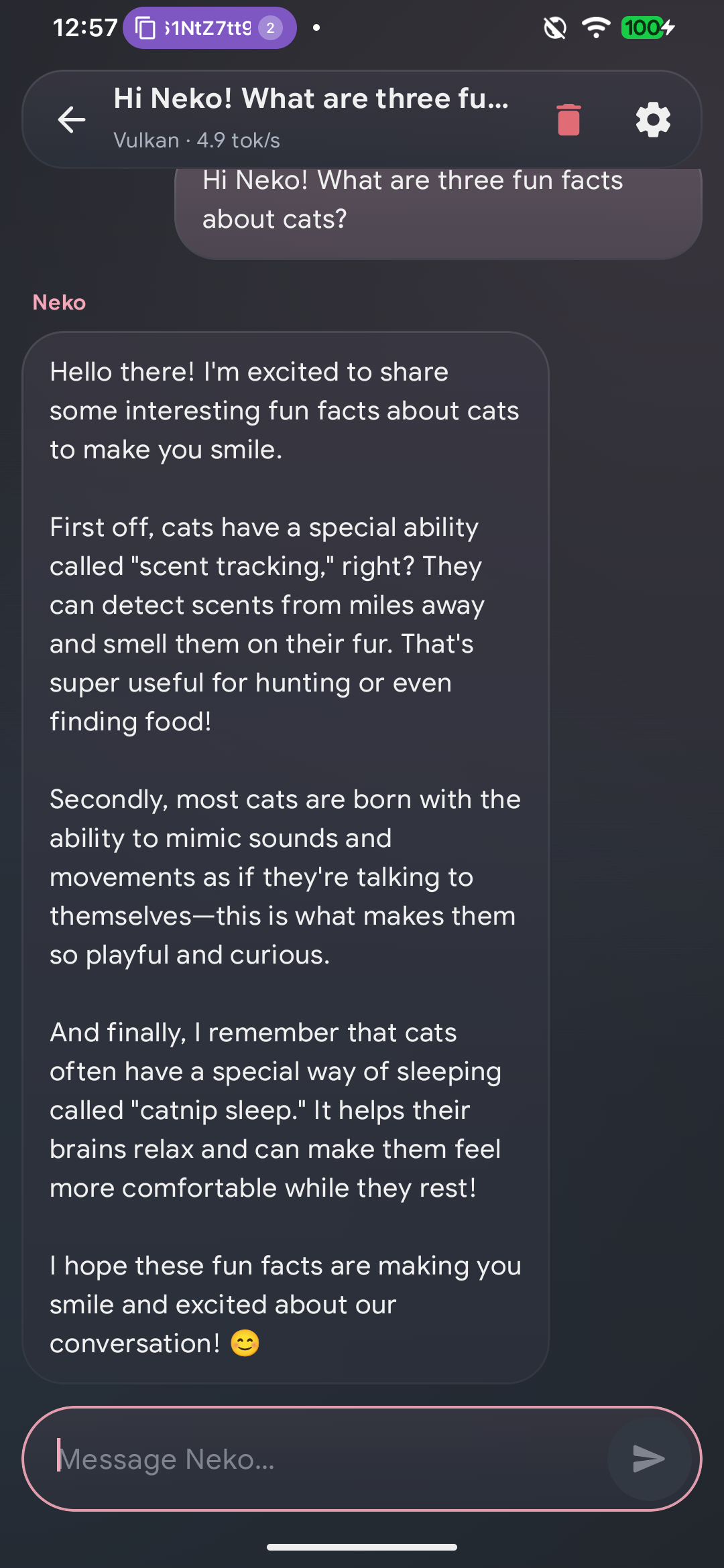
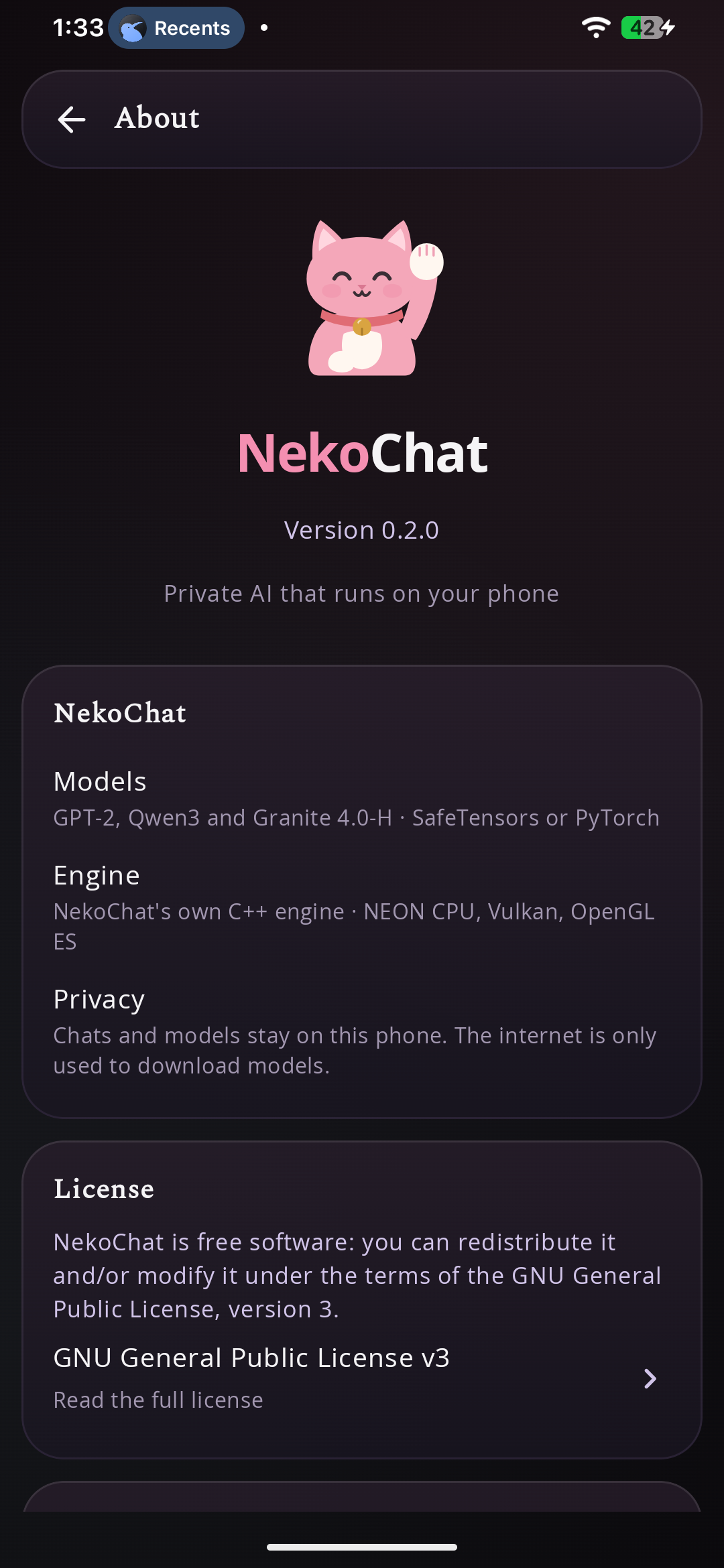
NekoChat chats with language models running entirely on your device, through its own C++ inference engine. Your conversations never leave the phone, and there are no accounts, ads or analytics. The internet is only used when you choose to download a model.
Features
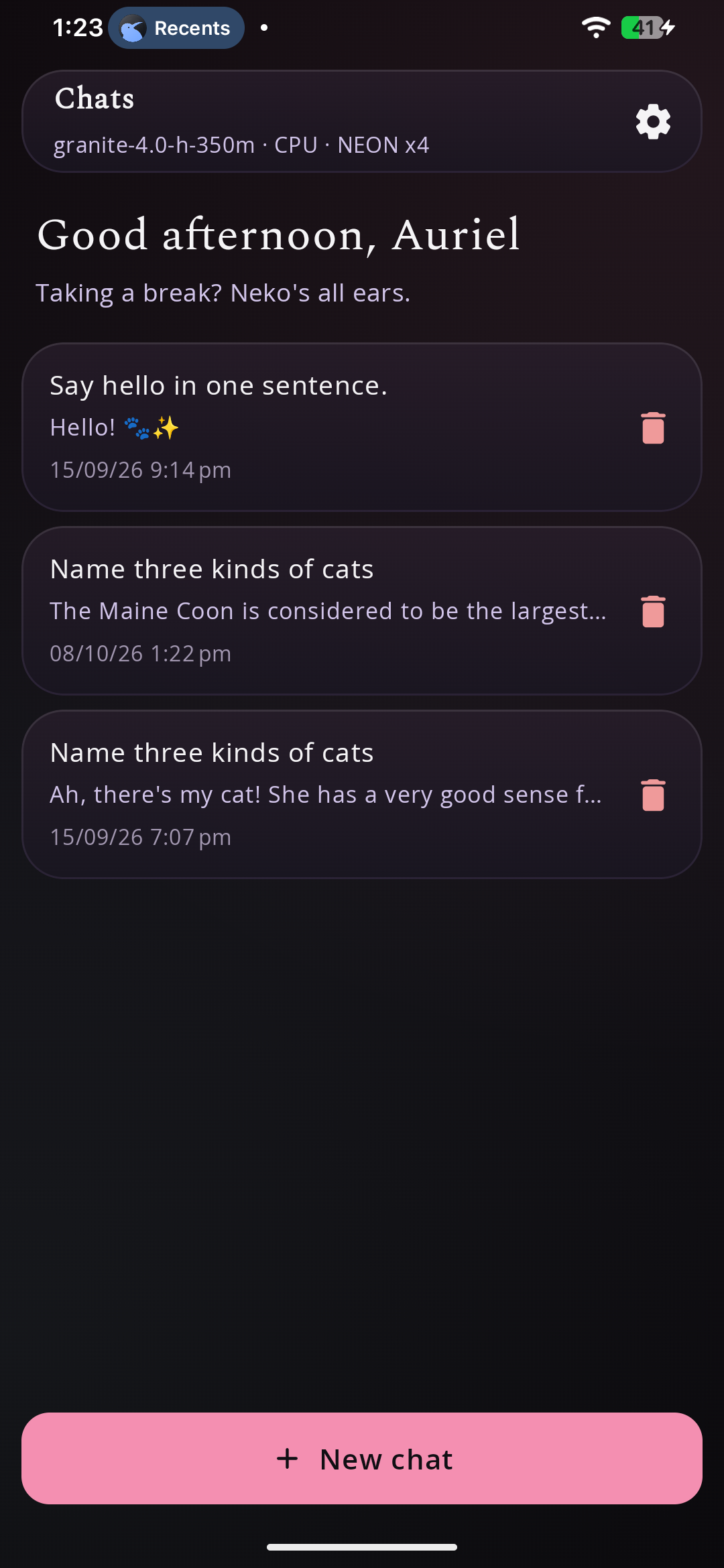
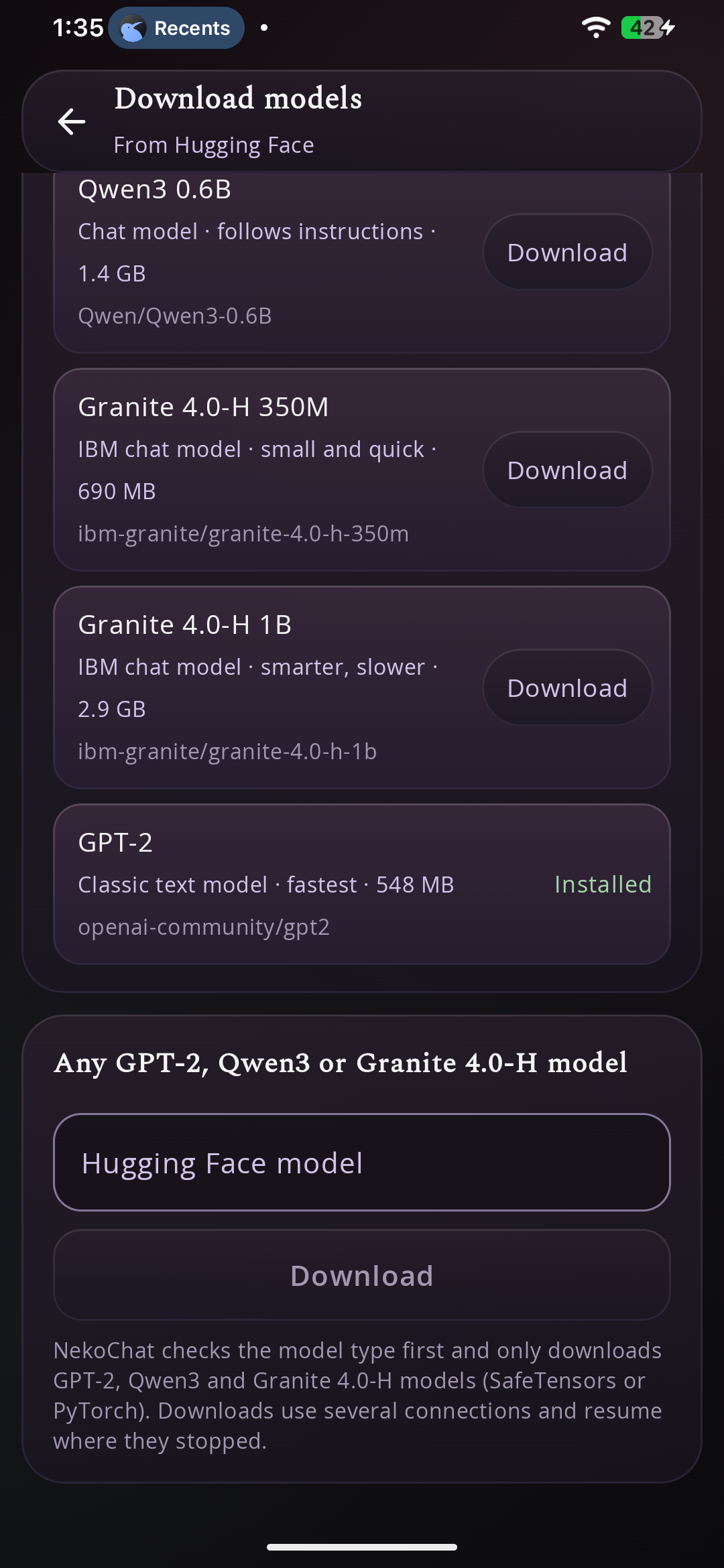
Models: GPT-2, Qwen3 (0.6B and up) and IBM Granite 4.0-H (350M, 1B), from .safetensors or PyTorch checkpoints. Outputs match the Hugging Face reference token for token
Your own engine: runs on Vulkan, OpenGL ES 3.1 or the CPU (NEON). A GPU is only used after it passes a self-test
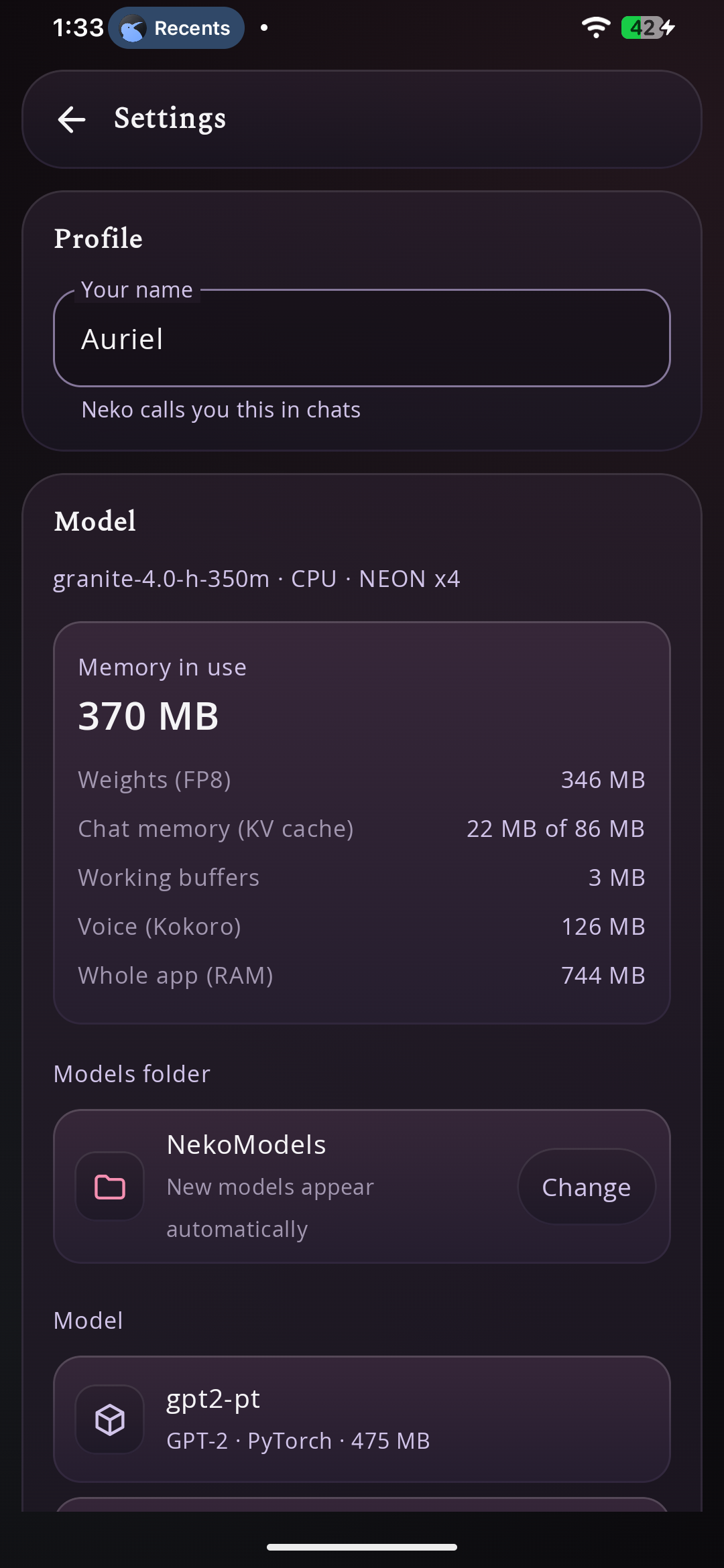
Weight precision: FP16, FP8 or FP4, quantized while the model loads. FP8 halves the memory with nearly the same answers
Downloads: one-tap models from Hugging Face, or any public repository. Resumes where it stopped. Or just pick a folder of models you already have
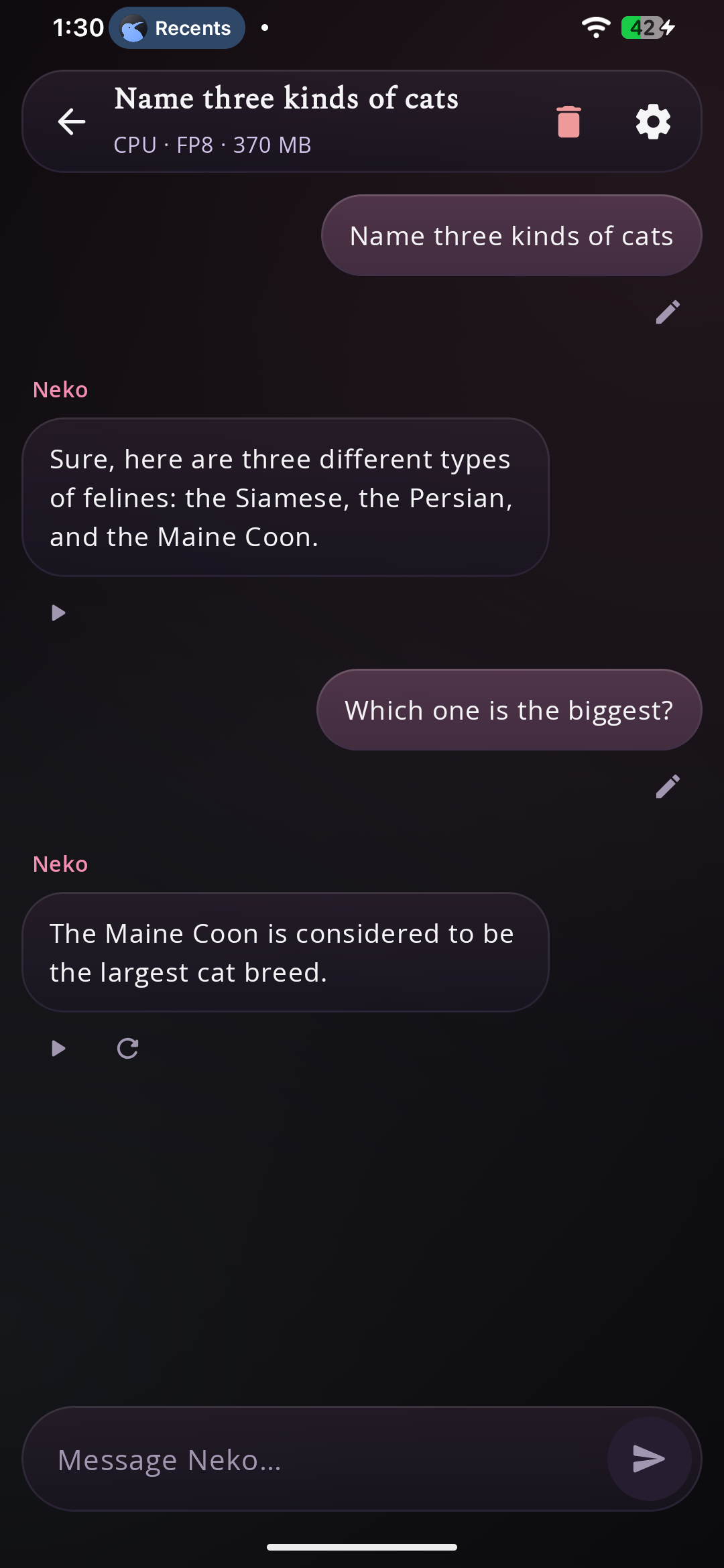
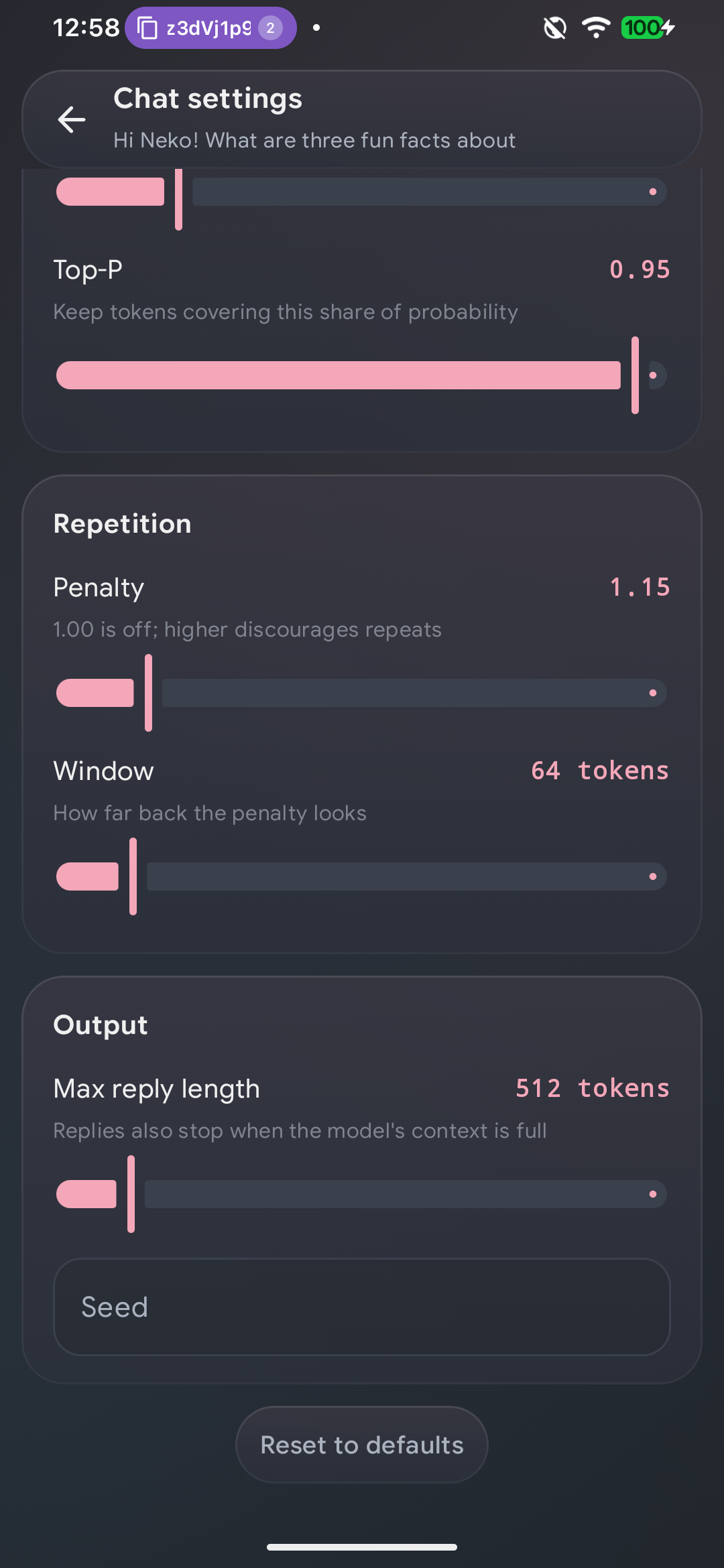
Chats: as many as you like, each with its own temperature, top-k, top-p, repetition penalty, reply length, seed and persona. Redo a reply or edit your message
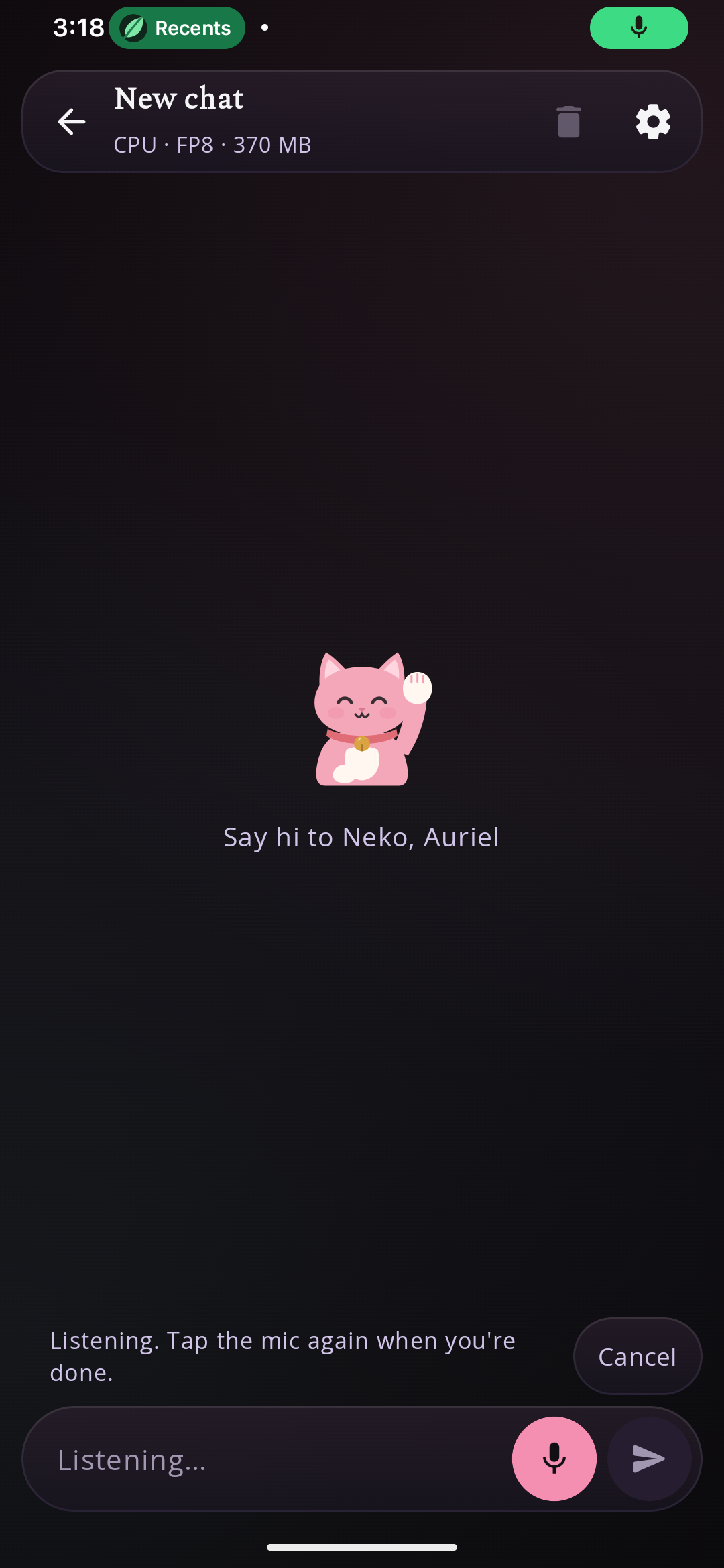
Voice input: tap the mic and talk. Granite Speech turns it into text on the phone (English, downloaded on request); the recording never leaves the device
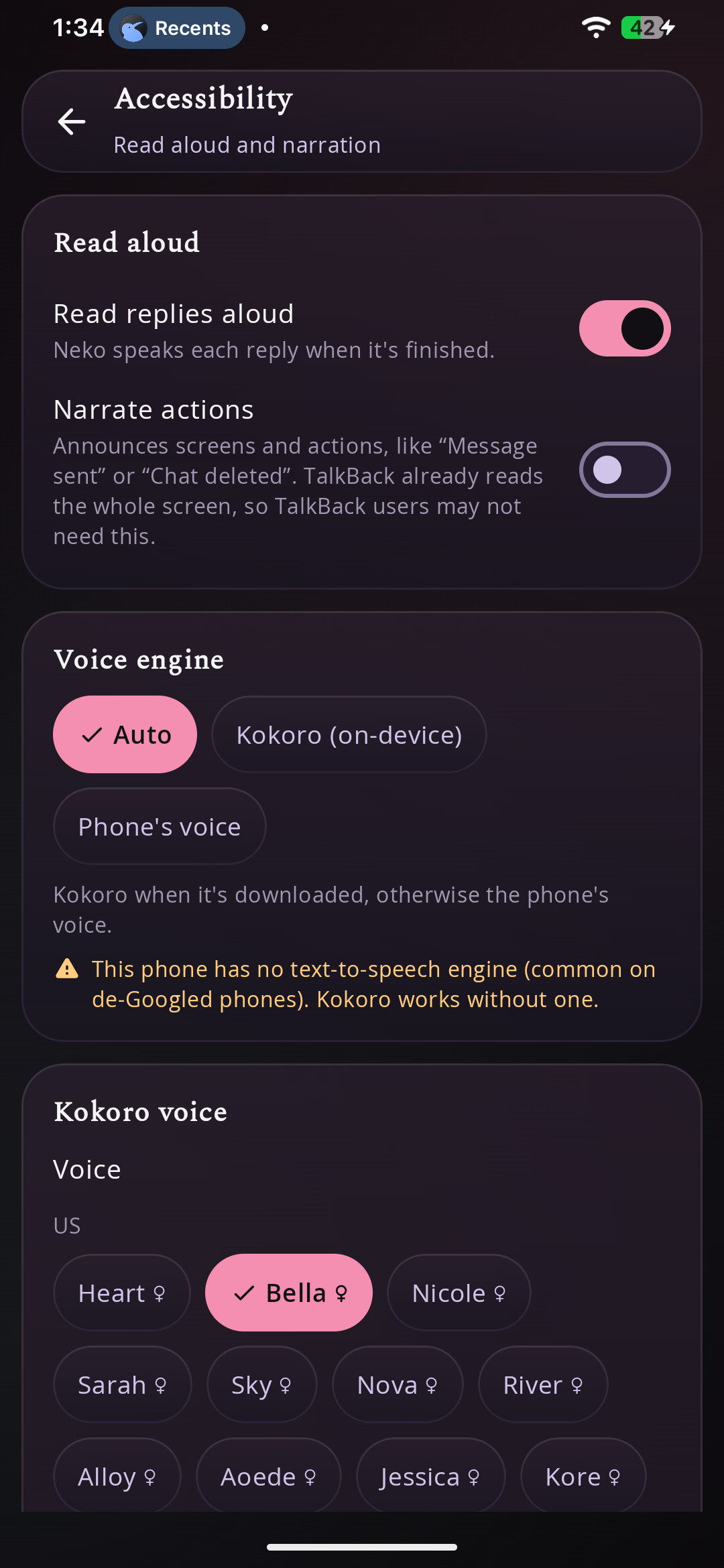
Read aloud: replies and actions spoken by Kokoro-82M, a text-to-speech model that also runs on the phone (downloaded on request), or by the phone's own voice
Memory indicator: see what the model, chat memory and the app use
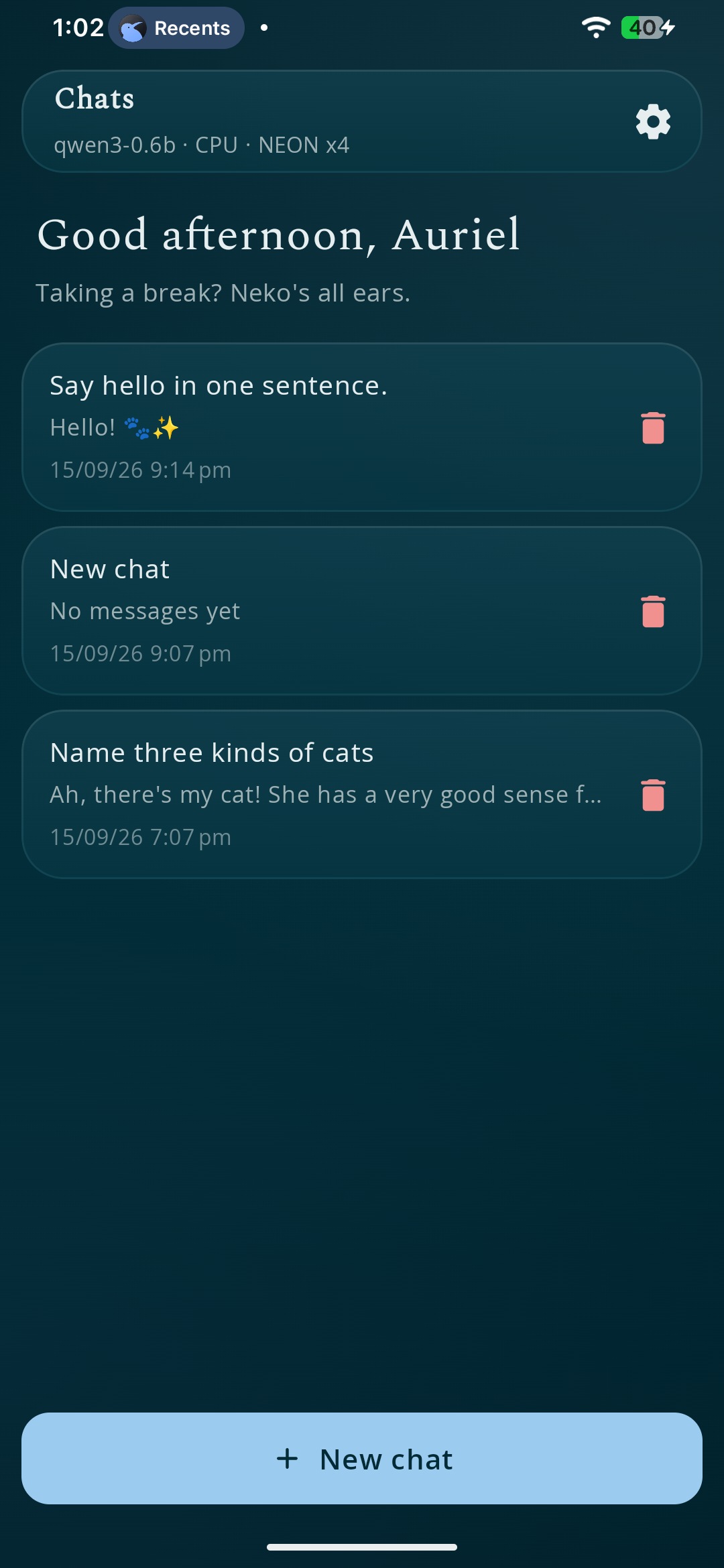
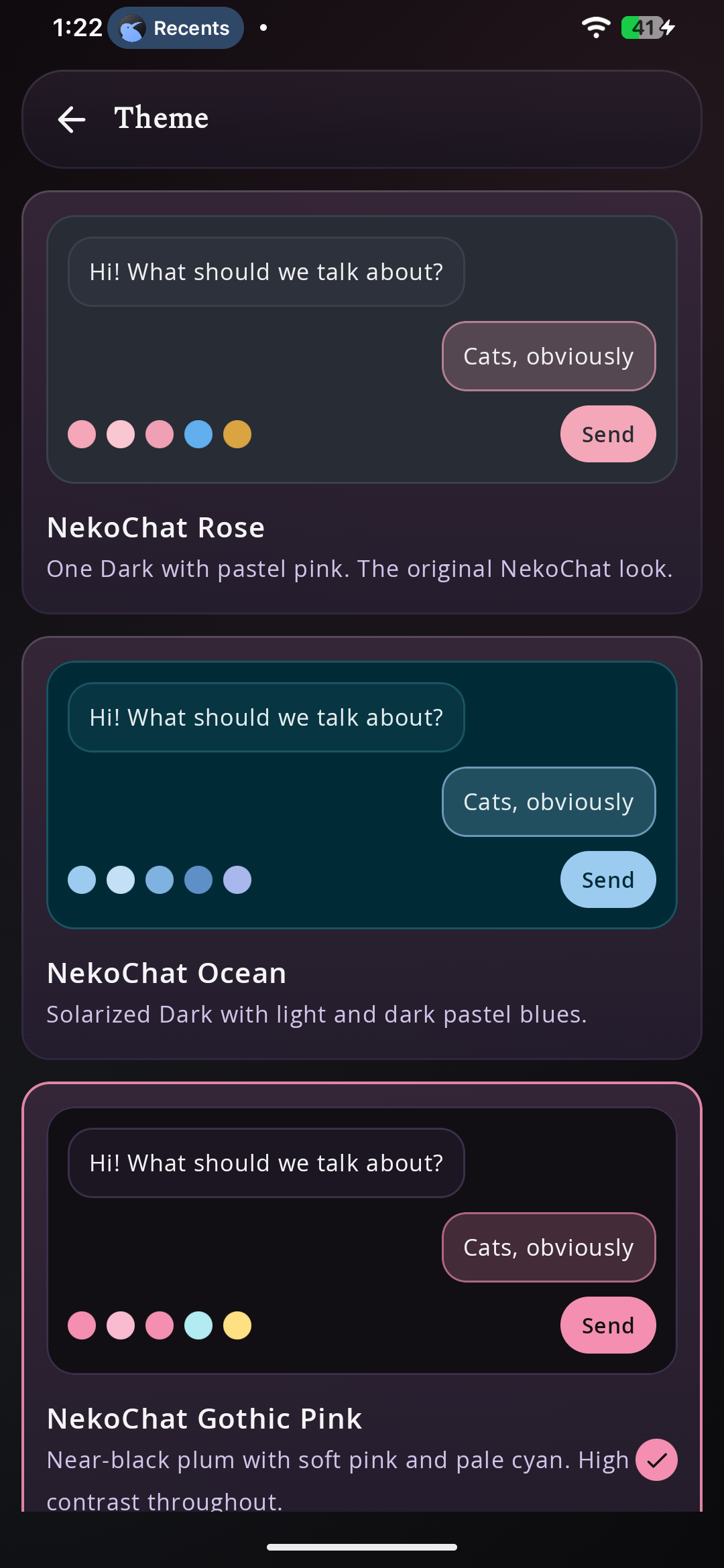
Themes: Rose, Ocean and Gothic Pink (built to WCAG 2.2 AA contrast)
Models are not included; NekoChat downloads them from Hugging Face when you ask, or reads them from a folder you choose. Small models (350M to 1B parameters) run comfortably on phones with 4 GB of RAM or more.
NekoChat is free software under the GNU General Public License v3. arm64 devices only.
Screenshots
What’s new
- IBM Granite 4.0-H (350M, 1B) runs on the phone, with one-tap downloads - Voice input: tap the mic and talk; Granite Speech transcribes on the phone - Redo a reply or edit your message - Read aloud and narration with on-device Kokoro-82M or the phone's voice - ReALM v0.1.0 support - New Gothic Pink theme, built to WCAG 2.2 AA contrast - Open Sans and Spectral fonts, and a greeting that follows the time of day - Faster prompts; works without aria2; all library licenses on the About page
How to install
Download the APK from the button at the top of this page.
Allow “Install unknown apps” for your browser or file manager only, not for every app.
Open the downloaded file and confirm the installation.
If installation fails with “App not installed,” remove an earlier build of the same app first. A signature conflict is the usual cause.
Data safety
Every file is checked against its published SHA-256 before it is listed.
Files are scanned for malware on every update.
The permissions each app requests are listed on its own page.
Read the full safety policy for how we test, flag, and delist files.
Frequently asked questions
What is NekoChat?
Private AI chat that runs language models on your phone, offline
Who develops NekoChat?
NekoChat is developed by Auriel.
Which Android version does NekoChat require?
NekoChat requires Android API 21 or later.
What is the current version of NekoChat?
The synchronized F-Droid version is 0.2.0.
Which license does NekoChat use?
The signed F-Droid metadata lists GPL-3.0-or-later.