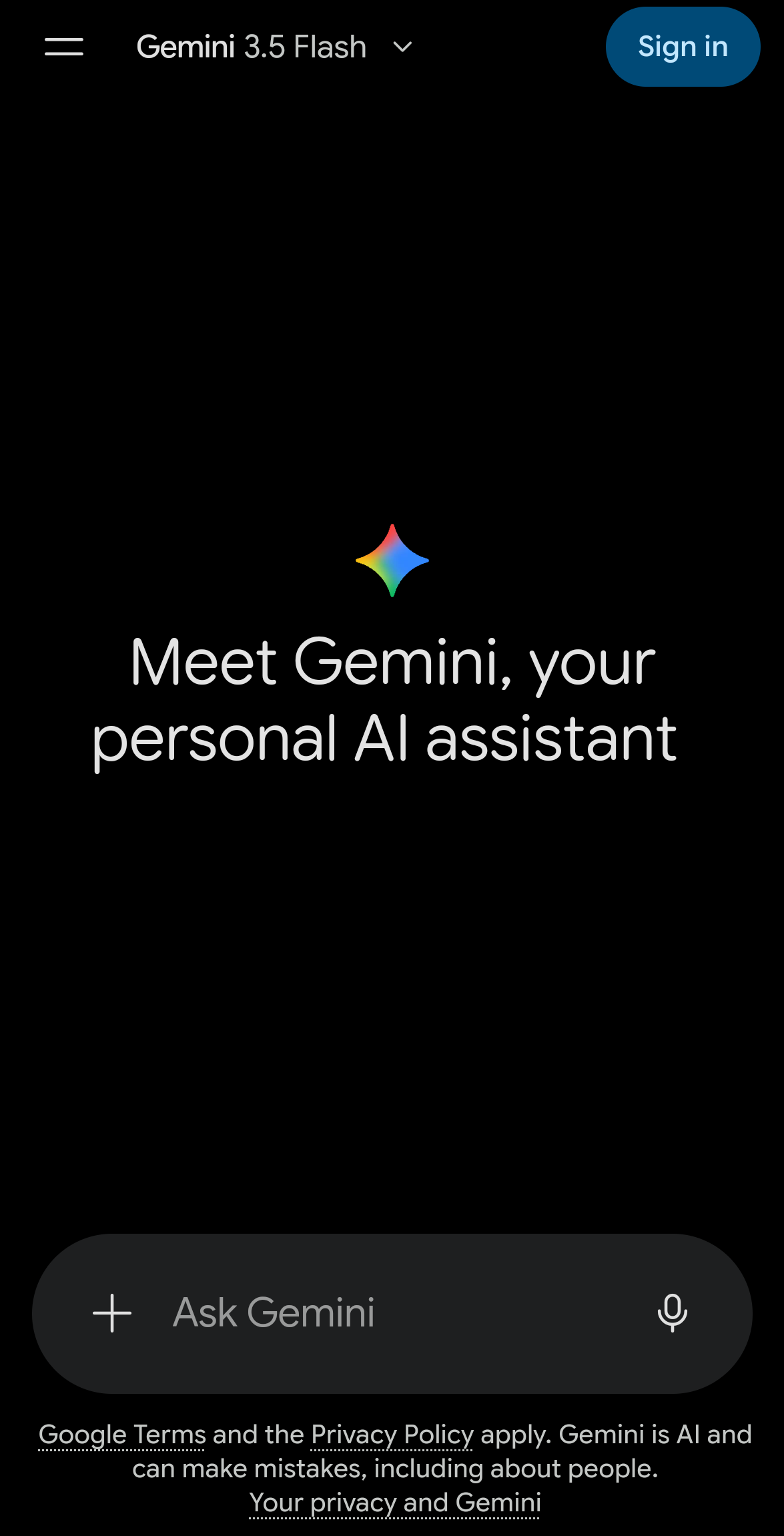
Webmini is an Android app that wraps Gemini (gemini.google.com/app) in a WebView, designed for devices without Google Mobile Services. It gives the user fine-grained control over which WebView implementation renders the page. Based on WebGPT.
Independence & trademark notice
Webmini is an independent, unofficial client. It is not affiliated with, endorsed by, or sponsored by Google. The Webmini name, icon (the Gemini zodiac glyph with a gradient fill), and source code are this project's own; they do not use the Gemini trademark or sparkle logo. Webmini simply loads the public gemini.google.com website inside an Android WebView, like any general-purpose browser would.
Key features
• WebView wrapping gemini.google.com/app with session cookie persistence.
• Adaptive icon — the Gemini zodiac symbol filled with a yellow-to-red-to-blue-to-green gradient on white. The glyph is a public-domain astrology symbol, not the Gemini sparkle.
• Material 3 theme with light and dark mode support.
• Navbar color adapts to device type, orientation, and theme: dark mode uses #0F0F0F on tablet landscape and OLED black #000000 elsewhere; light mode uses #FDFCFC.
• Loading screen with the Webmini logo that fades out smoothly after the first page load.
WebView Switcher
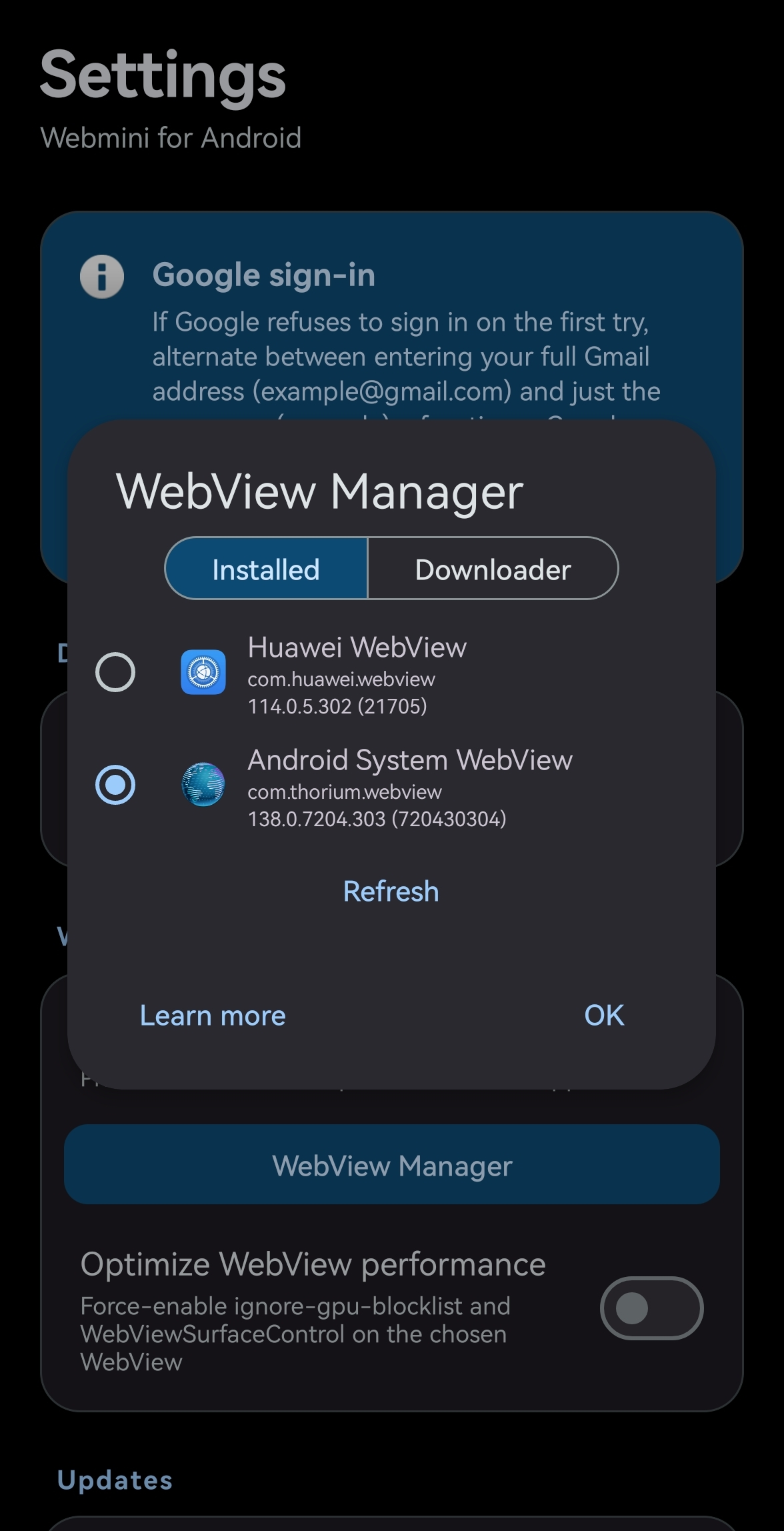
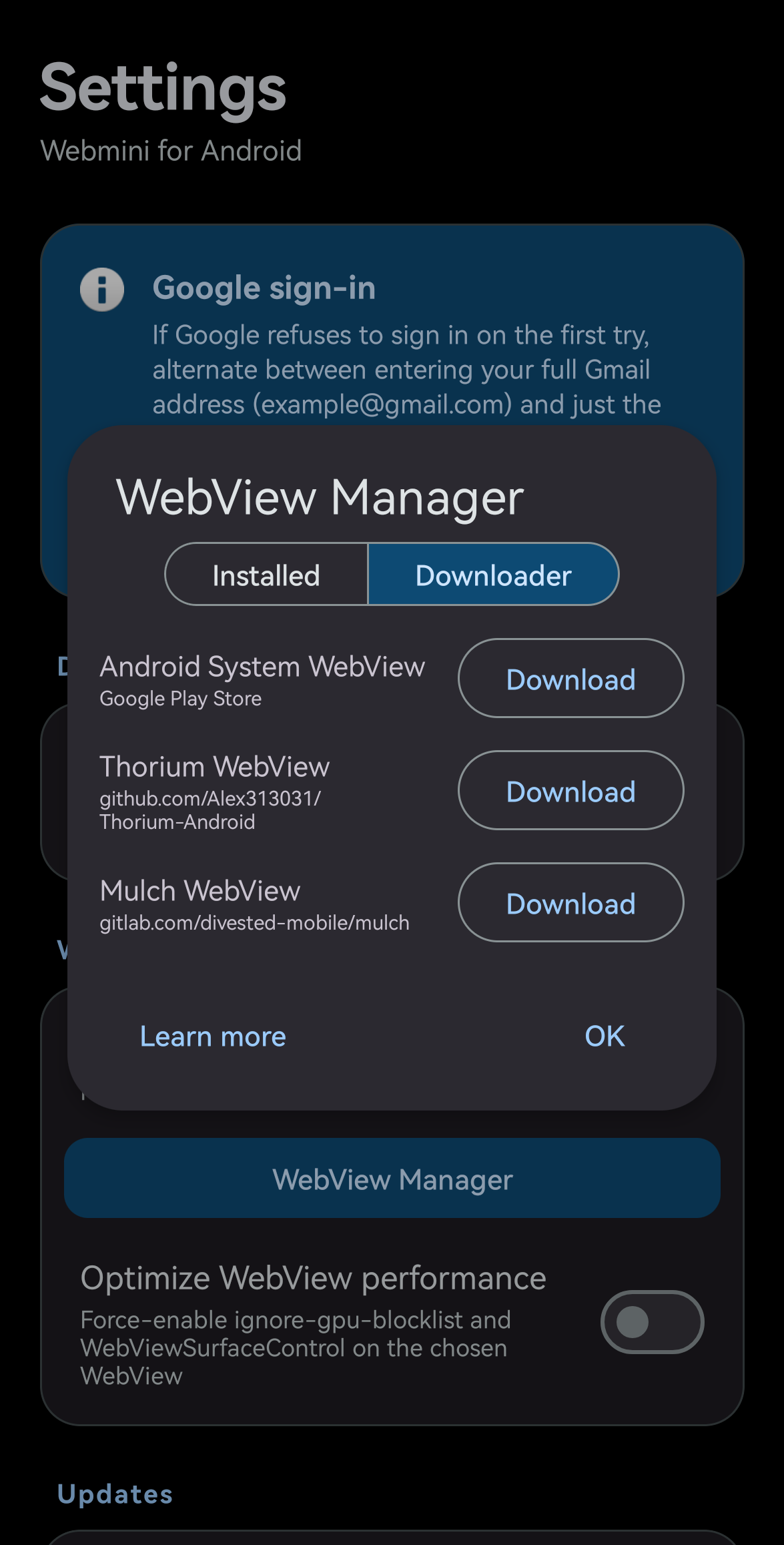
• In-app WebView provider picker: switch the WebView implementation at runtime without affecting any other app on the device.
• 13 supported providers: Android System WebView, Chrome (stable/beta/dev/canary), Thorium, Mulch, Huawei WebView, Amazon WebView.
• Built-in downloader tab with links to Google Play, Thorium and Mulch repos.
• Crash recovery: after consecutive crashes, the app redirects to the WebView picker.
• Developer-mode flags: an optional "Optimize WebView performance" toggle enables ignore-gpu-blocklist and WebViewSurfaceControl via a synthetic DeveloperModeContentProvider.
Blob: URL download support
For blob: URLs (especially blob:null/... from sandboxed iframes), Android WebView's DownloadListener only gives Java a URL string. This app uses WebViewCompat.addDocumentStartJavaScript (androidx.webkit 1.12+) to inject a blob-capture script into every frame at document creation time. The script overrides URL.createObjectURL, reads each blob via FileReader.readAsDataURL at creation time, stores blob data in window.__blobRefs (iframes send to parent via postMessage), and when the DownloadListener fires, the interceptor checks __blobRefs first, then falls back to fetch().
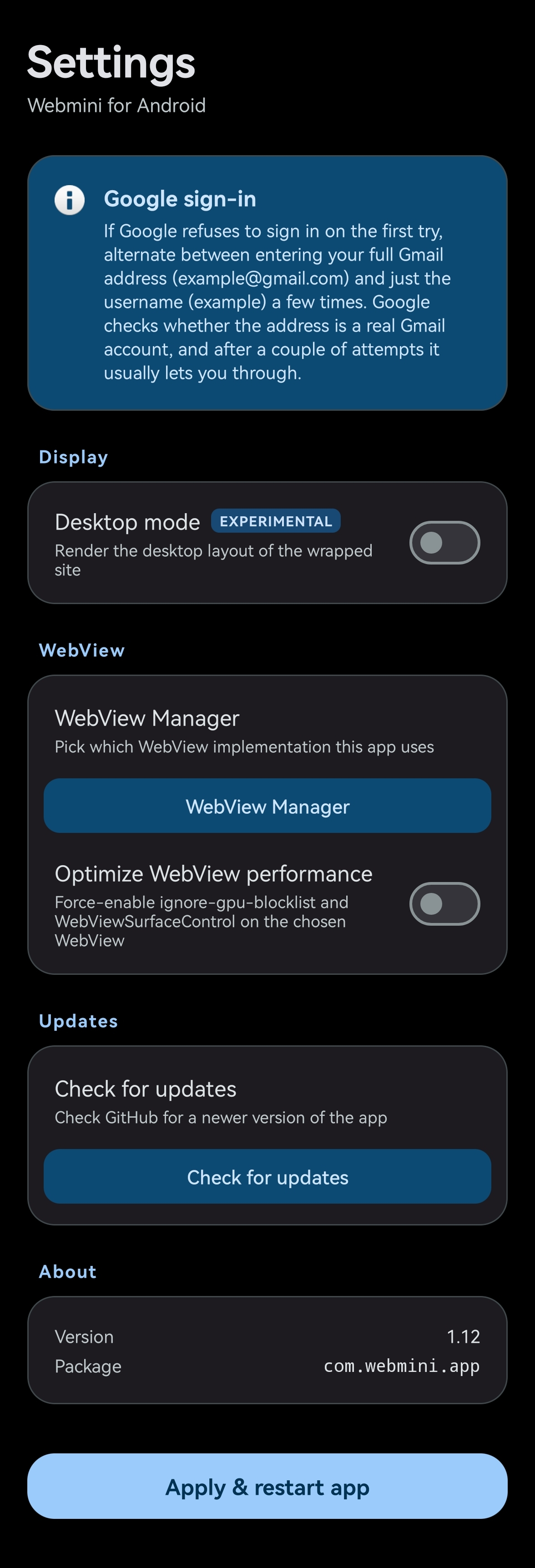
Hidden Settings (Material 3 UI)
• Accessible via the floating button at the top-right of the main screen, or via the gear icon in Android's App info screen.
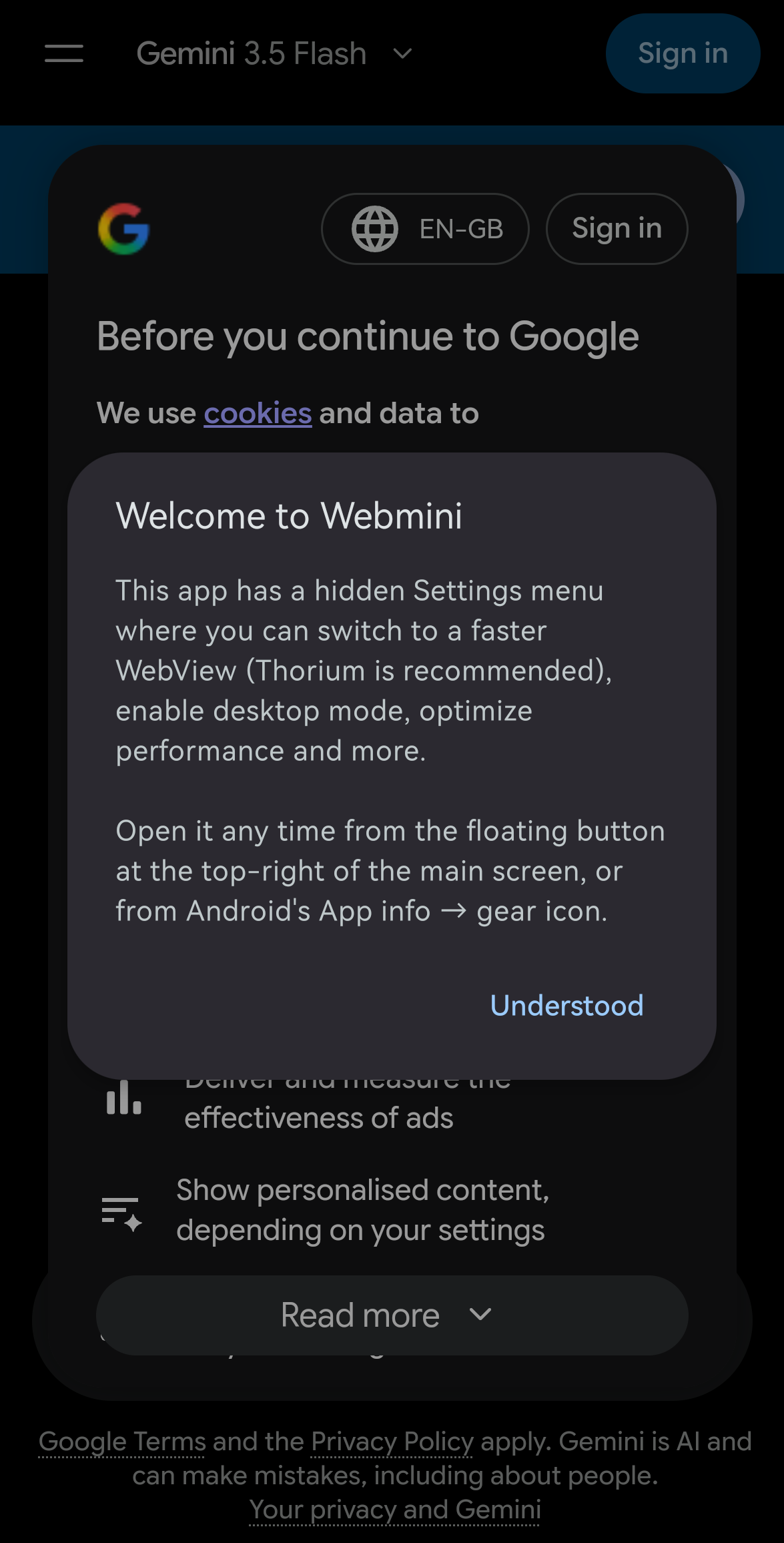
• First-launch welcome dialog that tells new users about the hidden settings menu.
• Desktop-mode toggle (forces desktop layout of the wrapped site).
• Optimize WebView performance toggle (GPU blocklist bypass + surface control).
• Check for updates button: queries GitHub releases and opens the download page in the user's default browser.
File handling & sharing
• Long-press image menu with Share / Download options.
• Share-to-Webmini: receive shared text/files from any app (ACTION_SEND, labelled "Send to Webmini").
• Ask Webmini: appears in Android's text-selection menu (ACTION_PROCESS_TEXT), copies text to the clipboard for pasting.
Known limitations
• Some features of the wrapped site may be unreliable across WebView implementations; long-press an image and choose "Share image" as the reliable alternative.
• Microphone dictation may refuse to start in some WebViews despite permissions. Thorium WebView is recommended as a workaround.
• Google sign-in is blocked by Google in Android WebViews ("browser or app may not be secure"). Email sign-in works without issues.
Tech stack: AGP 8.2.2, Gradle 8.5, JDK 21, compileSdk 34, minSdk 21, targetSdk 34, Material 1.11.0, androidx.recyclerview 1.3.2, androidx.webkit 1.12.0, R8 minification enabled.
Webmini is free software released under the MIT License.