Buddy icon

Buddy

Hamdi Ghorbel
System
Version
2.3.11
Size
4.3 MB
Requires
Android API 30+
4.1 / 5 · 16,289 ratings 100,770 downloads

Updated Nov 16, 2026

Quick answer

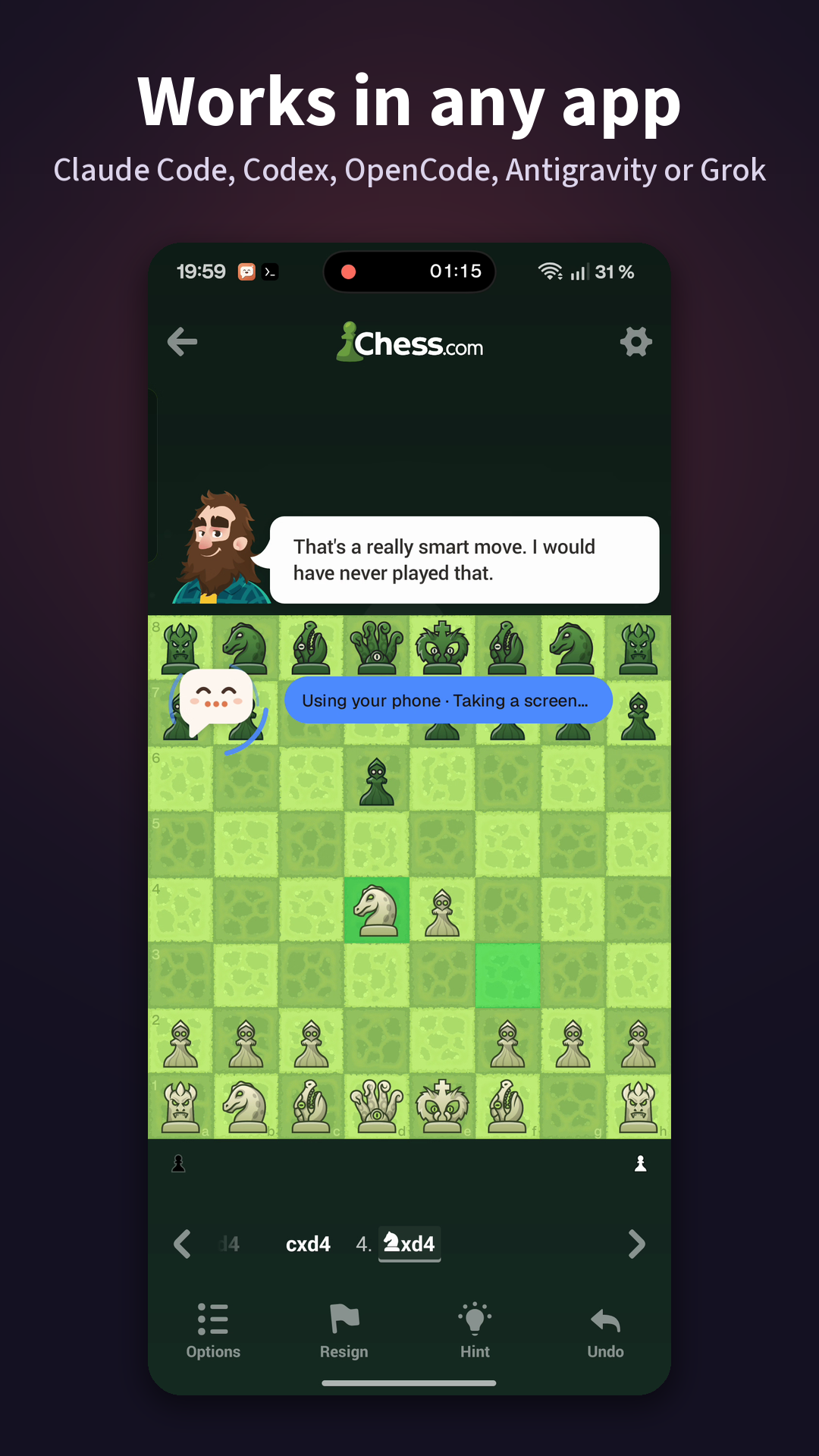
Claude Code, Codex, OpenCode, Antigravity or Grok in a chat bubble on your phone

Buddy lets AI coding agents use your Android phone: Claude Code with your Claude plan, Codex with your ChatGPT plan, Antigravity with your Google account, Grok, or OpenCode's free models with no account at all.

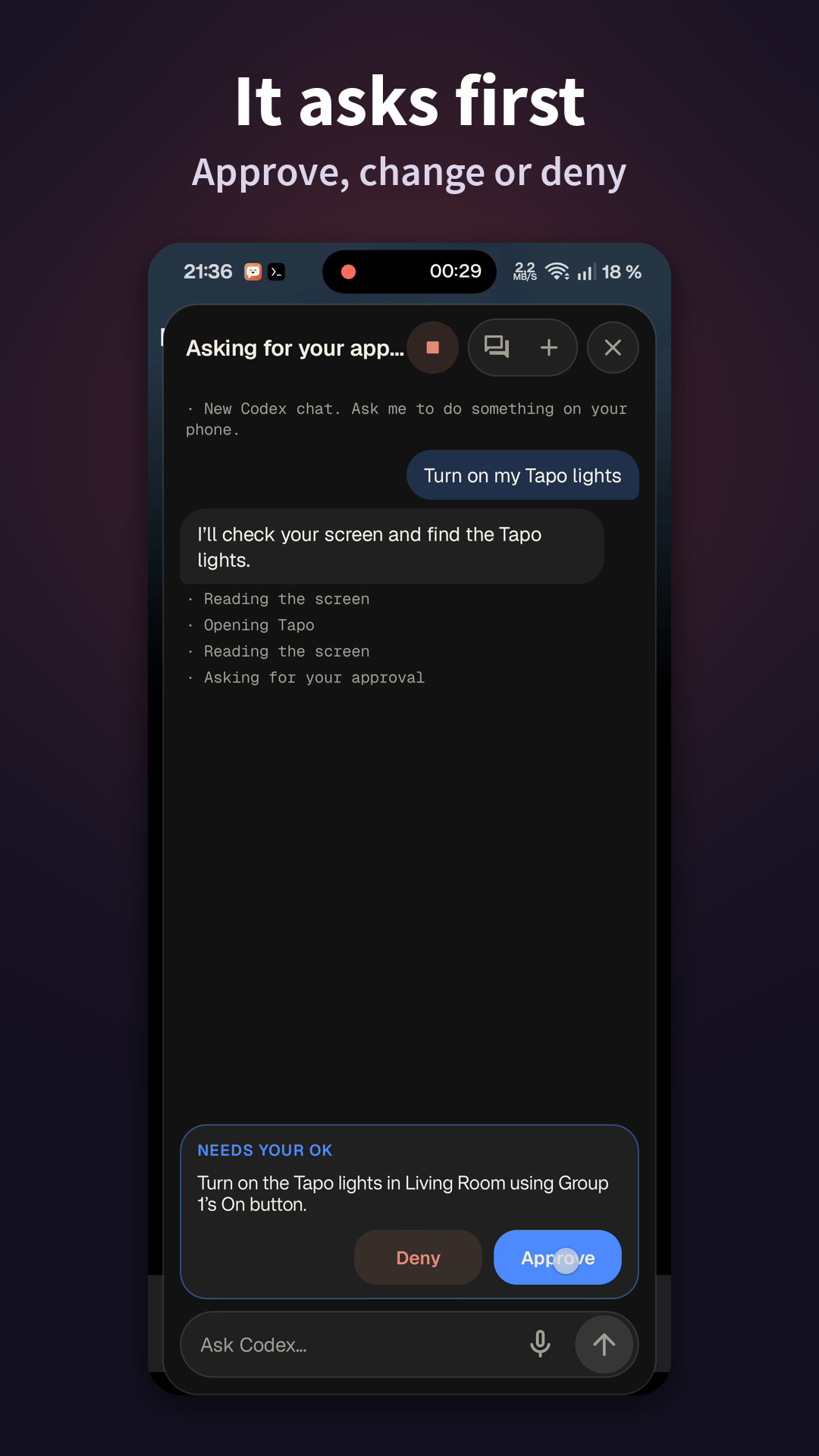
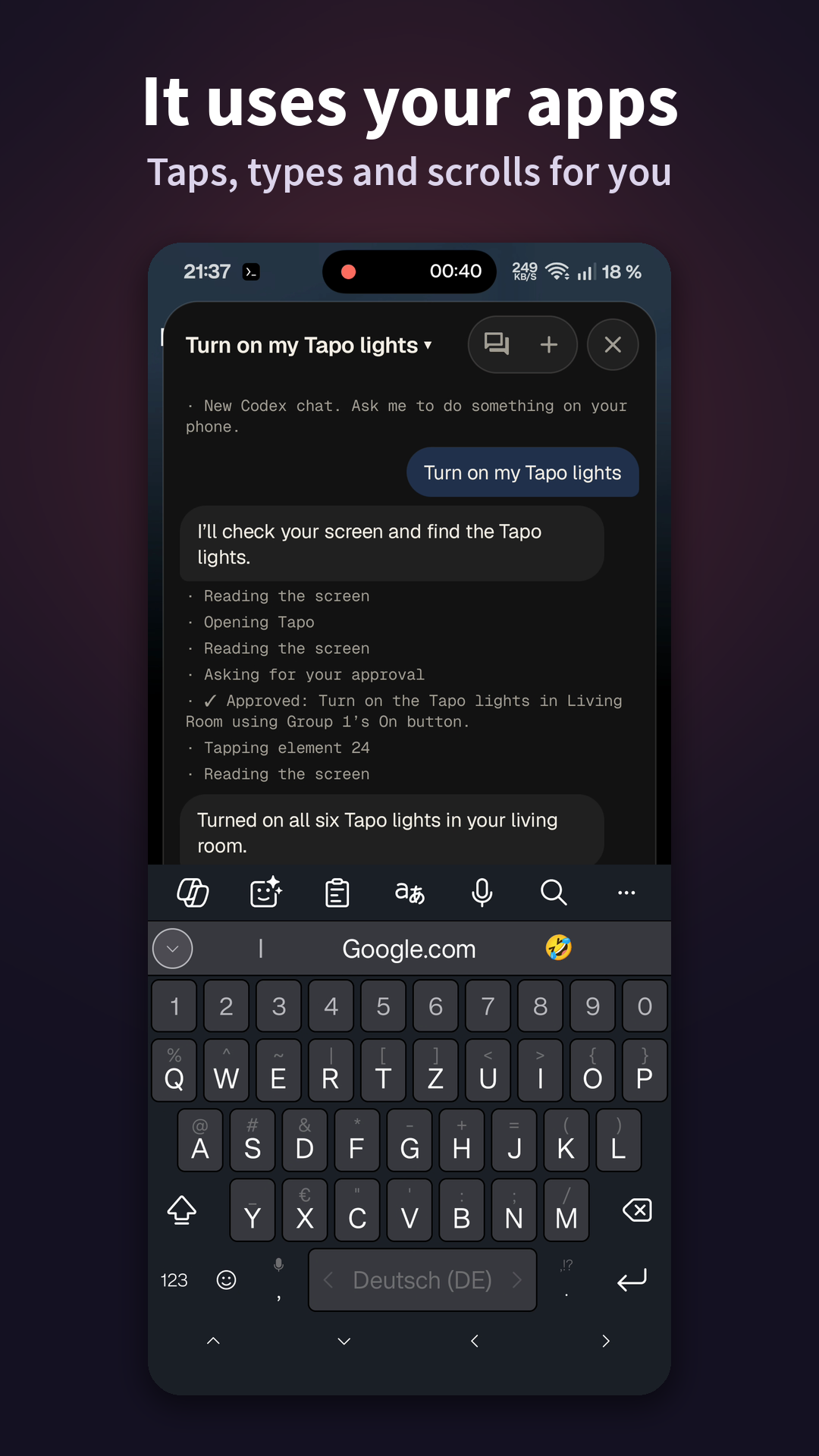
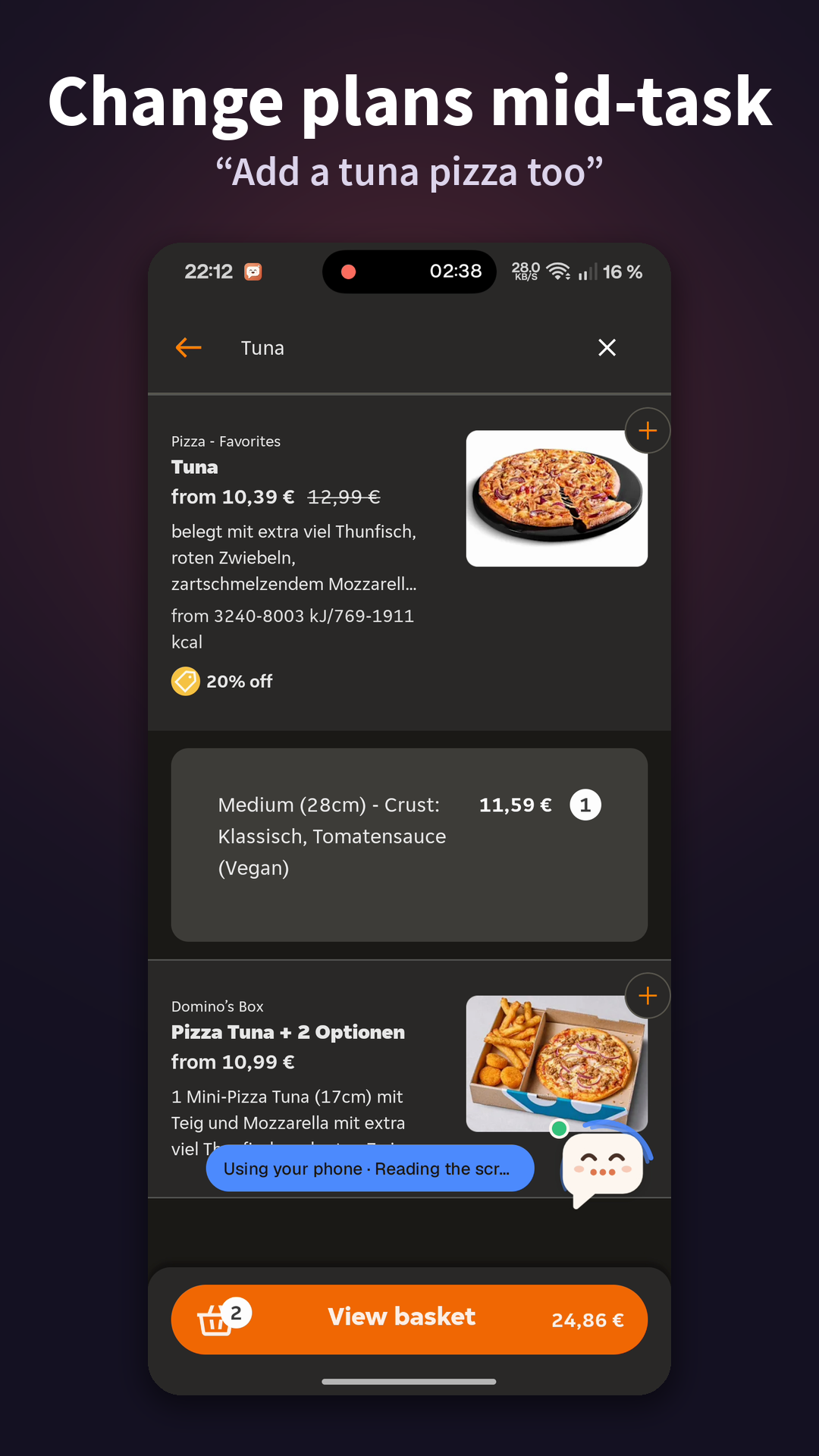
Type or say what you want in the floating chat bubble. Buddy reads the screen, taps and types to get it done, and asks you before anything is sent, posted, bought or deleted. Passwords and payment details are handed to you.

How it works: the agent runs in a small Alpine Linux inside the app (via proot), and Buddy gives it phone tools through its accessibility service and a local MCP server on 127.0.0.1. No root, no adb, no PC, no API keys.

Also: • acts on your notifications with rules you write • guides you step by step ("show me how…") • builds apps on the phone (Linux tools) • a background browser for web pages • live voice and scheduled tasks • its phone tools work from your own Claude Code or Codex sessions in Termux • 18 languages

What Buddy downloads: Alpine Linux (from alpinelinux.org, checked by SHA-256) when you set it up, and each agent's official CLI when you pick it. Chromium for the background browser only if you turn it on.

Buddy is an independent project, not made by or affiliated with Anthropic, OpenAI, Google or xAI.

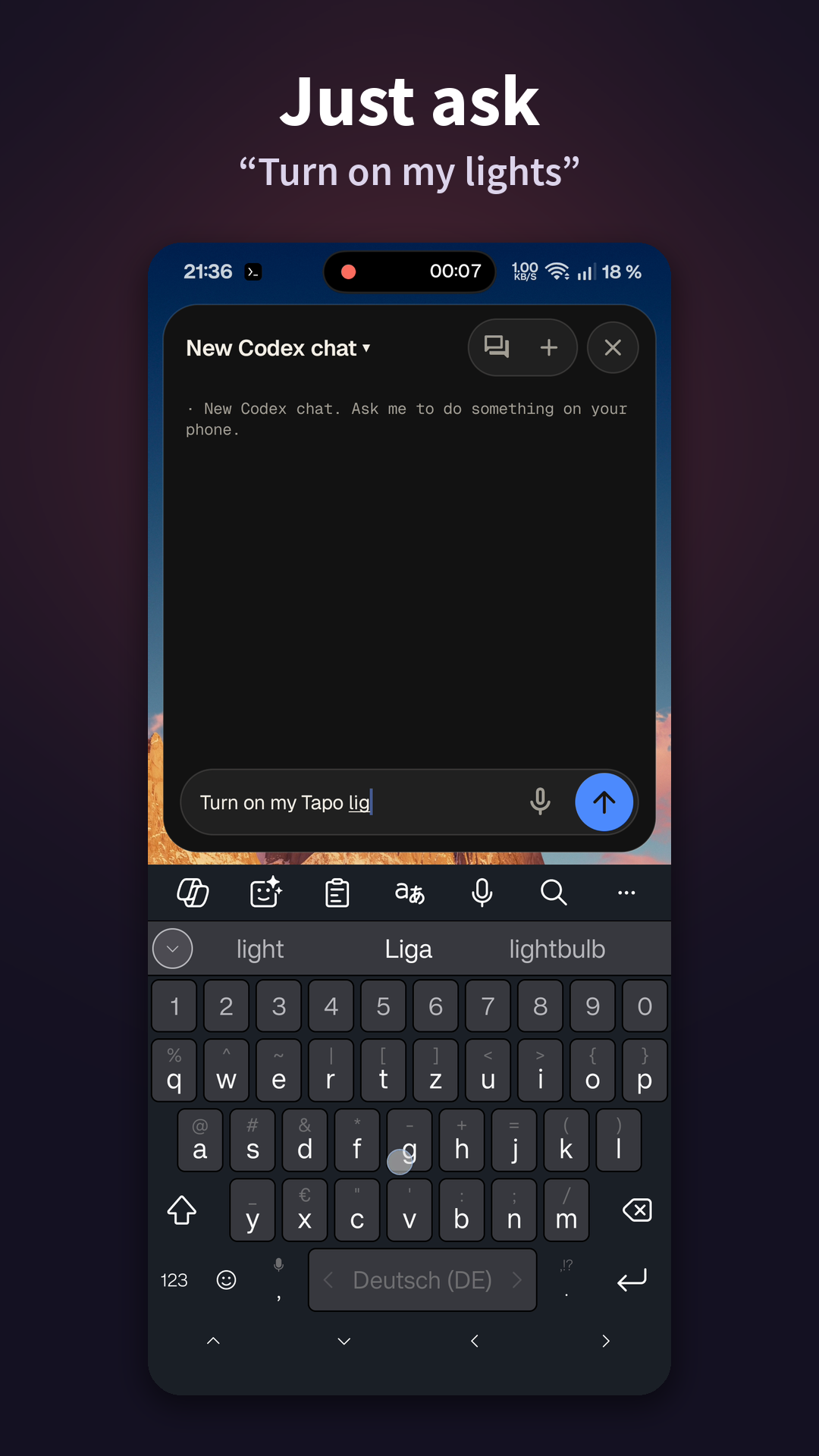
Screenshots

Buddy screenshot 1
Buddy screenshot 2
Buddy screenshot 3
Buddy screenshot 4
Buddy screenshot 5

What’s new

• Switch a chat's agent: tap its name in the chat's header; the new one gets the conversation so far
• Optional: Buddy asks Trust or Hard the first time an agent works in an app
• Settings switches, permission dialogs and installers always ask
• Agents no longer type into password fields
• Backups hold no tokens; restoring one can't loosen safety settings
• Sub-agent cards fold away, and by themselves while you type
• Fixed: crash opening a link on a phone with no browser

How to install

  1. Download the APK from the button at the top of this page.
  2. Allow “Install unknown apps” for your browser or file manager only, not for every app.
  3. Open the downloaded file and confirm the installation.
  4. If installation fails with “App not installed,” remove an earlier build of the same app first. A signature conflict is the usual cause.

Data safety

  • Every file is checked against its published SHA-256 before it is listed.
  • Files are scanned for malware on every update.
  • The permissions each app requests are listed on its own page.
  • Read the full safety policy for how we test, flag, and delist files.

Frequently asked questions

What is Buddy?
Claude Code, Codex, OpenCode, Antigravity or Grok in a chat bubble on your phone
Who develops Buddy?
Buddy is developed by Hamdi Ghorbel.
Which Android version does Buddy require?
Buddy requires Android API 30 or later.
What is the current version of Buddy?
The synchronized F-Droid version is 2.3.5.
Which license does Buddy use?
The signed F-Droid metadata lists Apache-2.0.
Where is the source code for Buddy?
https://github.com/ghorbelhamdi/buddy-android

Comments

Recent approved comments · sorted by newest

Verification code
Be specific and keep it about the app. No links. Comments are reviewed before publication. Device and Android details are recorded automatically. Privacy policy.

Loading recent comments...

View all comments