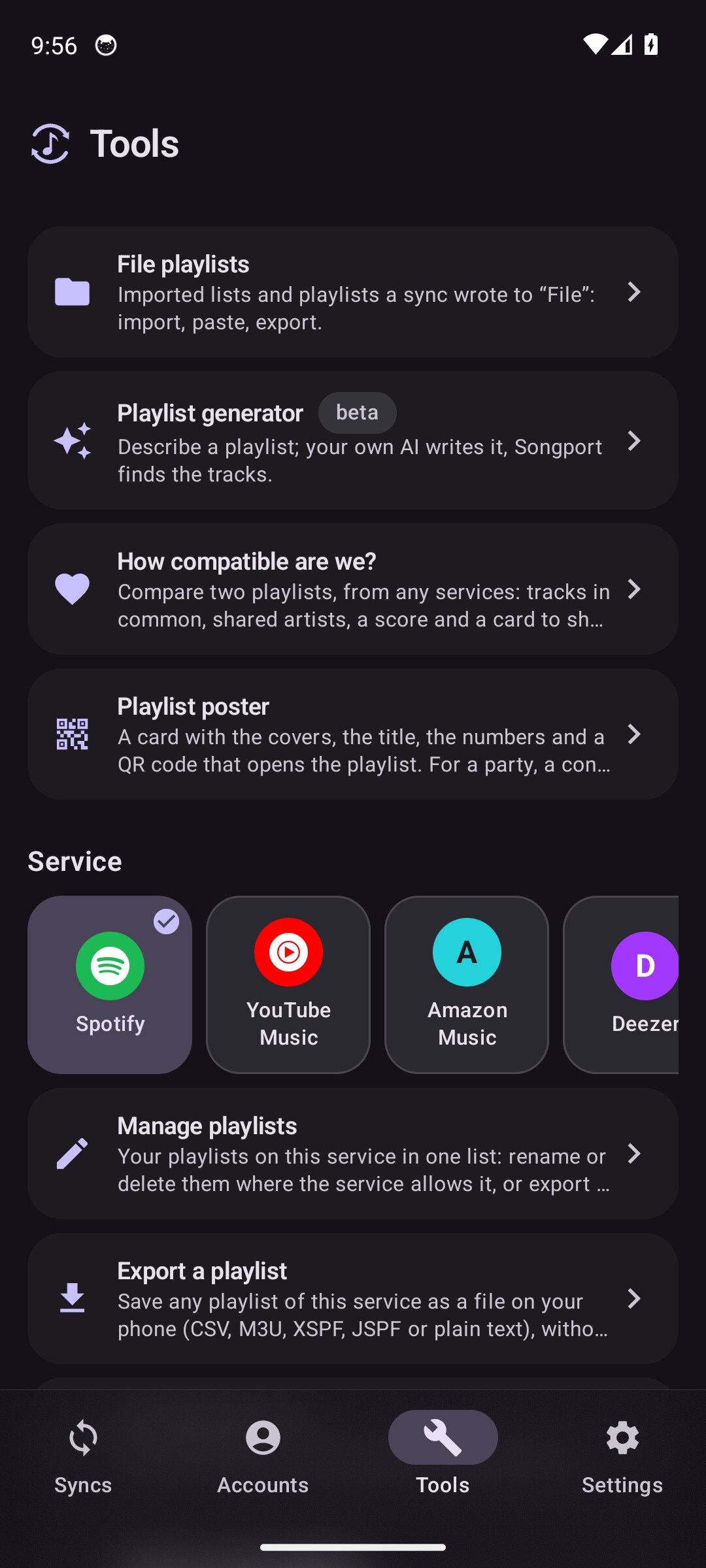
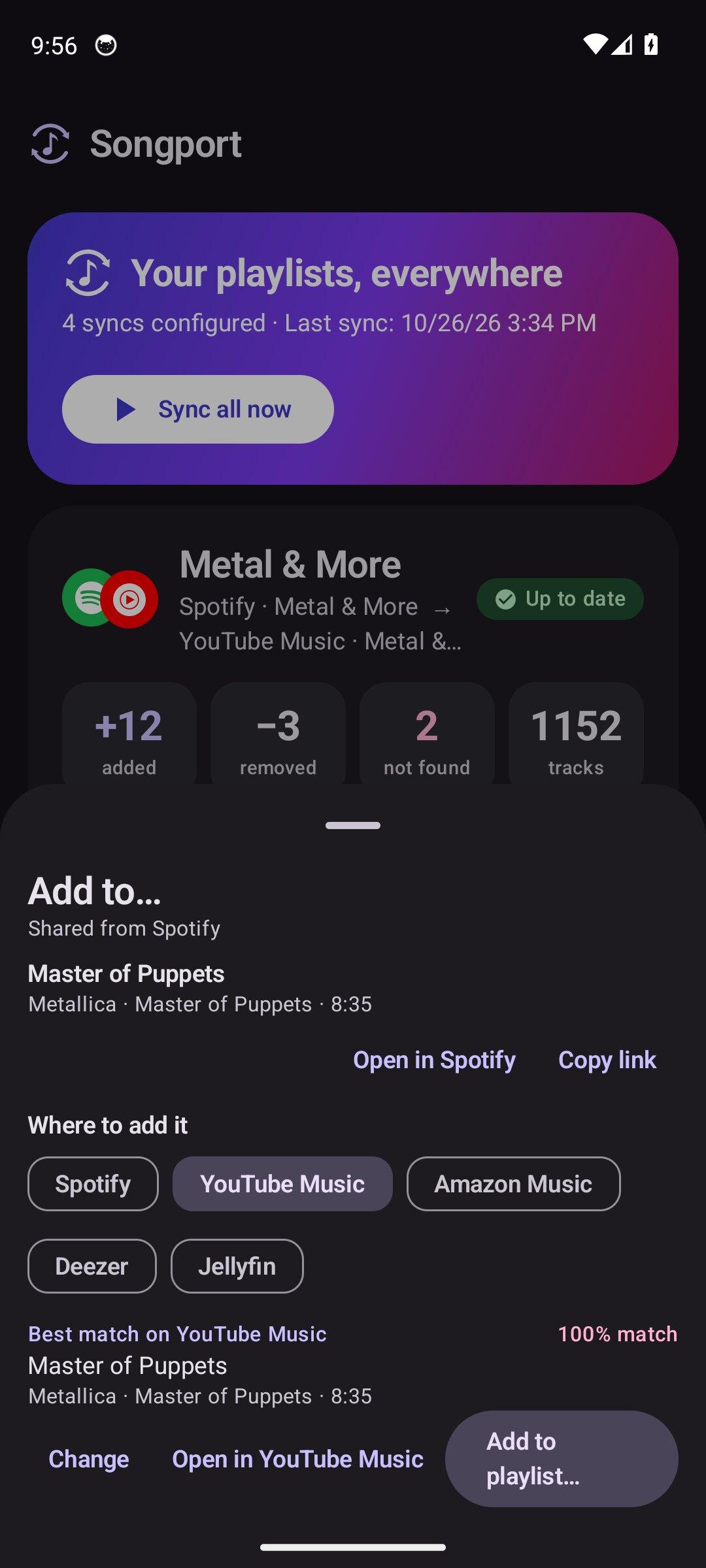
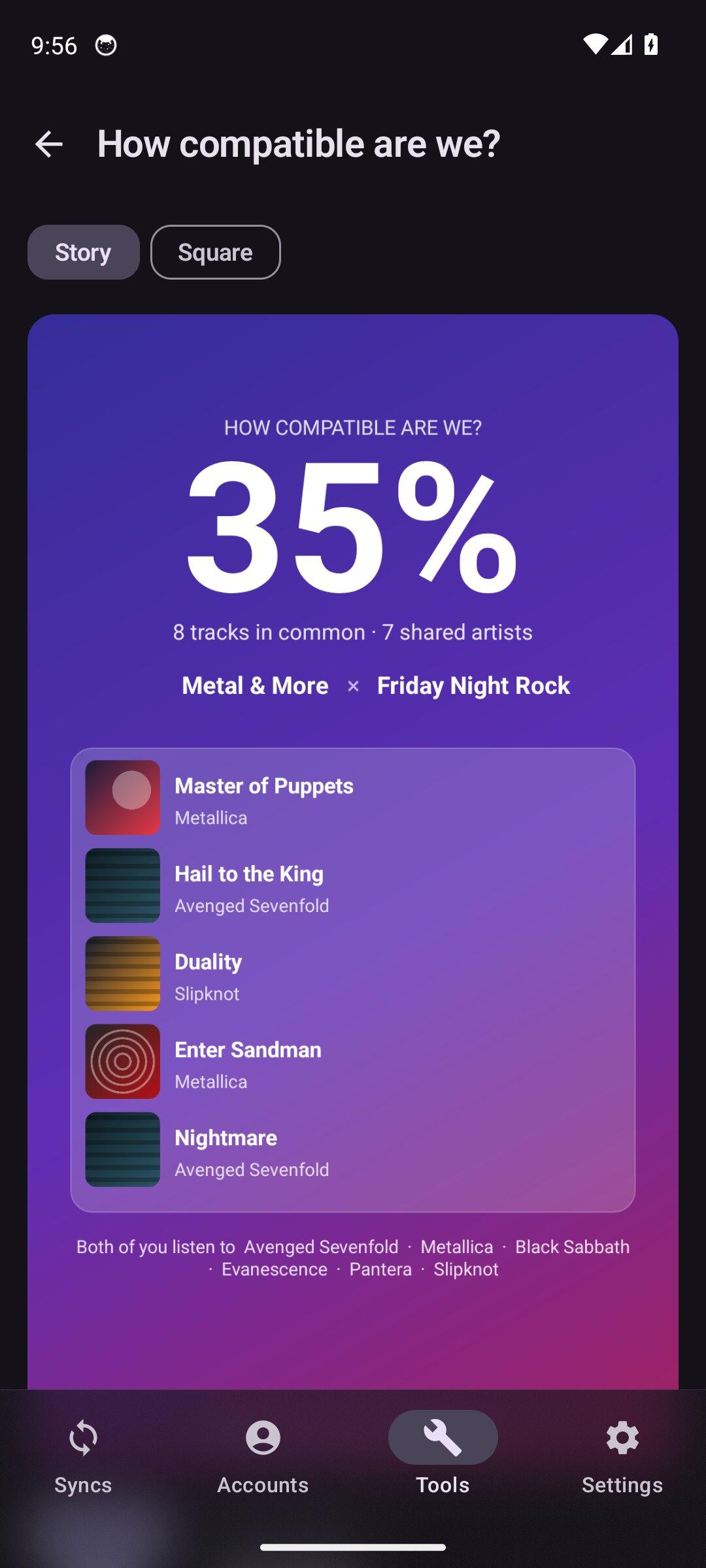
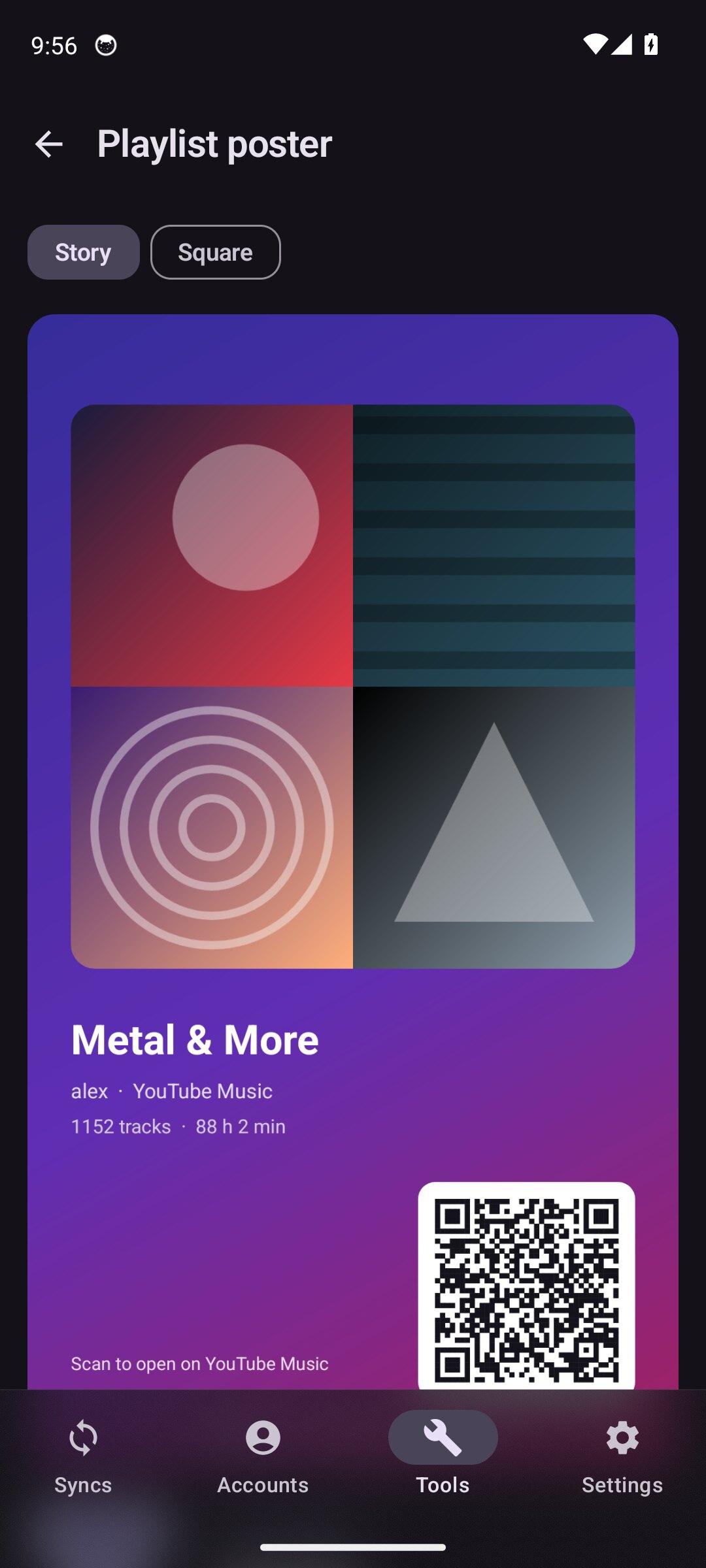
Songport icon

Songport

xlollx
Multimedia
Version
1.1.1
Size
4.4 MB
Requires
Android API 26+
4 / 5 · 2,031 ratings 10,759 downloads

Updated Nov 1, 2026

Quick answer

Sync playlists across music services, on your phone, with no ads or account

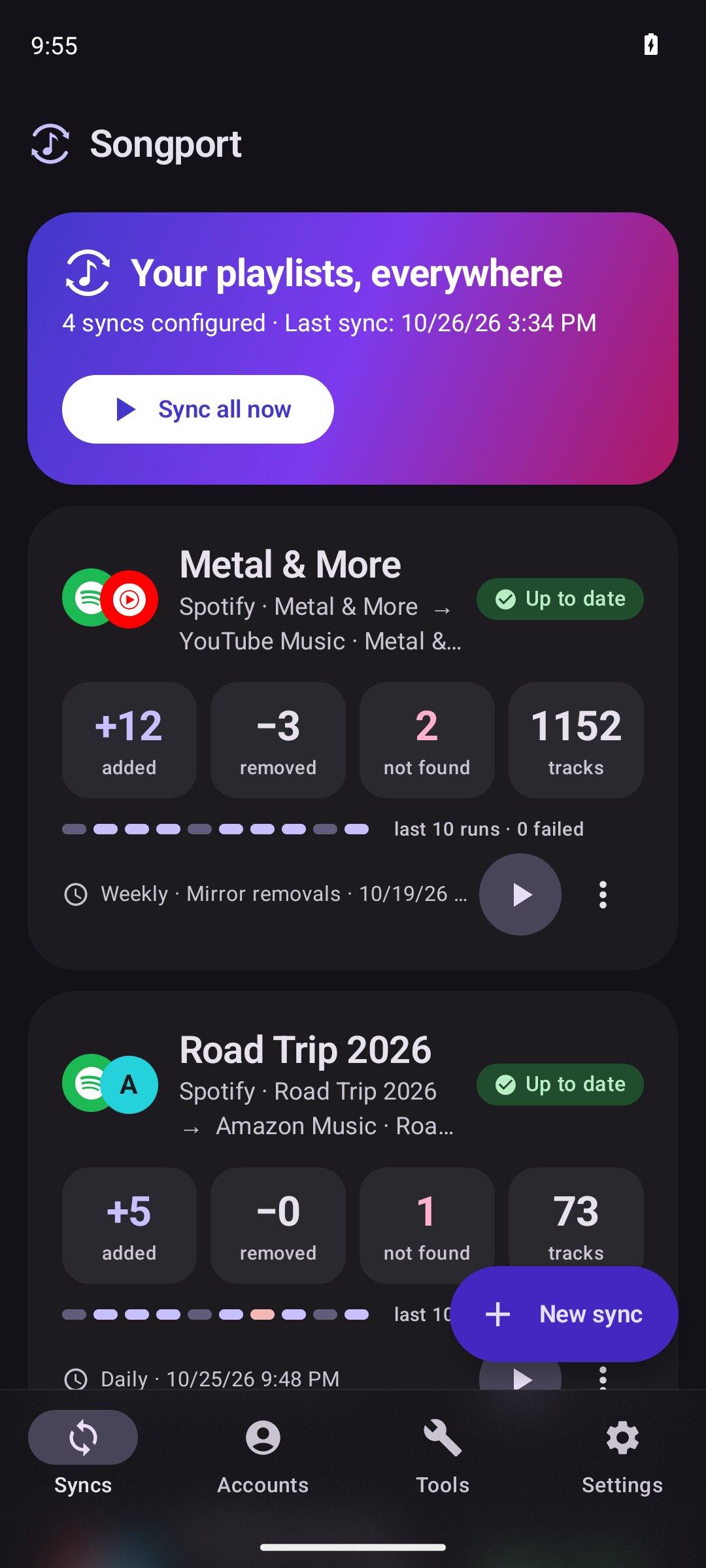
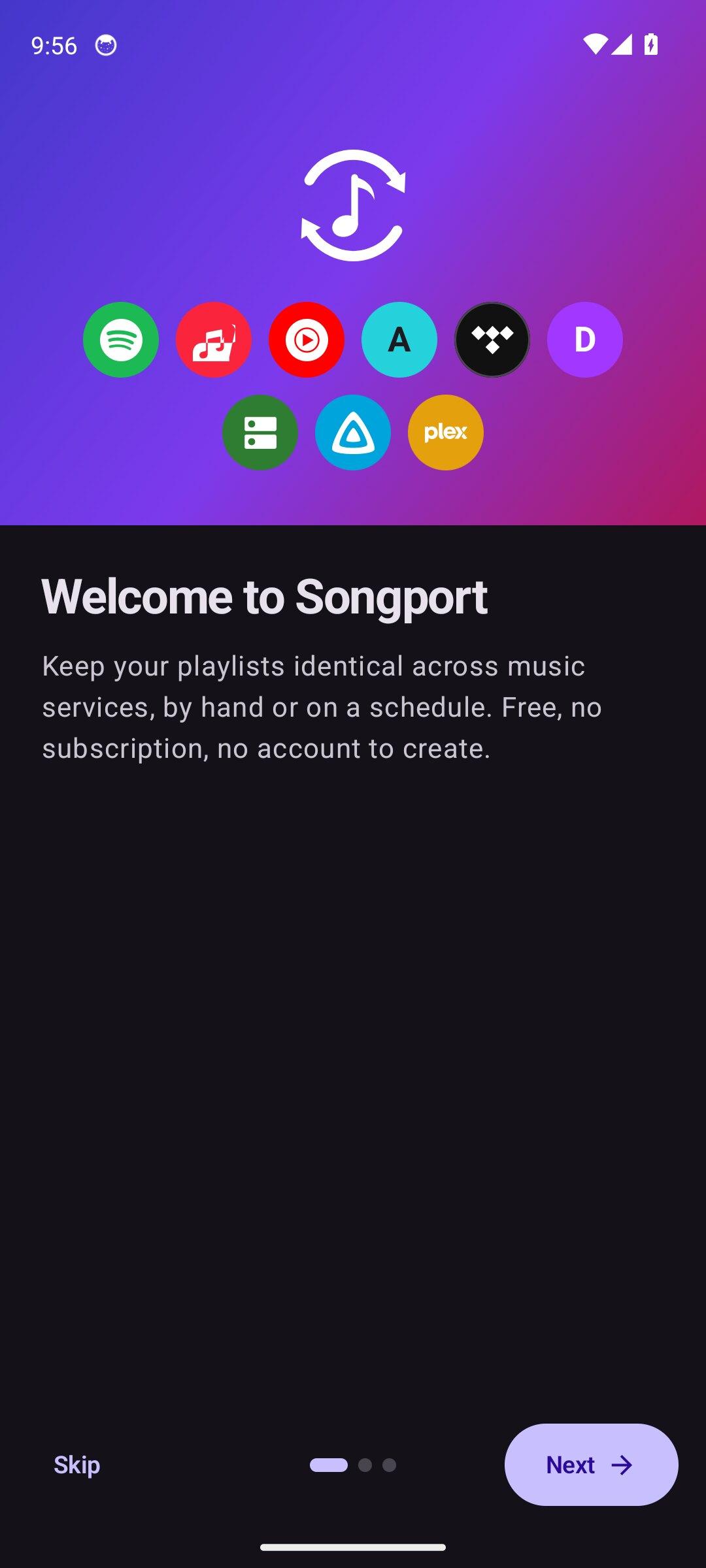
Keep your playlists identical across music services, without rebuilding them by hand. Everything runs on your phone: no account, no server, no ads, no tracking.

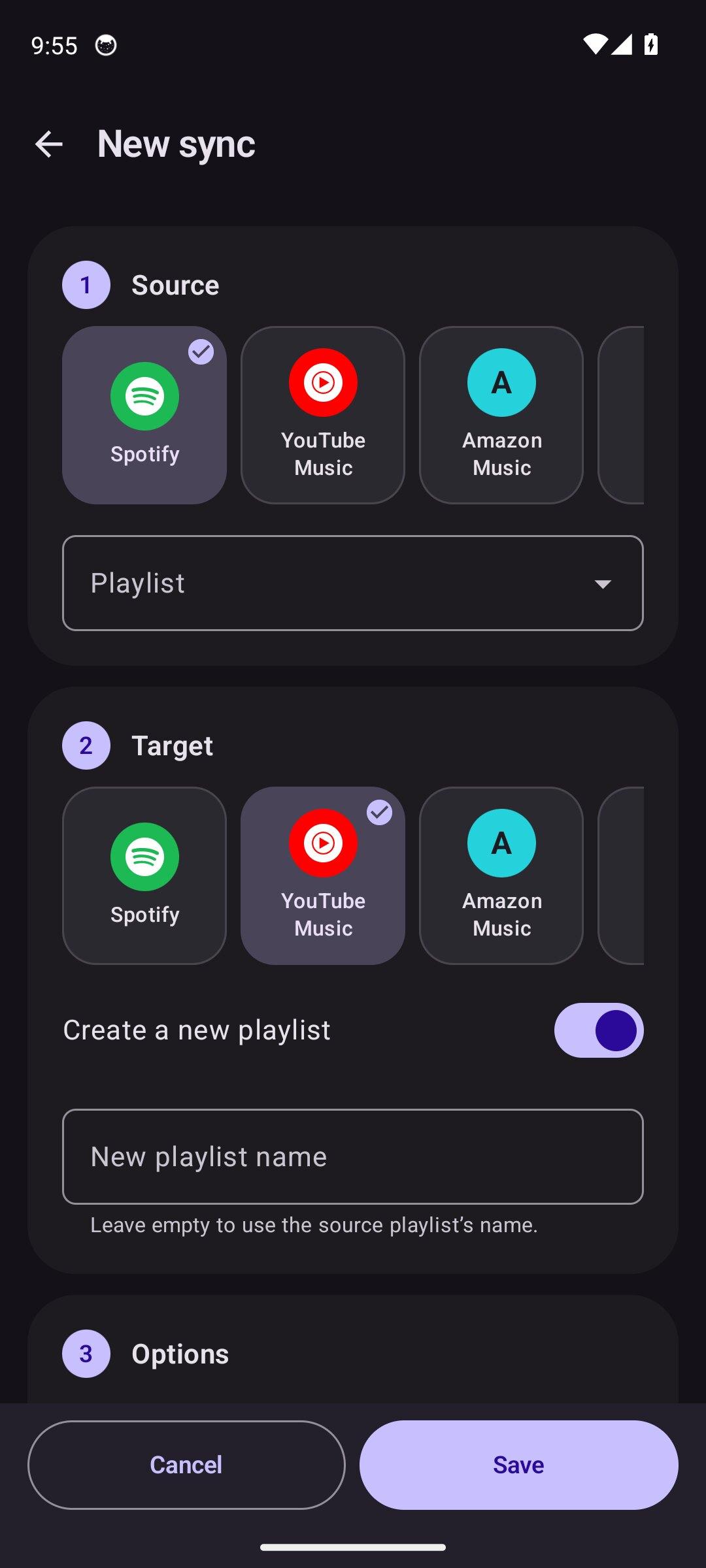
  • Pick a source playlist and a target one, or let the app create it
  • Sync by hand or on a schedule: hourly, every 6 hours, daily or weekly
  • Additions only, or mirror removals too
  • Liked songs as a source
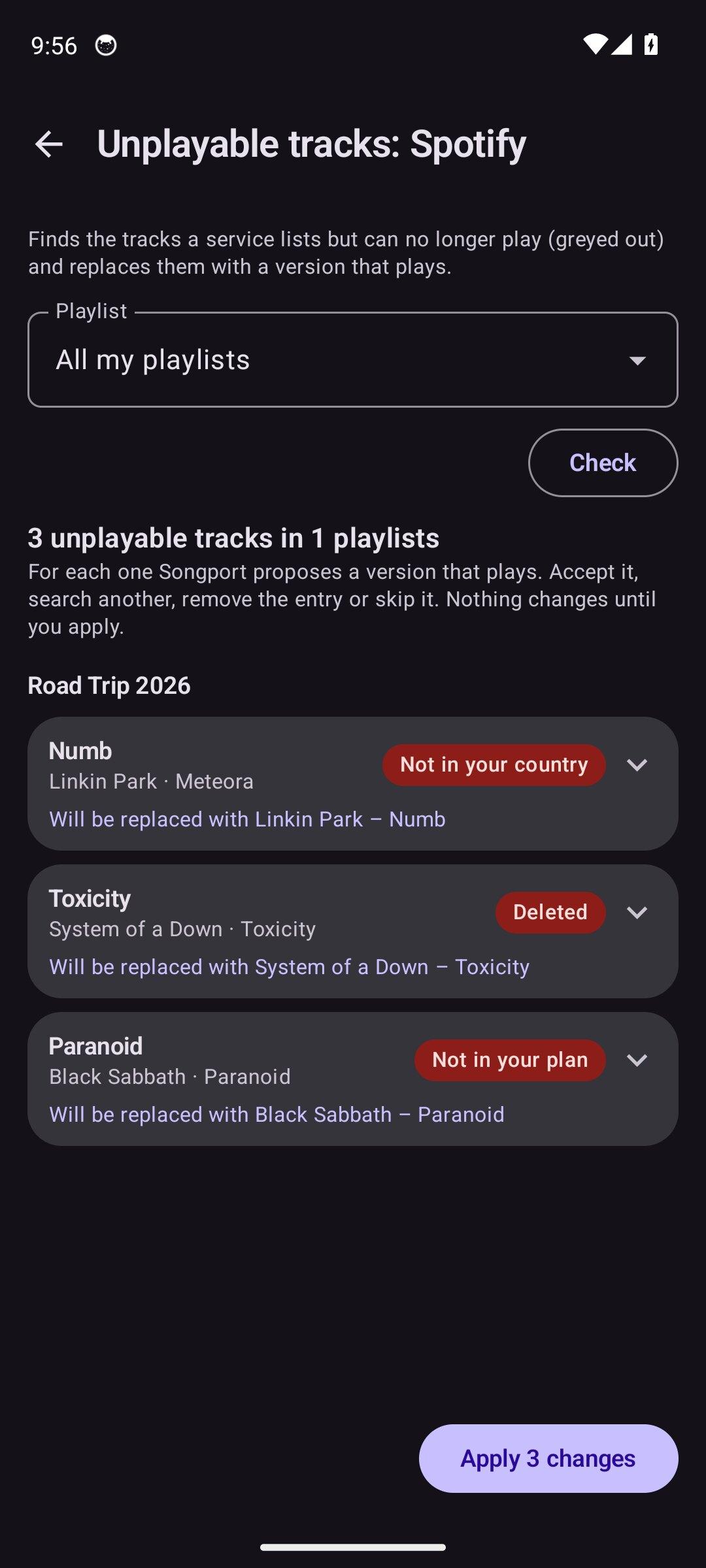
  • Review the tracks that were not found: one-tap proposals, the likeliest results first, the source album's tracks, or paste the track's link
  • Import and export playlist files (CSV, M3U, iTunes XML, JSON) for services without an API
  • Backups of a whole account as dated versions, duplicate removal

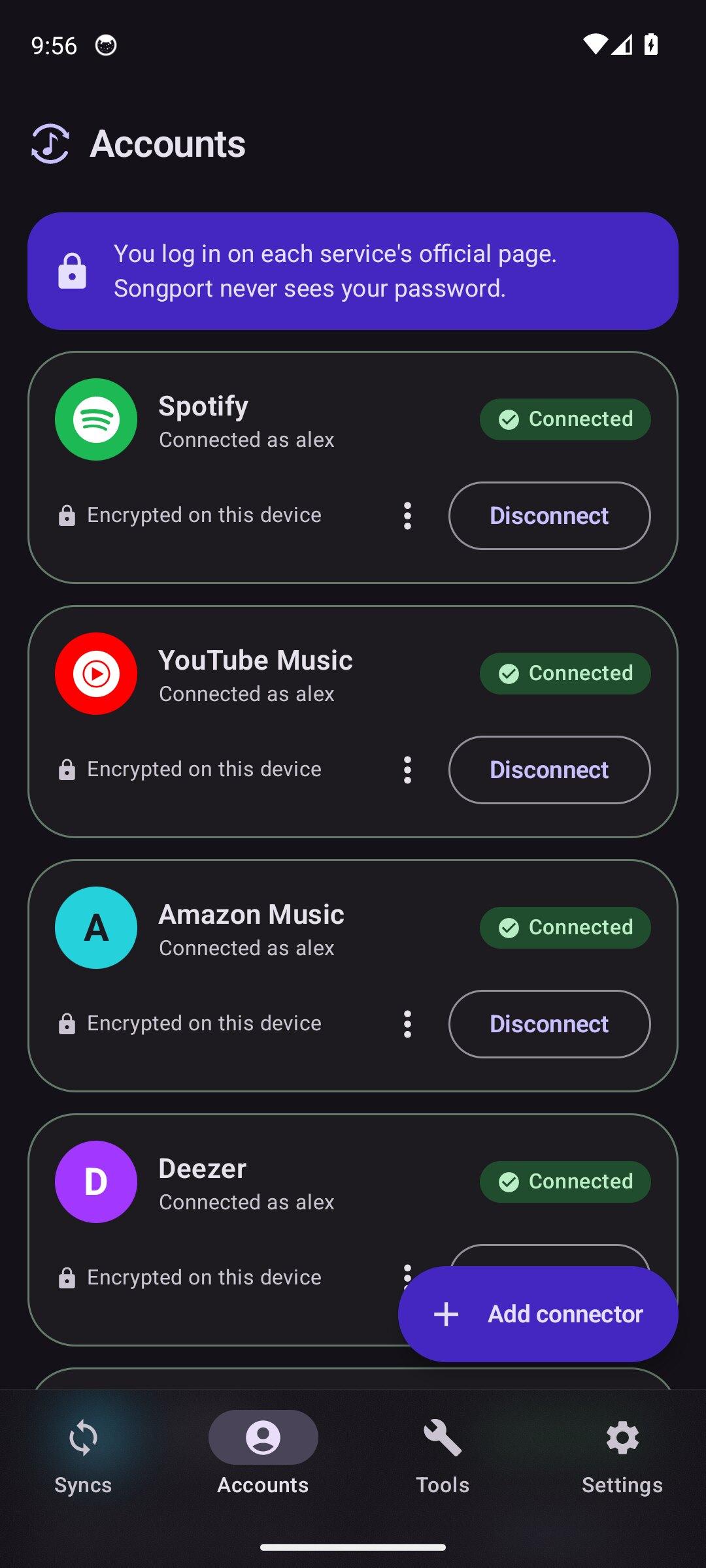
Works with Spotify, Apple Music, YouTube Music, TIDAL, Deezer, Subsonic/Navidrome, Jellyfin and Plex servers, Last.fm and ListenBrainz as sources, and files. Services that need a developer key are set up with an in-app guide; the key and every access token stay encrypted on the device. Deezer's sign-in comes back through a static page on xlollx.github.io, the https redirect Deezer requires; it only forwards to the app and stores nothing.

YouTube Music, Amazon Music and the Spotify and Apple Music sign-in without developer keys work through the services' own web players, built in. They are not official APIs: the app shows a notice before the first sign-in.

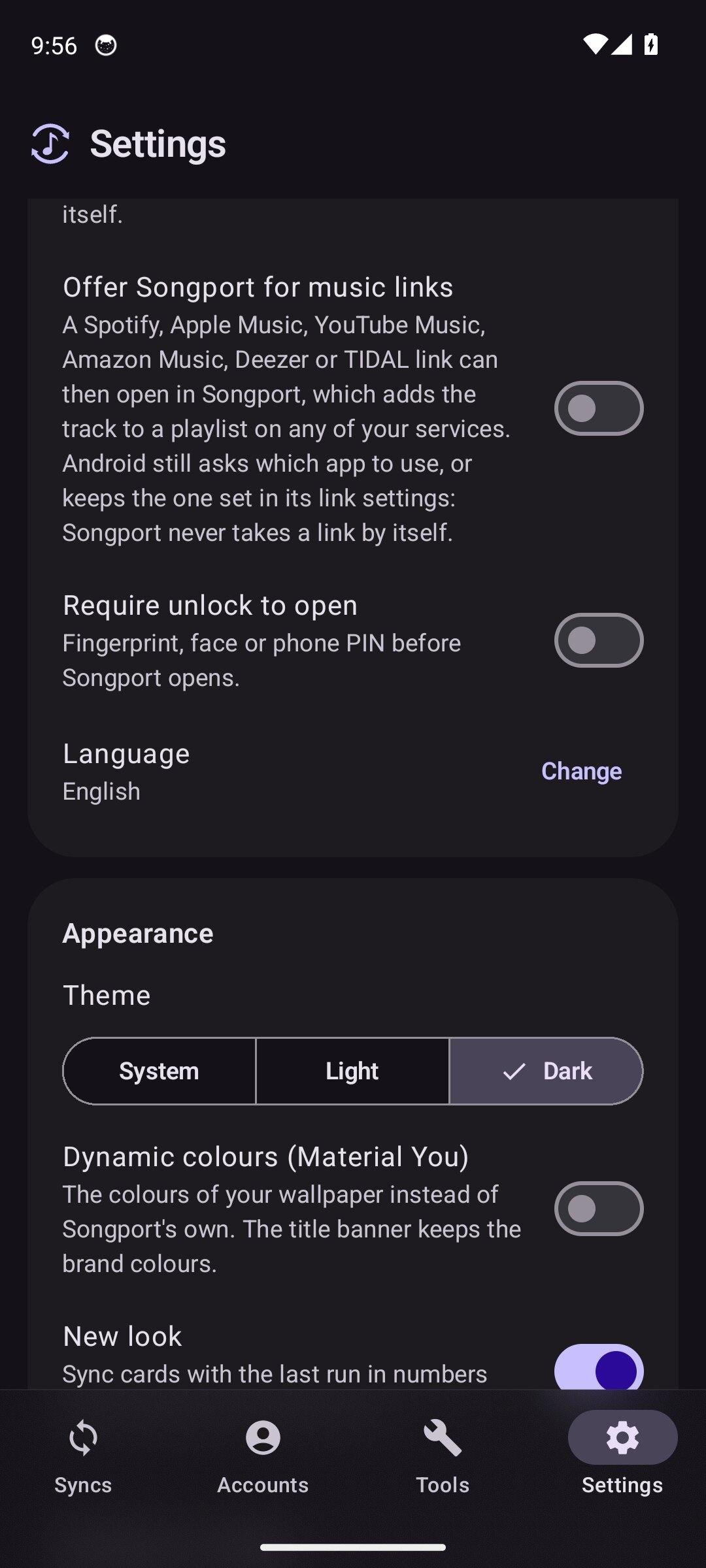
Other connections, all optional and without an account: Deezer's public catalogue to look up a recording's ISRC when a track has none (off in Settings), a static registry on GitHub for the Spotify web player's query hashes, song.link for the review's extra results, and the AI provider you configure yourself for the playlist generator (OpenAI, Anthropic, Google Gemini or a compatible server; only the text you type is sent).

Songport is not affiliated with any of these services; their names are used only to indicate compatibility.

Screenshots

Songport screenshot 1
Songport screenshot 2
Songport screenshot 3
Songport screenshot 4
Songport screenshot 5
Songport screenshot 6
Songport screenshot 7
Songport screenshot 8
Songport screenshot 9
Songport screenshot 10

What’s new

New sync with no service connected now shows which services to connect and starts the sign-in, then offers your first sync. With one service, File is offered as the target, so a first sync always works.
How to install

  1. Download the APK from the button at the top of this page.
  2. Allow “Install unknown apps” for your browser or file manager only, not for every app.
  3. Open the downloaded file and confirm the installation.
  4. If installation fails with “App not installed,” remove an earlier build of the same app first. A signature conflict is the usual cause.

Data safety

  • Every file is checked against its published SHA-256 before it is listed.
  • Files are scanned for malware on every update.
  • The permissions each app requests are listed on its own page.
  • Read the full safety policy for how we test, flag, and delist files.

Frequently asked questions

What is Songport?
Sync playlists across music services, on your phone, with no ads or account
Who develops Songport?
Songport is developed by xlollx.
Which Android version does Songport require?
Songport requires Android API 26 or later.
What is the current version of Songport?
The synchronized F-Droid version is 1.1.1.
Which license does Songport use?
The signed F-Droid metadata lists GPL-3.0-only.
Where is the source code for Songport?
https://github.com/xlollx/Songport

Comments

Recent approved comments · sorted by newest

Verification code
Be specific and keep it about the app. No links. Comments are reviewed before publication. Device and Android details are recorded automatically. Privacy policy.

Loading recent comments...

View all comments