ComfyChair icon

ComfyChair

Legal HKr
Multimedia Multimedia
Version
v0.8.12
Size
60.1 MB
Requires
Android API 33+
4.2 / 5 · 8,523 ratings 56,464 downloads

Updated Oct 31, 2026

Quick answer

Native Android client for ComfyUI - generate AI images and videos on mobile

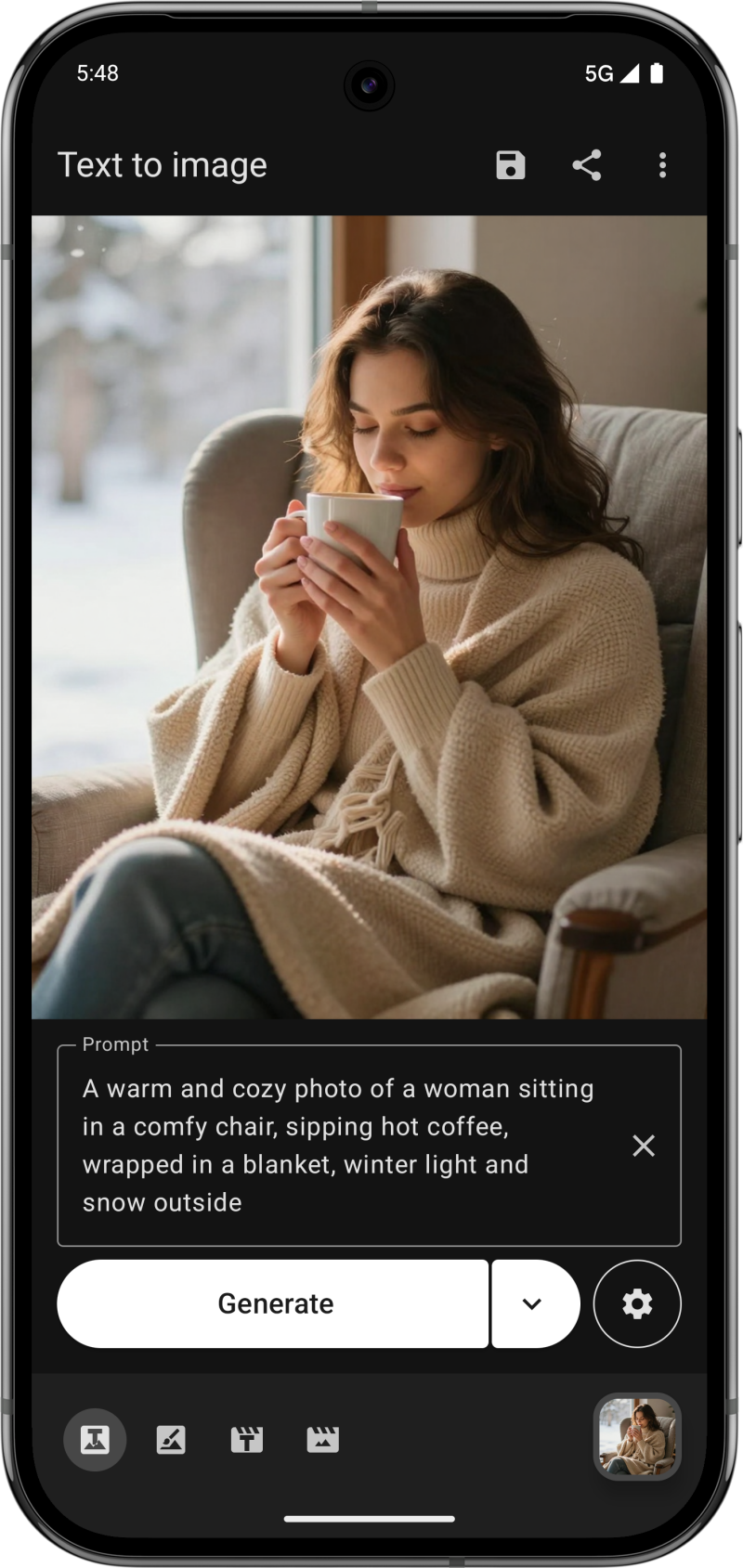
ComfyChair brings the power of ComfyUI to your Android device with a native, Material Design 3 interface. Connect to your ComfyUI server and generate AI images and videos right from your phone.

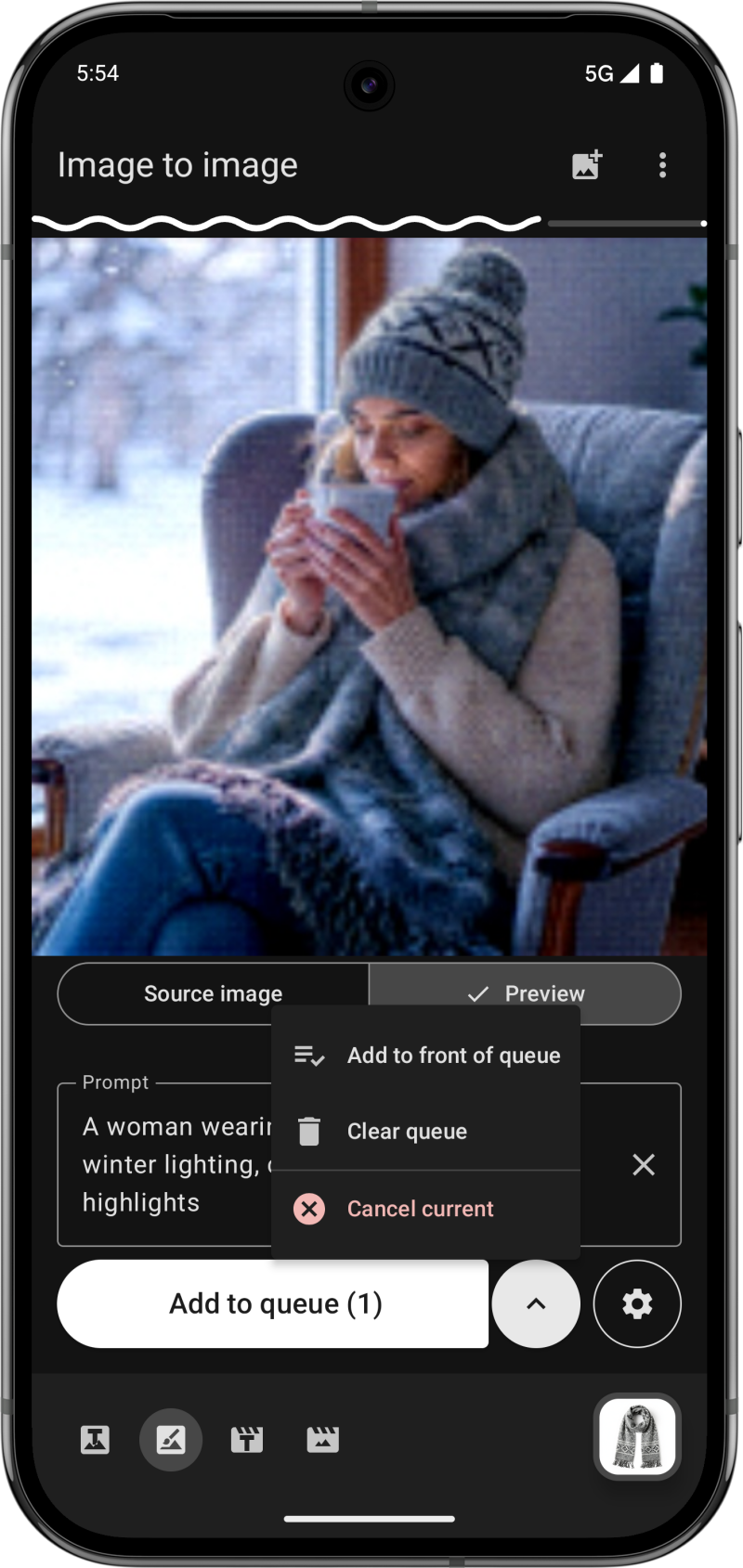
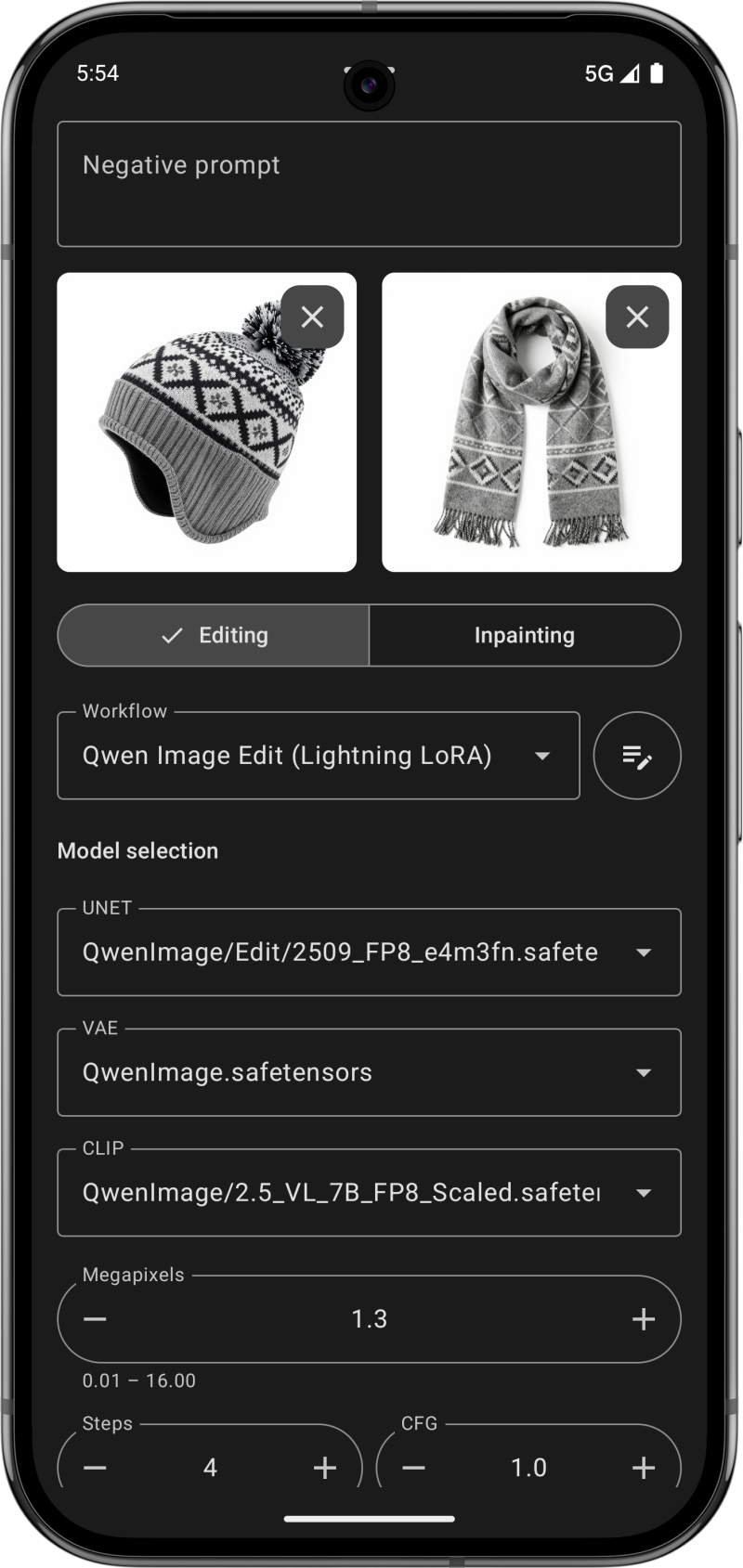
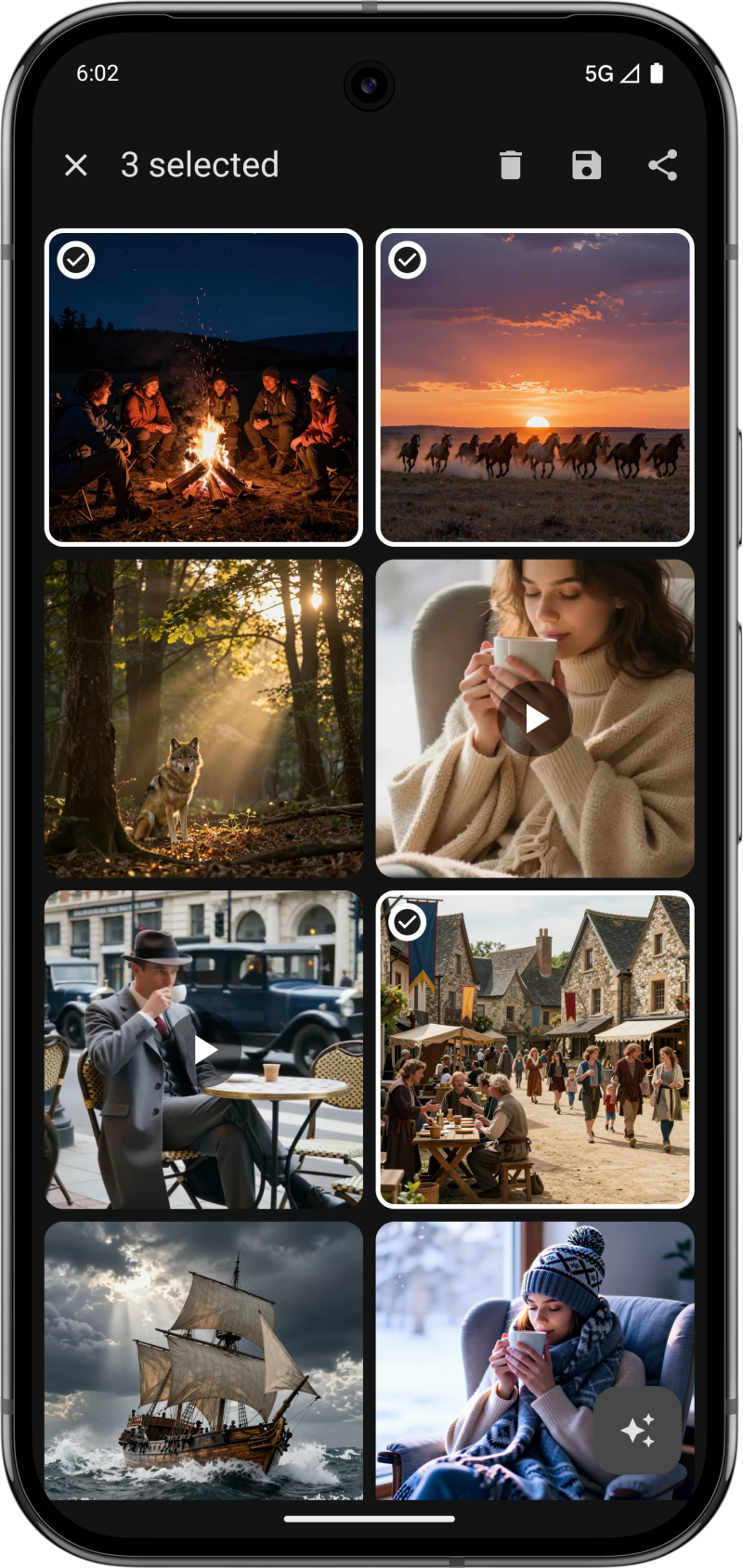
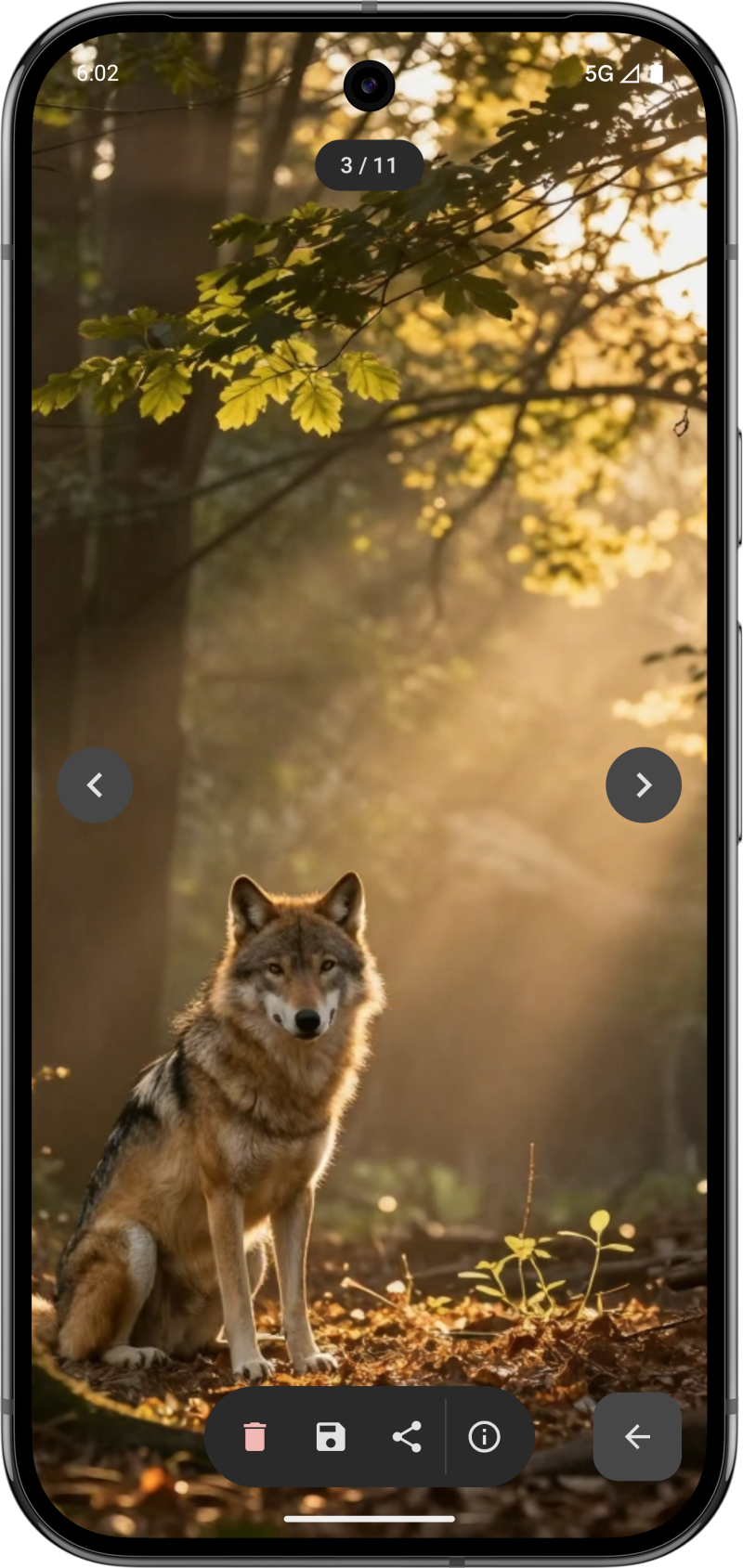
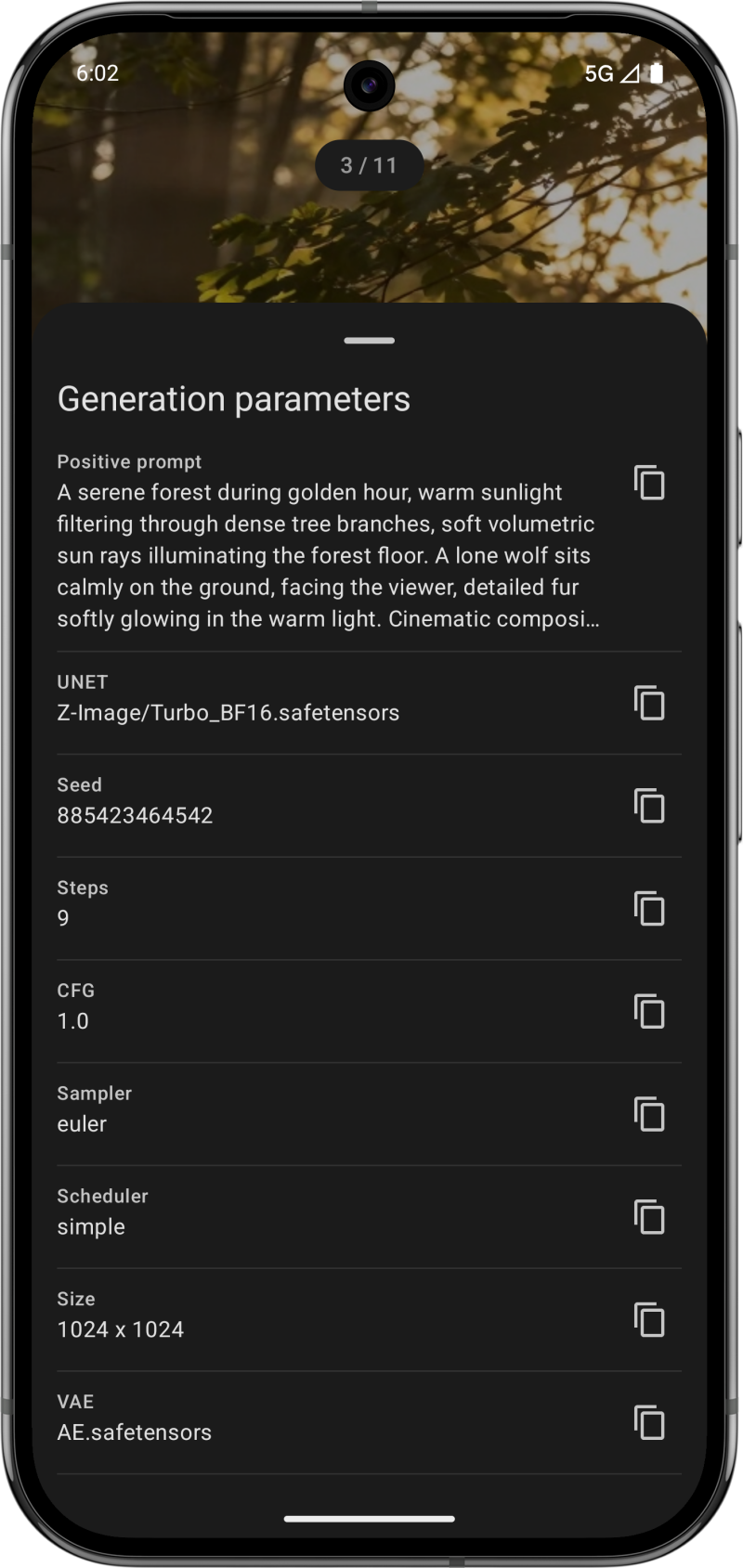
What you can do: - Generate images from text prompts with live progress updates - Transform existing images or use inpainting with a built-in mask editor - Create AI videos from text or animate still images - Manage your generation queue, cancel jobs, or prioritize requests - Browse and organize all your creations in a unified gallery - Work offline with cached data when your server is unavailable

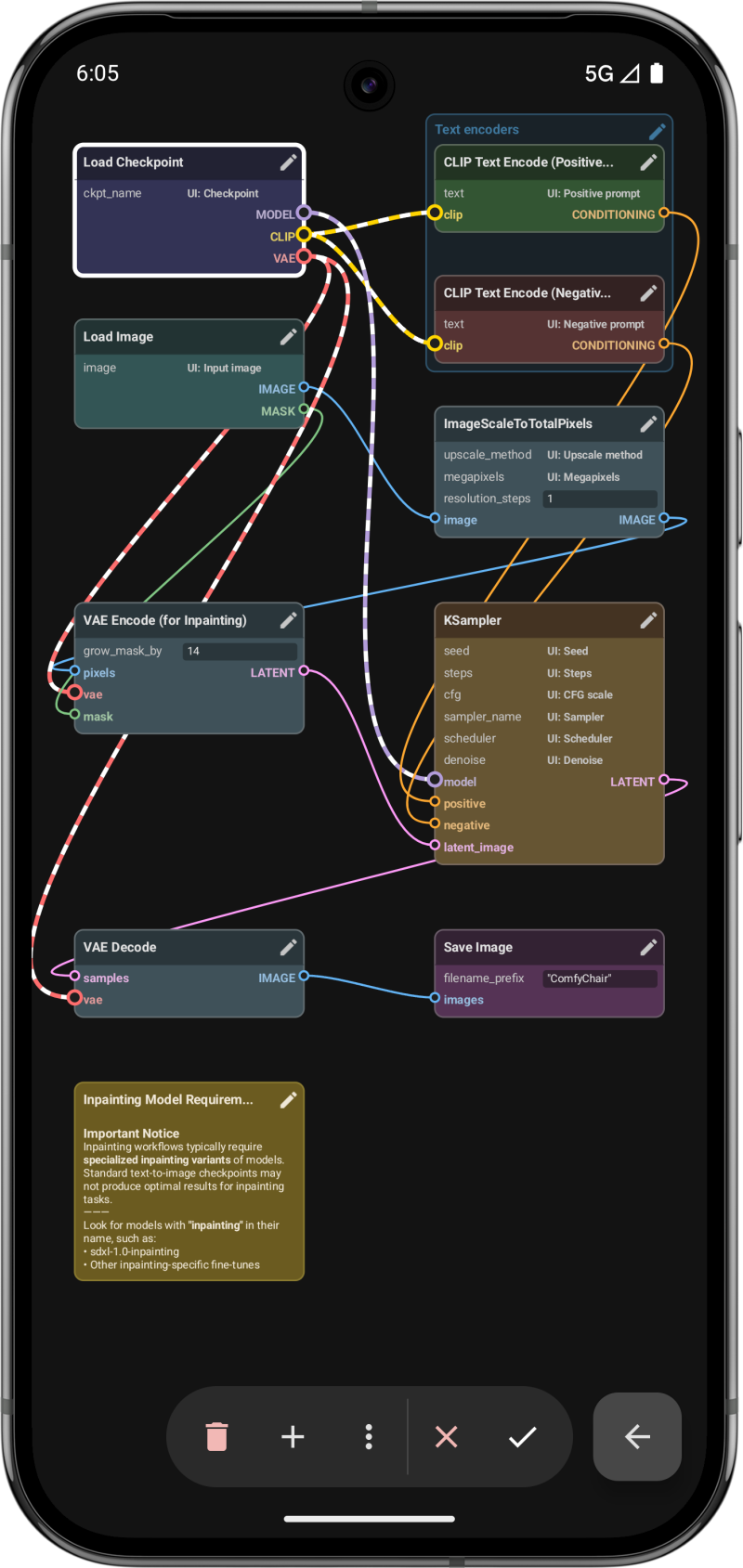
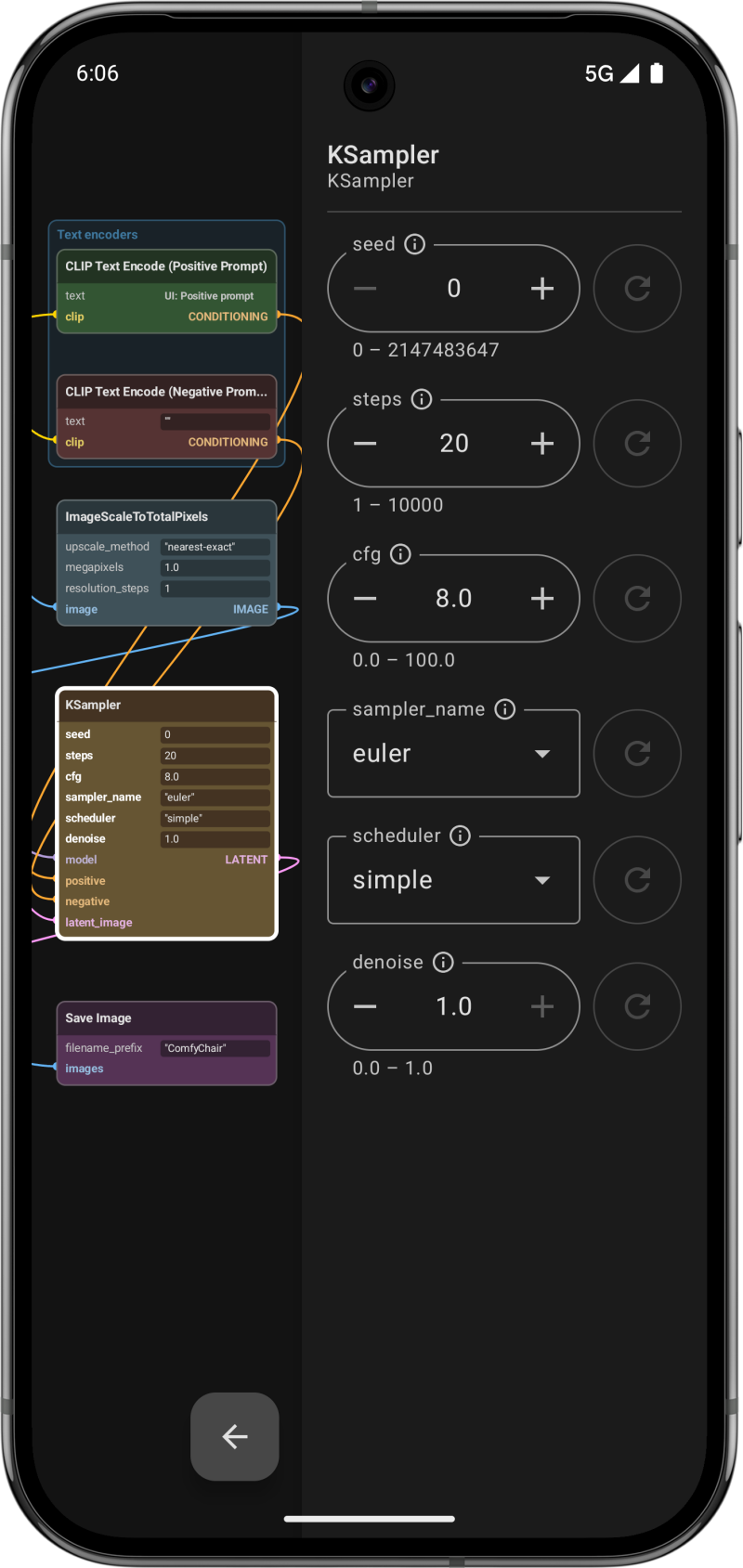
Flexible workflow support: - Works with both traditional Checkpoint and modern UNET workflows (Flux, Z-Image, and more) - Stack up to 5 LoRAs with individual strength controls - Create new workflows from scratch or import existing ones from ComfyUI - Full node graph visualization and editing with a searchable node browser - Organize nodes into groups and add notes with Markdown support

Built for mobile: - Smooth, responsive interface built with Jetpack Compose - Manage multiple servers with per-server settings - HTTP Basic Auth and API key authentication for secured servers - Pinch-to-zoom media viewer with swipe navigation - Batch operations for saving, sharing, or deleting multiple items - Backup and restore your configuration across devices - Available in English, German, French, Polish, Spanish, and Chinese

Requirements: - A running ComfyUI server (local or remote) - Android 13 or higher

ComfyChair is free, open source (GPL-3.0), and not affiliated with the official ComfyUI project.

Screenshots

ComfyChair screenshot 1
ComfyChair screenshot 2
ComfyChair screenshot 3
ComfyChair screenshot 4
ComfyChair screenshot 5
ComfyChair screenshot 6
ComfyChair screenshot 7
ComfyChair screenshot 8

What’s new

v0.8.12

New features:
- Browser-based SSO authentication (#21)
- Hierarchical folder tree in model and LoRA dropdowns (#23)
- Opt-in: expandable prompt field while typing - fills available space above keyboard (#24)
- Opt-in: Spell check with highlight for the positive prompt field (#24)
- Monochrome app icon for Android themed icons (#26)
- Quick switch back to online mode from the connection screen (#27)

Improvements:
- Samplers and schedulers loaded dynamically from server (#22)

How to install

  1. Download the APK from the button at the top of this page.
  2. Allow “Install unknown apps” for your browser or file manager only, not for every app.
  3. Open the downloaded file and confirm the installation.
  4. If installation fails with “App not installed,” remove an earlier build of the same app first. A signature conflict is the usual cause.

Data safety

  • Every file is checked against its published SHA-256 before it is listed.
  • Files are scanned for malware on every update.
  • The permissions each app requests are listed on its own page.
  • Read the full safety policy for how we test, flag, and delist files.

Frequently asked questions

What is ComfyChair?
Native Android client for ComfyUI - generate AI images and videos on mobile
Who develops ComfyChair?
ComfyChair is developed by Legal HKr.
Which Android version does ComfyChair require?
ComfyChair requires Android API 33 or later.
What is the current version of ComfyChair?
The synchronized F-Droid version is v0.8.12.
Which license does ComfyChair use?
The signed F-Droid metadata lists GPL-3.0-only.
Where is the source code for ComfyChair?
https://github.com/legal-hkr/comfychair

Comments

Recent approved comments · sorted by newest

Verification code
Be specific and keep it about the app. No links. Comments are reviewed before publication. Device and Android details are recorded automatically. Privacy policy.

Loading recent comments...

View all comments