Edit photos on your device with film-inspired looks
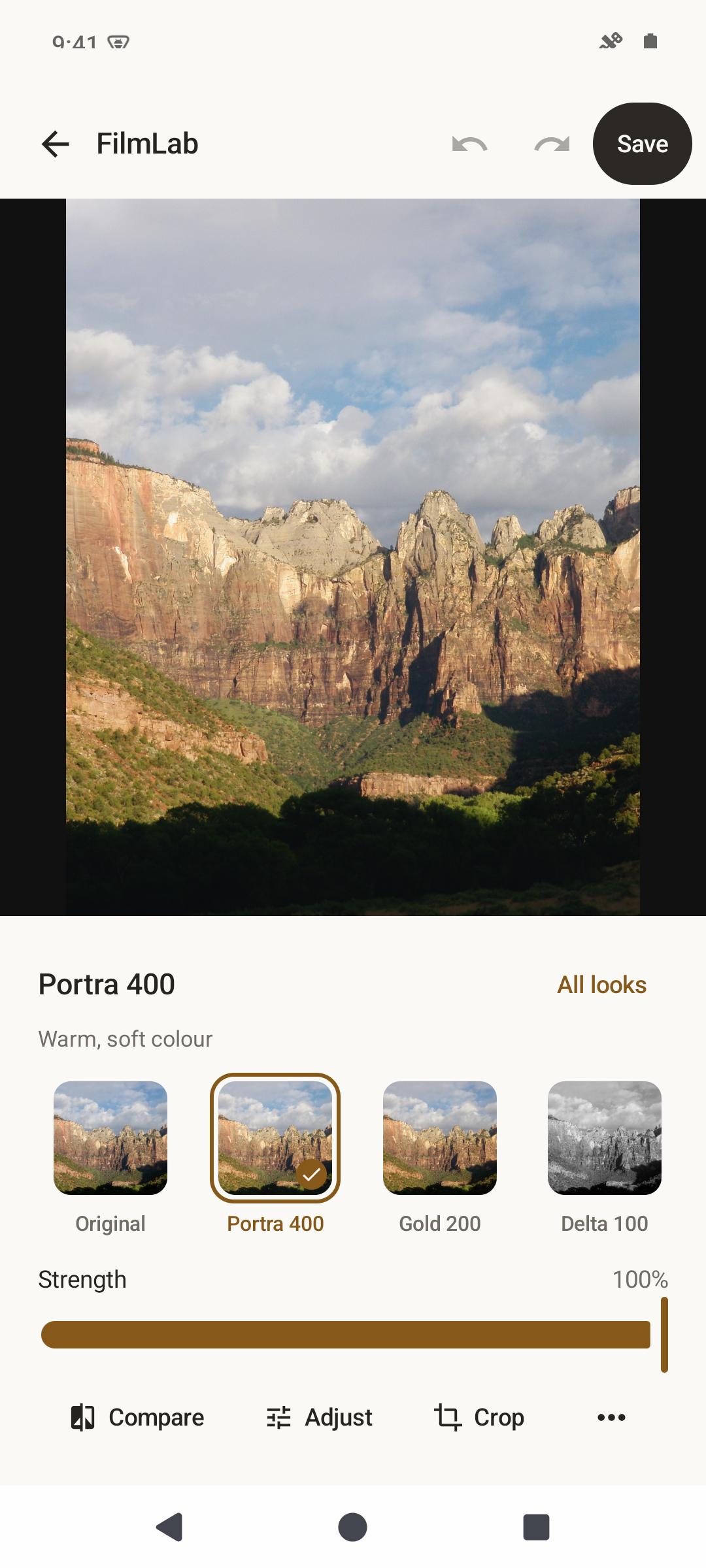
FilmLab is a focused photo editor with ten film-inspired looks. Choose a photo, preview the looks on your own image, adjust the strength, and save a JPEG copy. Processing happens on your device, and your original photograph is never changed. No account is required.
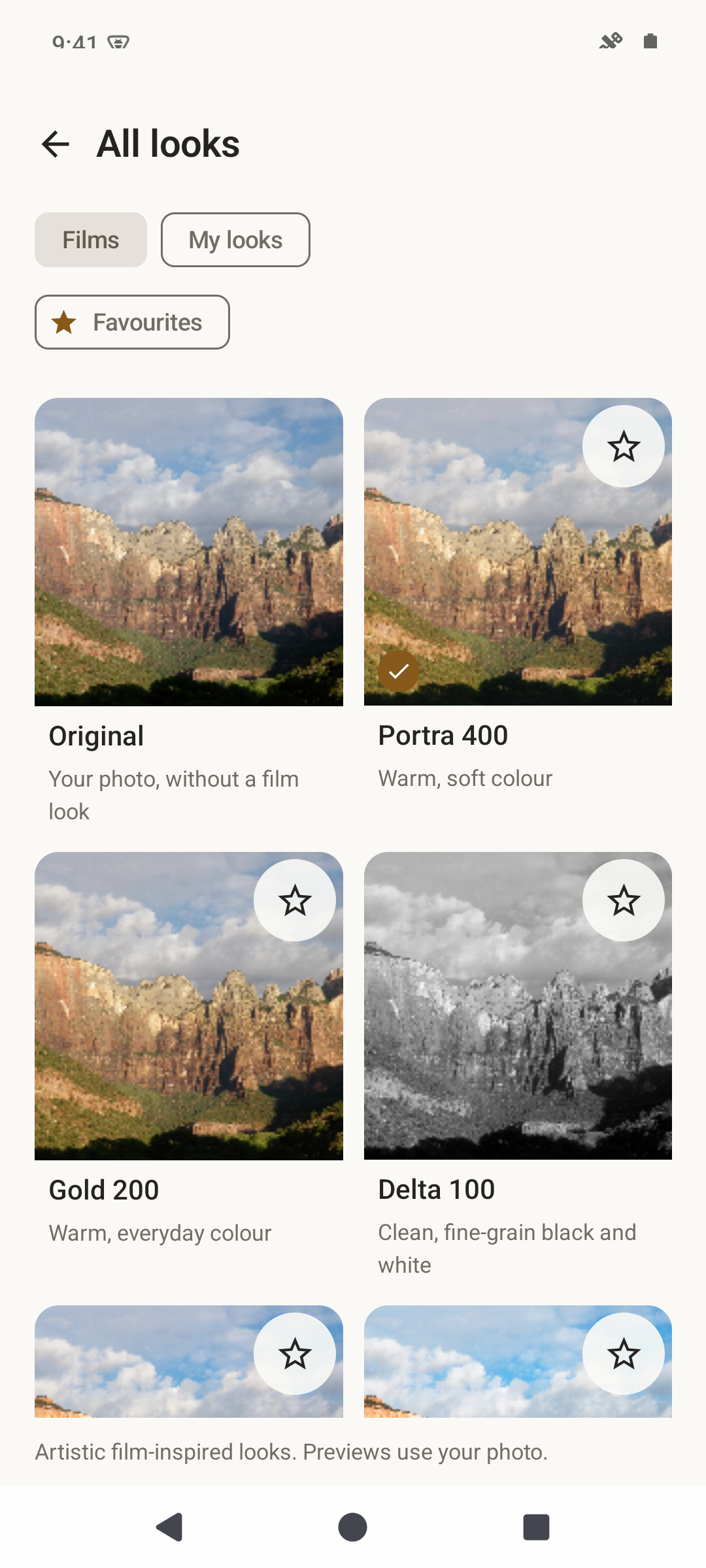
Choose colour or black-and-white looks inspired by classic films.
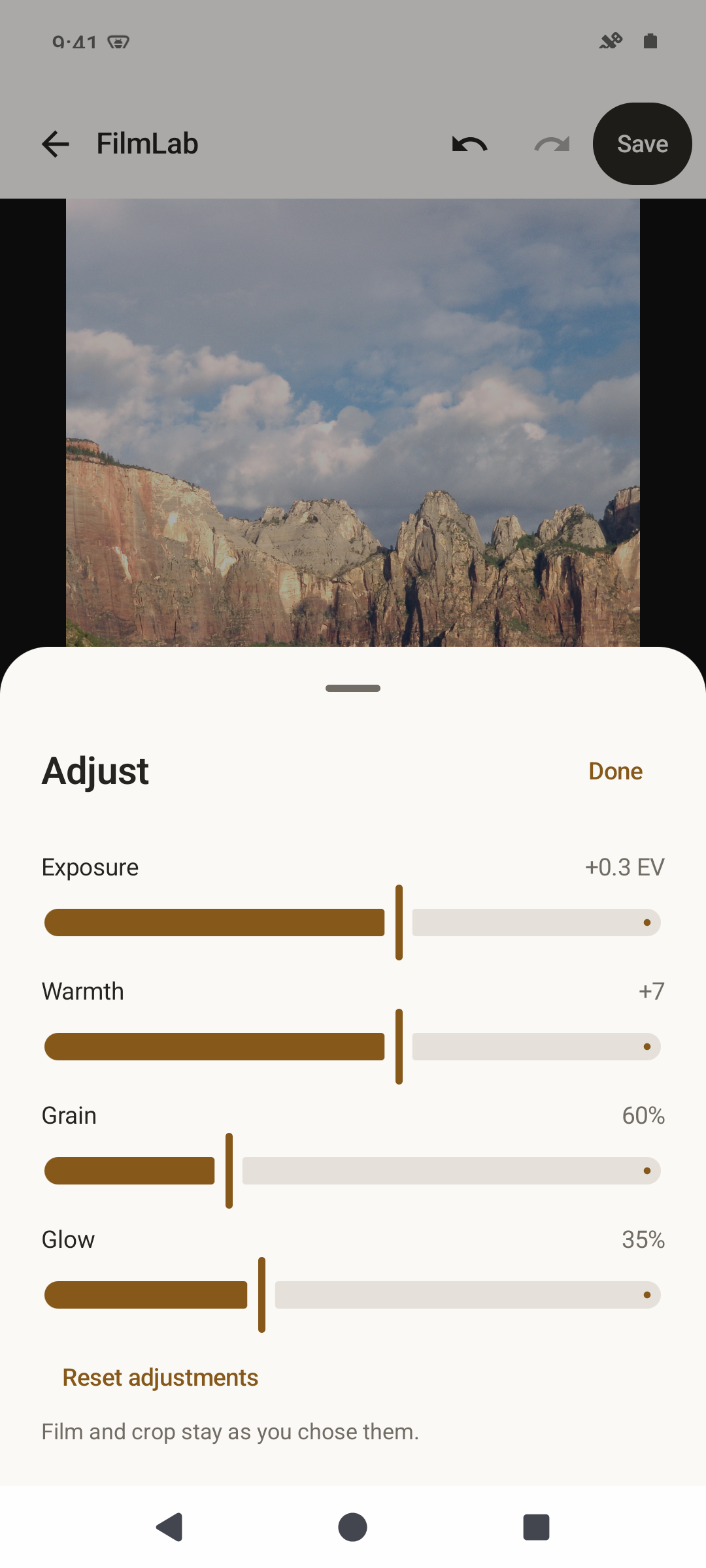
Adjust exposure, warmth and grain, with highlight glow for the CineStill look.
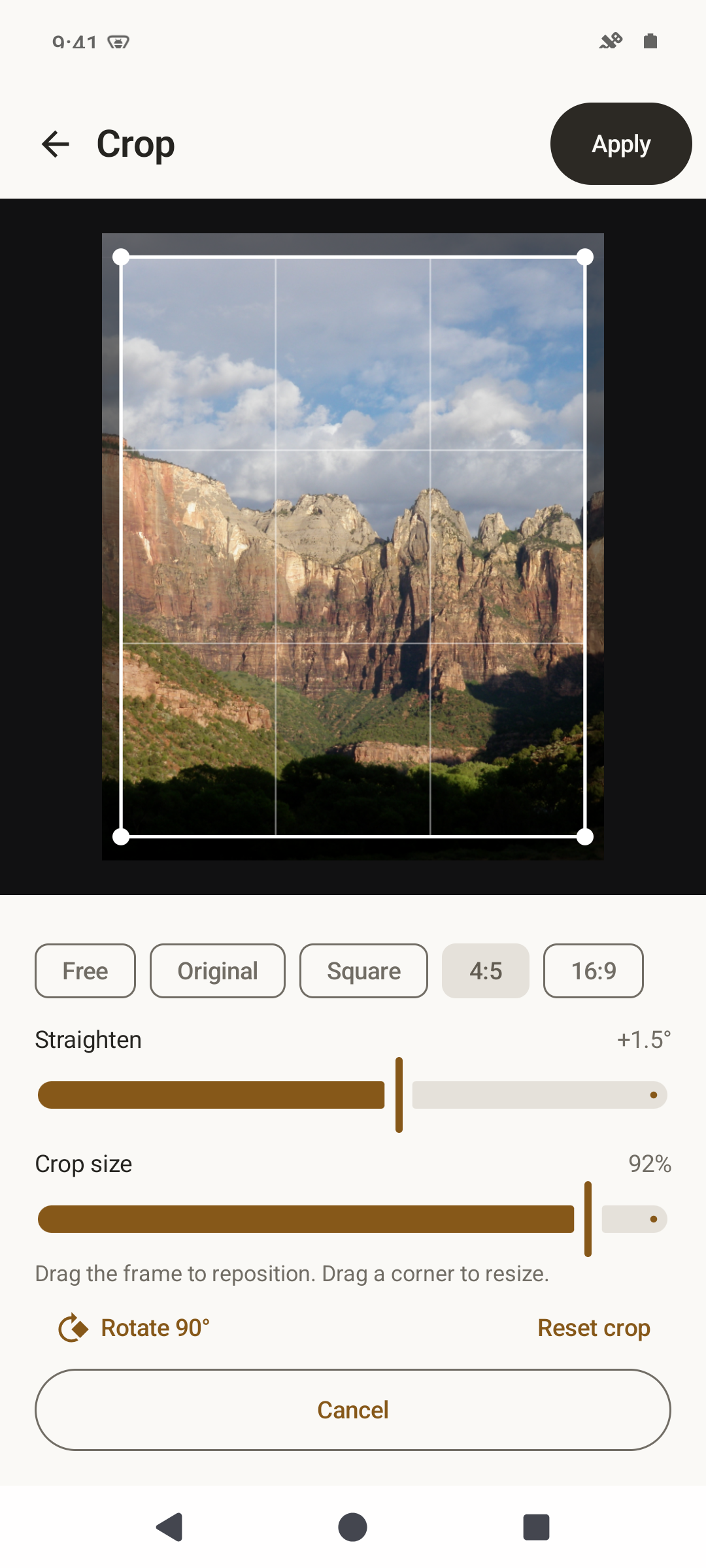
Crop, straighten and rotate; compare with the original and undo or redo edits.
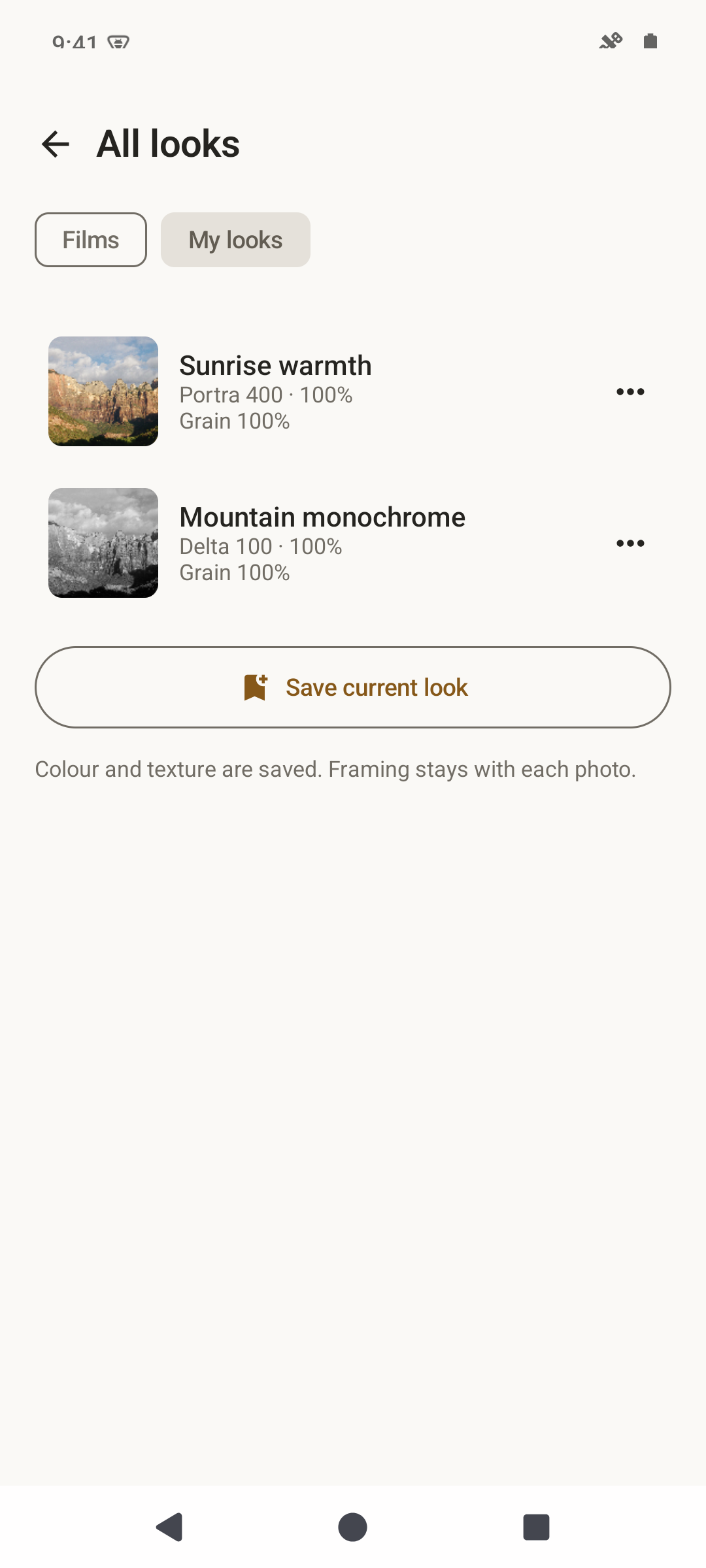
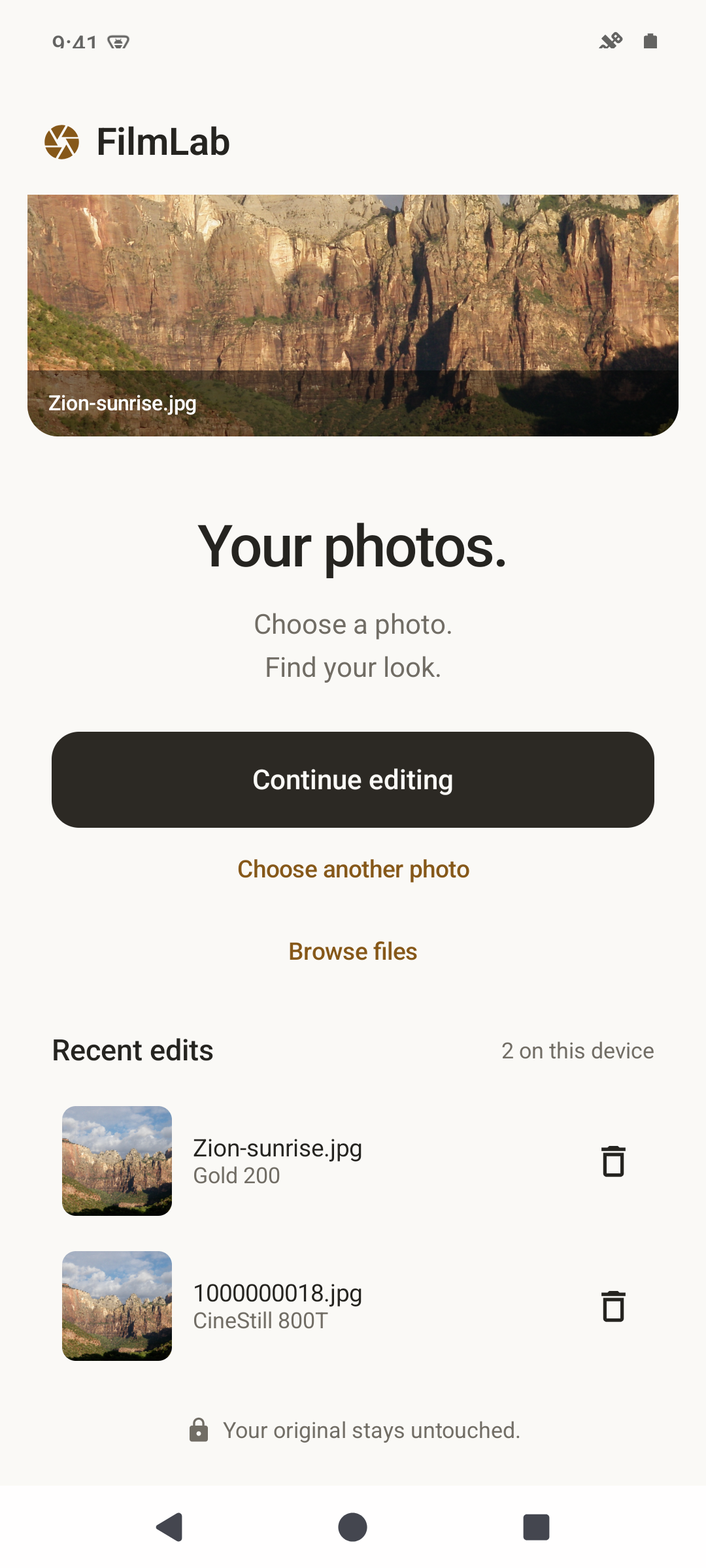
Save favourite looks and named recipes, or continue a recent edit.
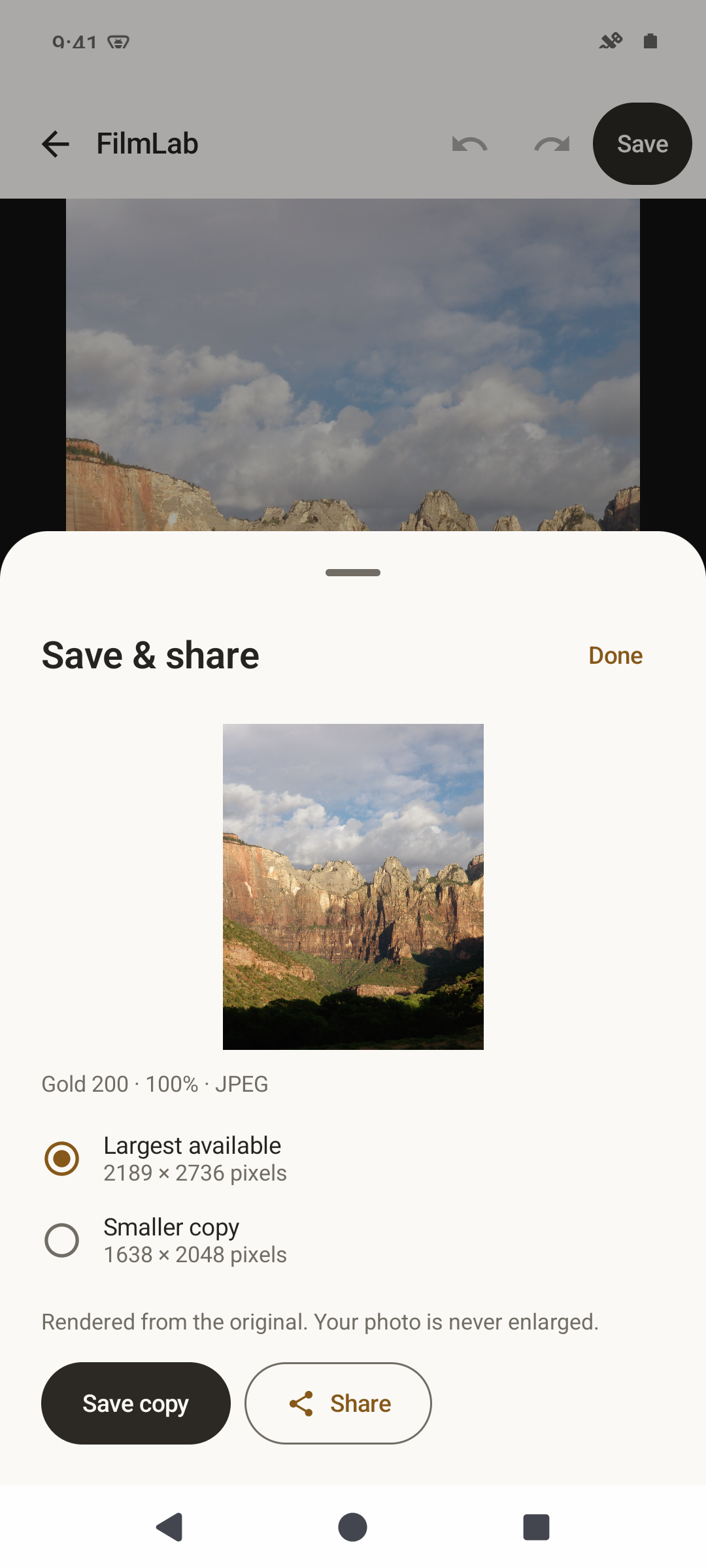
Save to your gallery or share through Android's sharing sheet.
Edits, privately retained source files, favourites and recipes stay in app storage. Recent edits are limited to 20 photos and 512 MB of retained assets. Removing an edit does not remove your original or exported gallery copies.
The editor adapts to phones, wide screens and foldable devices. It follows your device's light or dark appearance and supports larger text.
Editing previews are limited to 2,048 pixels on the long edge. Largest available exports render from the retained source, up to 32 million pixels and the device's rendering budget. Crop and straightening reduce the output dimensions. Smaller copy exports use the editing preview; images are never enlarged.
RAW files use a genuine embedded JPEG preview or Android's supported decoder. FilmLab does not develop RAW sensor samples or provide high-bit-depth RAW export. Unsupported files fail to open. Photo info explains which decoding path was used.
Film looks are artistic simulations, not measured equivalents of physical film or laboratory scans. JPEG edits cannot recover detail already lost to clipping.
Screenshots
What’s new
Enabled release code optimization and resource shrinking to reduce APK size. Fixed portrait export previews overlapping the save controls. Added screenshots of editing, film looks, adjustments, crop, saved looks, recent edits, and export.
How to install
Download the APK from the button at the top of this page.
Allow “Install unknown apps” for your browser or file manager only, not for every app.
Open the downloaded file and confirm the installation.
If installation fails with “App not installed,” remove an earlier build of the same app first. A signature conflict is the usual cause.
Data safety
Every file is checked against its published SHA-256 before it is listed.
Files are scanned for malware on every update.
The permissions each app requests are listed on its own page.
Read the full safety policy for how we test, flag, and delist files.
Frequently asked questions
What is FilmLab?
Edit photos on your device with film-inspired looks