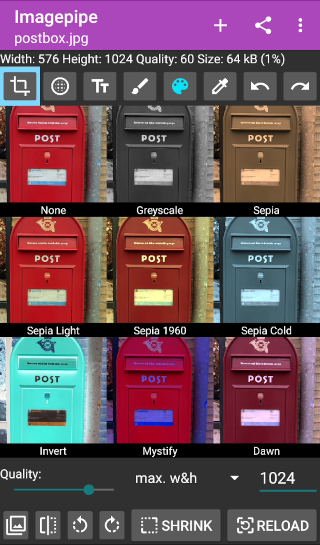
removes exif data and modifies images to reduce size before sharing.
This app reduces image size by changing the resolution and quality of the image. It also removes exif data before sending the image. The modified image is saved in a separate folder in jpeg format. The original image remains unchanged.
Imagepipe will receive a send intent for images, modify the image and send the changed image onward. Therefore, it takes you only one touch to pipe the image before sending!
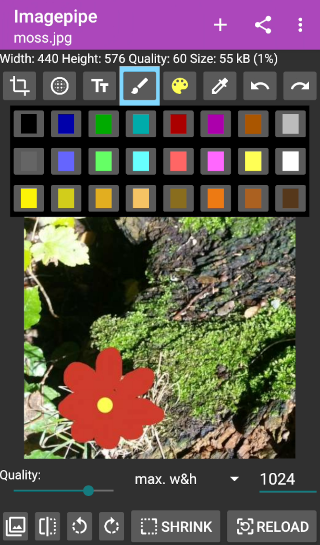
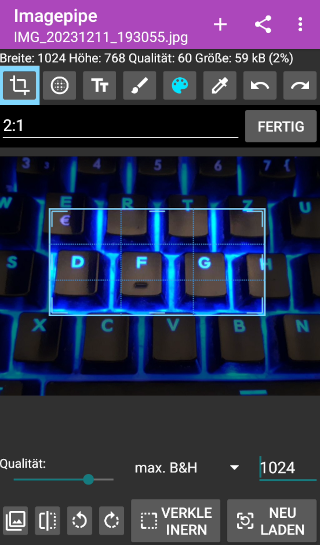
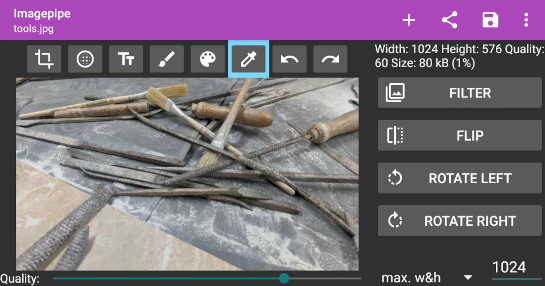
The image can also be edited with Imagepipe.
Screenshots
What’s new
- improved translations (new language: Galician)
How to install
Download the APK from the button at the top of this page.
Allow “Install unknown apps” for your browser or file manager only, not for every app.
Open the downloaded file and confirm the installation.
If installation fails with “App not installed,” remove an earlier build of the same app first. A signature conflict is the usual cause.
Data safety
Every file is checked against its published SHA-256 before it is listed.
Files are scanned for malware on every update.
The permissions each app requests are listed on its own page.
Read the full safety policy for how we test, flag, and delist files.
Frequently asked questions
What is Imagepipe?
removes exif data and modifies images to reduce size before sharing.
Who develops Imagepipe?
Imagepipe is developed by Pawel Dube.
Which Android version does Imagepipe require?
Imagepipe requires Android API 14 or later.
What is the current version of Imagepipe?
The synchronized F-Droid version is 0.78.
Which license does Imagepipe use?
The signed F-Droid metadata lists GPL-3.0-or-later.