VES - Image and Photo Compare icon

VES - Image and Photo Compare

Vincent Engel
Multimedia Multimedia
Version
2.3.6
Size
1.8 MB
Requires
Android API 28+
4.7 / 5 · 355 ratings 10,000 downloads

Updated Oct 30, 2026

Quick answer

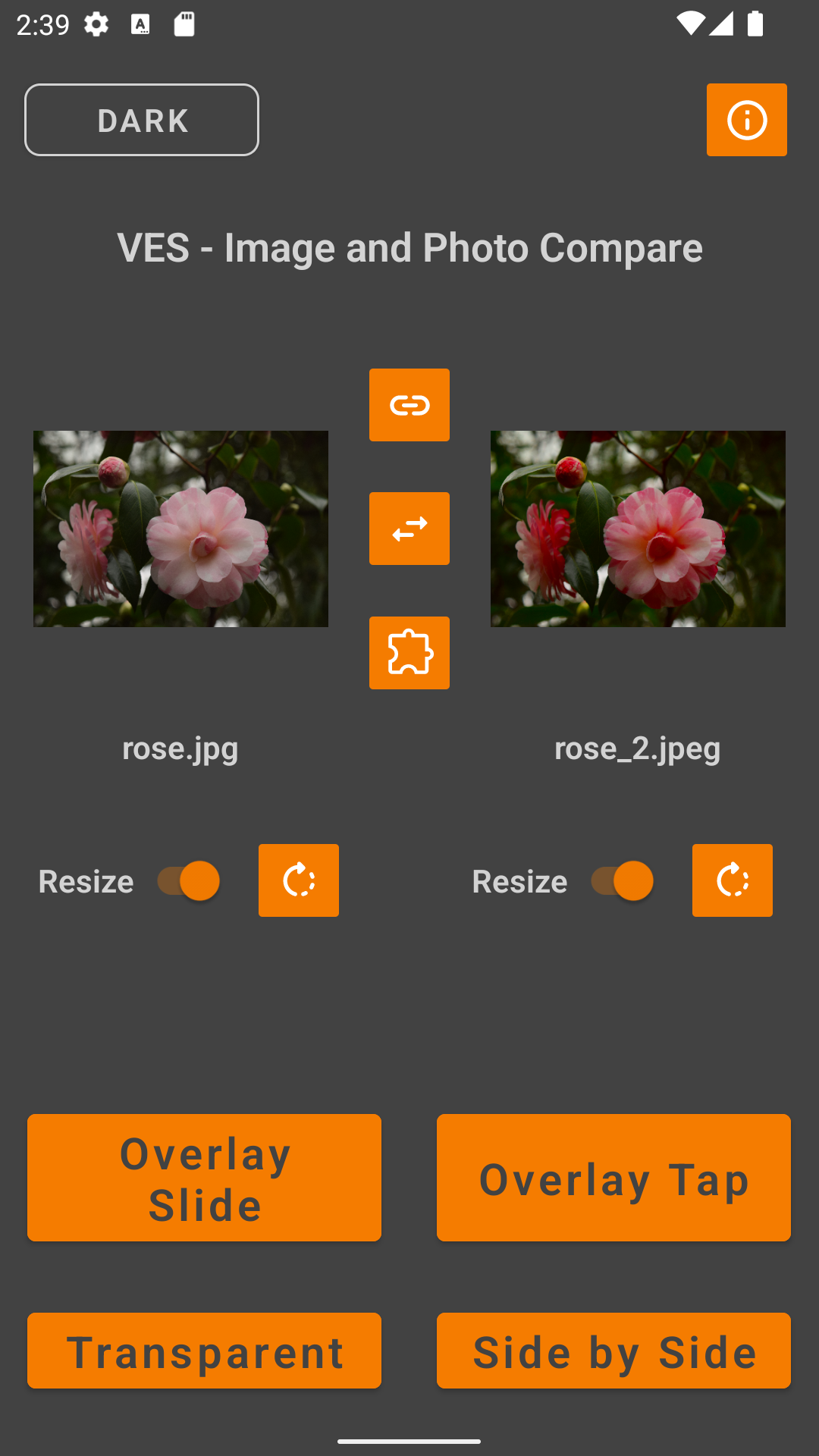
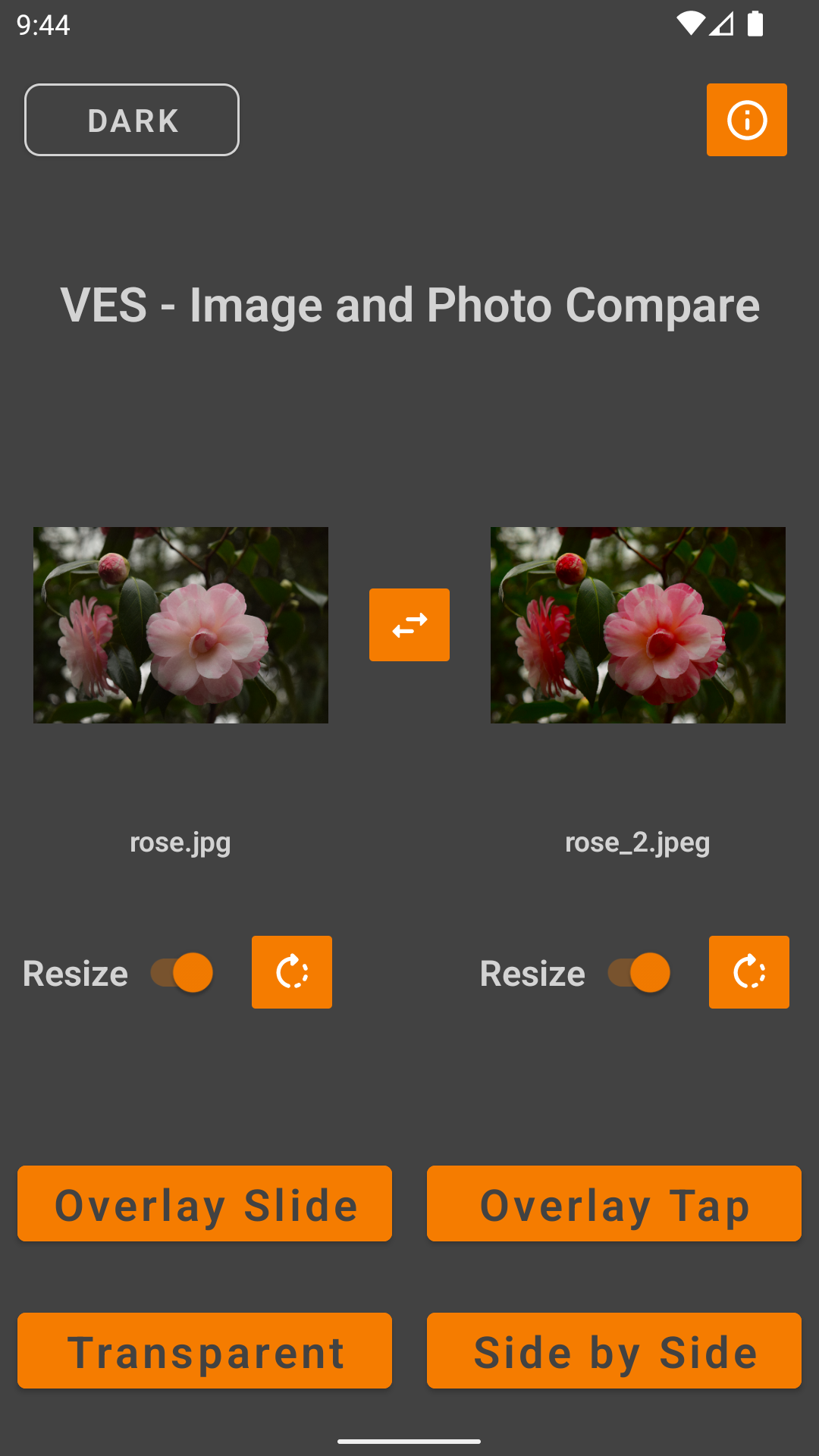
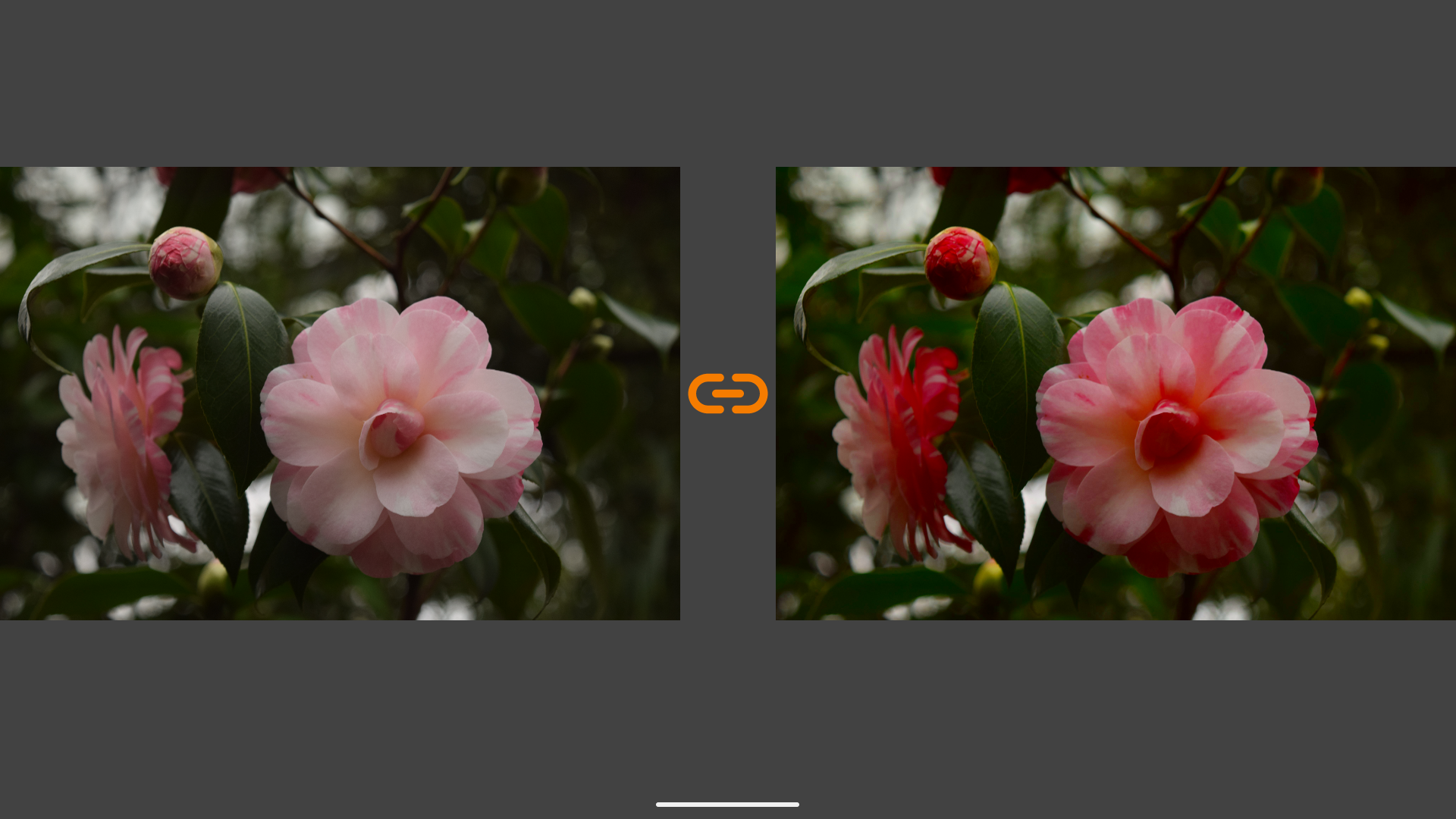
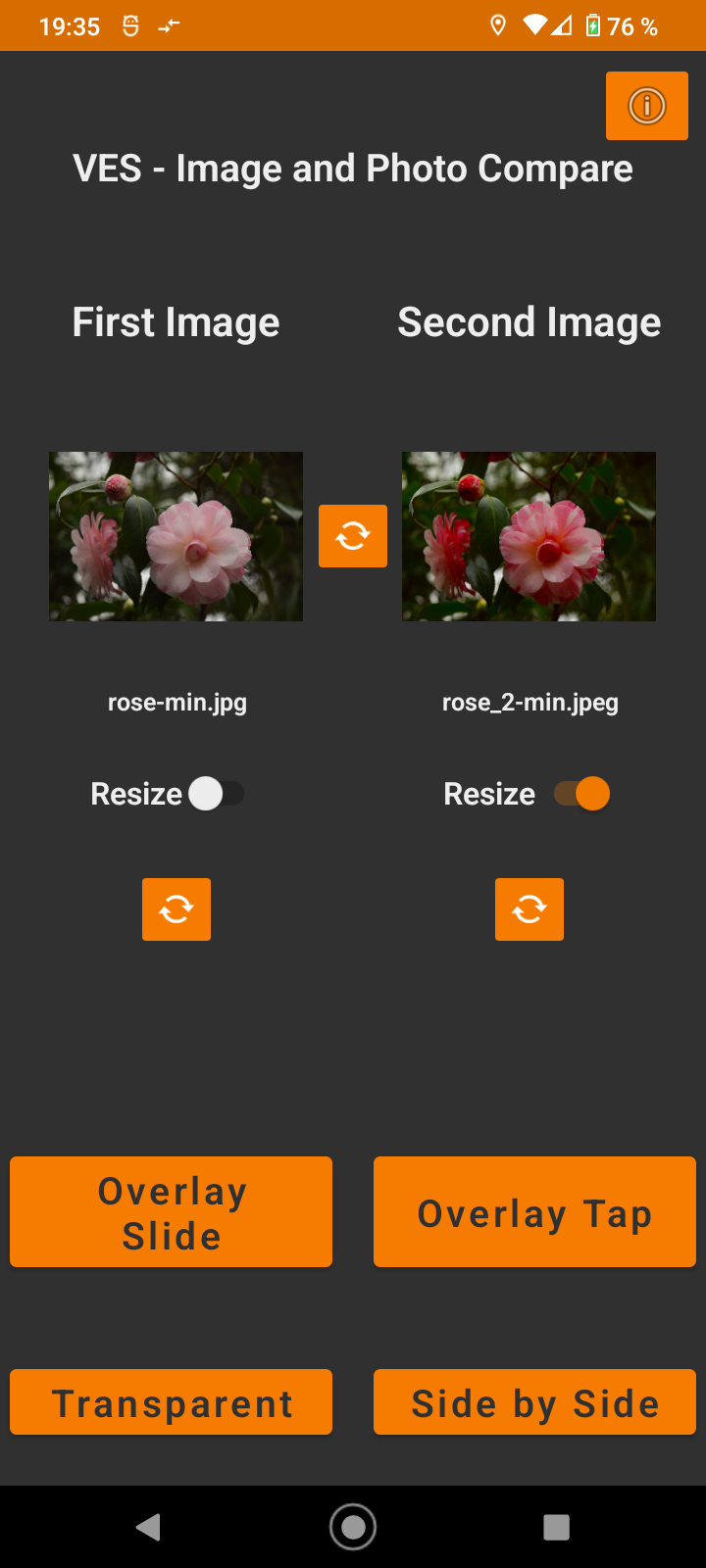
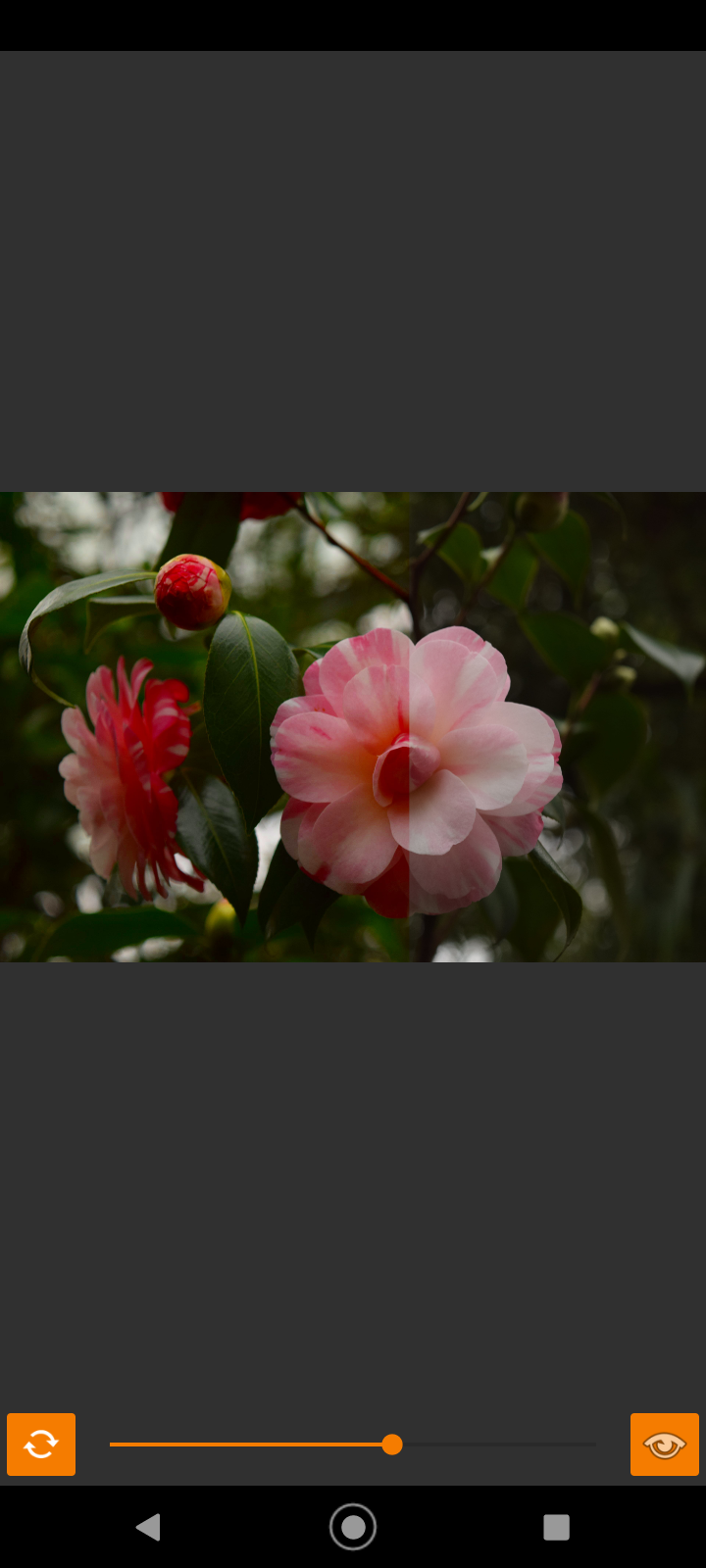
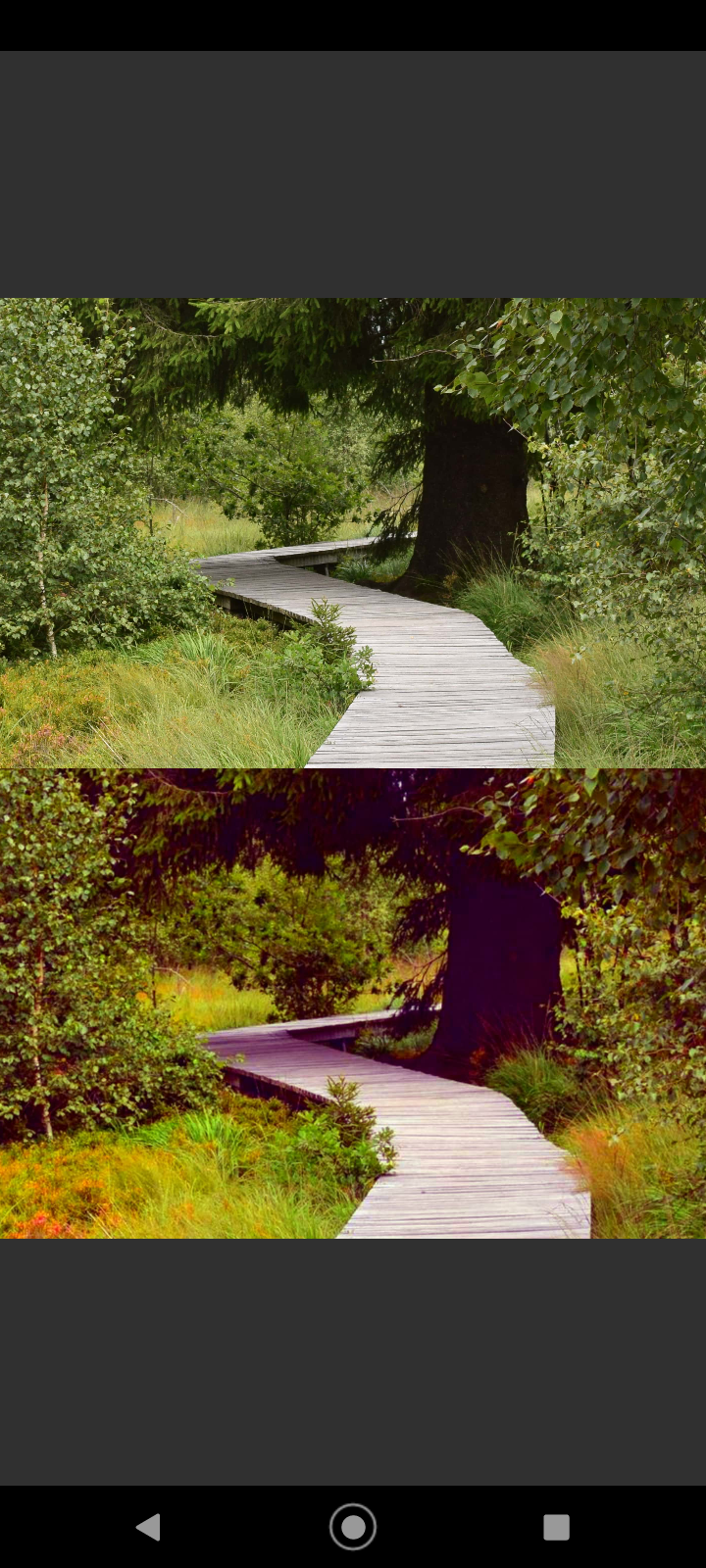
Compare photos by side-by-side, overlay, slider, transparent, differences, zoom

Stop squinting at your gallery. Find the perfect shot with professional-grade comparison tools.

Struggling to decide between two nearly identical selfies? Need to track your fitness progress or home renovation? VES Image Compare is the cleanest, fastest way to spot the subtlest differences between two images, right on your device.

We don't track you or clutter your screen with ads. It’s a lightweight tool designed for photographers, designers, and anyone who loves perfection.

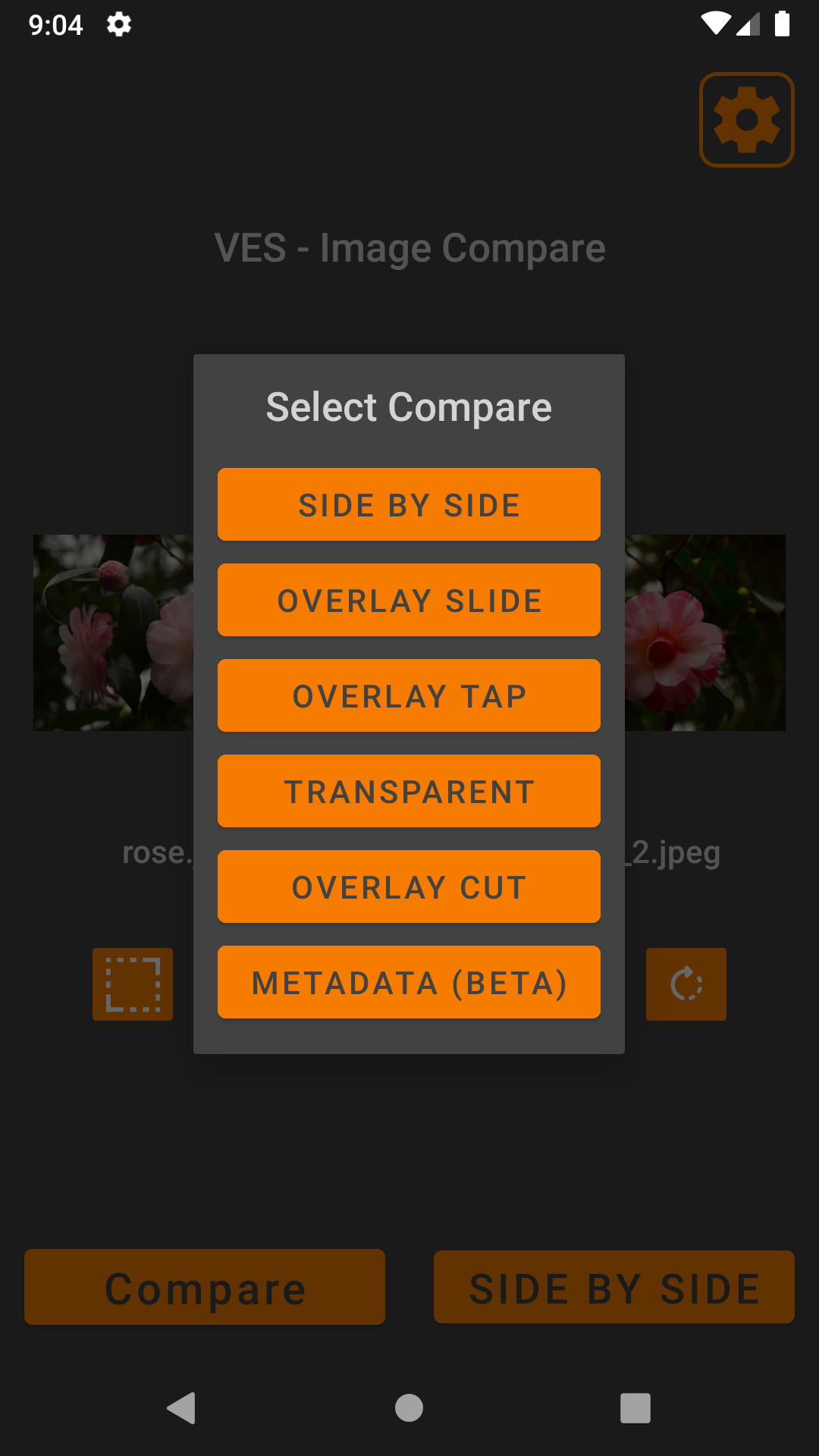
Powerful Comparison Modes

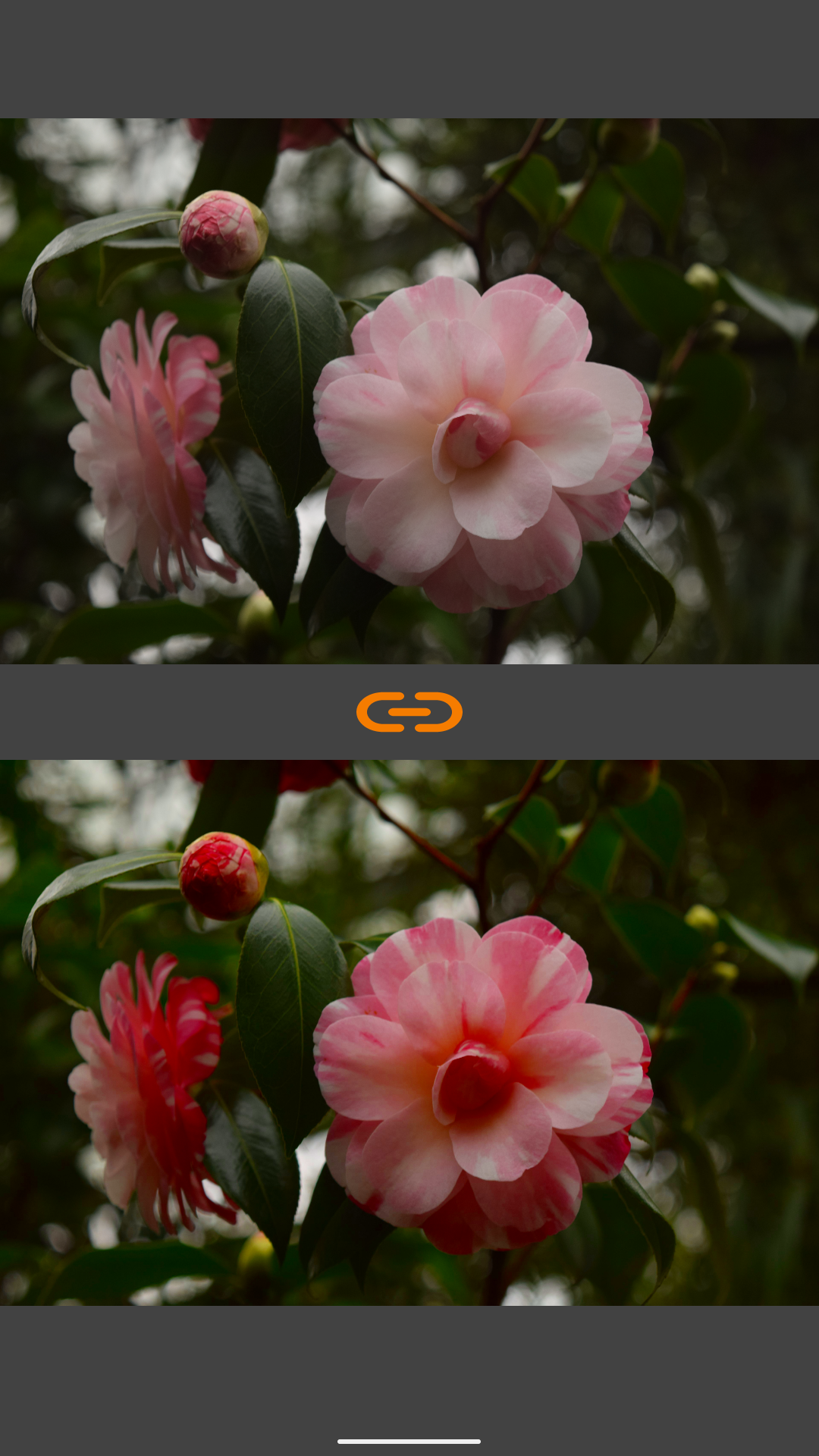
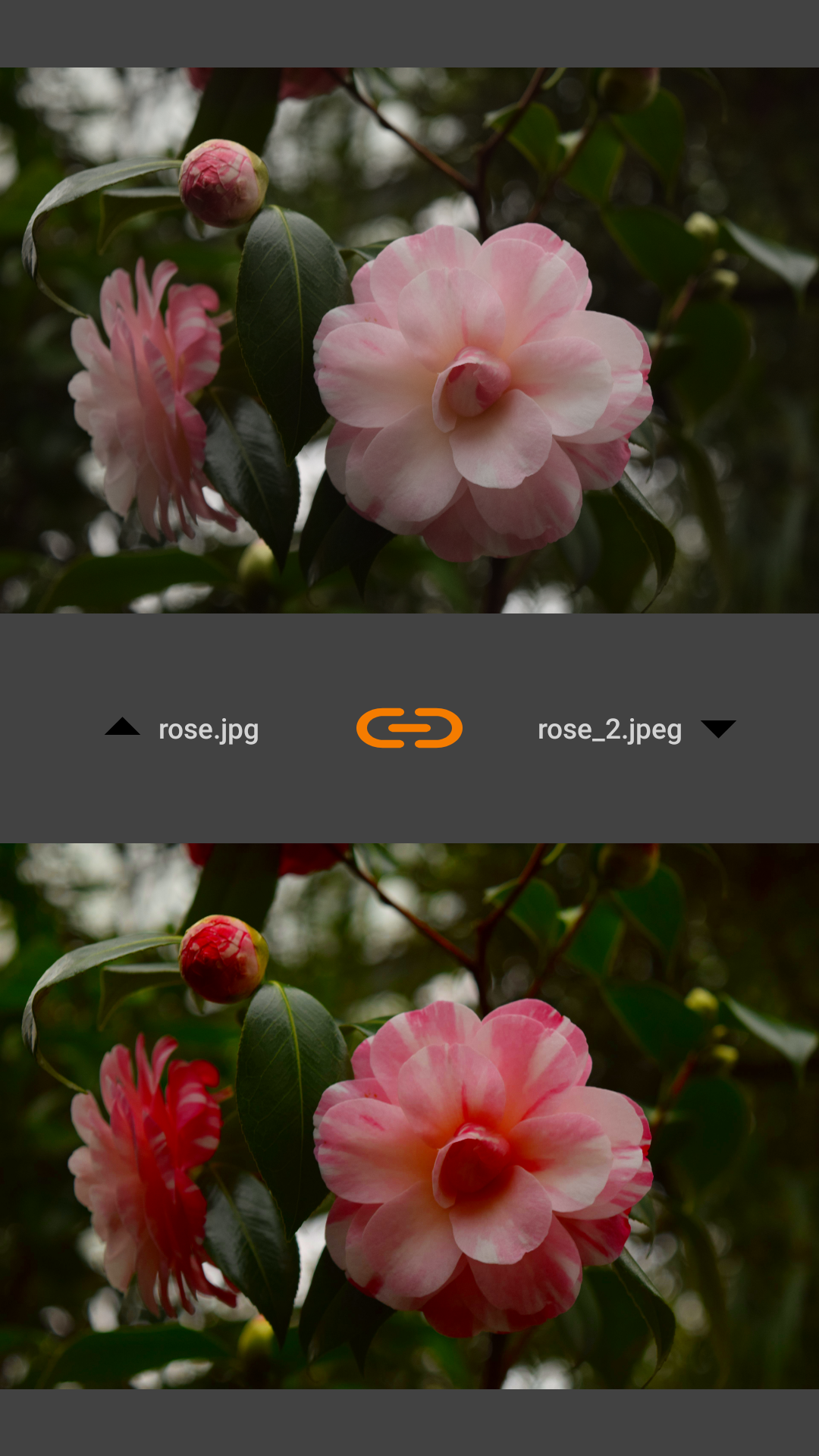
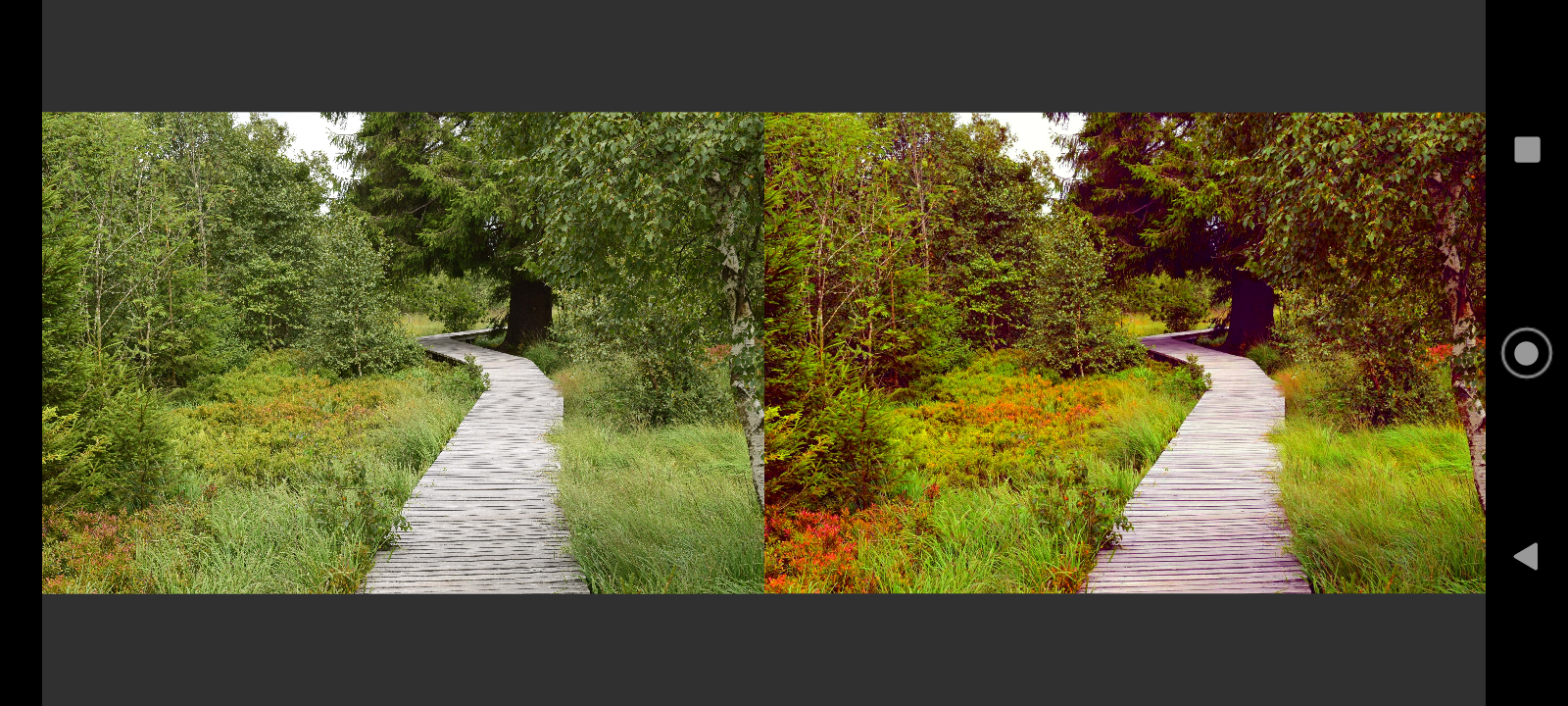
* Side by Side: The classic view for a quick visual check.

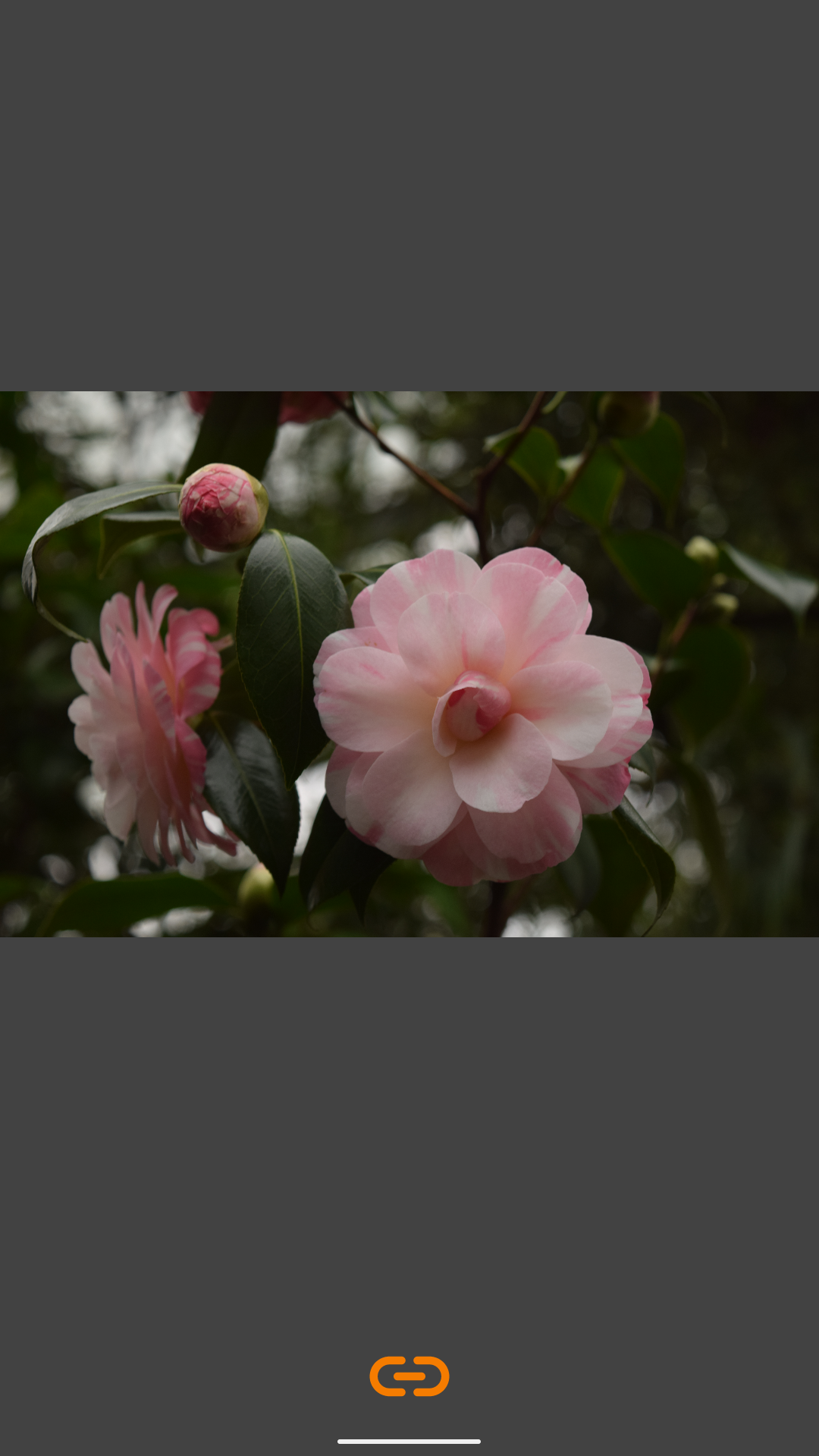
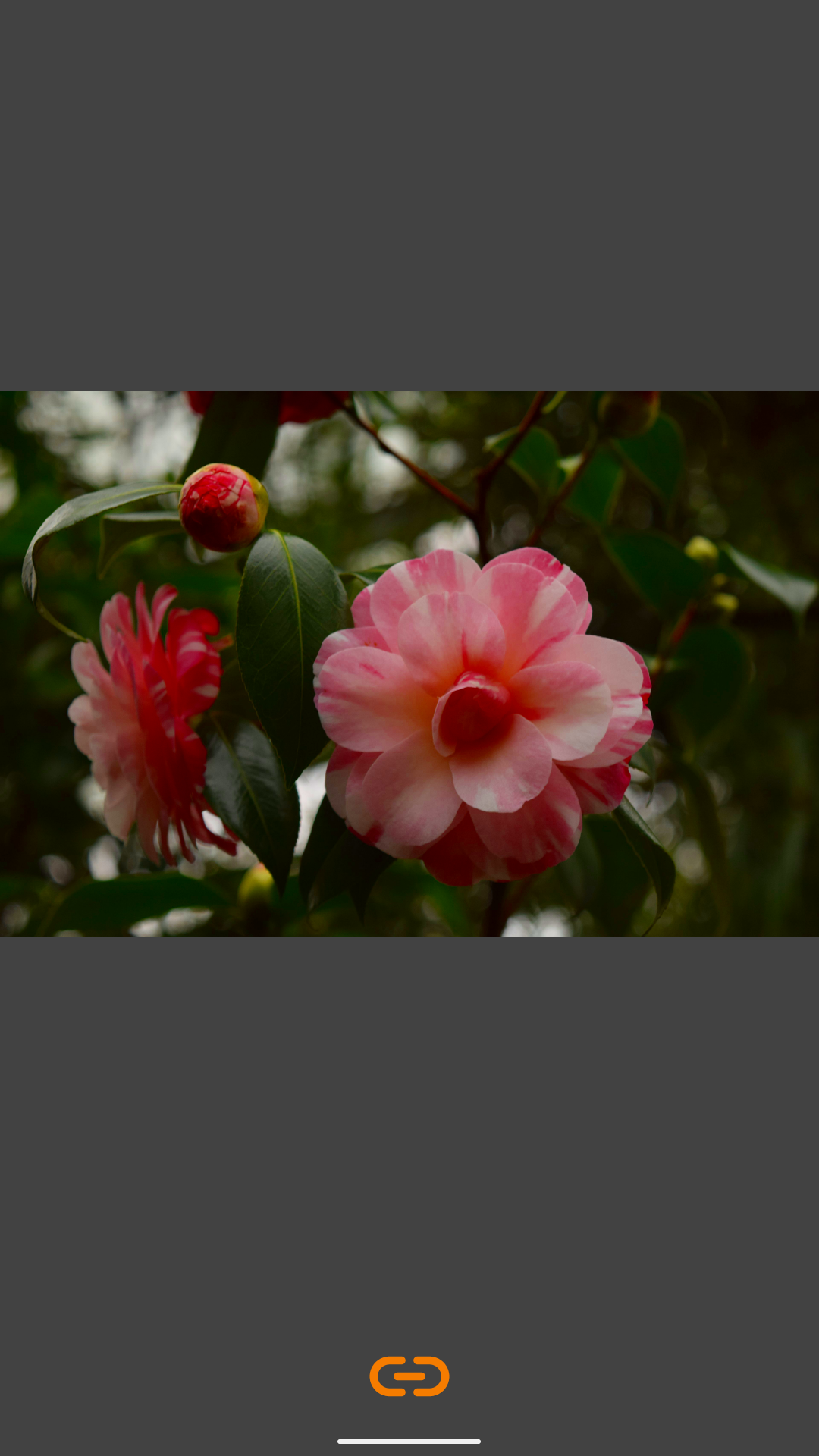
* Overlay Tap: Stack images and toggle between them with a tap—perfect for spotting "ghosting" or movement.

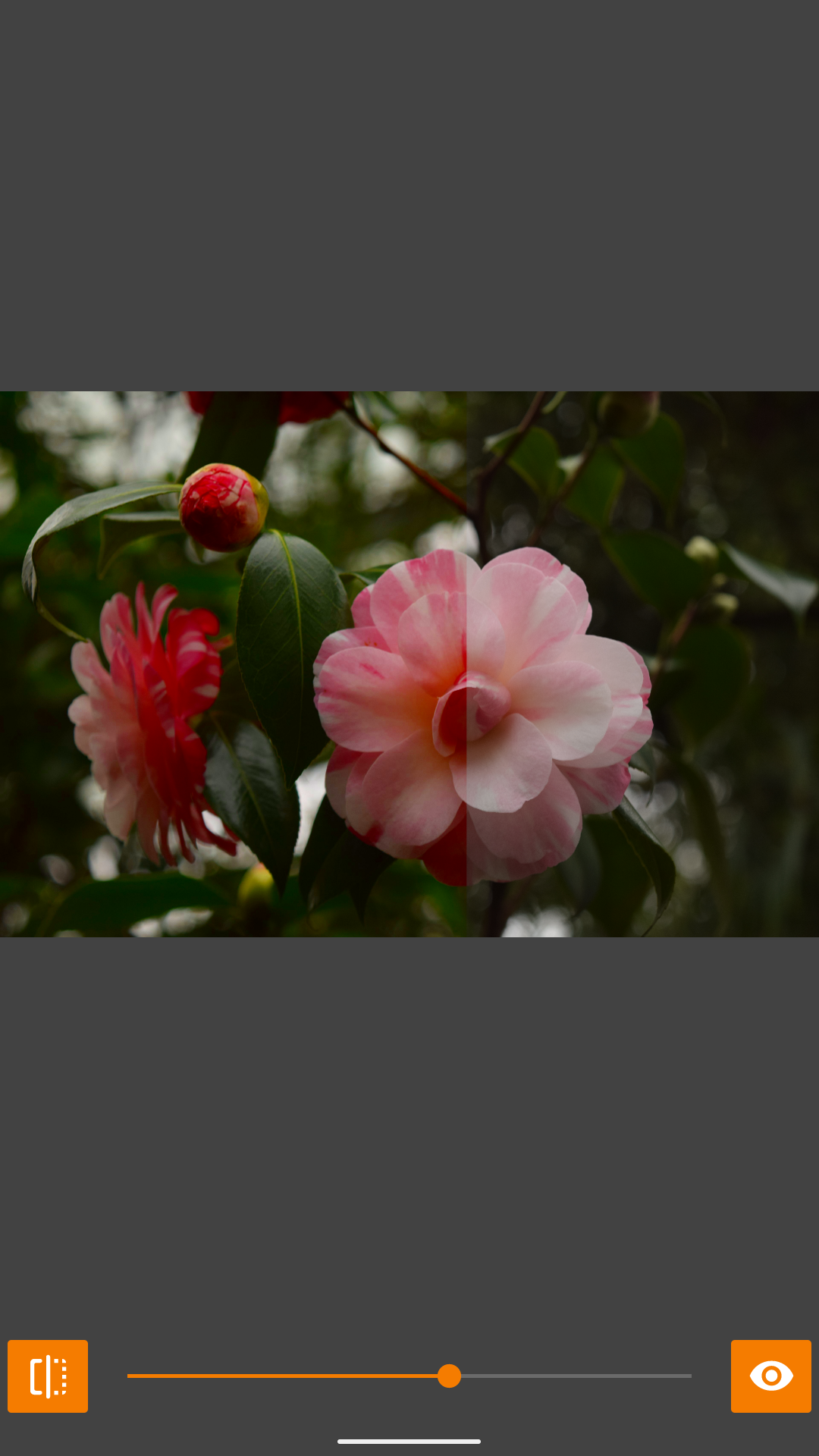
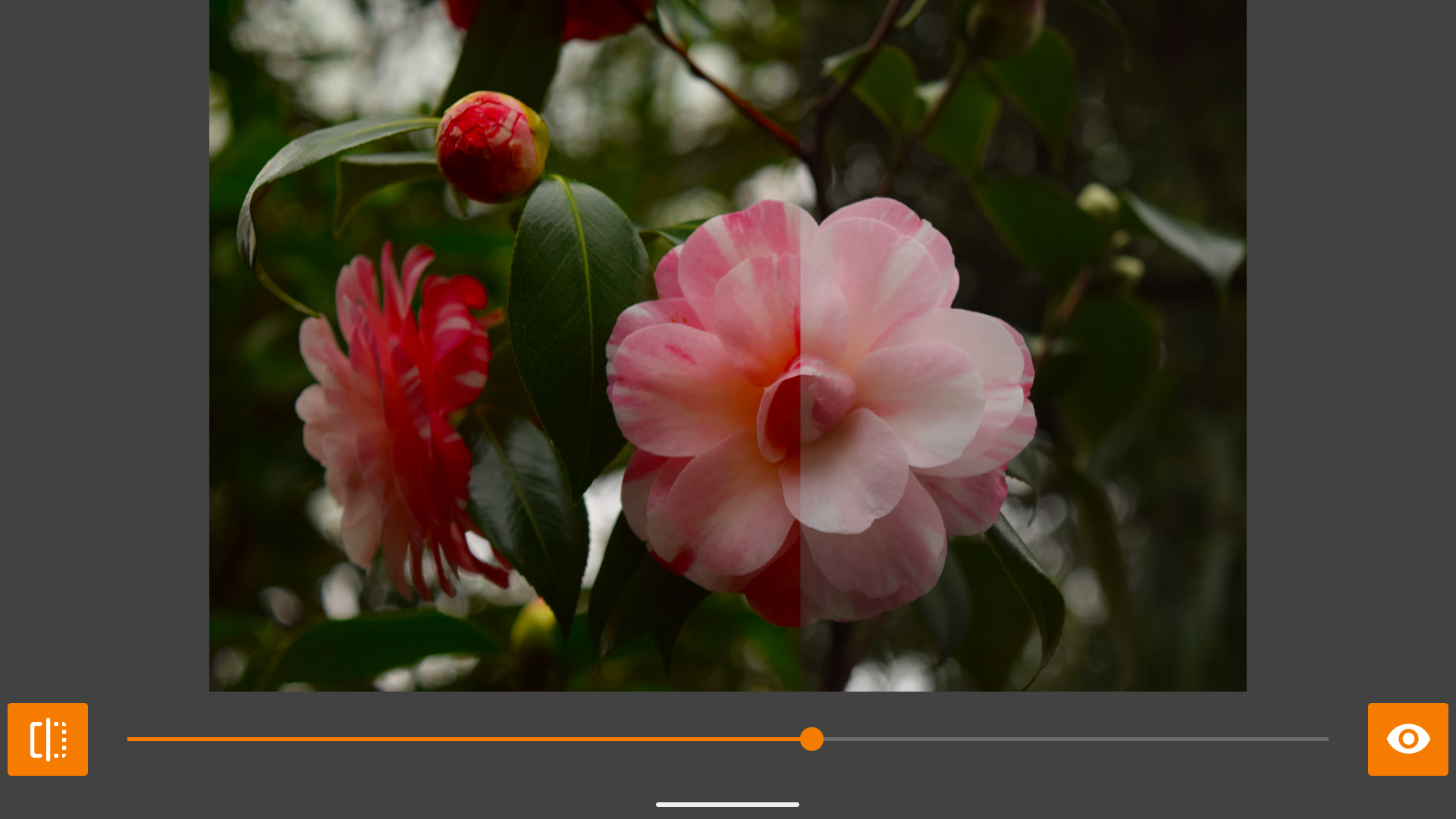
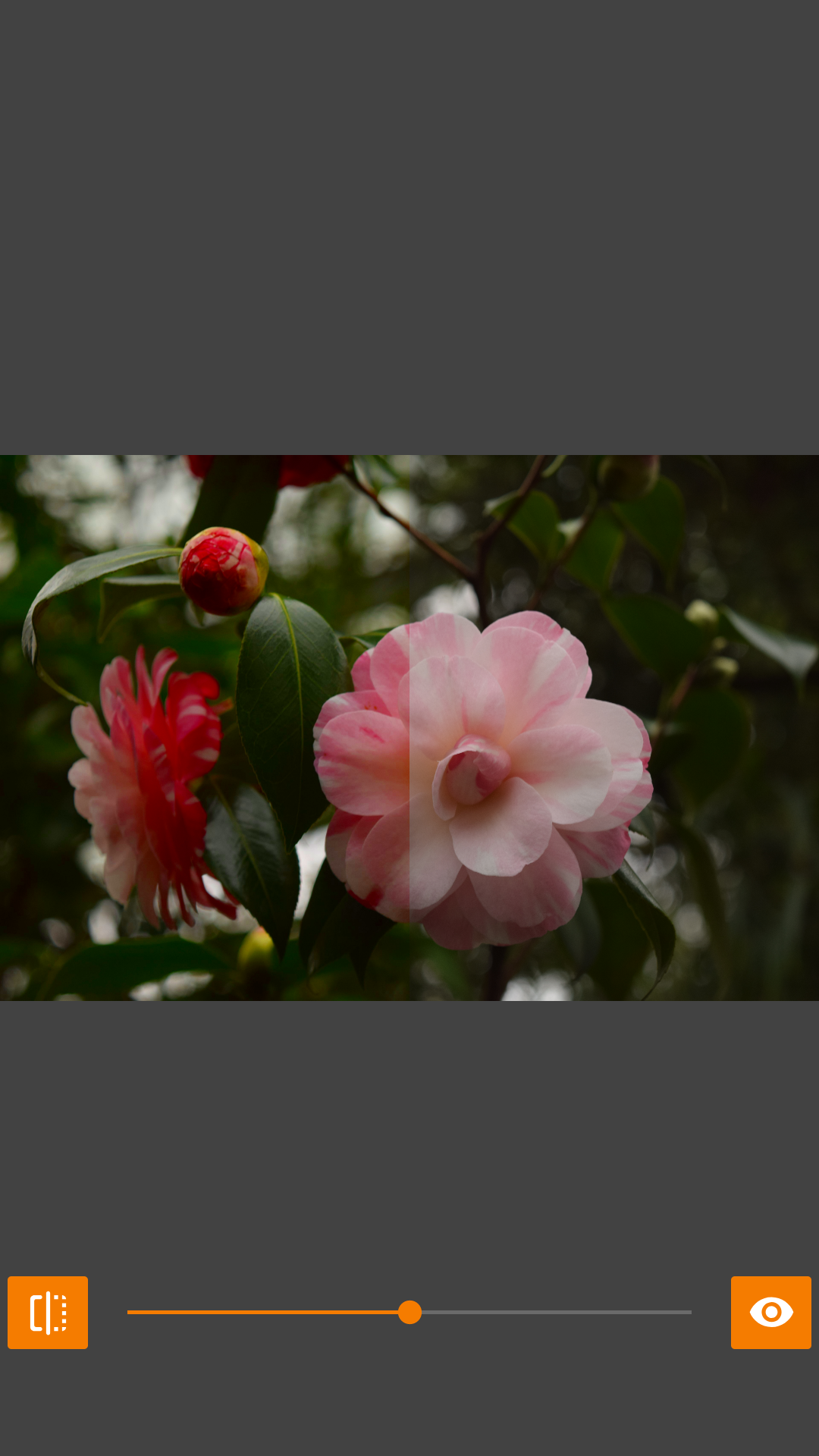
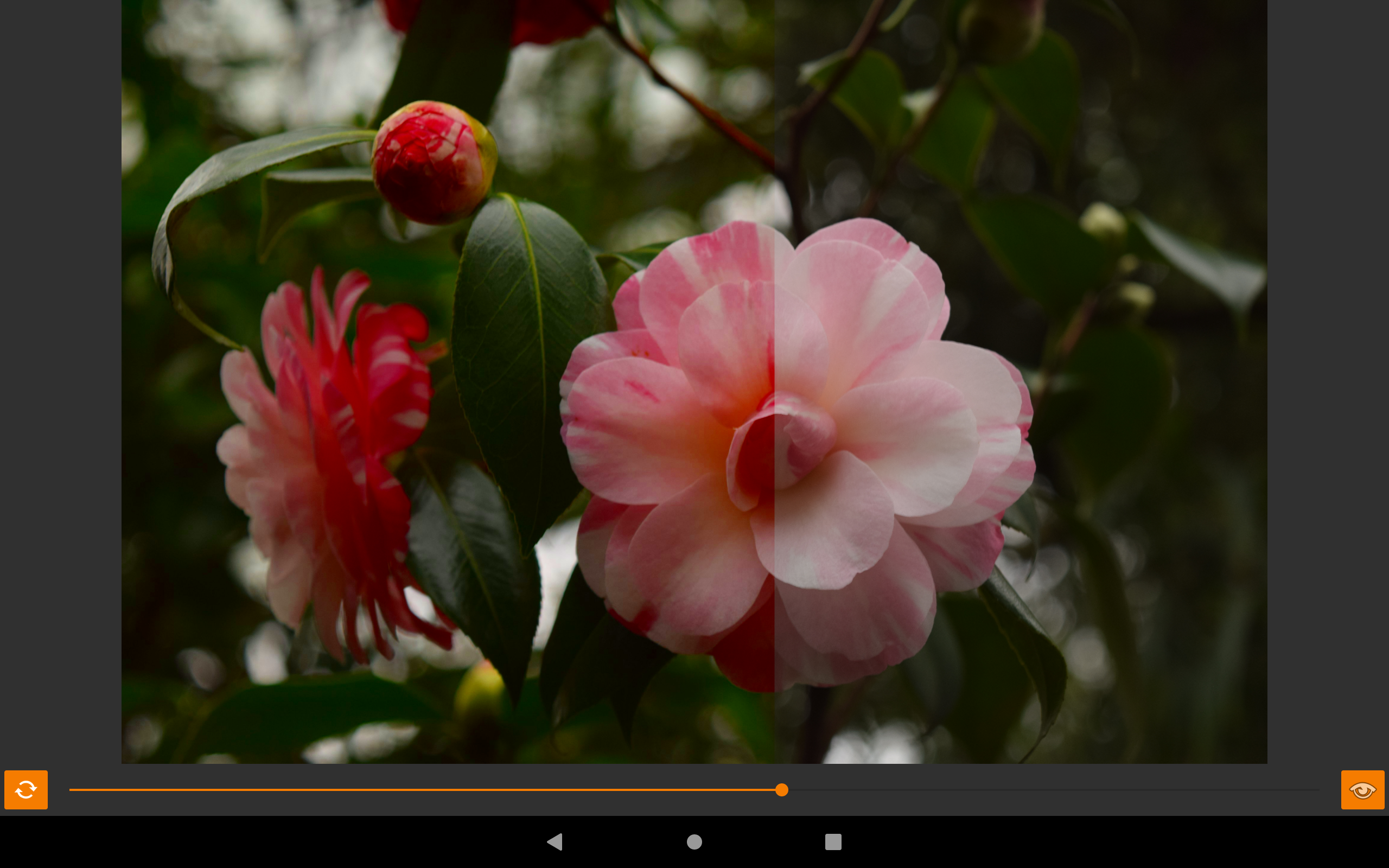
* Overlay Slide: Use a draggable slider to reveal the "before" and "after" in real-time.

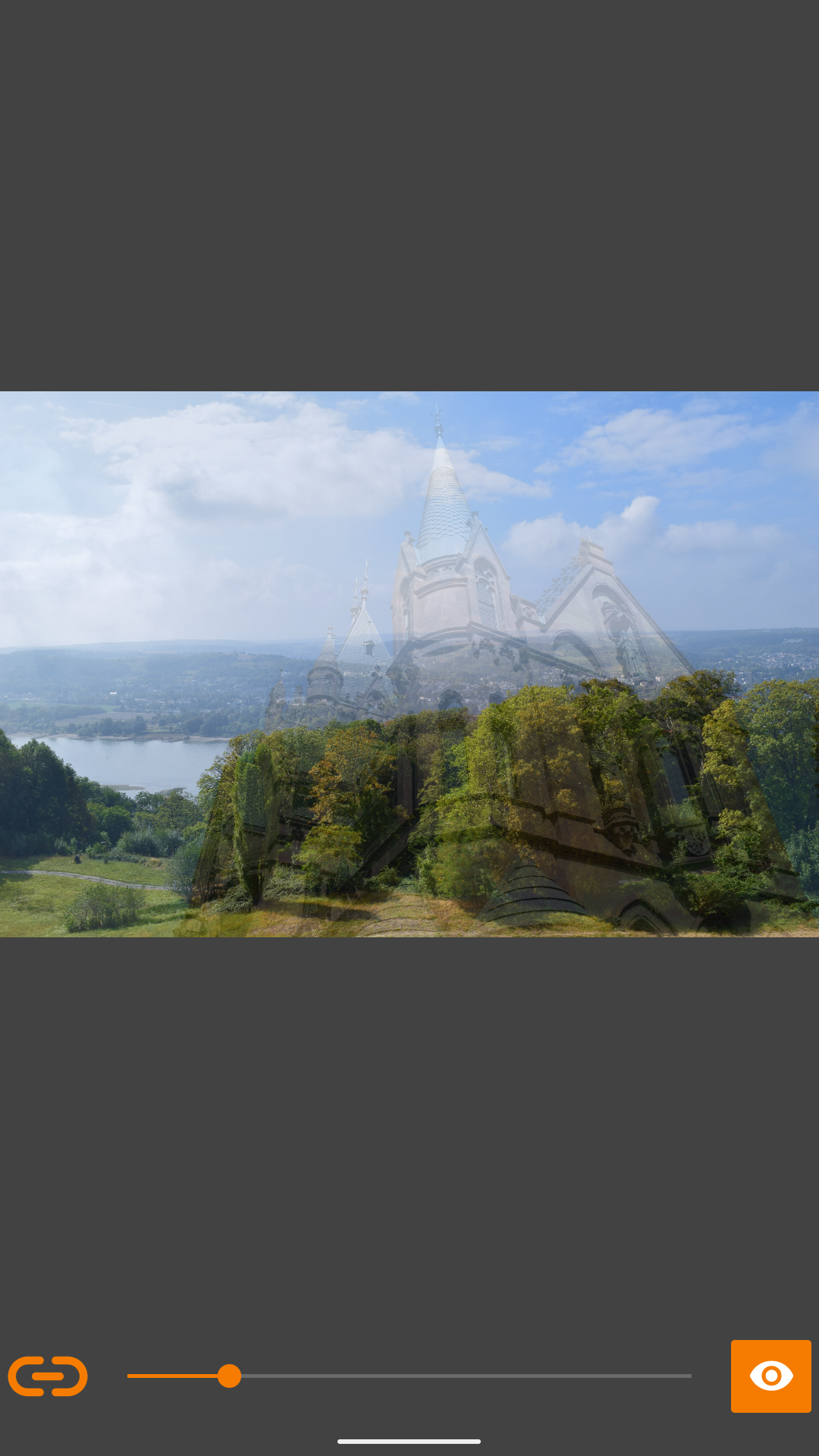
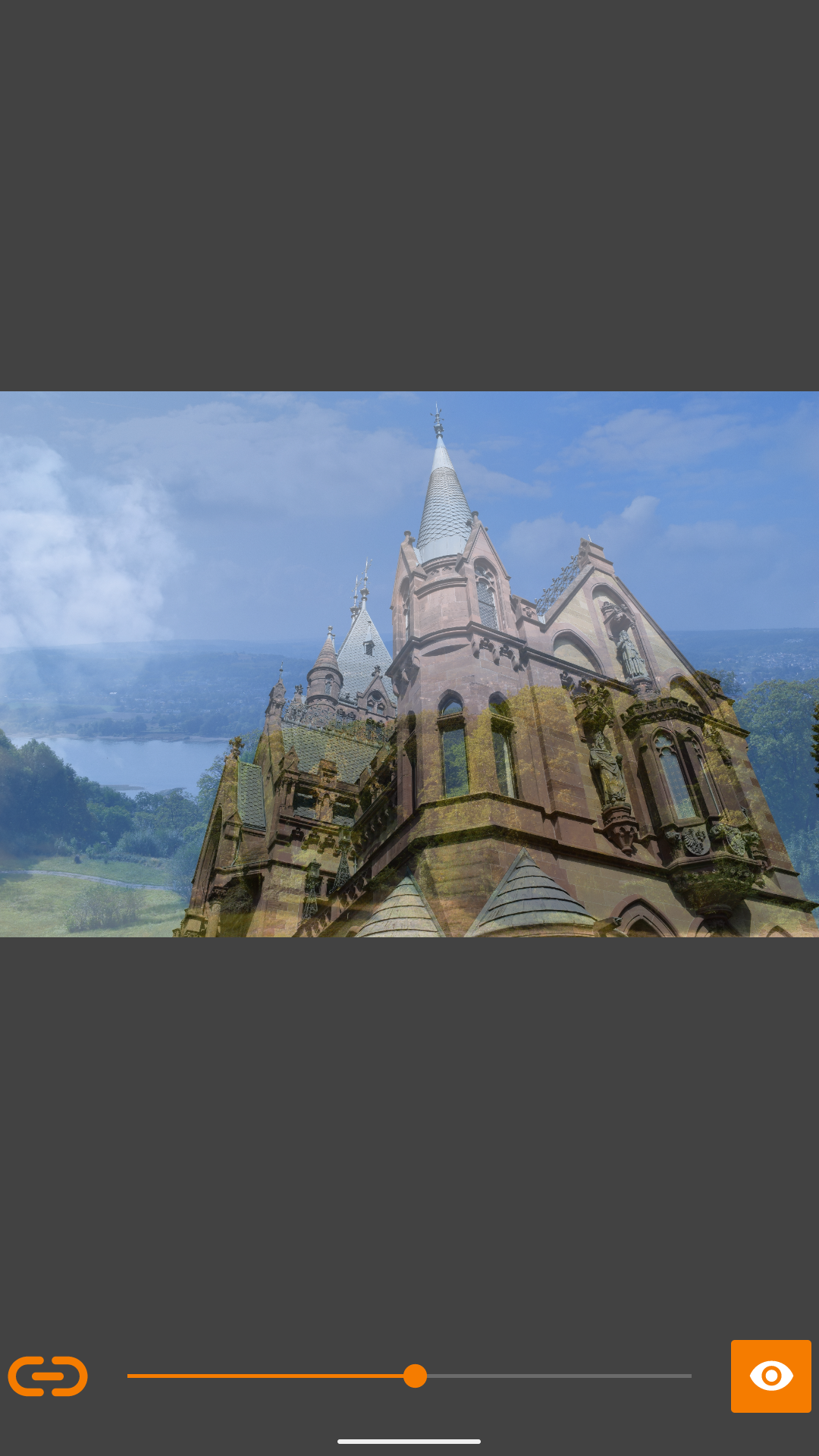
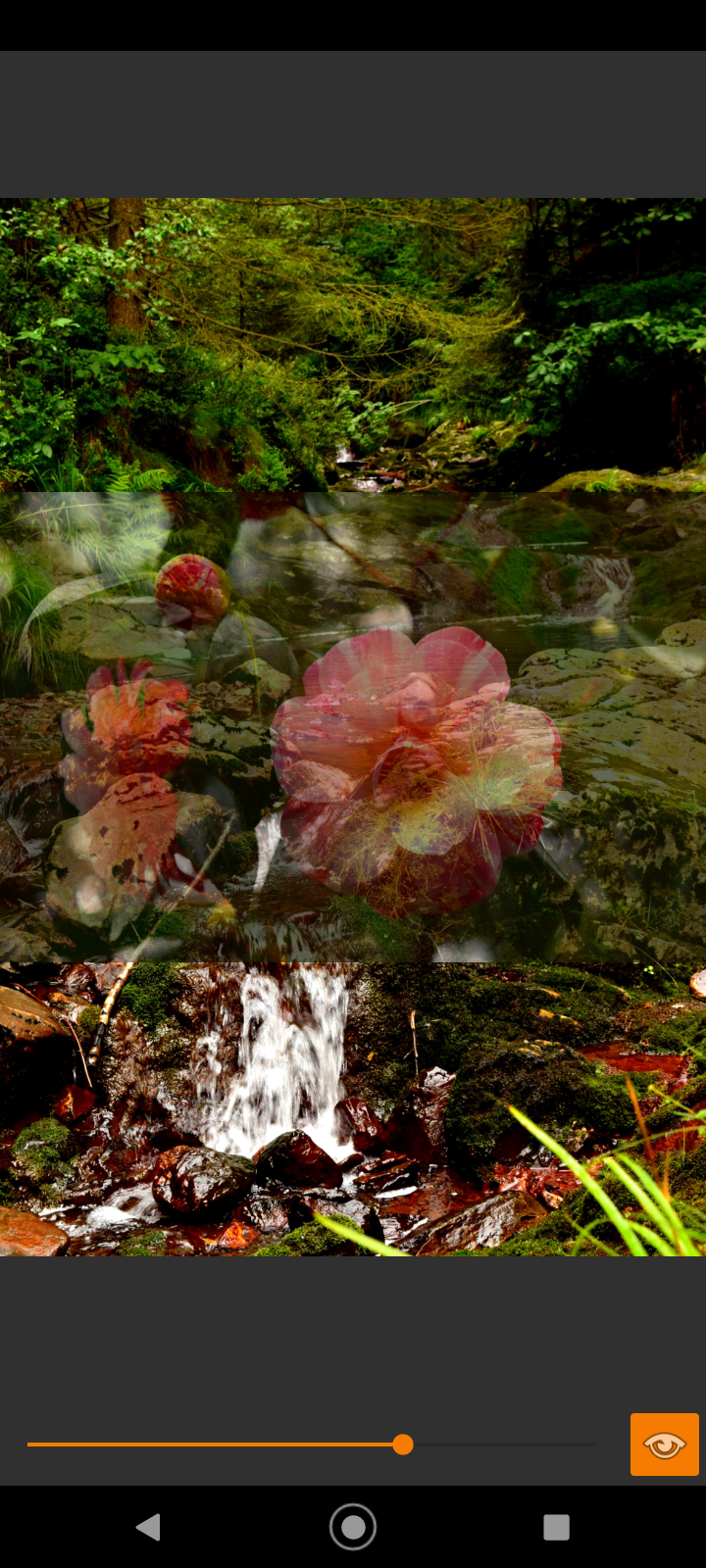
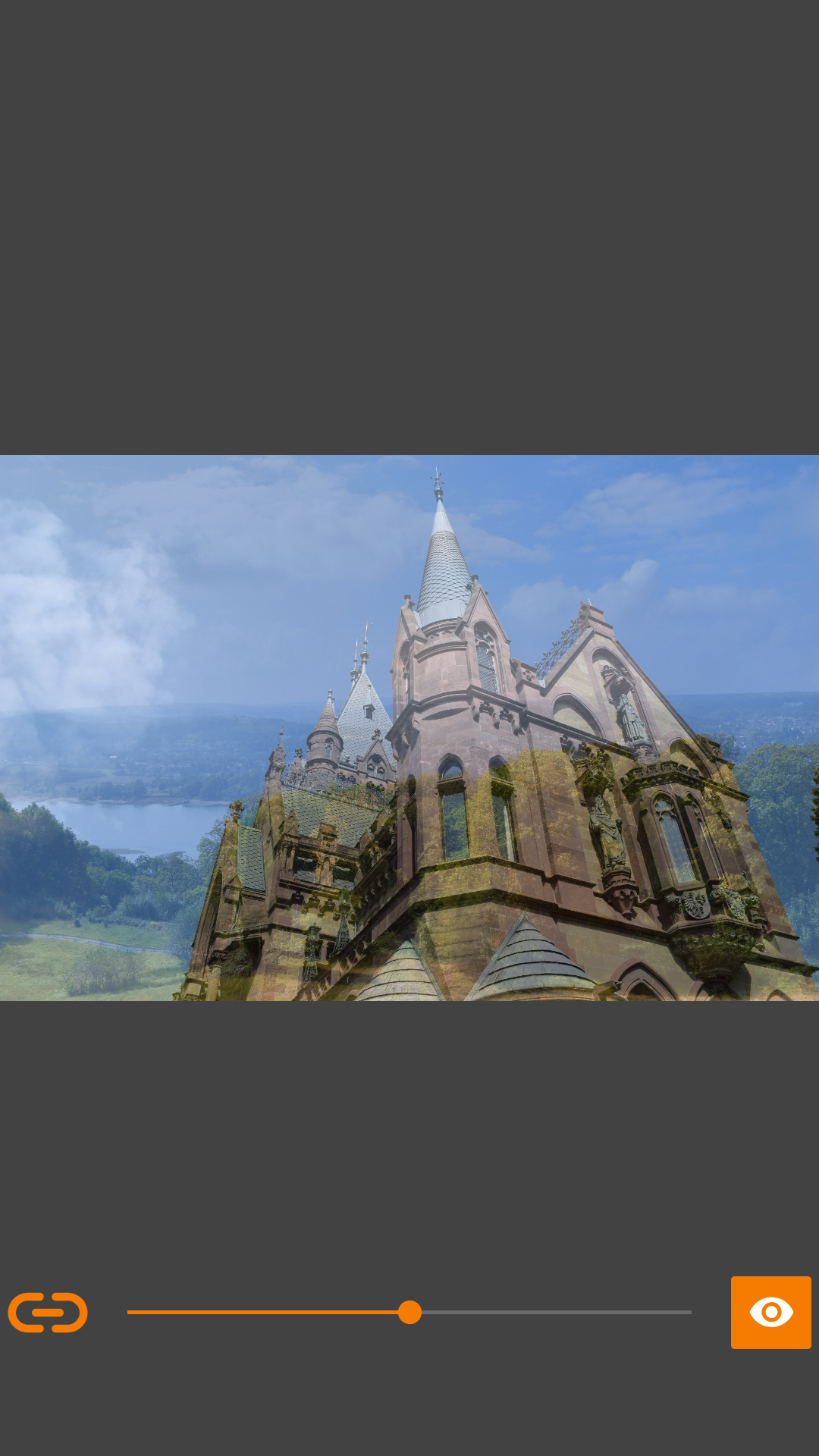
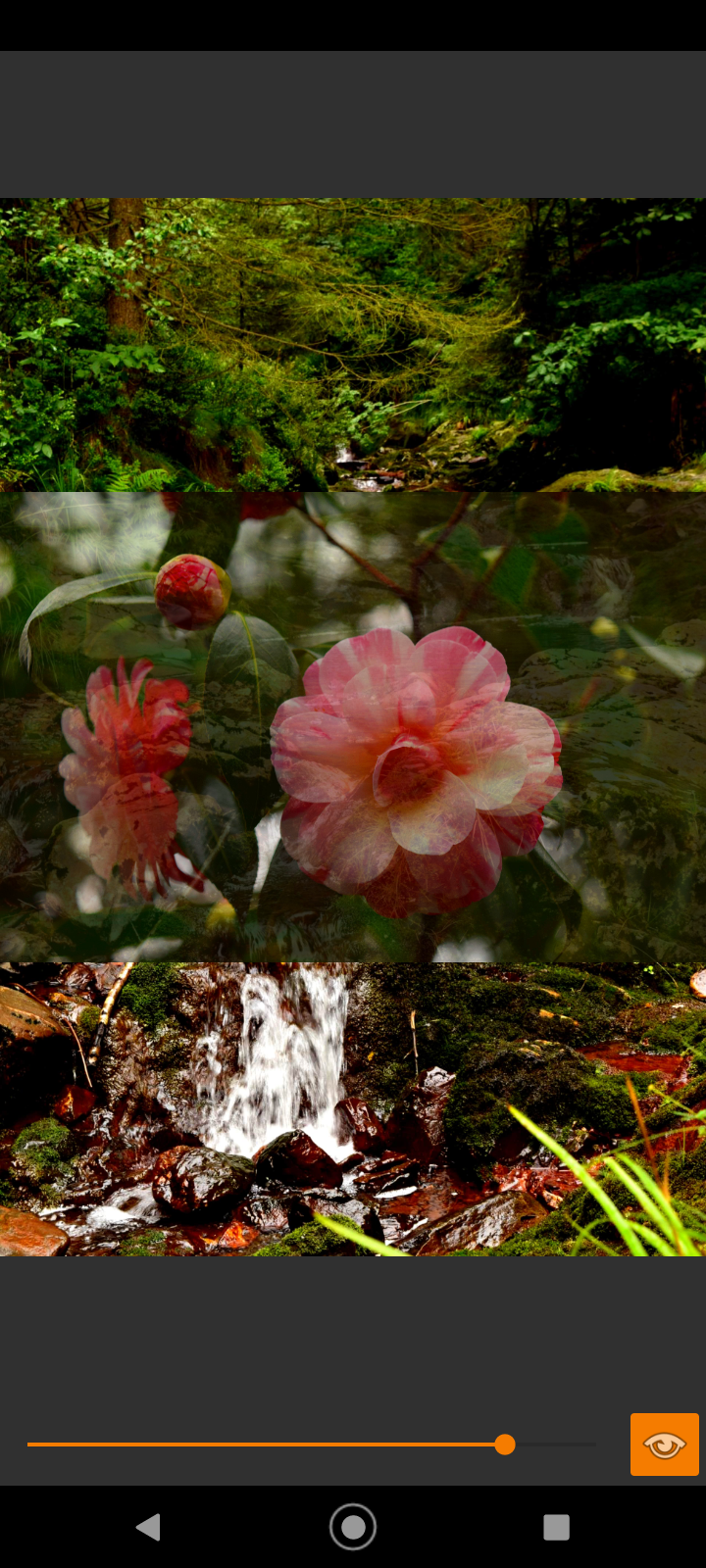
* Slide Transparent: Blend two images to check alignment or color shifts.

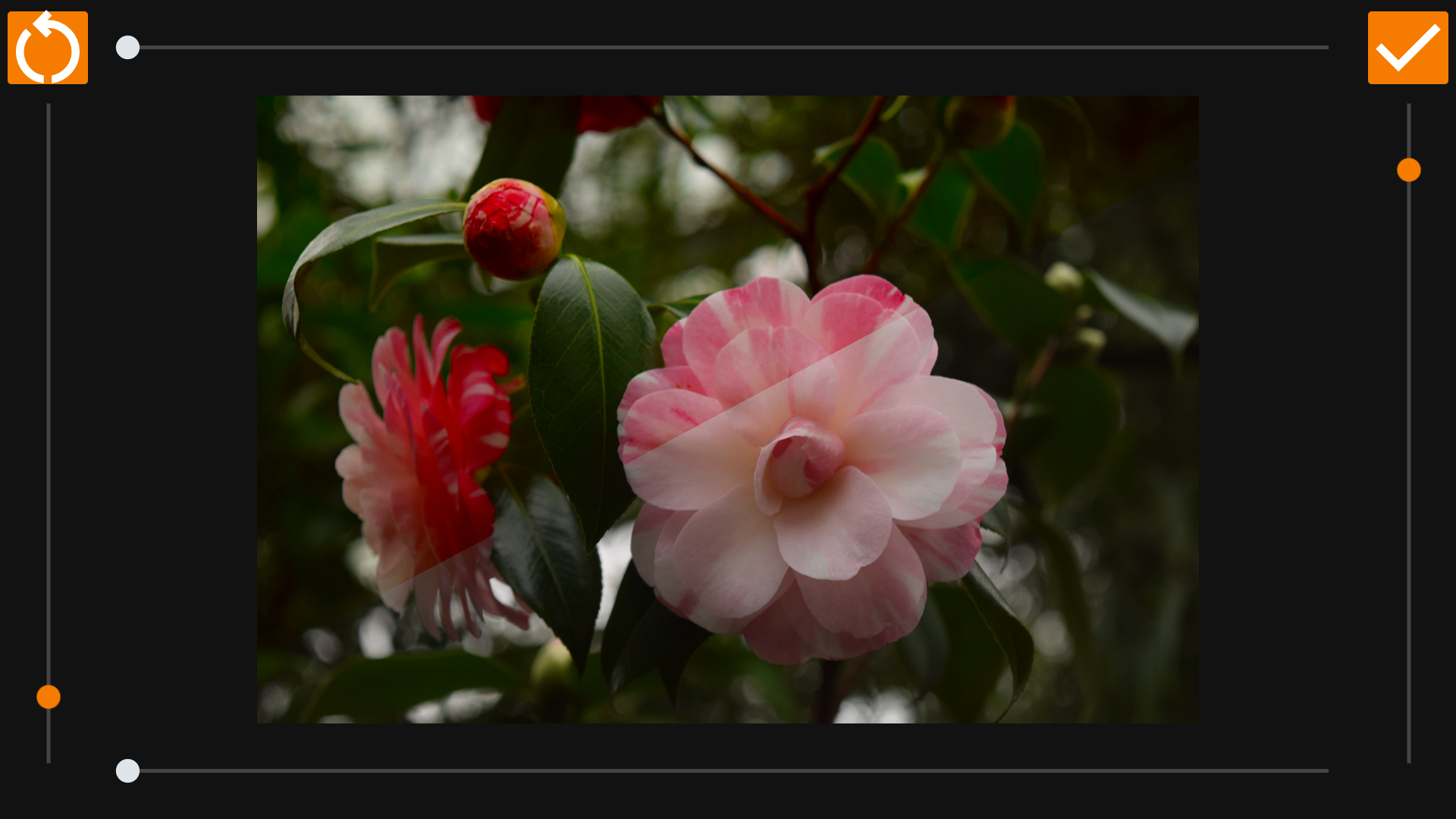
* Overlay Cut: A precision line-cut tool for detailed side-by-side analysis.

* Touch Transparent: Paint away the front image with your finger to reveal the image underneath. Pause the brush to zoom and pan both images together, then resume erasing exactly where you left off.

* Differences: Let the app do the work. Both images are compared pixel-by-pixel and the biggest difference regions are automatically highlighted with coloured circles — no squinting required.

Key Features for Better Results

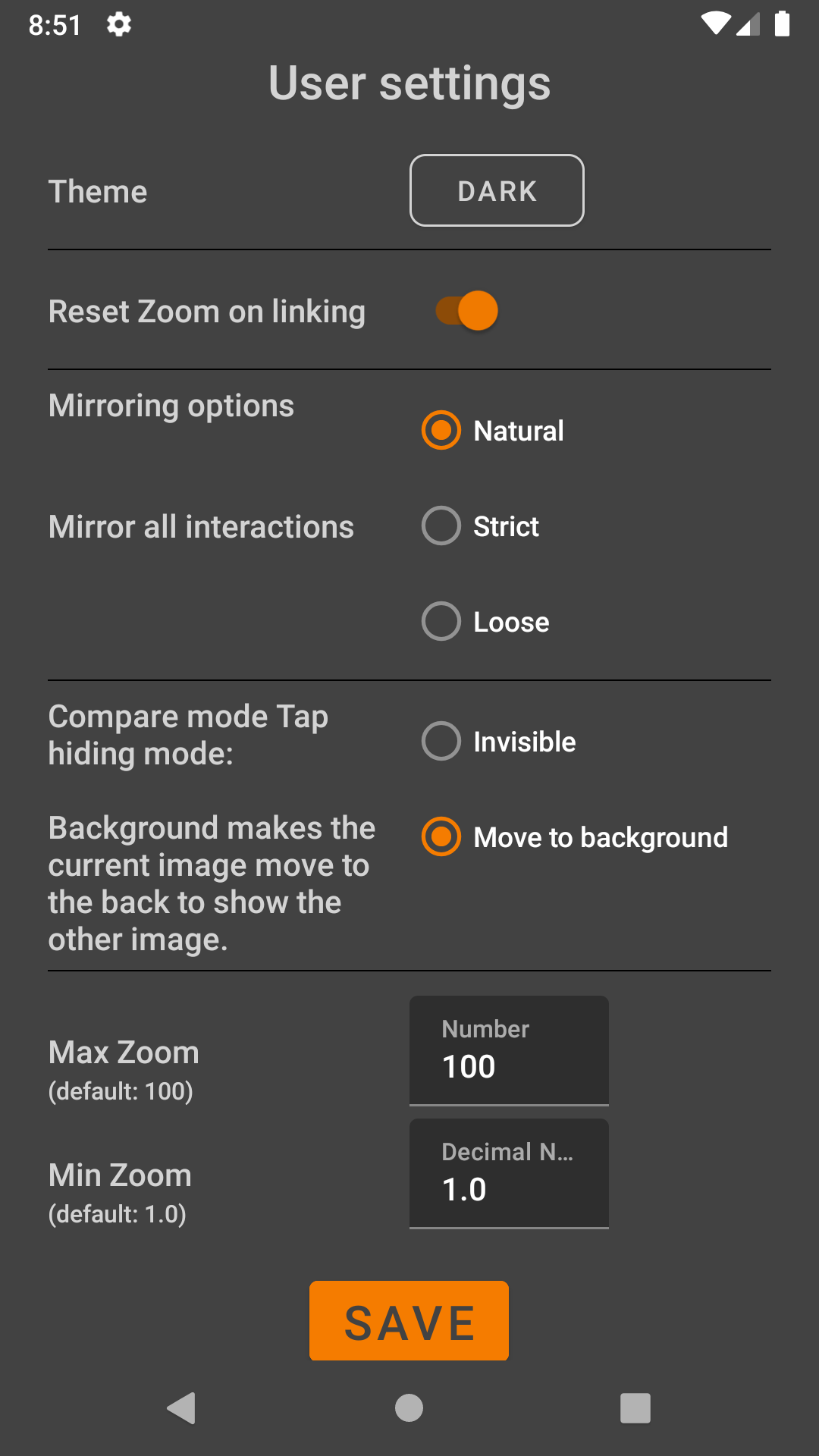
* Synchronized Zoom: Zoom into one image, and the other follows perfectly. Ideal for checking focus and sharpness.

* Privacy First: No internet permission required. Your photos never leave your phone.

* Zero Ads: A clean, distraction-free interface.

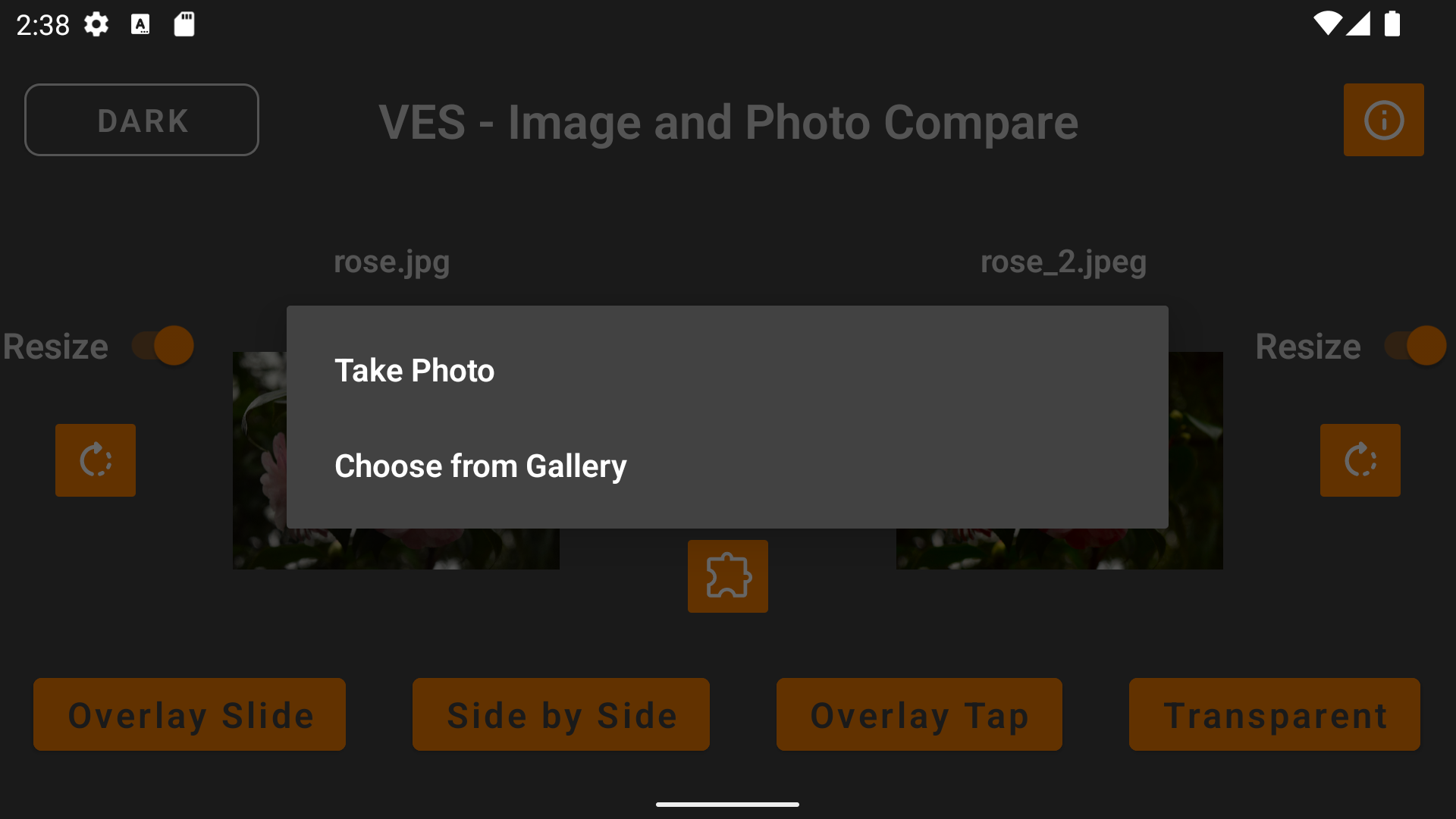
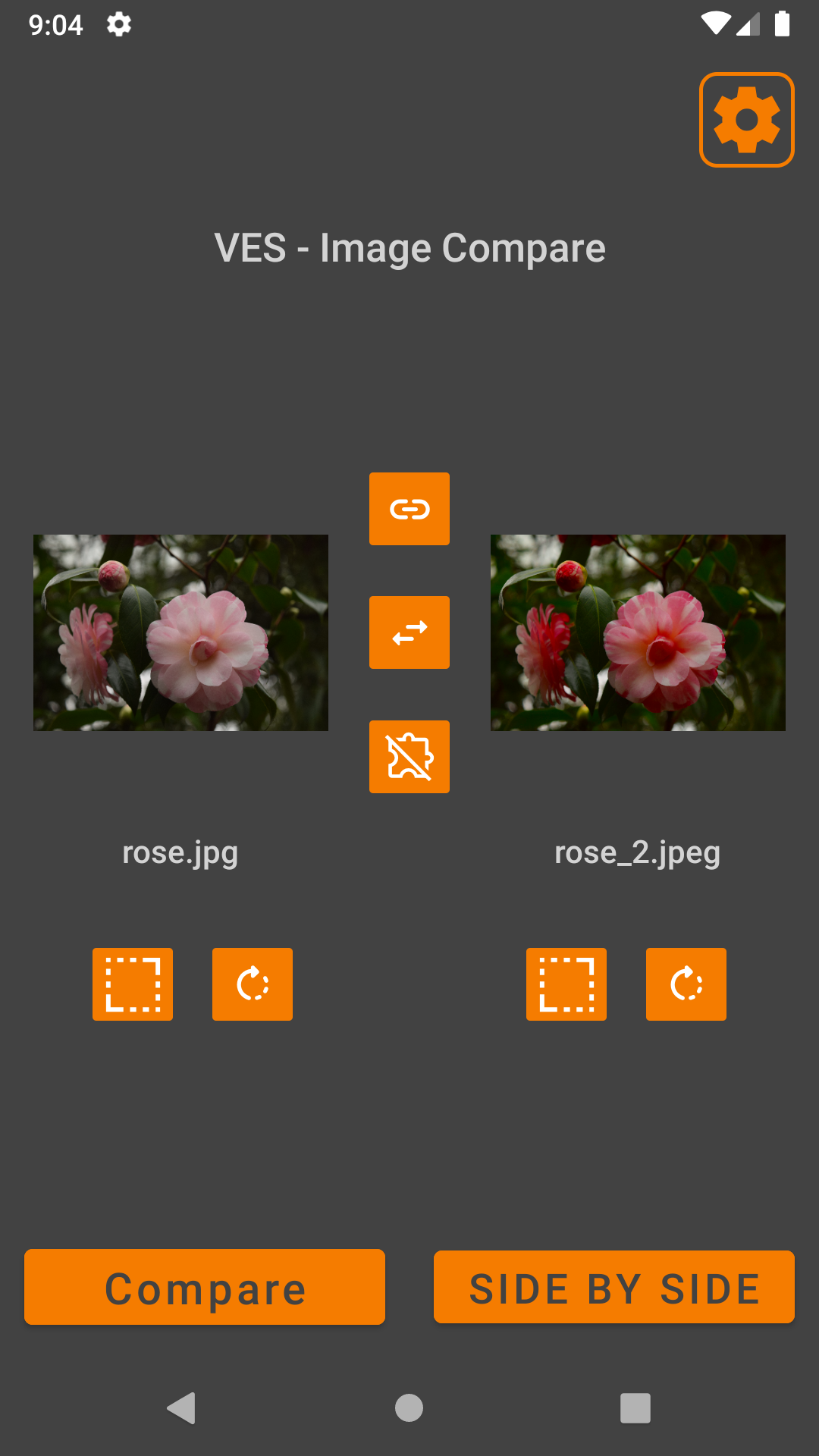
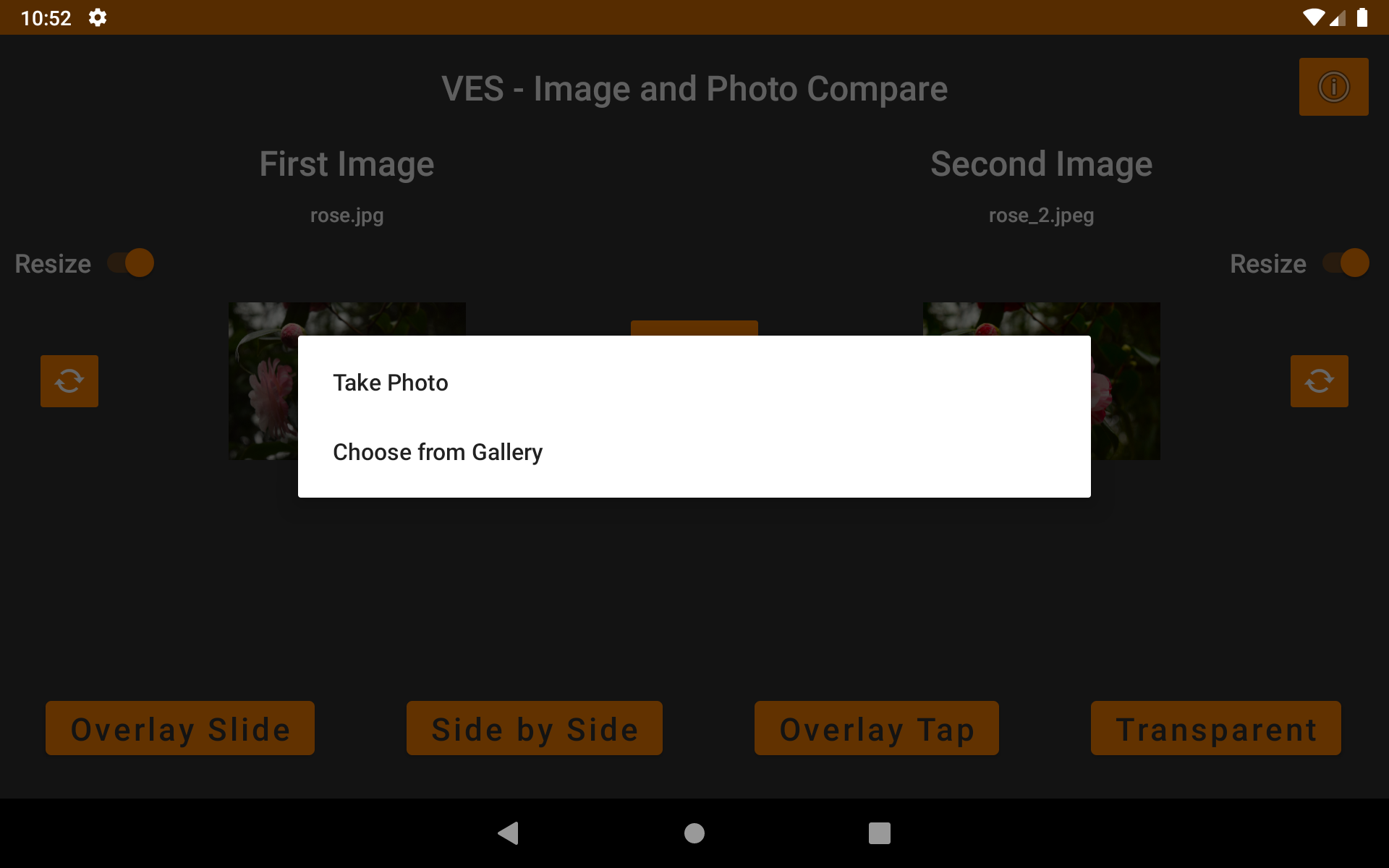
* Flexible Loading: Pick from your gallery, use the camera, or "Share to App" directly from your photo browser.

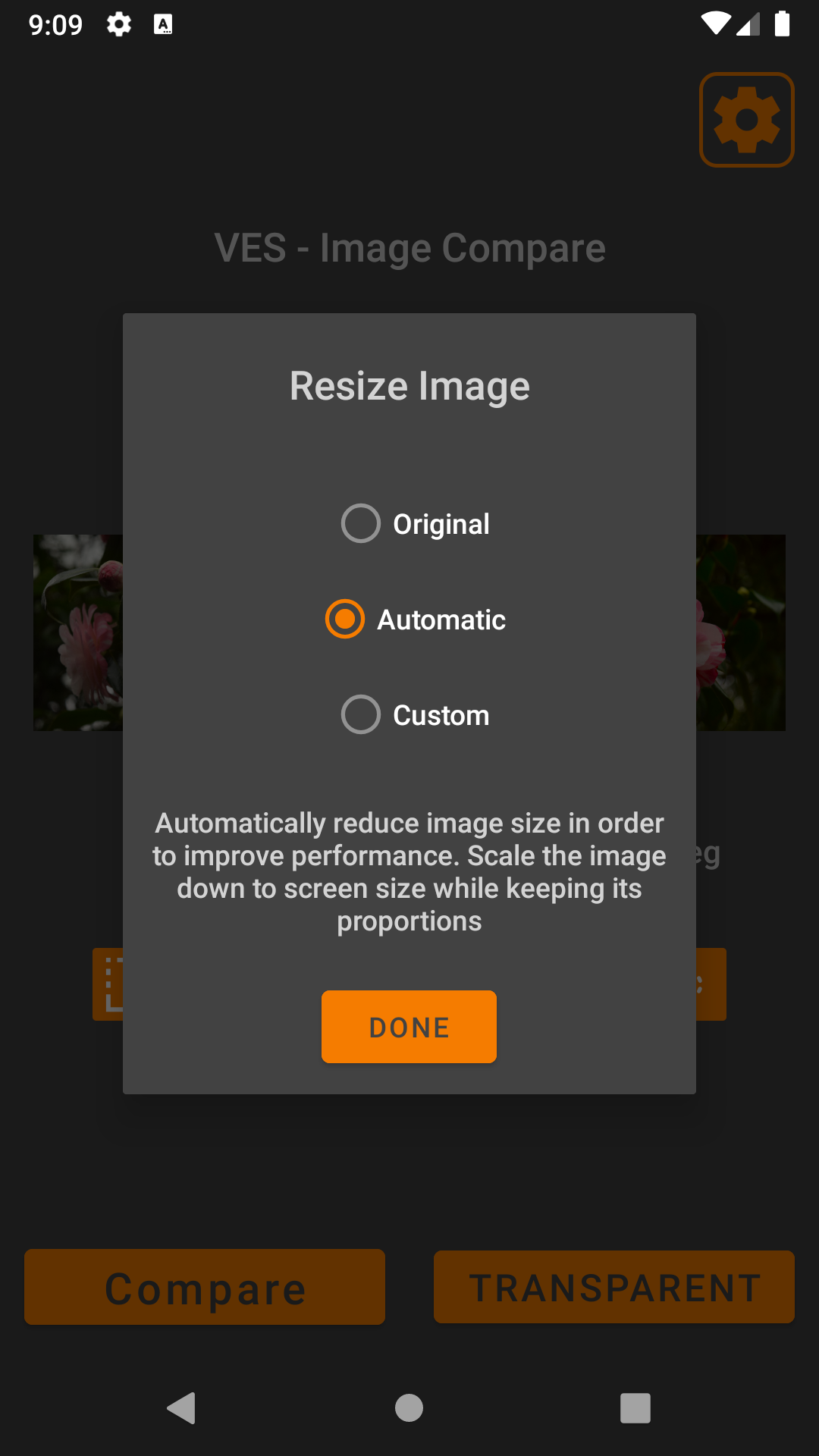
* Pre-Comparison Tools: Rotate and resize images to ensure a fair comparison.

Perfect For:

* Before & After: Fitness transformations, makeup looks, or DIY projects.

* Quality Control: Comparing compressed vs. original images.

* Designers: Checking iterations of logos or UI mockups.

Completely Private & Local. Your data belongs to you. VES Image Compare works entirely offline. All data is stored in your local cache and can be cleared at any time via your device settings.

You can contact me using this E-Mail address: [email protected]

Screenshots

VES - Image and Photo Compare screenshot 1
VES - Image and Photo Compare screenshot 2
VES - Image and Photo Compare screenshot 3
VES - Image and Photo Compare screenshot 4
VES - Image and Photo Compare screenshot 5
VES - Image and Photo Compare screenshot 6
VES - Image and Photo Compare screenshot 7
VES - Image and Photo Compare screenshot 8
VES - Image and Photo Compare screenshot 9
VES - Image and Photo Compare screenshot 10
VES - Image and Photo Compare screenshot 11
VES - Image and Photo Compare screenshot 12
VES - Image and Photo Compare screenshot 13
VES - Image and Photo Compare screenshot 14
VES - Image and Photo Compare screenshot 15
VES - Image and Photo Compare screenshot 16
VES - Image and Photo Compare screenshot 17
VES - Image and Photo Compare screenshot 18
VES - Image and Photo Compare screenshot 19
VES - Image and Photo Compare screenshot 20
VES - Image and Photo Compare screenshot 21
VES - Image and Photo Compare screenshot 22
VES - Image and Photo Compare screenshot 23
VES - Image and Photo Compare screenshot 24
VES - Image and Photo Compare screenshot 25
VES - Image and Photo Compare screenshot 26
VES - Image and Photo Compare screenshot 27
VES - Image and Photo Compare screenshot 28
VES - Image and Photo Compare screenshot 29
VES - Image and Photo Compare screenshot 30
VES - Image and Photo Compare screenshot 31
VES - Image and Photo Compare screenshot 32
VES - Image and Photo Compare screenshot 33
VES - Image and Photo Compare screenshot 34
VES - Image and Photo Compare screenshot 35
VES - Image and Photo Compare screenshot 36

What’s new

* Add setting to allow custom double tap zoom

How to install

  1. Download the APK from the button at the top of this page.
  2. Allow “Install unknown apps” for your browser or file manager only, not for every app.
  3. Open the downloaded file and confirm the installation.
  4. If installation fails with “App not installed,” remove an earlier build of the same app first. A signature conflict is the usual cause.

Data safety

  • Every file is checked against its published SHA-256 before it is listed.
  • Files are scanned for malware on every update.
  • The permissions each app requests are listed on its own page.
  • Read the full safety policy for how we test, flag, and delist files.

Frequently asked questions

What is VES - Image and Photo Compare?
Compare photos by side-by-side, overlay, slider, transparent, differences, zoom
Who develops VES - Image and Photo Compare?
VES - Image and Photo Compare is developed by Vincent Engel.
Which Android version does VES - Image and Photo Compare require?
VES - Image and Photo Compare requires Android API 28 or later.
What is the current version of VES - Image and Photo Compare?
The synchronized F-Droid version is 2.3.6.
Which license does VES - Image and Photo Compare use?
The signed F-Droid metadata lists GPL-3.0-only.
Where is the source code for VES - Image and Photo Compare?
https://github.com/VincentEngel/VES-Image-Compare

Comments

Recent approved comments · sorted by newest

Verification code
Be specific and keep it about the app. No links. Comments are reviewed before publication. Device and Android details are recorded automatically. Privacy policy.

Loading recent comments...

View all comments