
Quick answer
Offline world clock with a home-screen widget and time-zone converter.
Zham is a clean, fast world clock — see the time across the world, on your home screen, with a built-in time-zone converter.
Features:
* World clock — track the current time in as many cities as you like, with live seconds and country flags. * Easy to manage — search 600+ time zones to add a city, swipe to delete, drag to reorder. * Time converter — scrub a time and date to see the matching moment everywhere at once; pick any city as the reference and spot day rollovers at a glance (+1d / -1d). * Make it yours — Light / Dark / System theme and any accent color, via a colour wheel. * Home-screen widget — resizable, scrollable, matches your theme, and self-updates every minute. * Flexible format — 12-hour / 24-hour presets, or your own custom pattern.
Zham runs entirely offline: no accounts, no network access, no tracking. Your cities and settings never leave your device.
Screenshots
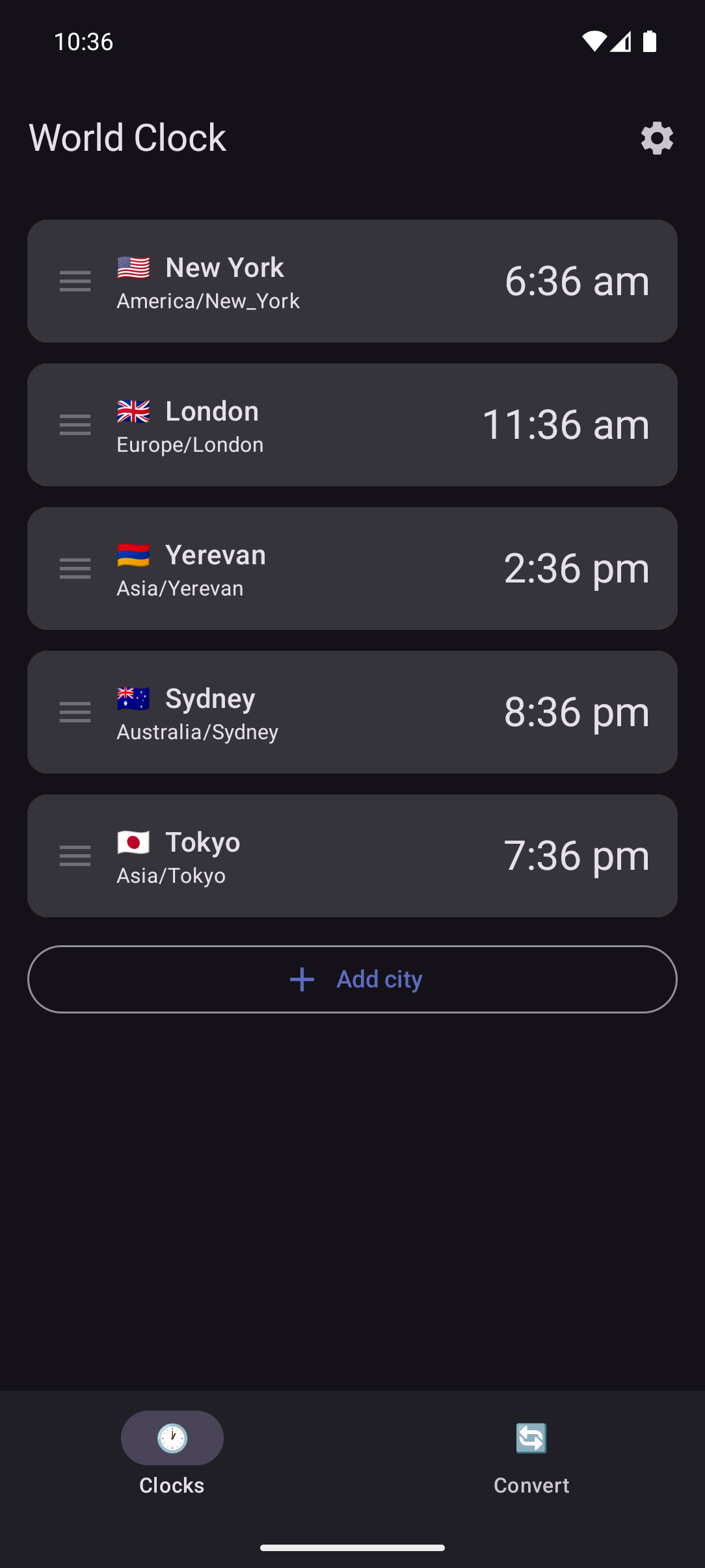
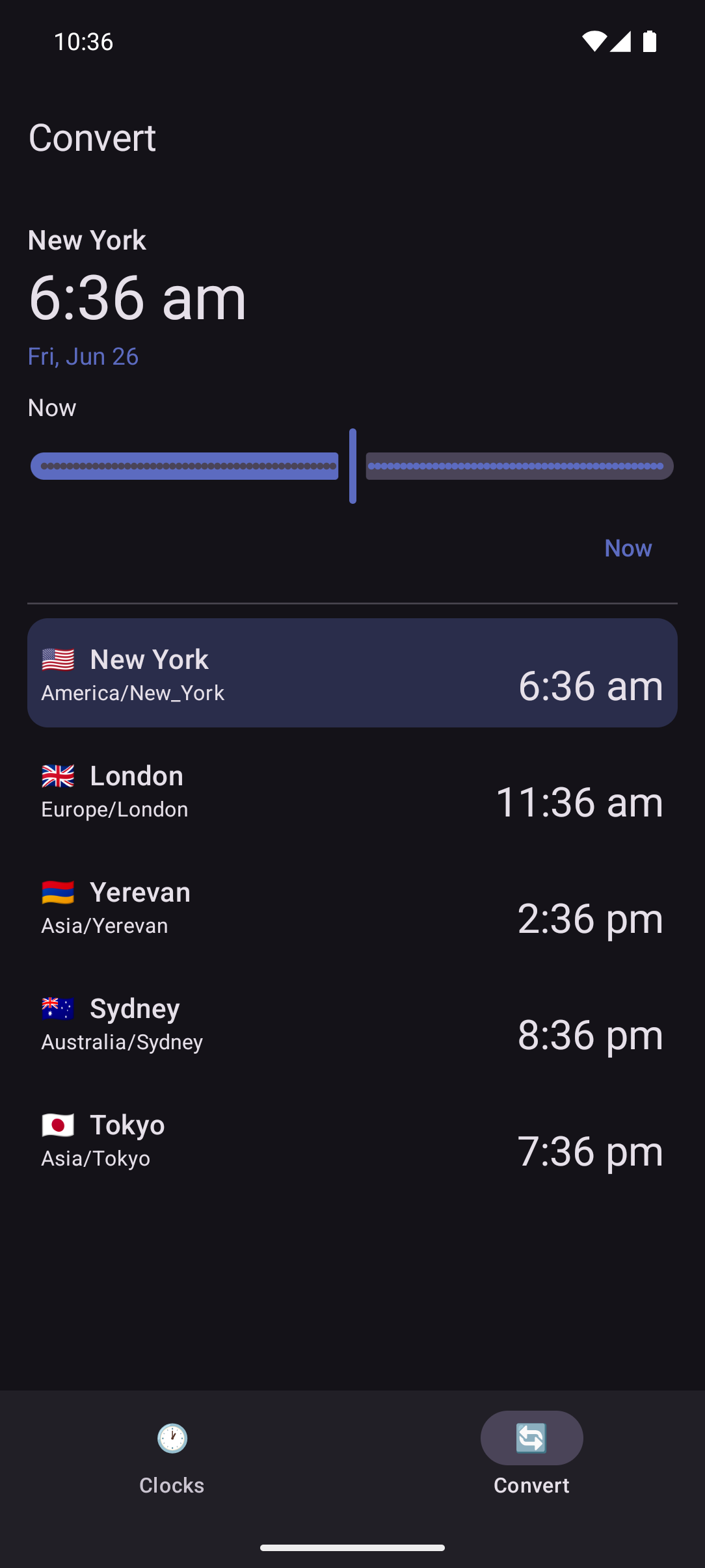
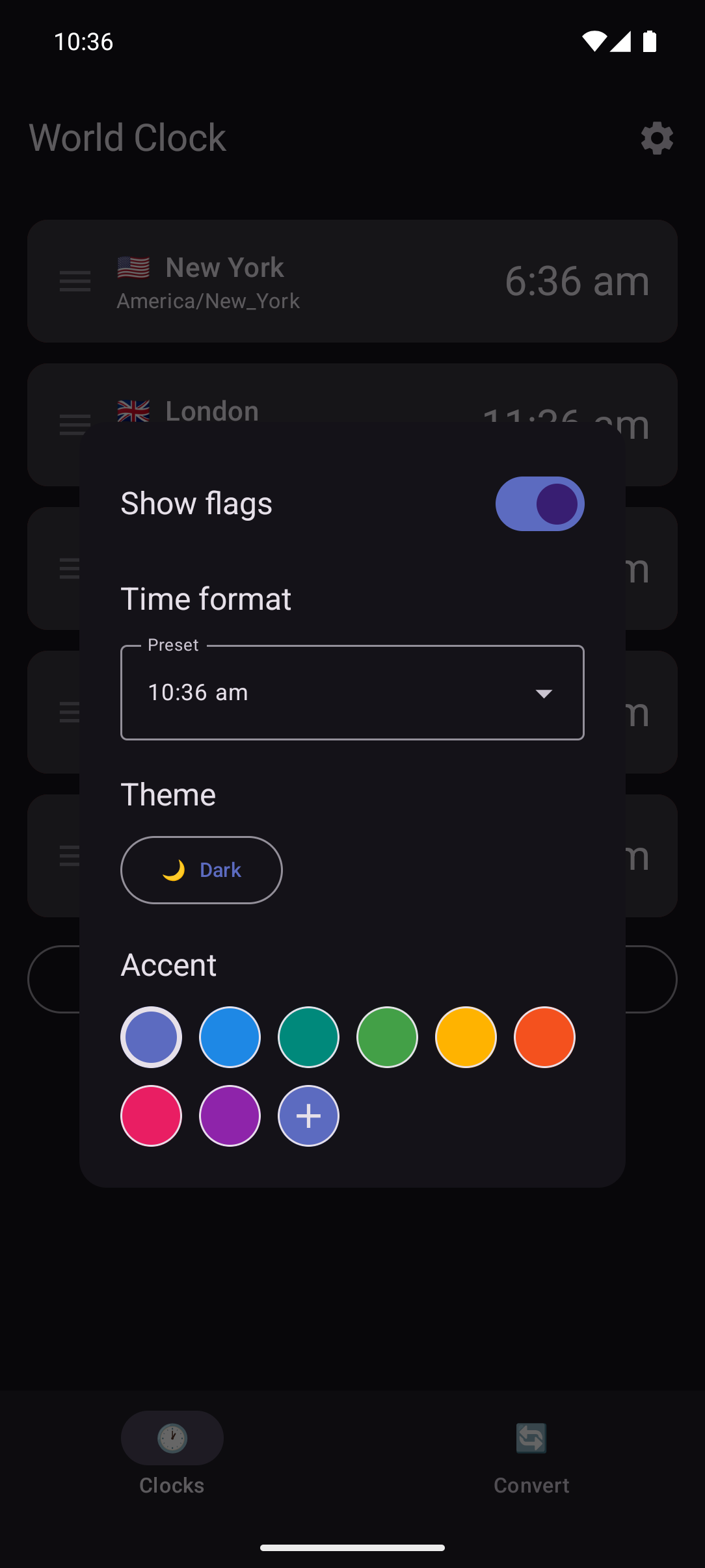
How to install
- Download the APK from the button at the top of this page.
- Allow “Install unknown apps” for your browser or file manager only, not for every app.
- Open the downloaded file and confirm the installation.
- If installation fails with “App not installed,” remove an earlier build of the same app first. A signature conflict is the usual cause.
Data safety
- Every file is checked against its published SHA-256 before it is listed.
- Files are scanned for malware on every update.
- The permissions each app requests are listed on its own page.
- Read the full safety policy for how we test, flag, and delist files.
Frequently asked questions
What is Zham?
Offline world clock with a home-screen widget and time-zone converter.
Who develops Zham?
Zham is developed by haykh.
Which Android version does Zham require?
Zham requires Android API 26 or later.
What is the current version of Zham?
The synchronized F-Droid version is 1.1.2.
Which license does Zham use?
The signed F-Droid metadata lists GPL-3.0-or-later.
Where is the source code for Zham?
https://github.com/haykh/zham
Comments
Recent approved comments · sorted by newest
View all comments