
Quick answer
Advanced LED control for OnePlus (root required)
OnePlus Flash Control is a powerful and intuitive LED control application designed **specifically for OnePlus devices** with dual-tone LED flash. The app works on both rooted and non-rooted devices, offering different feature sets based on your device's capabilities.
For Rooted OnePlus Devices (Full Features): With root access on OnePlus devices, the app provides complete control over your device's LED functionality, allowing you to customize individual white and yellow LED brightness levels beyond stock settings and access advanced features.
For Non-Rooted Devices (Android 13+): Even without root, the app offers basic flashlight control using Android's CameraManager API. While designed for OnePlus, this mode may also work on other Android 13+ devices as a bonus feature (not officially supported).
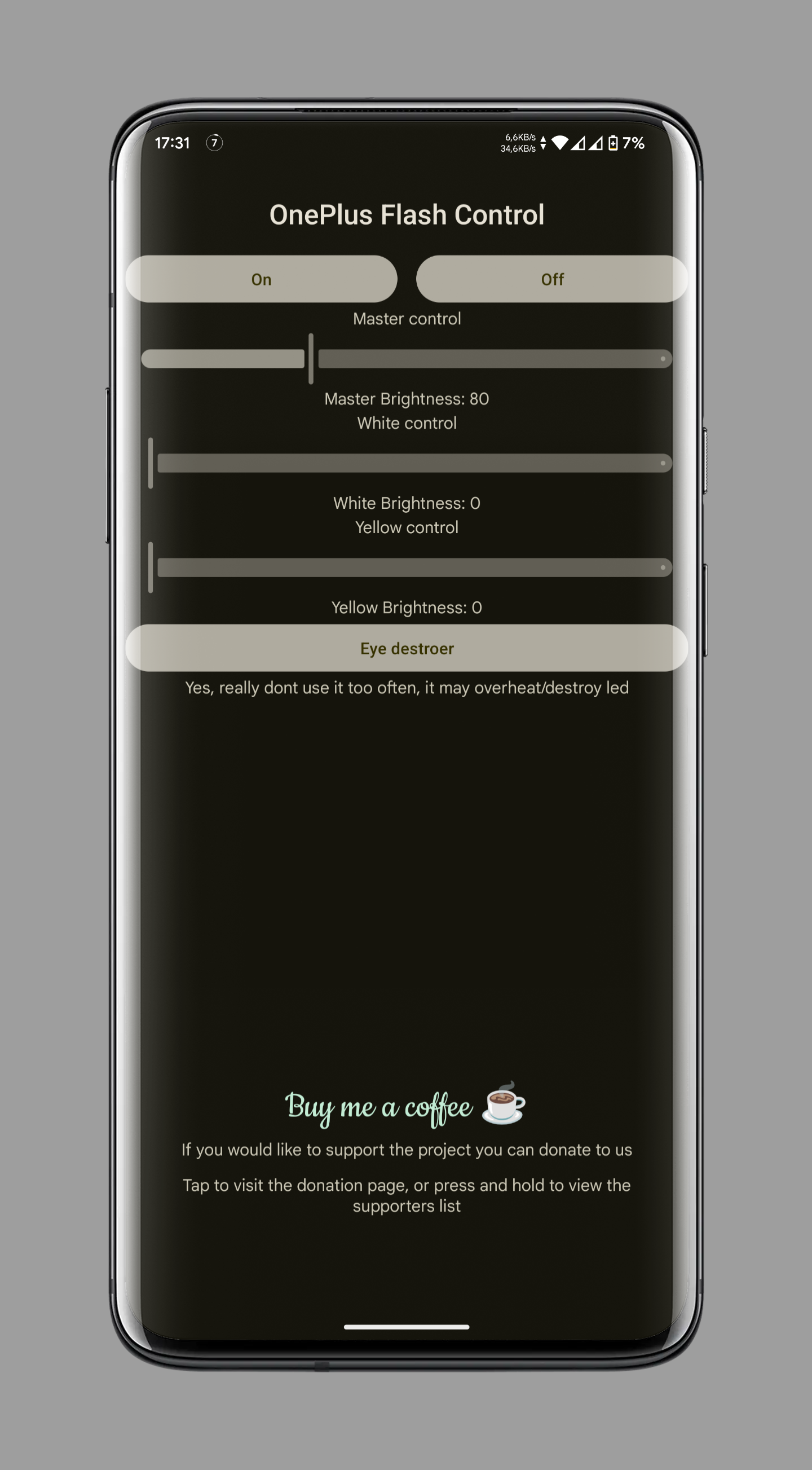
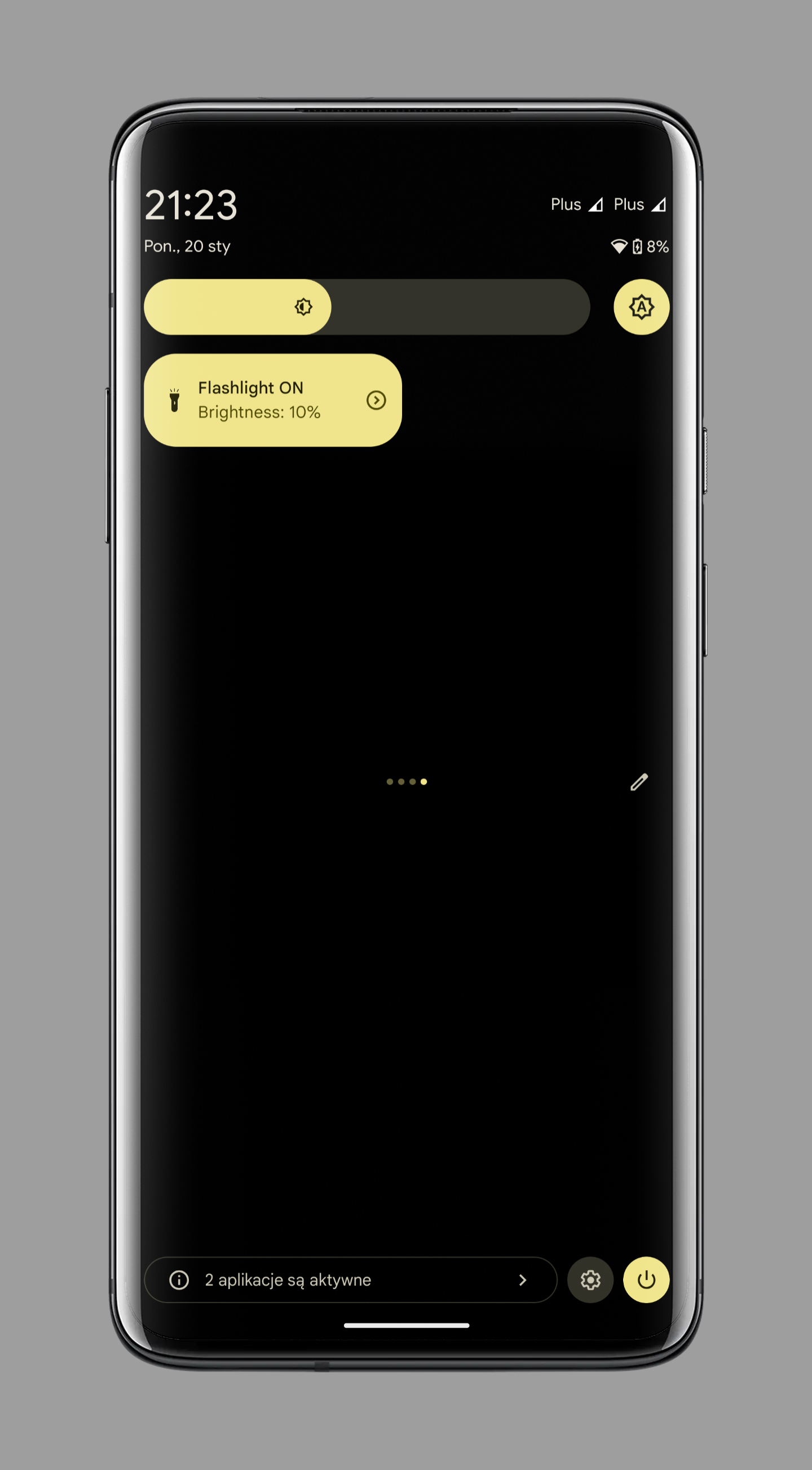
Key Features: - Master Brightness Control: Adjust the overall LED brightness using a slider (0-500 on rooted devices, 1-5 torch levels on non-rooted). - Individual LED Control (Root Only): Independently control the brightness of white and yellow LEDs for precise customization. - Safety Mechanism: The app includes safety features that ensure brightness levels never exceed safe thresholds, automatically adjusting brightness to safe levels if necessary (rooted devices only). - "Eye Destroyer" Mode (Root Only): A unique feature that flashes the LEDs at maximum brightness, emitting very intense light. This function is protected by a cooldown to prevent excessive use. - Quick Settings Tile: A quick settings tile to toggle the LED brightness with ease, including cycling through brightness levels and detecting double-tap gestures. - Adaptive UI: The app automatically hides advanced controls on non-rooted devices, providing a clean and appropriate user experience. - Secret Action: Unlock hidden experimental features by tapping the app's title 5 times within 5 seconds.
Compatibility: - OnePlus Devices (Rooted): Full feature access with system-level dual-LED control. - OnePlus Devices (Non-Rooted, Android 13+): Basic flashlight control with torch strength levels. - Other Android 13+ Devices (Non-Rooted): May work as a bonus feature, but not officially supported. - Whether you're looking to fine-tune your OnePlus device's LED functionality with root access or simply need reliable flashlight control without root, OnePlus Flash Control adapts to your device's capabilities.
Screenshots
How to install
- Download the APK from the button at the top of this page.
- Allow “Install unknown apps” for your browser or file manager only, not for every app.
- Open the downloaded file and confirm the installation.
- If installation fails with “App not installed,” remove an earlier build of the same app first. A signature conflict is the usual cause.
Data safety
- Every file is checked against its published SHA-256 before it is listed.
- Files are scanned for malware on every update.
- The permissions each app requests are listed on its own page.
- Read the full safety policy for how we test, flag, and delist files.
Frequently asked questions
What is OnePlus Flash Control?
Advanced LED control for OnePlus (root required)
Who develops OnePlus Flash Control?
OnePlus Flash Control is developed by Bartixxx.
Which Android version does OnePlus Flash Control require?
OnePlus Flash Control requires Android API 30 or later.
What is the current version of OnePlus Flash Control?
The synchronized F-Droid version is 1.6.2.
Which license does OnePlus Flash Control use?
The signed F-Droid metadata lists GPL-3.0-only.
Where is the source code for OnePlus Flash Control?
https://github.com/Bartixxx32/Opflashcontrol-app
Comments
Recent approved comments · sorted by newest
View all comments