What’s new
Changed to scroll main screen when display is narrow.

Updated Oct 29, 2026
Simple CPU Stress test tool for Android
This program is a simple stress test tool for Android devices.
It offers the following features:
- Forces the CPU to perform unnecessary calculations to generate load - Executes the process with a specified number of threads - Runs in the background, allowing work to continue even when the app is closed - Displays a solid black blank screen to prevent burn-in the display for devices that has OLED display - Also perform the memory stress test
How to use: On Android 13 and newer, When this app started at the first time, it will show a dialog requesting notification permission. This is required to the app can continue processing even when its window is not open.
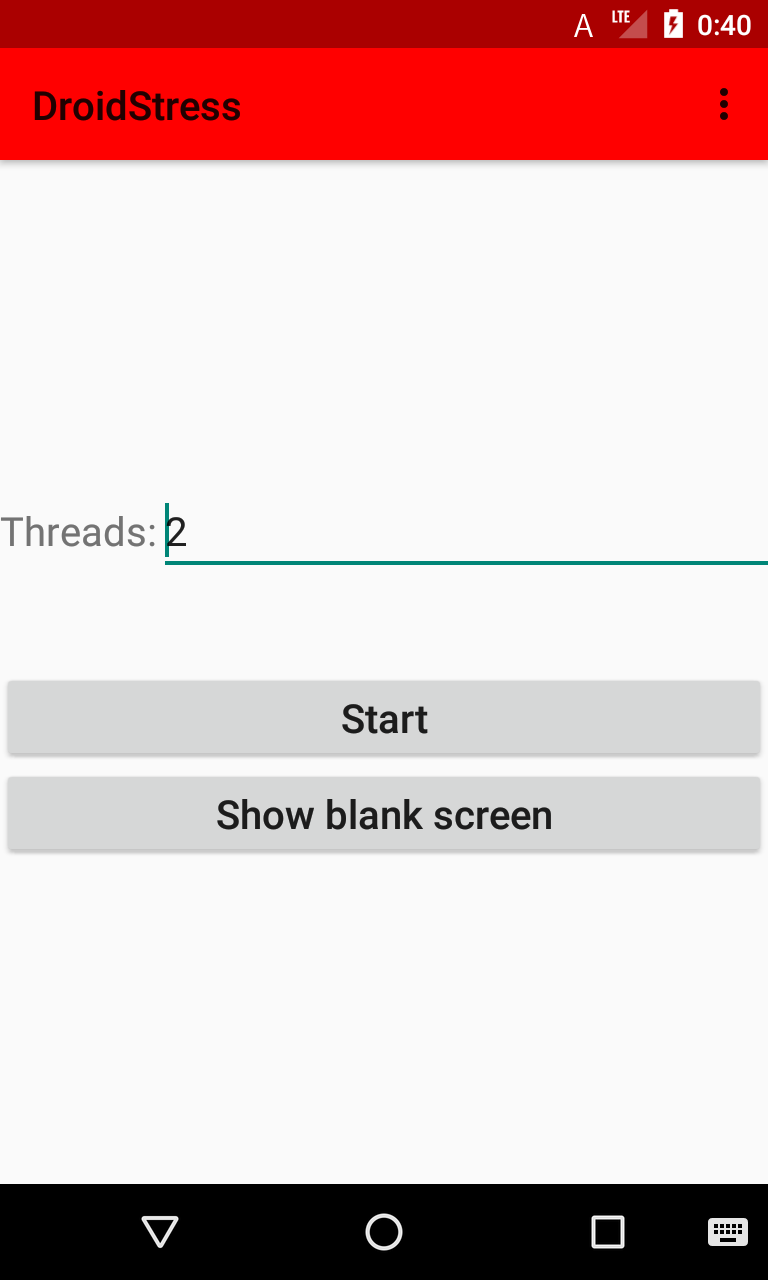
In the "Threads:" input field, enter the number of threads to use.
In the "Duration (minute):" input field, enter the amount of time, in minutes, that the process should run. If a number is entered, the process will run for that many minutes. To run the process indefinitely, leave the field blank.
In the "Memory stress test (MiB:)" input field, enter a value in MiB if you want to perform a memory stress test. The test repeatedly allocates the specified amount of memory, writes arbitrary data to it, and then frees it, thereby stressing the memory.
Press "Start" to begin processing. Once started, a notification will appear indicating that background work is in progress. Press "Stop" to halt processing.
Press "Show blank screen" to display a solid black screen and temporarily stop the screen from sleeping. This is useful when running long stress tests on OLED displays.
Click "About..." in the menu bar to view the app's version and license information.
Use cases:
- Battery refresh If the battery level is not displayed correctly, fully charging to 100% and then discharging to 0% can recalibrate the measurement. This app helps consume battery during that process.
- Warming the phone A device that has cooled down can suddenly shut down or freeze, making it unstable. Use this program in the winter to warm the device and stabilize its operation before it becomes unstable.
- Staying warm with the device Do you have a device with the CPU such as the Snapdragon 810? It's perfect for keeping warm! Use this app on the device and keep it in your pocket to warm your hands.

Changed to scroll main screen when display is narrow.
Recent approved comments · sorted by newest
View all comments