Non-destructive RAW photo editing with GPU acceleration and local AI masks
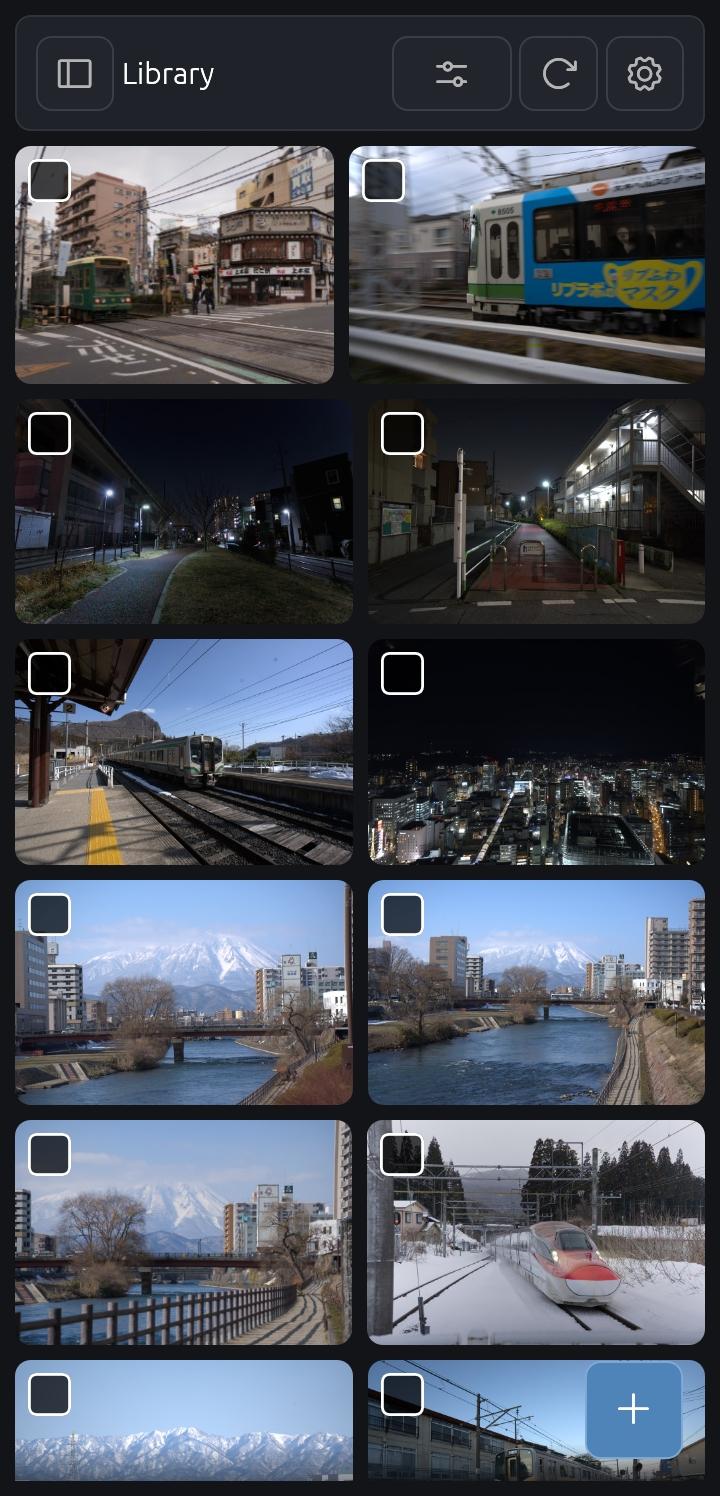
CalibRaw is a free, open-source RAW photo editor with a native Android interface and GPU-accelerated processing. Browse your photo library, develop camera RAW files, and export your finished images from your phone.
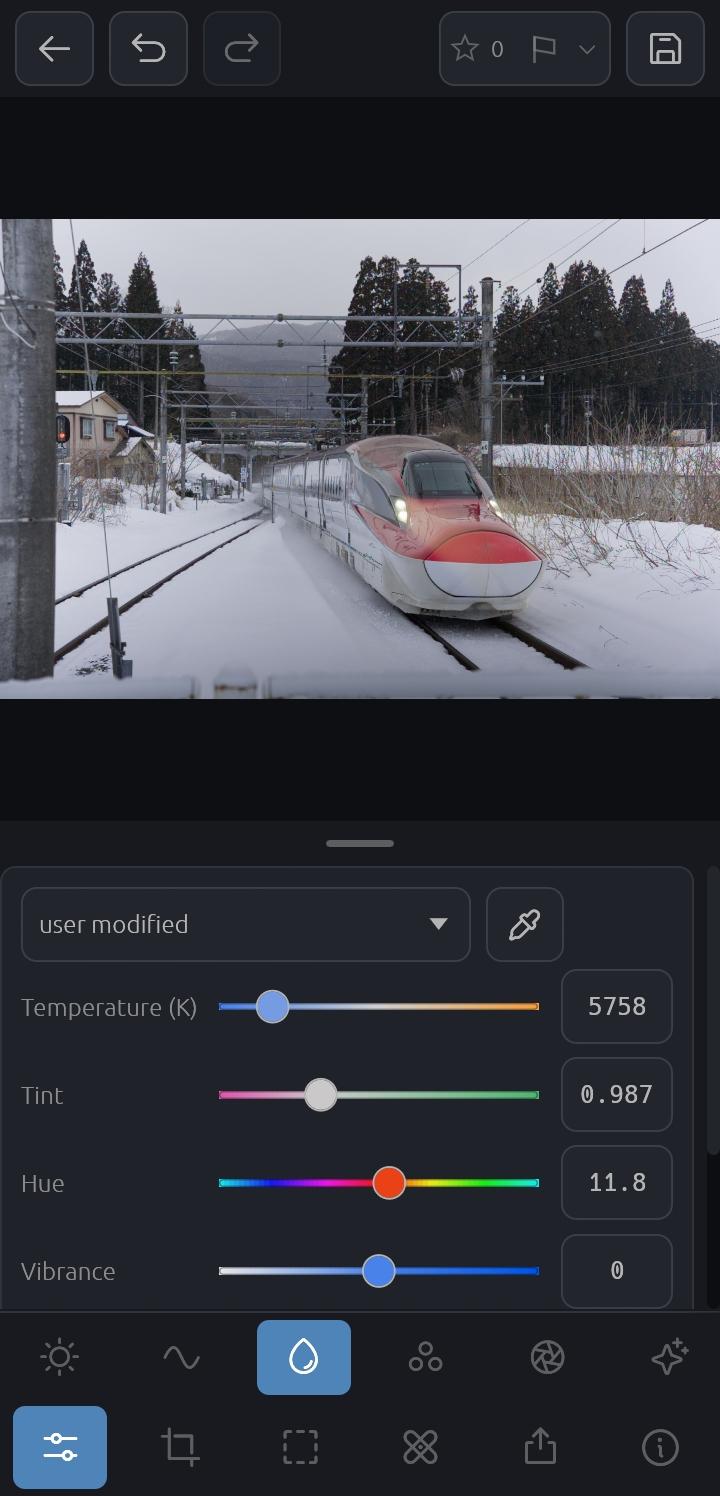
Color and tone controls
Adjust exposure, white balance, contrast, and saturation.
Fine-tune colors with an eight-band color mixer and Point Color selections.
Shape tones with luminance and RGB curves, color grading wheels, and sigmoid tone mapping.
Local adjustments
Create brush, linear gradient, radial gradient, and shape masks.
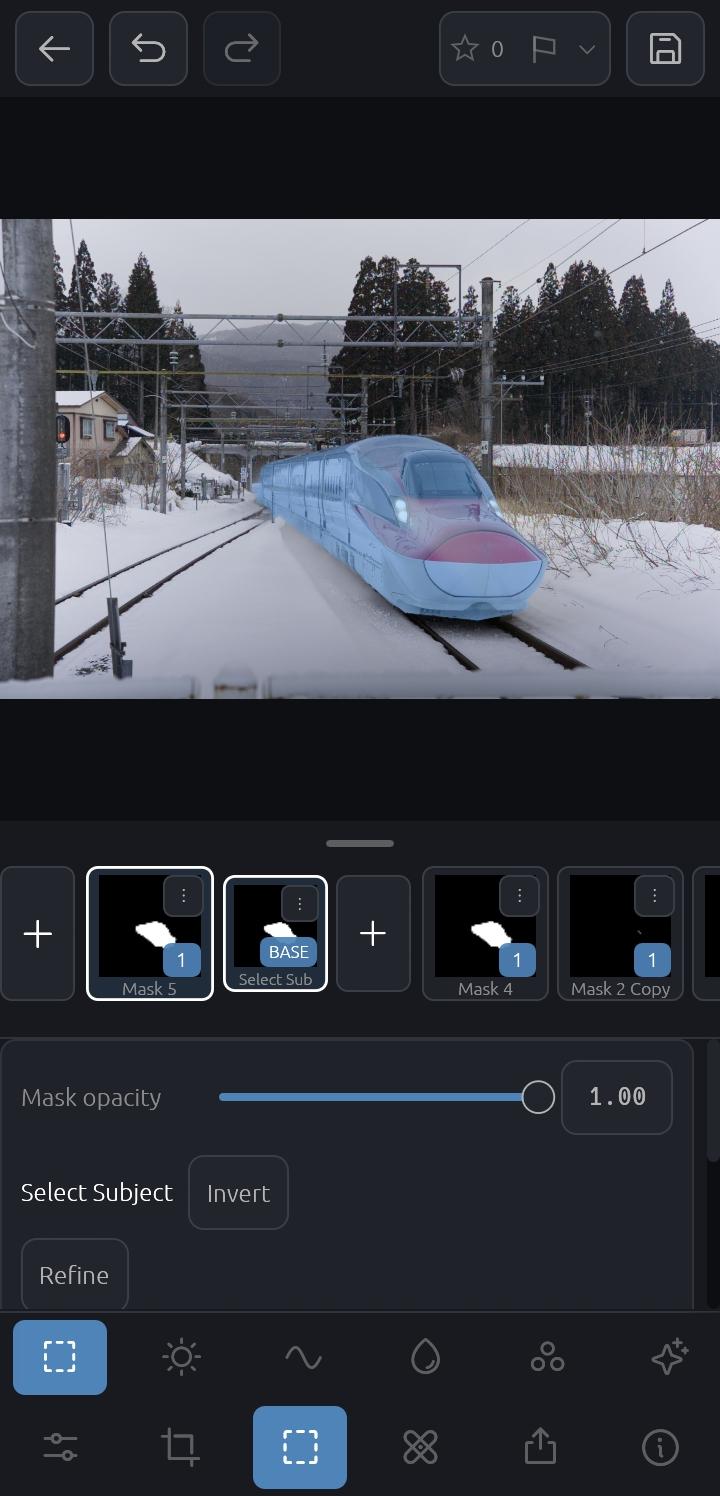
Select subjects, skies, and objects with on-device AI masking.
Apply independent adjustments and creative effects to masked areas.
RAW development and export
Support for RAW files from many camera manufacturers, including DNG and Fujifilm X-Trans.
Advanced demosaicing, highlight recovery, and Lensfun lens corrections.
Export finished photos to Android's media library, including JPEG and lossless JPEG XL.
Non-Destructive
Edits are non-destructive and saved in lightweight .calibraw sidecar files, so you can revisit your adjustments without changing the original photo.
Photo processing runs locally on your device. AI masking requires an initial model download; once installed, the models run locally. (AI models may not work on lower end devices)
CalibRaw is licensed under the GNU General Public License v3.0 or later.
Screenshots
What’s new
Sharpening and noise reduction as effect components. HDR merge and focus stack alignment fixes. HDR merge and TIFF support on Android. Remember the zoom level. Fixes for GPU out-of-memory crashes.
How to install
Download the APK from the button at the top of this page.
Allow “Install unknown apps” for your browser or file manager only, not for every app.
Open the downloaded file and confirm the installation.
If installation fails with “App not installed,” remove an earlier build of the same app first. A signature conflict is the usual cause.
Data safety
Every file is checked against its published SHA-256 before it is listed.
Files are scanned for malware on every update.
The permissions each app requests are listed on its own page.
Read the full safety policy for how we test, flag, and delist files.
Frequently asked questions
What is CalibRaw?
Non-destructive RAW photo editing with GPU acceleration and local AI masks
Who develops CalibRaw?
CalibRaw is developed by Duecki.
Which Android version does CalibRaw require?
CalibRaw requires Android API 26 or later.
What is the current version of CalibRaw?
The synchronized F-Droid version is 1.3.1.
Which license does CalibRaw use?
The signed F-Droid metadata lists GPL-3.0-or-later.