NoMoreBackground icon

NoMoreBackground

Adil Hanney
Tools
Version
2.8.2
Size
22.6 MB
Requires
Android API 24+
4.3 / 5 · 18,629 ratings 99,298 downloads

Updated Oct 25, 2026

Quick answer

Control your Android™ apps

A tool to manage which Android™ apps can run in the background using adb, Shizuku, or root.

You probably don't need some random takeaway app doing anything in the background. And maybe you don't want that mobile game wasting your data when you're not using it.

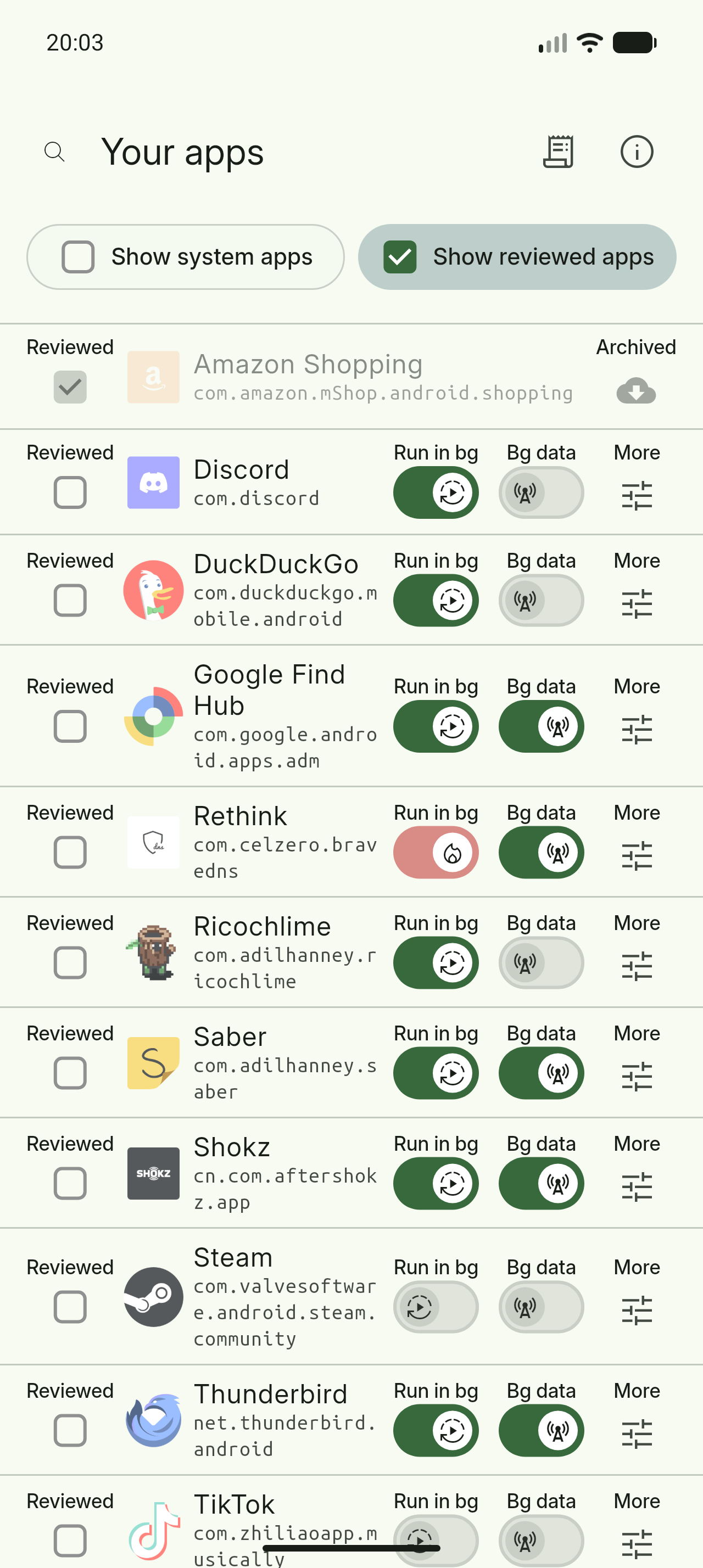
NoMoreBackground gives you a list of your apps and lets you choose which of them you want having background permissions, all on one screen, to help you get the most out of your battery.

And the best part? When you're done, you can close NoMoreBackground and move on with your life. No need to "optimize" every day like some other tools: set and forget!

Tip: Some apps may still run in the background even if you turn them off here. If you use an app very infrequently, right click it and archive it. The app itself will be uninstalled but its data will remain. This means when you next open it, it'll be reinstalled and you'll still be logged in.

Android is a trademark of Google LLC.

Screenshots

NoMoreBackground screenshot 1
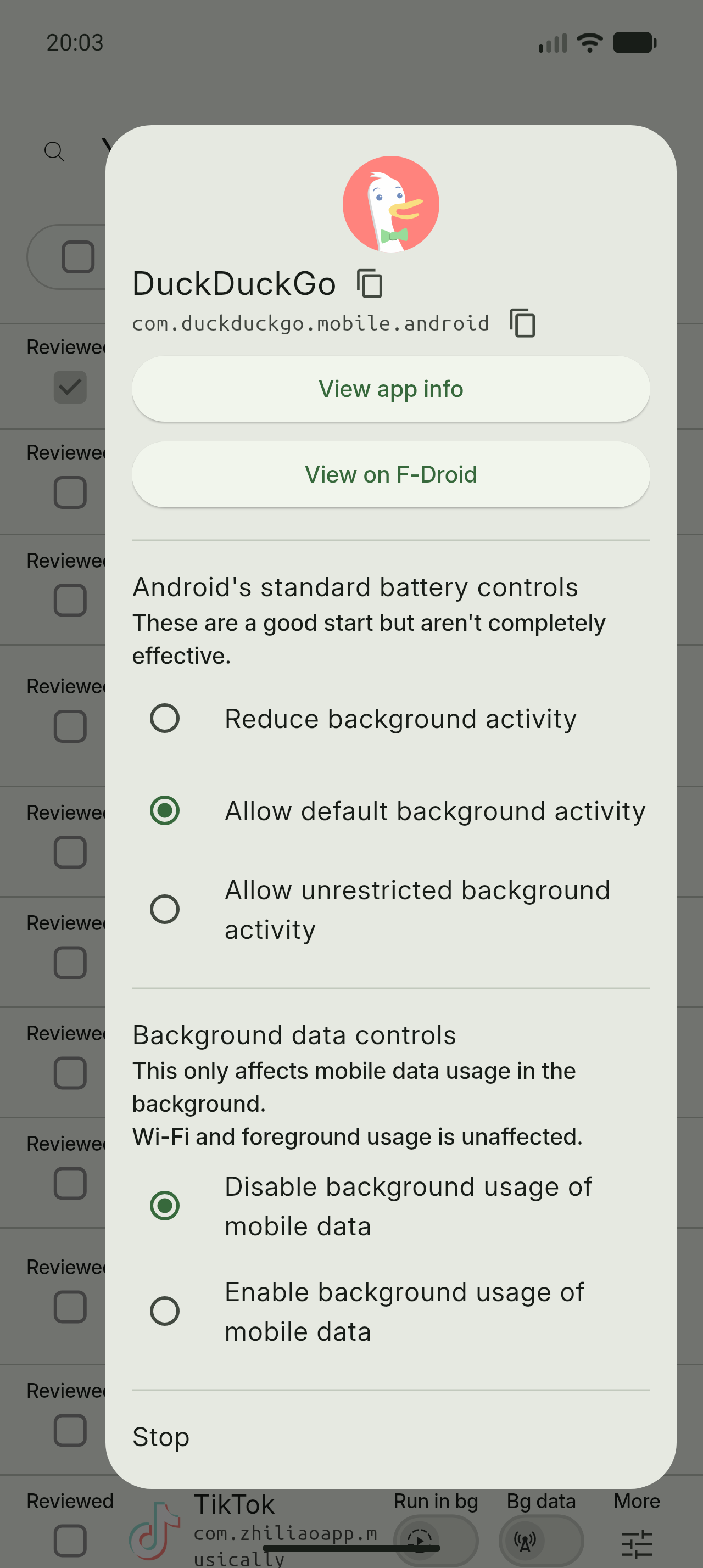
NoMoreBackground screenshot 2
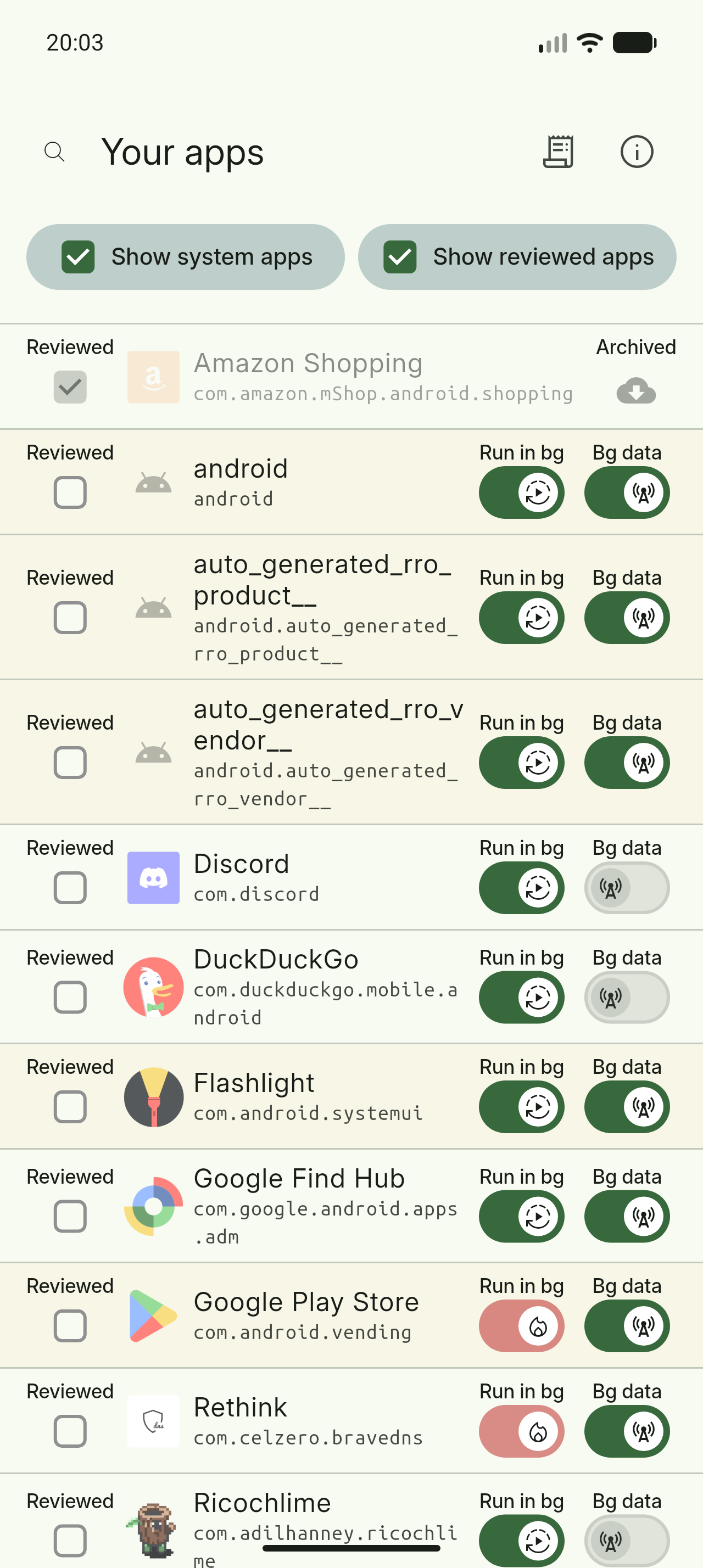
NoMoreBackground screenshot 3
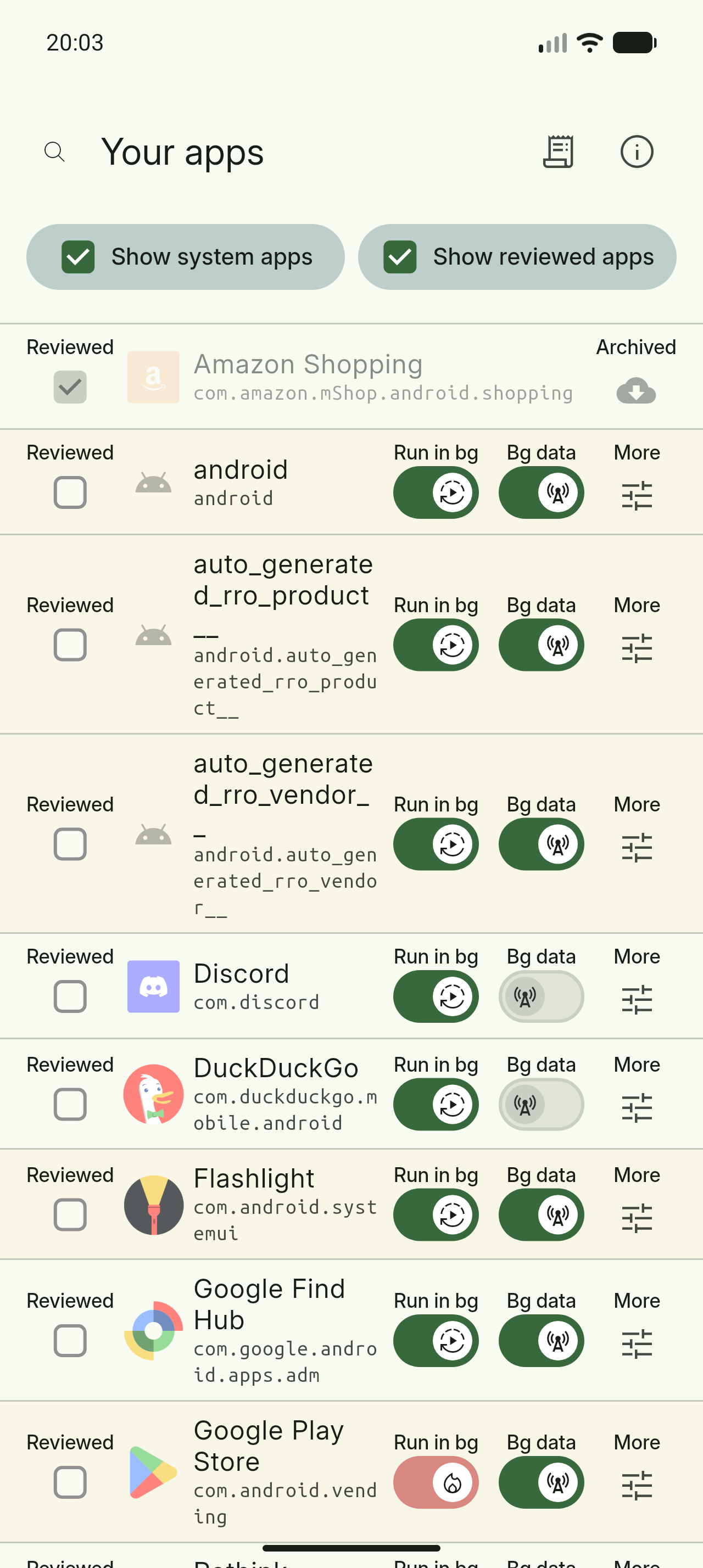
NoMoreBackground screenshot 4

What’s new

• Release_notes_will_be_added_here
• Converted the long press/right click menu into a dialog.
• Explanations have been added for each button.
• Added buttons to stop/force stop an app.
• Improve transition between pages.
• Added a Greek translation.
• Fixed a typo in the background data toggles.
• Fixed the wrong background data toggle being selected.

How to install

  1. Download the APK from the button at the top of this page.
  2. Allow “Install unknown apps” for your browser or file manager only, not for every app.
  3. Open the downloaded file and confirm the installation.
  4. If installation fails with “App not installed,” remove an earlier build of the same app first. A signature conflict is the usual cause.

Data safety

  • Every file is checked against its published SHA-256 before it is listed.
  • Files are scanned for malware on every update.
  • The permissions each app requests are listed on its own page.
  • Read the full safety policy for how we test, flag, and delist files.

Frequently asked questions

What is NoMoreBackground?
Control your Android™ apps
Who develops NoMoreBackground?
NoMoreBackground is developed by Adil Hanney.
Which Android version does NoMoreBackground require?
NoMoreBackground requires Android API 24 or later.
What is the current version of NoMoreBackground?
The synchronized F-Droid version is 2.8.2.
Which license does NoMoreBackground use?
The signed F-Droid metadata lists GPL-3.0-only.
Where is the source code for NoMoreBackground?
https://github.com/adil192/no_more_background

Comments

Recent approved comments · sorted by newest

Verification code
Be specific and keep it about the app. No links. Comments are reviewed before publication. Device and Android details are recorded automatically. Privacy policy.

Loading recent comments...

View all comments