Areada icon

Areada

iTsMe-Zen
Science & Education
Version
1.1.4
Size
2.2 MB
Requires
Android API 23+
4.6 / 5 · 14,039 ratings 97,438 downloads

Updated Oct 22, 2026

Quick answer

A lightweight offline reader for EPUB, PDF, TXT, and FB2.

Areada is a minimal offline Android reader focused on lightweight local reading.

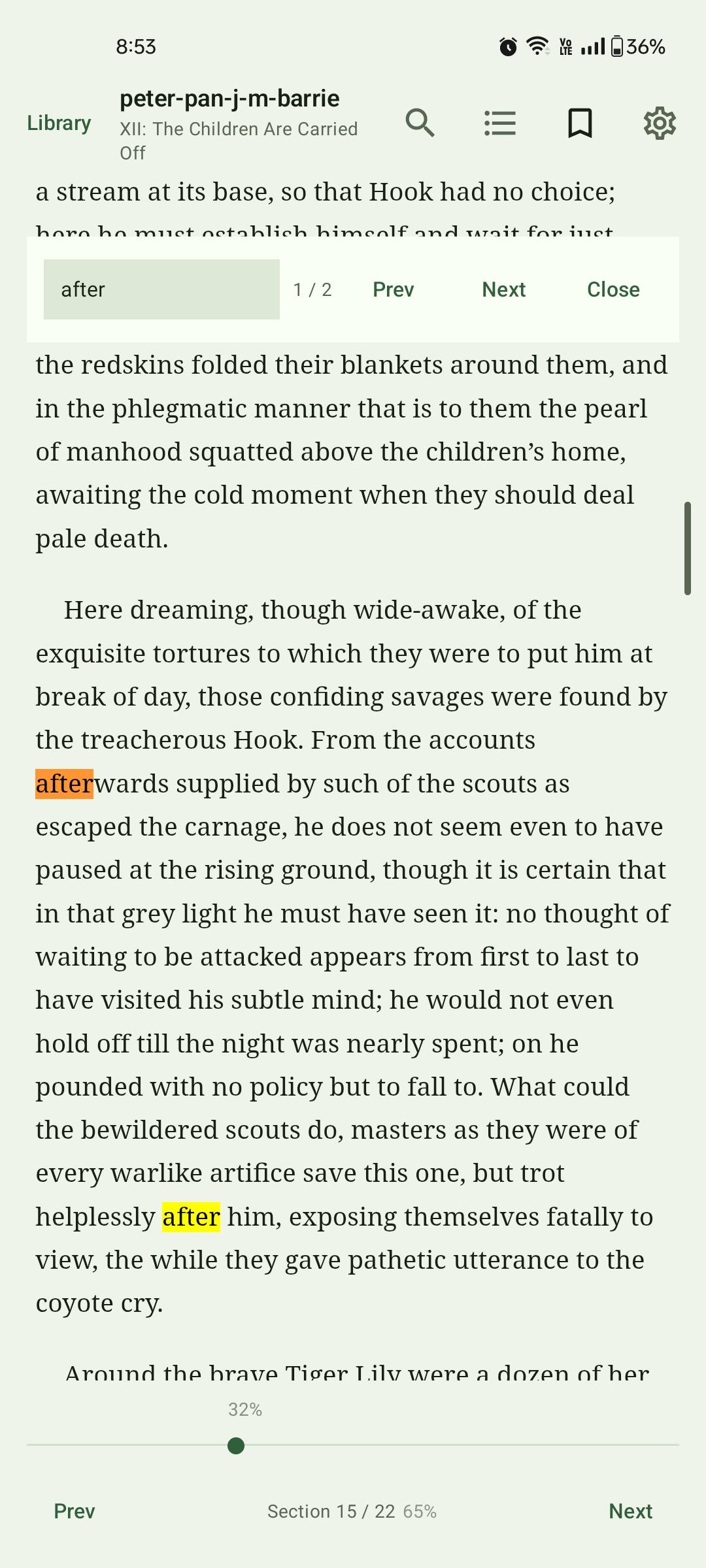
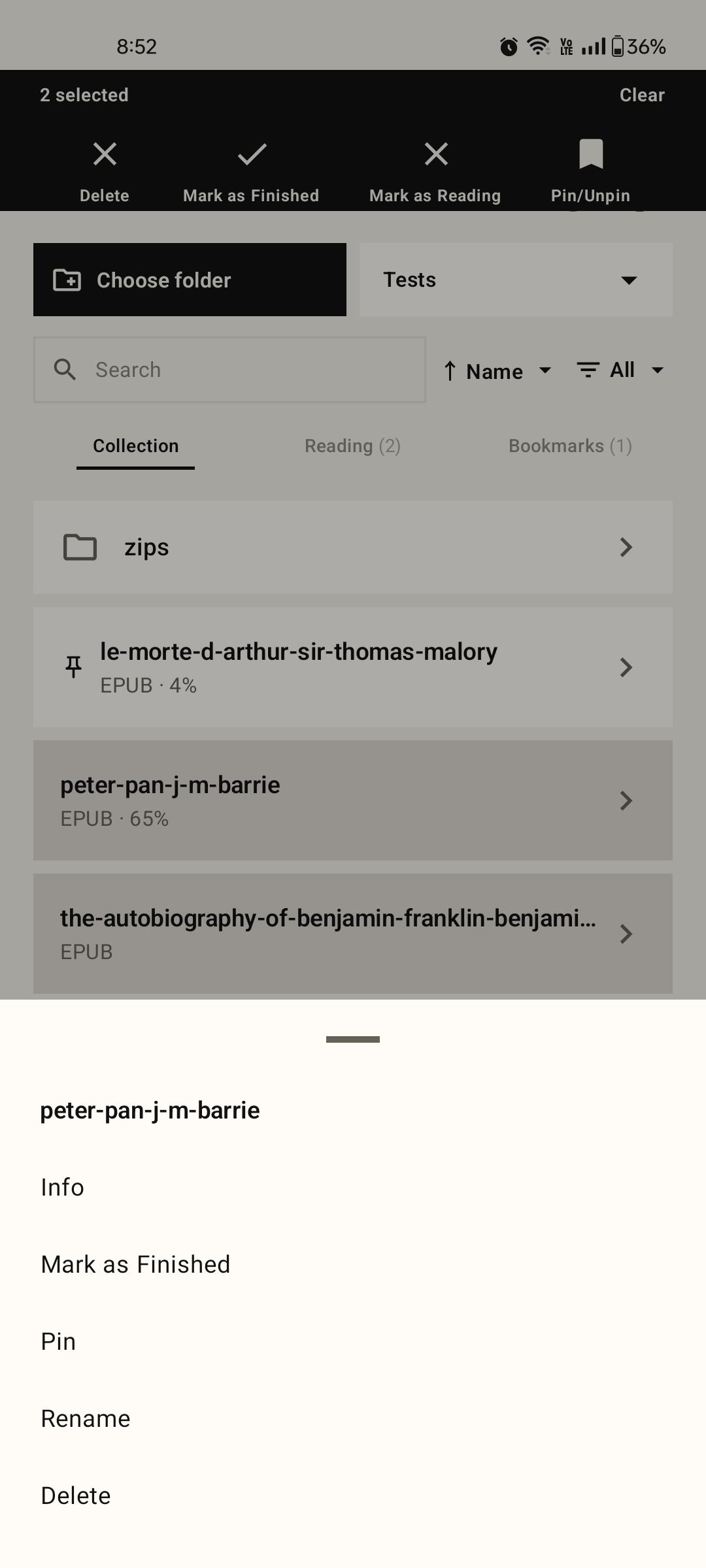
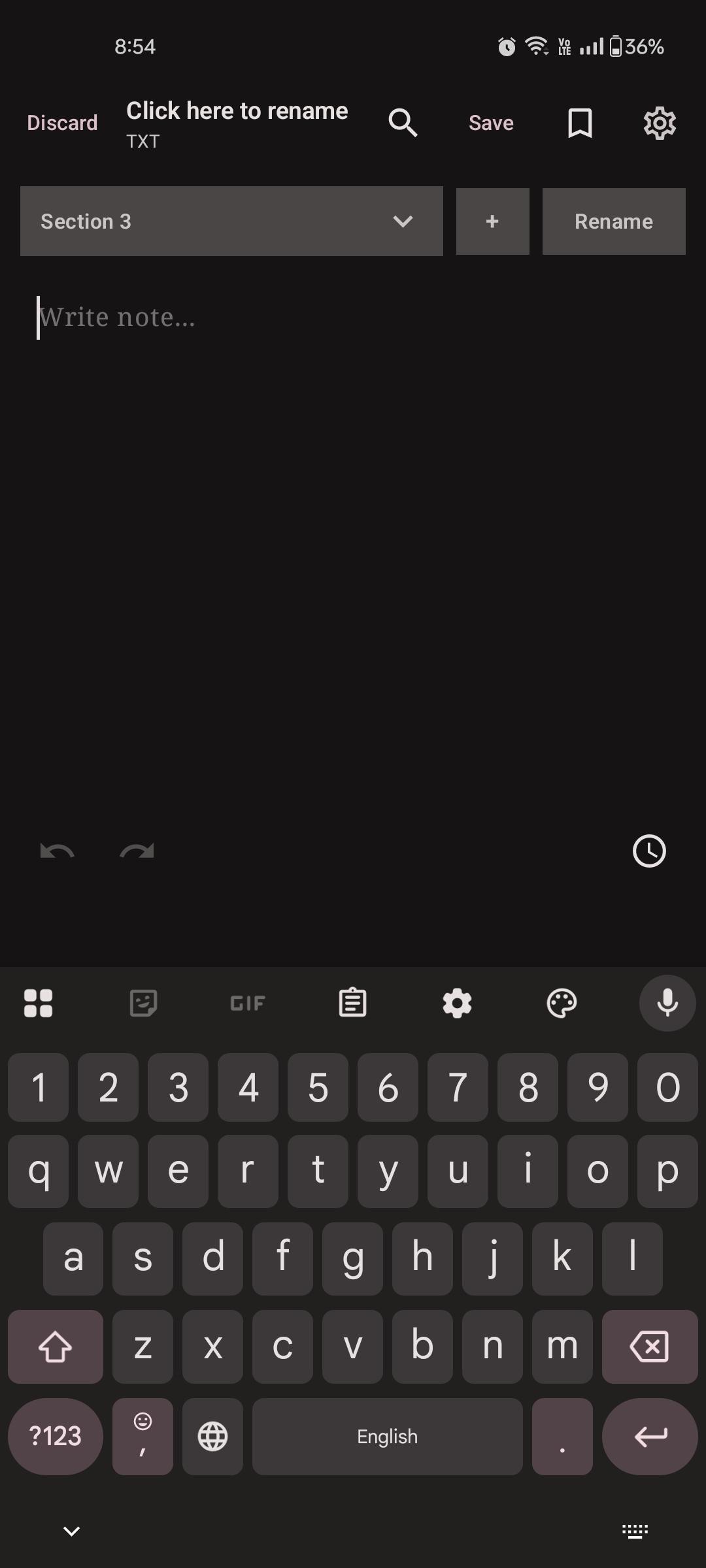
It supports EPUB, PDF, TXT, and FB2 files with a clean monochrome interface, local folder access, saved reading progress, bookmarks, search, filters, and basic plain-text notes.

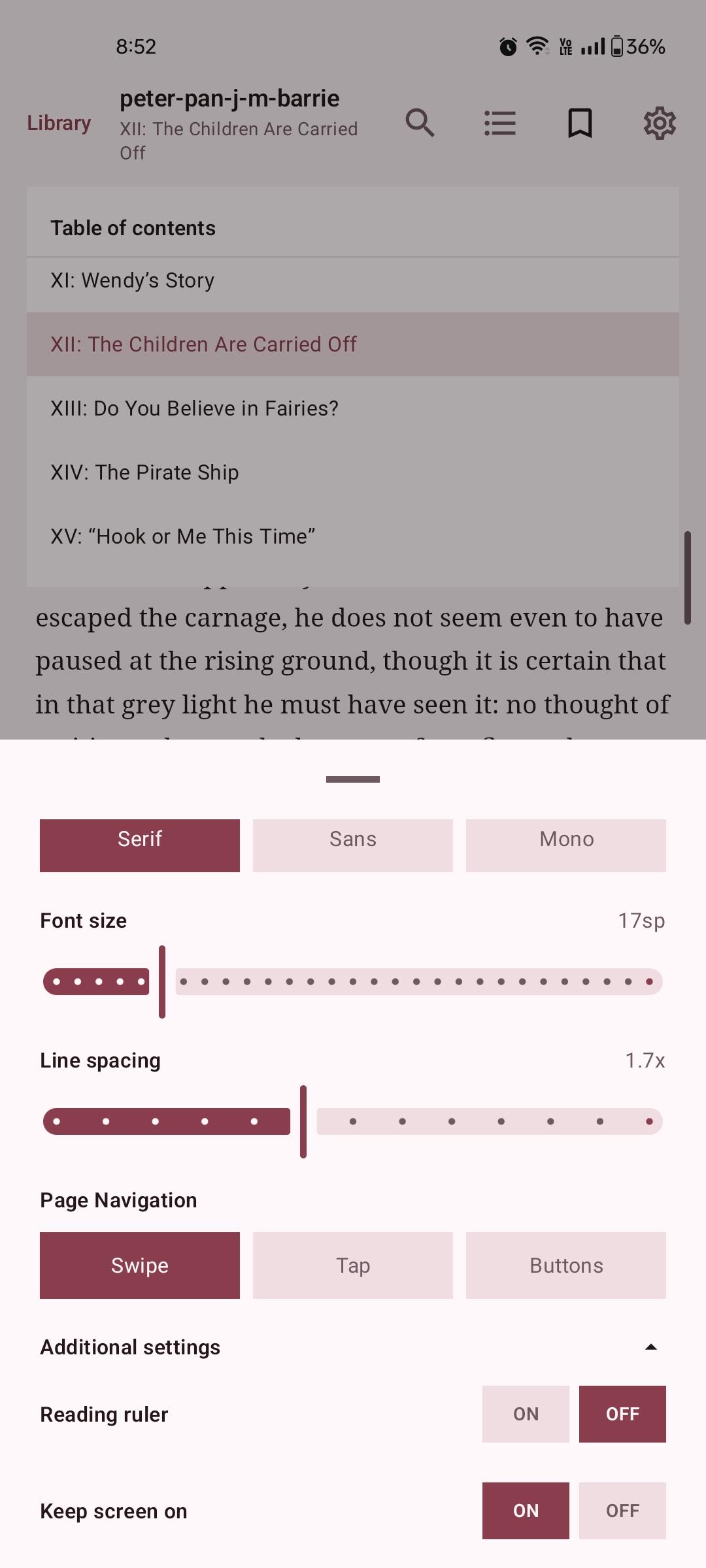
Features: - EPUB, PDF, TXT, and FB2 support - FB2 support for .fb2, .fb2.zip, and .fbz files - Local plain-text notes - Bookmarks and recent reading - Saved reading progress - Search and file-type filters - Folder-aware filtering - Reader themes, font options, and font size settings - EPUB title, ToC, section navigation, and external link handling - PDF rendering with support for visible annotations/callouts/highlights on supported Android versions - PDF internal/external link handling with confirmation for external links - Storage Access Framework folder picker - Offline-only reading - No internet permission - No ads, analytics, tracking, accounts, or cloud sync - No device-wide automatic scanning

Screenshots

Areada screenshot 1
Areada screenshot 2
Areada screenshot 3
Areada screenshot 4

What’s new

- Fixed CN language.

How to install

  1. Download the APK from the button at the top of this page.
  2. Allow “Install unknown apps” for your browser or file manager only, not for every app.
  3. Open the downloaded file and confirm the installation.
  4. If installation fails with “App not installed,” remove an earlier build of the same app first. A signature conflict is the usual cause.

Data safety

  • Every file is checked against its published SHA-256 before it is listed.
  • Files are scanned for malware on every update.
  • The permissions each app requests are listed on its own page.
  • Read the full safety policy for how we test, flag, and delist files.

Frequently asked questions

What is Areada?
A lightweight offline reader for EPUB, PDF, TXT, and FB2.
Who develops Areada?
Areada is developed by iTsMe-Zen.
Which Android version does Areada require?
Areada requires Android API 23 or later.
What is the current version of Areada?
The synchronized F-Droid version is 1.1.4.
Which license does Areada use?
The signed F-Droid metadata lists Apache-2.0.
Where is the source code for Areada?
https://github.com/iTsMe-Zen/Areada

Comments

Recent approved comments · sorted by newest

Verification code
Be specific and keep it about the app. No links. Comments are reviewed before publication. Device and Android details are recorded automatically. Privacy policy.

Loading recent comments...

View all comments