Feature rich event, group and time management system
Linwood Flow is a free, opensource time and event management software. You can choose where your data is stored and who can access it. Group your events and manage places and people. The app is available for Windows, Linux, Android and Web.
* Simple and intuitive: Every tool is in the right place. Open the app and start managing your time. Invite people to your events and share your calendar with them.
* Support your favorite formats: Import and export your old notes and events. Set the app as your default calendar app and use it with your favorite apps.
* Works on every device: The app is available for android, windows, linux, and in the web. You can use it on your phone, tablet, or computer.
* Choose where your data is stored: You can choose to store your data locally, in your favorite cloud (caldav) or decentralized using S5. You can also export your data to a file and import it again.
* Available in many languages: The app is available in many languages. Help us to translate this app to your language.
* FOSS: The app is open source and free. You can contribute to the project and help to make it better.
* Use it offline: You can use the app offline. You can draw, paint, and export your notes without an internet connection.
* Manage your time: You can manage your time using a calendar. You can add events to it and share them with your friends.
* Manage your places: You can add places to the app and share them with your friends. Keep track which places are free and which are busy.
* Manage users: Add users to the app to keep track of who is available and who is not. You can also share your calendar with them. Add birthdays to the app and get a notification when it is time to celebrate.
* Manage your tasks: You can add tasks to the app and share them with your friends. You can also add your favorite tasks to the app. Set a deadline and get notified when it is due.
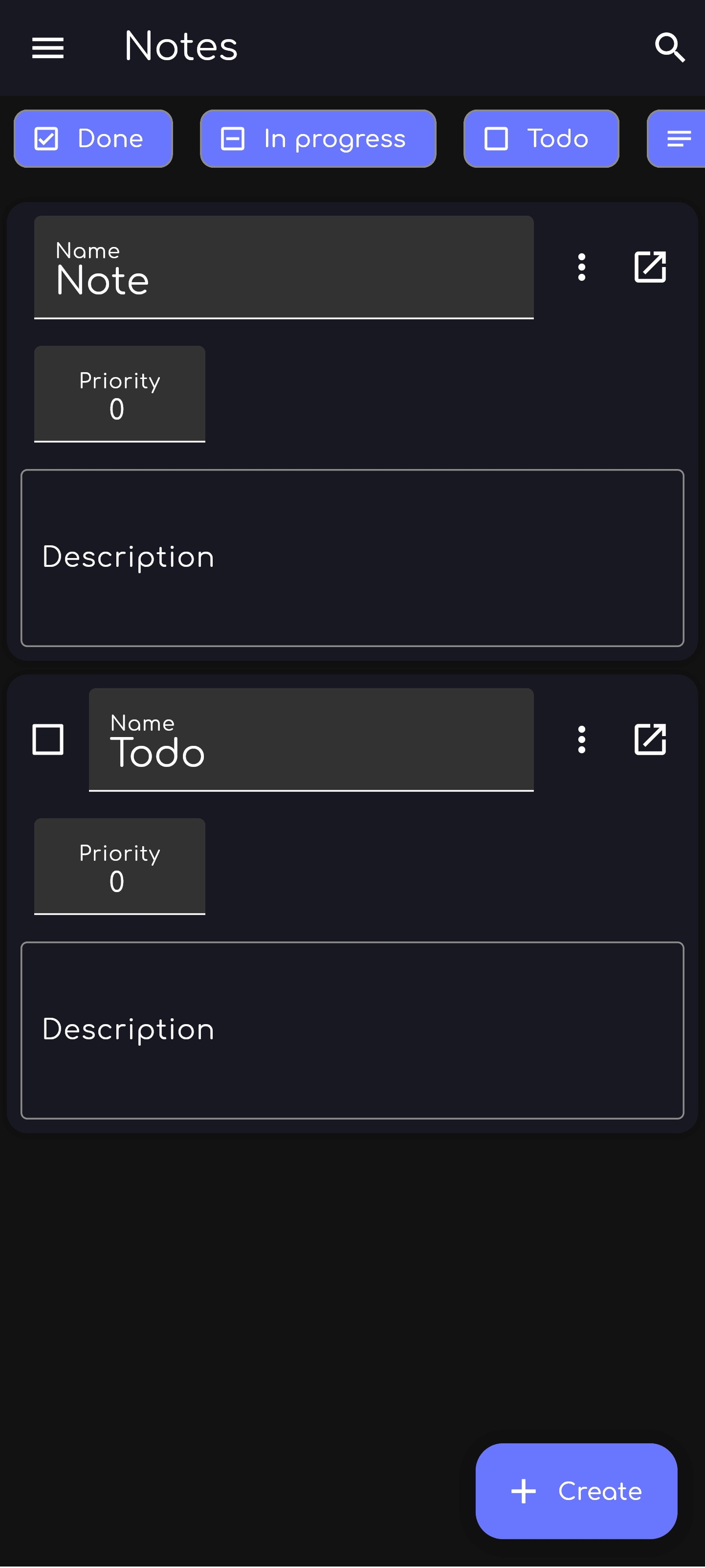
* Take notes: You can add files and notes to your events. Add a backlog to your events to keep track of your progress.
* Group your events: Group your events to know which events are related to each other. You can also add tags to your events to find them faster.
* Irregular events: You can add irregular events to the app. Have irregular meetings? Add them to the app and get notified when it is time to meet. Simply copy the event and change the date.
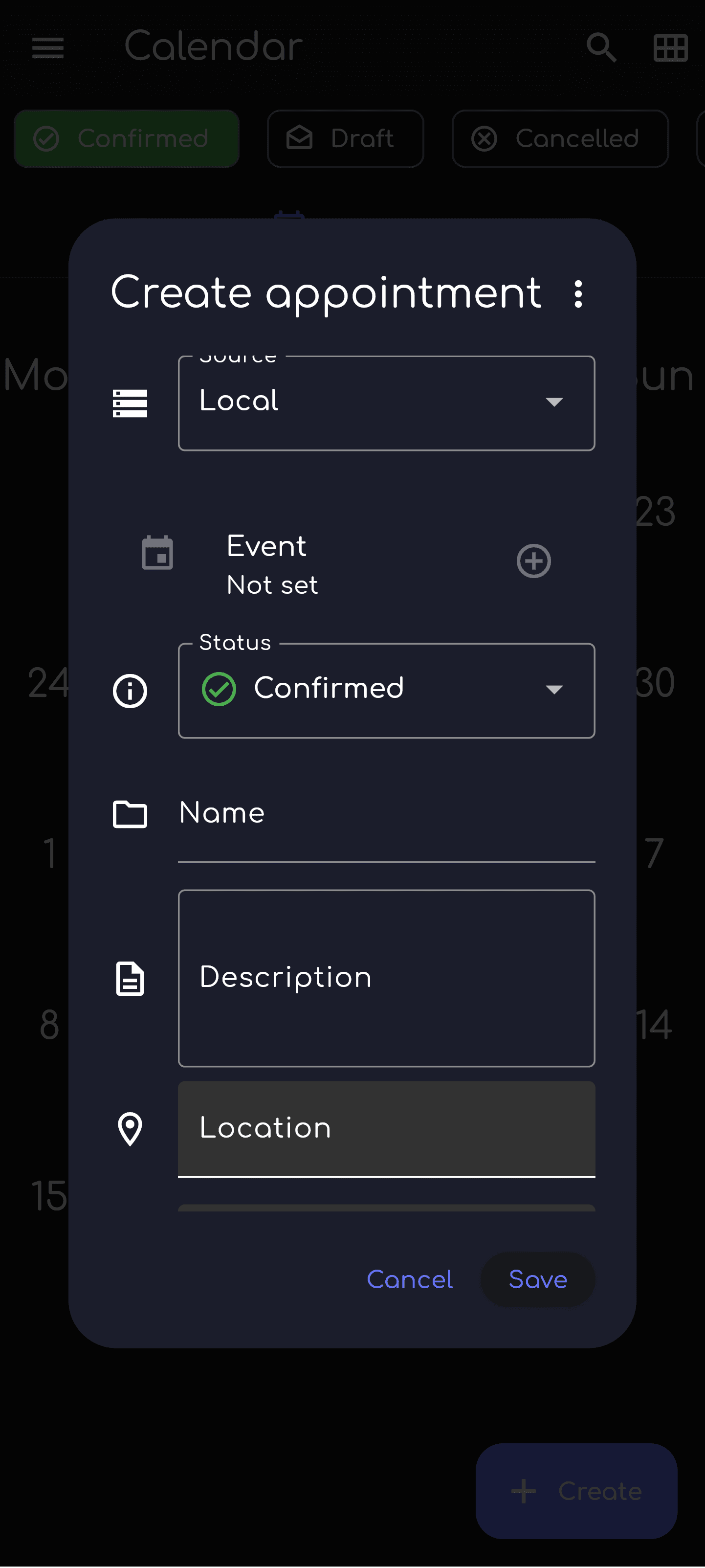
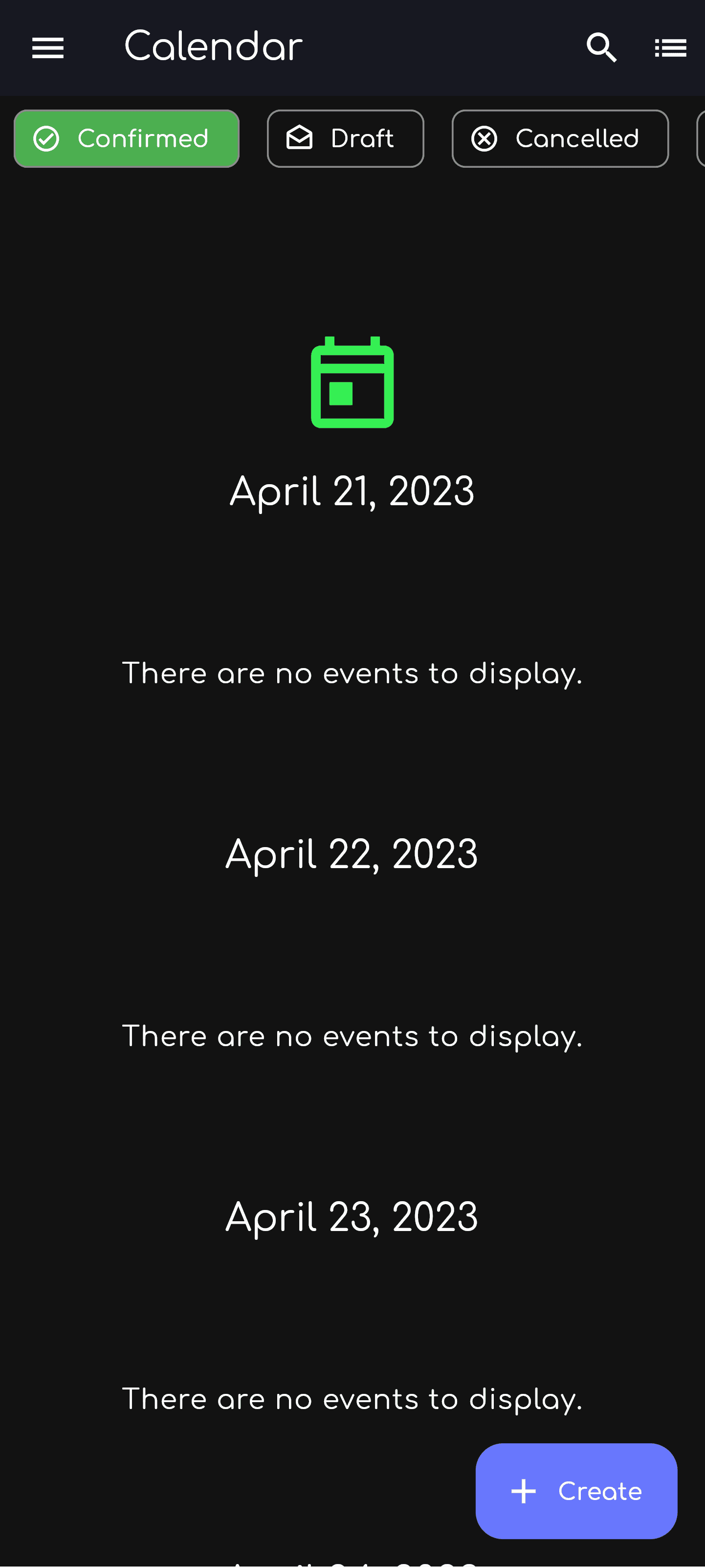
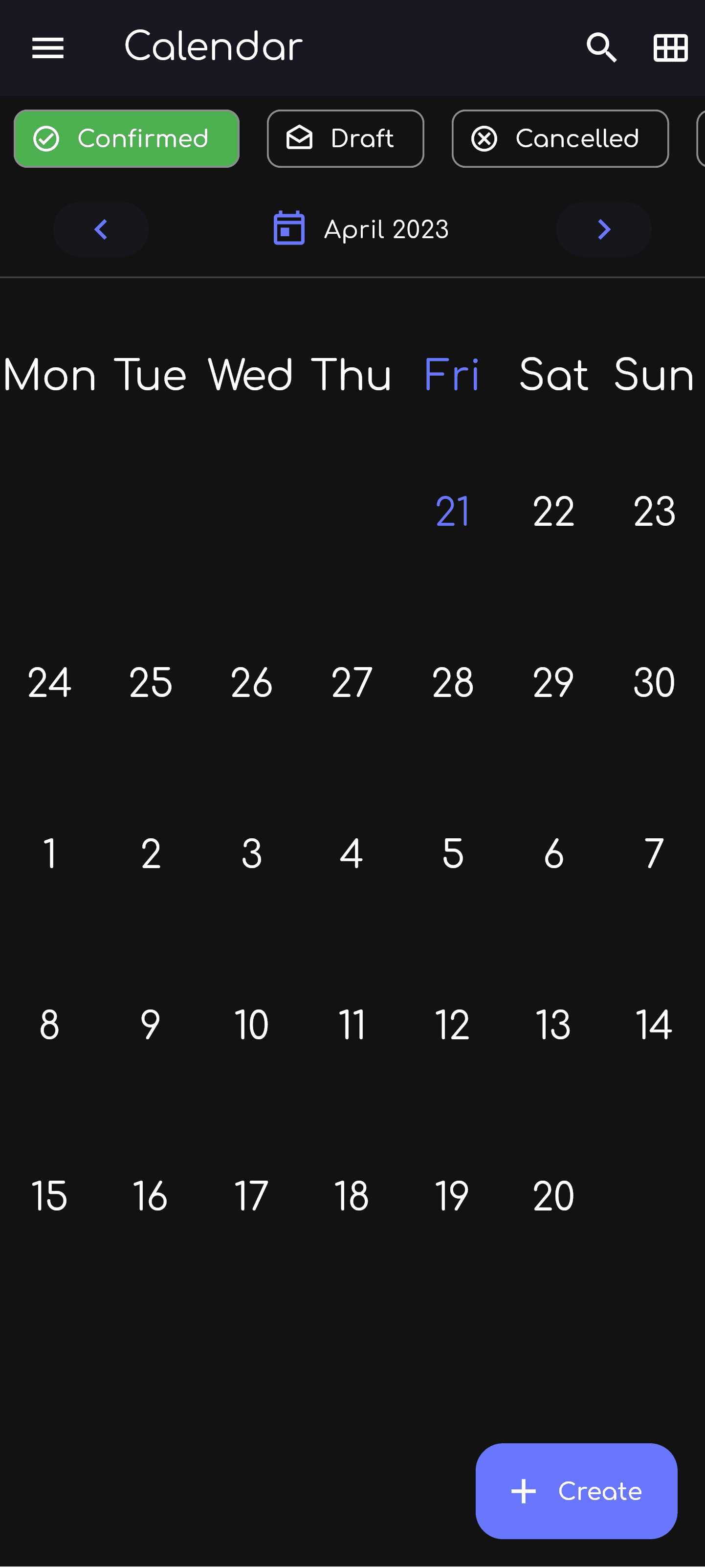
Screenshots
What’s new
* Add device calendar support ([#34](https://github.com/LinwoodDev/Flow/issues/34)) * Remove the clear button from date and time fields * Prevent calendar items from ending before they start * Prevent active alarms from being scheduled in the past or re-enabled after they expire * Show an error and disable alarms when notification scheduling fails * Show save and delete errors without closing the editor * Ask for confirmation before deleting alarms, calendar items, or sources * Keep sources visi
How to install
Download the APK from the button at the top of this page.
Allow “Install unknown apps” for your browser or file manager only, not for every app.
Open the downloaded file and confirm the installation.
If installation fails with “App not installed,” remove an earlier build of the same app first. A signature conflict is the usual cause.
Data safety
Every file is checked against its published SHA-256 before it is listed.
Files are scanned for malware on every update.
The permissions each app requests are listed on its own page.
Read the full safety policy for how we test, flag, and delist files.
Frequently asked questions
What is Linwood Flow Nightly?
Feature rich event, group and time management system
Who develops Linwood Flow Nightly?
Linwood Flow Nightly is developed by Linwood.
Which Android version does Linwood Flow Nightly require?
Linwood Flow Nightly requires Android API 24 or later.
What is the current version of Linwood Flow Nightly?
The synchronized F-Droid version is 0.7.0.
Which license does Linwood Flow Nightly use?
The signed F-Droid metadata lists AGPL-3.0-only.
Where is the source code for Linwood Flow Nightly?