Package Manager is a highly powerful application to manage apps, both system and user, installed on an android device.
WARNING: I Am NOT Responsible for any Damages on Your Device!ROOT Access is required for some advanced features.
Features
Package Manager is a simple, yet powerful application, offering the following features:
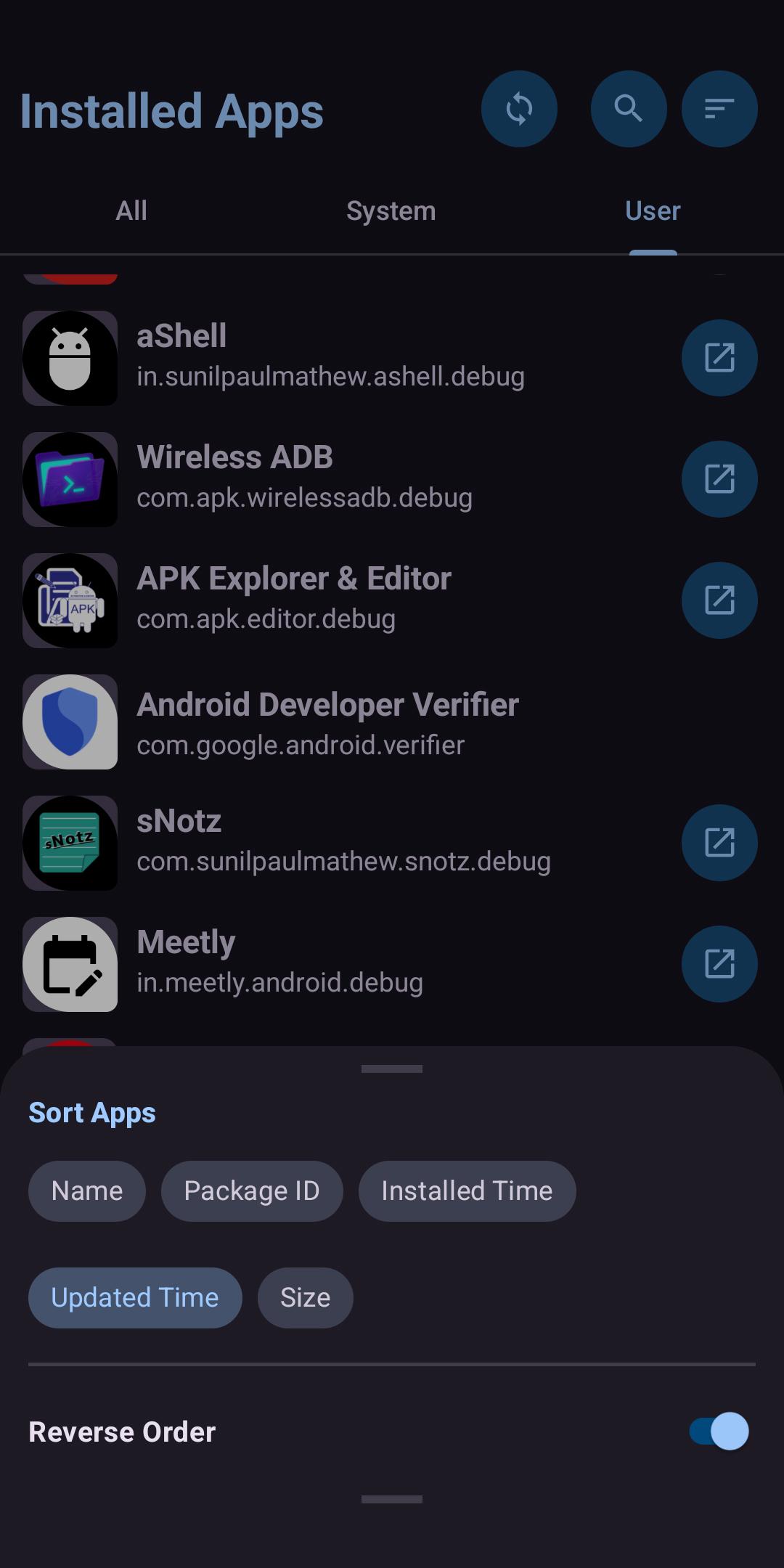
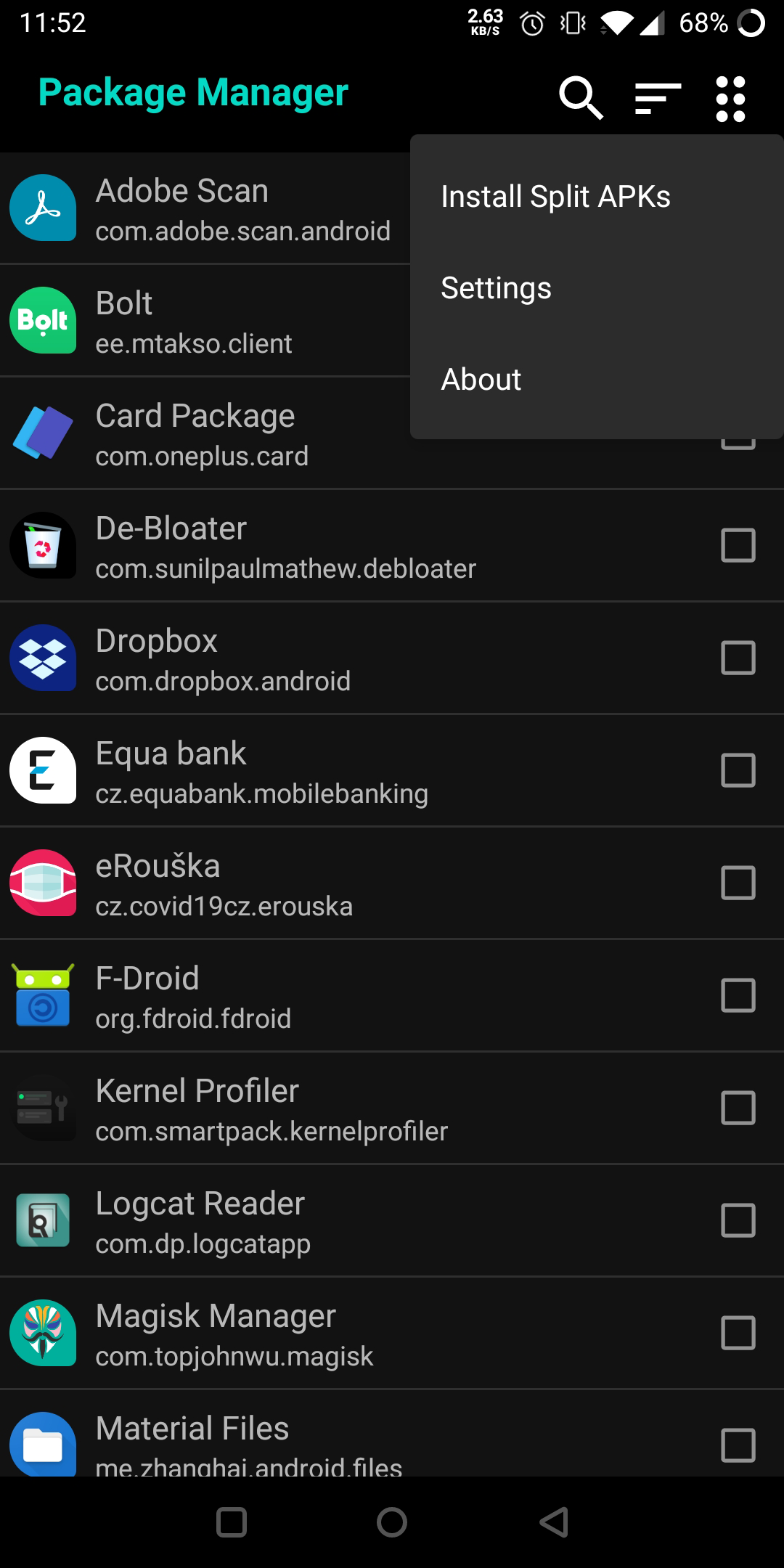
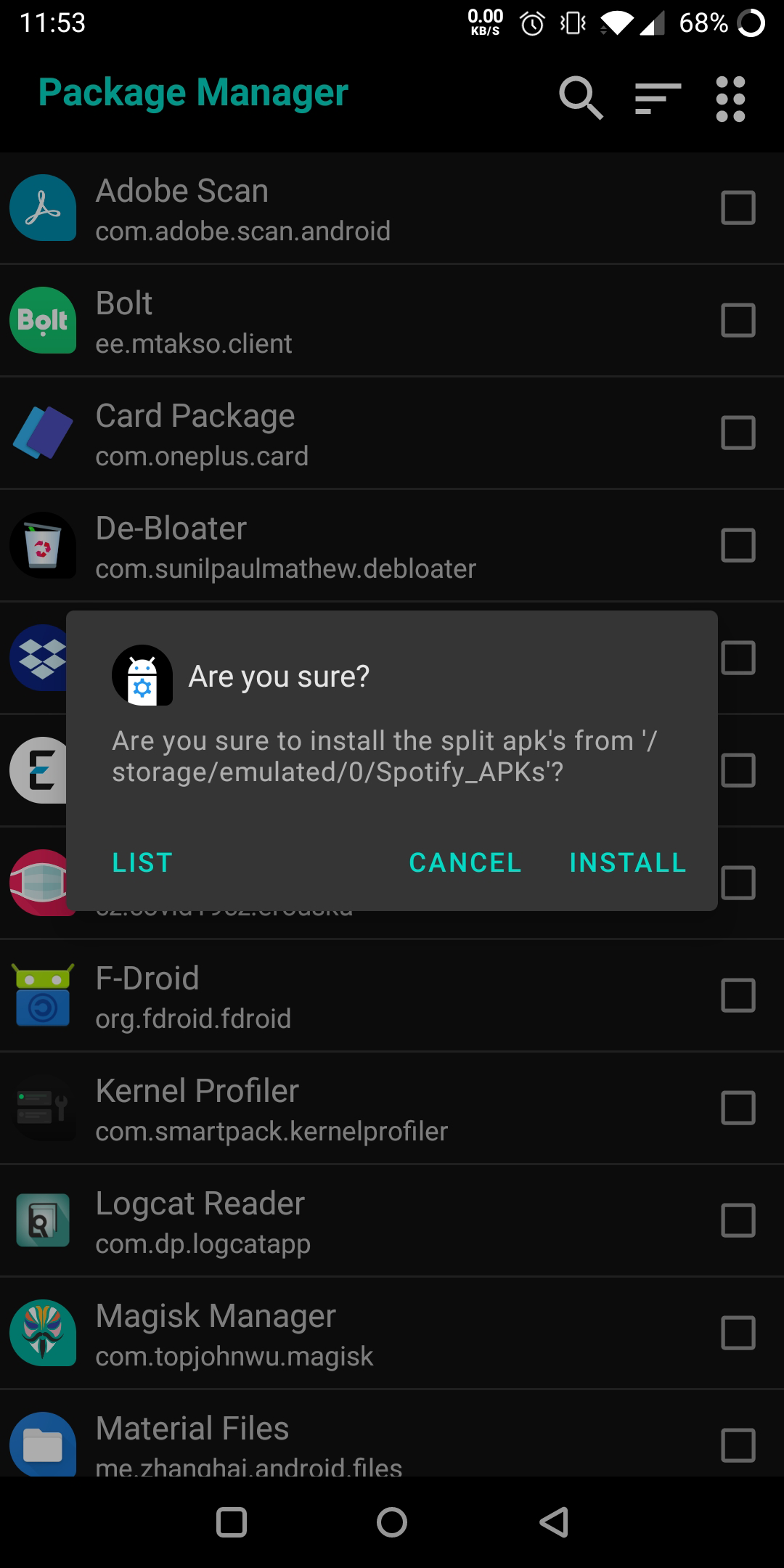
* A beautiful list view of System and User applications, together or separately.
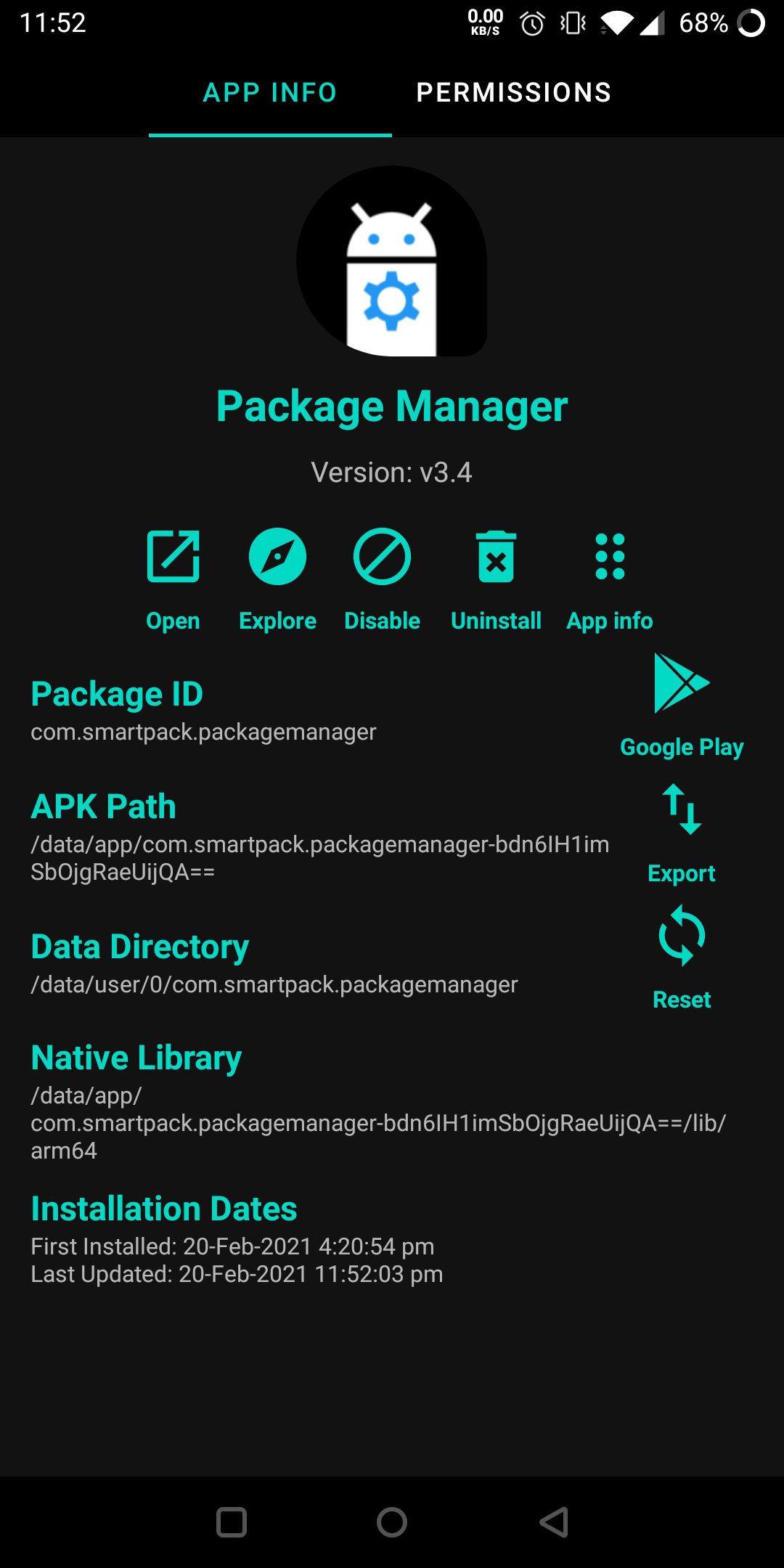
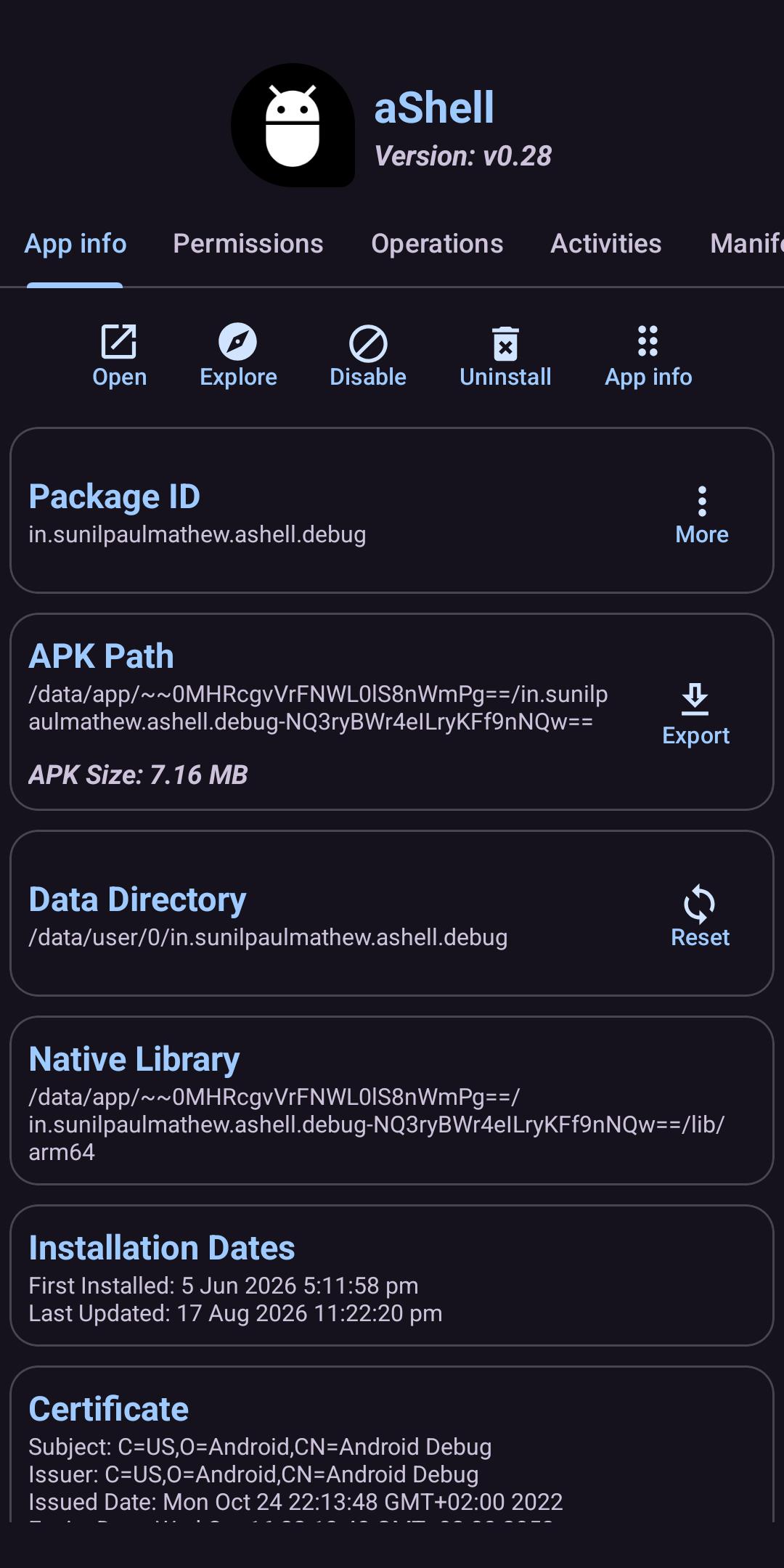
* Helps to do basic tasks such as Open app, show app info, visit PlayStore page, uninstall (User apps), etc.
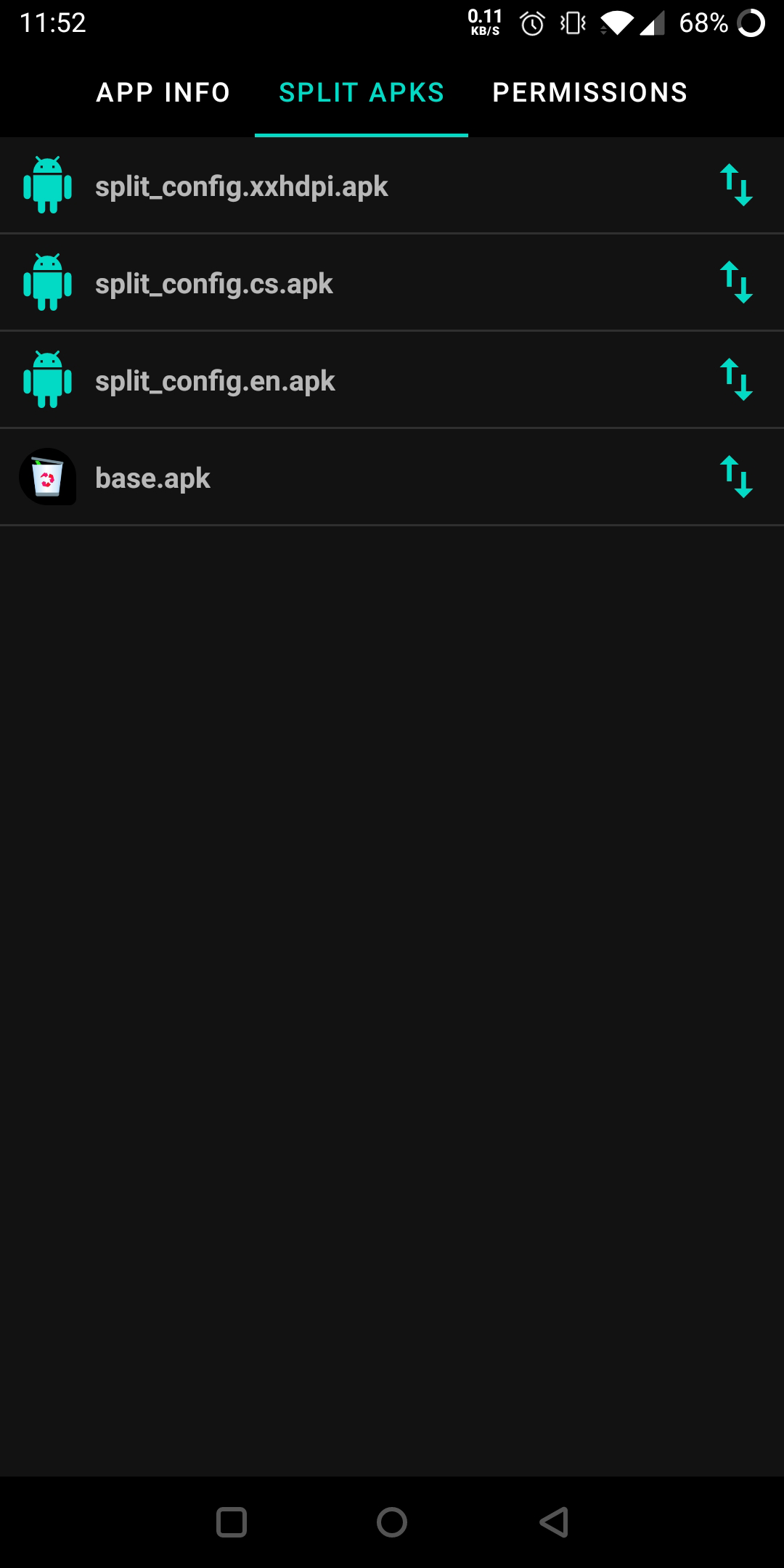
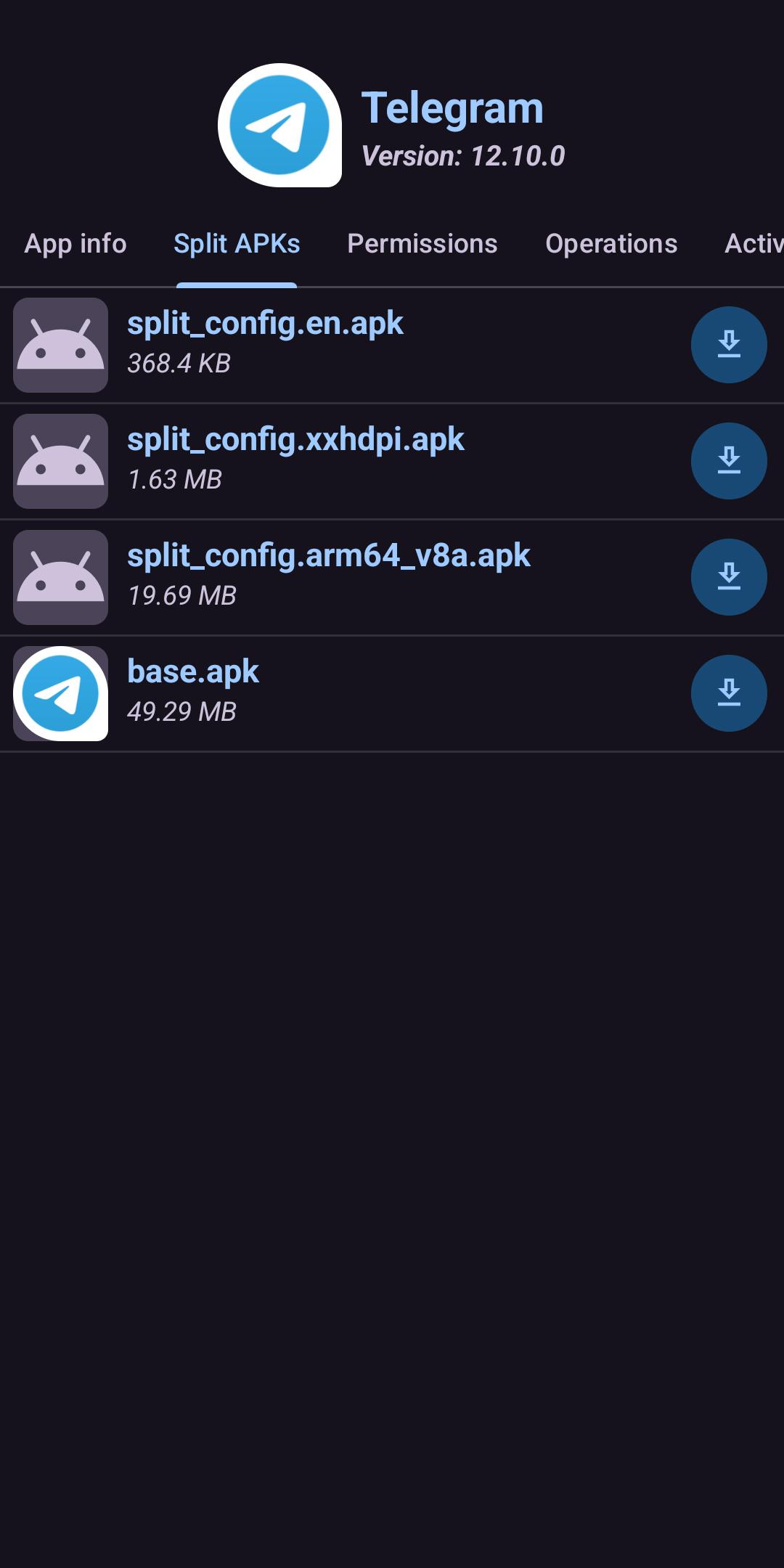
* Install Split apk's/app bundles (supported bundle formats: .apks, .apkm, and .xapk) from device storage.
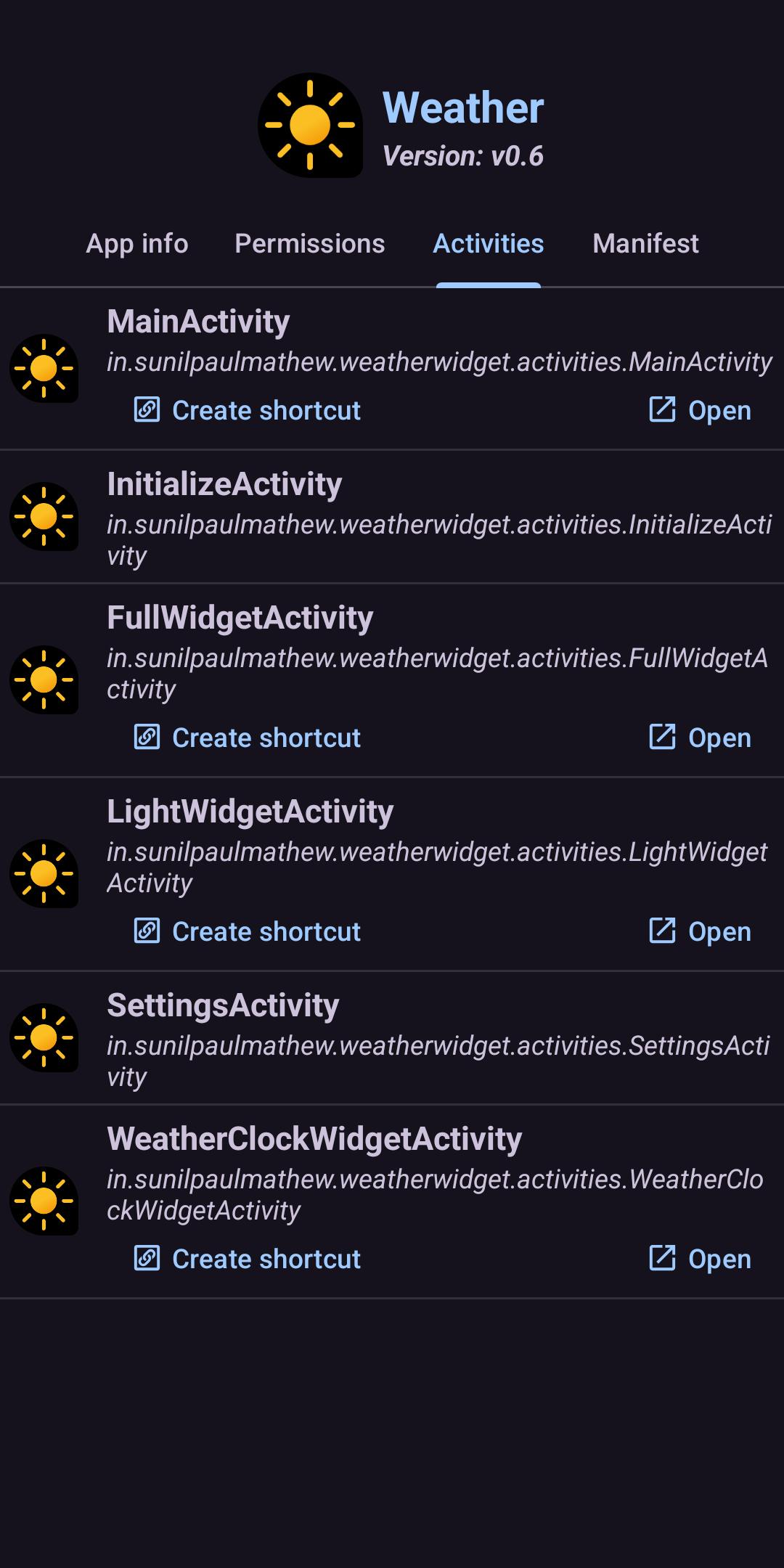
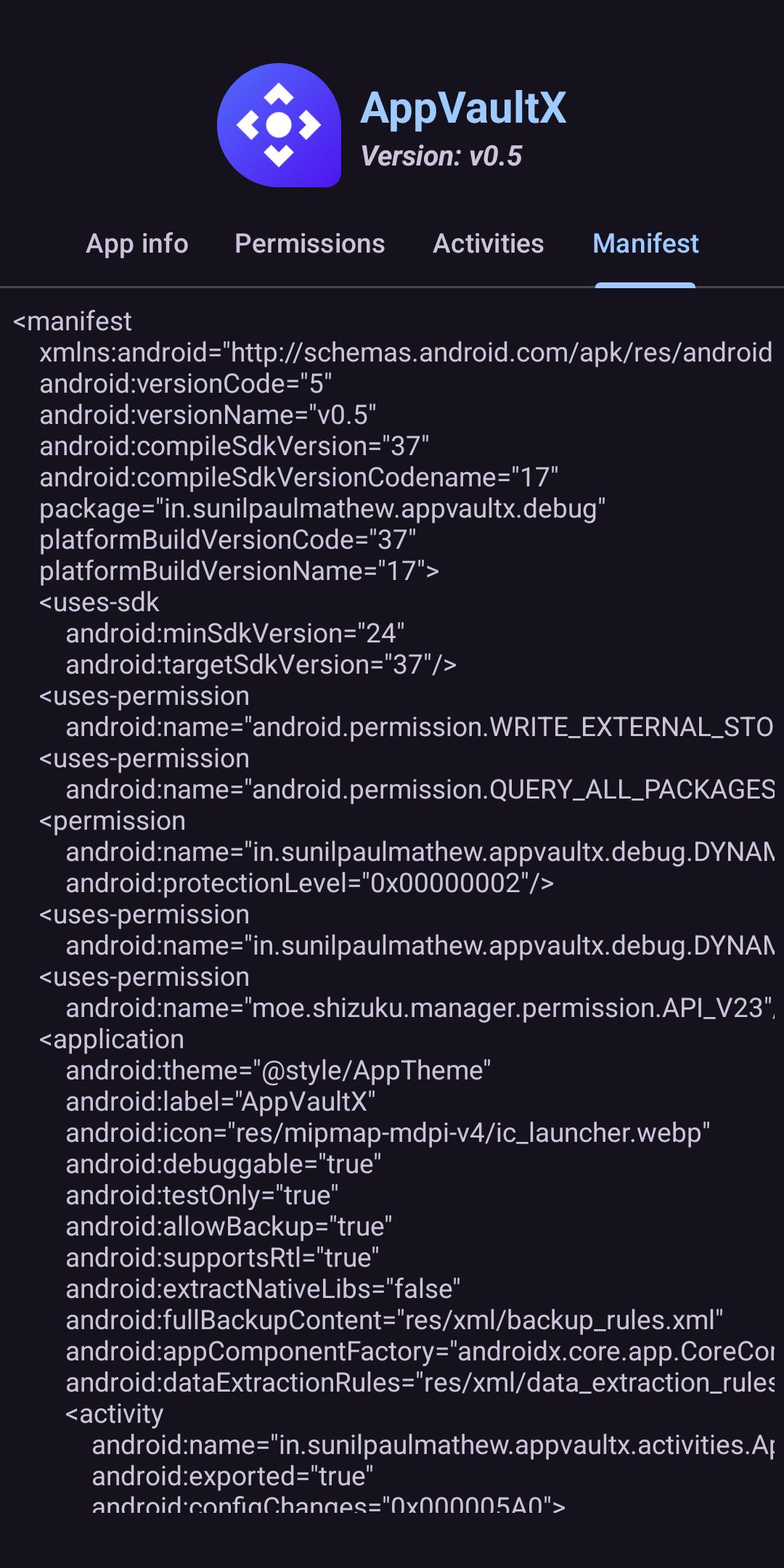
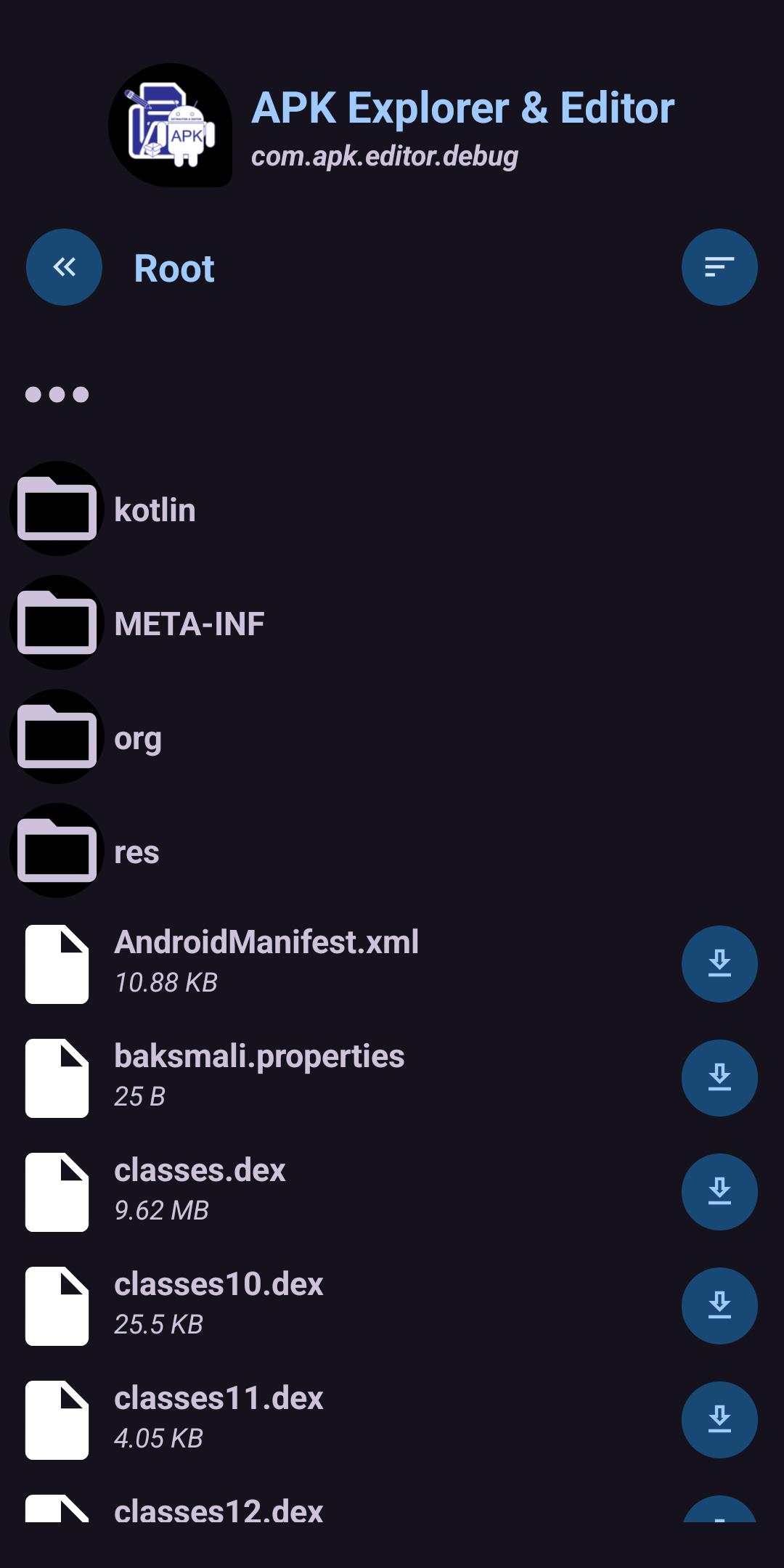
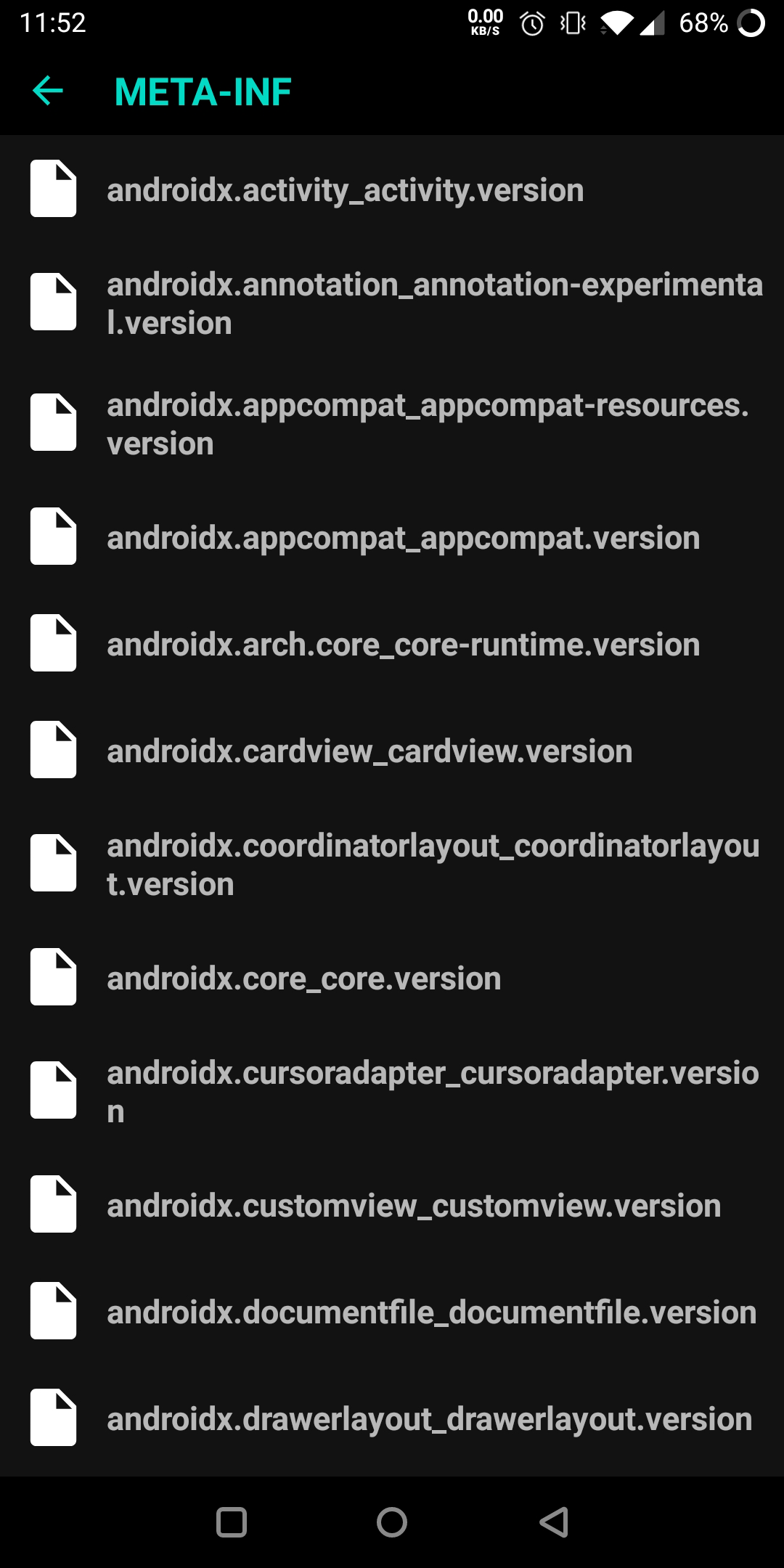
* Explore and export contents of an installed app (Experimental).
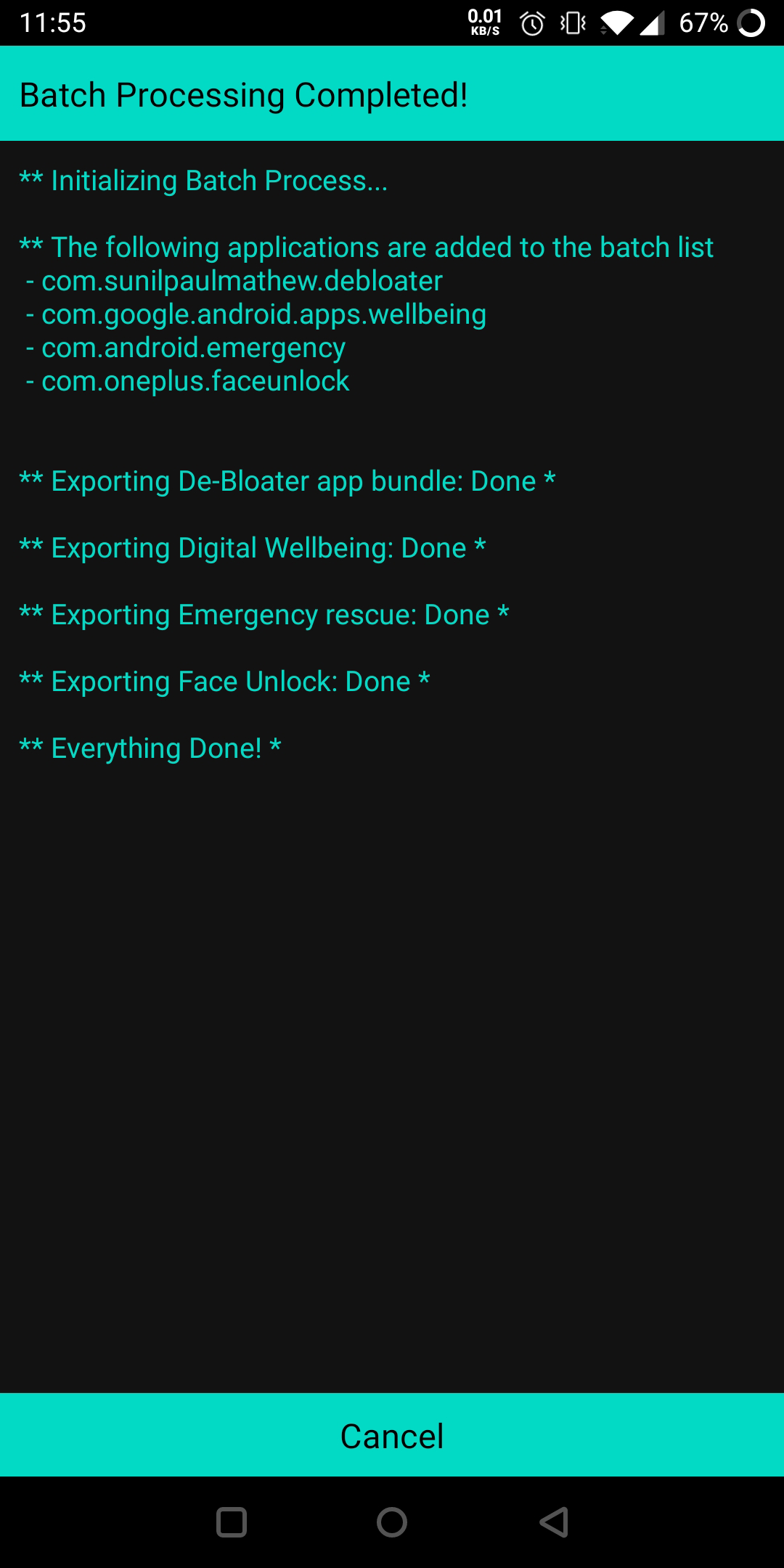
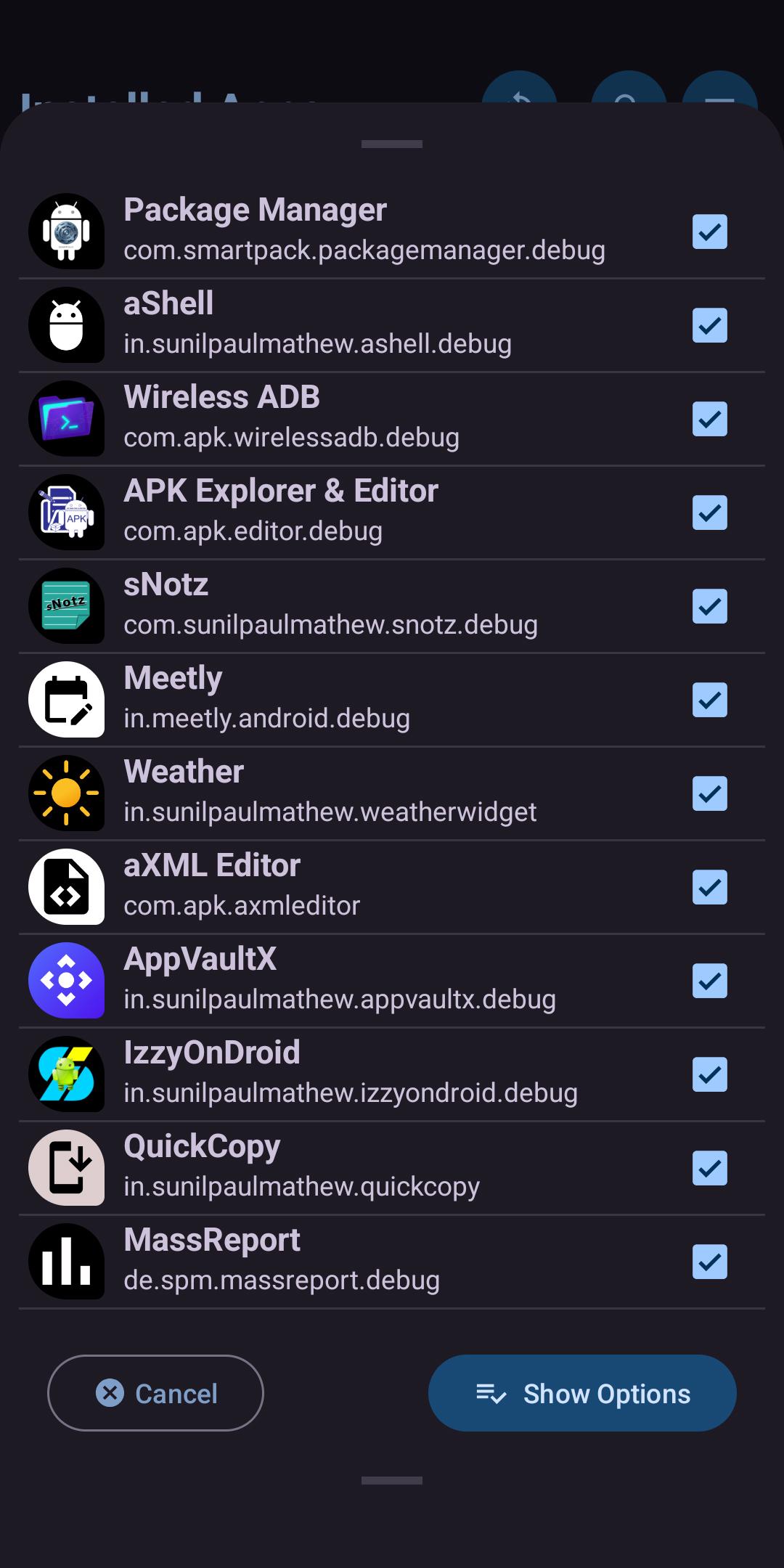
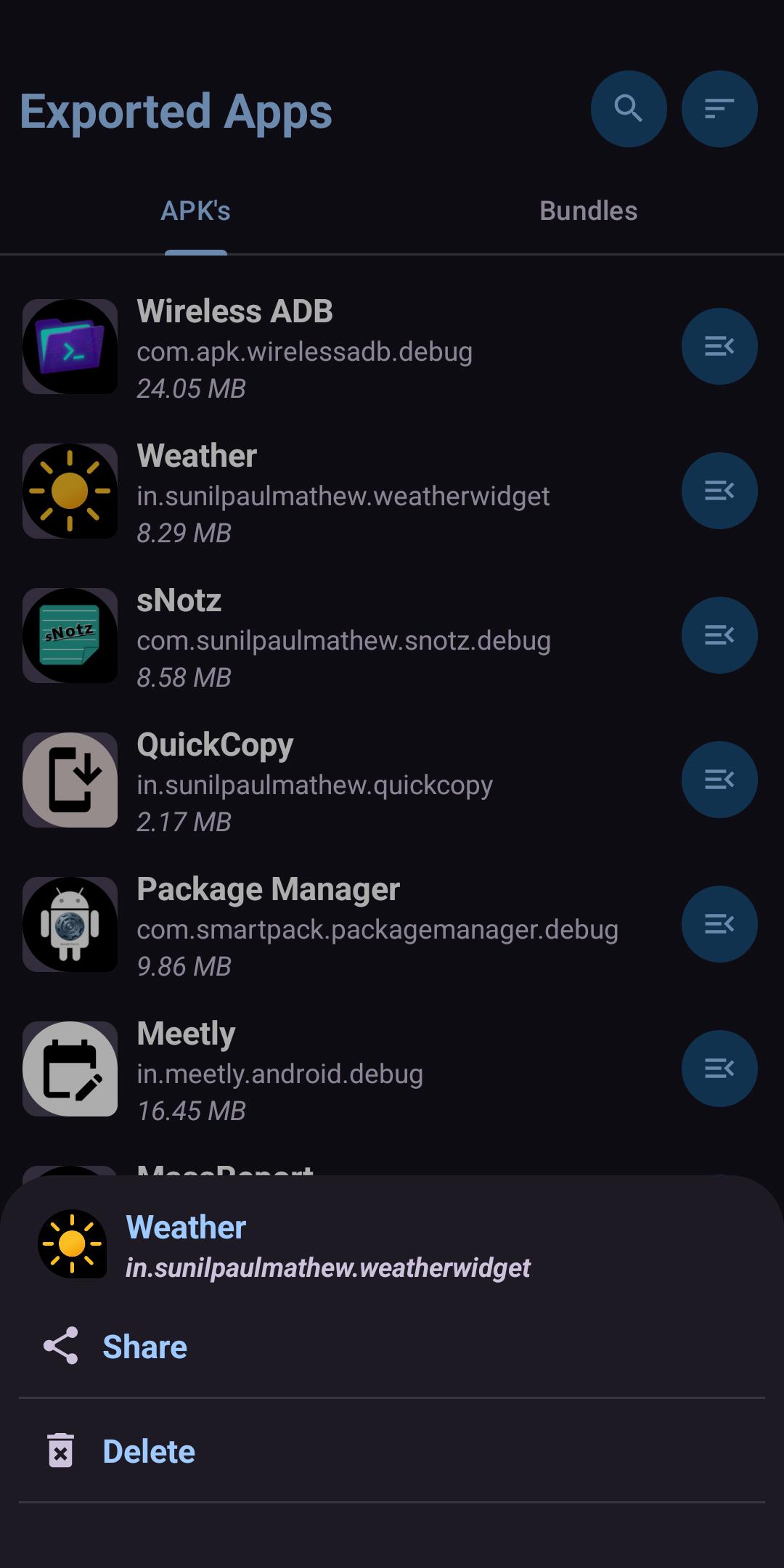
* Export individual or a batch of apps (including Split apk's) into device storage.
* Do advanced tasks such as (need Root access):
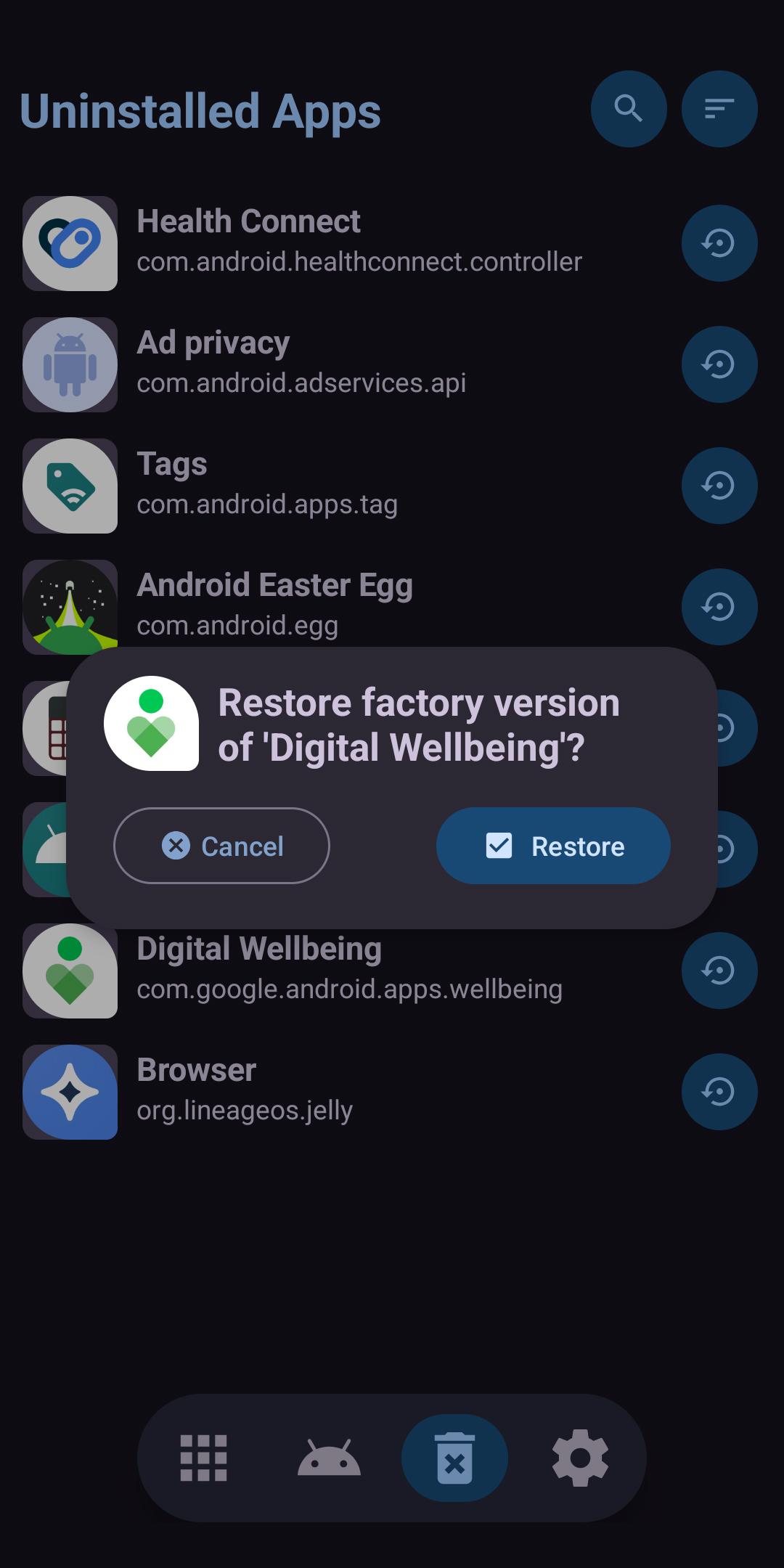
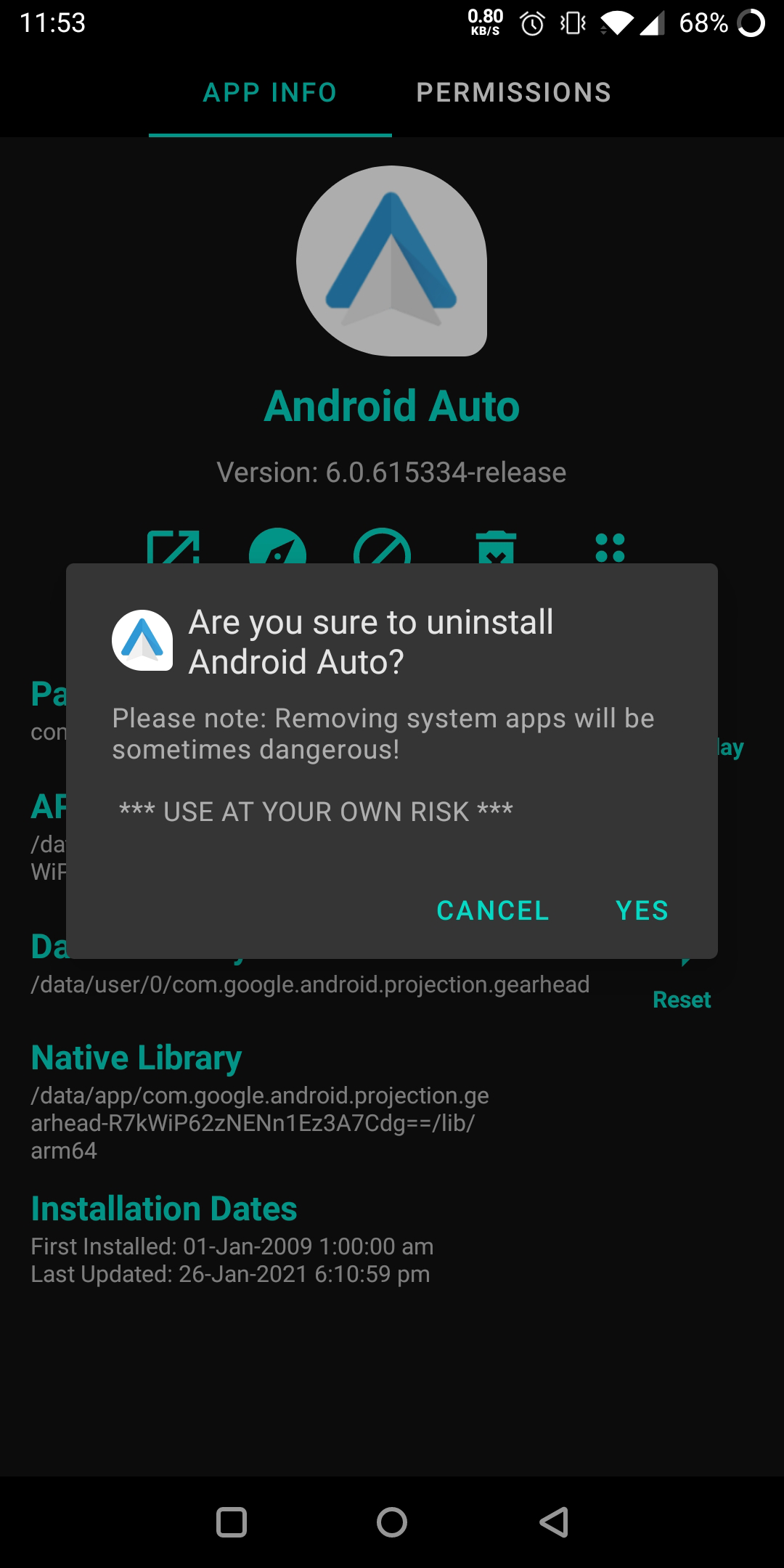
• Uninstall an individual or a batch of system apps (de-bloating).
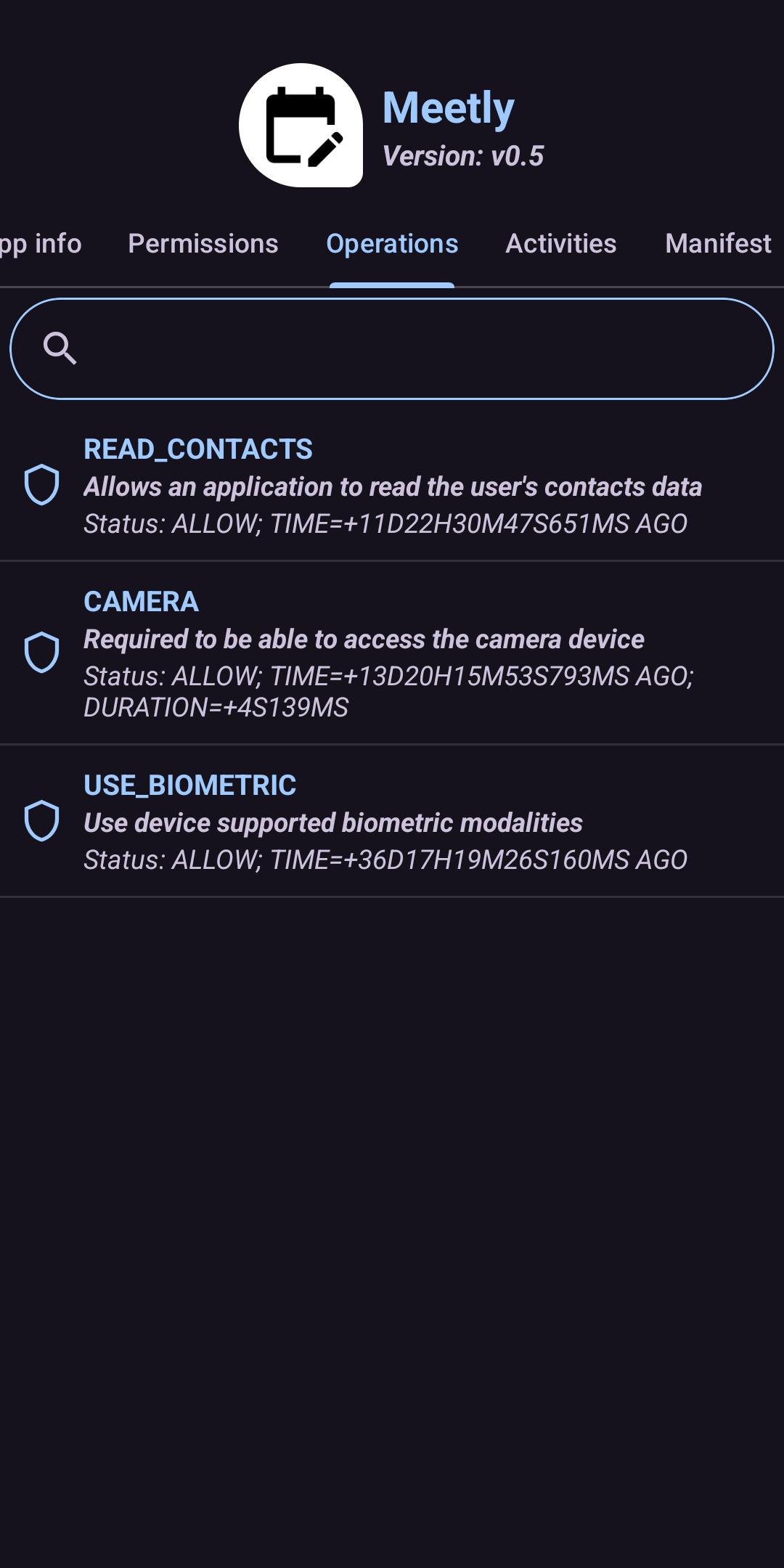
• Control Operations (AppOps).
• Disable or Enable individual or a batch of apps.
Translations
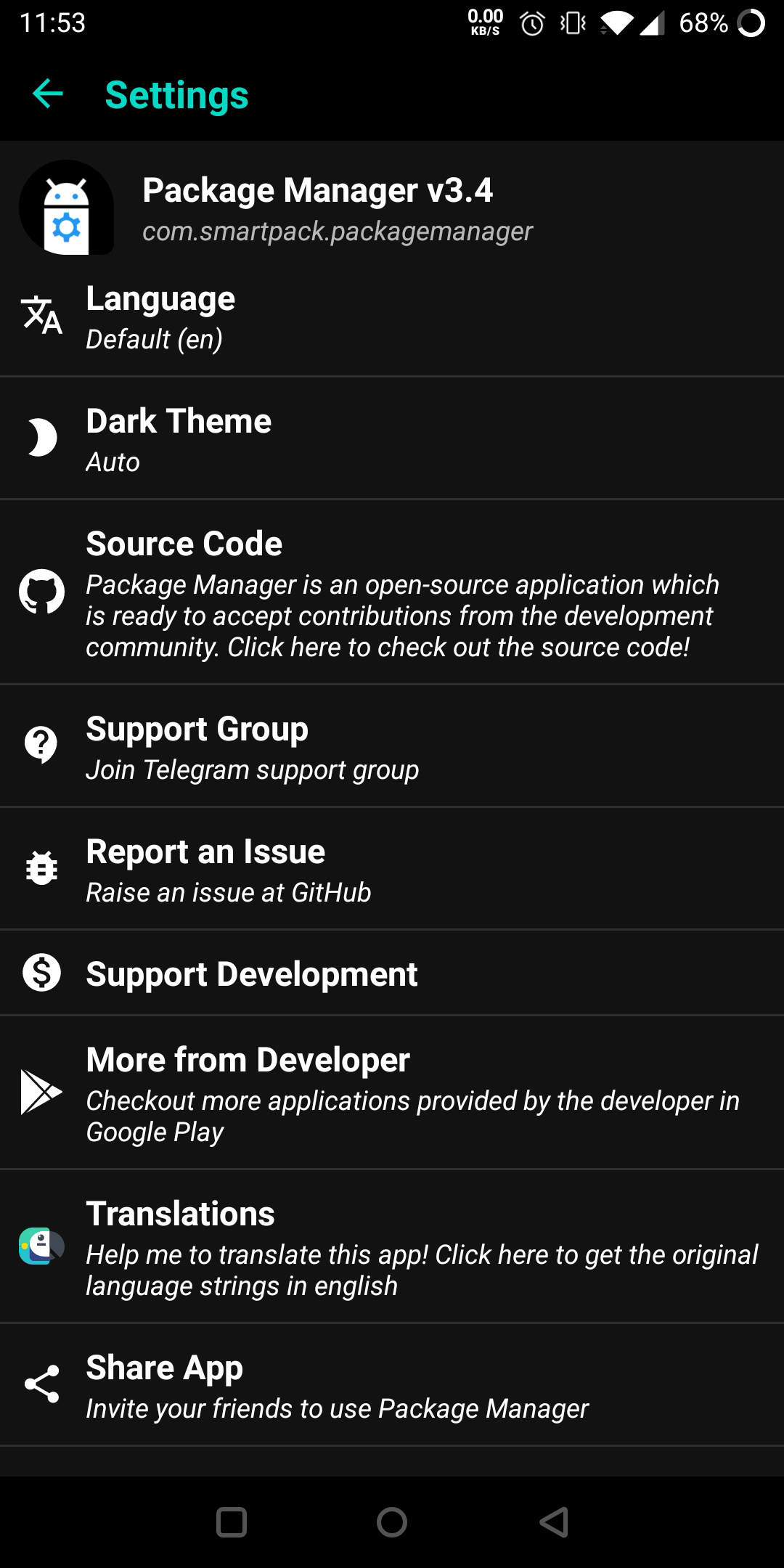
Please help me to translate this application via POEditor. You may also translate after downloading the original language string available GitHub.
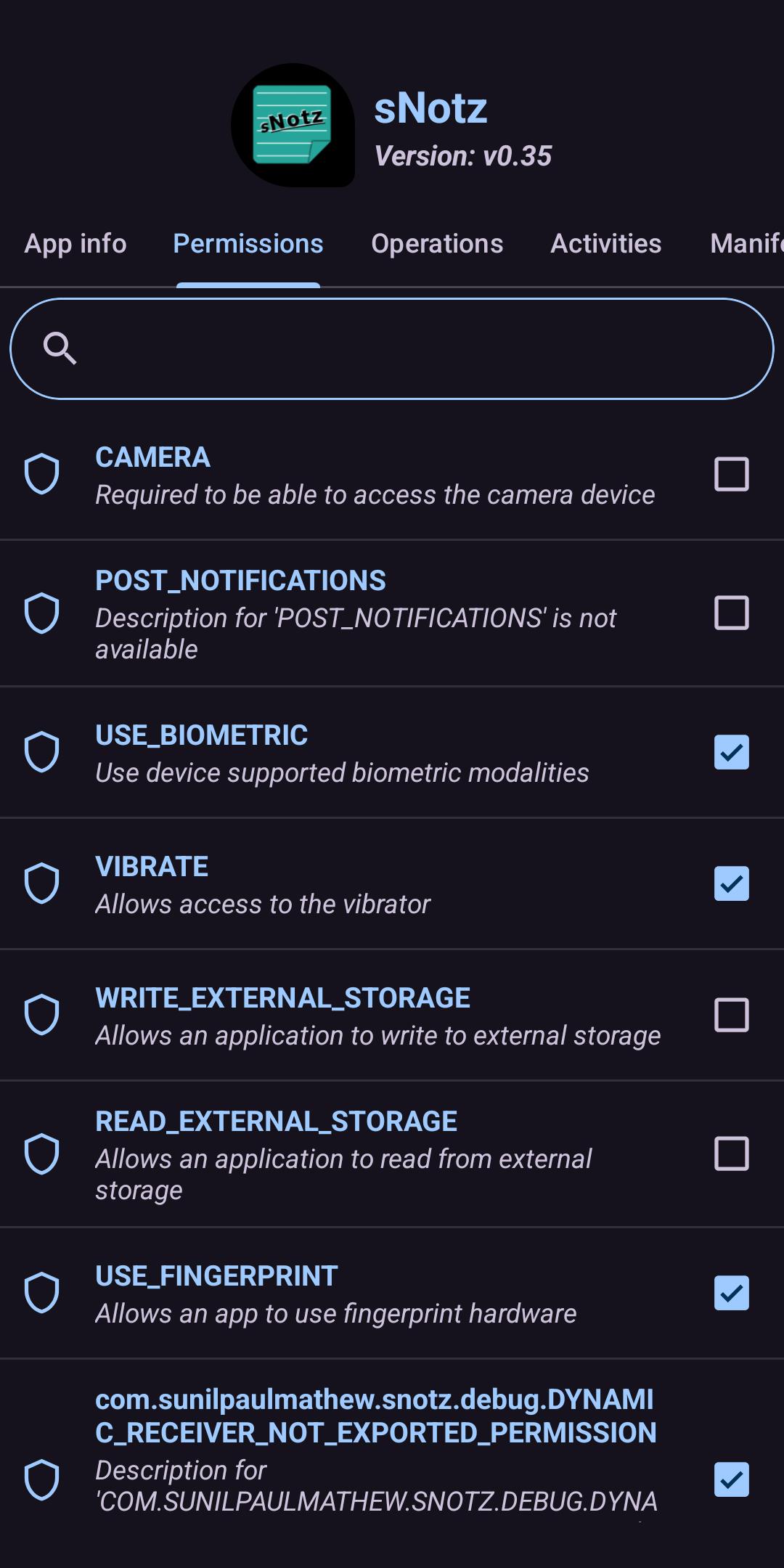
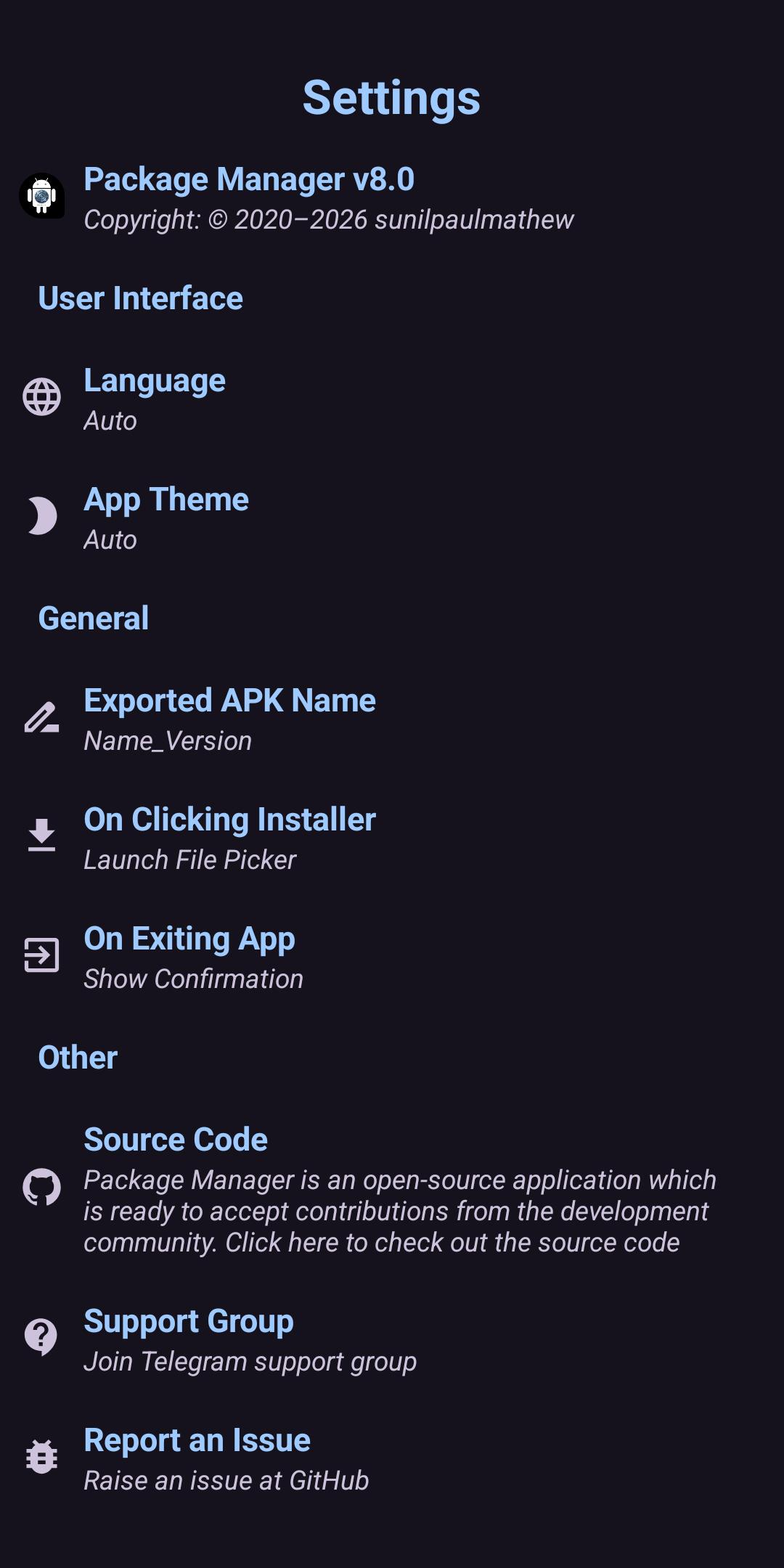
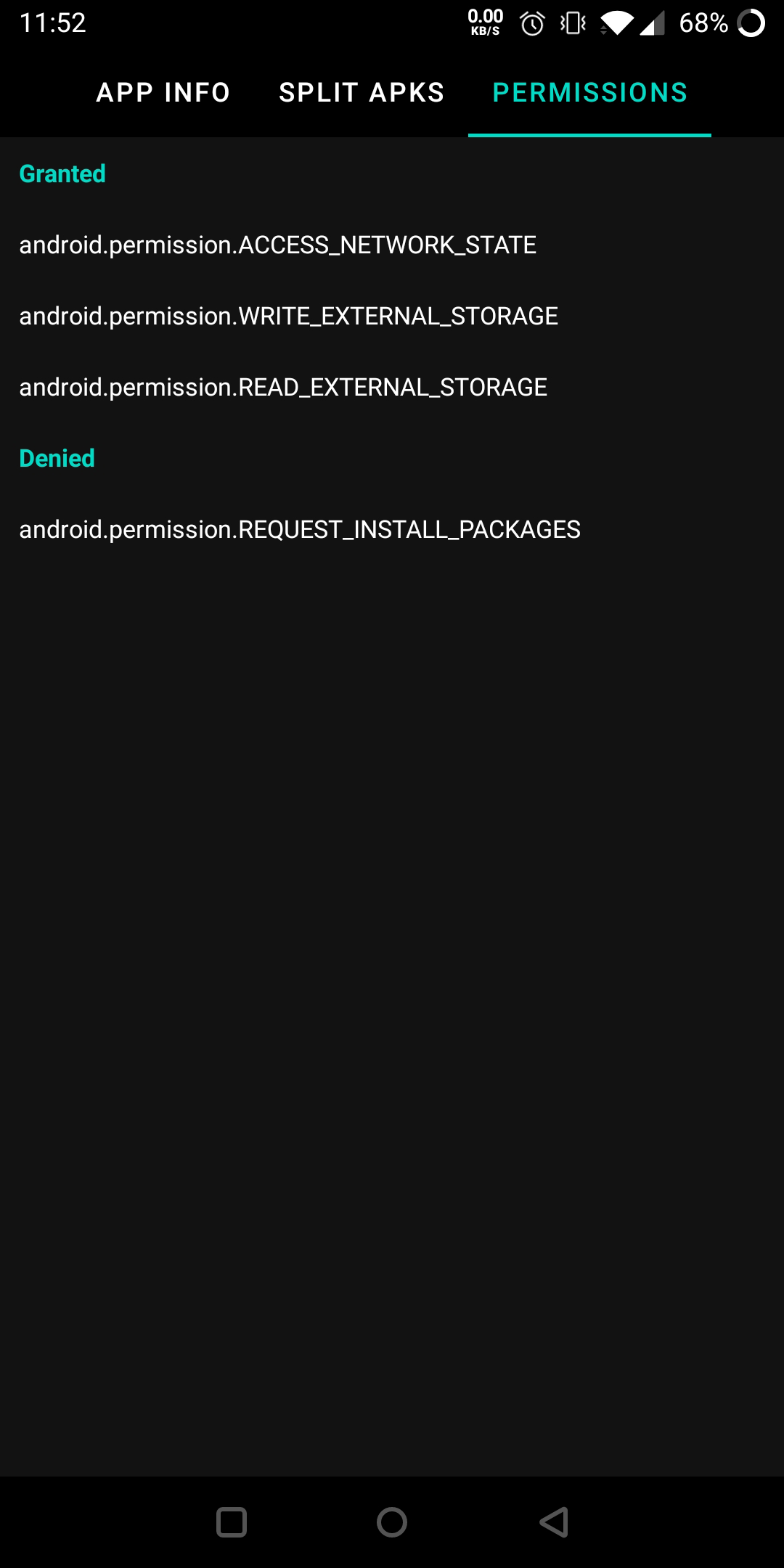
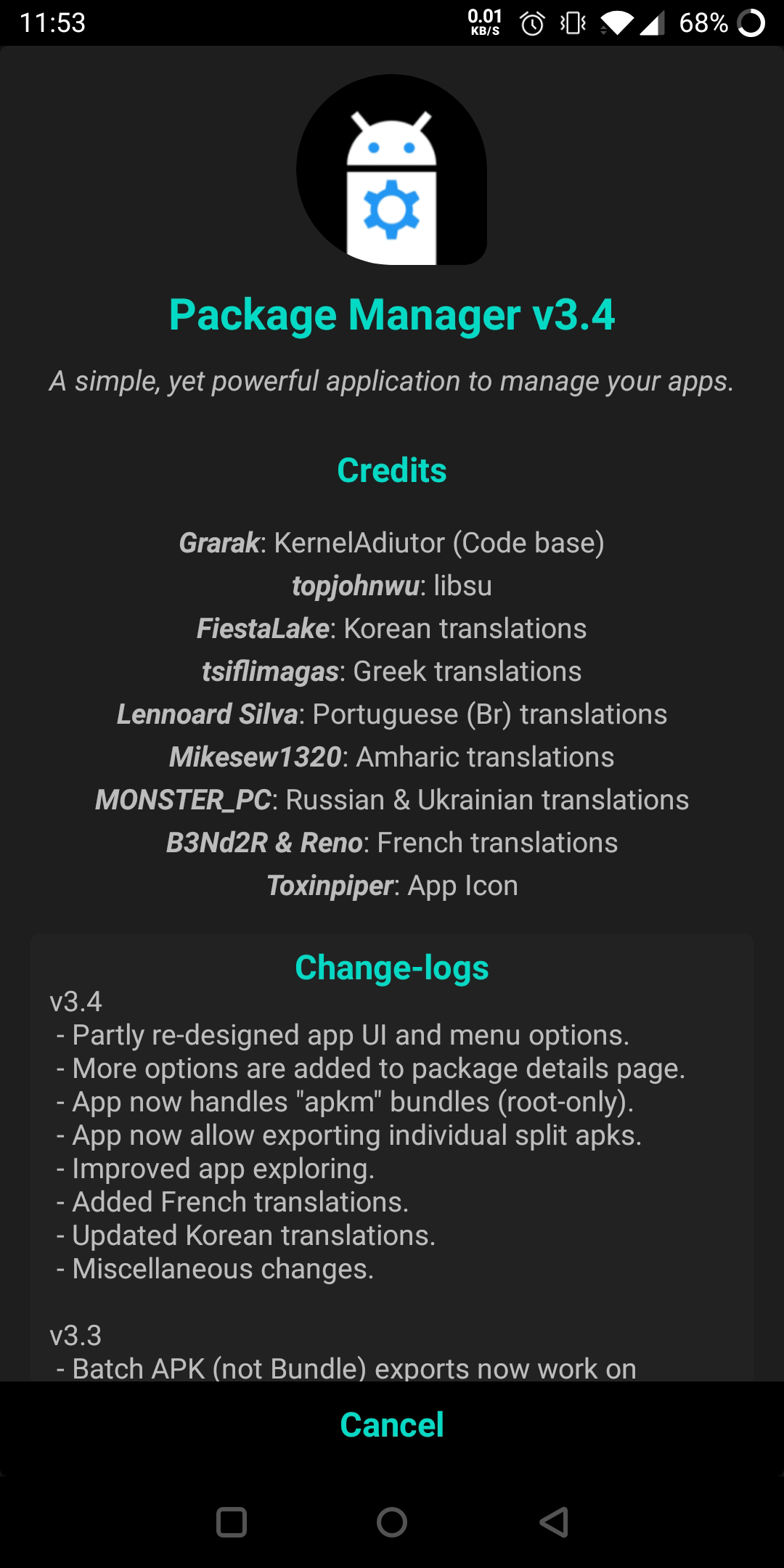
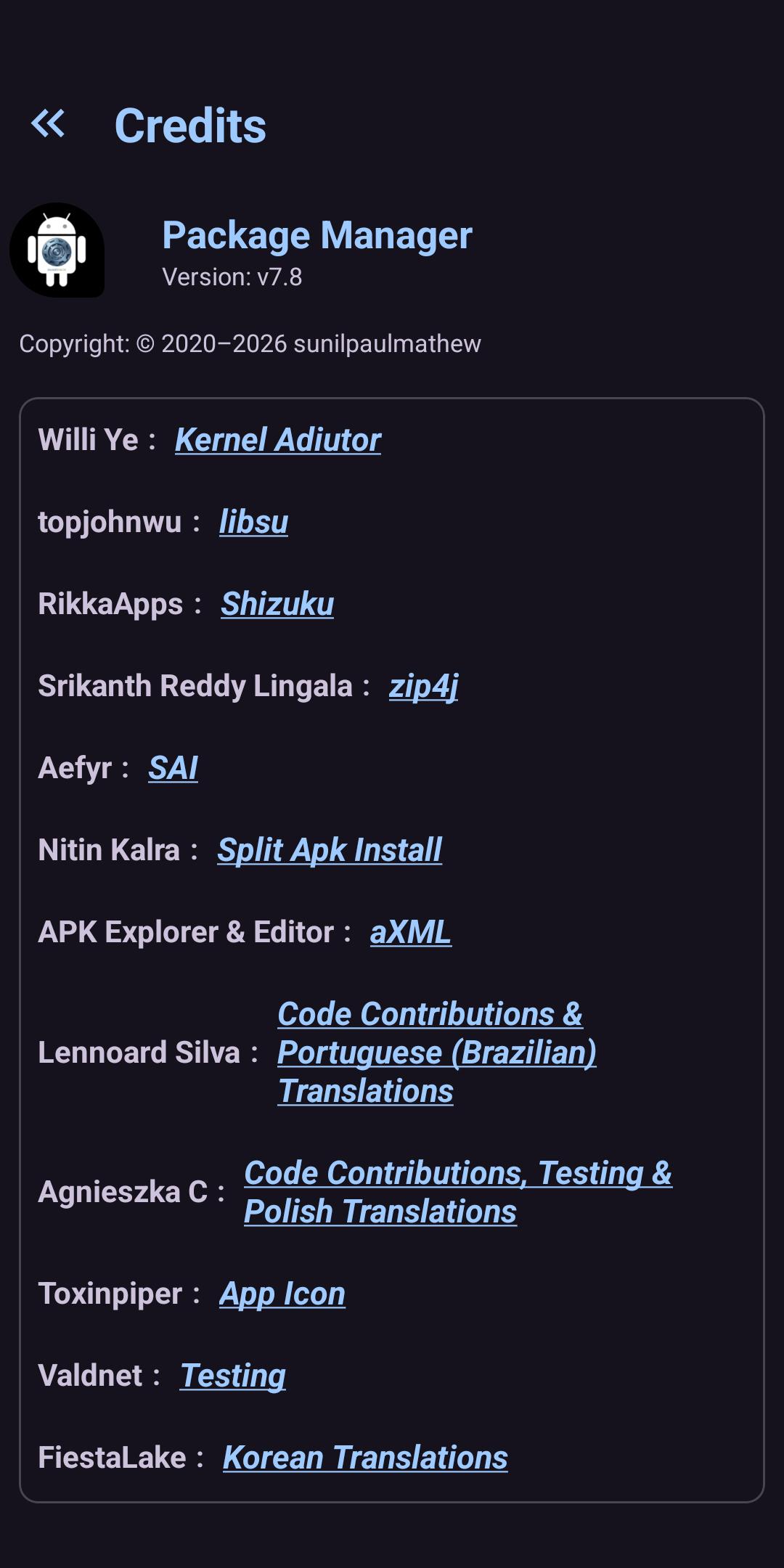
Screenshots
What’s new
- Modernized UI with bottom sheet dialogs, a custom navigation view, and a redesigned sorting menu. - Implemented swipe gestures to navigate between pages. - Polished layouts across dialogs, headers, and app lists for better visual consistency. - Added search functionality in Permissions and AppOps. - Added new naming options for exported APKs and simplified export messages. - Fixed APK Picker button overlap issue on viewpager screens. - Cleaned up unused resources, strings, and dead share links
How to install
Download the APK from the button at the top of this page.
Allow “Install unknown apps” for your browser or file manager only, not for every app.
Open the downloaded file and confirm the installation.
If installation fails with “App not installed,” remove an earlier build of the same app first. A signature conflict is the usual cause.
Data safety
Every file is checked against its published SHA-256 before it is listed.
Files are scanned for malware on every update.
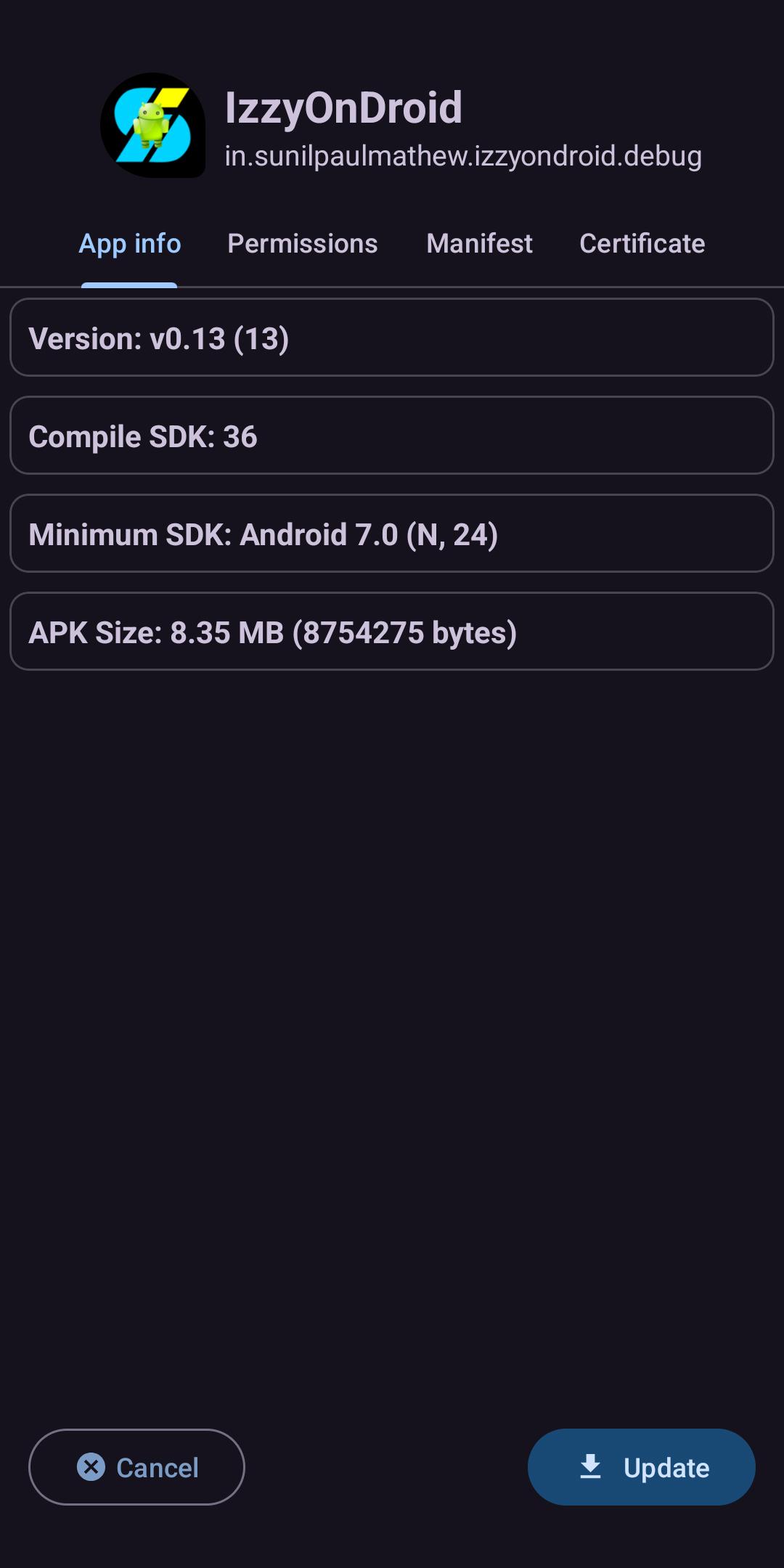
The permissions each app requests are listed on its own page.
Read the full safety policy for how we test, flag, and delist files.
Frequently asked questions
What is Package Manager?
A powerful application to manage your apps!
Who develops Package Manager?
Package Manager is developed by sunilpaulmathew.
Which Android version does Package Manager require?
Package Manager requires Android API 24 or later.
What is the current version of Package Manager?
The synchronized F-Droid version is v8.0.
Which license does Package Manager use?
The signed F-Droid metadata lists GPL-3.0-or-later.