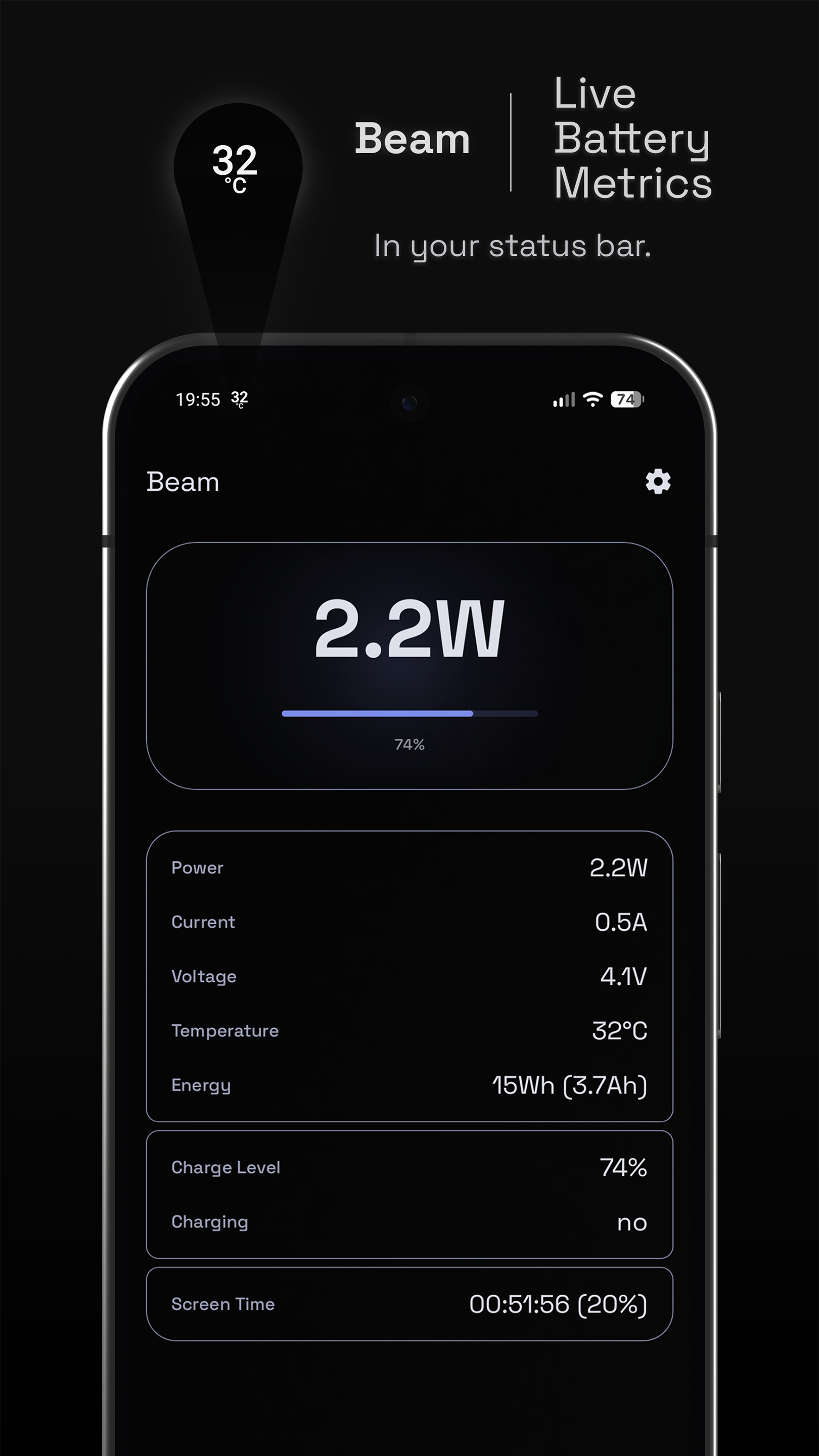
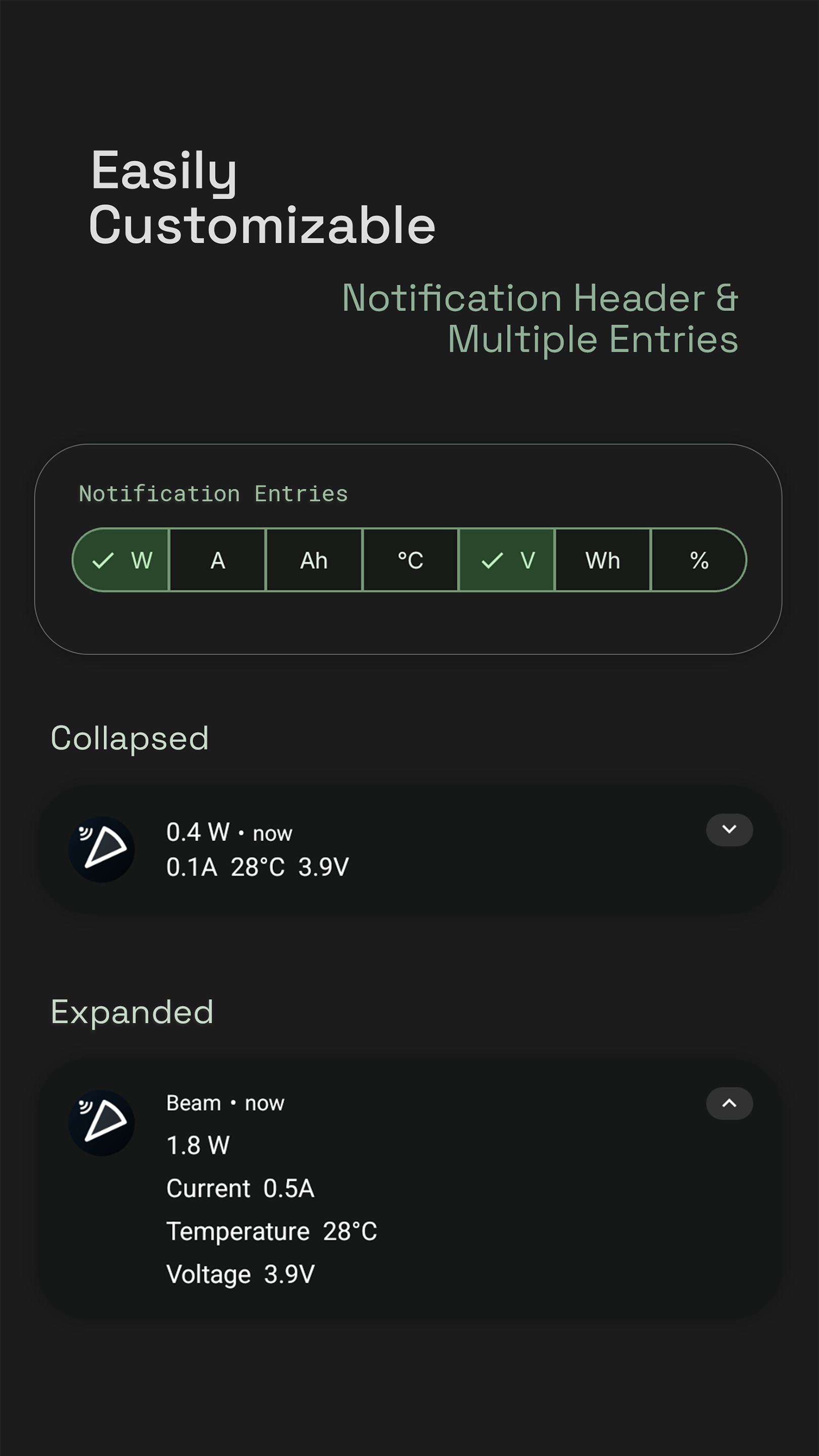
Beam is a lightweight battery monitor. It pins a live power, current, voltage, or charge readout to your status bar and opens into a full breakdown of battery metrics inside a clean, themeable app.
Pick which unit appears in the status-bar icon (W, A, Ah, V, Wh, °C, %), or stack several values in the notification body.
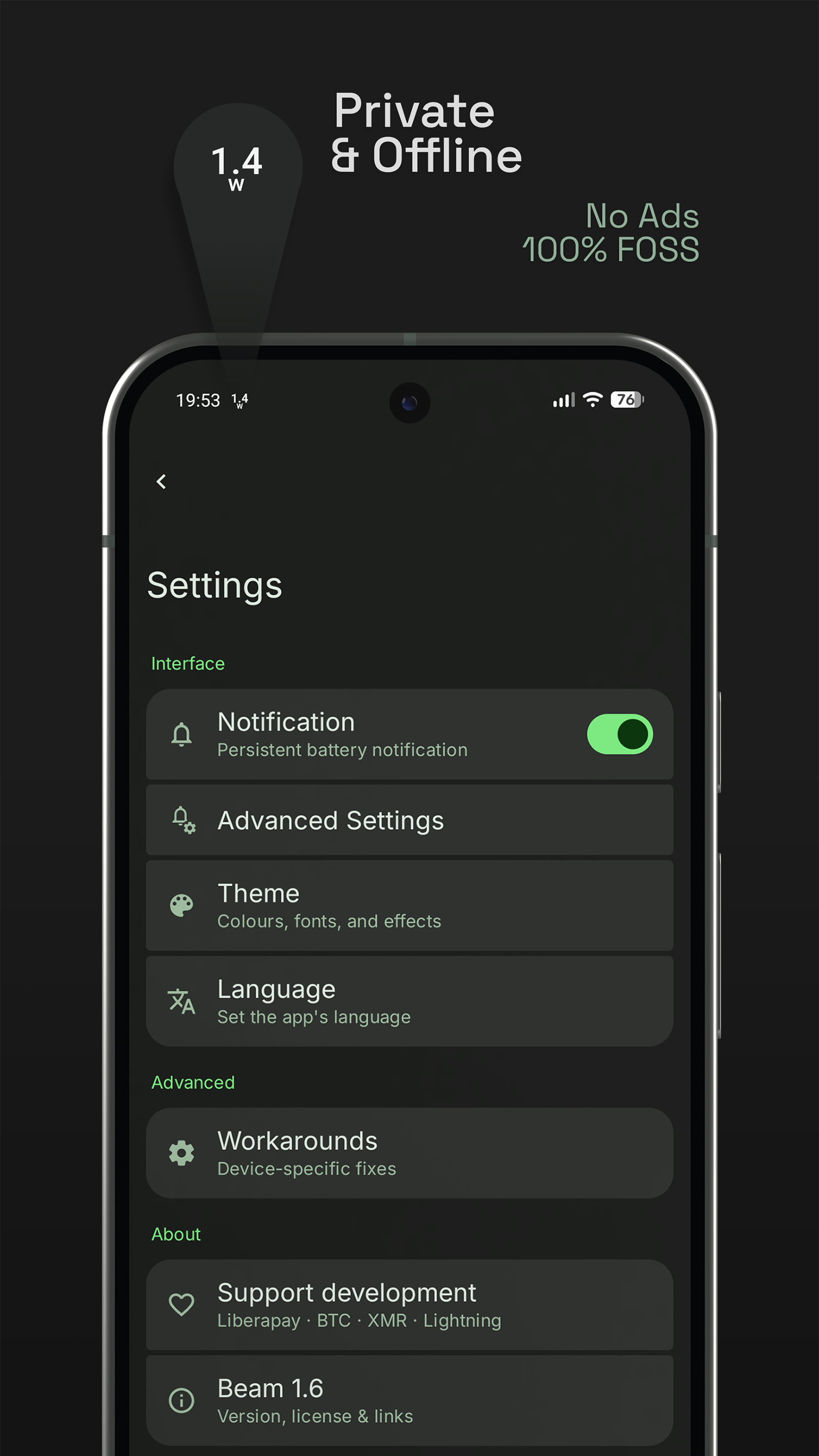
Privacy first:
• No ads
• No tracking
• No data collection
• No third-party sharing
• No unnecessary permissions
Battery metrics in the app:
• Power (watts)
• Current (amps)
• Voltage (volts)
• Energy (watt-hours)
• Temperature (°C)
• Charge level (percent)
• Charging status and plug type
• Charging since (date / time)
• Time to full charge
Personalisation:
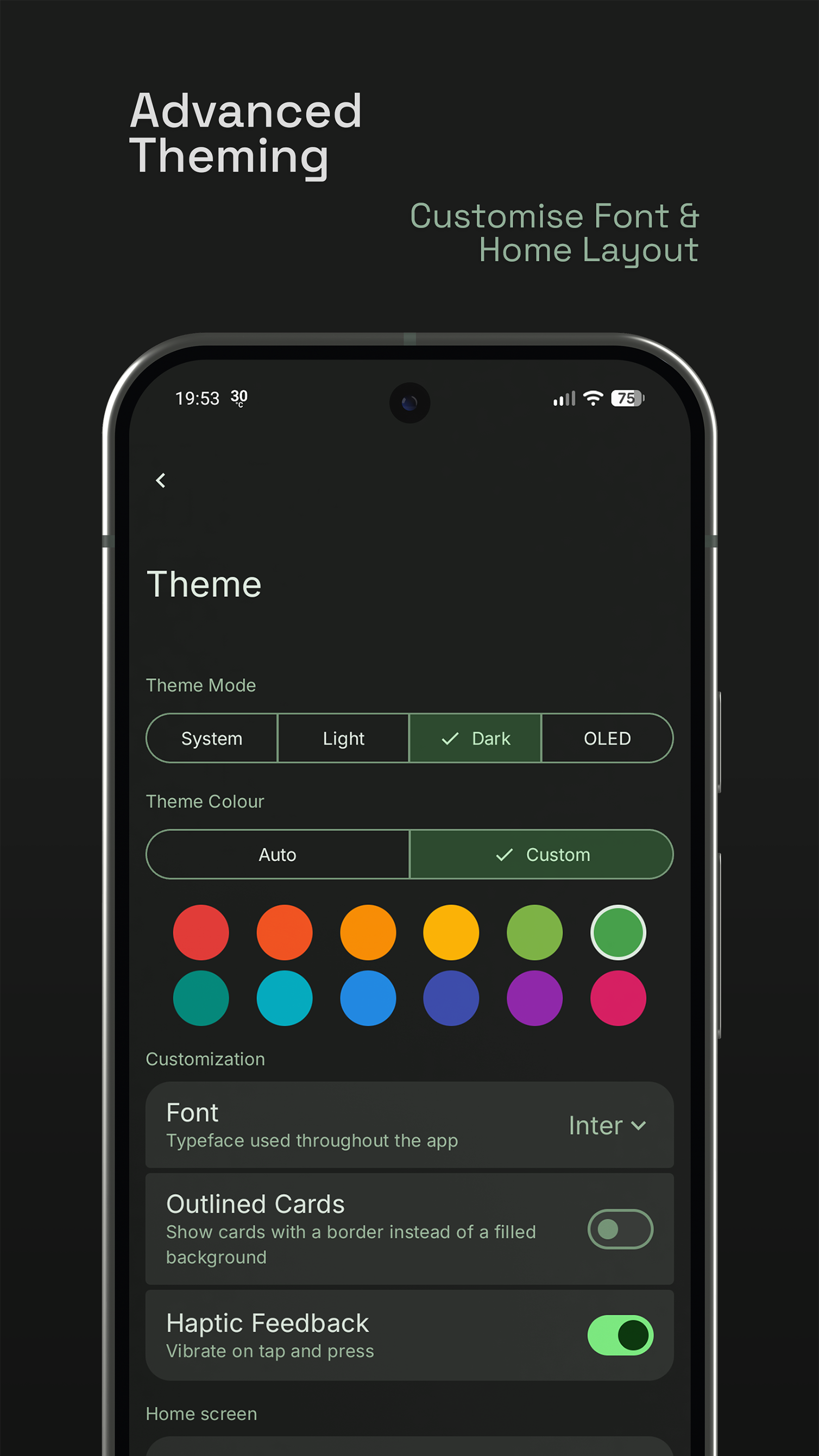
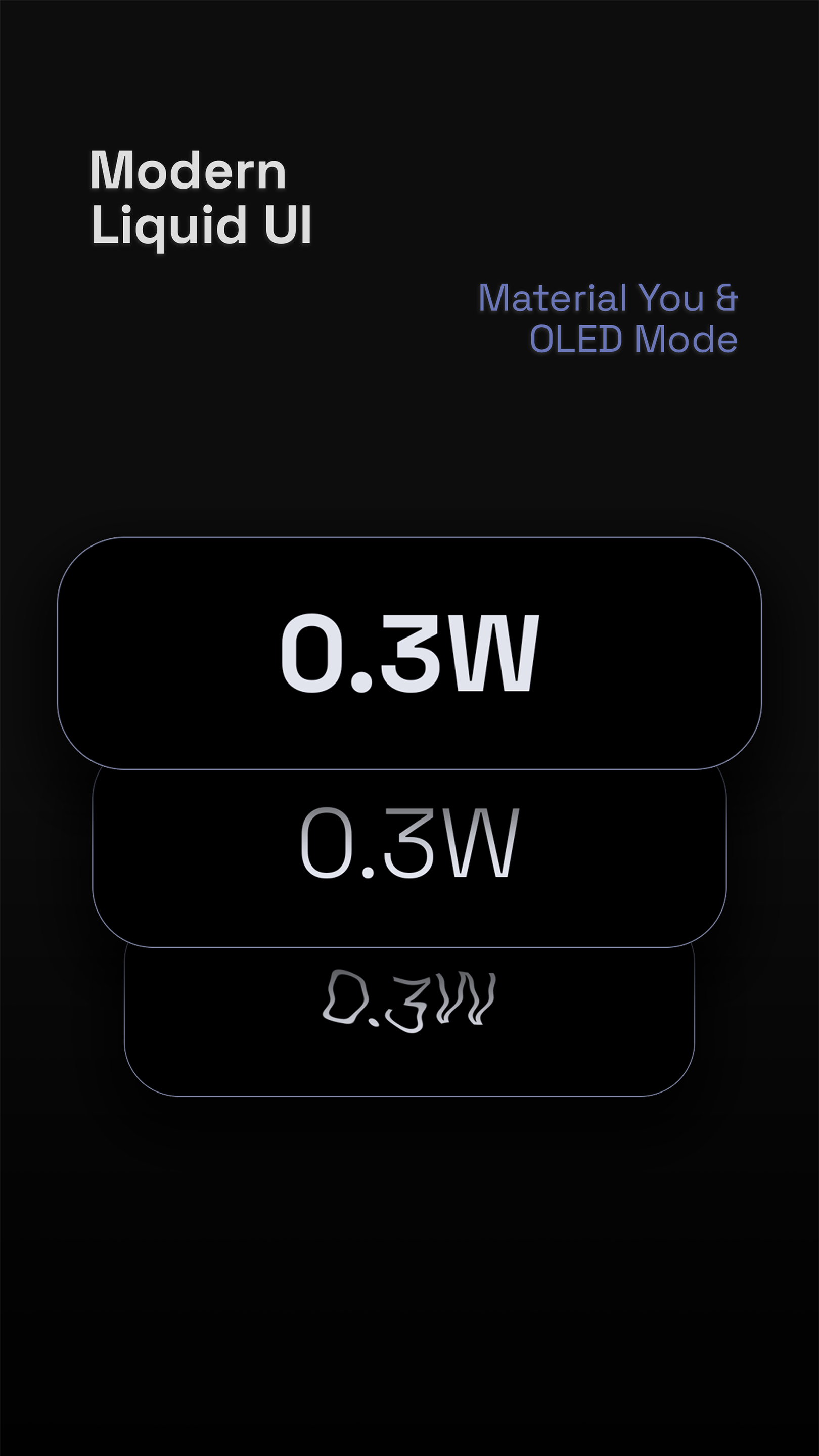
• Material You dynamic colour (Android 12+) or a custom seed colour from a 12-swatch palette
• Light, Dark, System, and OLED-black themes
• Optional hero backlight glow and haptic feedback
Device compatibility:
• Power-scalar correction for phones that report µA instead of mA
• Inverted-current toggle for phones that flip charging direction
• Adjustable polling interval
Open source on GitHub: https://github.com/montafra/beam
Every donation is welcome and helps support my future projects — see the in-app About section for crypto addresses.
Note: notification permission is required to display the status-bar indicator. Open the app once to start the indicator service.
Screenshots
What’s new
• Introduced Material Expressive theming • Fixed card colouring on OLED theme • General improvements • Landscape mode support • Updated color swatch • Updated donation links
How to install
Download the APK from the button at the top of this page.
Allow “Install unknown apps” for your browser or file manager only, not for every app.
Open the downloaded file and confirm the installation.
If installation fails with “App not installed,” remove an earlier build of the same app first. A signature conflict is the usual cause.
Data safety
Every file is checked against its published SHA-256 before it is listed.
Files are scanned for malware on every update.
The permissions each app requests are listed on its own page.
Read the full safety policy for how we test, flag, and delist files.