Pageless icon

Pageless

Daniel Caixinha
Science & Education
Version
2026-09-08
Size
15.5 MB
Requires
Android API 26+
4.8 / 5 · 5,843 ratings 35,822 downloads

Updated Oct 21, 2026

Quick answer

Offline-first audiobook player for your self-hosted Pageless server.

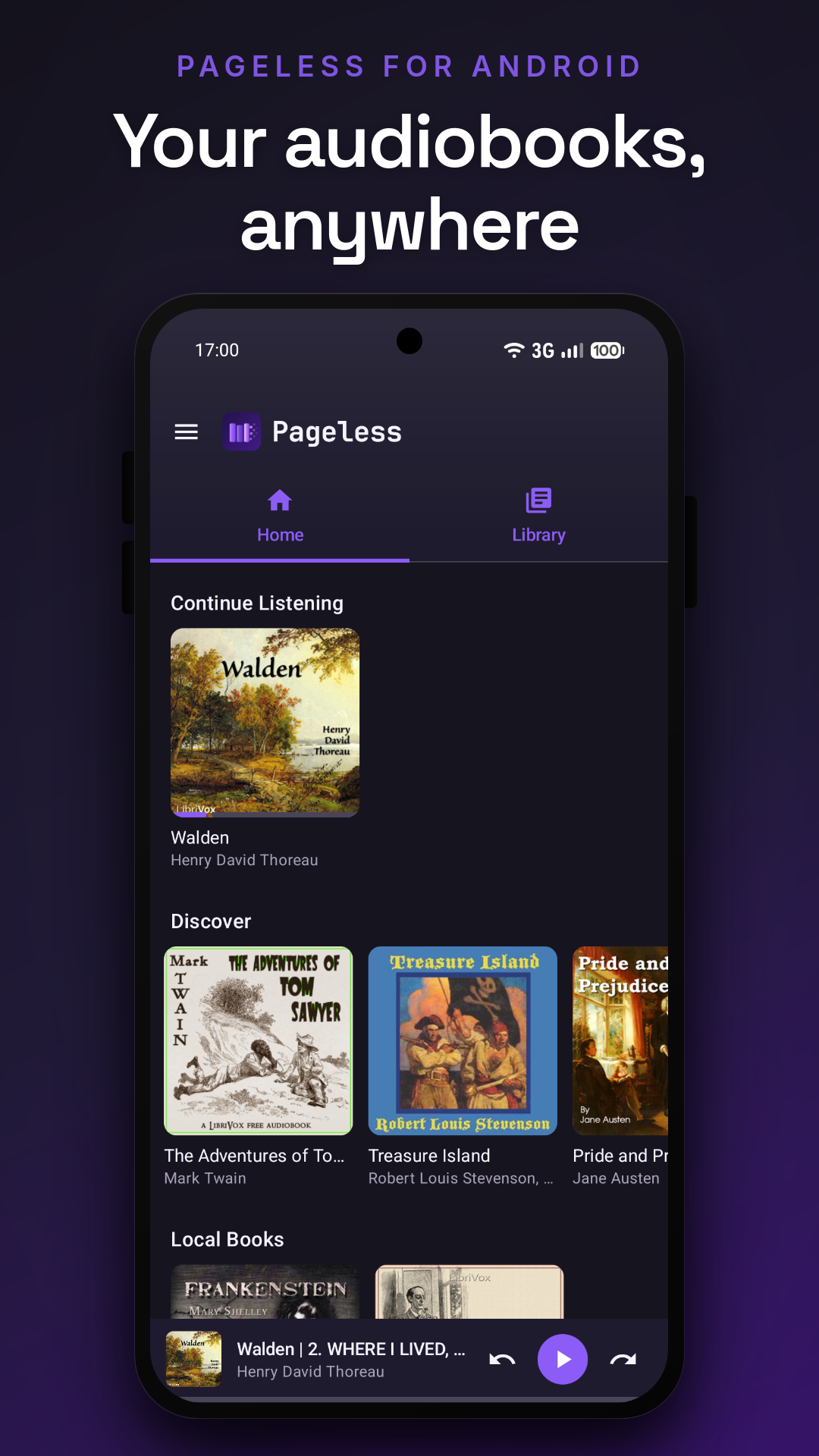
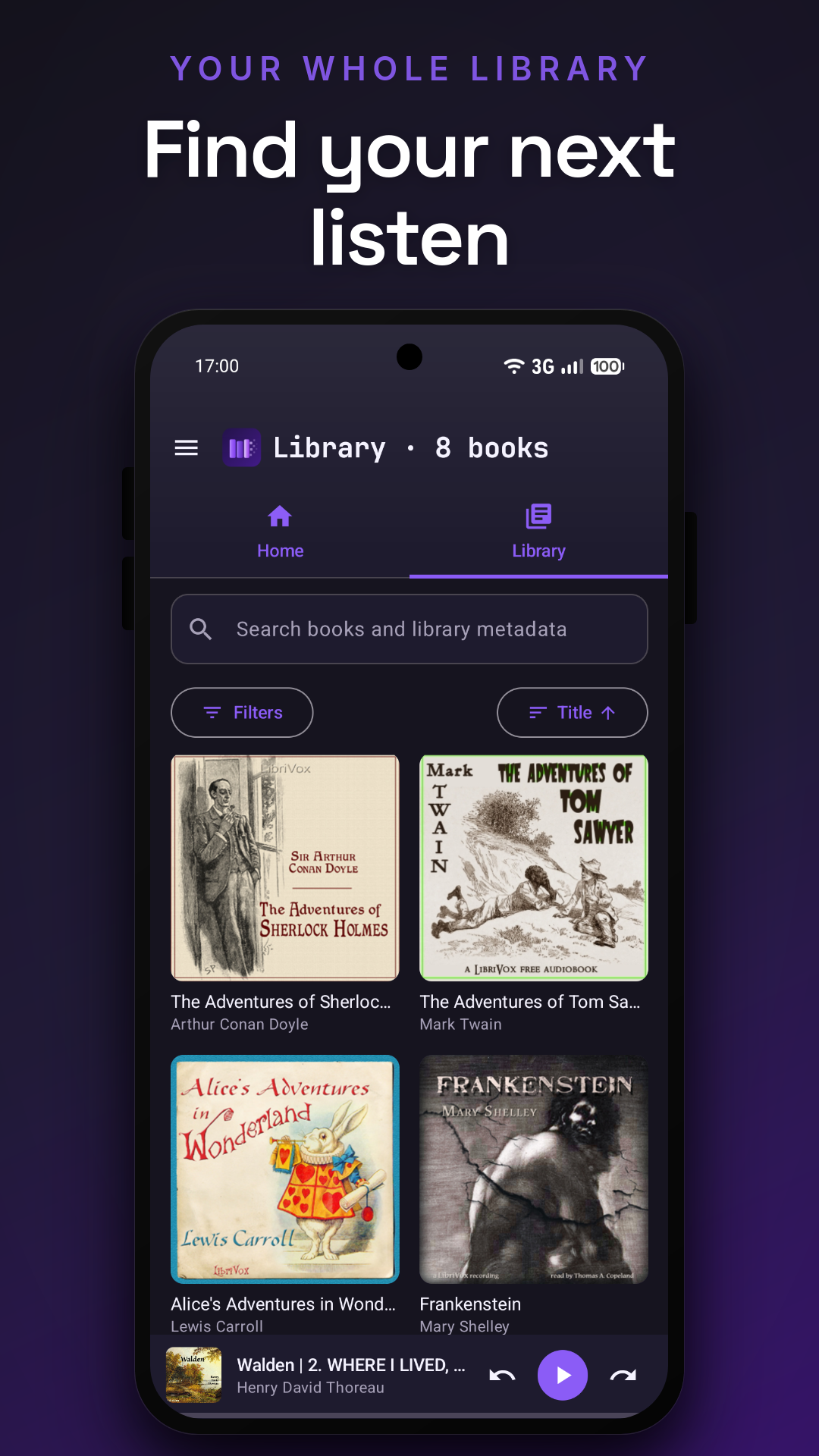
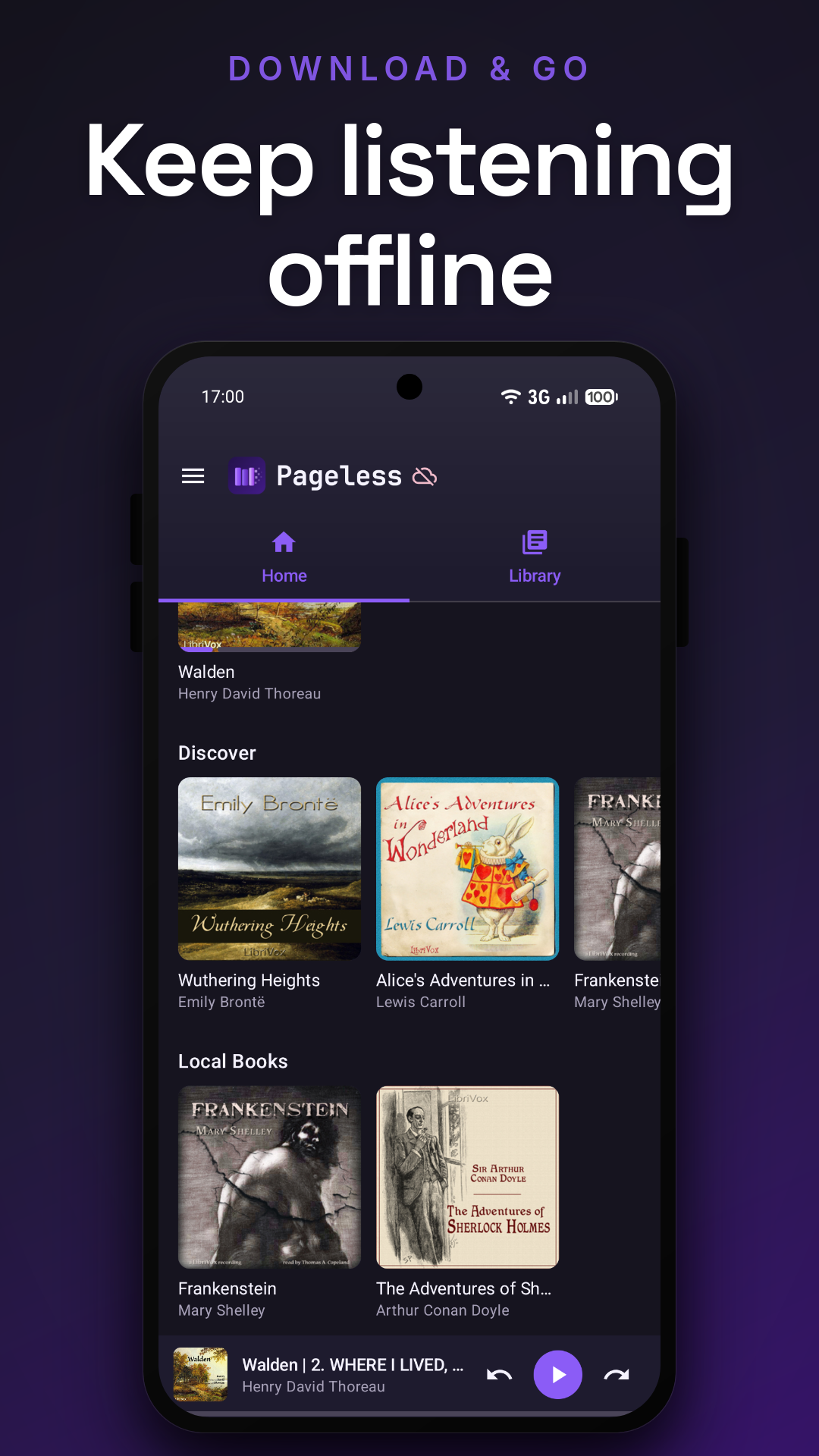
Pageless is the native Android client for Pageless, a self-hosted audiobook server. It is offline-first: browse your library, download books for offline listening, play without a connection, and sync your progress back to your own server over its token-authenticated JSON API.

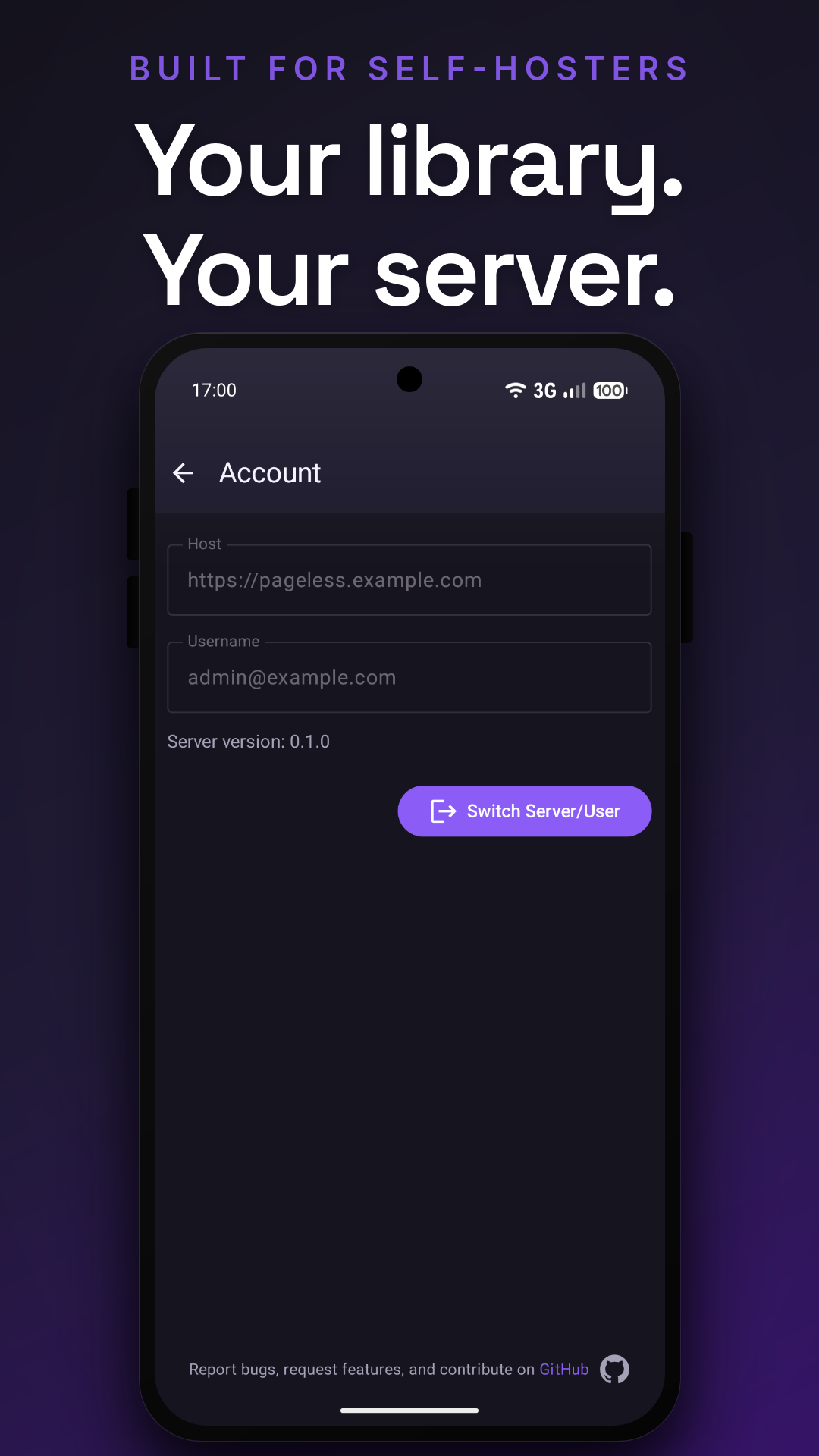
You must run your own Pageless server; the app connects to a server URL that you configure on the login screen. No account or data is sent to any third party.

Server source and setup instructions: https://github.com/dcaixinha/pageless

Features:

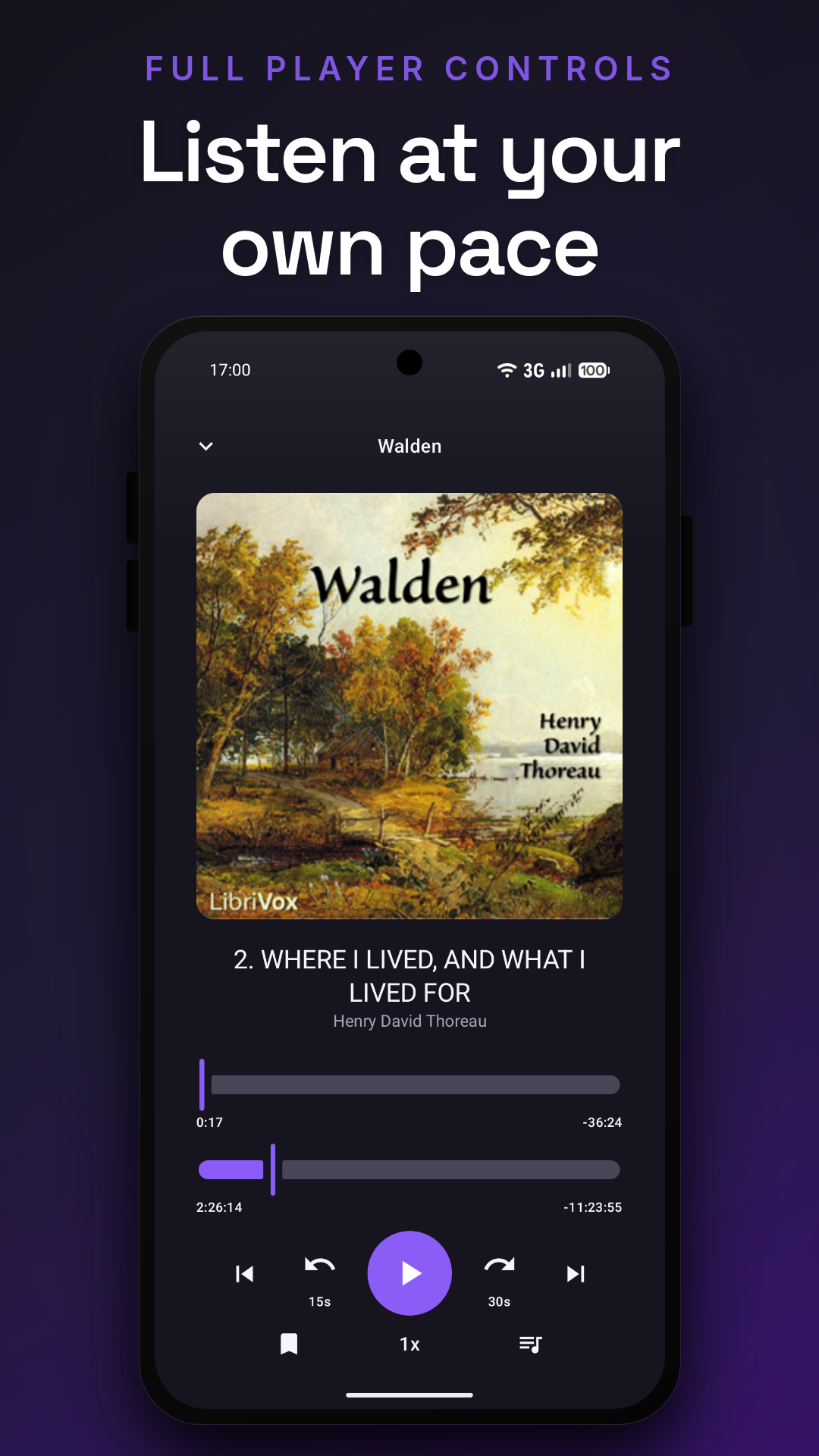
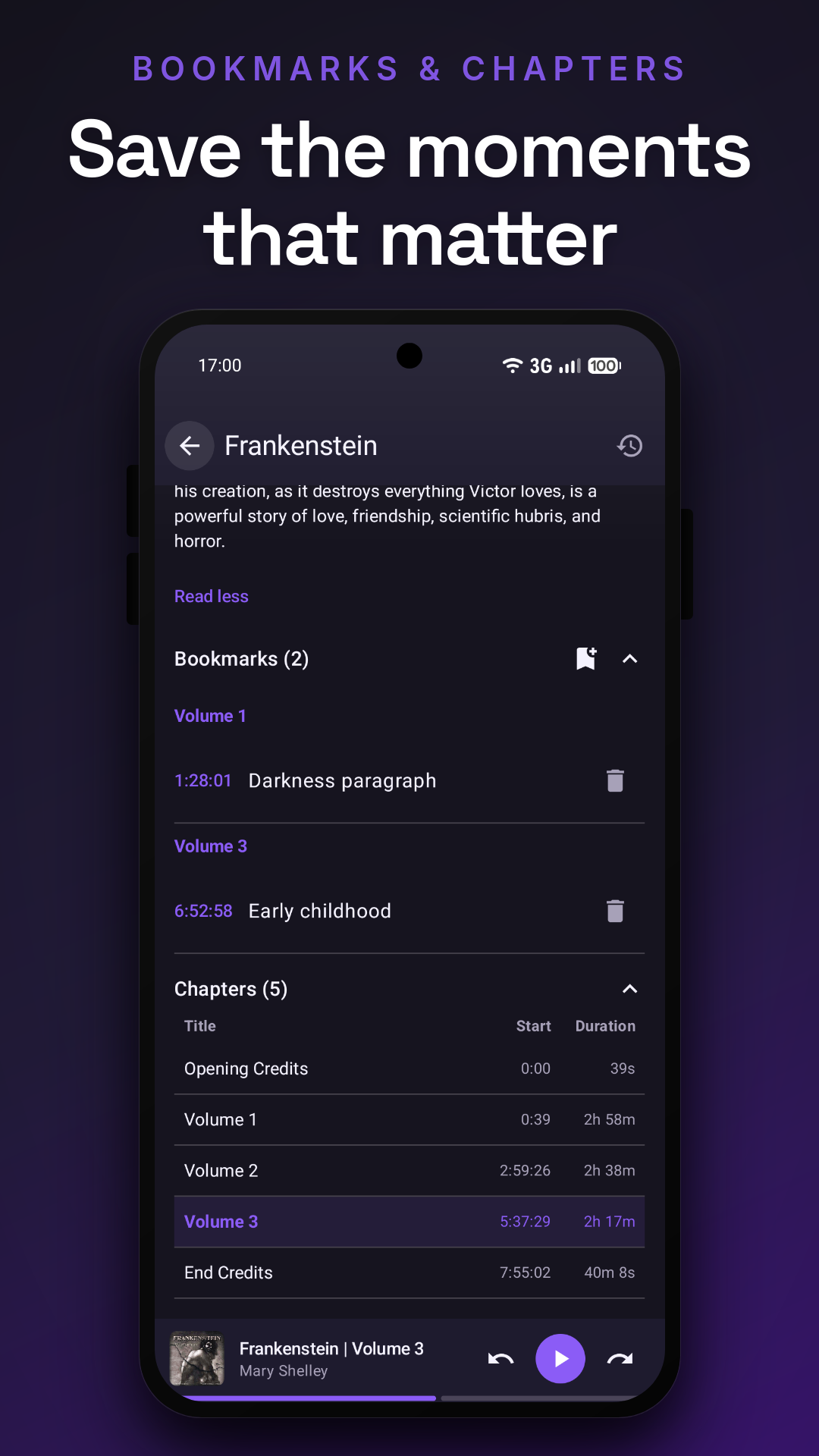
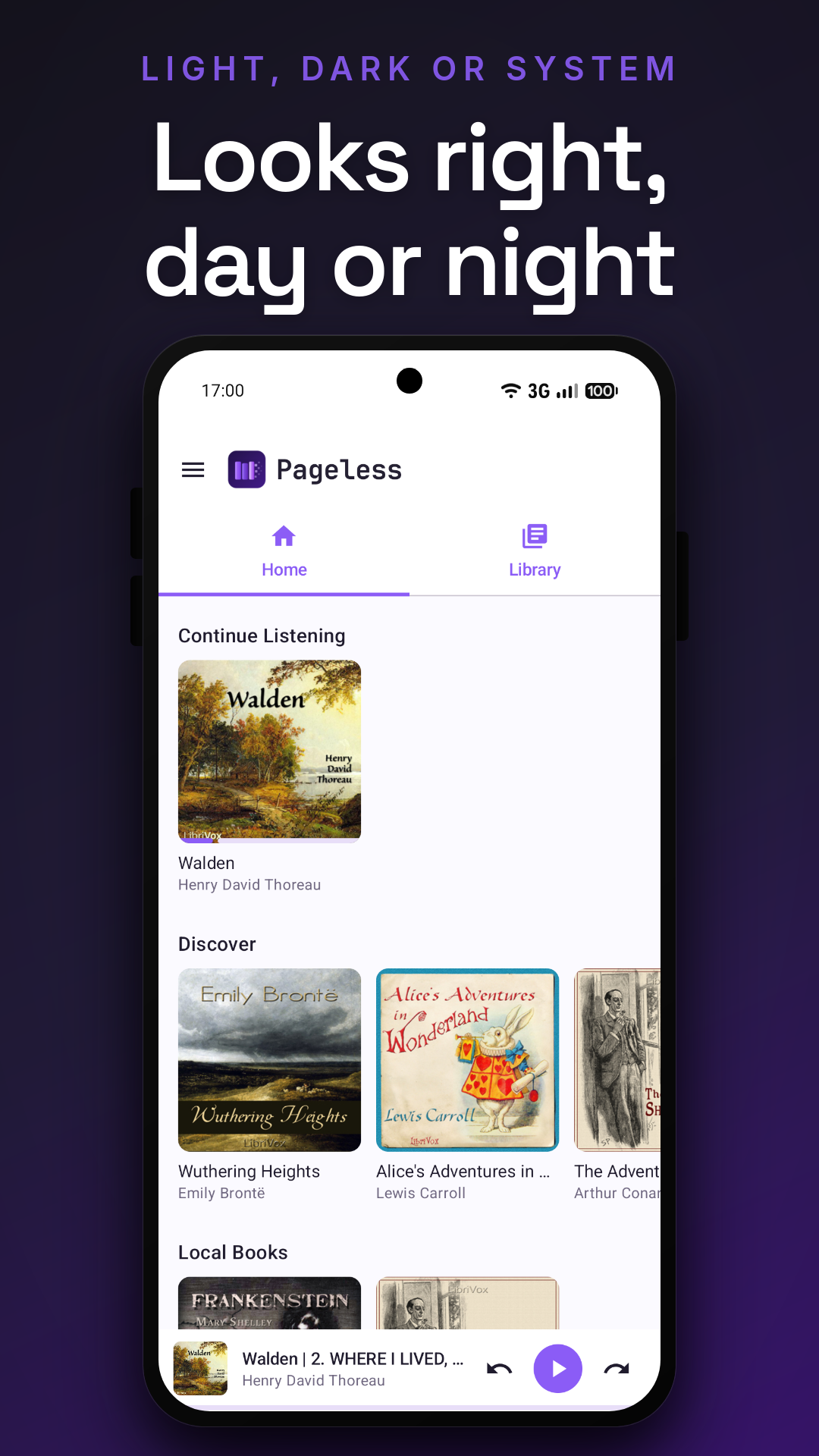
• Browse your library, series, collections, and playlists. • Open book details with metadata, chapters, bookmarks, and listening progress. • Download books (audio and covers) for fully offline playback. • Media3-powered background playback with notification and lock-screen controls, a mini-player, and a full Now Playing screen. • Playback progress, bookmarks, and listening history sync back to your server, merged last-write-wins so multiple devices stay in agreement. • Light, dark, and system themes.

Pageless is open-source software, released under the GNU General Public License v3.0 or later.
Screenshots

Pageless screenshot 1
Pageless screenshot 2
Pageless screenshot 3
Pageless screenshot 4
Pageless screenshot 5
Pageless screenshot 6
Pageless screenshot 7

What’s new

You can now bookmark from your headphones. Turn on "Bookmark with the next-track button", and a press of next saves a bookmark at the current position instead of jumping forward, so you can mark a spot without looking at your phone. A short buzz confirms it, hence the vibrate permission.

Pressing back on Bluetooth headphones, the notification or the lock screen used to restart the book from the beginning, and forward did nothing. Both now jump by your configured amounts, with icons to match.

How to install

  1. Download the APK from the button at the top of this page.
  2. Allow “Install unknown apps” for your browser or file manager only, not for every app.
  3. Open the downloaded file and confirm the installation.
  4. If installation fails with “App not installed,” remove an earlier build of the same app first. A signature conflict is the usual cause.

Data safety

  • Every file is checked against its published SHA-256 before it is listed.
  • Files are scanned for malware on every update.
  • The permissions each app requests are listed on its own page.
  • Read the full safety policy for how we test, flag, and delist files.

Frequently asked questions

What is Pageless?
Offline-first audiobook player for your self-hosted Pageless server.
Who develops Pageless?
Pageless is developed by Daniel Caixinha.
Which Android version does Pageless require?
Pageless requires Android API 26 or later.
What is the current version of Pageless?
The synchronized F-Droid version is 2026-09-08.
Which license does Pageless use?
The signed F-Droid metadata lists GPL-3.0-or-later.
Where is the source code for Pageless?
https://github.com/dcaixinha/pageless-mobile

Comments

Recent approved comments · sorted by newest

Verification code
Be specific and keep it about the app. No links. Comments are reviewed before publication. Device and Android details are recorded automatically. Privacy policy.

Loading recent comments...

View all comments