Amaze File Manager icon

Amaze File Manager

Team Amaze
Cloud Storage & File Sync File Encryption & Vault File Manager System Text Editor Tools
Version
3.11.4
Size
12.2 MB
Requires
Android API 23+
3.6 / 5 · 12,856 ratings 1,000,000 downloads

Updated Oct 21, 2026

Quick answer

An open-source file manager following the Material Design guidelines

Light and smooth file manager following the Material Design guidelines.

Features:

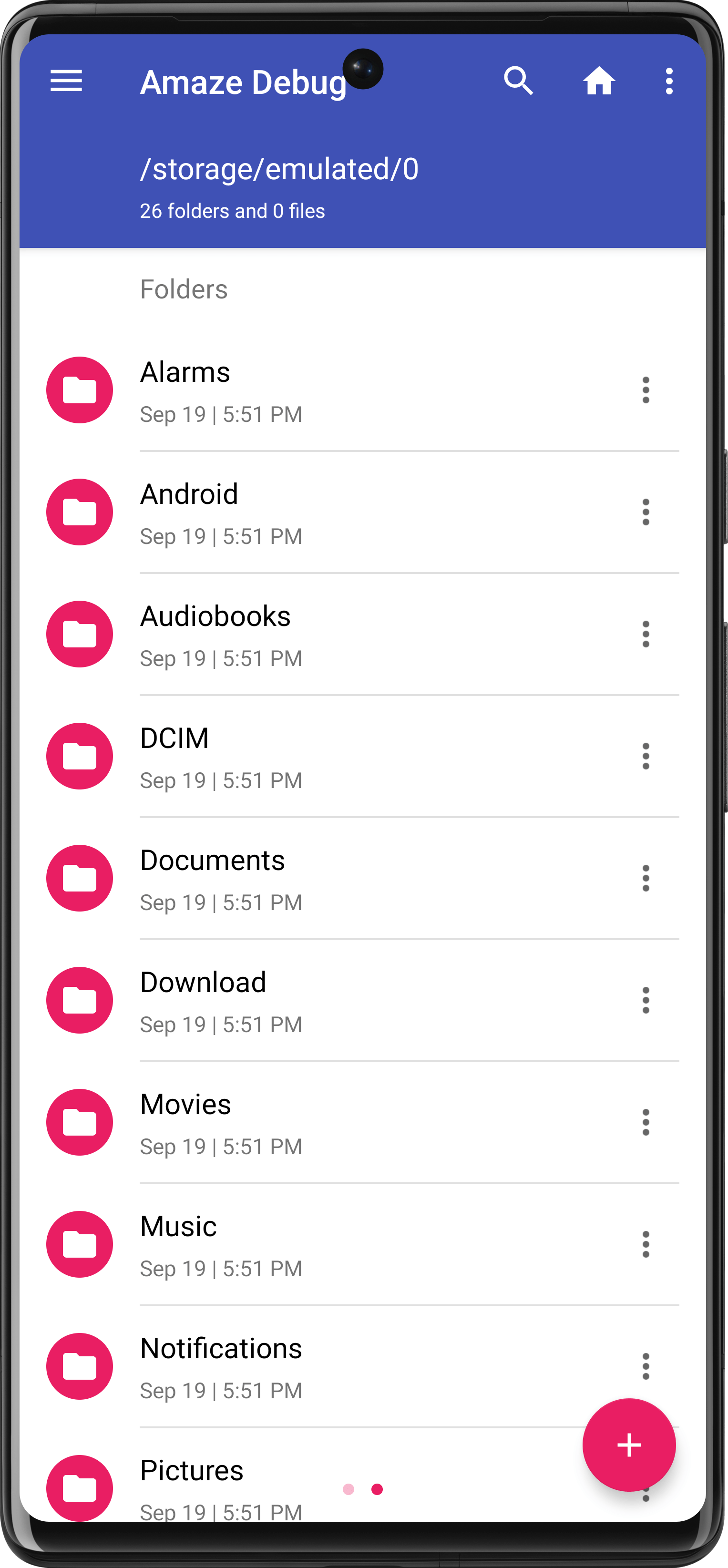
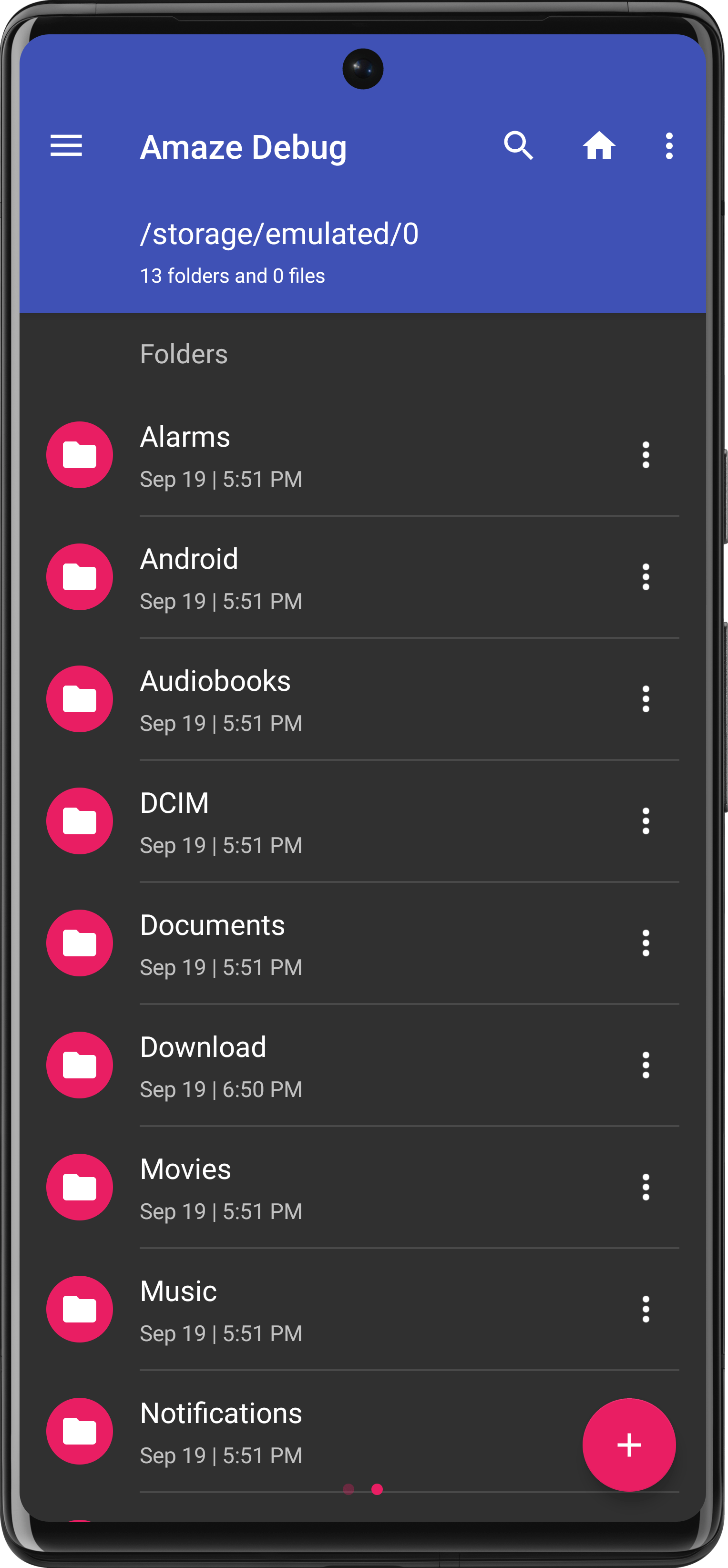
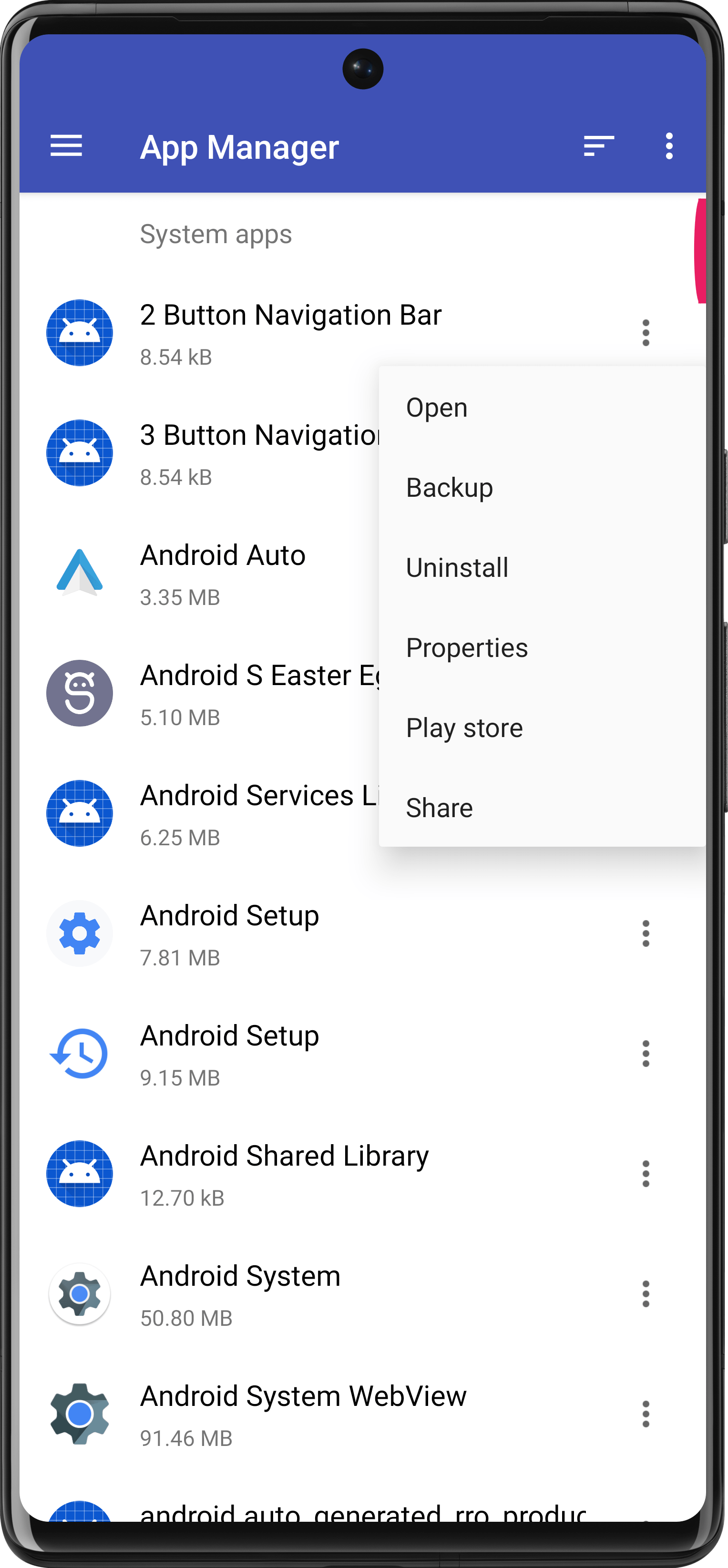
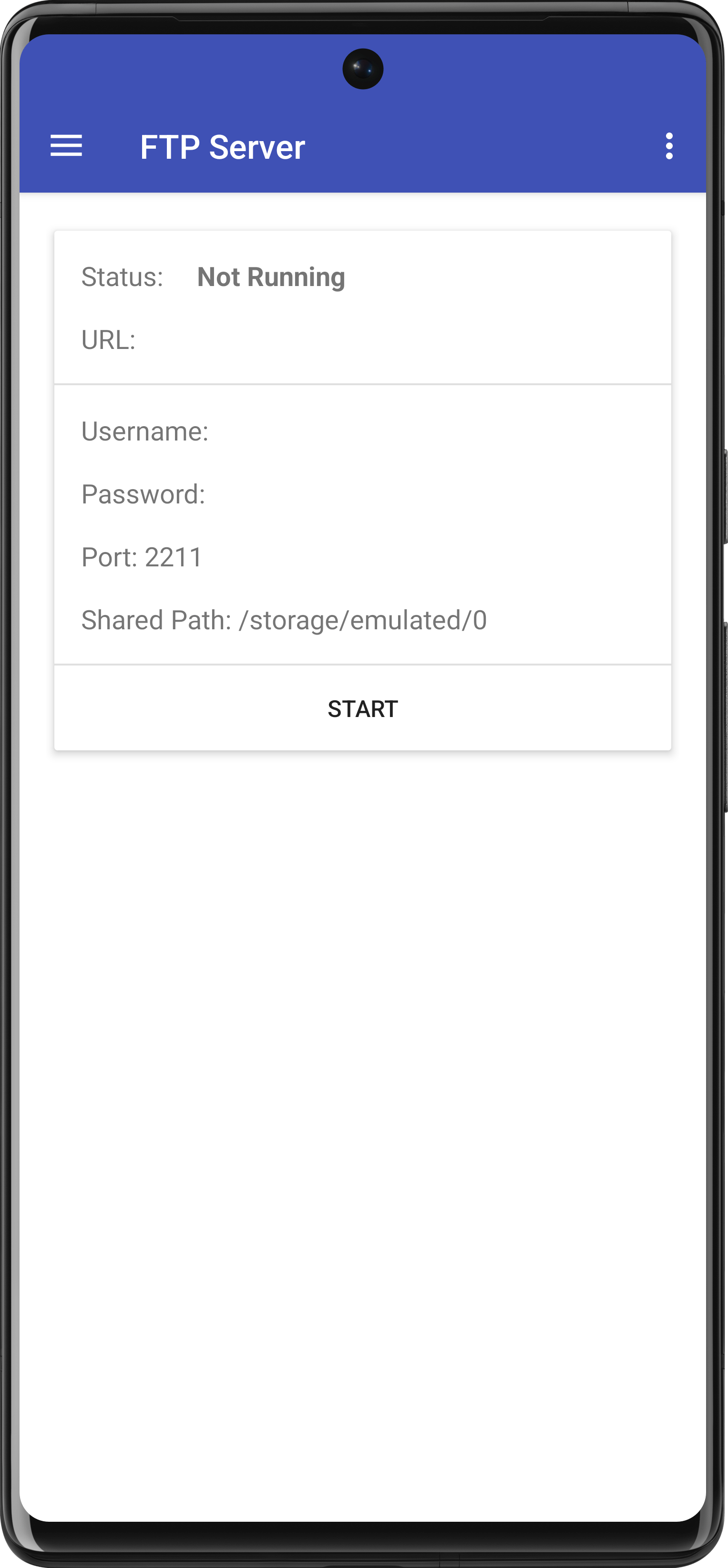
- Basic features like cut, copy, delete, compress, extract - Multiple tabs for enhancing productivity - Support for multiple themes - Navigation drawer for quick navigation - App Manager to open, backup, or directly uninstall any app - Quickly access history, access bookmarks or search for any file - Root explorer for advanced users - AES Encryption and Decryption of files for security (Jellybean v4.3+) - Cloud services support namely SMB, SSH, FTP & SFTP (Jellybean v4.3+ / requires additional plug-in) - Inbuilt Database Reader, ZIP/RAR Reader, APK Reader and Text Editor - FTP client support

Screenshots

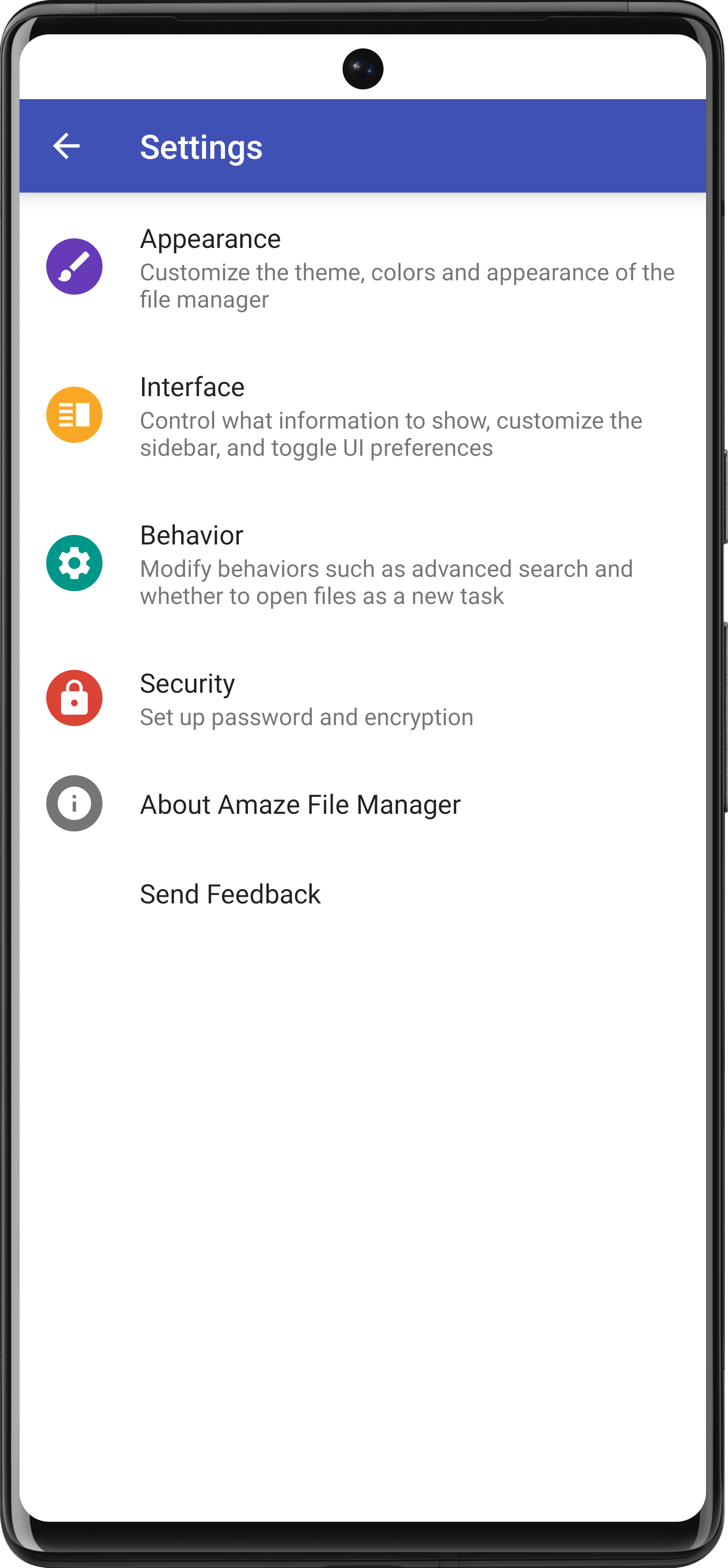
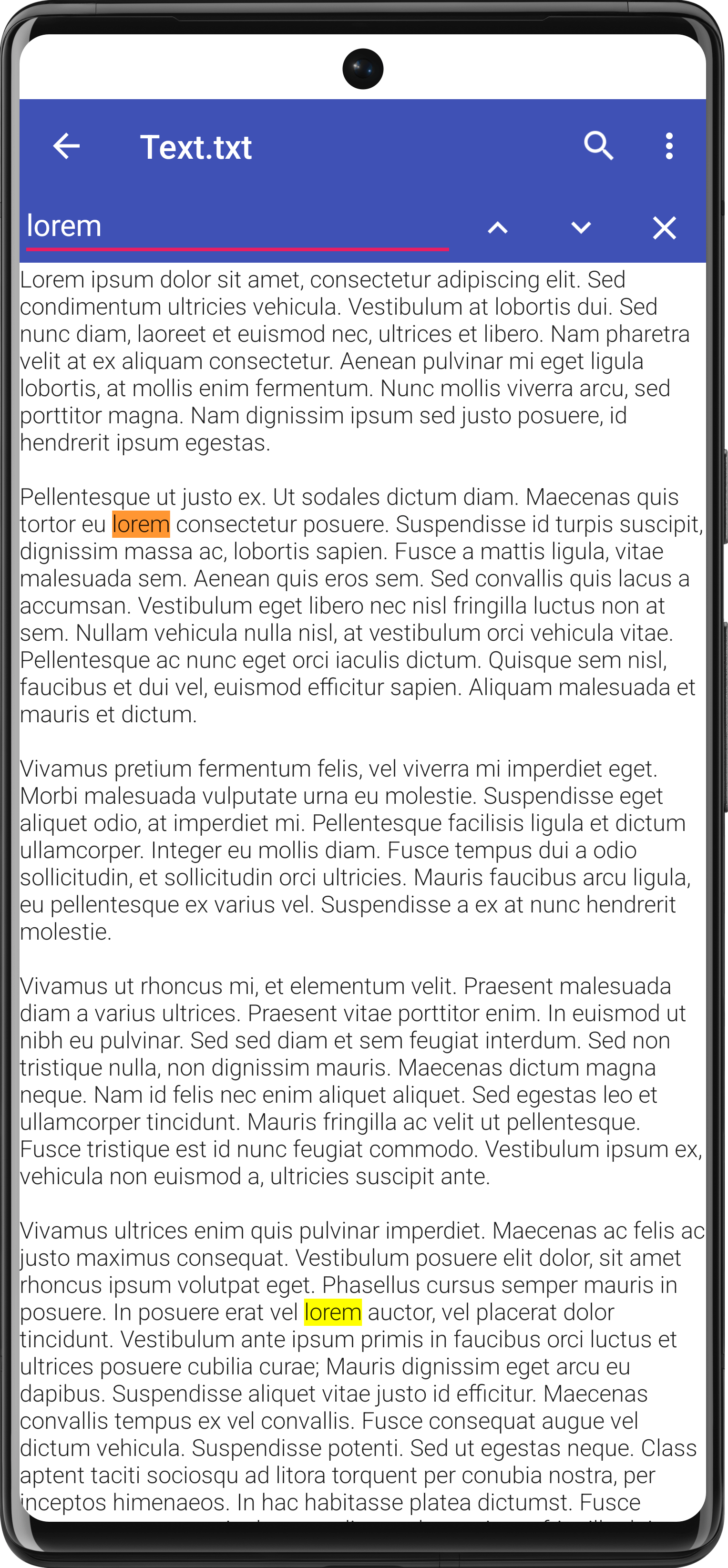
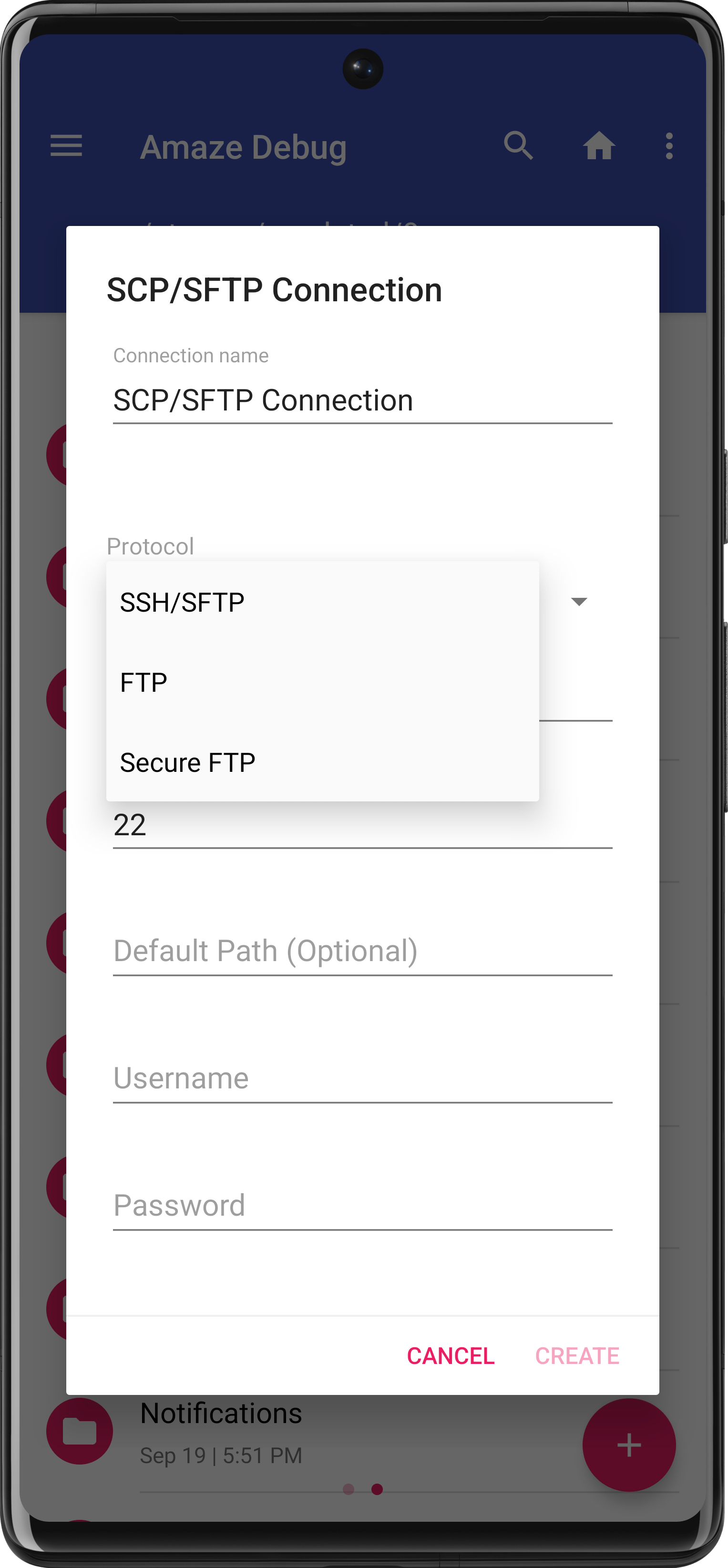
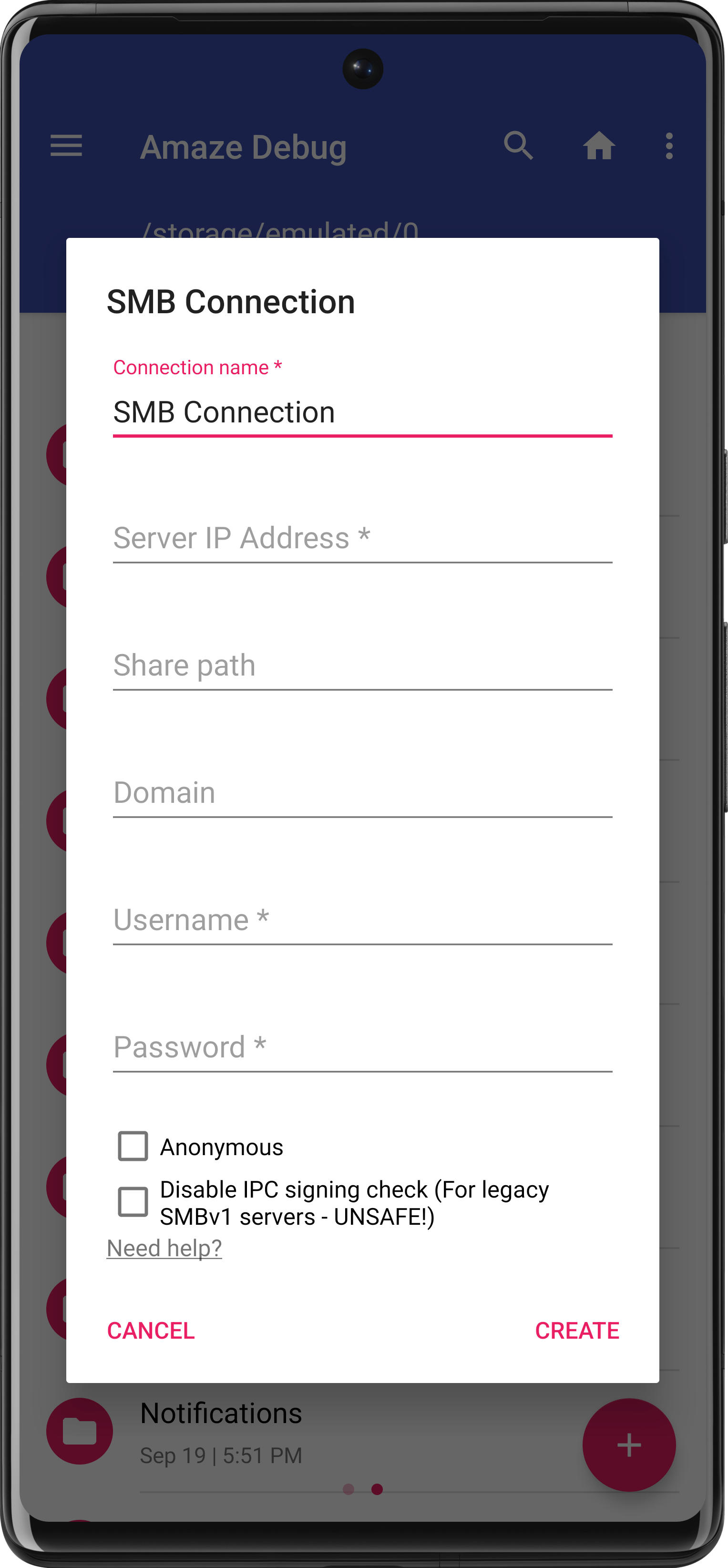
Amaze File Manager screenshot 1
Amaze File Manager screenshot 2
Amaze File Manager screenshot 3
Amaze File Manager screenshot 4
Amaze File Manager screenshot 5
Amaze File Manager screenshot 6
Amaze File Manager screenshot 7
Amaze File Manager screenshot 8

What’s new

* Library upgrades and SDK 36 adaptation
* Improve FTP server security
* Build & CI improvements

How to install

  1. Download the APK from the button at the top of this page.
  2. Allow “Install unknown apps” for your browser or file manager only, not for every app.
  3. Open the downloaded file and confirm the installation.
  4. If installation fails with “App not installed,” remove an earlier build of the same app first. A signature conflict is the usual cause.

Data safety

  • Every file is checked against its published SHA-256 before it is listed.
  • Files are scanned for malware on every update.
  • The permissions each app requests are listed on its own page.
  • Read the full safety policy for how we test, flag, and delist files.

Frequently asked questions

What is Amaze File Manager?
An open-source file manager following the Material Design guidelines
Who develops Amaze File Manager?
Amaze File Manager is developed by Team Amaze.
Which Android version does Amaze File Manager require?
Amaze File Manager requires Android API 23 or later.
What is the current version of Amaze File Manager?
The synchronized F-Droid version is 3.11.4.
Which license does Amaze File Manager use?
The signed F-Droid metadata lists GPL-3.0-or-later.
Where is the source code for Amaze File Manager?
https://github.com/TeamAmaze/AmazeFileManager

Comments

Recent approved comments · sorted by newest

Verification code
Be specific and keep it about the app. No links. Comments are reviewed before publication. Device and Android details are recorded automatically. Privacy policy.

Loading recent comments...

View all comments