AppListBackup icon

AppListBackup

AndroidLabs
System Tools
Version
2.0.3
Size
3.2 MB
Requires
Android API 28+
4.4 / 5 · 14,706 ratings 101,811 downloads

Updated Oct 21, 2026

Quick answer

Effortlessly create and manage backups of a list of your installed apps.

AppListBackup is the ultimate solution for generating a backup list of installed applications on your Android device.

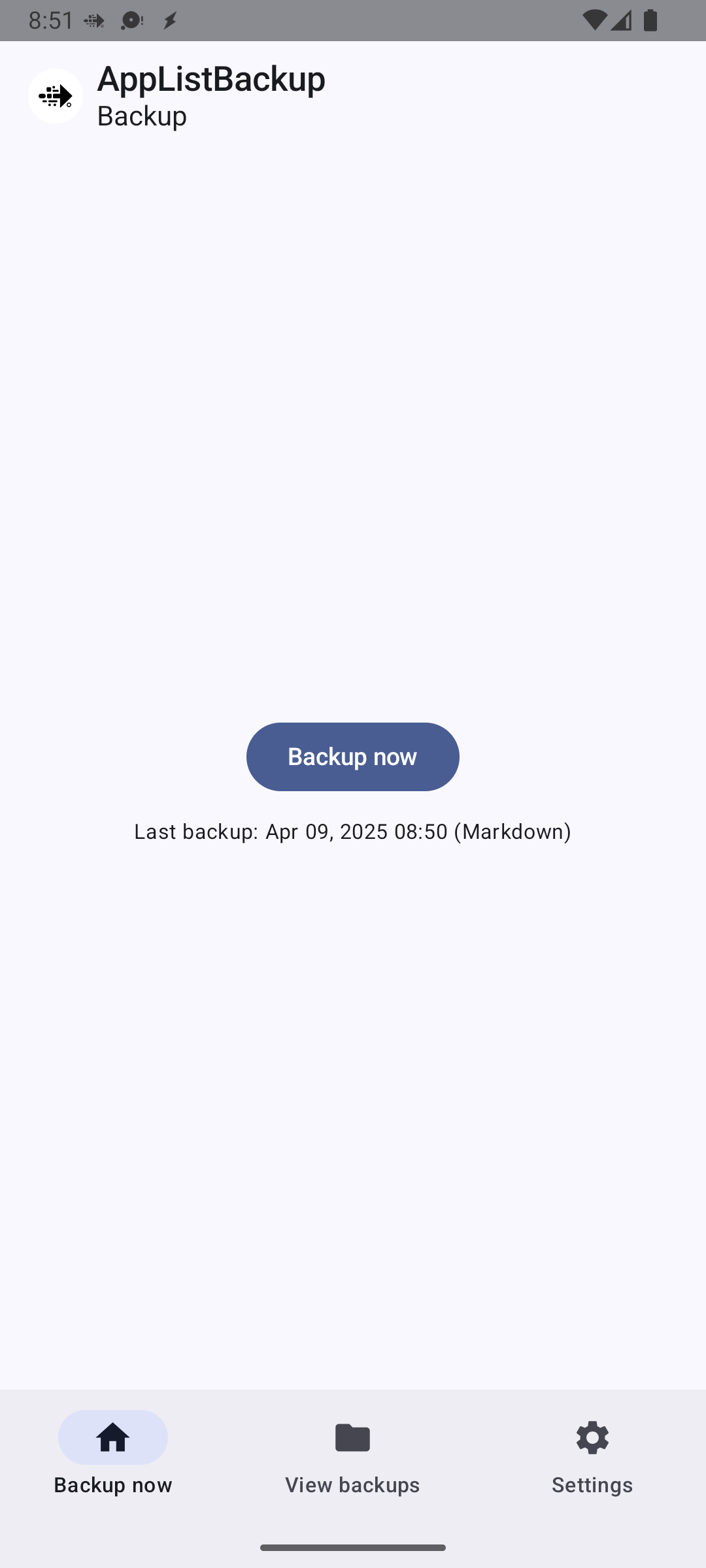
This user-friendly app allows you to automatically create and view a backup list of all your installed apps with just a few taps.

Whether you want to safeguard your list of favorite apps or prepare for a device reset, AppListBackup ensures your apps list is securely backed up and ready to be viewed whenever you need it.

Key Features:

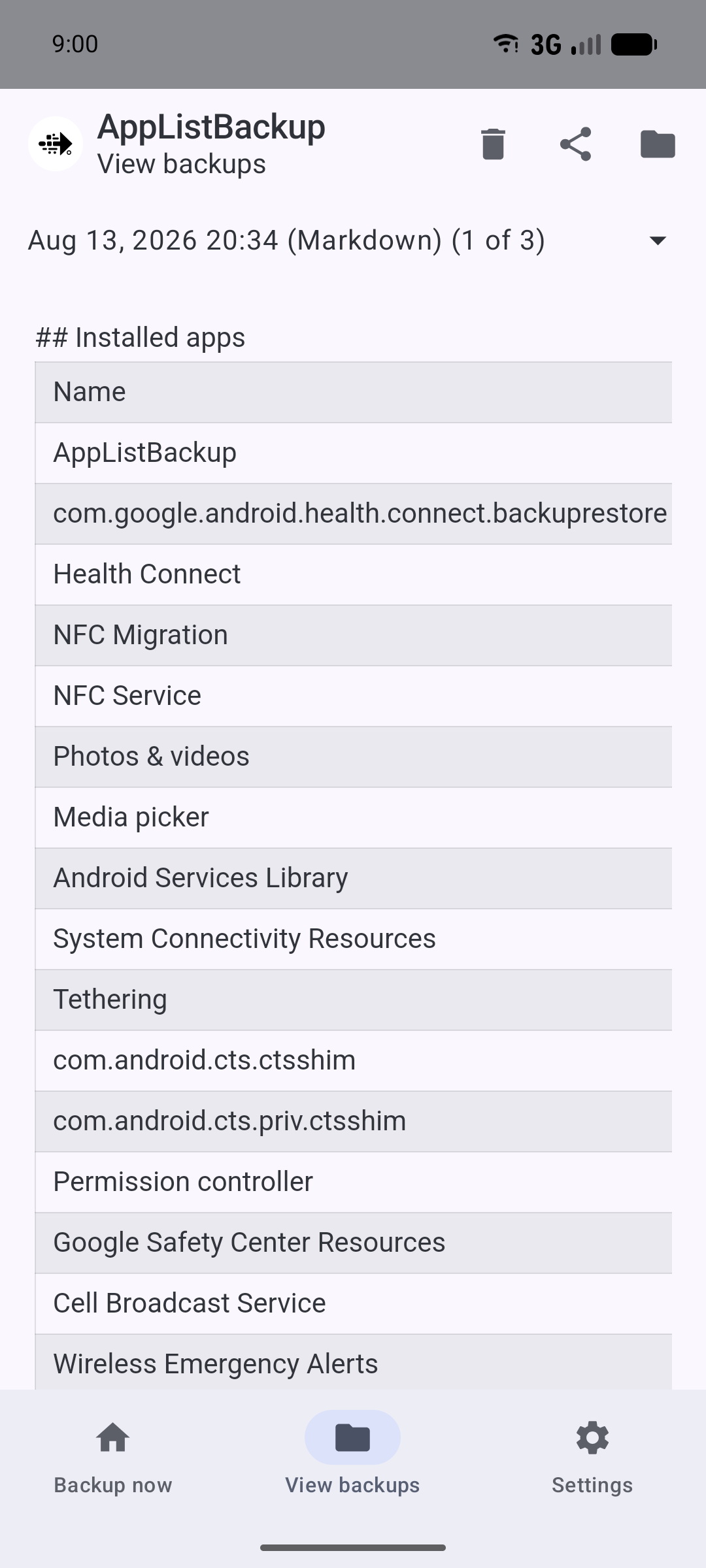
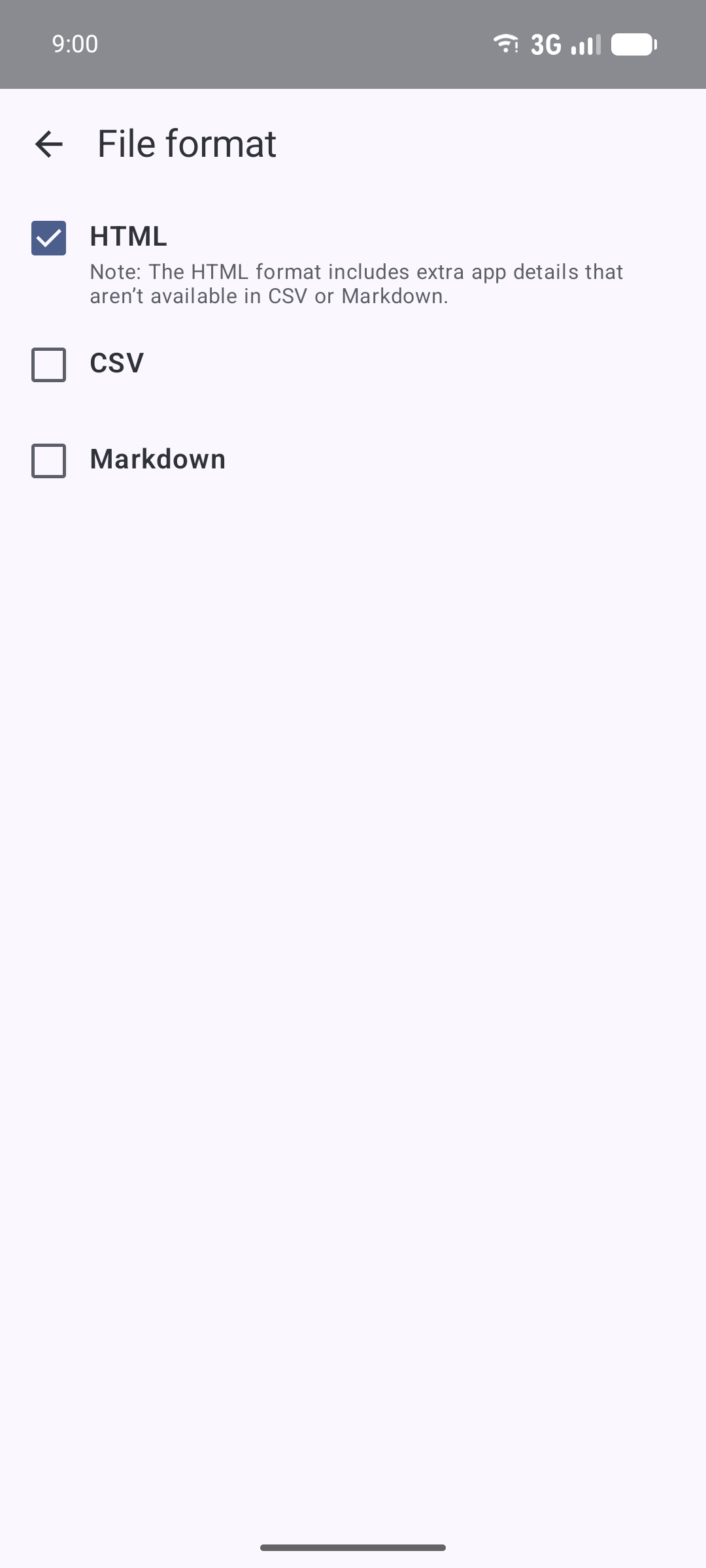
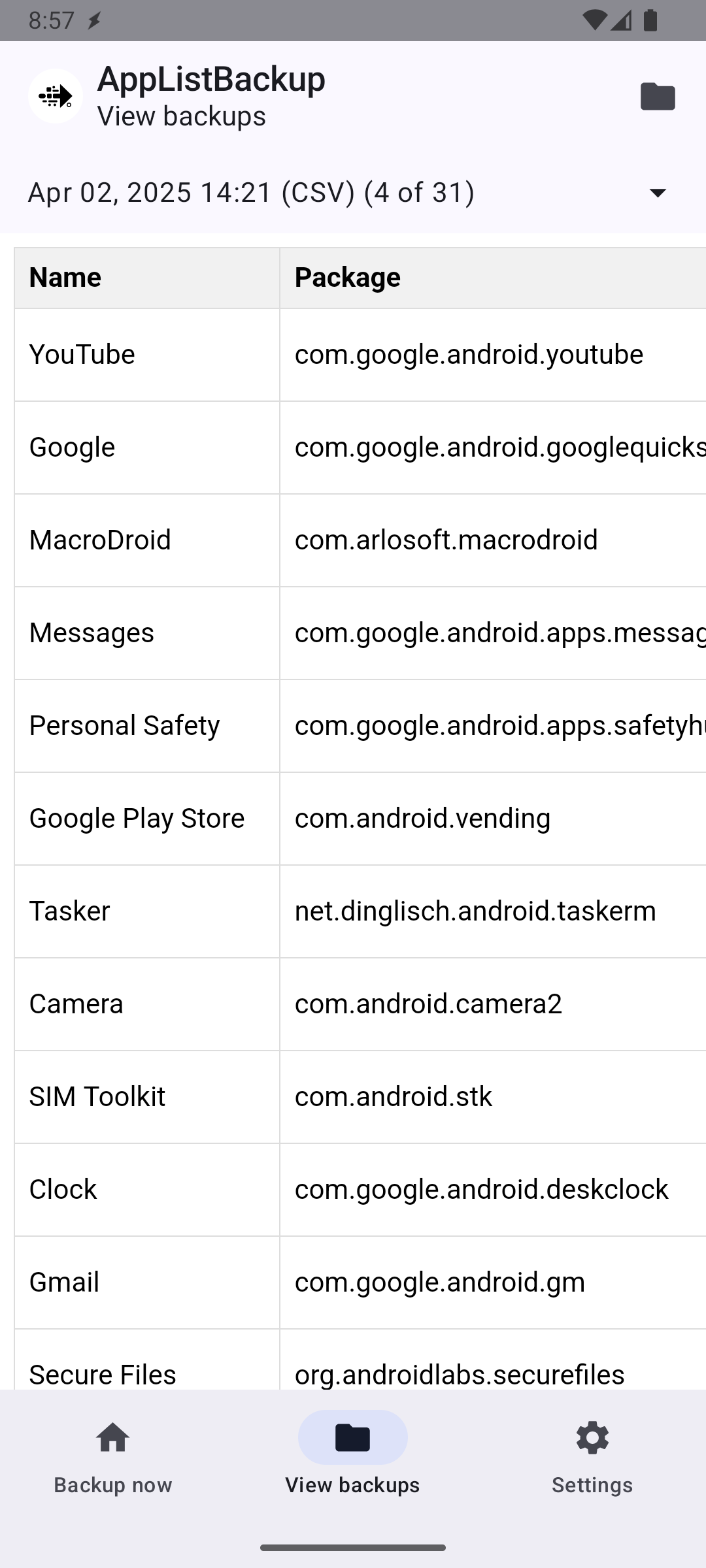
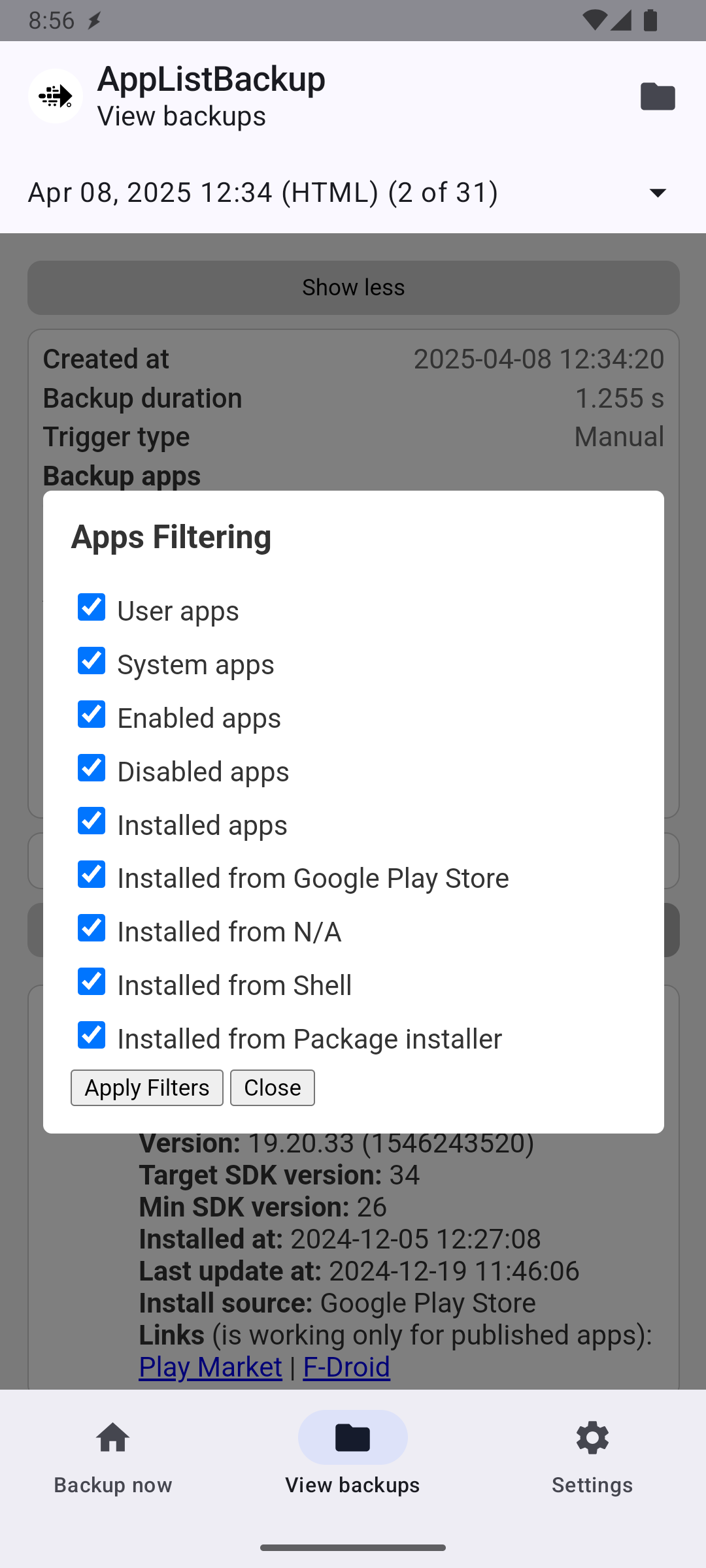
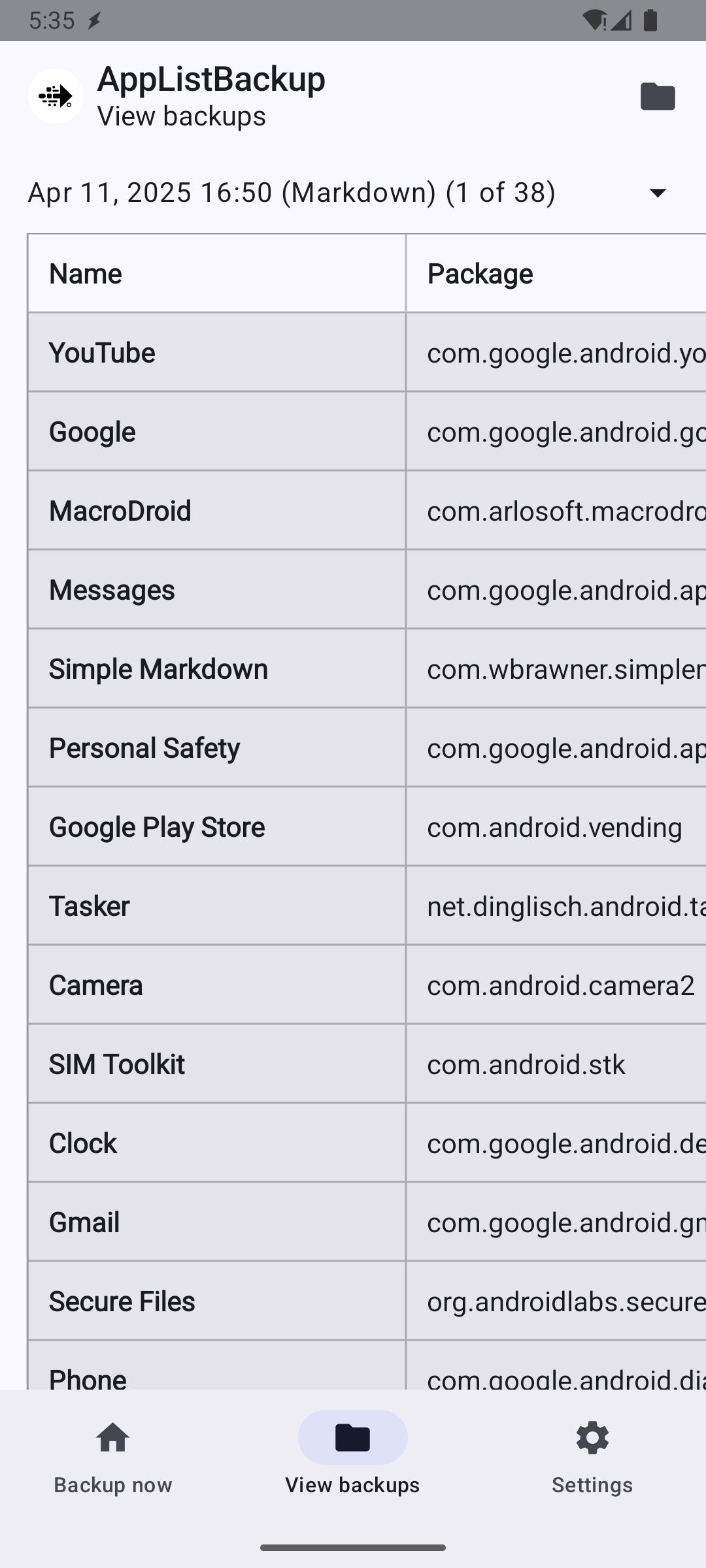
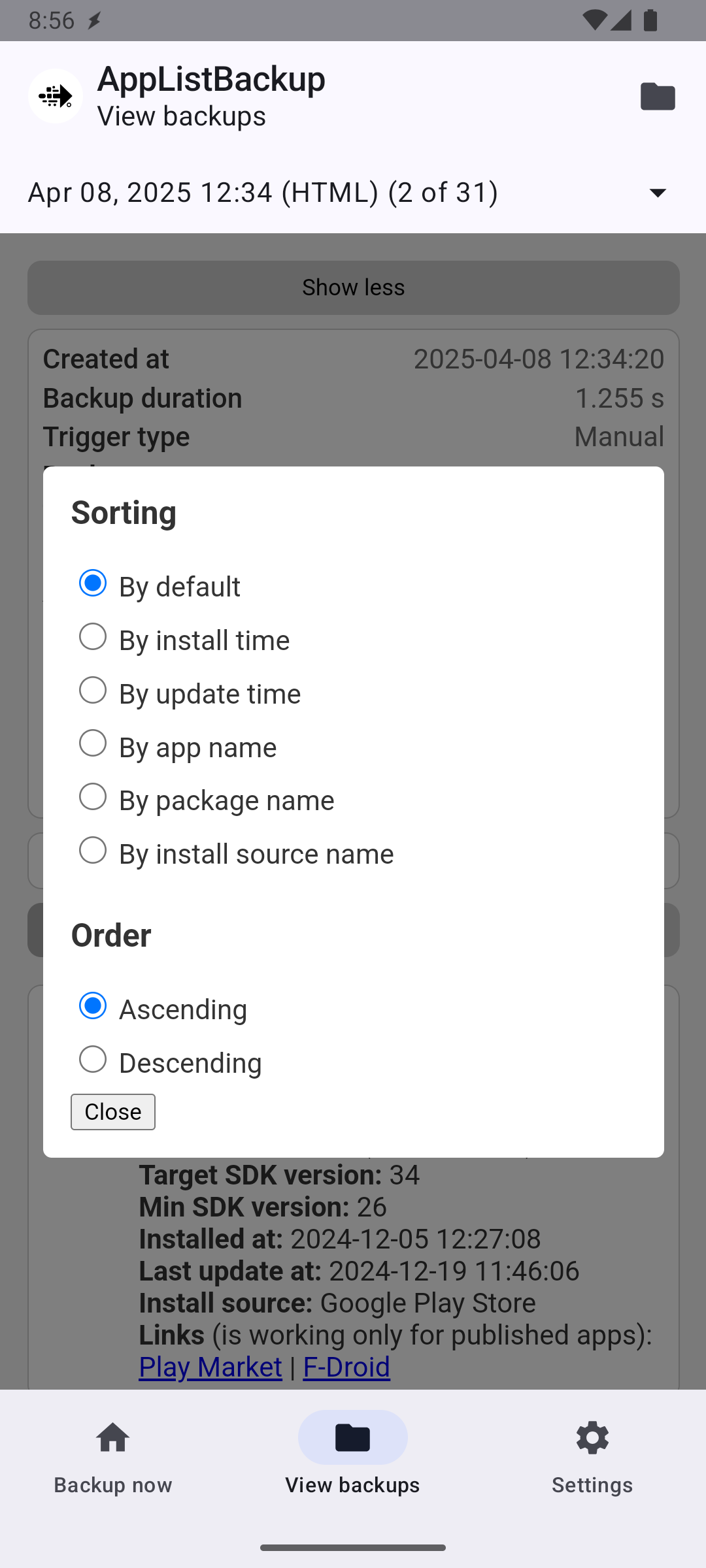
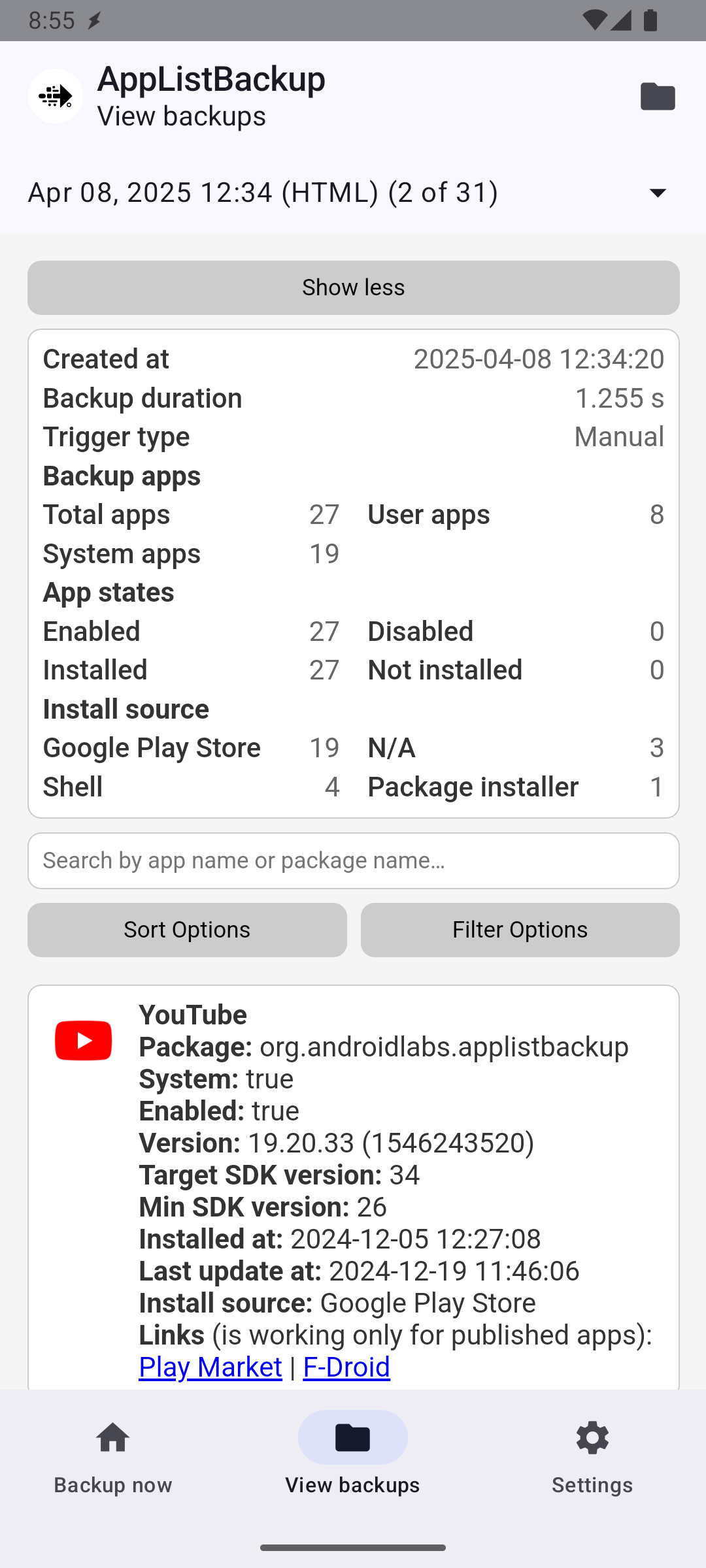
* Quickly create backup lists of installed apps with ease, including details such as: installation date, version number, package name, app icon and more. * Export your backup lists in multiple formats including HTML, Markdown, and CSV to suit your needs. The HTML export includes powerful sorting and filtering capabilities. * Control the maximum number of stored backups. * Seamlessly integrate with Tasker, Automate, MacroDroid, and any other apps that support Tasker Plugin, allowing you to trigger backups from your automations. * Trigger backups via Intent Broadcasts, enabling automation with tools like Tasker, ADB, and MacroDroid for even more flexibility. * No account, no network access and no root. The app needs permission to see your installed apps and to write to the folder you choose; notifications are optional. * Also includes an easy to click widget, notification bar progress updates, and more.

With AppListBackup, you can have peace of mind knowing an up to date list of your favorite apps is safely backed up. Download and install now to ensure your list of apps is always ready for restoration.

IMPORTANT: This app does not back up your actual application APKs or data, it only generates a list of installed applications and allows you to choose where to save it for future reference. Additionally it is the user's responsibility to save/backup the generated files to a safe location in the event their phone is broken or lost, such as, but not limited to, email, remote storage, or a local folder which is synced elsewhere.

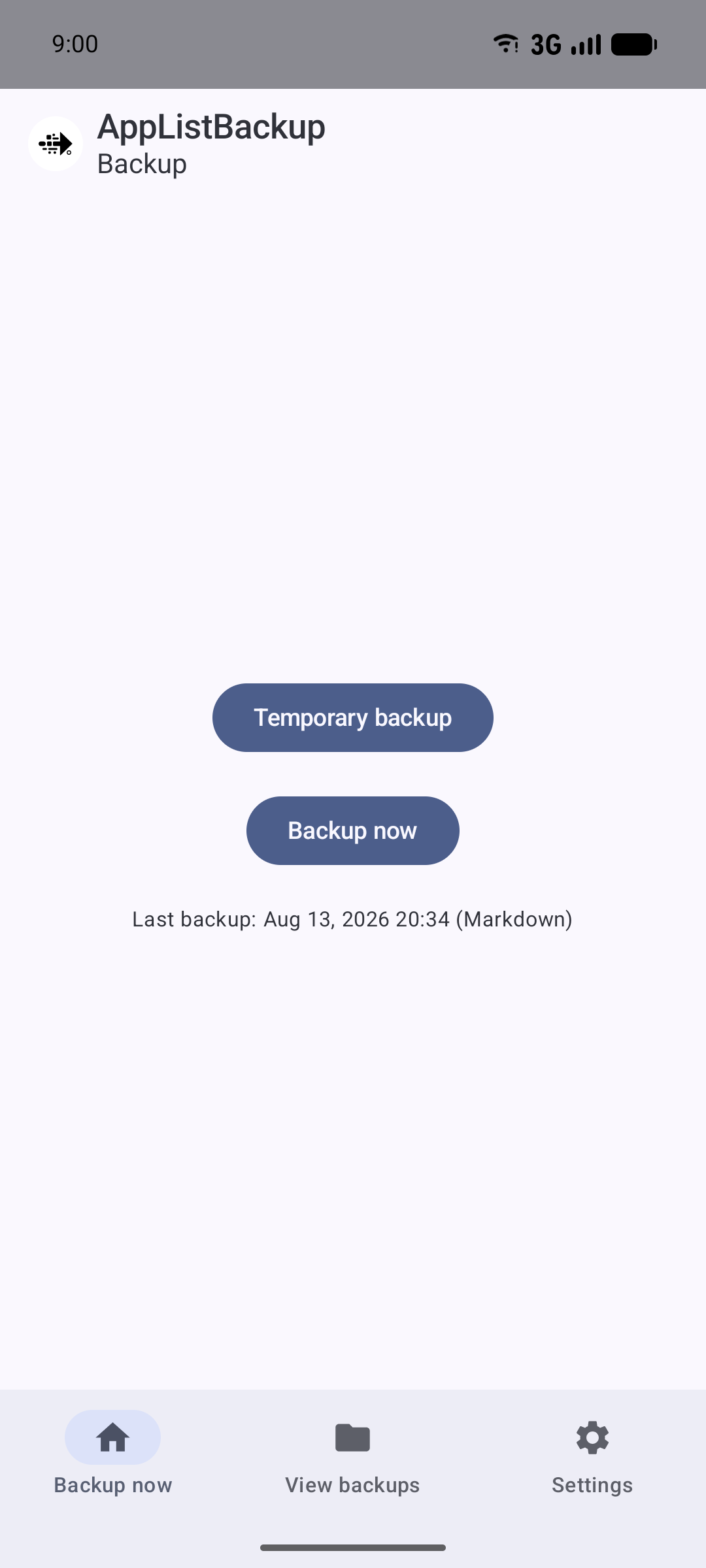
Screenshots

AppListBackup screenshot 1
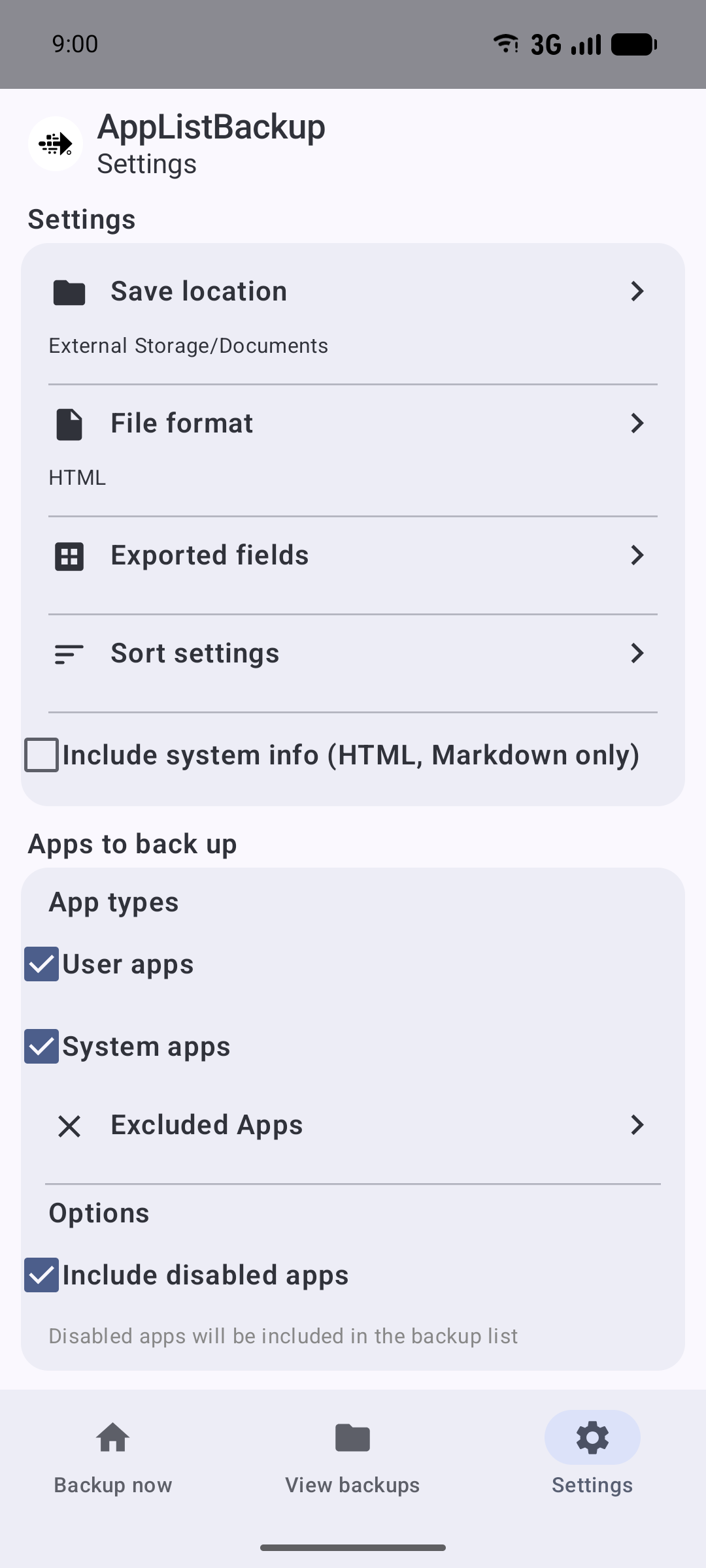
AppListBackup screenshot 2
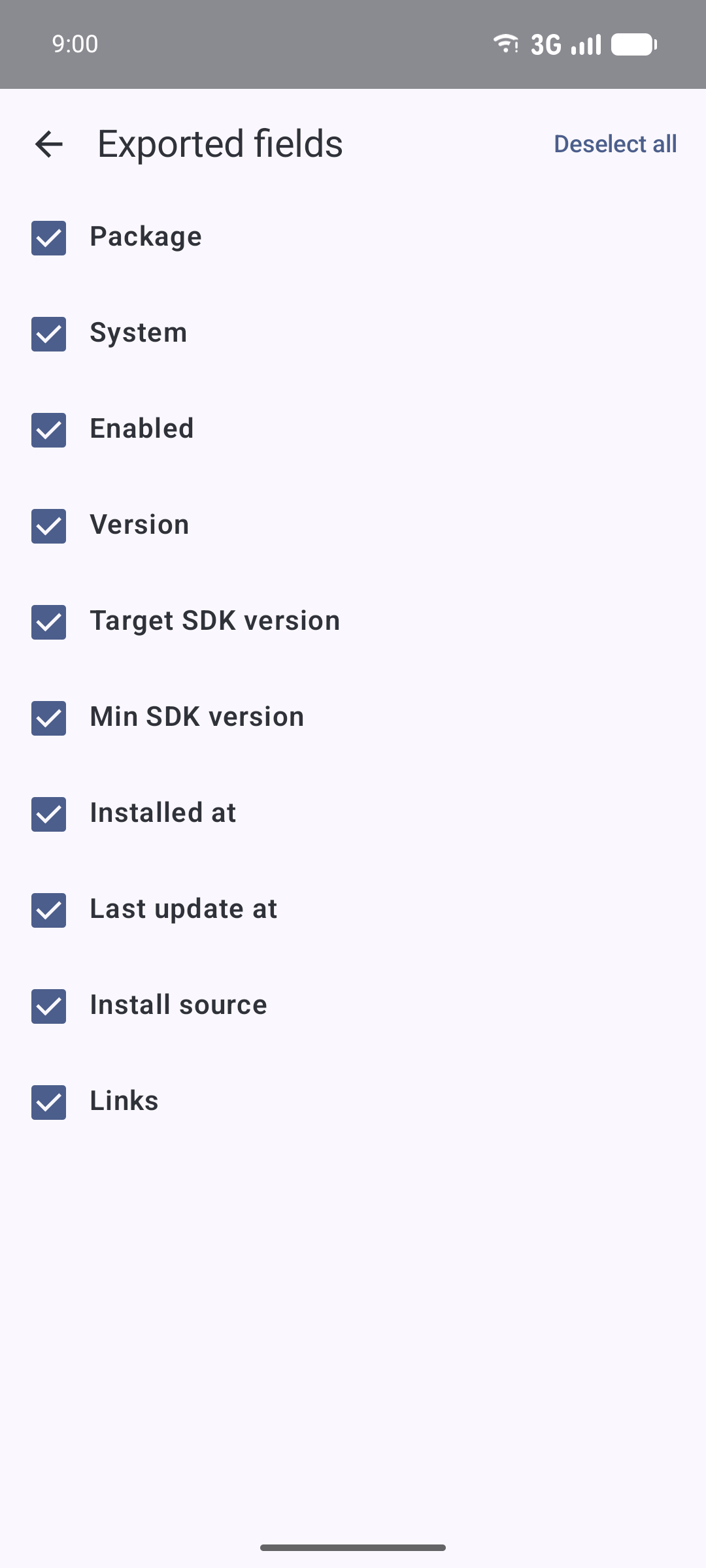
AppListBackup screenshot 3
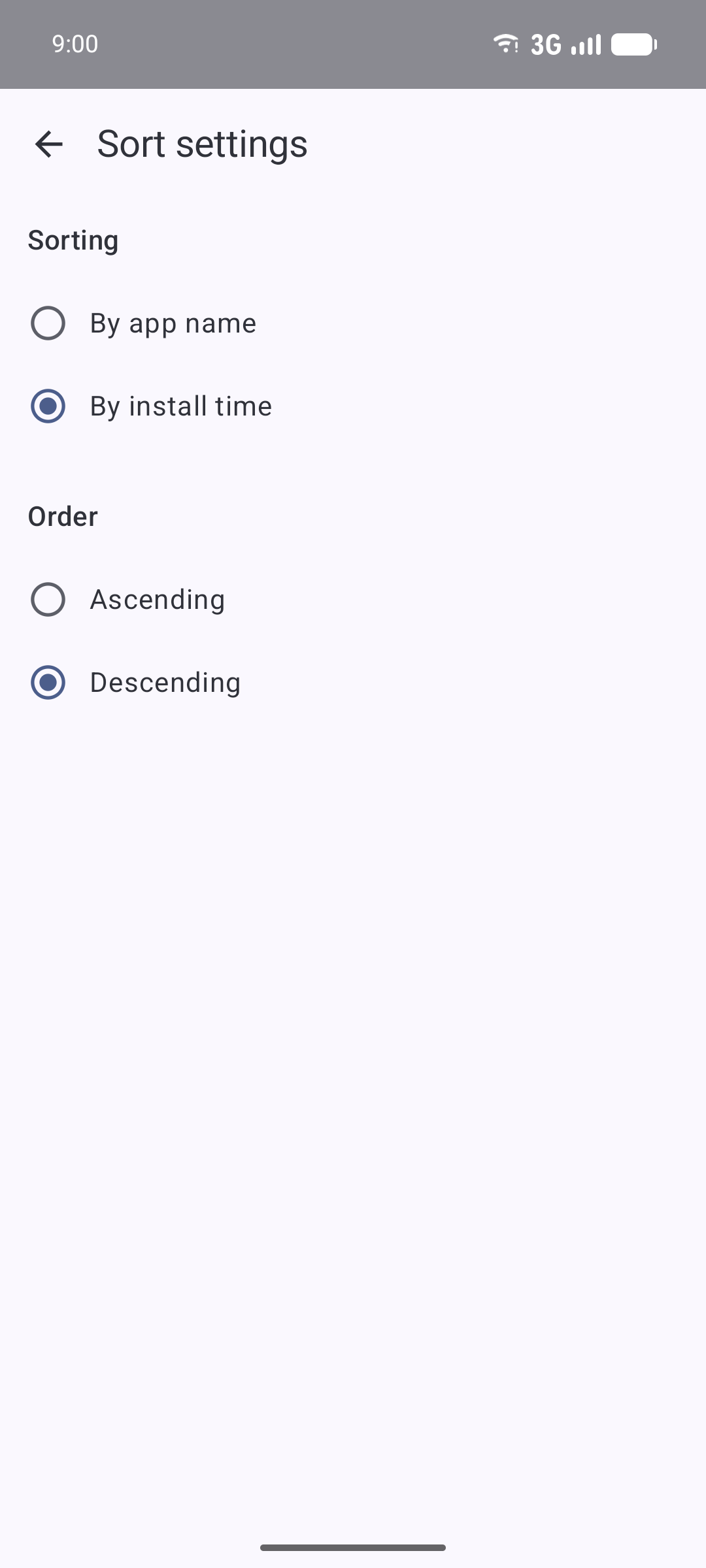
AppListBackup screenshot 4
AppListBackup screenshot 5
AppListBackup screenshot 6
AppListBackup screenshot 7
AppListBackup screenshot 8
AppListBackup screenshot 9
AppListBackup screenshot 10
AppListBackup screenshot 11
AppListBackup screenshot 12
AppListBackup screenshot 13

What’s new

New
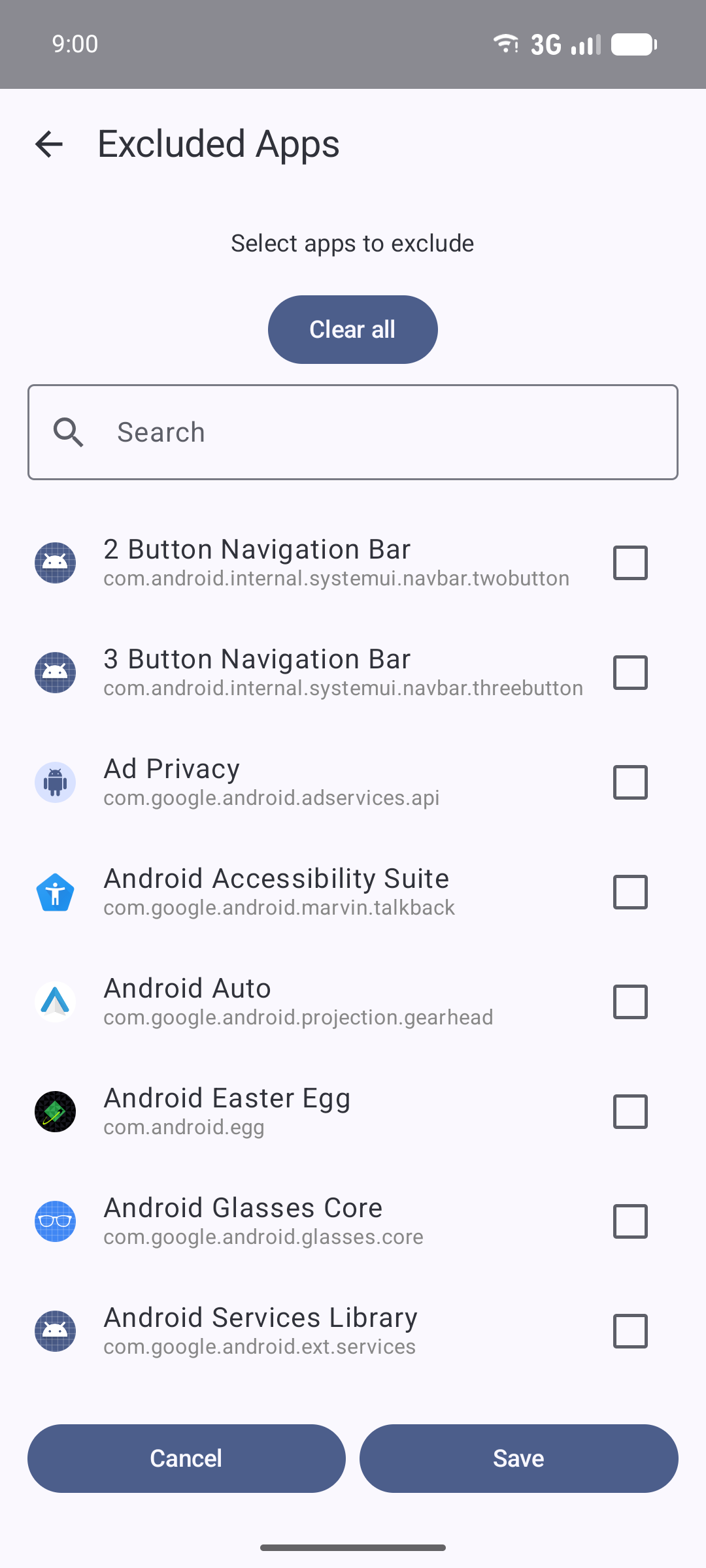
* Exclude specific apps from backups (Settings > Excluded apps).
* Choose which fields are exported (Settings > Exported fields).
* Set a default sort field and order (Settings > Sort).
* Share a backup from the viewer, which now opens automatically after a backup completes.
* Separate toggles for user, system and disabled apps.
* Copy rows from the Markdown and CSV previews.
* Licence information and the app version code shown in Settings.

Improved
* Redesigned Settings with better TalkBac

How to install

  1. Download the APK from the button at the top of this page.
  2. Allow “Install unknown apps” for your browser or file manager only, not for every app.
  3. Open the downloaded file and confirm the installation.
  4. If installation fails with “App not installed,” remove an earlier build of the same app first. A signature conflict is the usual cause.

Data safety

  • Every file is checked against its published SHA-256 before it is listed.
  • Files are scanned for malware on every update.
  • The permissions each app requests are listed on its own page.
  • Read the full safety policy for how we test, flag, and delist files.

Frequently asked questions

What is AppListBackup?
Effortlessly create and manage backups of a list of your installed apps.
Who develops AppListBackup?
AppListBackup is developed by AndroidLabs.
Which Android version does AppListBackup require?
AppListBackup requires Android API 28 or later.
What is the current version of AppListBackup?
The synchronized F-Droid version is 2.0.3.
Which license does AppListBackup use?
The signed F-Droid metadata lists GPL-3.0-only.
Where is the source code for AppListBackup?
https://github.com/AndroidLabs-org/AppListBackup

Comments

Recent approved comments · sorted by newest

Verification code
Be specific and keep it about the app. No links. Comments are reviewed before publication. Device and Android details are recorded automatically. Privacy policy.

Loading recent comments...

View all comments