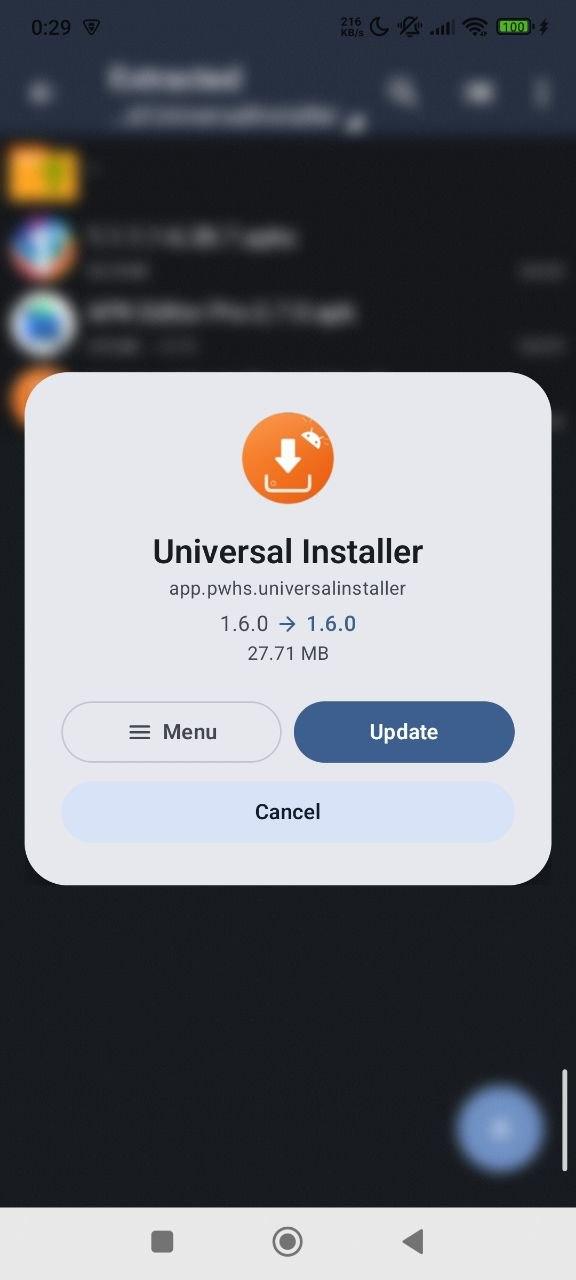
Universal Installer is an Android package manager and Split APK Installer built to handle what the system can't: sideload split APKs, bundled archives with OBB data, and install silently. A premium installer with a modern Material 3 UI.
Expressive & Customizable
- Fluid animations: Living dialogs with bouncy spring physics (inspired by InstallerX-Revived).
- Brand identity: High-contrast Orange theme by default.
- Installer Profiles: Save and reuse install flags, spoofed installers and target users.
Supported Formats
- APK: Standard Android packages
- APK+: Advanced split bundles (APK+ format)
- APKS: Split APK bundles
- XAPK: Compressed split bundles with OBB (APKPure format)
- APKM: Split bundles (APKMirror format)
Install From Anywhere
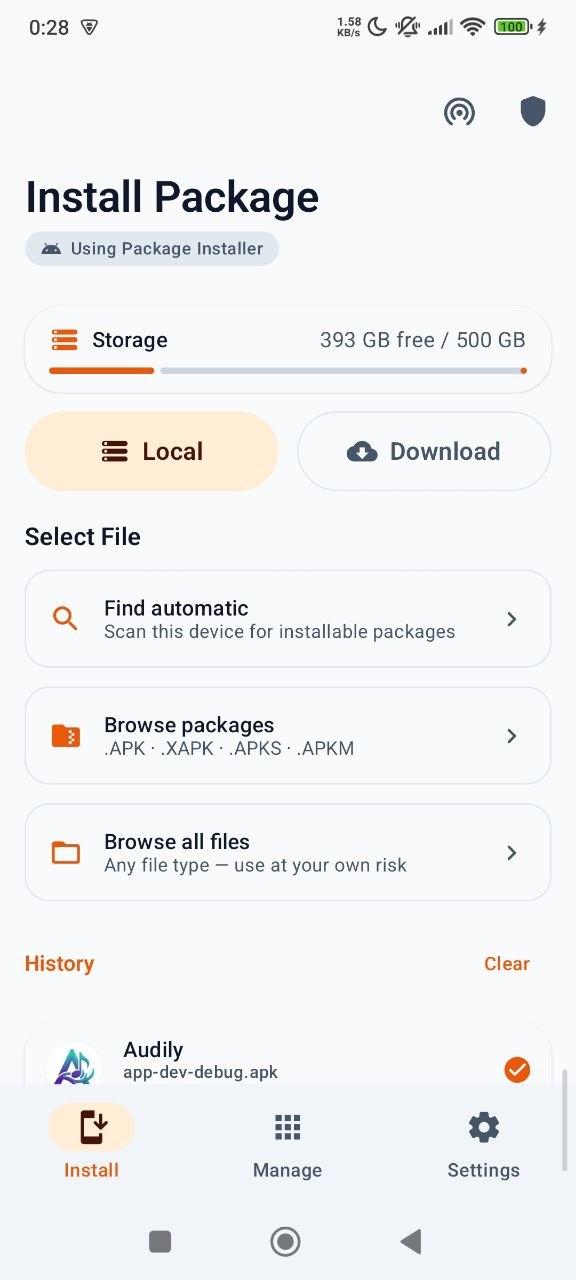
- Local file picker: Auto-scan storage, browse packages, or full file browser modes.
- Remote download: Paste a URL; the package lands in Download/UniversalInstaller/ with its real filename.
- Download history: Re-install, copy source URLs and manage files in one place.
- App integration: Open APKs from Chrome, Gmail, or Telegram even when URLs lack extensions.
Preview Before Installing
See name, icon, version, package, size, SDK targets, CPU architectures, languages, permissions, split and OBB counts before you commit.
OBB Support
- Bundled OBBs inside XAPK/APKM are detected and copied automatically to Android/obb/.
- Manual Attachment: Attach standalone .obb files to any APK via the preview sheet.
- Foreground Worker: Keeps copying even if you leave the app, with progress notifications.
- Smart fallback: Uses direct I/O, Shizuku, or SAF (per-package folder grant) as needed.
Silent Installs: Shizuku, Root or Dhizuku
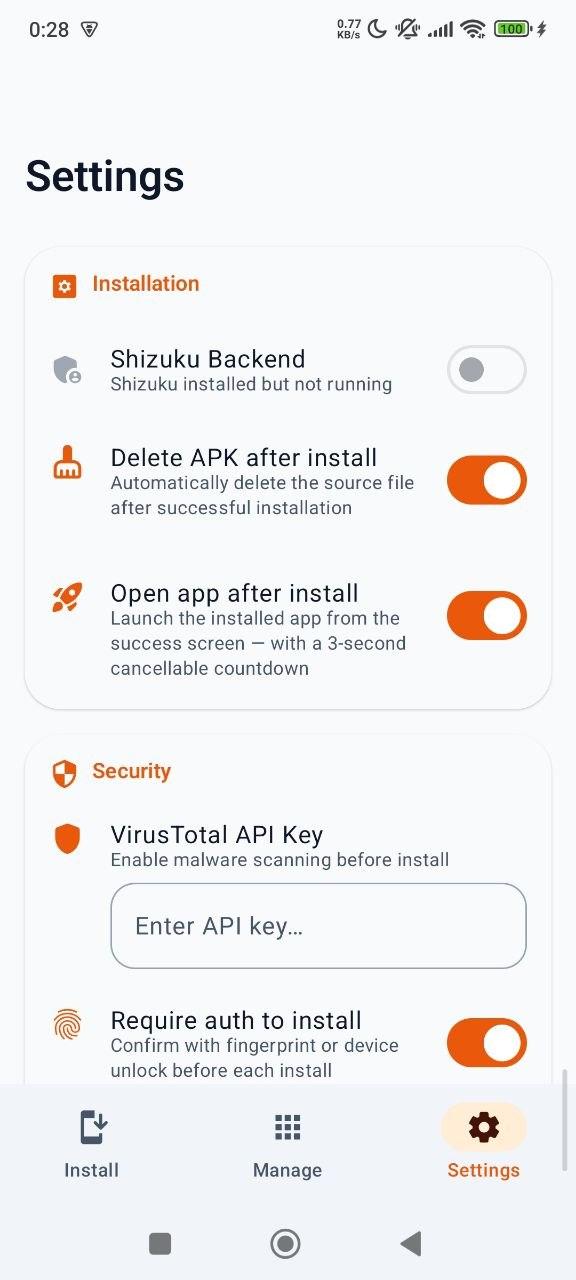
- Shizuku: silent installs with no root, started over wireless debugging.
- Root: silent installs on rooted devices, with the full set of flags.
- Dhizuku: silent installs with neither root nor ADB. Runs as device owner, so it survives a reboot; needs a device with no accounts signed in, and supports downgrade only.
- Targeted User Installs: Install apps to specific profiles (Work, Island, etc.) or all users at once.
- Advanced flags: Replace existing, allow downgrade, grant all permissions, bypass low target SDK blocks.
- Set Install Source: Record a different installer package, so apps that check where they came from see what you pick.
App Manager & Extractor
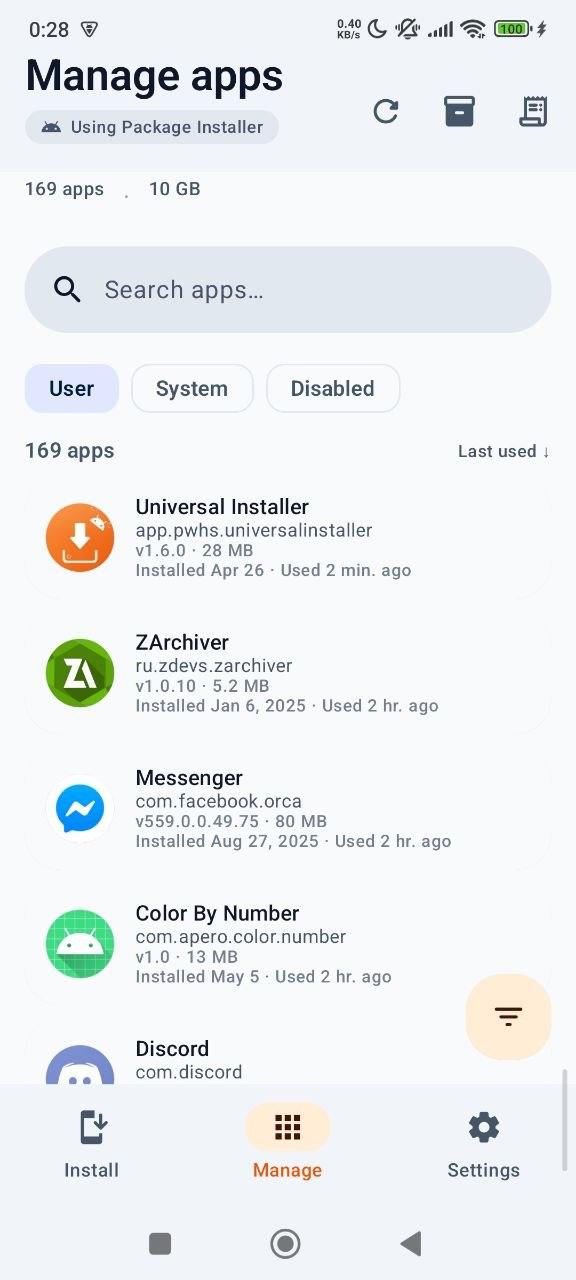
- Full list with APK size, install date, and last-used time.
- APK Backup: Extract and backup apps to your storage.
- Flexible Sorting: Name, Size, Date or Usage, with a quick-filter FAB.
- Batch Operations: Select multiple packages via long-press for batch uninstall.
- Uninstall logs: Track success or failure reasons for every operation.
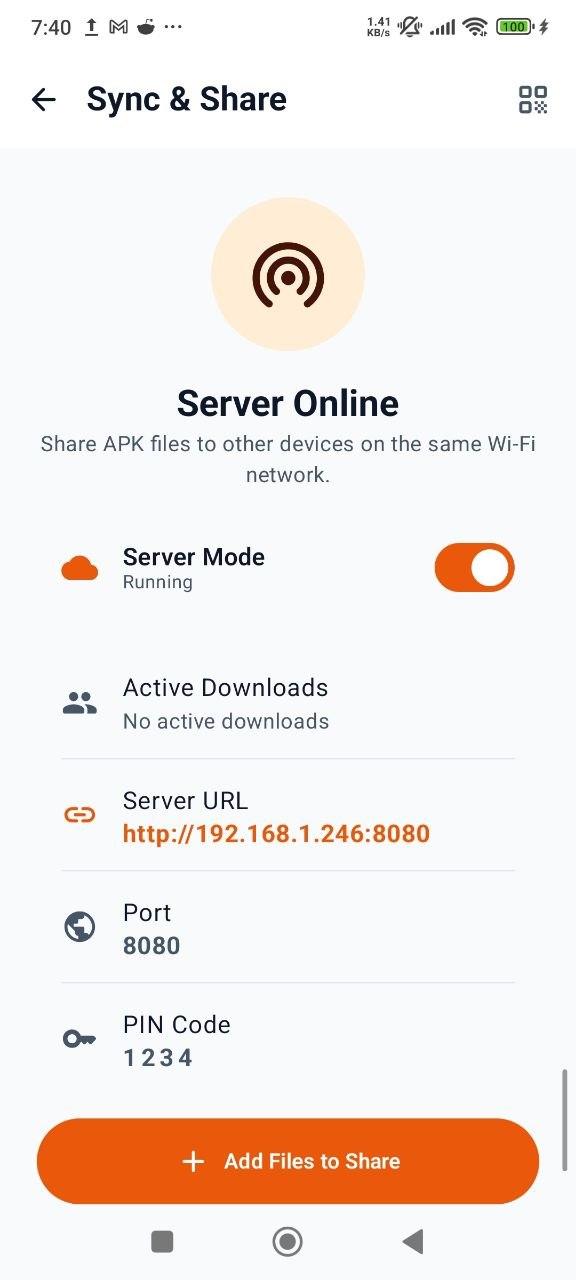
Sync & Share (LAN File Server)
- Built-in HTTP server: Share and manage packages across local Wi-Fi.
- Web Dashboard: Download APKs to a PC or upload new ones to your phone.
- Real-time tracking: Watch download and transfer progress in the app.
- PIN protection: Keep file sharing sessions private.
Security & Privacy
- VirusTotal: Hash lookup and optional full upload for unknown files (up to 650 MB), using your own free API key.
- Clear Verdicts: See malicious, suspicious, and harmless engine counts at a glance.
- Offline First: No internet required for core functionality.
- No Ads, No Accounts: Fully open source, with nothing sold or shared.
- Anonymous Diagnostics: Reports install success rates and crashes so failures can be fixed. Never records which apps you install - no package names, app names, or file names. Switch it off during setup or in Settings; the GitHub build has no reporting at all.
Device Utilities
- Storage Overview: Free and total space visible on the Install screen.
- Install History: Detailed logs with success/failure and error reasons.
- Progress Notifications: Stay informed during downloads, installs, and OBB copying.
- Multi-language: Support for 15+ languages.