What’s new
Changed:
• Updated translations
Fixed:
• Fixed the modification of the original timestamp when decompressing folders

Updated Oct 15, 2026
Handy, lightweight, open-source file explorer with essential features.
Tired of file managers that slow you down and invade your privacy? Unlock a lightning-fast, secure, and completely customizable experience with Fossify File Manager. ⚡
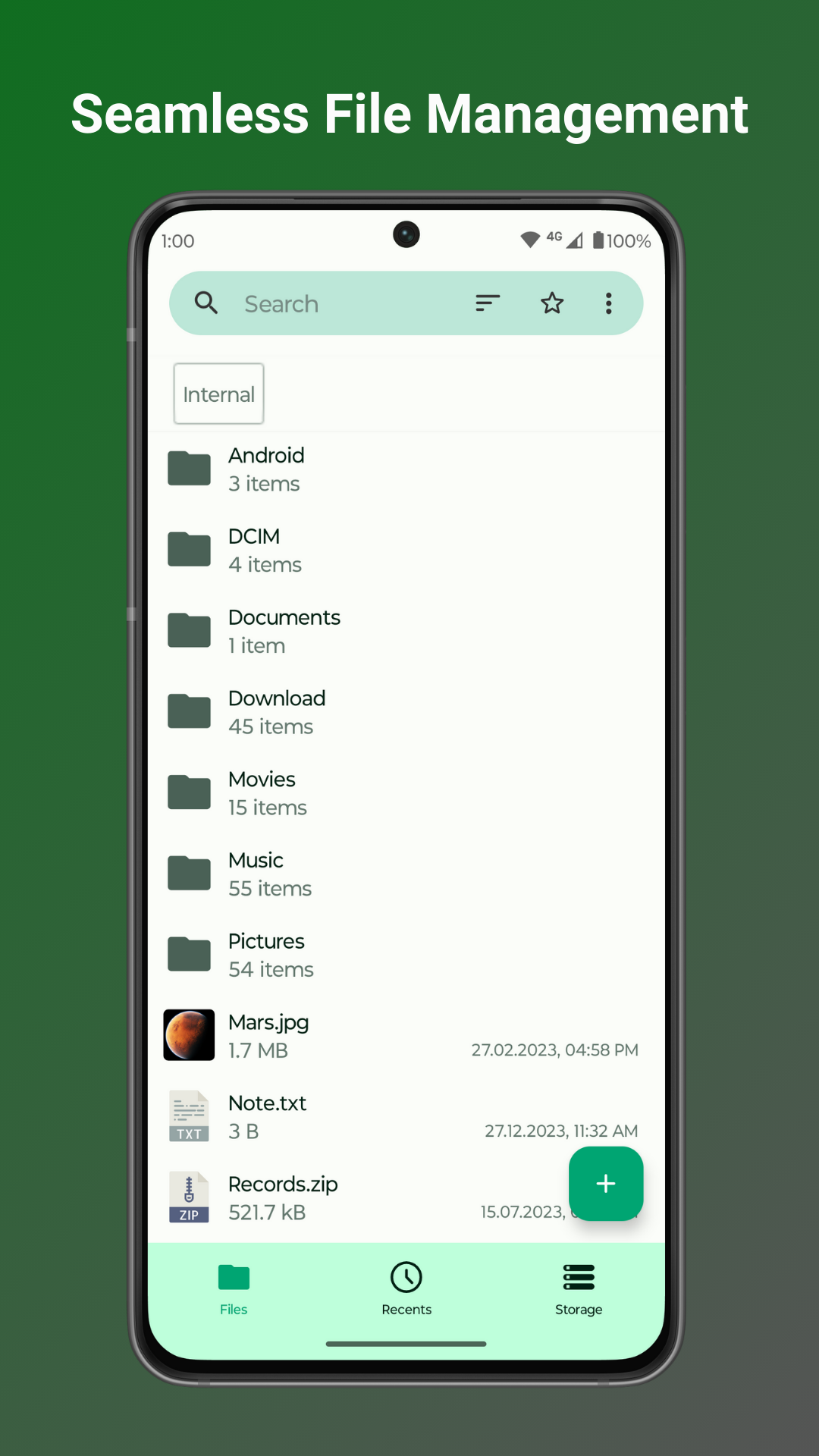
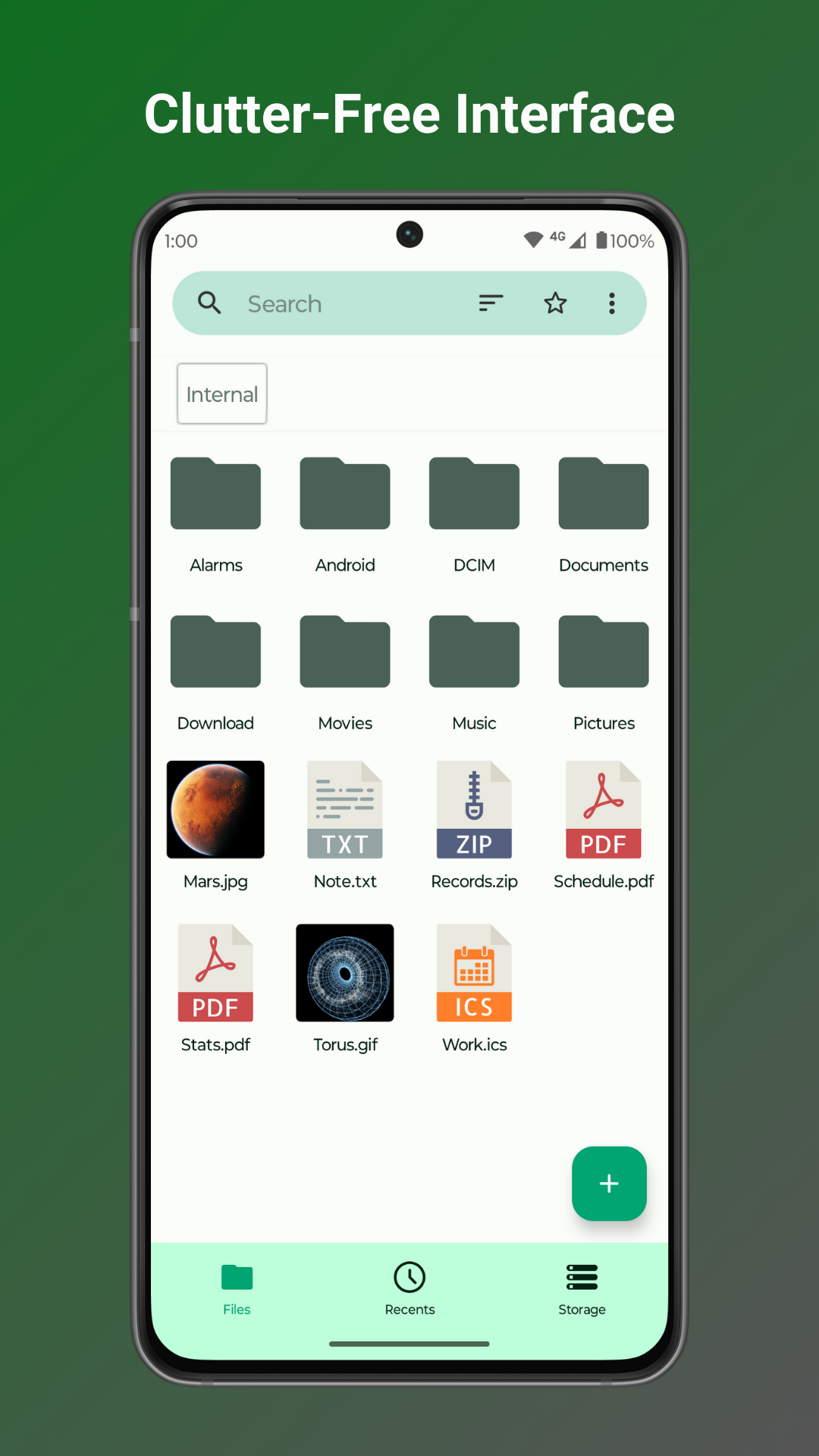
🚀 DOMINATE YOUR DIGITAL WORLD WITH BLAZING-FAST NAVIGATION: • Swiftly manage your files with easy compression and transfer capabilities, keeping your digital life organized. • Quickly access your most-used folders with customizable home folder and favorite shortcuts. • Find what you need in seconds with intuitive navigation, search, and sorting options.
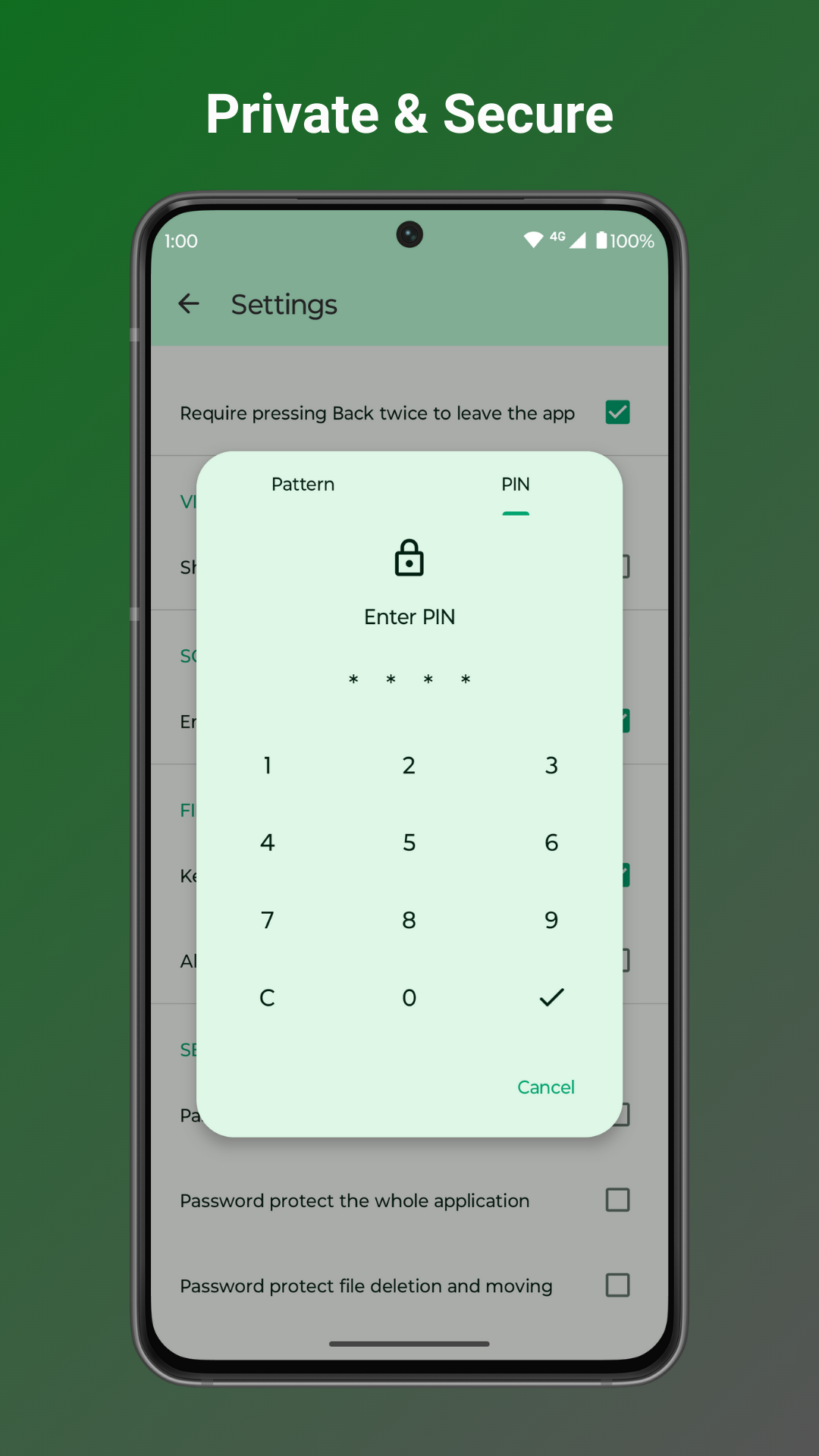
🔐 FORTIFY YOUR DATA WITH UNPARALLELED PRIVACY AND SECURITY: • Secure sensitive files with password, pattern, or fingerprint locks for hidden items or the entire app. • No internet access required – your files stay private and secure on your device.
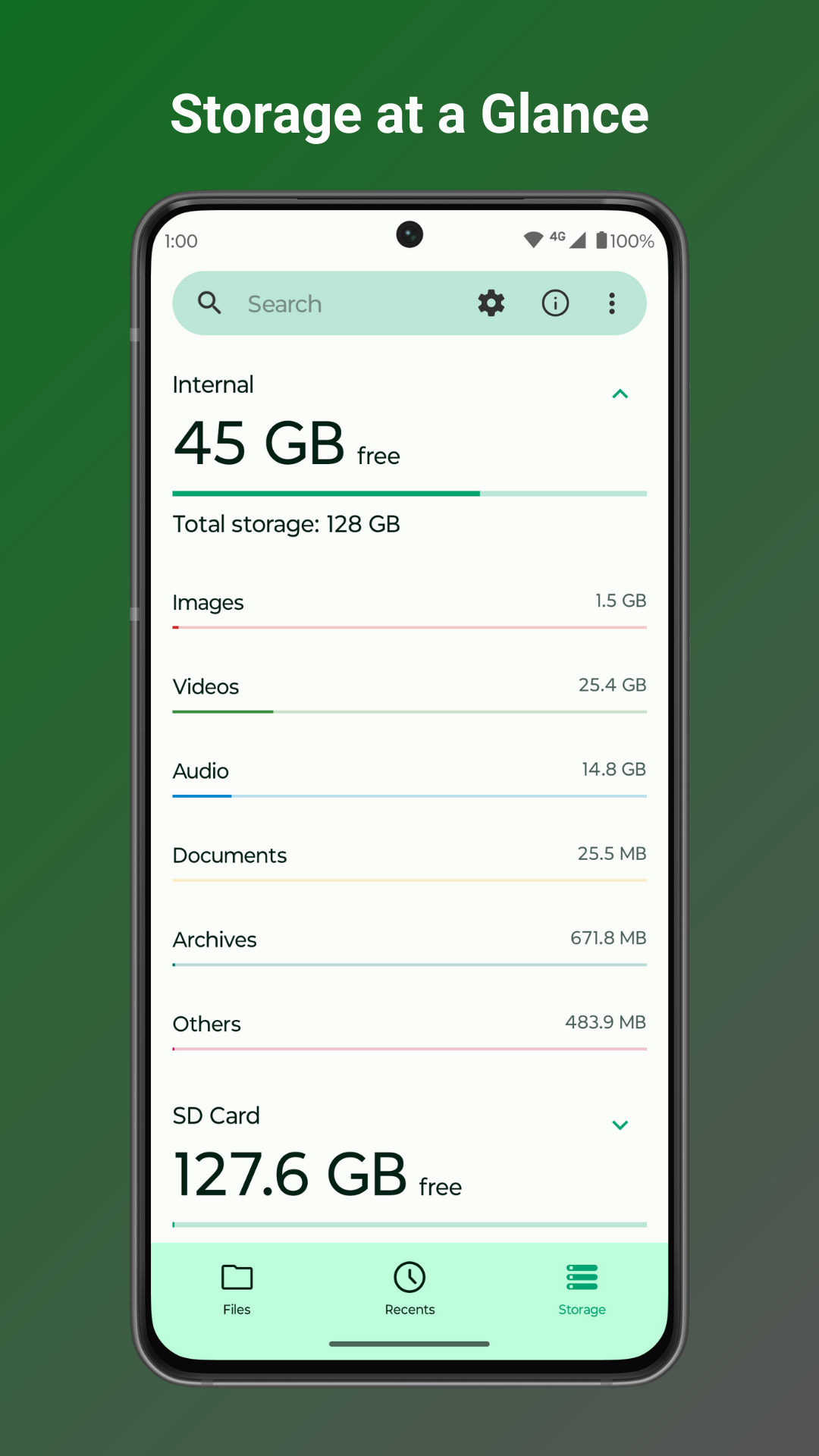
💾 MASTER YOUR STORAGE LIKE A PRO: • Clear space with easy file and folder compression to maximize your device's potential. • Identify and clean up space-hogging files with the built-in storage analysis tool. • Seamlessly navigate root files, SD cards, and USB devices for total organization.
📁 OPTIMIZE YOUR WORKFLOW WITH HANDY TOOLS: • Create desktop shortcuts for instant access to your most-used files and folders. • Edit, print, or read documents easily with the light file editor, enhanced by zoom gestures.
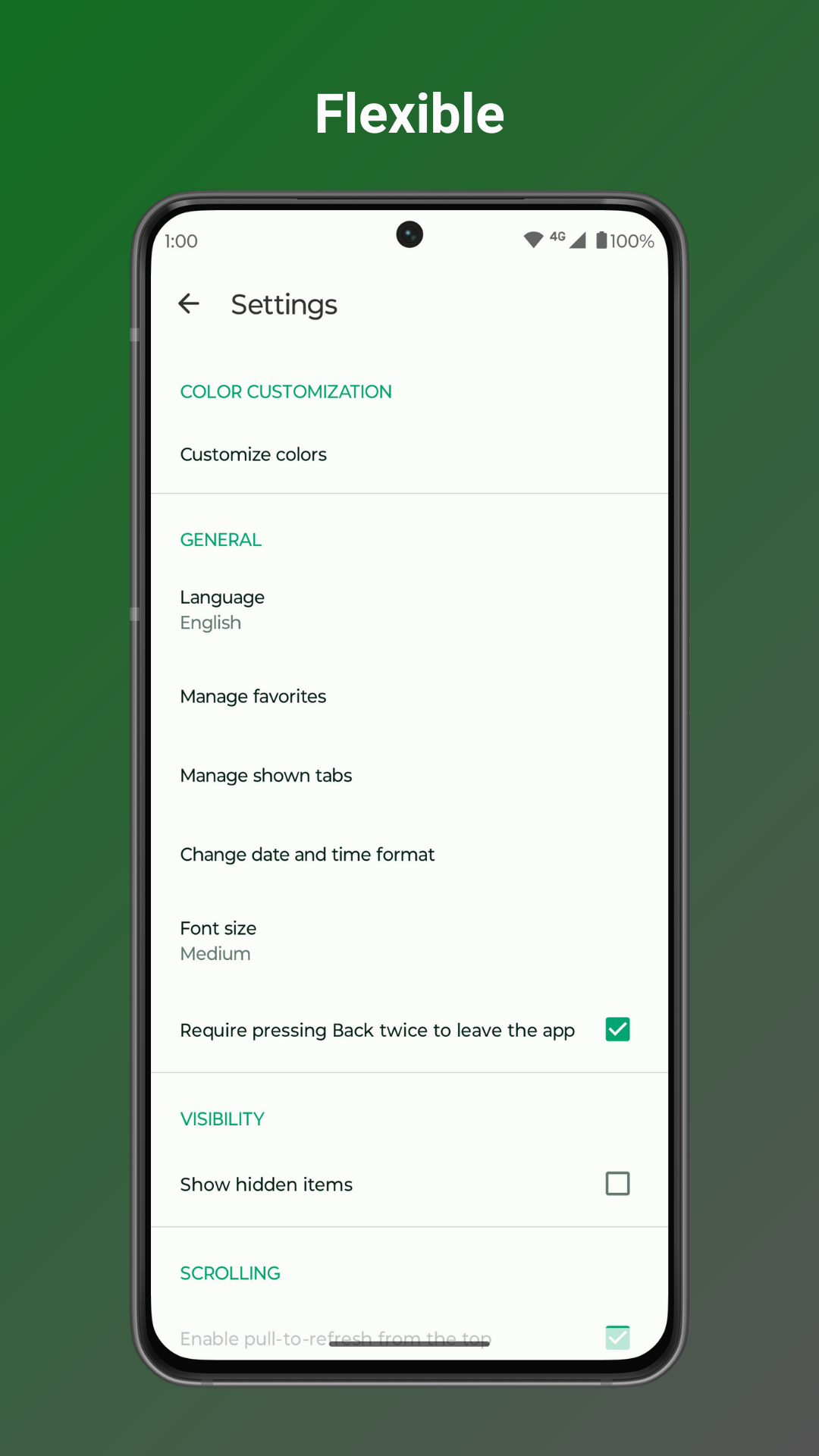
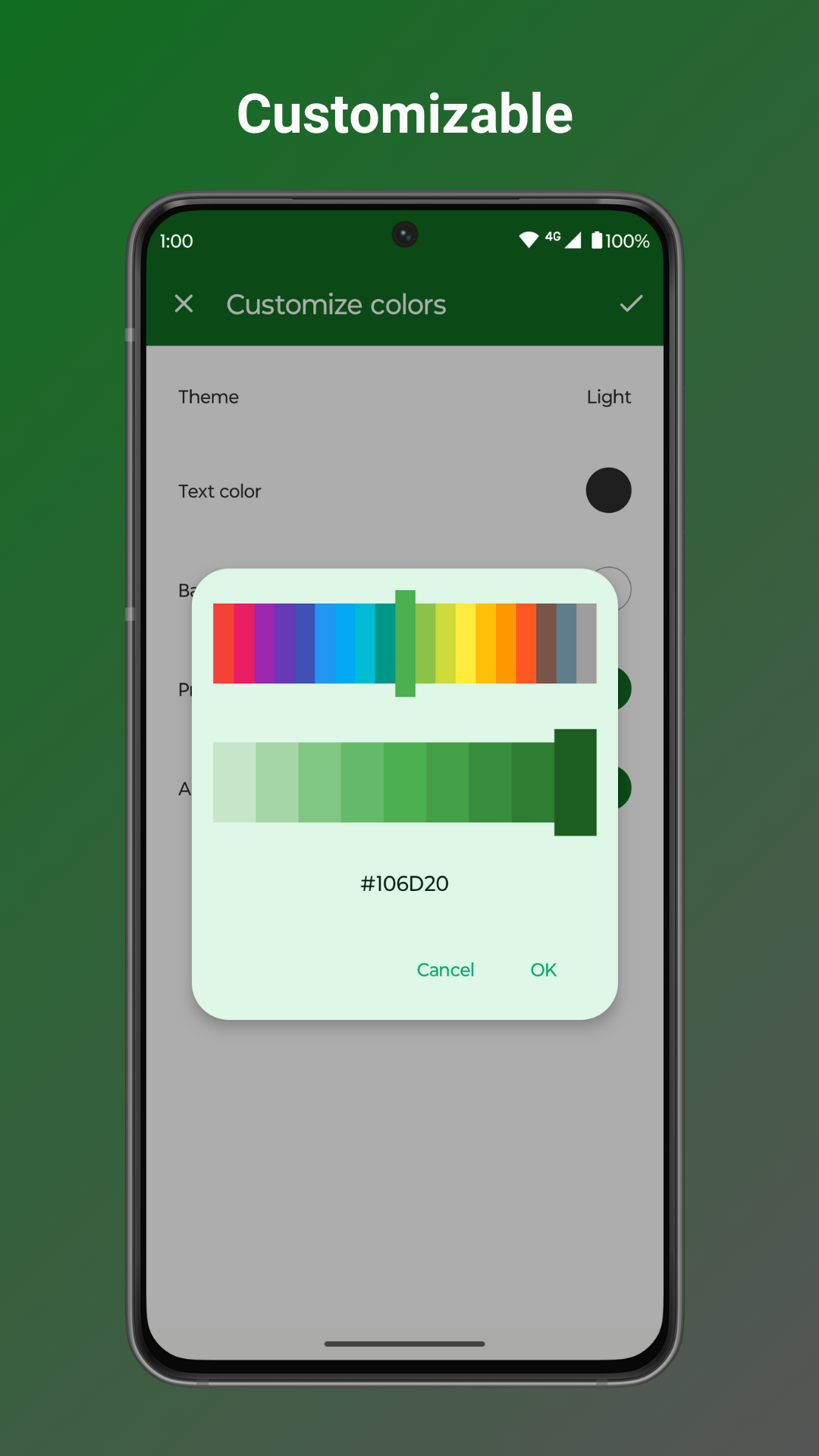
🌈 MAKE IT YOUR OWN WITH ENDLESS CUSTOMIZATION: • Enjoy an ad-free, open-source experience that puts you in control, not corporate giants. • Personalize colors, themes, and icons to reflect your unique style and preferences.
Ditch the bloated, privacy-invading file managers and experience true freedom with Fossify File Manager. Download now and take back control of your digital life!
Explore more apps by Fossify: https://www.fossify.org Source Code: https://www.github.com/FossifyOrg Join the community on Reddit: https://www.reddit.com/r/Fossify Connect on Telegram: https://t.me/Fossify
Changed:
• Updated translations
Fixed:
• Fixed the modification of the original timestamp when decompressing folders
Recent approved comments · sorted by newest
View all comments