
Quick answer
A native Org-mode notes app for Android. Your notes stay plain .org files.
Grove is a native Android Org-mode note-taking app, built as a first-class mobile companion for Emacs org-mode users.
Grove edits plain .org files in a folder you choose. There is no account, no proprietary database, and no export step: the files on disk are your notes, byte-for-byte, and they sync to your other machines with whatever tool you already trust (Syncthing is the recommended pairing). If you stop using Grove tomorrow, your notes are exactly where they always were.
Features:
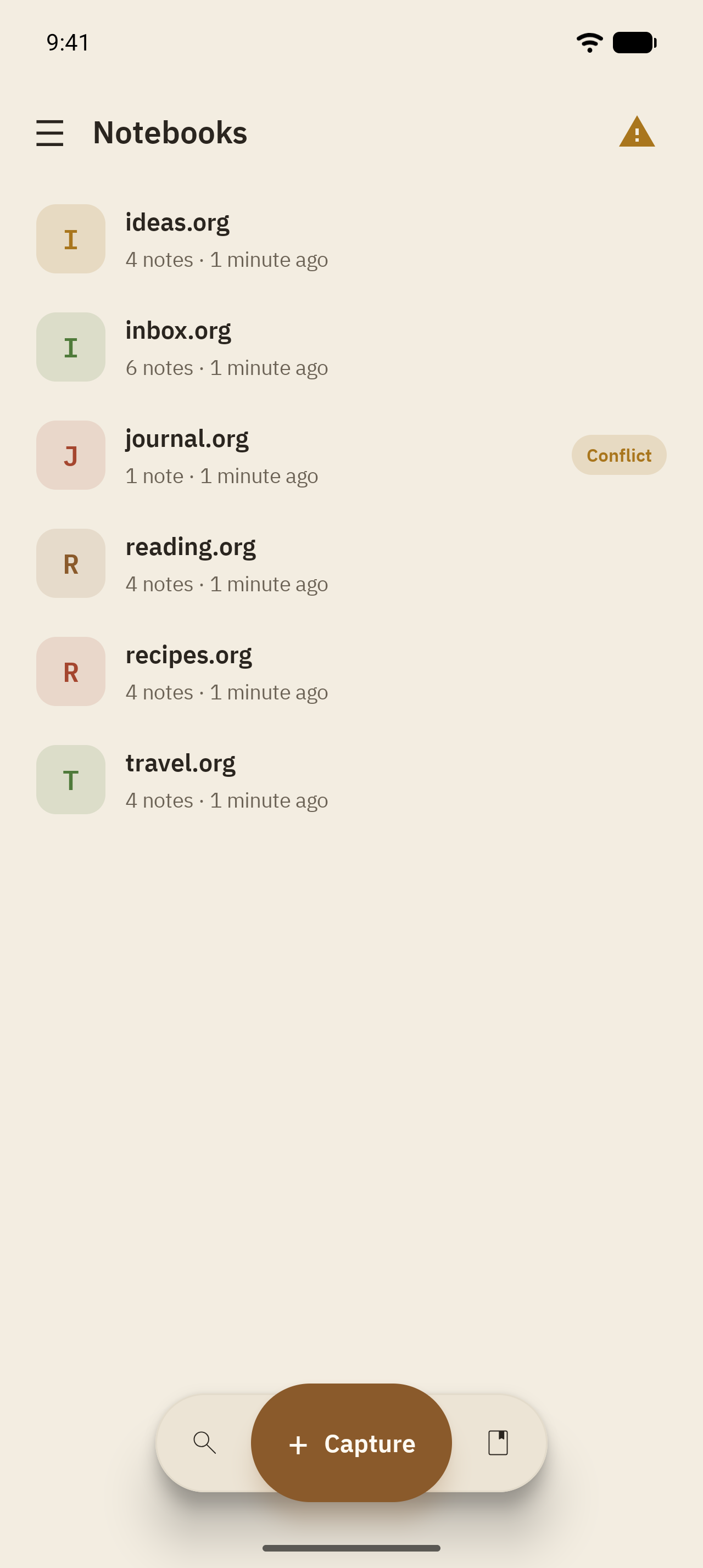
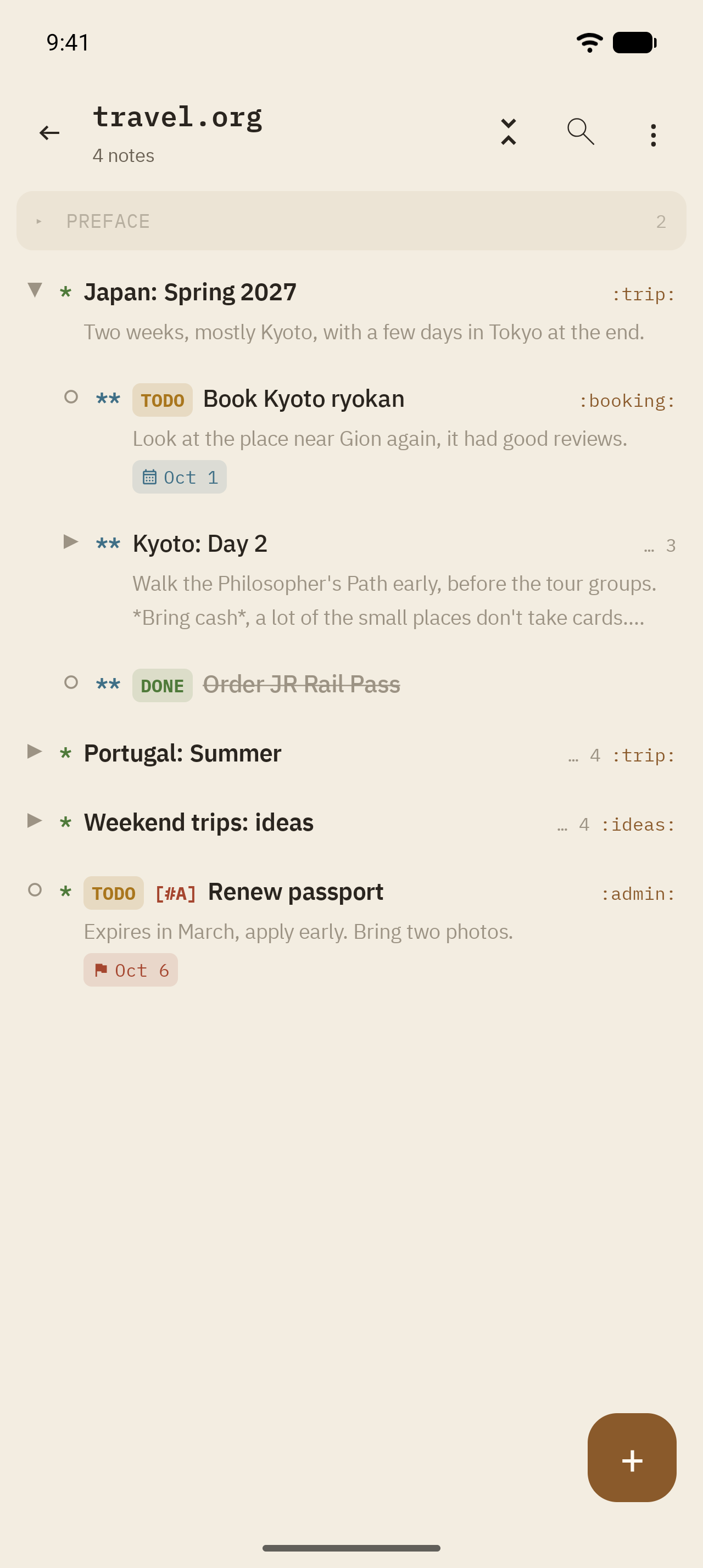
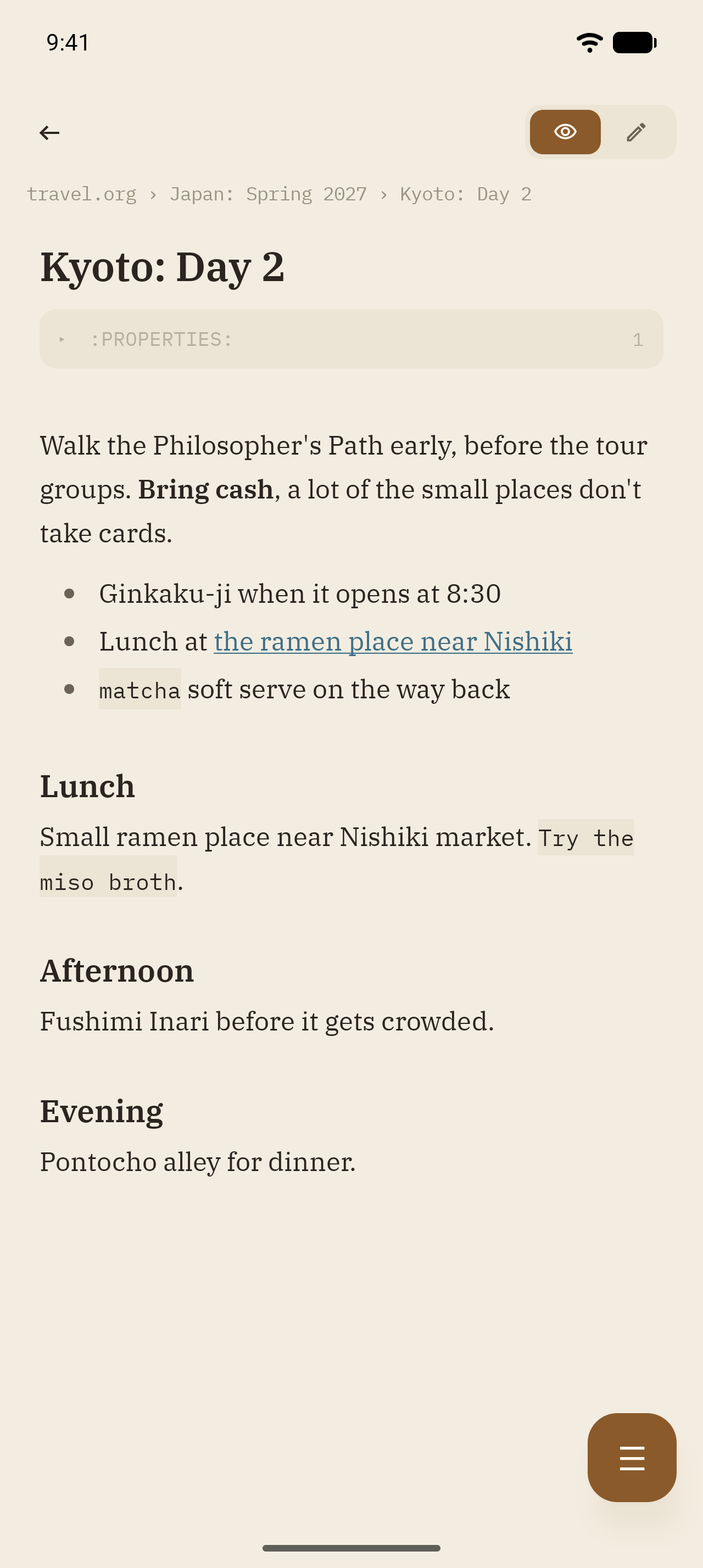
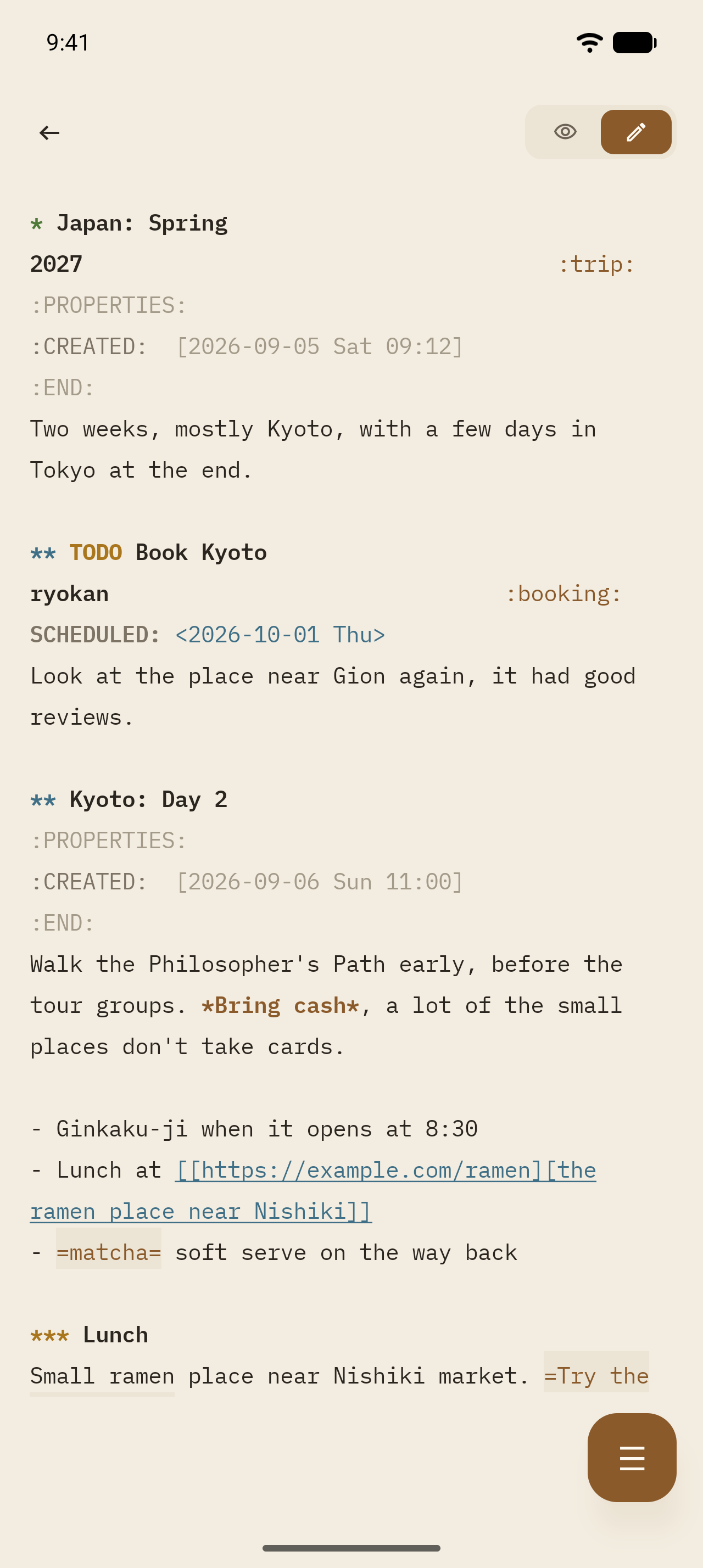
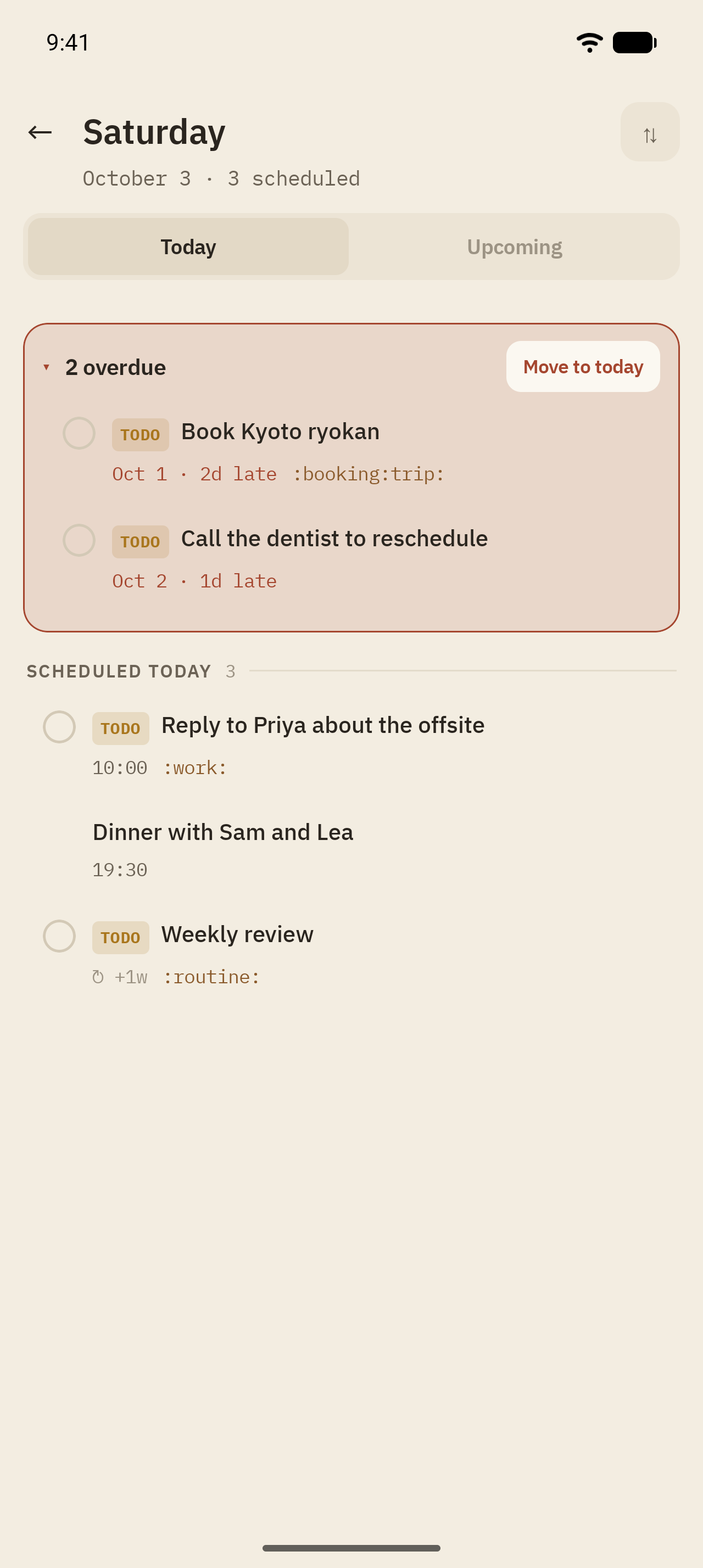
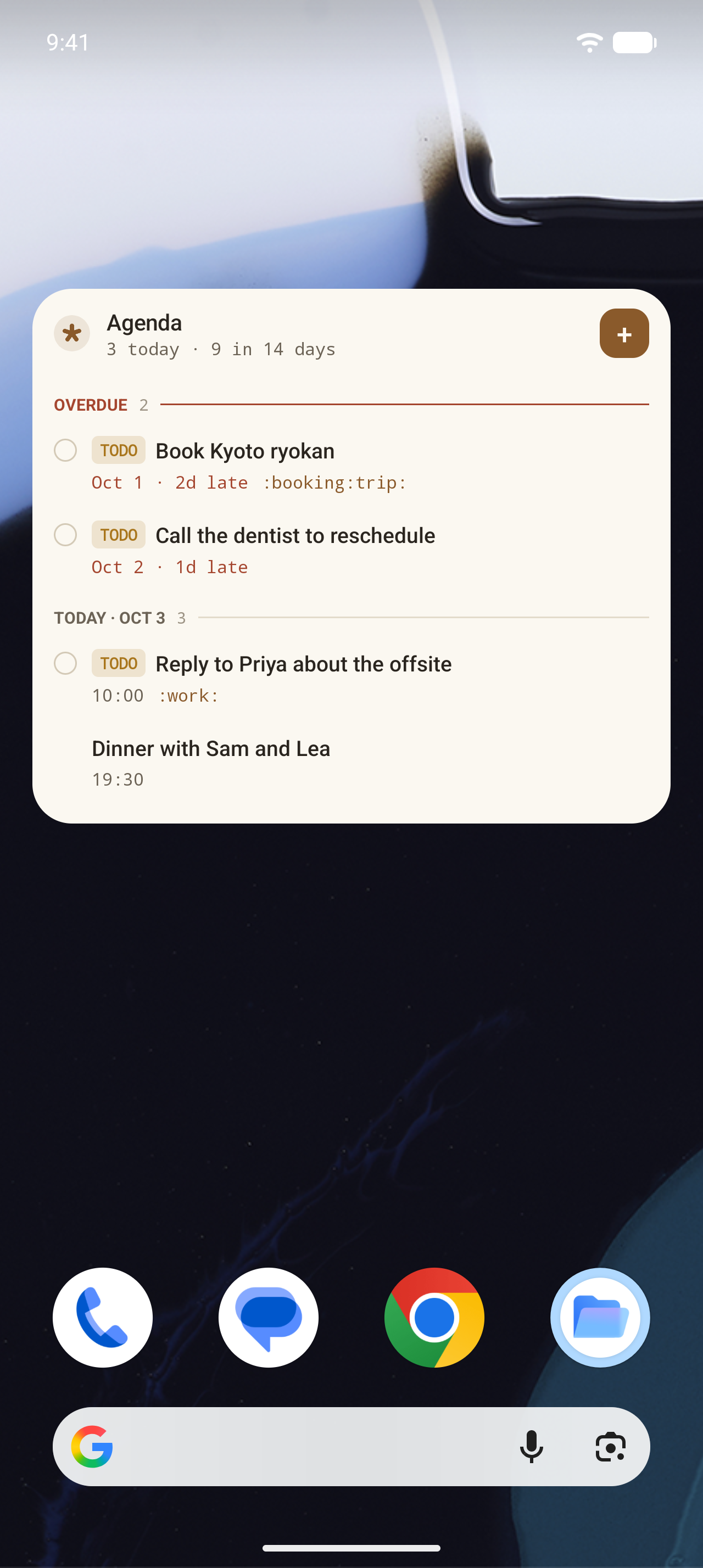
* File-first: .org files in a synced folder are the sole source of truth. Grove's internal database is only a rebuildable search index. * Lossless org engine: a custom parser models documents as a thin view over the raw text, so parsing and writing a file back out is byte-identical by construction. Grove never reformats a file it didn't deliberately edit. * Zero-friction capture: org-capture style templates with placeholders for the current time, a prompt, and cursor position. Targets include the top or bottom of a file, under a heading (by name or CUSTOM_ID), and year/month/day datetrees. Reachable from a home-screen widget, the share sheet, an optional persistent notification, and deep links. * Home-screen widgets: a one-tap Capture widget, and an Agenda ledger widget showing overdue and upcoming tasks with mark-done and quick-add, without opening the app. * Real editor: raw org subtree editing with syntax highlighting, a formatting toolbar, list continuation on Enter, a metadata sheet for TODO state, priority, and tags, SCHEDULED/DEADLINE editing, repeater advancement on DONE, and autosave with a stale-file guard. * Scheduling: a full-screen editor puts SCHEDULED and DEADLINE on the same calendar, with presets, a time range, an org repeater, and a shorthand box that parses lines like "fri 10-11am ++1w" as you type. * Reminders: a notification fires when a heading's SCHEDULED or DEADLINE time arrives, with Complete and Reschedule actions on the notification itself. * Outline operations: a collapsible heading tree with body previews, expand/collapse all, move/cut/copy/paste subtrees, cycle TODO state by swipe, and narrow to a subtree. * Search: Orgzly-compatible search syntax, saved searches, and an agenda view, backed by a SQLite FTS5 index so substring search stays fast as the vault grows. * Sync that respects your tools: change detection by file revision, Syncthing conflict-file detection with a keep-local, keep-remote, or keep-both picker, manual and continuous sync modes, and .orgzlyignore support. * A dark-mode-first design with IBM Plex Sans/Serif/Mono and org syntax highlighting colored the way an Emacs theme would.
Grove has no server-side component. Its only network request is fetching a page title when you share a link into Grove, to use as the note heading. Sites that hide the title behind a script are loaded in a hidden WebView with JavaScript enabled. Turn this off in Settings, Sharing, Fetch link titles, and Grove makes no network request at all; a shared link is then labeled with the title the sharing app provided, if any, or the URL.
Screenshots
How to install
- Download the APK from the button at the top of this page.
- Allow “Install unknown apps” for your browser or file manager only, not for every app.
- Open the downloaded file and confirm the installation.
- If installation fails with “App not installed,” remove an earlier build of the same app first. A signature conflict is the usual cause.
Data safety
- Every file is checked against its published SHA-256 before it is listed.
- Files are scanned for malware on every update.
- The permissions each app requests are listed on its own page.
- Read the full safety policy for how we test, flag, and delist files.
Frequently asked questions
What is Grove?
A native Org-mode notes app for Android. Your notes stay plain .org files.
Who develops Grove?
Grove is developed by Rajath Ramakrishna.
Which Android version does Grove require?
Grove requires Android API 23 or later.
What is the current version of Grove?
The synchronized F-Droid version is 1.9.0.
Which license does Grove use?
The signed F-Droid metadata lists Apache-2.0.
Where is the source code for Grove?
https://github.com/rrajath/grove
Comments
Recent approved comments · sorted by newest
View all comments