What’s new
On Android, a photo's location showed as 0.00000, 0.00000 because the system zeroes GPS for apps with no permissions. Sepia now says the coordinates were hidden from it and that the original file still has them.

Updated Oct 13, 2026
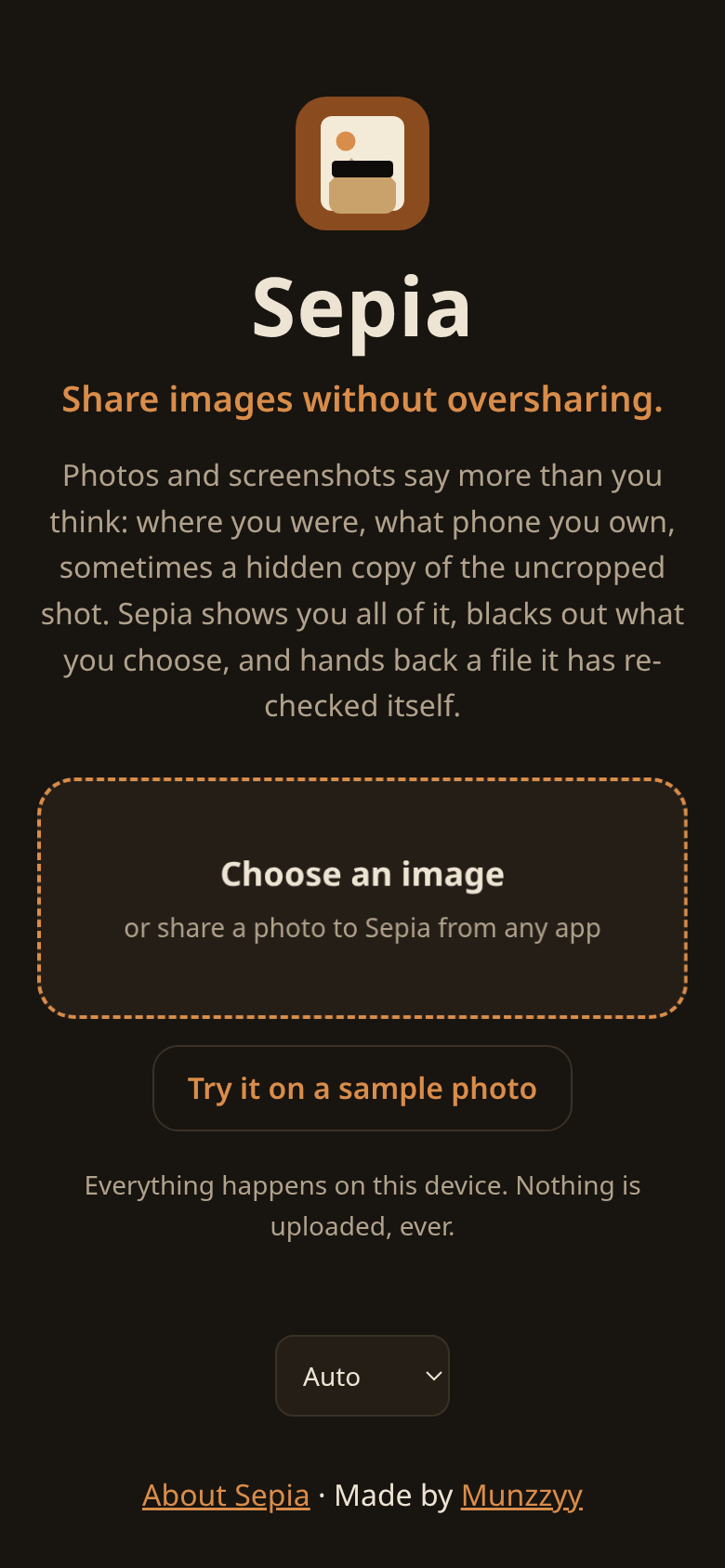
Share images without oversharing. X-ray, redact, and prove the file is clean.
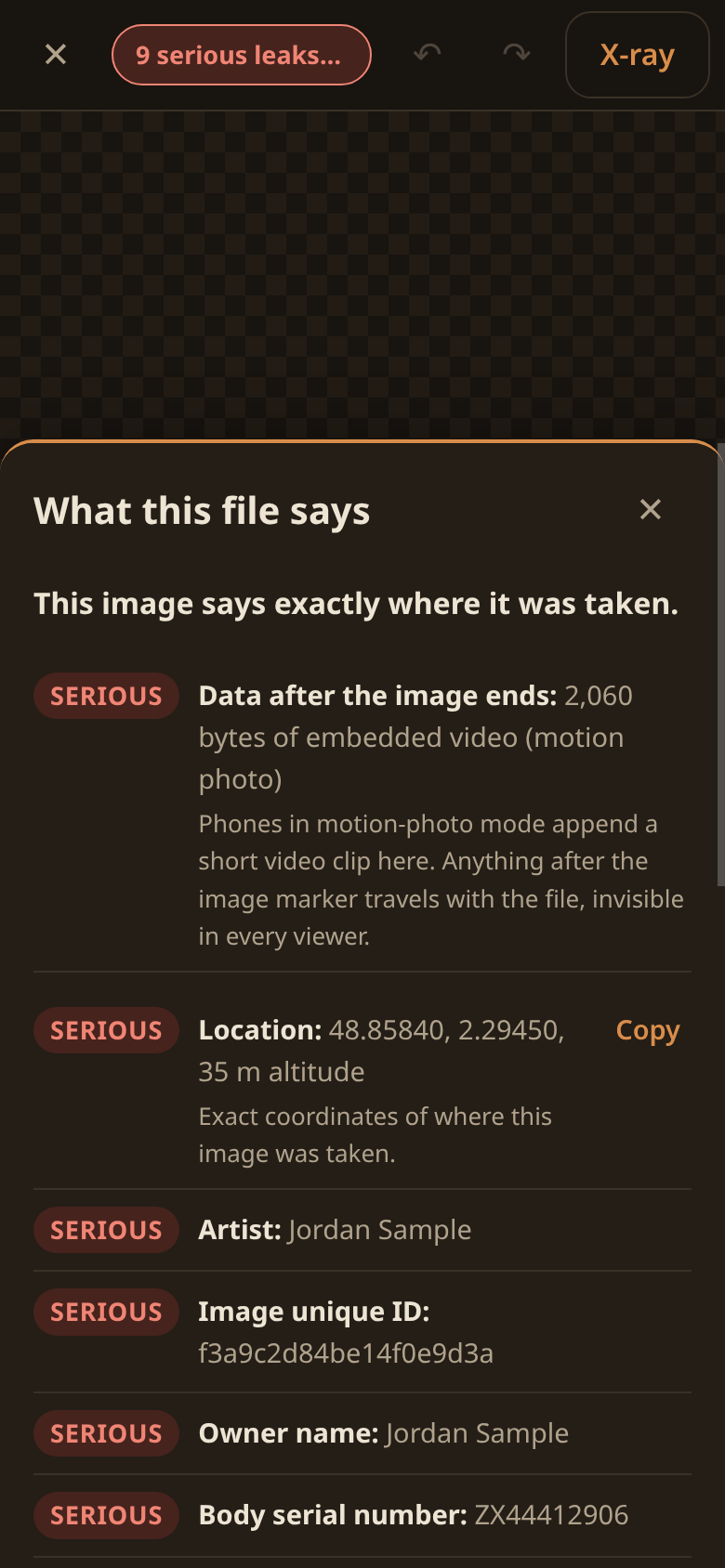
Photos and screenshots say more than you think: where you were, what phone you own, sometimes a hidden copy of the uncropped shot or a video clip appended by motion-photo mode.
Sepia is the step before you hit send:
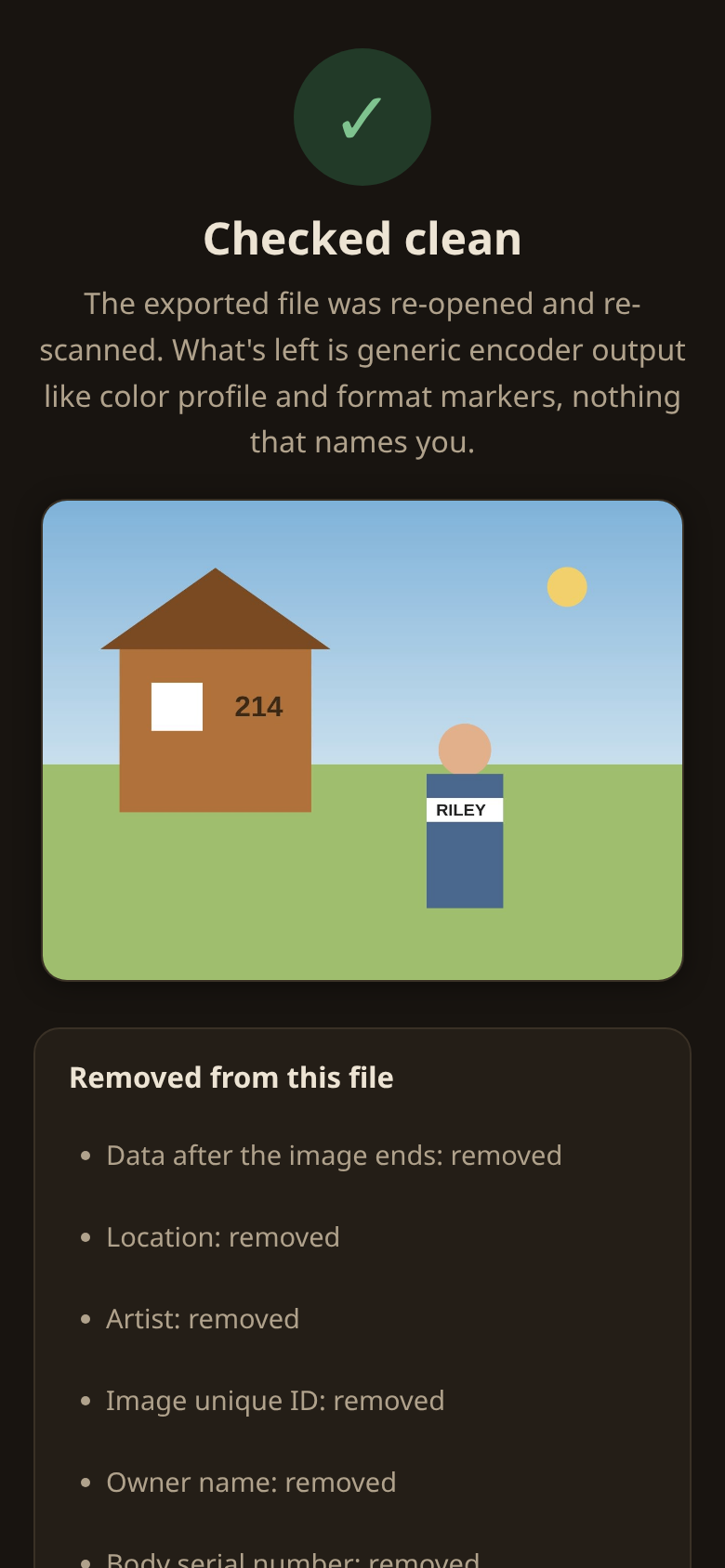
* X-ray: see everything the file says about you, ranked by severity. GPS in plain words, the hidden thumbnail shown, trailing data called out. * Redact: ink and pixelation burned into the pixels, plus crop. Where the device supports code detection, QR codes are found and offered for covering. * Prove it: the export is re-encoded from scratch, then Sepia re-opens its own output and shows you what is (and is not) still inside.
Everything happens on your device. This app has no INTERNET permission: the operating system will not let it open a connection, and you can check the manifest instead of trusting a promise.
Runs on Android 9 and newer, with Android System WebView 108 or newer. Android 9 has had no security fixes since January 2022, so on a phone that old Sepia works, but the phone itself is easier to break into.
No accounts, no analytics, no dependencies. GPL licensed.
On Android, a photo's location showed as 0.00000, 0.00000 because the system zeroes GPS for apps with no permissions. Sepia now says the coordinates were hidden from it and that the original file still has them.
Recent approved comments · sorted by newest
View all comments