Liseur icon

Liseur

Chmouel Boudjnah
Reading Science & Education
Version
0.20.0
Size
9.2 MB
Requires
Android API 26+
4 / 5 · 2,489 ratings 14,868 downloads

Updated Oct 6, 2026

Quick answer

EPUB reader in sync with your own calibre-web, Komga or OPDS book server.

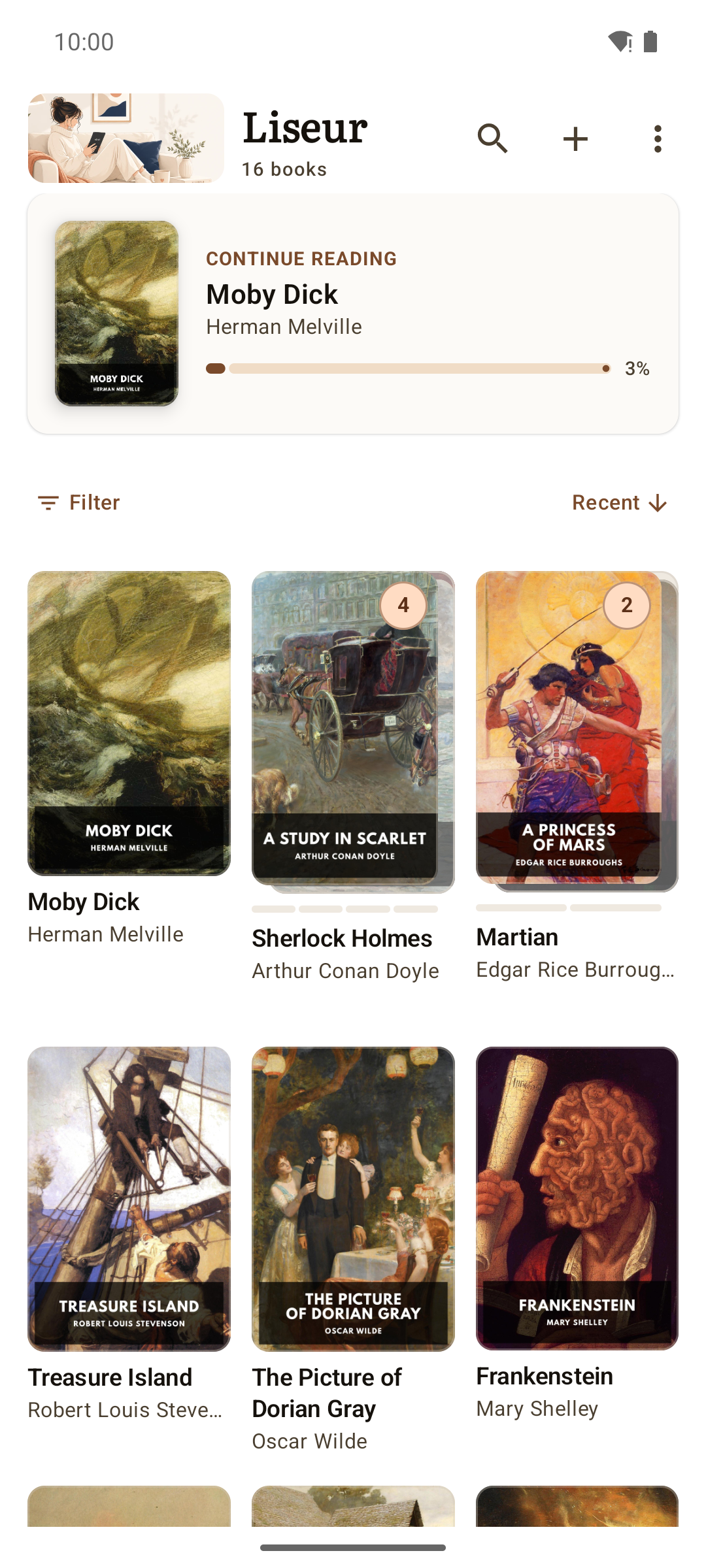
Liseur is a free, open-source ebook reader for Android. It reads EPUB books from a folder on your phone, and it connects to your own calibre-web, Komga or liseur-sync server so your whole library lives on one shelf. No ads, no trackers, no analytics, no Liseur account. Network access is limited to the book servers and dictionary sources you choose, plus Project Gutenberg when you add free books.

YOUR LIBRARY, ONE SHELF

* Folders on your phone or SD card, indexed with covers * calibre-web, Komga, liseur-sync and OPDS catalogs merged into the same shelf, with a cloud badge on server books * Series grouped in reading order, with progress and missing volumes at a glance * Free books from Project Gutenberg to start you off, before you connect anything

READ YOUR WAY

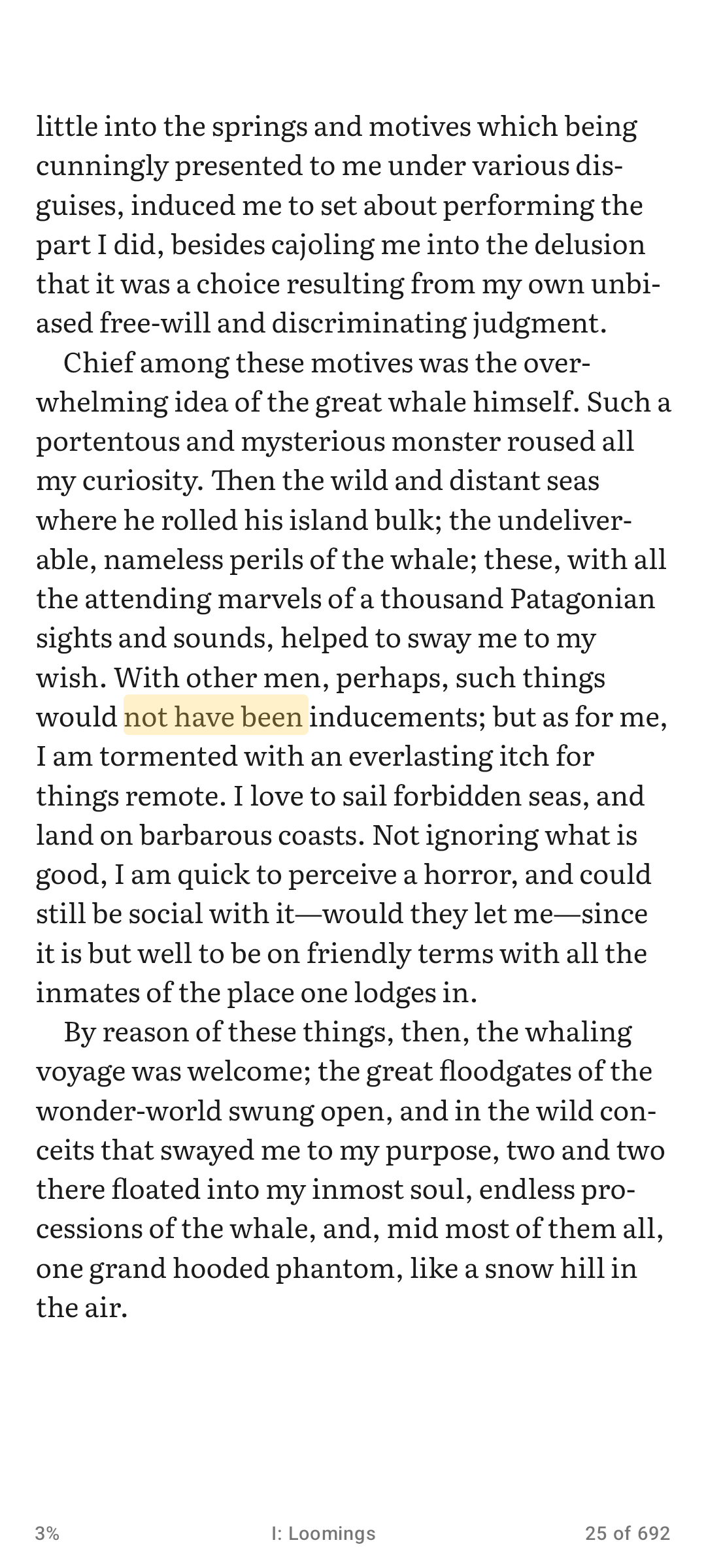
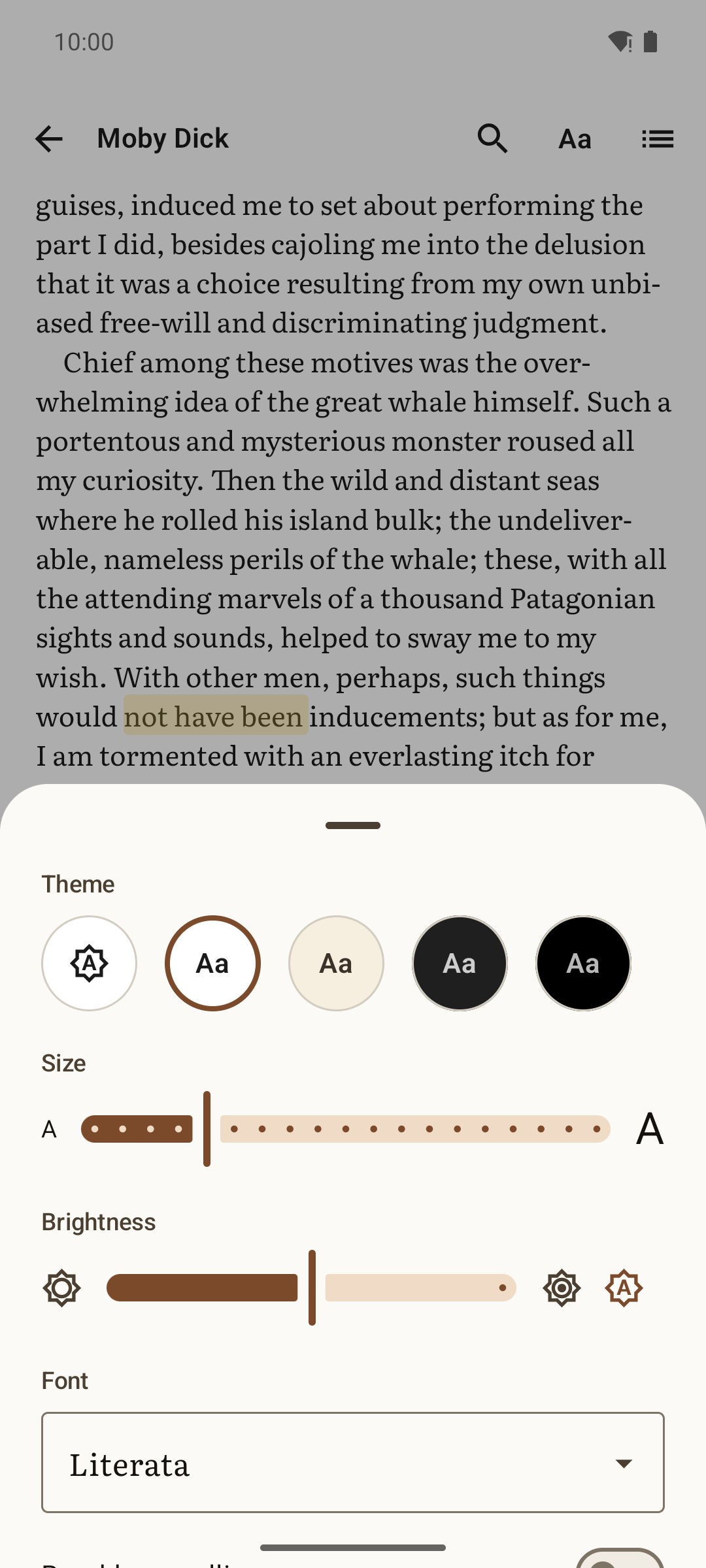
* Pages or continuous scrolling, per book or library-wide * Bundled open typefaces (Literata, Vollkorn, Atkinson Hyperlegible, Inter) or the publisher's own * Margins, line spacing, brightness and four reading themes: light, sepia, dark, and black for OLED screens * Auto-scroll at your pace, carrying on across chapters * A footer with the current page, what is left in the chapter, and time remaining * A refresh mode tuned for Onyx e-ink displays

YOUR PLACE FOLLOWS YOU

* Your reading position syncs across devices through calibre-web, Komga or liseur-sync, down to the exact sentence * Pair any OPDS catalog with any kosync server as a single Custom connection * Settings sync and reading statistics across devices when you connect liseur-sync * Close the book on your phone and pick it up on your tablet

HIGHLIGHTS, NOTES, DICTIONARY

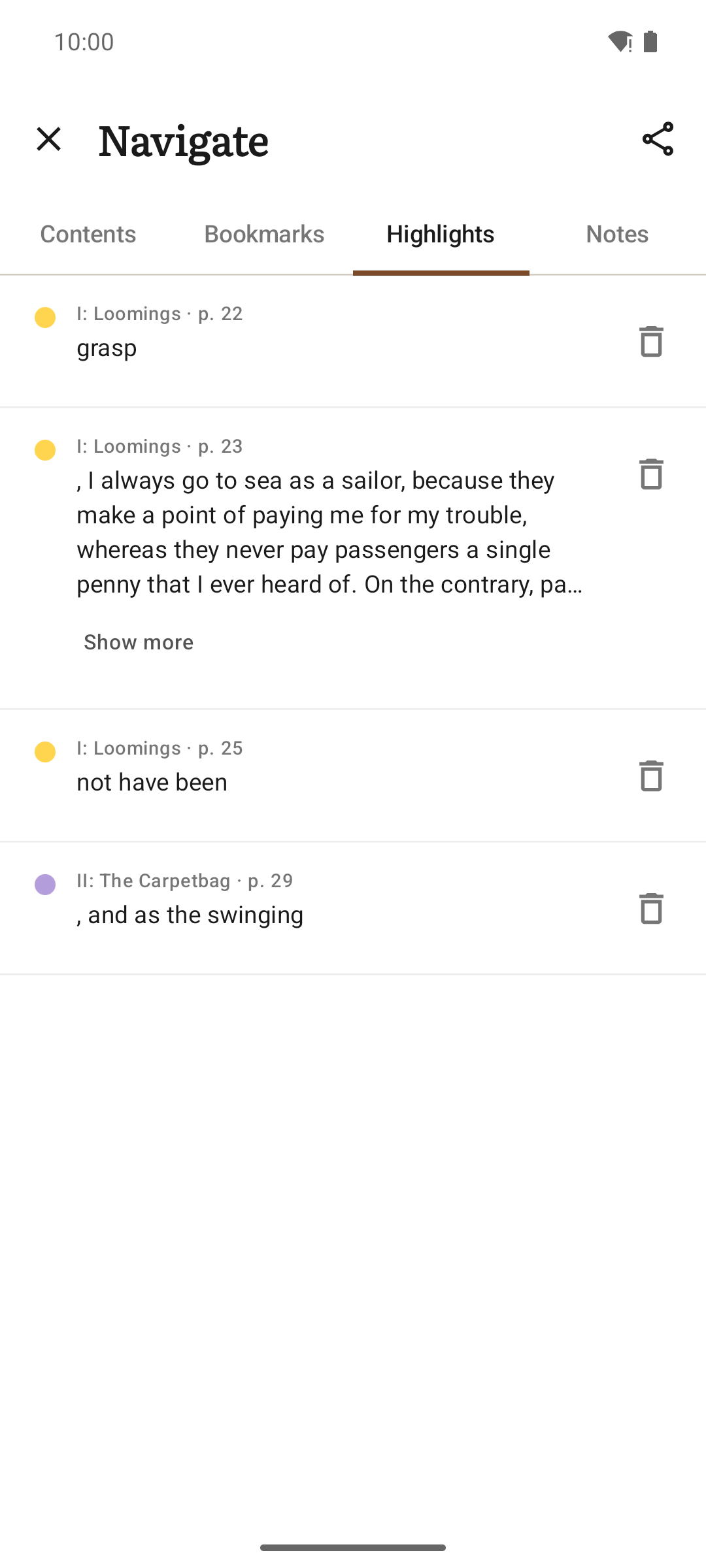
* Highlights in four colours, notes and bookmarks, gathered in a per-book notebook you can export as Markdown * Search the whole book and jump straight to the passage * Footnotes open as a card over the page instead of sending you to the back * Definitions from Wiktionary or an offline dictionary app; online lookups stay off until you turn them on, and you pick the source

FREE SOFTWARE, BY DESIGN

Liseur is built on the open Readium toolkit, with no proprietary dependencies and no Google Play services. Source code, issue tracker and documentation: https://github.com/chmouel/liseur

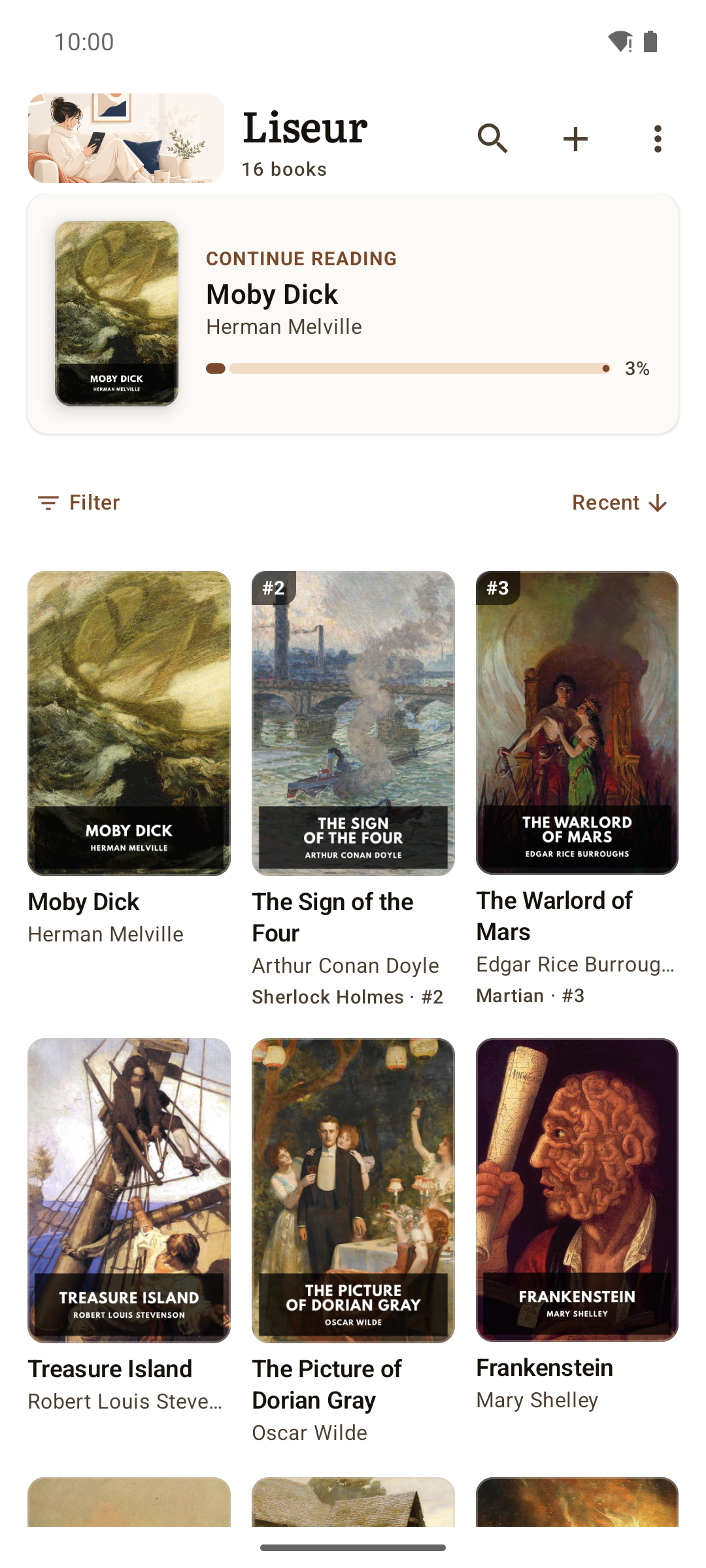
Screenshots

Liseur screenshot 1
Liseur screenshot 2
Liseur screenshot 3
Liseur screenshot 4
Liseur screenshot 5
Liseur screenshot 6

What’s new

Browse extra catalogs like calibre-web, Komga, OPDS, and Project Gutenberg to download specific books or categories without syncing them to your main account. A new floating bar controls automatic scrolling, letting you pause, adjust speed, and save your exact spot when stopping. You can also add a home-screen widget to browse your library covers, while reading-time widgets provide more accurate multi-device totals.

How to install

  1. Download the APK from the button at the top of this page.
  2. Allow “Install unknown apps” for your browser or file manager only, not for every app.
  3. Open the downloaded file and confirm the installation.
  4. If installation fails with “App not installed,” remove an earlier build of the same app first. A signature conflict is the usual cause.

Data safety

  • Every file is checked against its published SHA-256 before it is listed.
  • Files are scanned for malware on every update.
  • The permissions each app requests are listed on its own page.
  • Read the full safety policy for how we test, flag, and delist files.

Frequently asked questions

What is Liseur?
EPUB reader in sync with your own calibre-web, Komga or OPDS book server.
Who develops Liseur?
Liseur is developed by Chmouel Boudjnah.
Which Android version does Liseur require?
Liseur requires Android API 26 or later.
What is the current version of Liseur?
The synchronized F-Droid version is 0.20.0.
Which license does Liseur use?
The signed F-Droid metadata lists MIT.
Where is the source code for Liseur?
https://github.com/chmouel/liseur
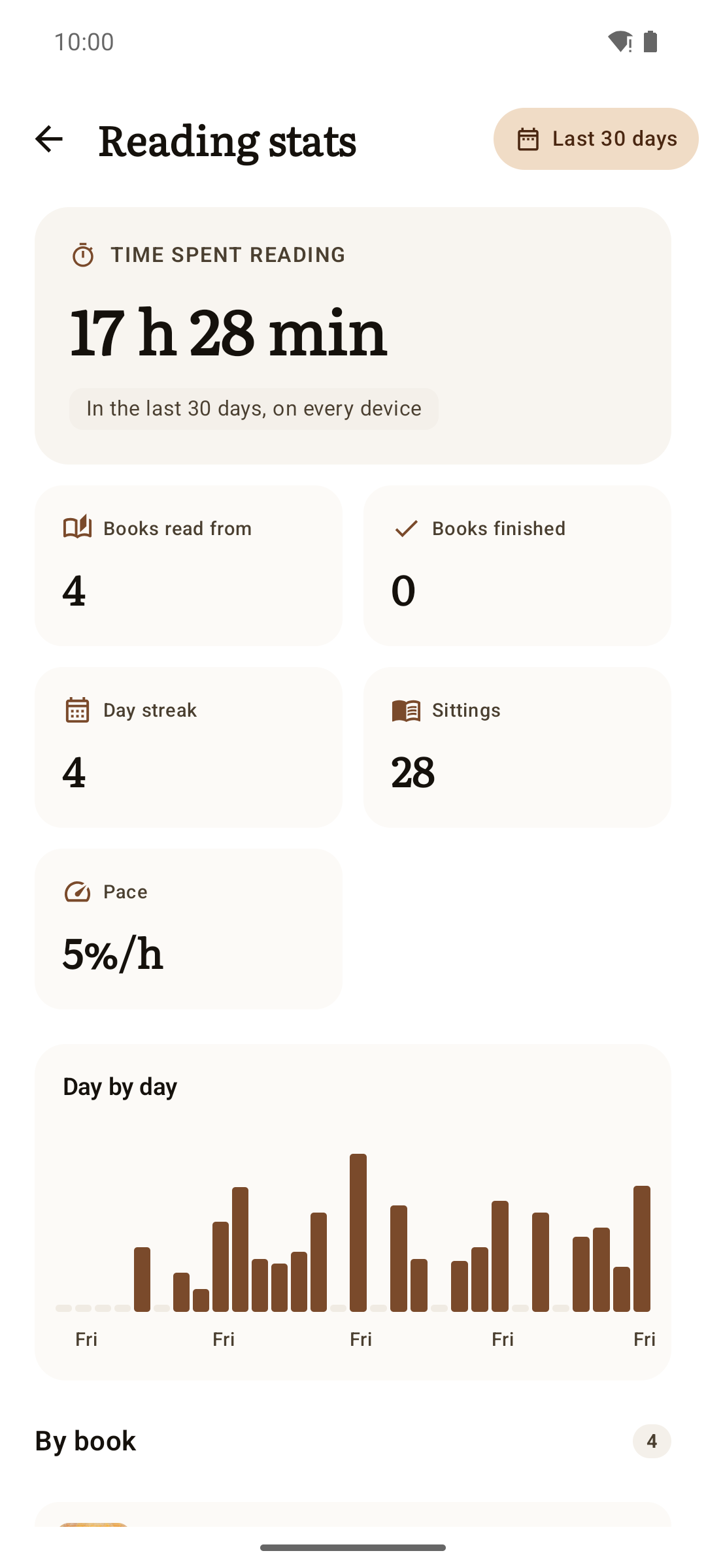
Comments

Recent approved comments · sorted by newest

Verification code
Be specific and keep it about the app. No links. Comments are reviewed before publication. Device and Android details are recorded automatically. Privacy policy.

Loading recent comments...

View all comments