Dicio is a free and open source
voice assistant. It supports many different
skills and input/output methods, and it provides both
speech and
graphical feedback to a question. It uses
Vosk for speech to text. It has
multilanguage support, and is currently available in Czech, Dutch, English, French, German, Greek, Italian, Polish, Russian, Slovenian, Spanish, Swedish and Ukrainian.
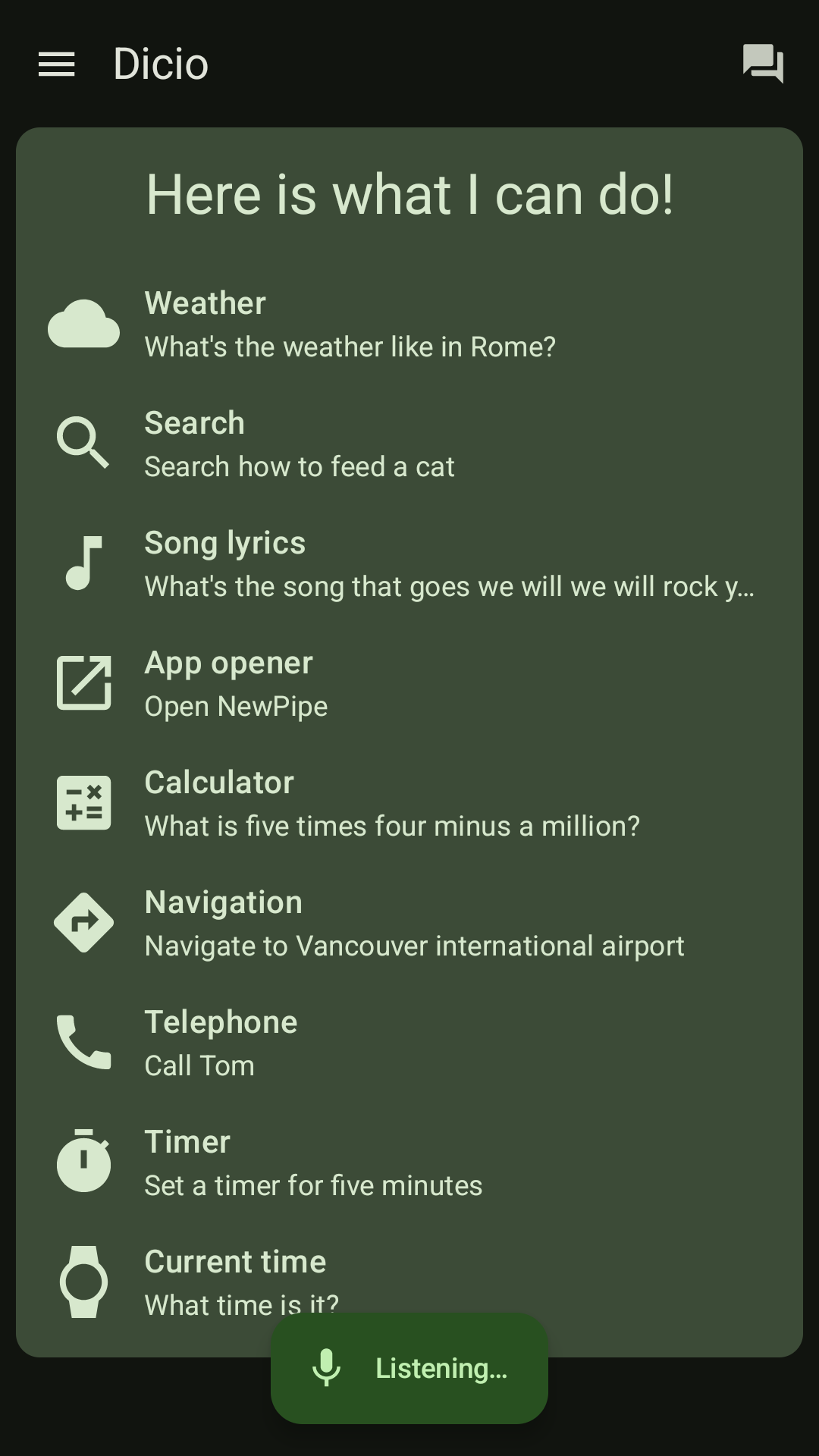
Dicio answers questions about:
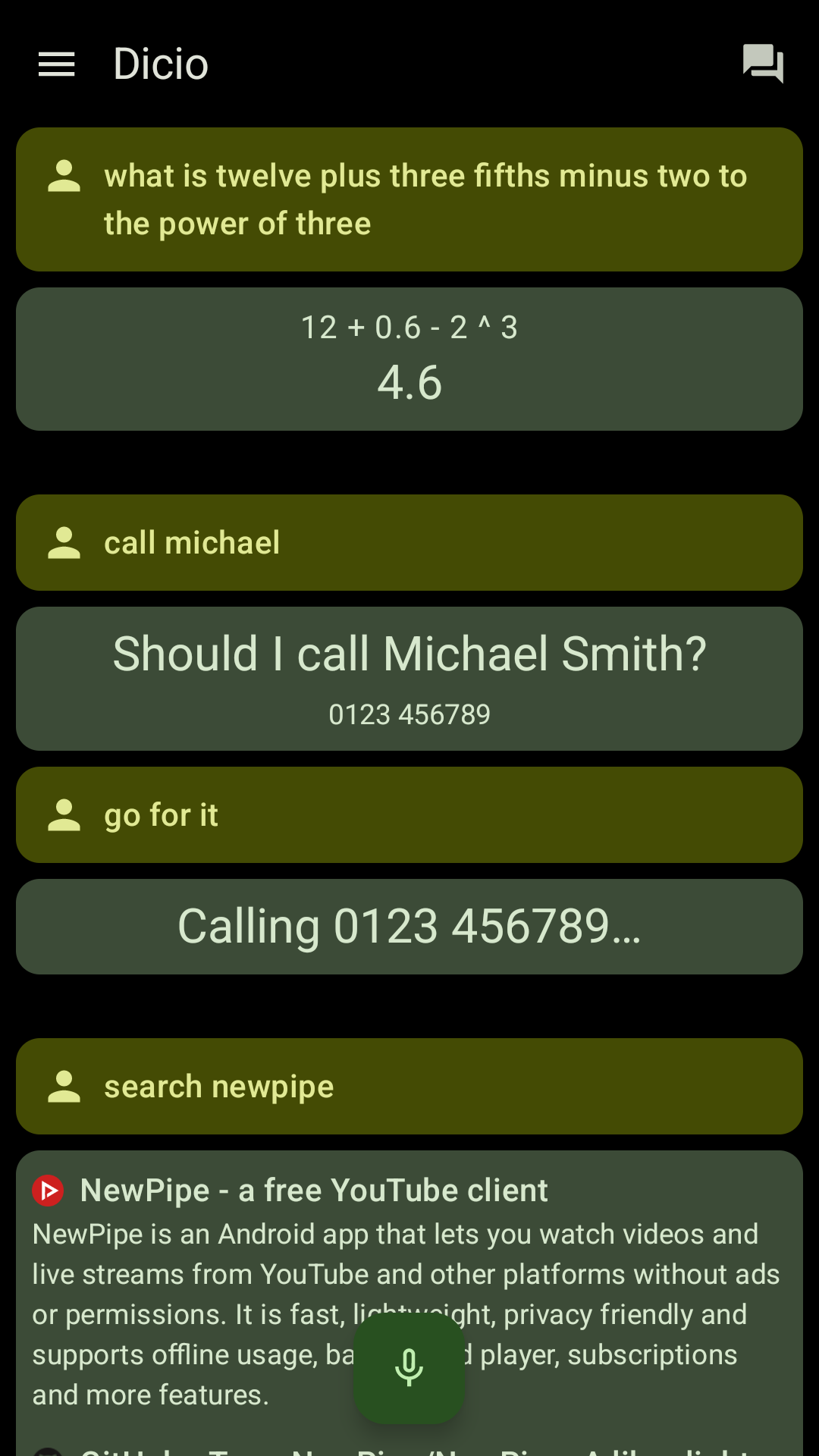
- search: looks up information on DuckDuckGo (and in the future more engines) - Search for Dicio
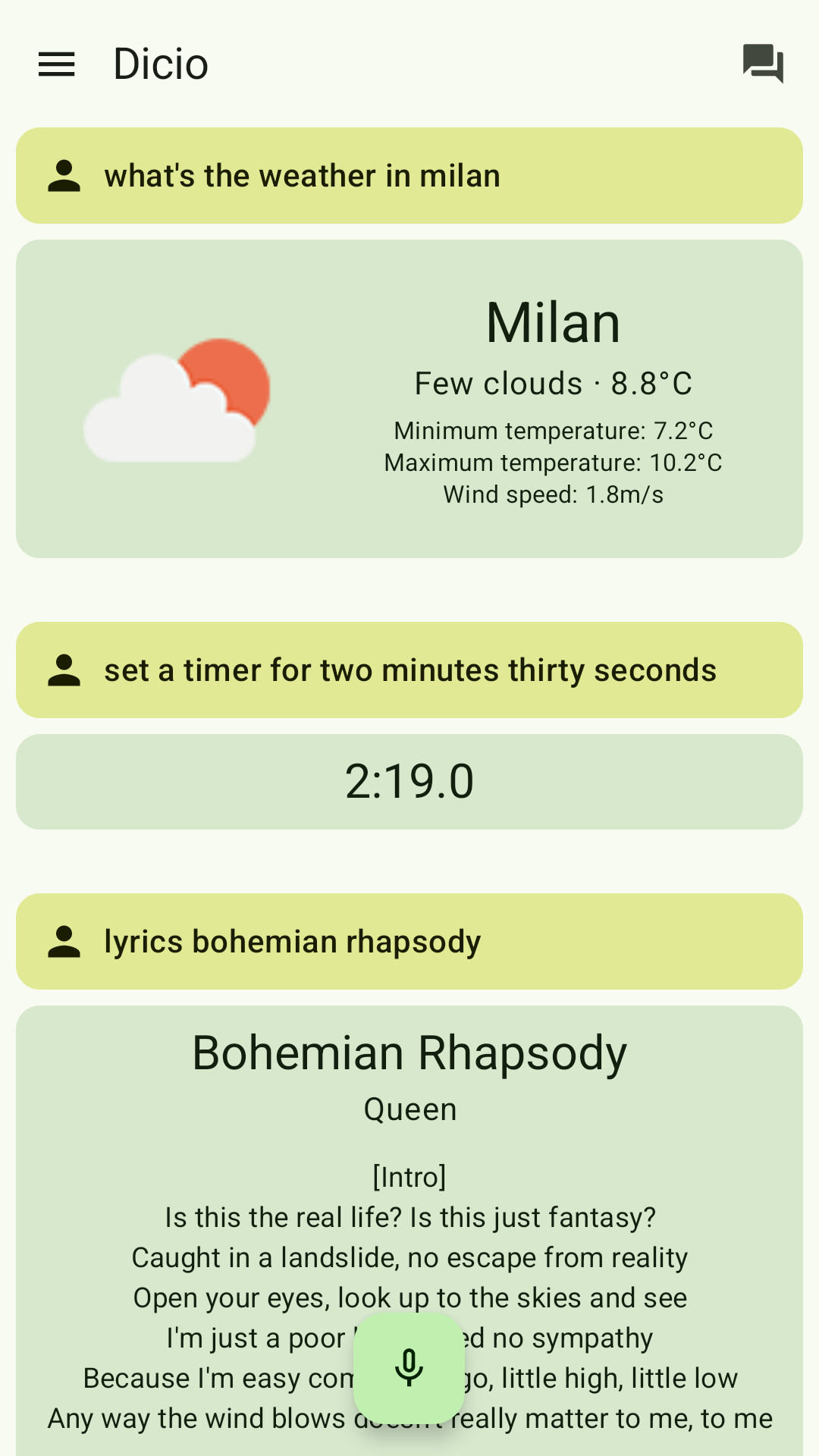
- weather: collects weather information from OpenWeatherMap - What's the weather like?
- lyrics: shows Genius lyrics for songs - What's the song that goes we will we will rock you?
- open: opens an app on your device - Open NewPipe
- calculator: evaluates basic calculations - What is four thousand and two times three minus a million divided by three hundred?
- telephone: view and call contacts - Call Tom
- timer: set, query and cancel timers - Set a timer for eleven minutes
- current time: query current time - What time is it?
- navigation: opens the navigation app at the requested position - Take me to New York, fifteenth avenue
- jokes: tells you a joke - Tell me a joke
- media: play, pause, previous, next song - Next Song
- translation: translate from/to any language with Lingva - How do I say Football in German?
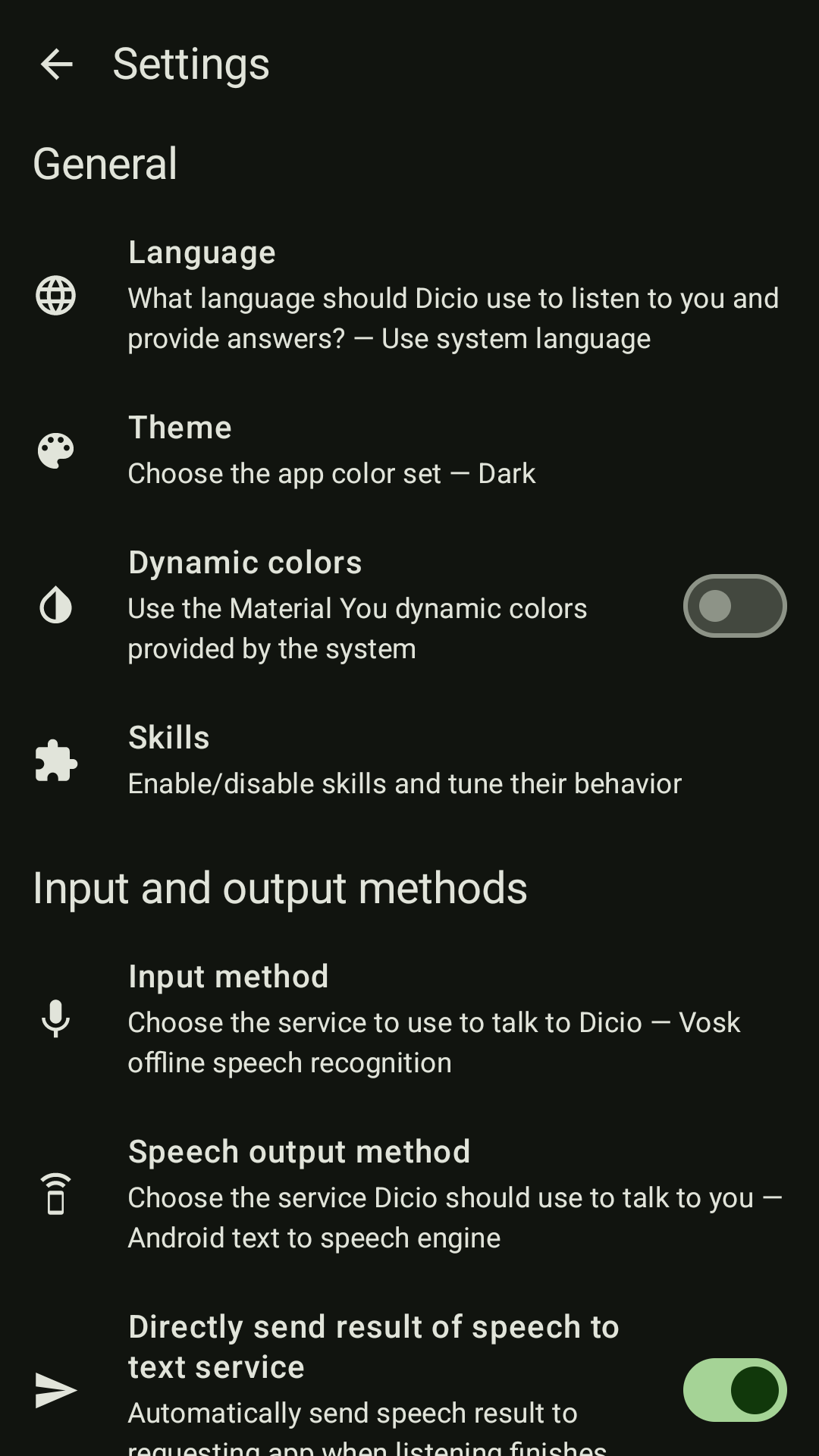
Dicio can receive input through a text box or through
Vosk speech to text, and can talk using toasts or the Android speech synthesis engine.
Interactive graphical output is provided by skills when they answer a question.
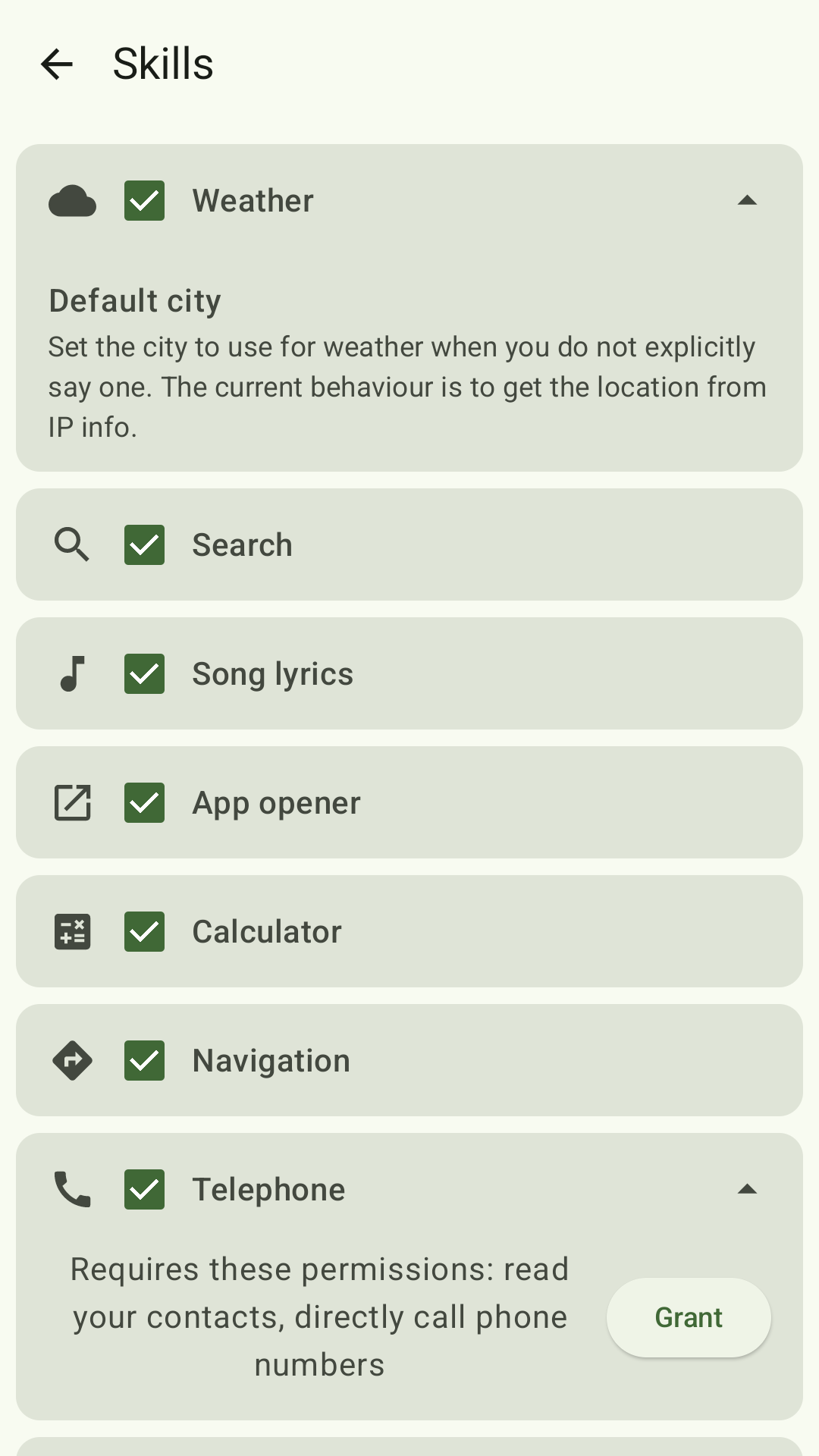
Each skill can be enabled, disabled or customized using the related settings screen. Dark, black and dynamic color themes are available.
The user input is interpreted by specific, yet reusable, libraries:
dicio-sentences-compiler and
dicio-numbers.
This app has the NonFreeNet anti-feature because some skills use non-free services to obtain the information requested by the user. You can easily disable unwanted skills or choose alternative services via settings.