Quick answer
Native Android client for Uptime Kuma with FOSS push, no Google services.
F-Droid repository metadata
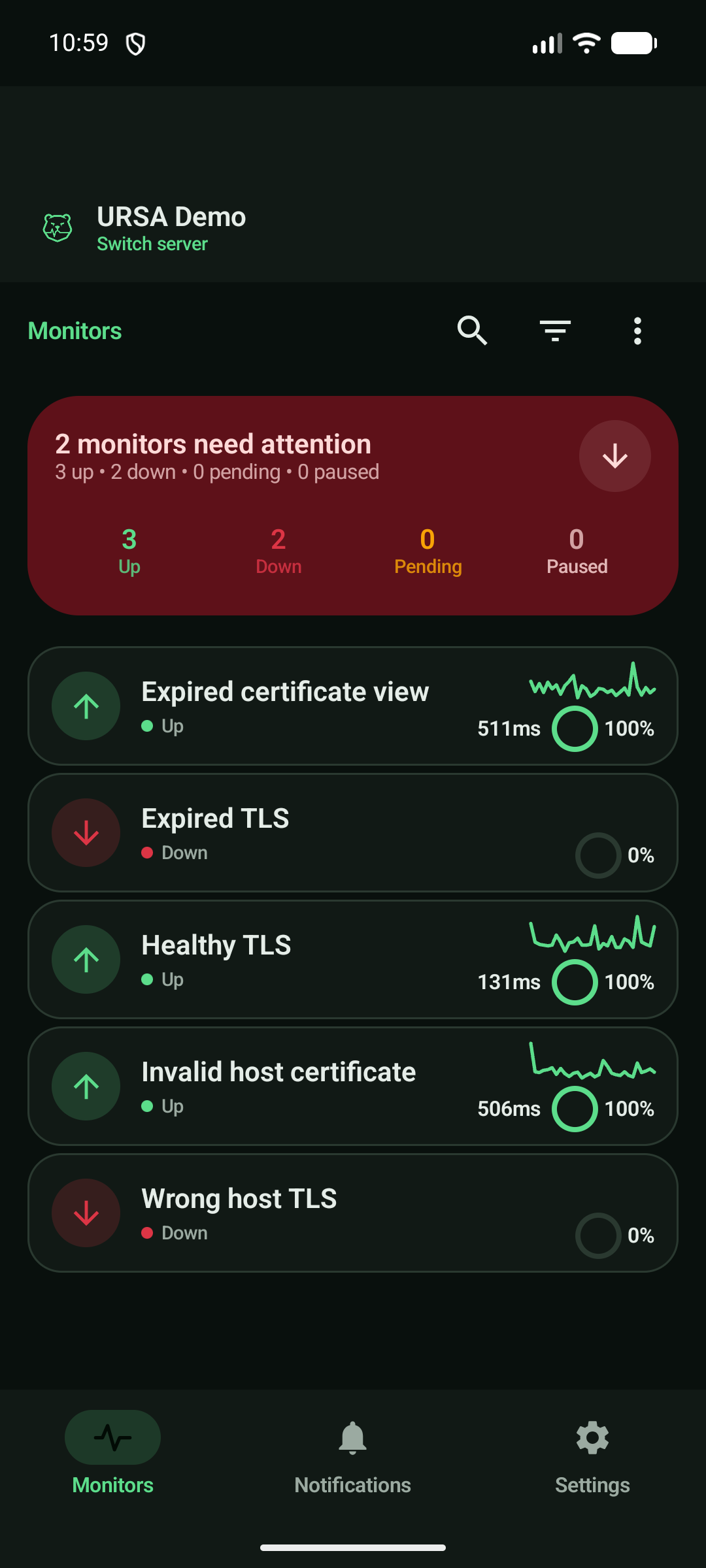
URSA keeps every self-hosted Uptime Kuma monitor a glance away on your phone. Connect directly to your server for live state, incident context, management, and private push without an account, analytics, Google services, or a paid relay.
Features:
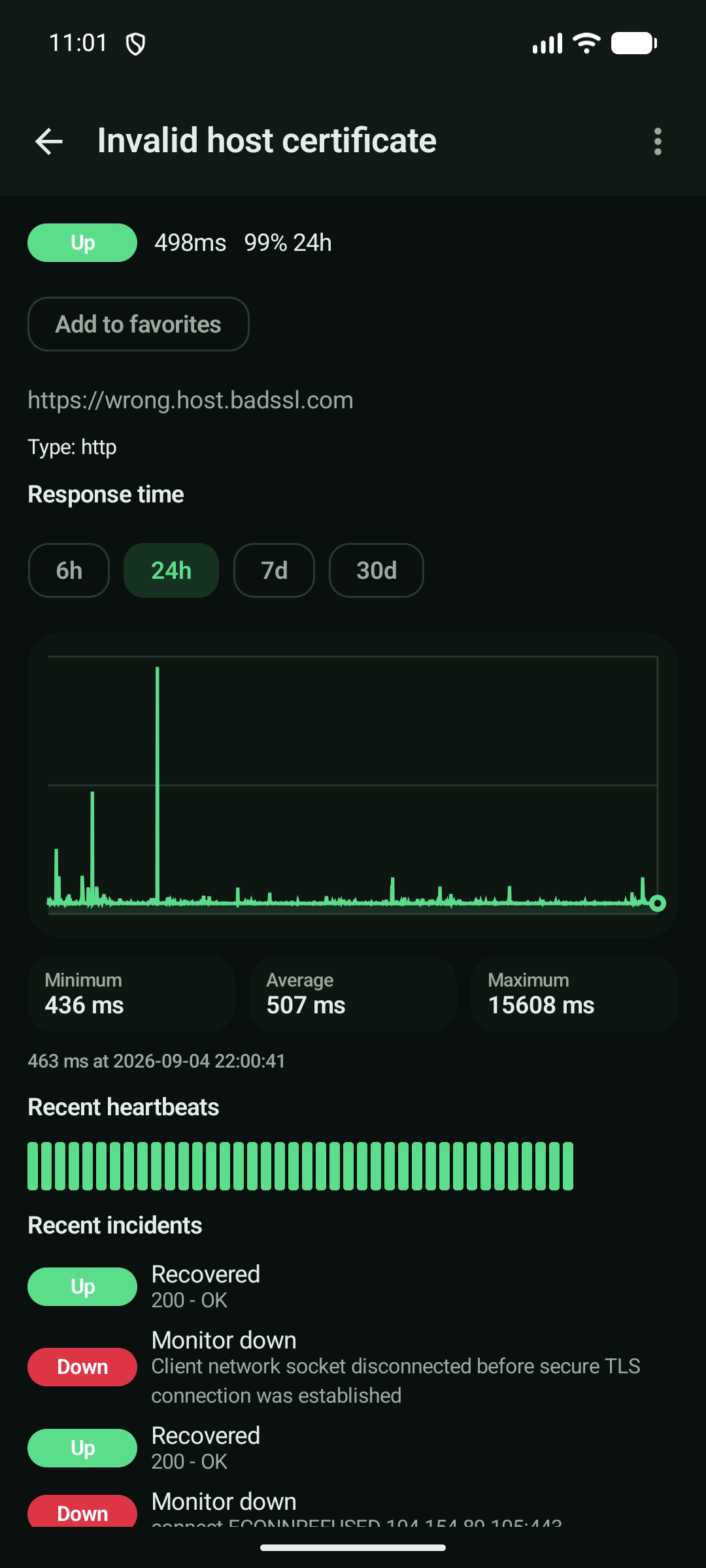
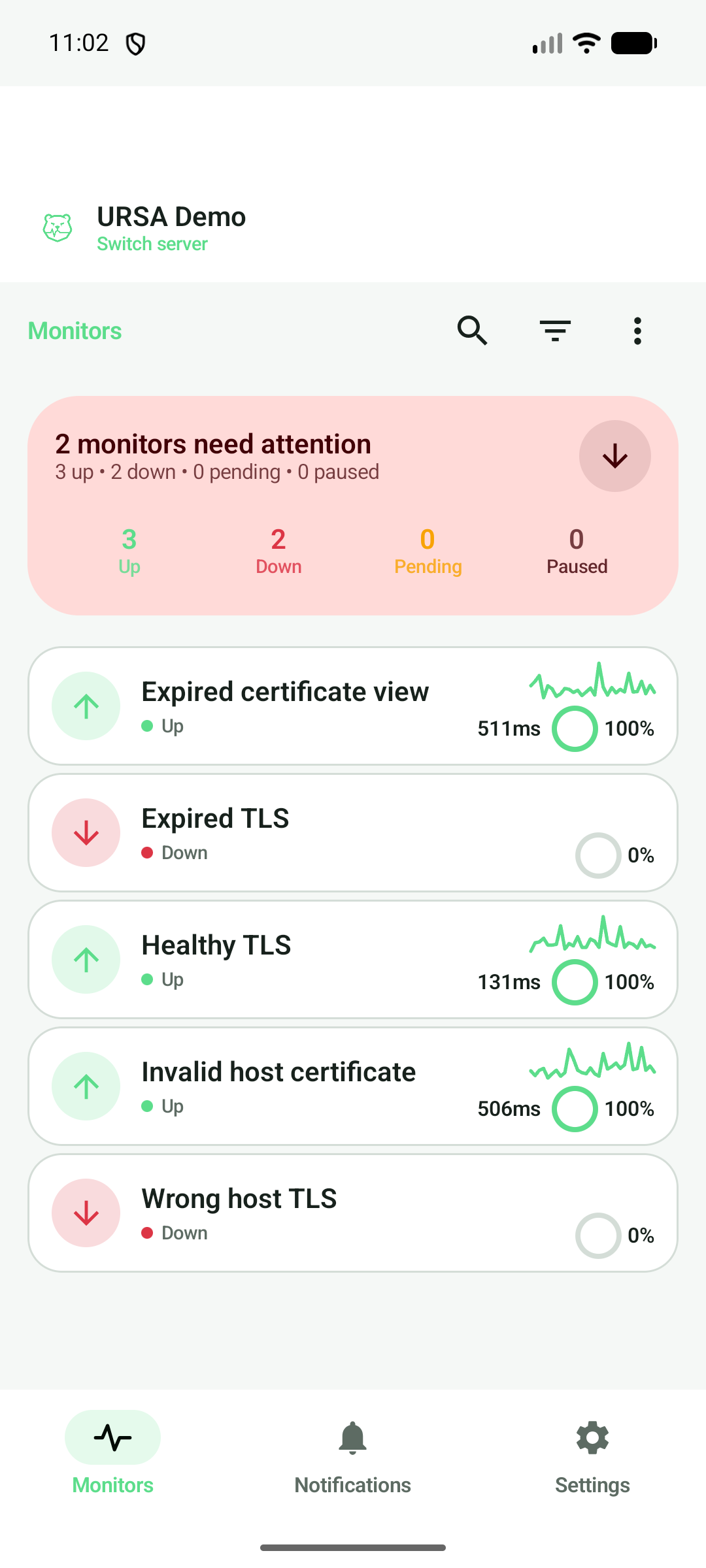
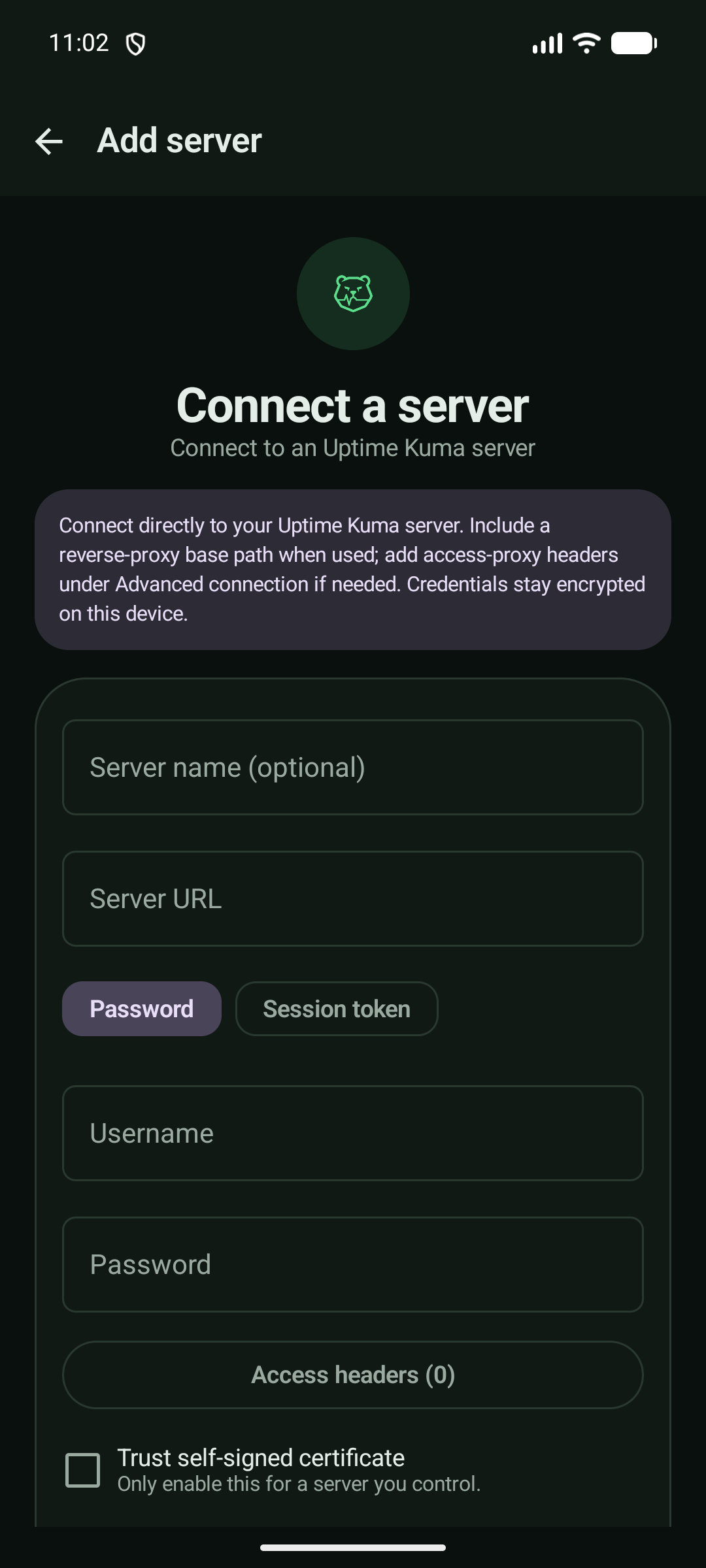
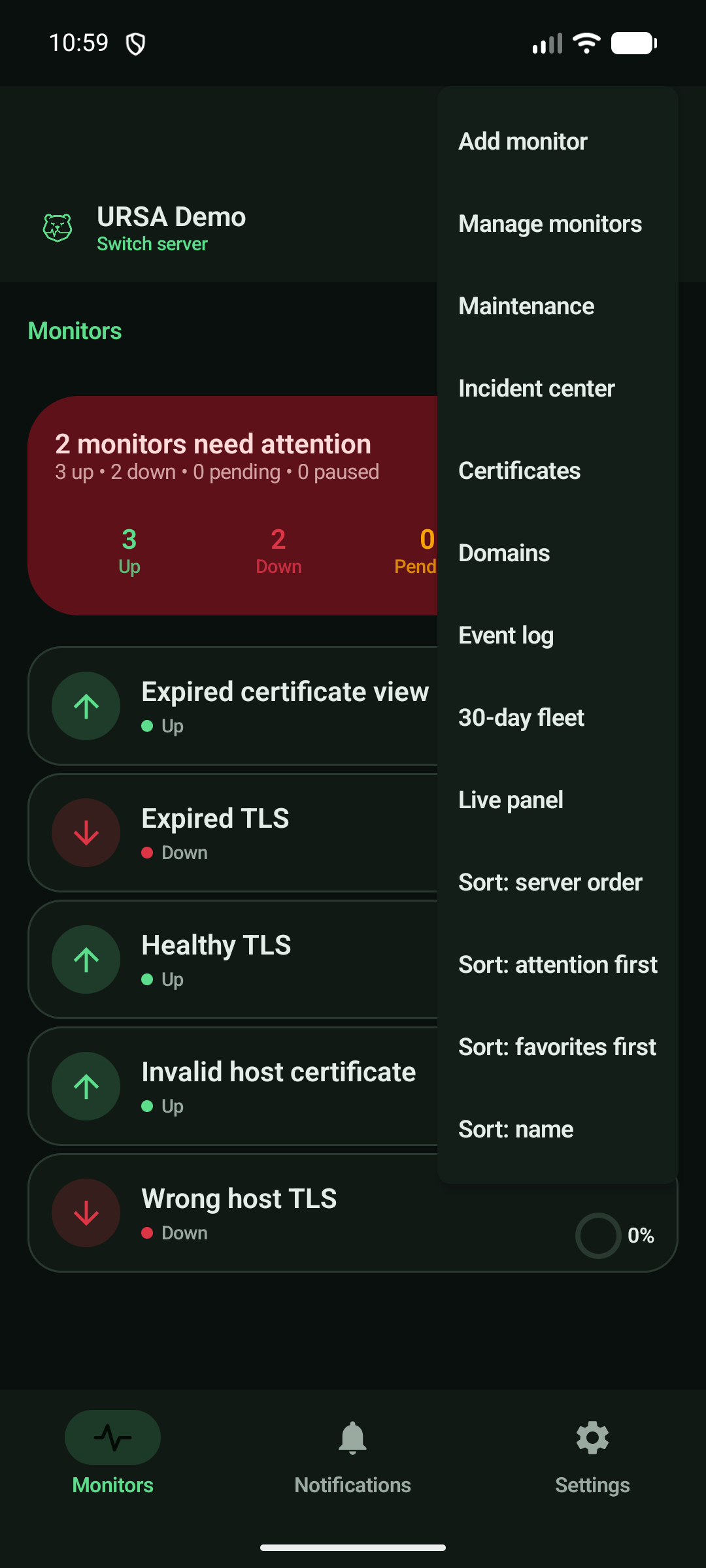
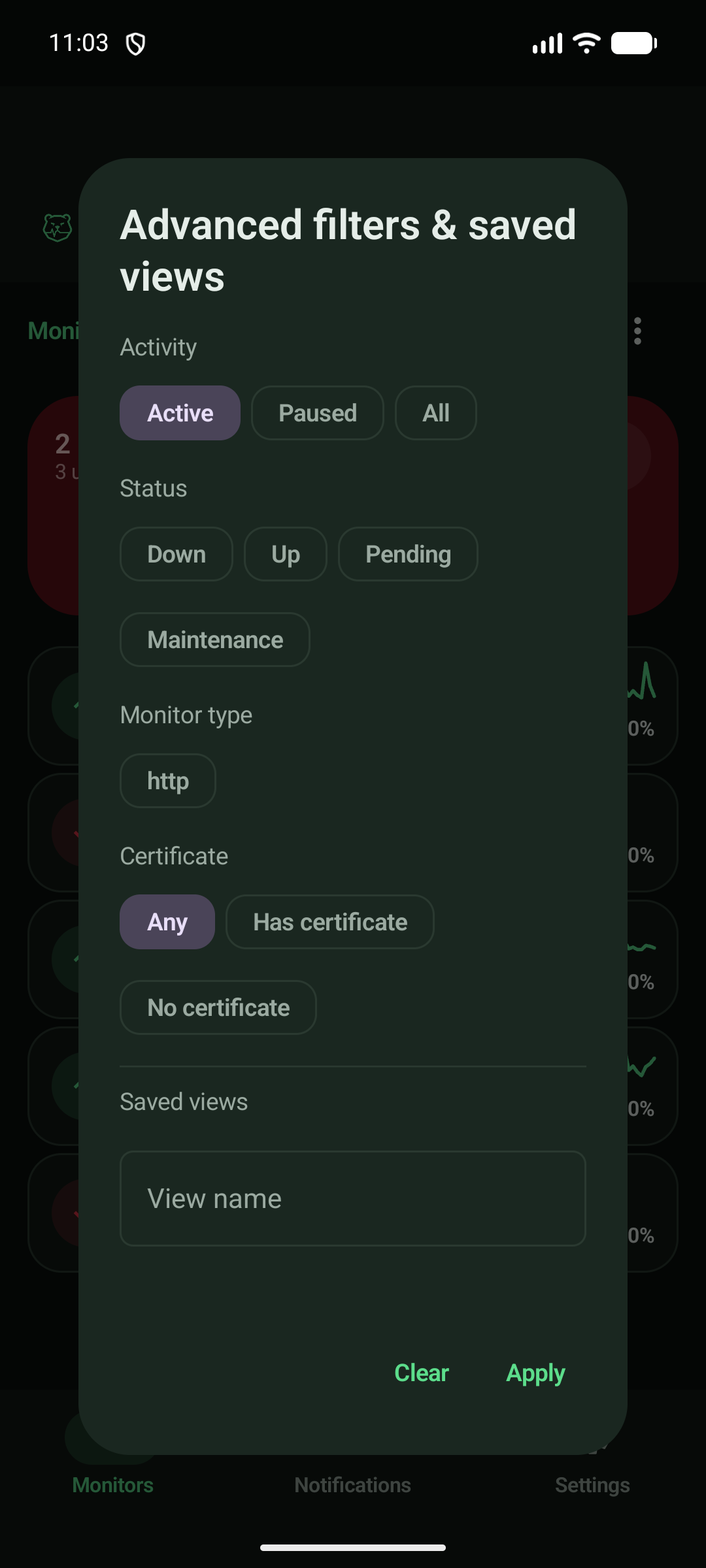
* Live monitor state, response-time trends, uptime, heartbeat history, and TLS certificate detail. * Incident, certificate, domain, event, 30-day aggregate, and pinned-live fleet views for fast triage. * Search, quick filters, advanced filters, saved views, favourites, groups, tags, compact rows, and responsive tablet layouts. * Multiple encrypted server connections with password/TOTP or imported sessions, optional self-signed TLS, and up to eight custom access headers for Pangolin, Cloudflare Access, and similar reverse proxies. * Create and safely edit common monitor settings, including SFTP password or private-key access, assign notification providers, manage groups/tags, run confirmed bulk pause/resume, and manage maintenance. * UnifiedPush alerts through a distributor you choose, including per-monitor modes, severity, quiet hours, delays, repeats, acknowledge/snooze, and managed Kuma setup. * Slow-response and certificate-expiry alerts generated locally on your device. * Public status pages with native groups, uptime, recent checks, maintenance, and incident history. * Encrypted portable backups, encrypted offline cache, optional biometric/device credential lock, and sensitive screens protected in release builds. * Native Android extras: widget, Quick Settings tile, shortcuts, scoped deep links, notification actions, and an opt-in always-on glance display. * Light/dark mode with Kuma status colors and optional Material You. * Optional manual check for stable releases from URSA's official GitHub repository.
A separate Wear OS APK is available from GitHub Releases with a standalone public dashboard, detail view, tile, complications, and optional same-signed phone pairing for private monitor actions. The F-Droid phone build remains free of Play Services.
URSA is free and open source with no ads, tracking, premium tier, or subscription. It is an independent client and is not affiliated with Uptime Kuma.
Screenshots
How to install
- Download the APK from the button at the top of this page.
- Allow “Install unknown apps” for your browser or file manager only, not for every app.
- Open the downloaded file and confirm the installation.
- If installation fails with “App not installed,” remove an earlier build of the same app first. A signature conflict is the usual cause.
Data safety
- Every file is checked against its published SHA-256 before it is listed.
- Files are scanned for malware on every update.
- The permissions each app requests are listed on its own page.
- Read the full safety policy for how we test, flag, and delist files.
Comments
Recent approved comments · sorted by newest
View all comments