Quick answer
Nostr Client for Android
F-Droid repository metadata
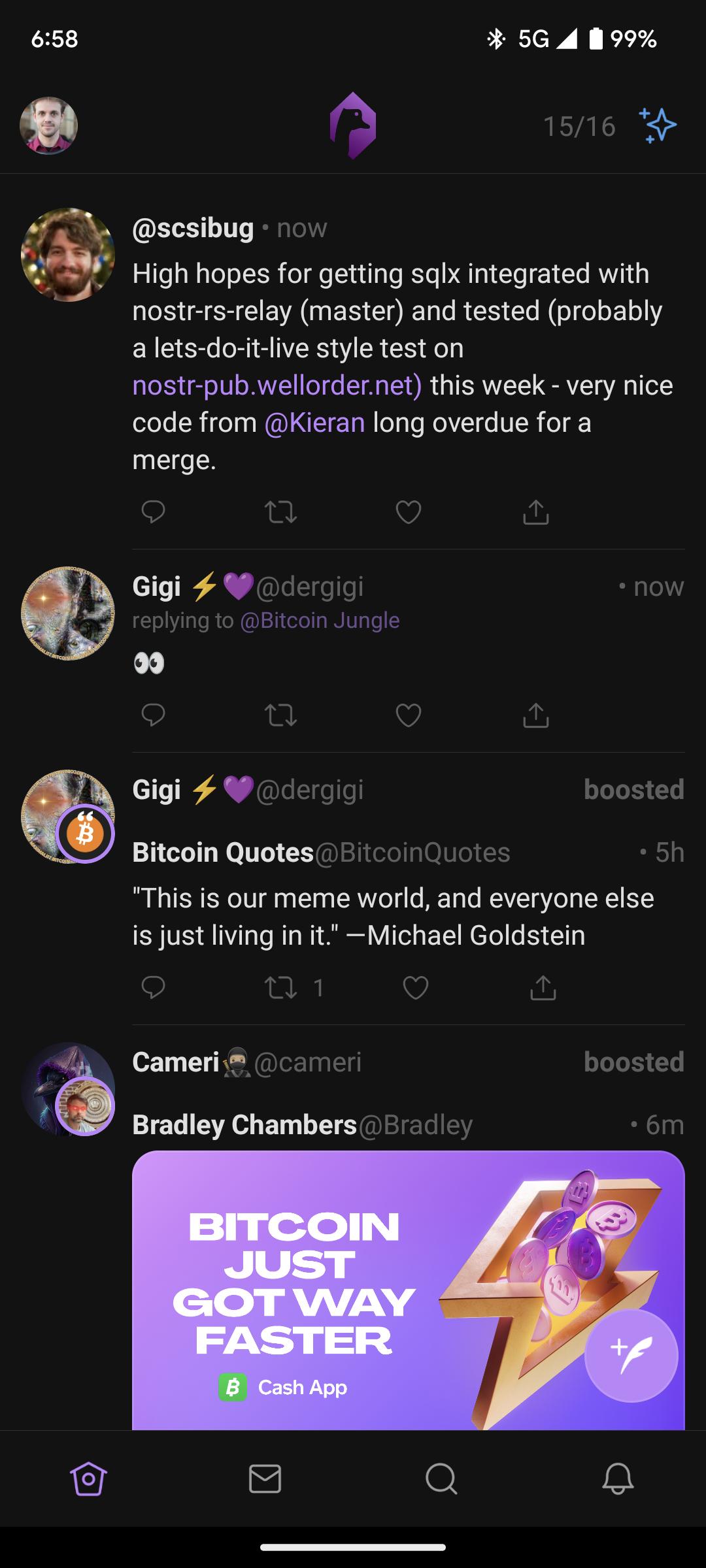
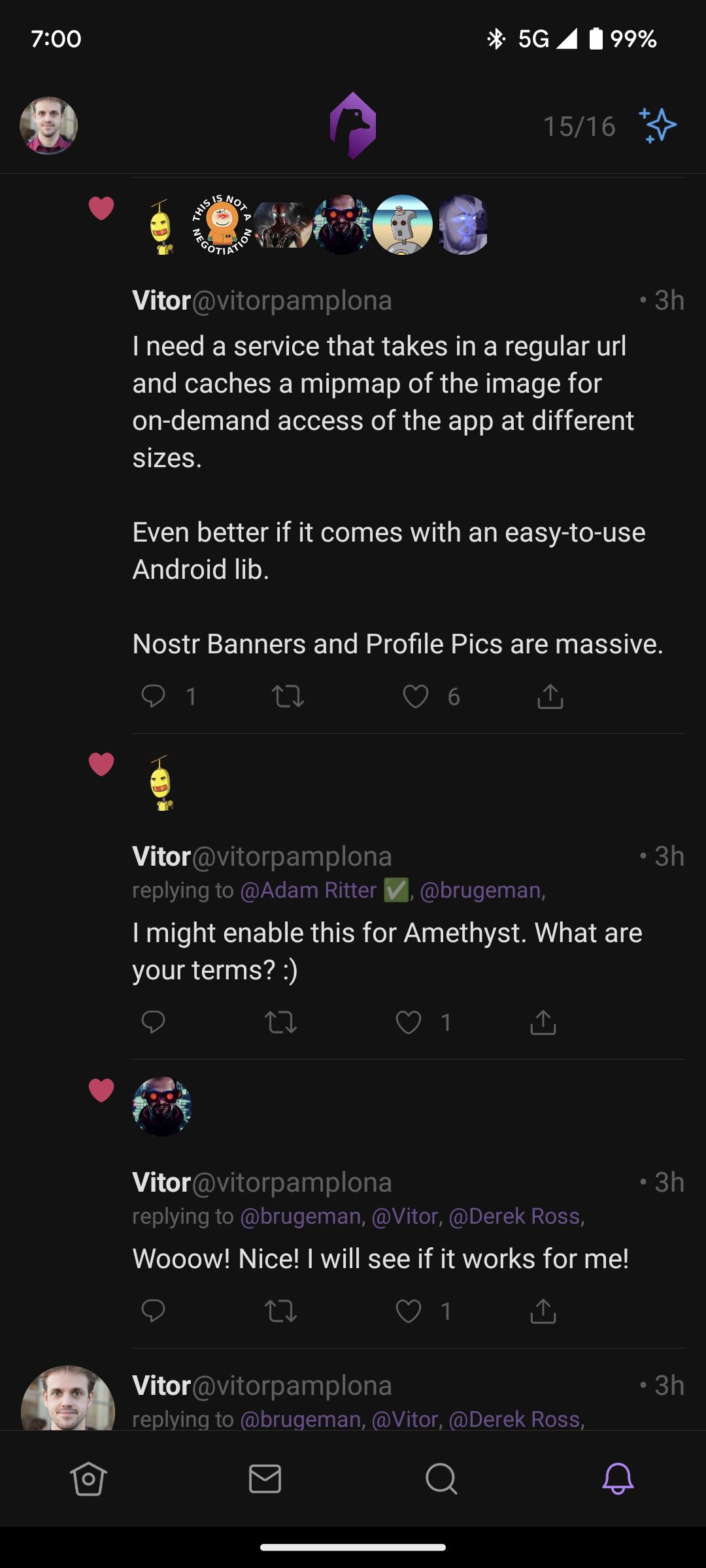
Amethyst brings the best social network to your Android phone. Just insert your Nostr private key and start posting.
Nostr is an open protocol that is able to create a censorship-resistant global "social" network, transferring notes and other stuff using relays. It doesn't rely on any trusted central server, hence it is resilient; it is based on cryptographic keys and signatures, so it is tamperproof; it does not rely on P2P techniques, therefore it works.
What you can do with Amethyst
- Post text, photos, videos, long-form articles, polls and voice notes to the relays you choose.
- Follow people, reply, repost, react and quote.
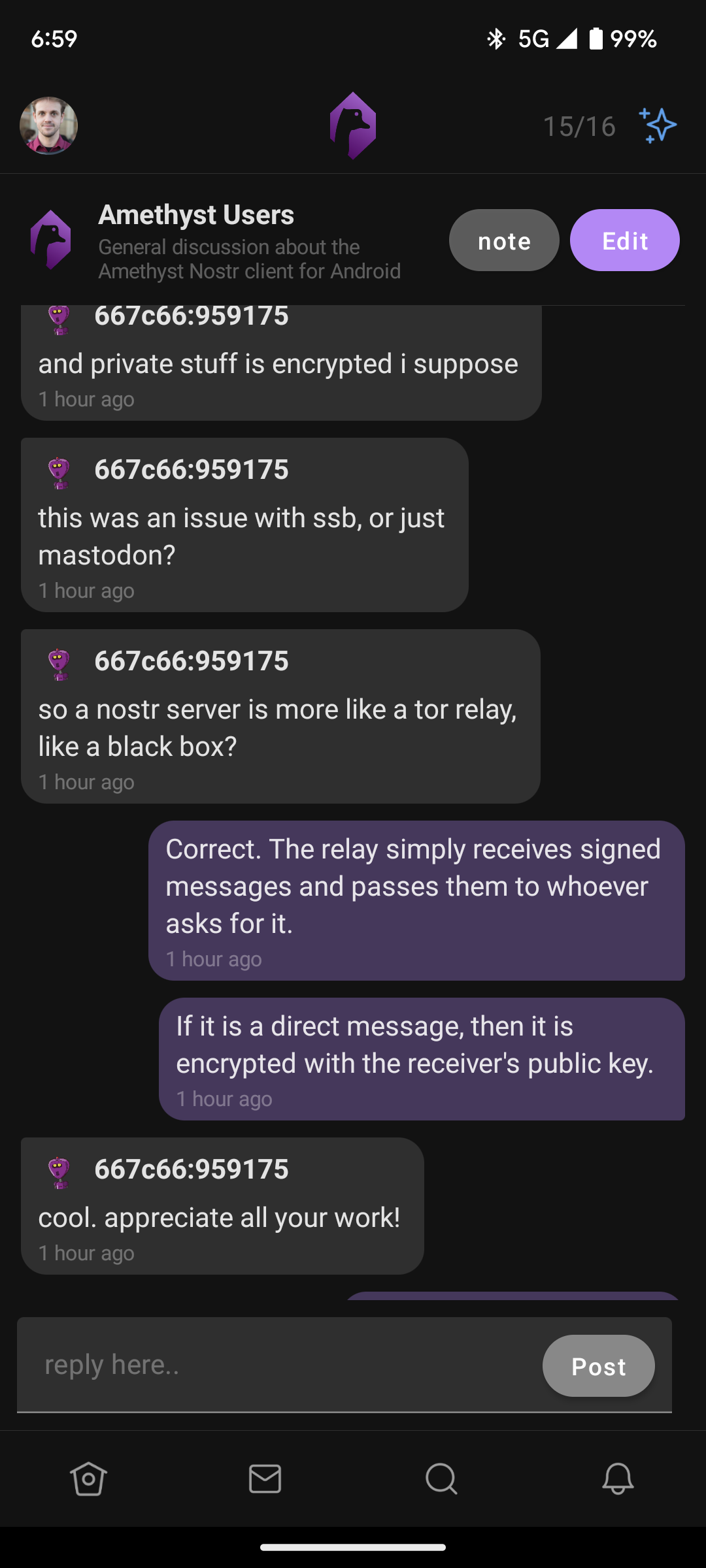
- Send private, end-to-end encrypted direct messages and join group chats.
- Browse dedicated feeds: articles, pictures, short videos, live streams, podcasts, music, communities, classifieds, calendars and more.
- Send and receive Bitcoin Lightning zaps.
- Track your training and share a workout — see below.
My Fitness — track your training
Amethyst includes a personal training dashboard. Open the left drawer and tap My Fitness, under You. It summarises the workouts you have logged in Amethyst, and — with your permission — the ones your watch or fitness app has already saved to Android Health Connect (Samsung Health, Google Fit, Fitbit, Garmin Connect, Strava and others all write there). It shows you:
- How much you trained this week, and whether that is up or down on last week.
- Your four-week weekly average for time, distance, steps and climb.
- Where your time goes — running, cycling, walking, hiking, swimming, rowing, the gym.
- Your best efforts: longest distance, longest workout, biggest climb, most steps, highest heart rate.
- How many days you trained, and your current streak of consecutive active days.
All of it is computed on your phone and shown to you. Nothing is uploaded to produce it, and you never have to post anything to use it.
Sharing a workout (optional)
If you want to tell your followers about a particular session, tap Share this workout on any row. Amethyst opens a post pre-filled with that workout's figures; you review it and decide whether to publish. One workout at a time, always with your confirmation, never automatic.
The Health Connect integration is read-only. Amethyst never writes to Health Connect, never reads in the background, never asks for your exercise route or location, and only ever looks at the last four weeks. You can revoke access in Health Connect at any time. Full details are in the privacy policy at github.com/vitorpamplona/amethyst.
Amethyst is free and open source (MIT). There is no Amethyst server and no Amethyst account: your posts go straight to the Nostr relays you configure.
Screenshots
How to install
- Download the APK from the button at the top of this page.
- Allow “Install unknown apps” for your browser or file manager only, not for every app.
- Open the downloaded file and confirm the installation.
- If installation fails with “App not installed,” remove an earlier build of the same app first. A signature conflict is the usual cause.
Data safety
- Every file is checked against its published SHA-256 before it is listed.
- Files are scanned for malware on every update.
- The permissions each app requests are listed on its own page.
- Read the full safety policy for how we test, flag, and delist files.
Comments
Recent approved comments · sorted by newest
View all comments