Sobuu icon

Sobuu

Sobuu
Reading Internet
Version
1.4.4
Size
11.7 MB
Requires
Android API 26+
3.7 / 5 · 6,654 ratings 0 downloads

Updated Sep 22, 2026

Quick answer

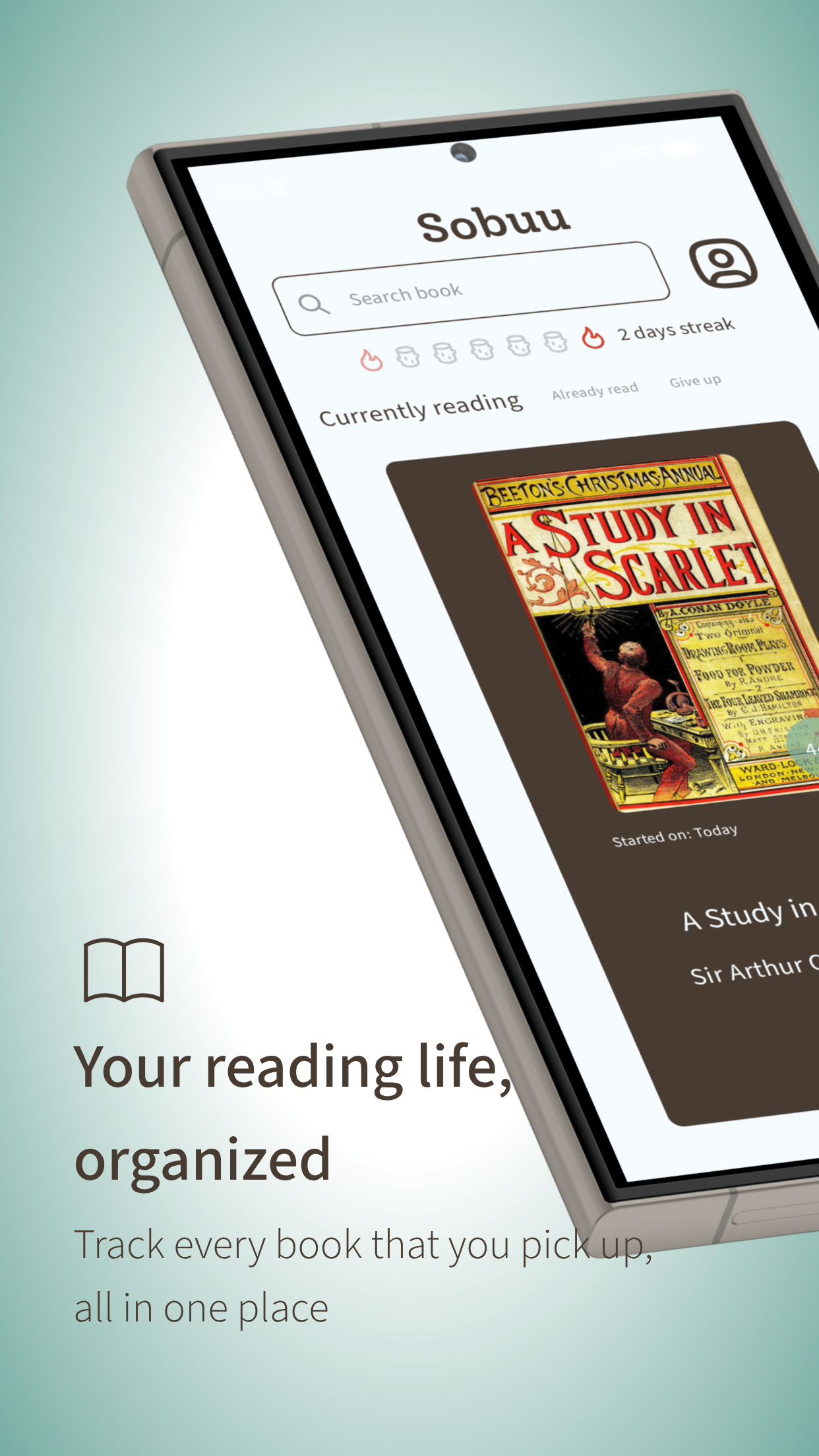
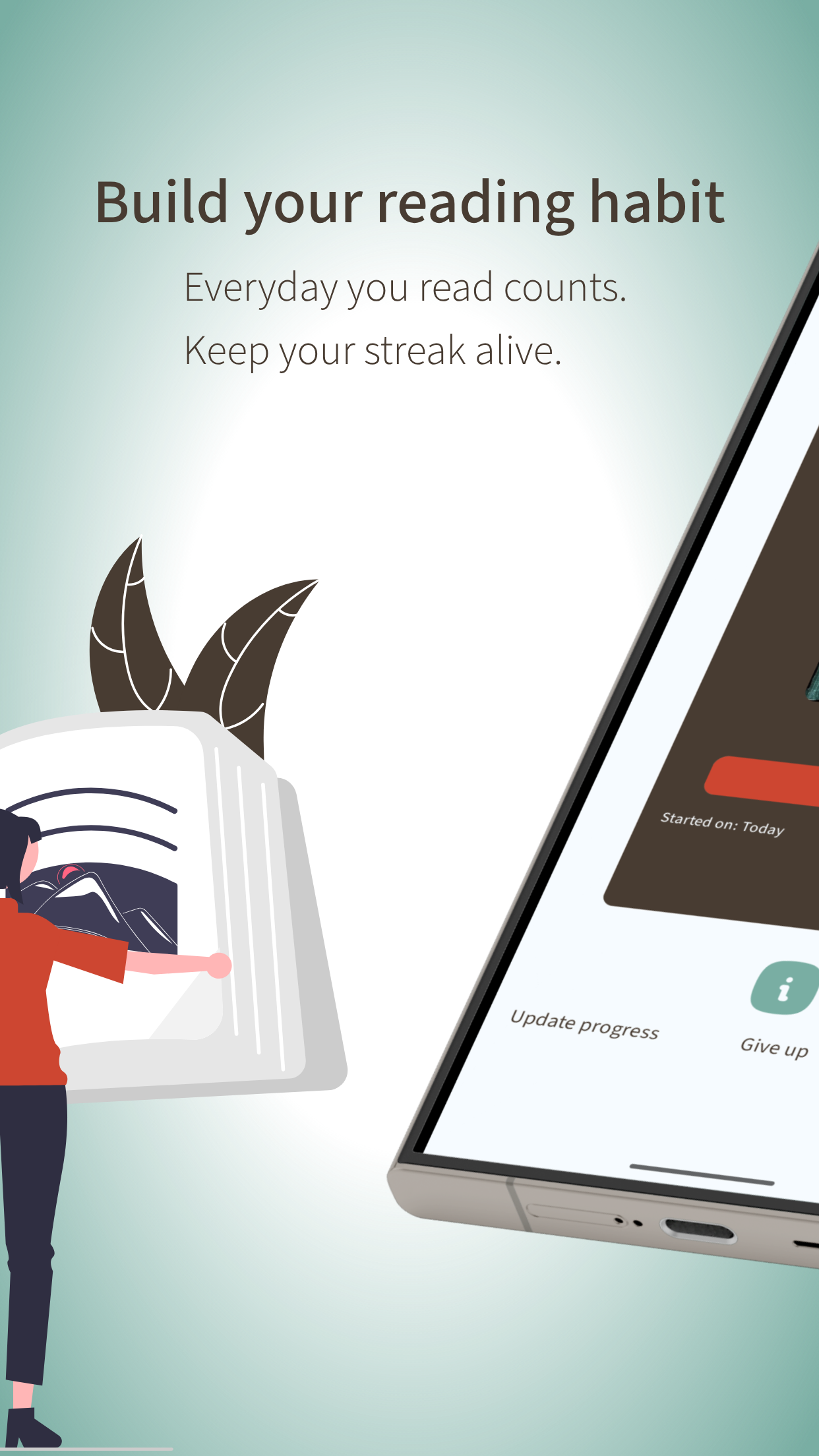
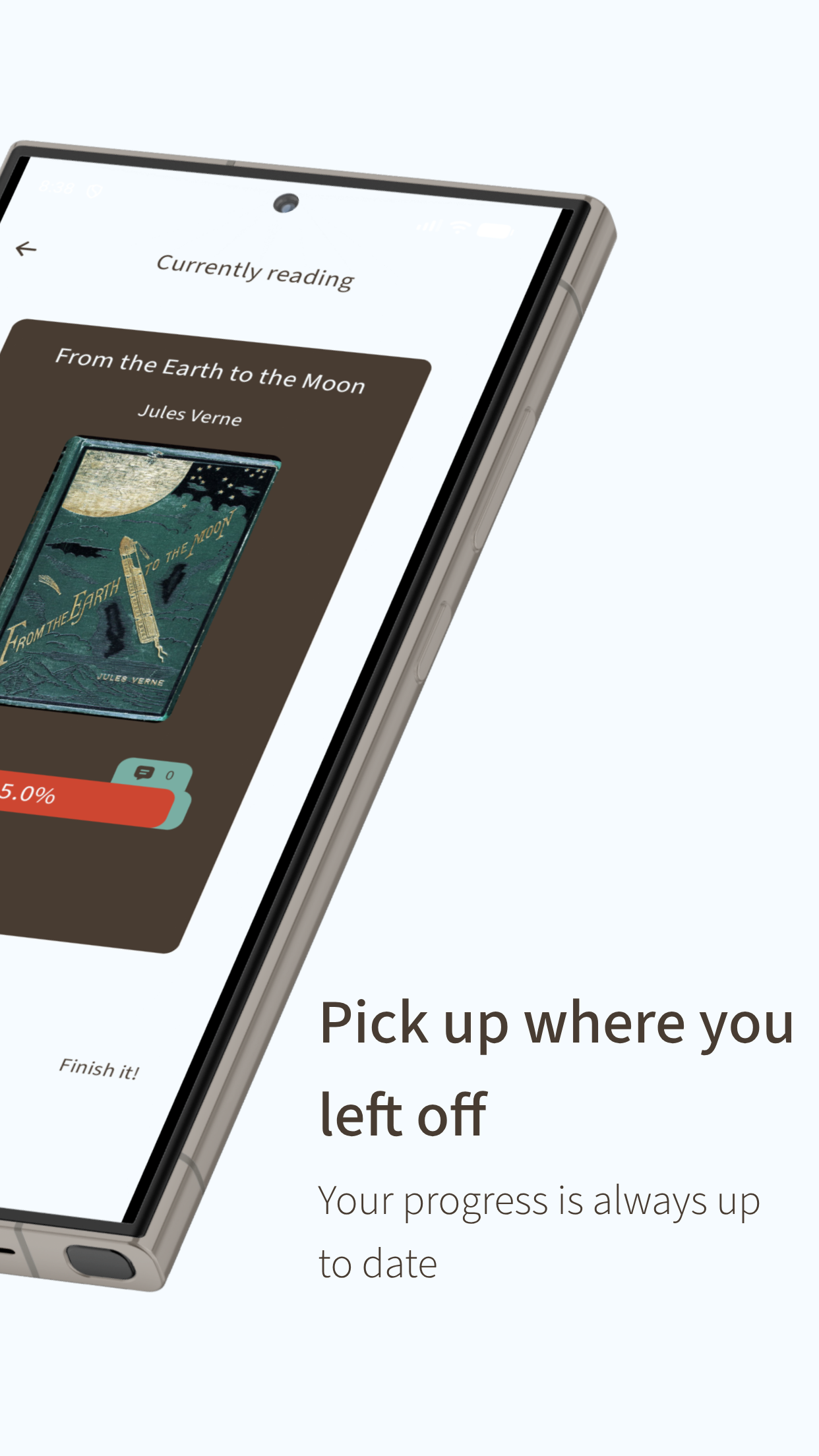
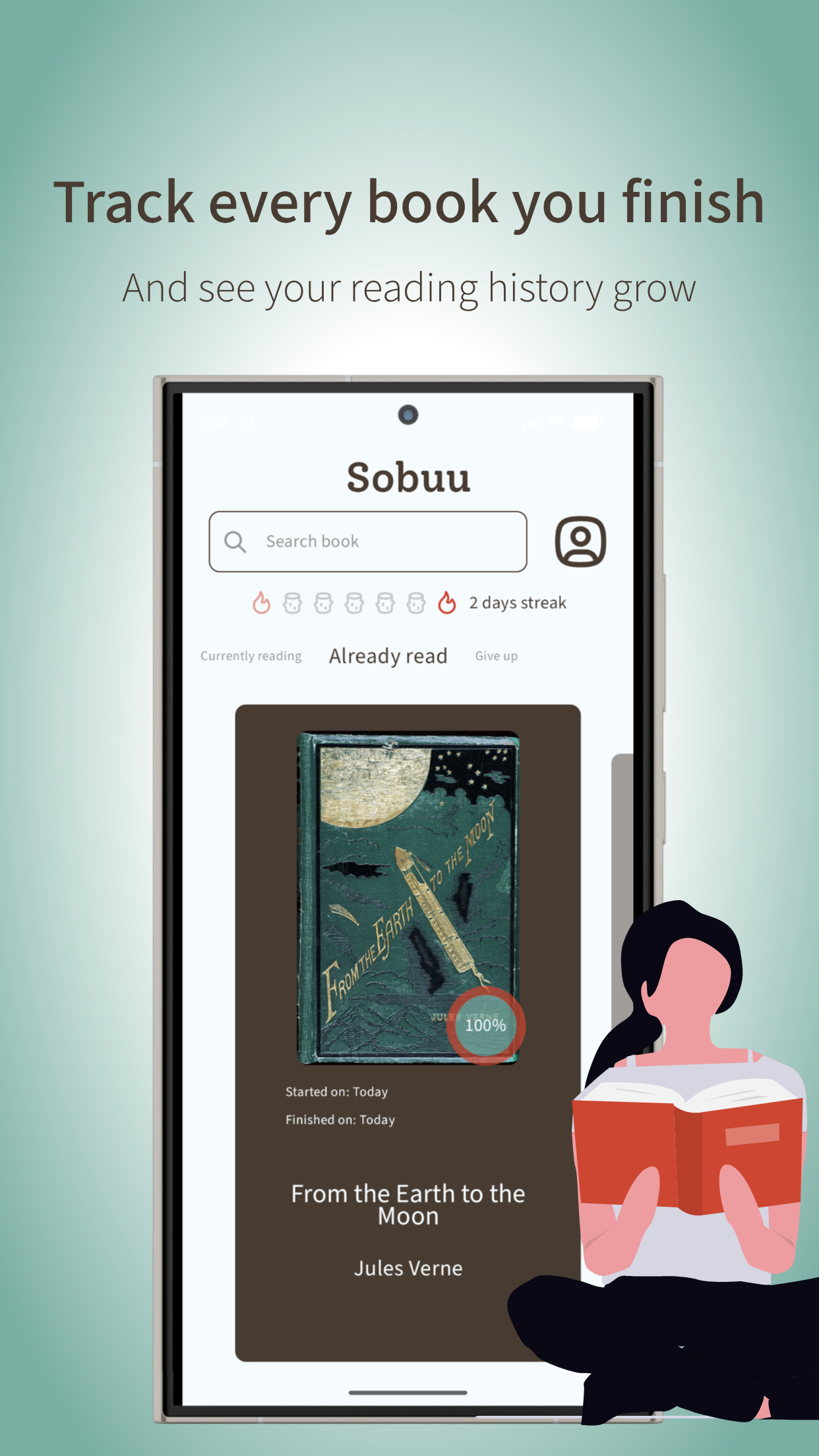
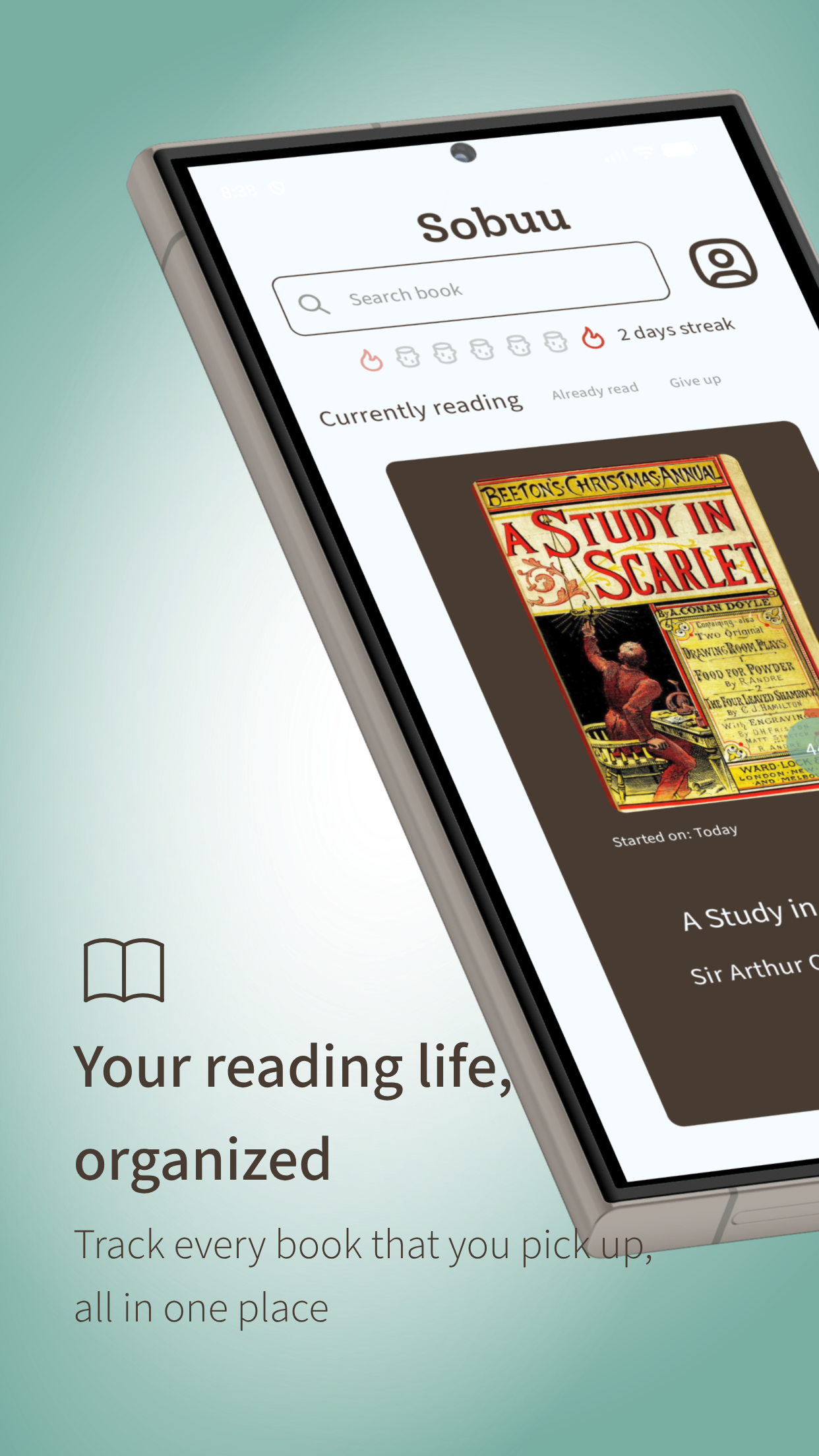
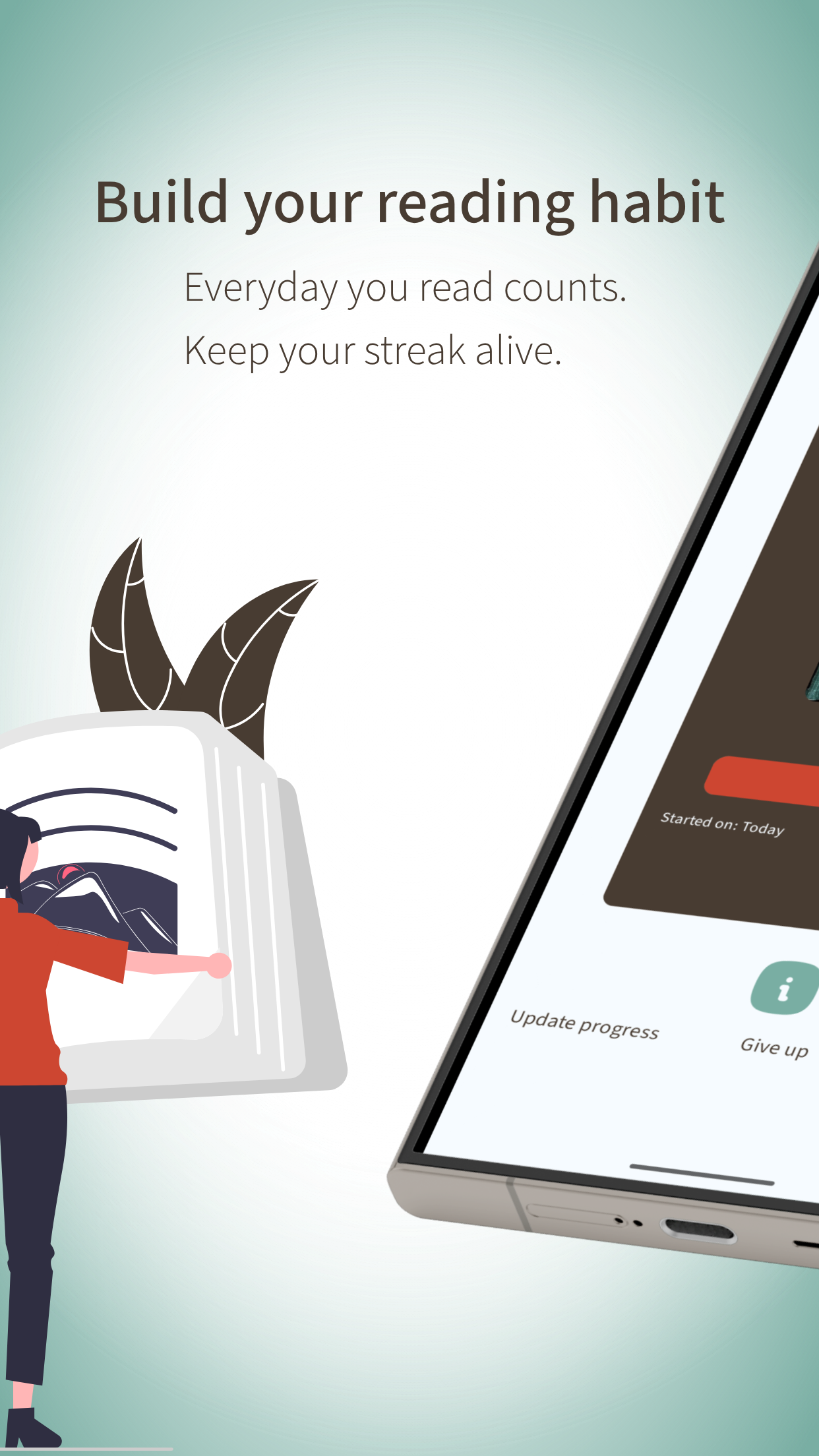
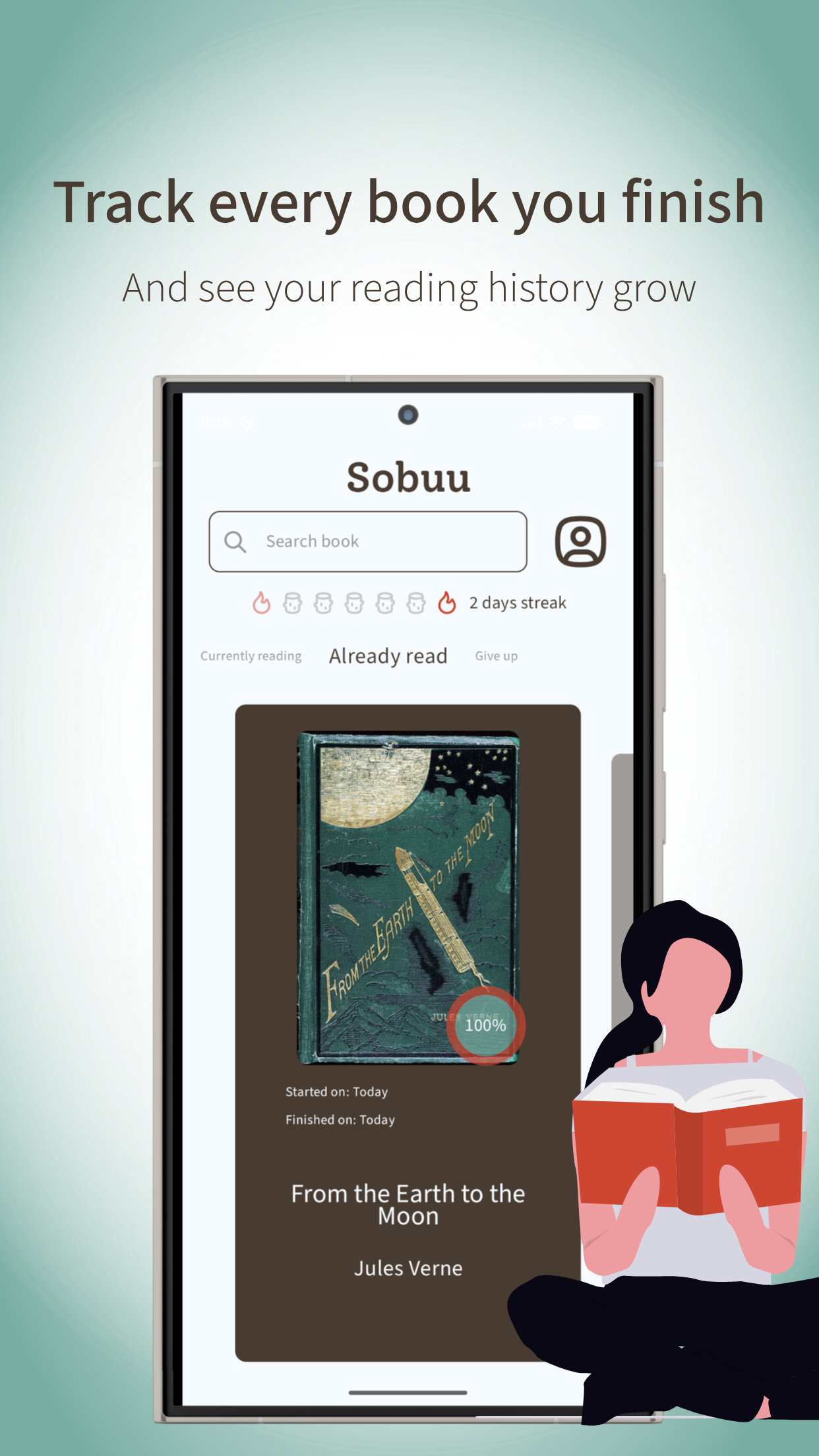
Track books reading and organise your readings

F-Droid repository metadata

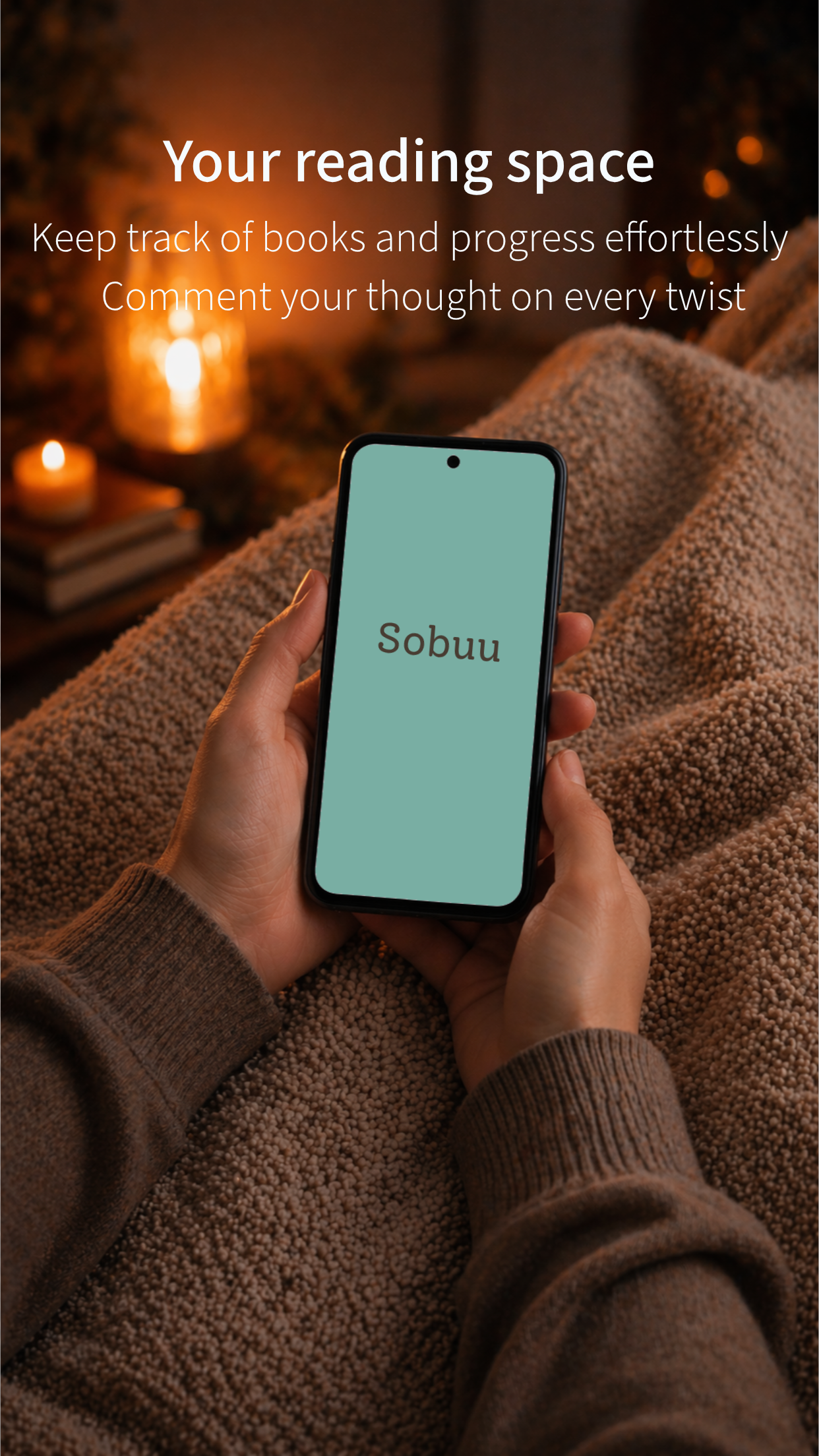
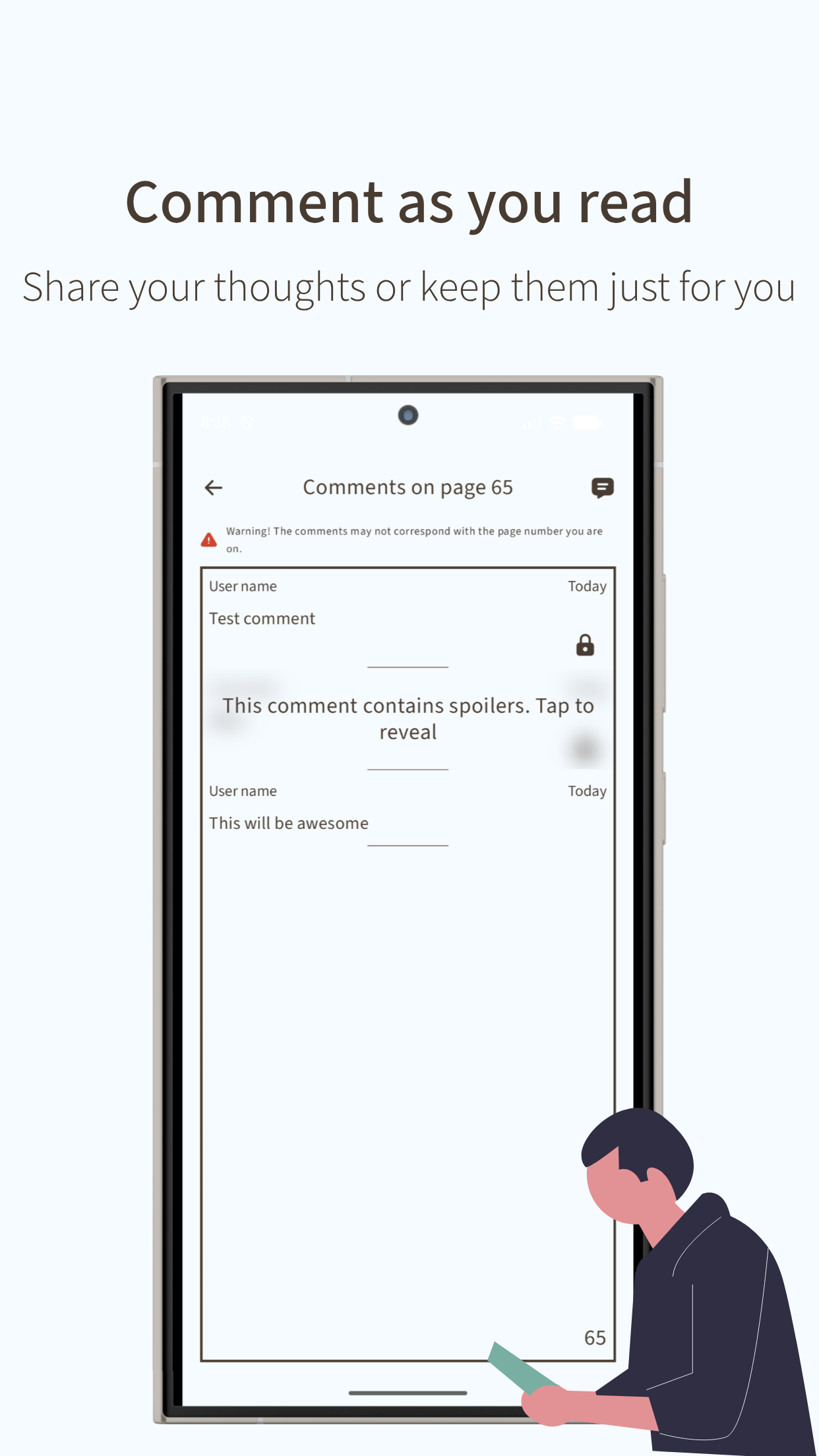
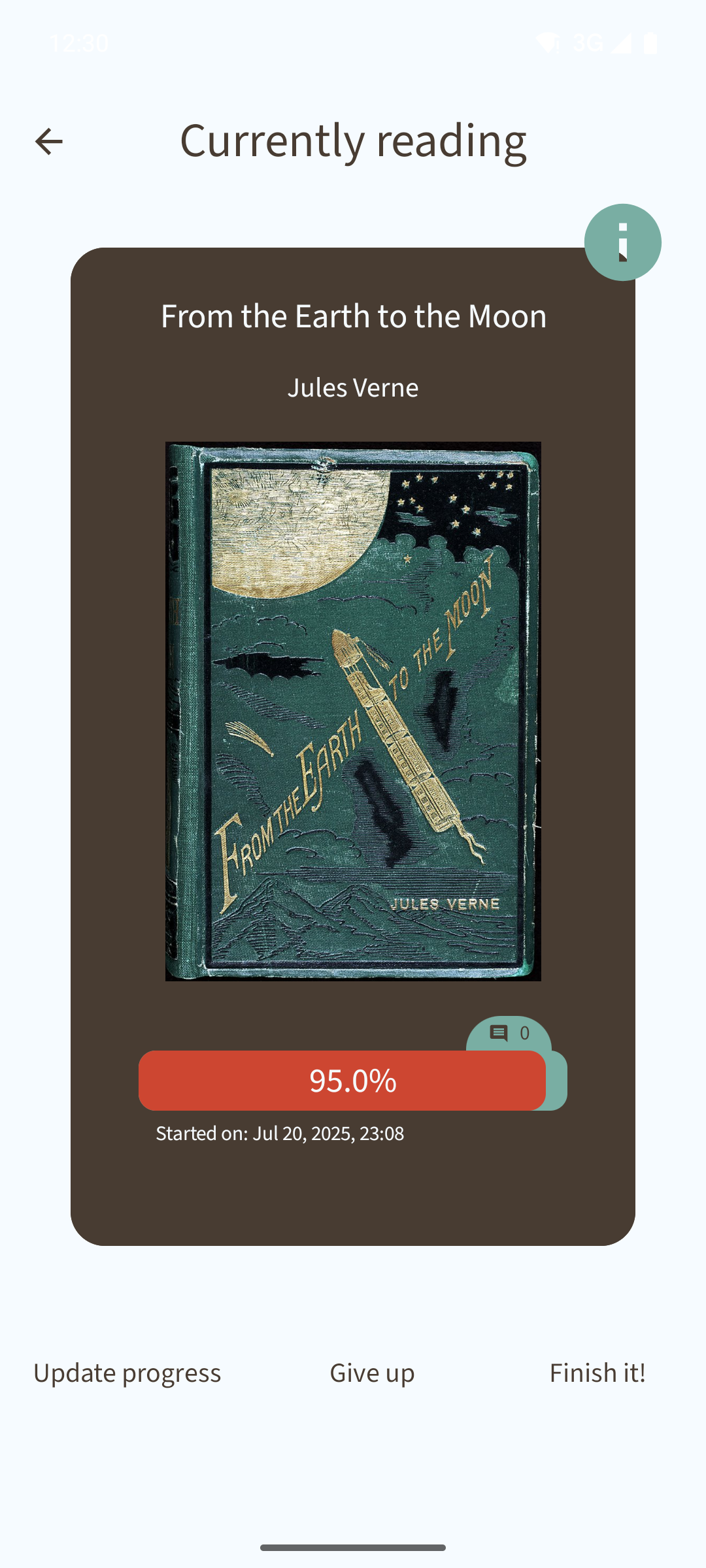
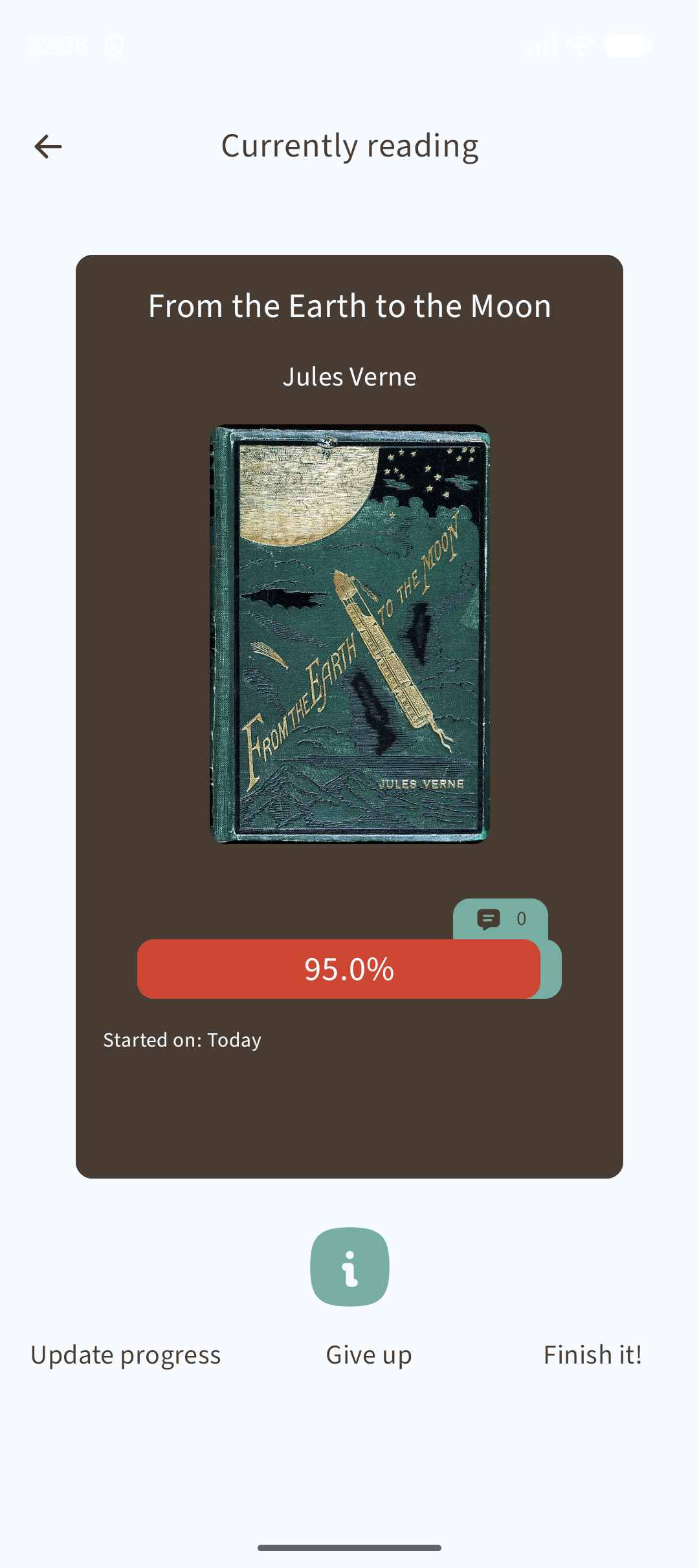
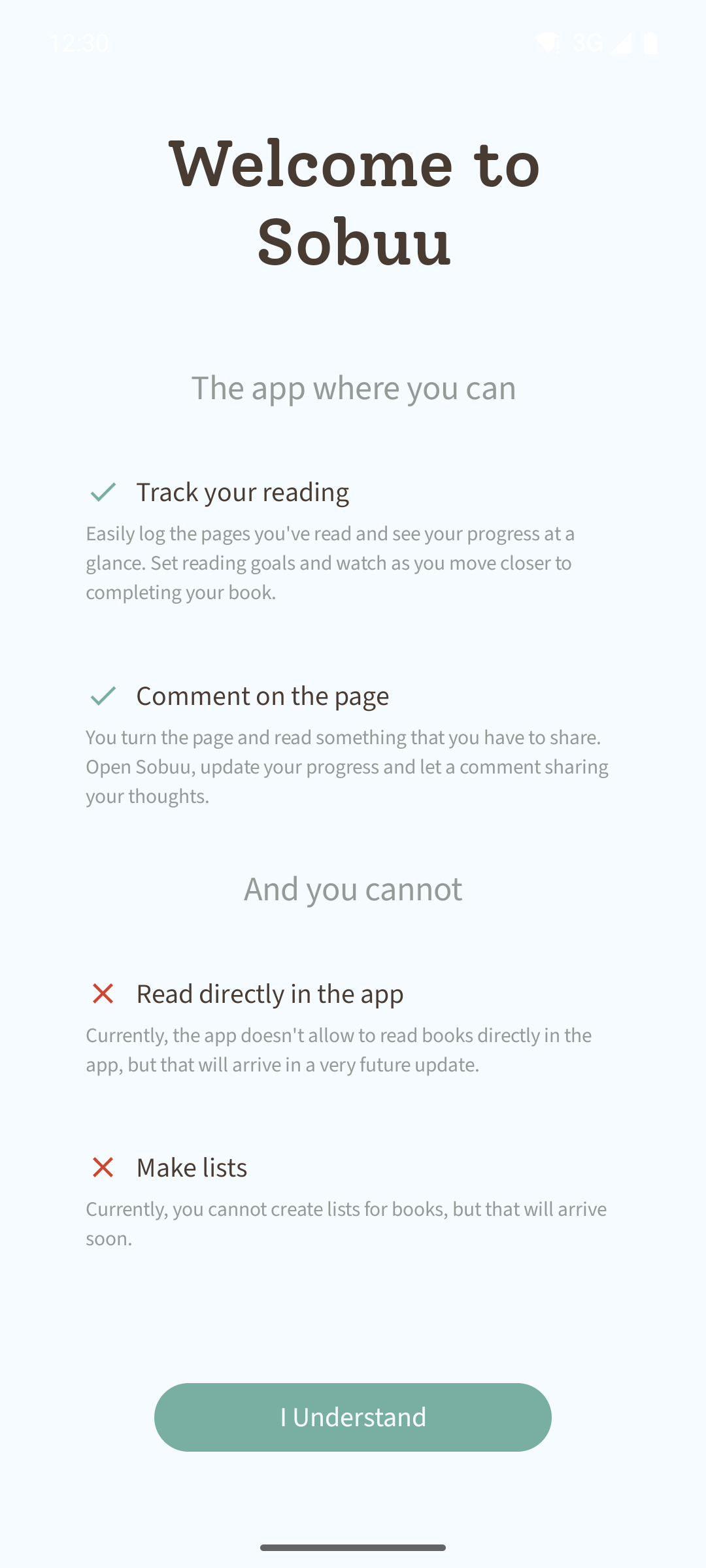
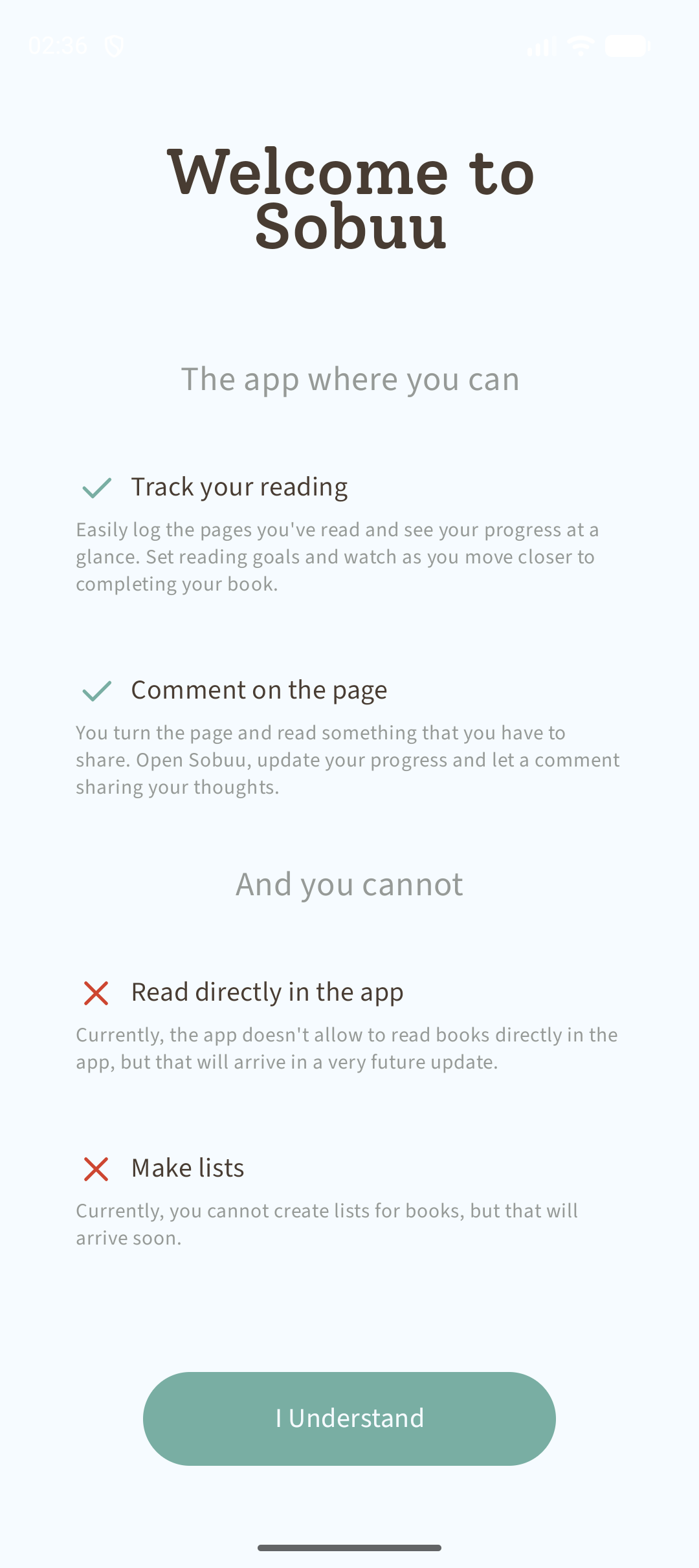
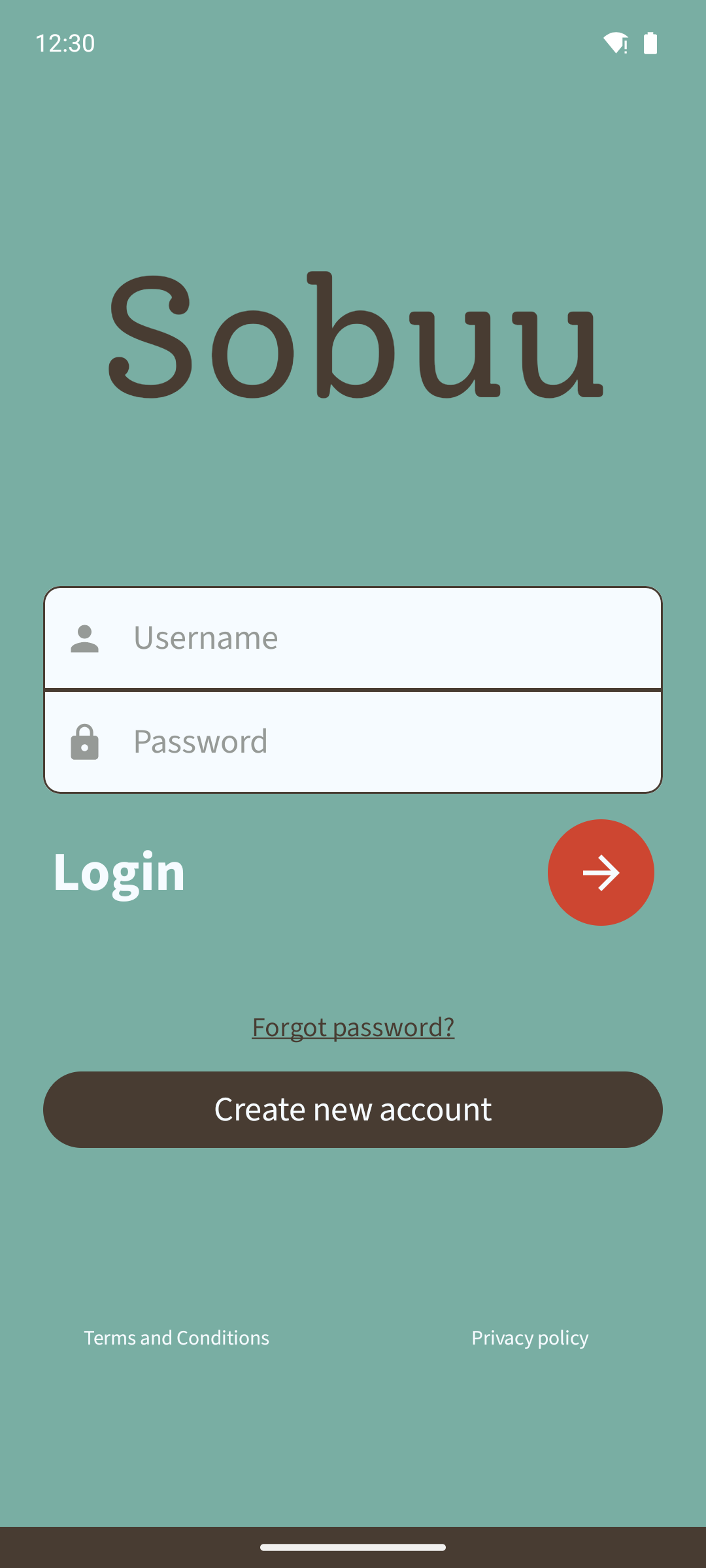
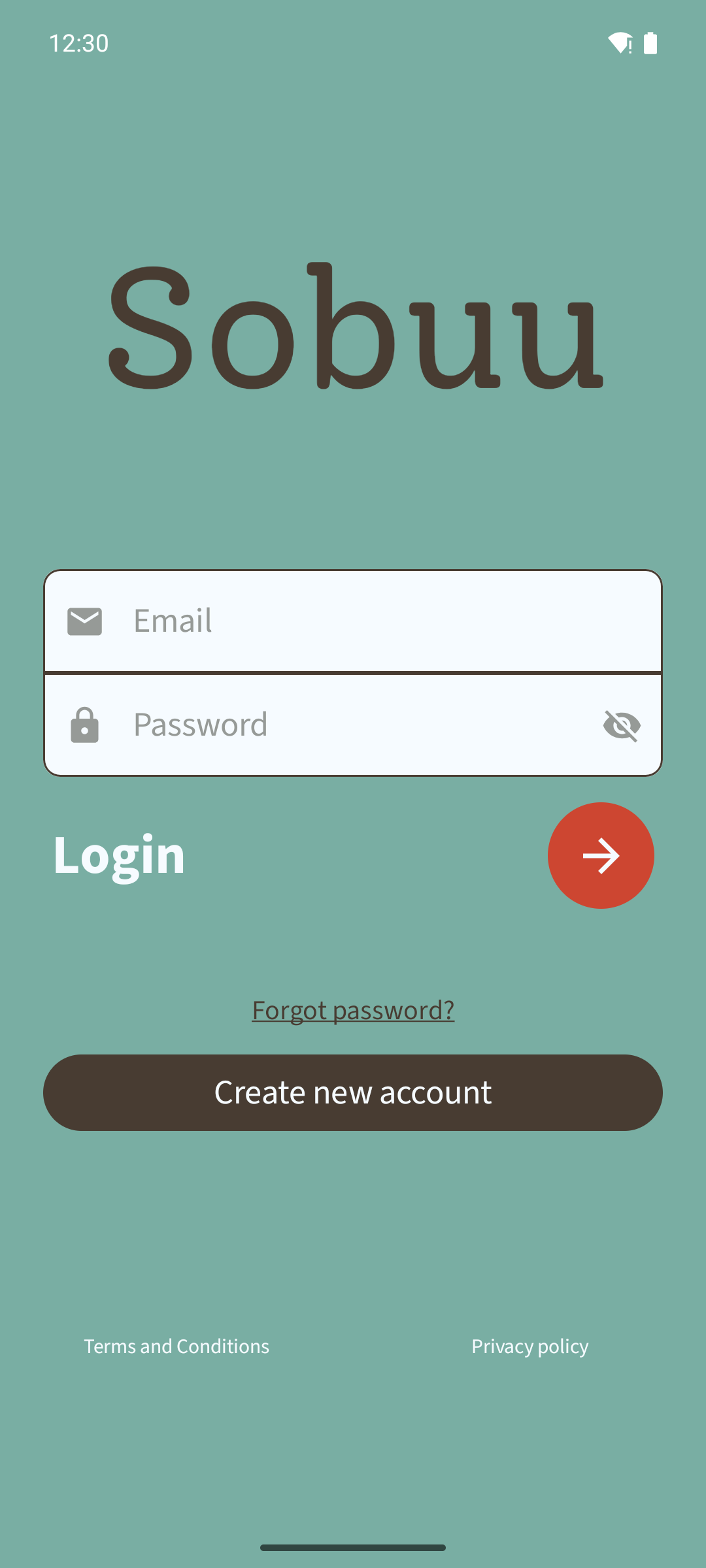
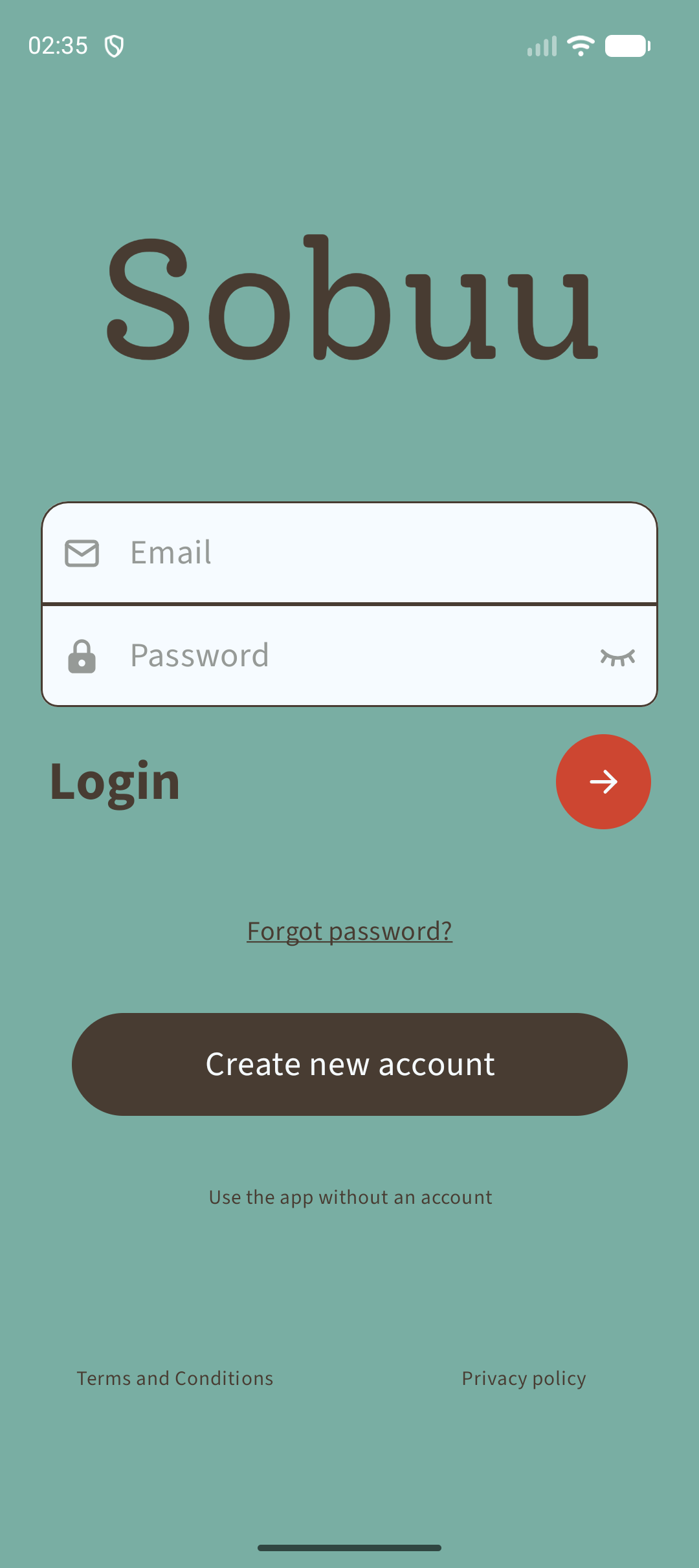
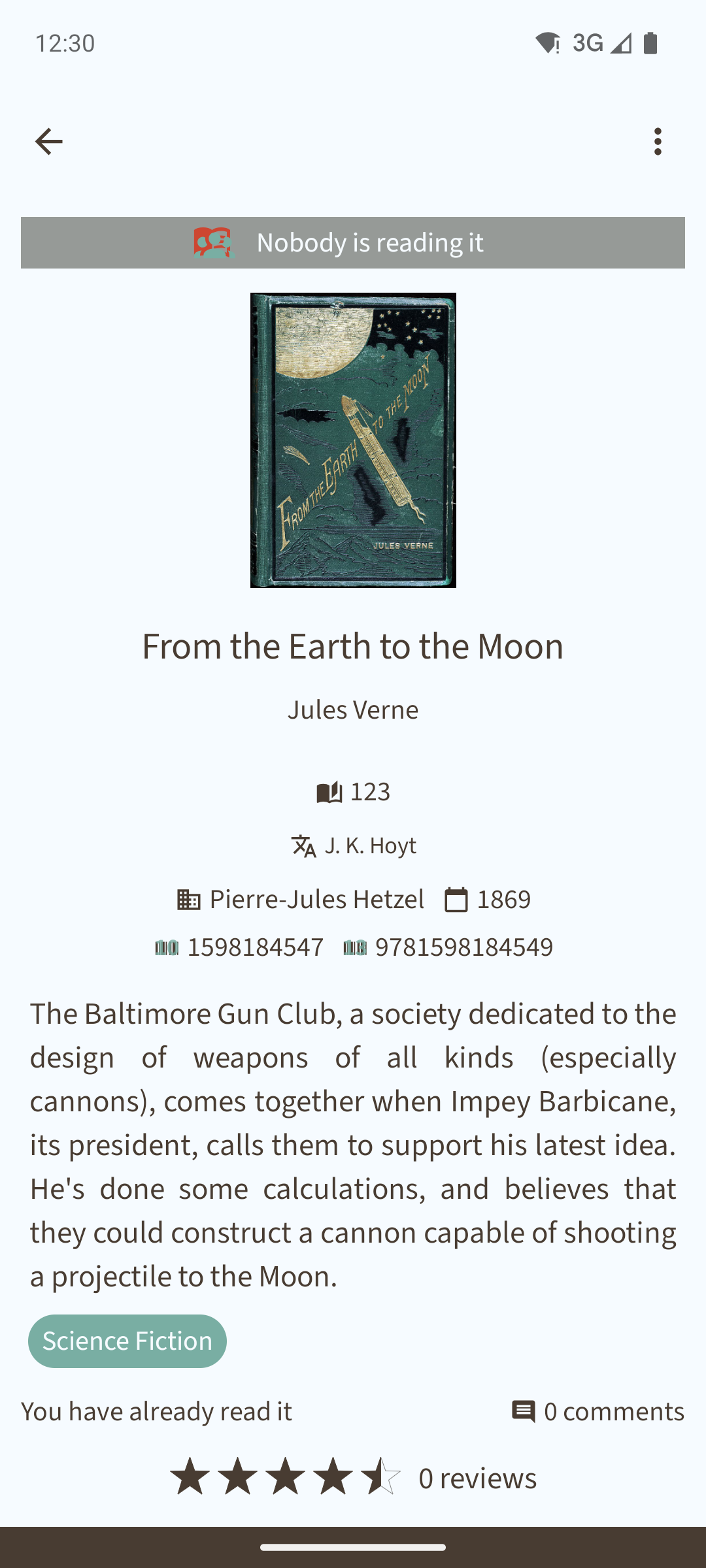
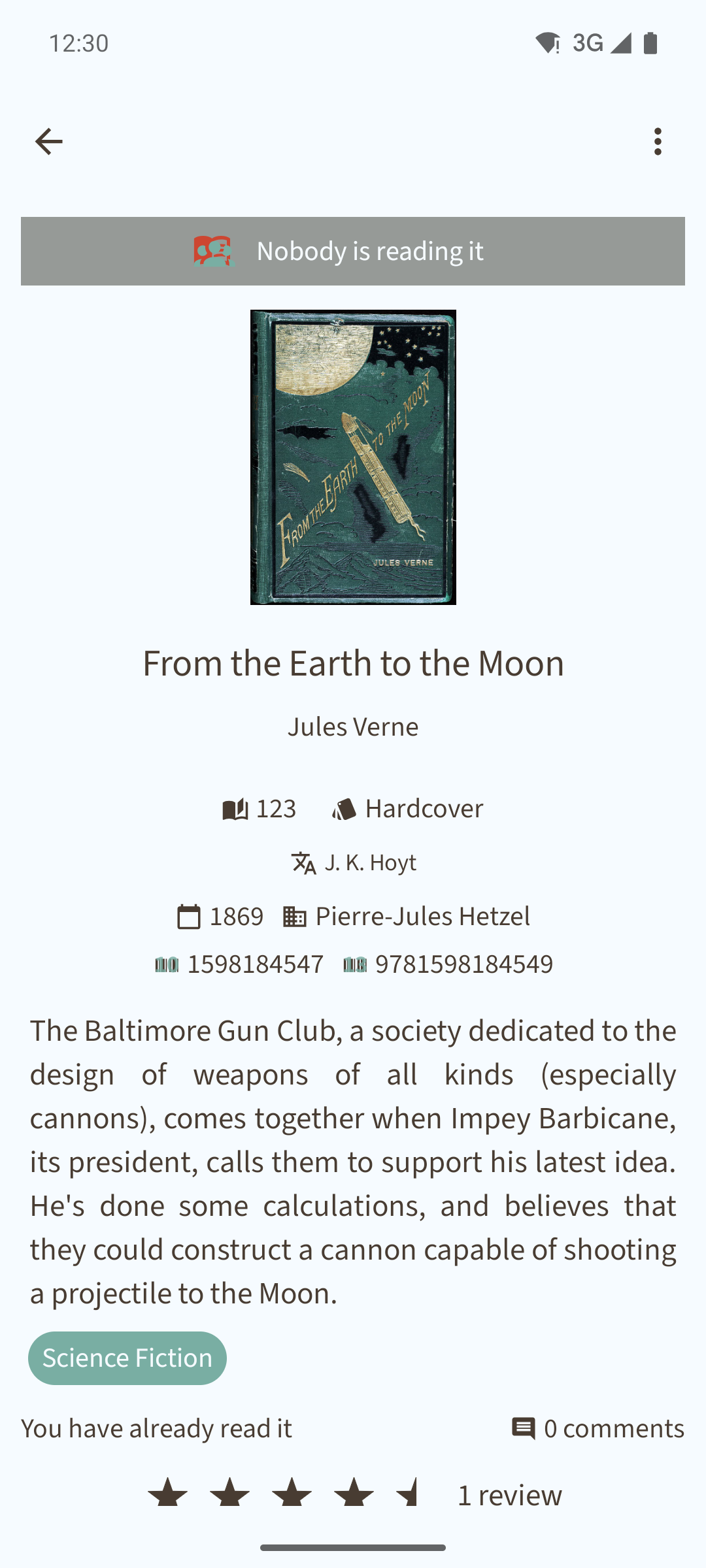
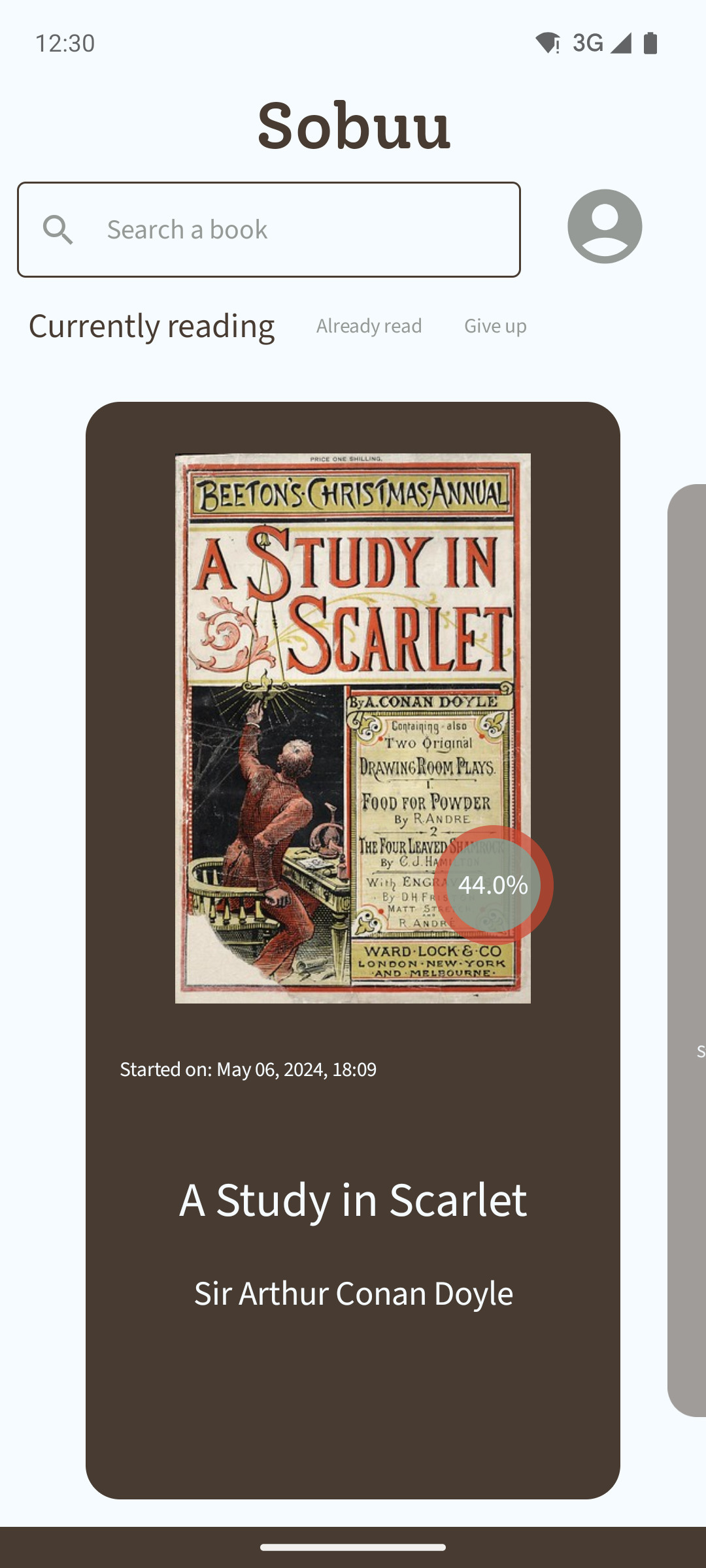
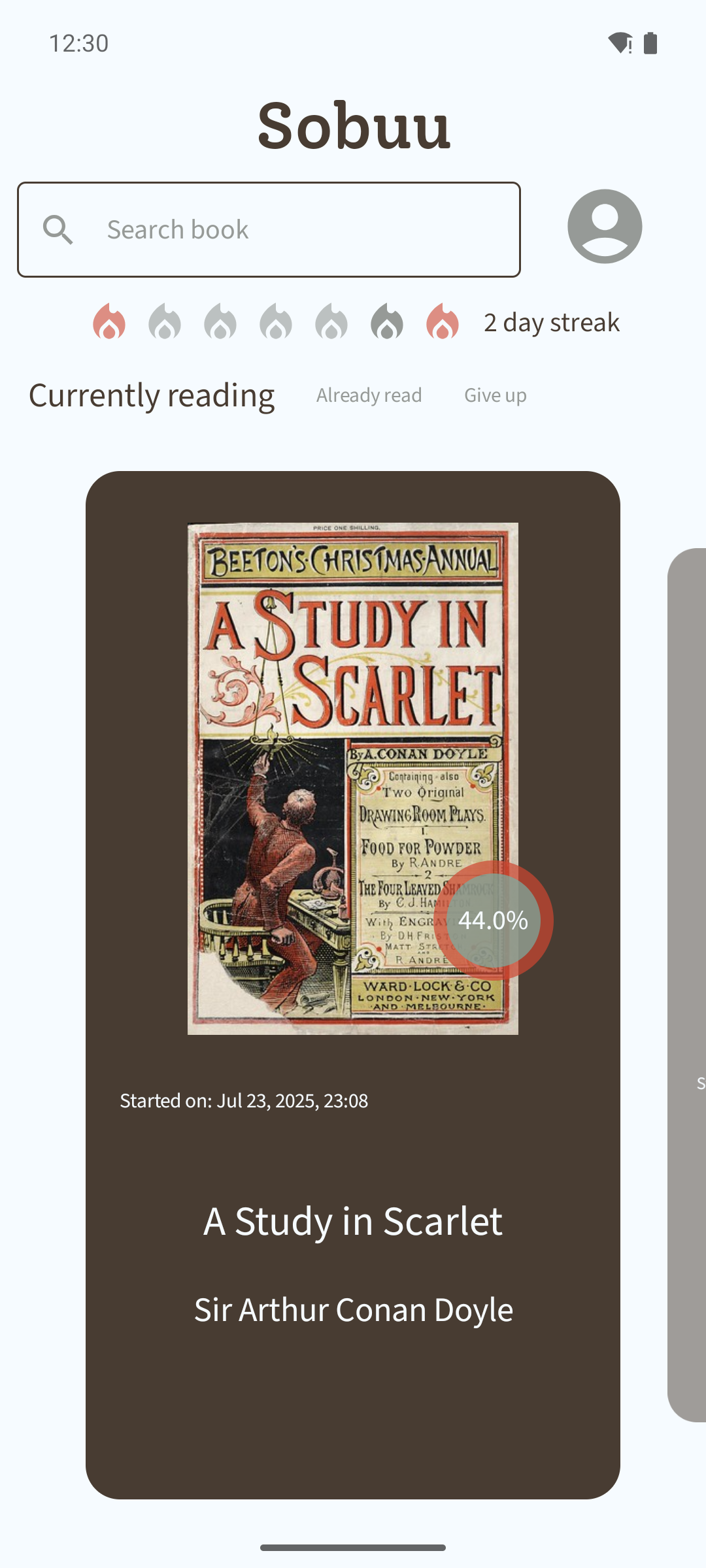
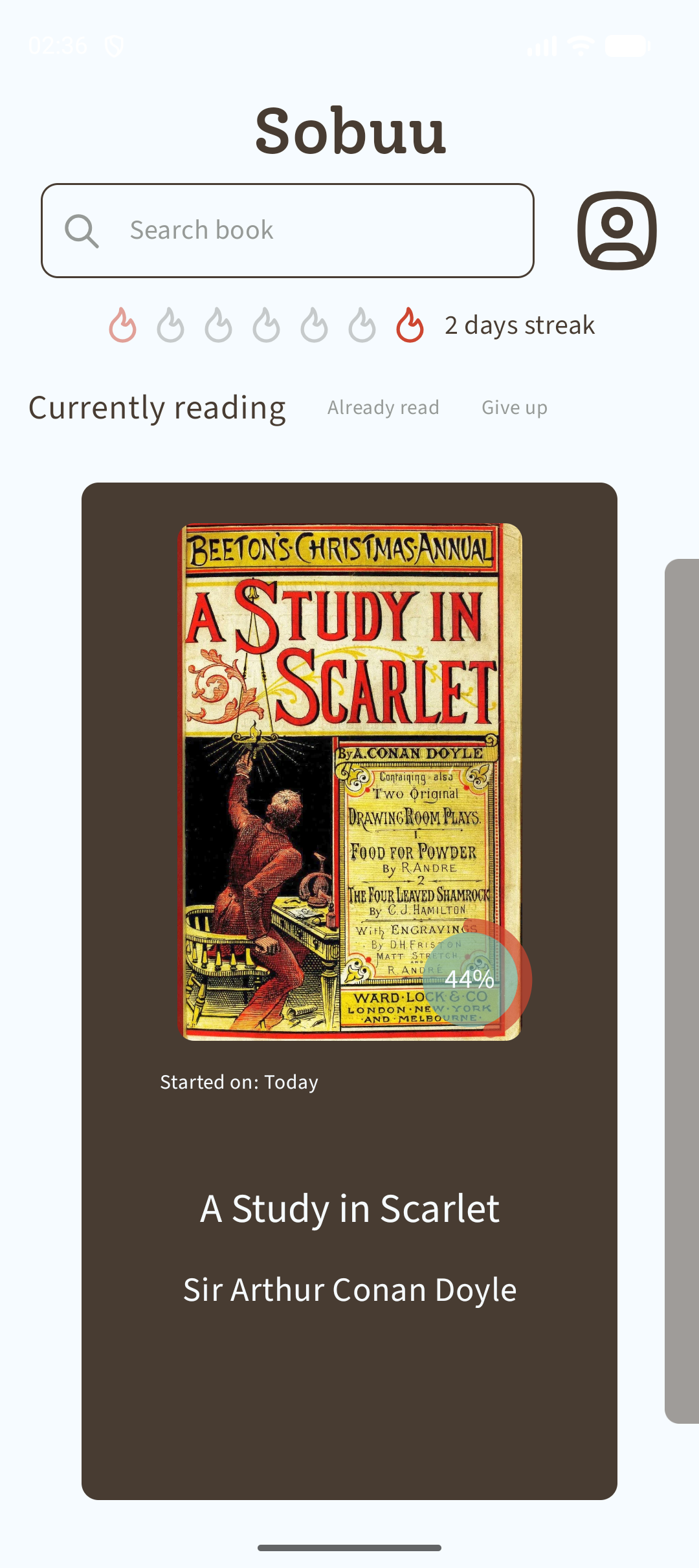
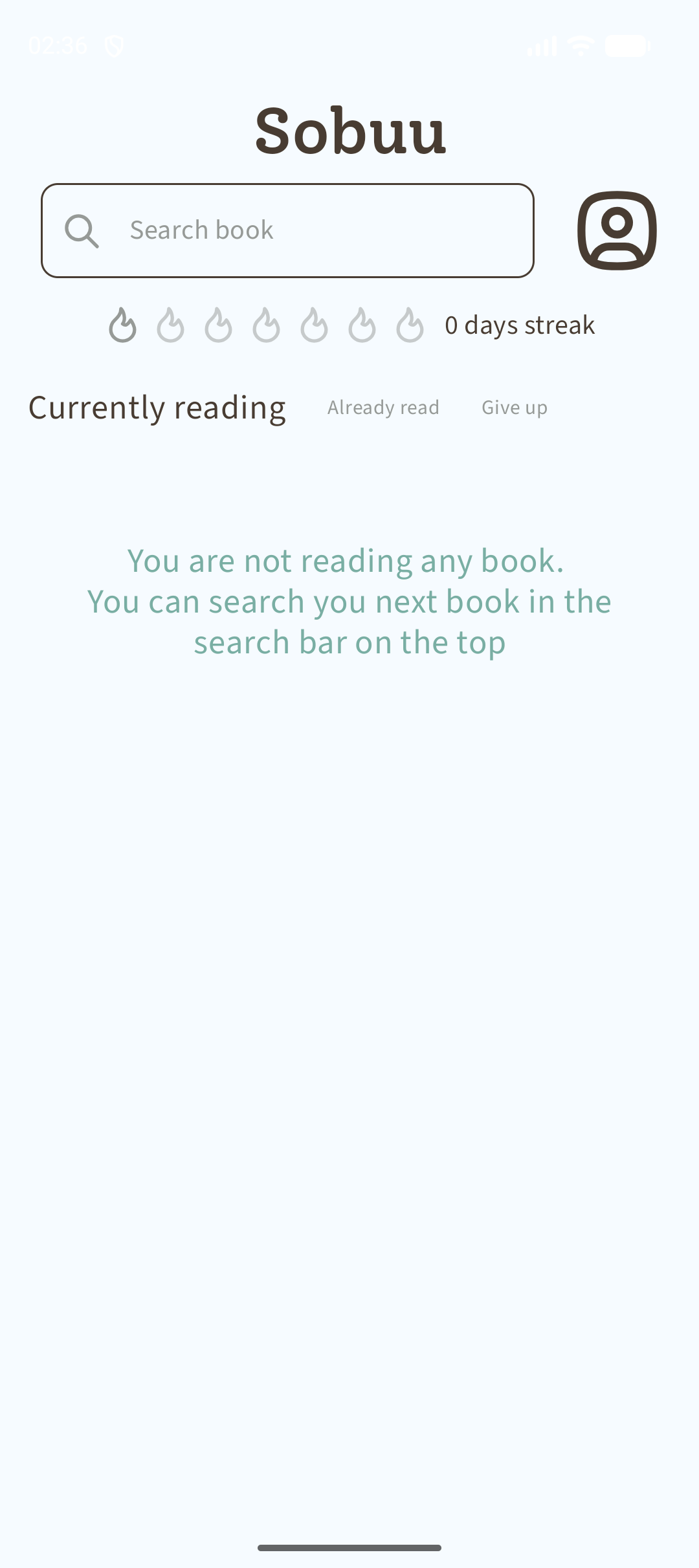
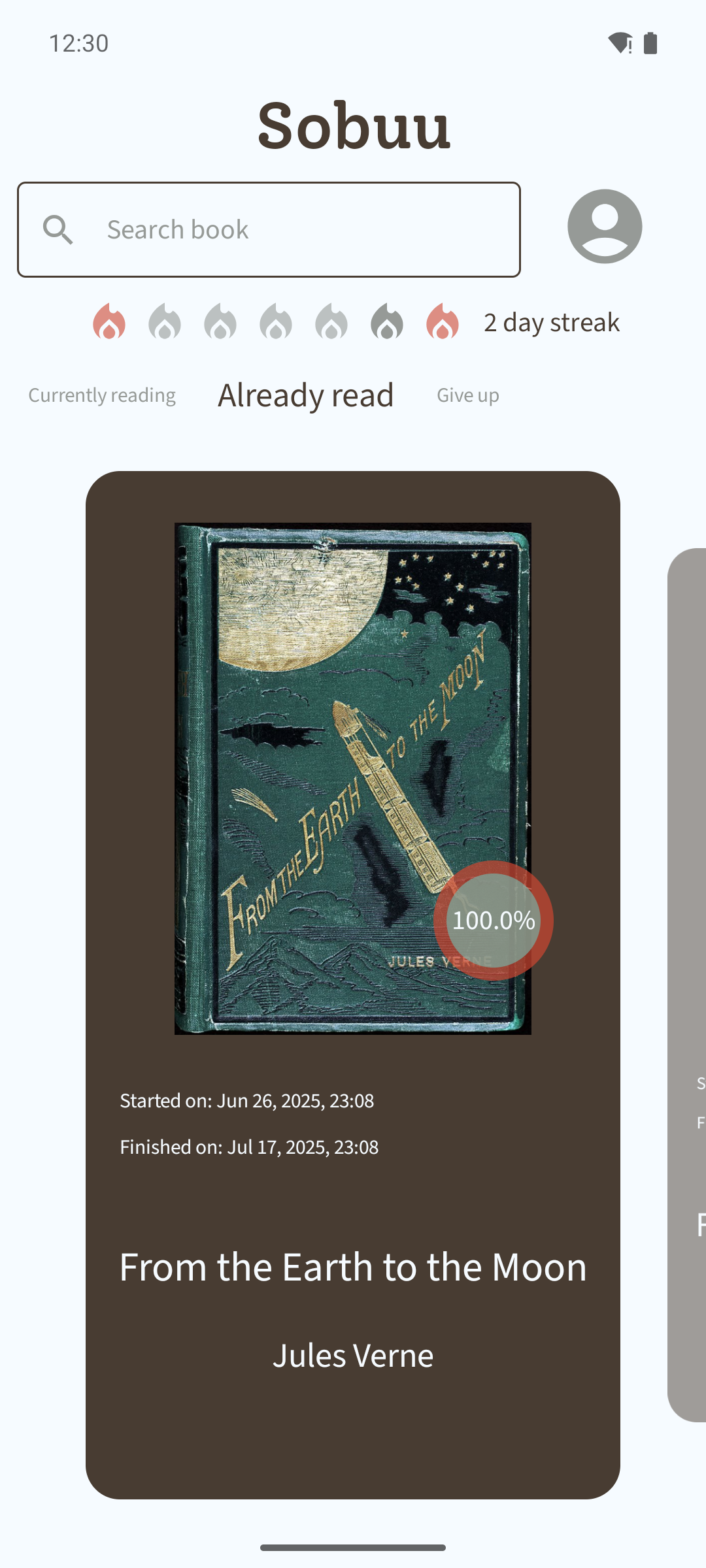
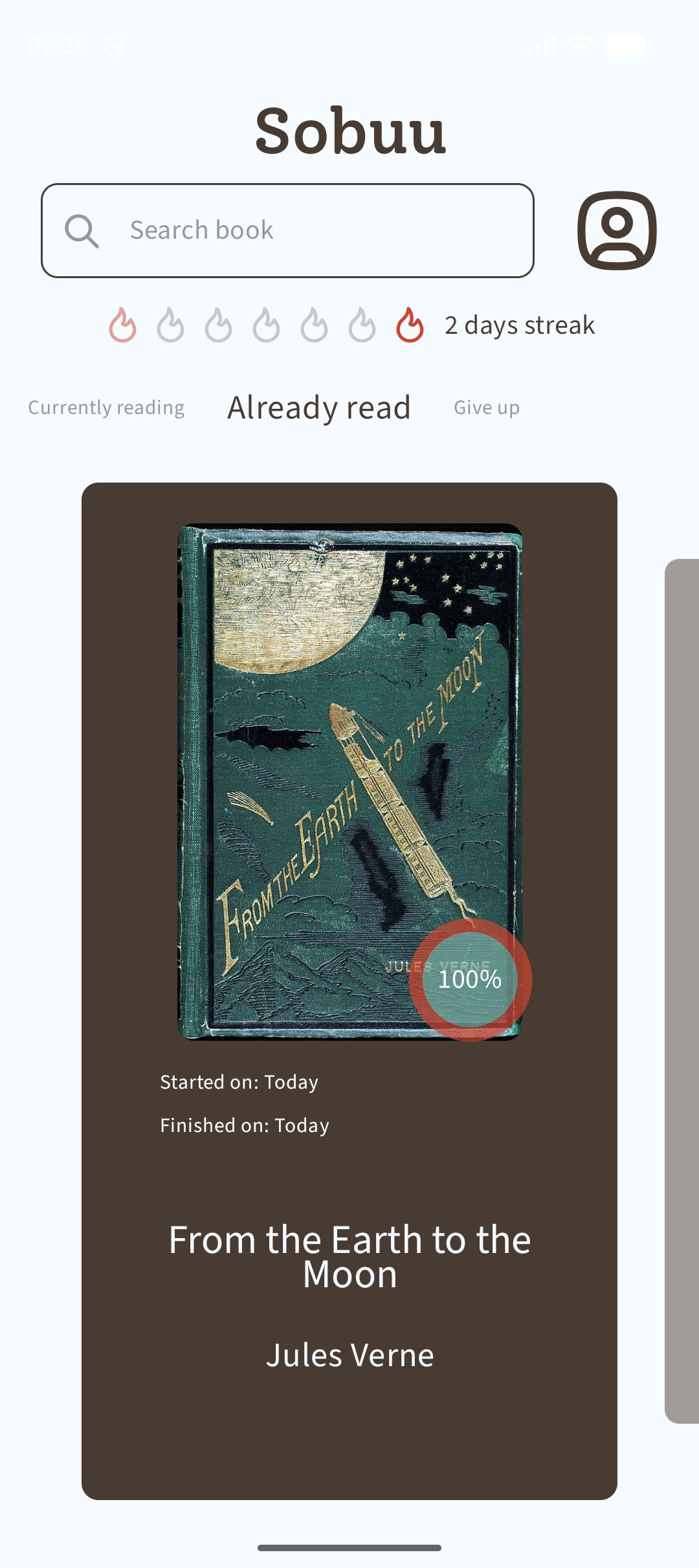
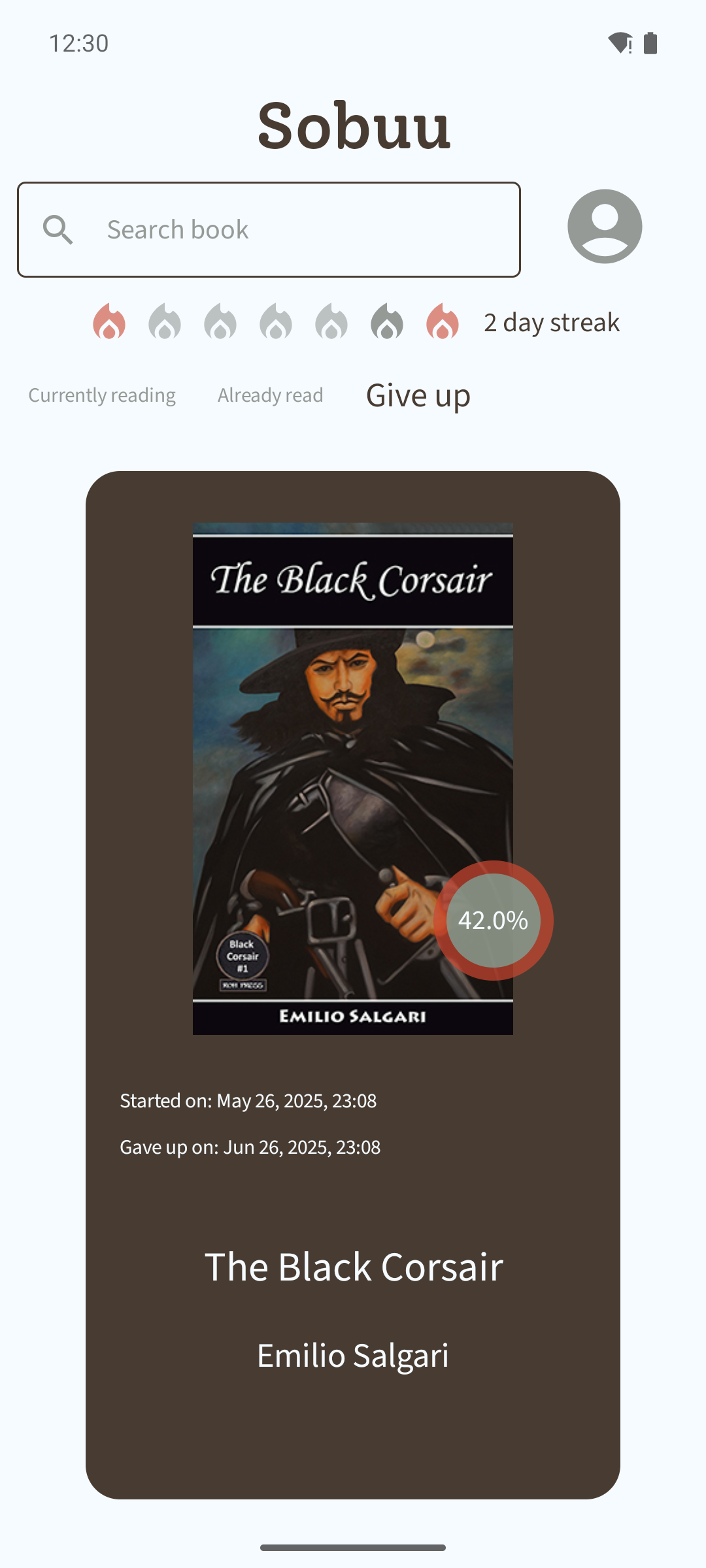
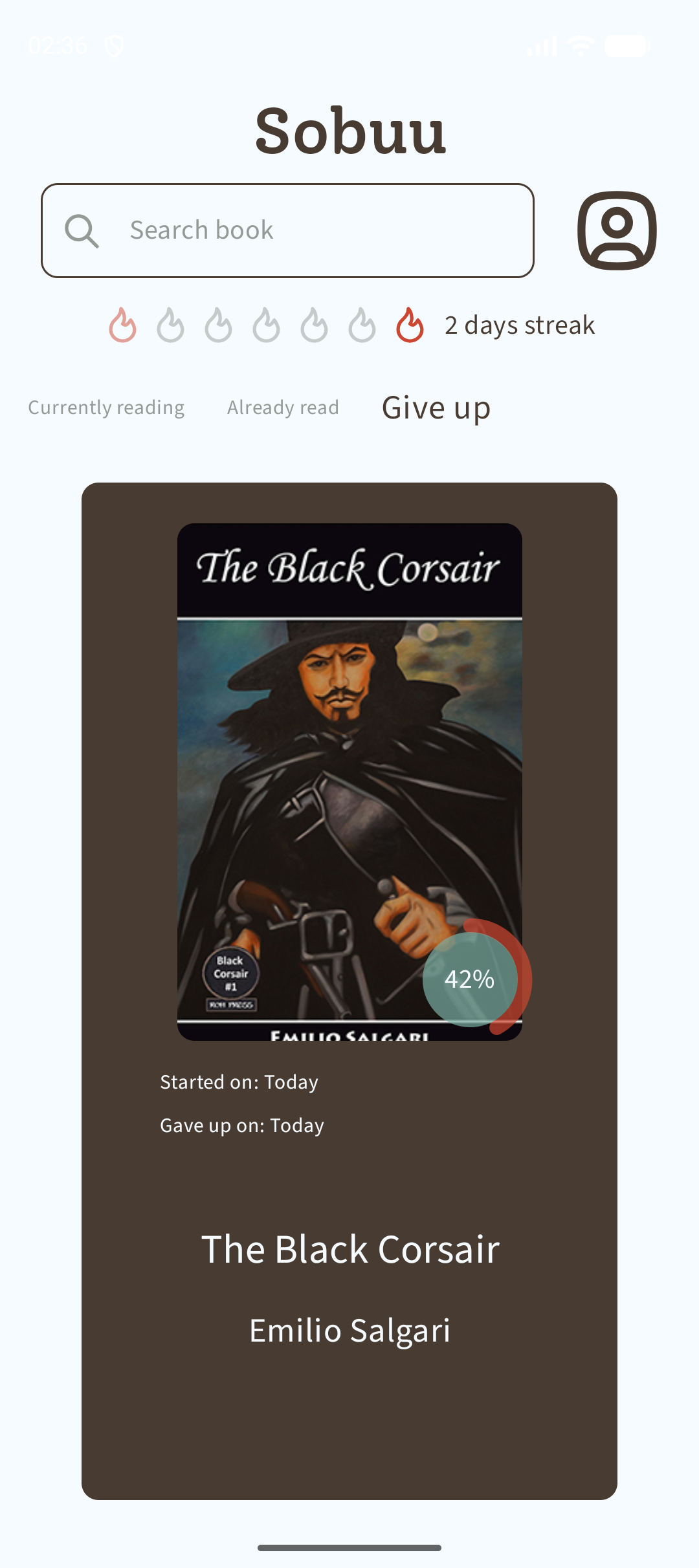
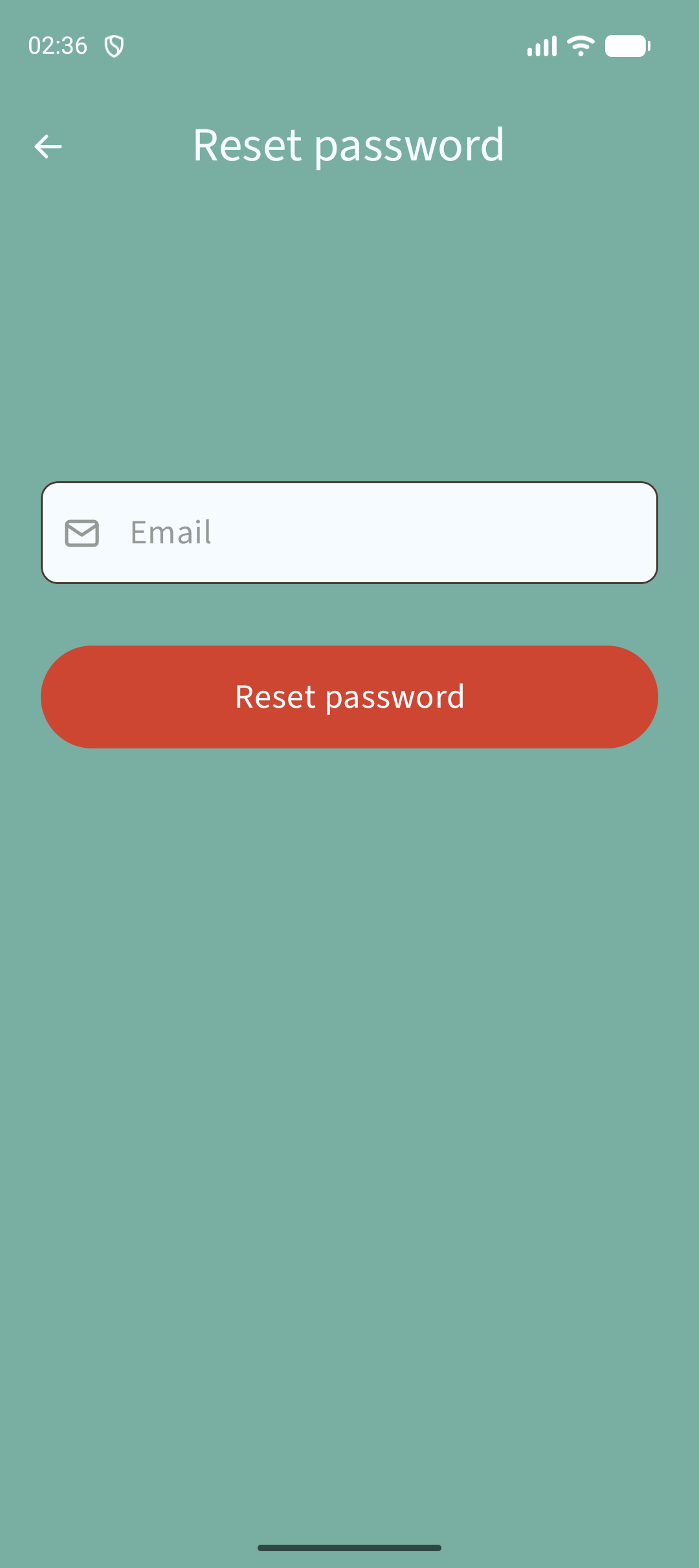
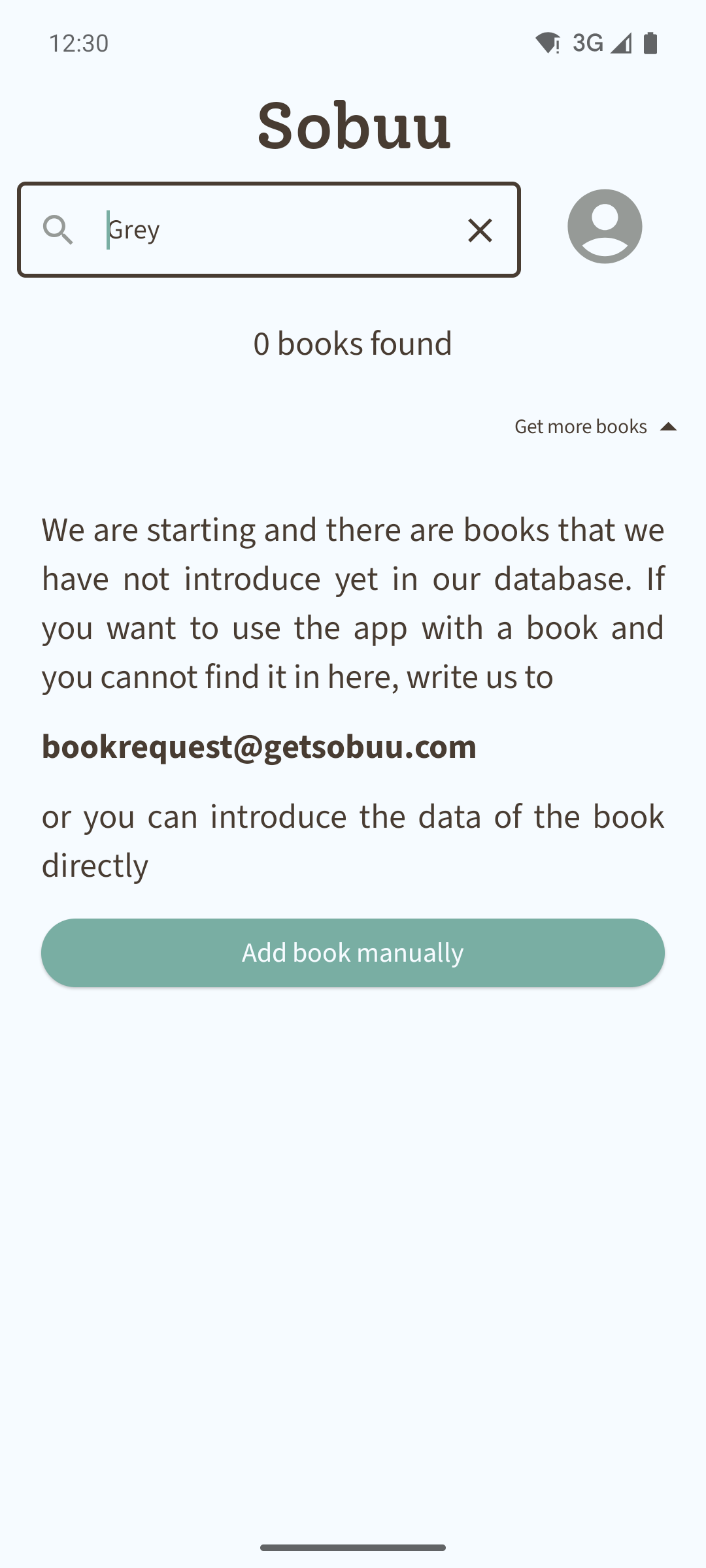
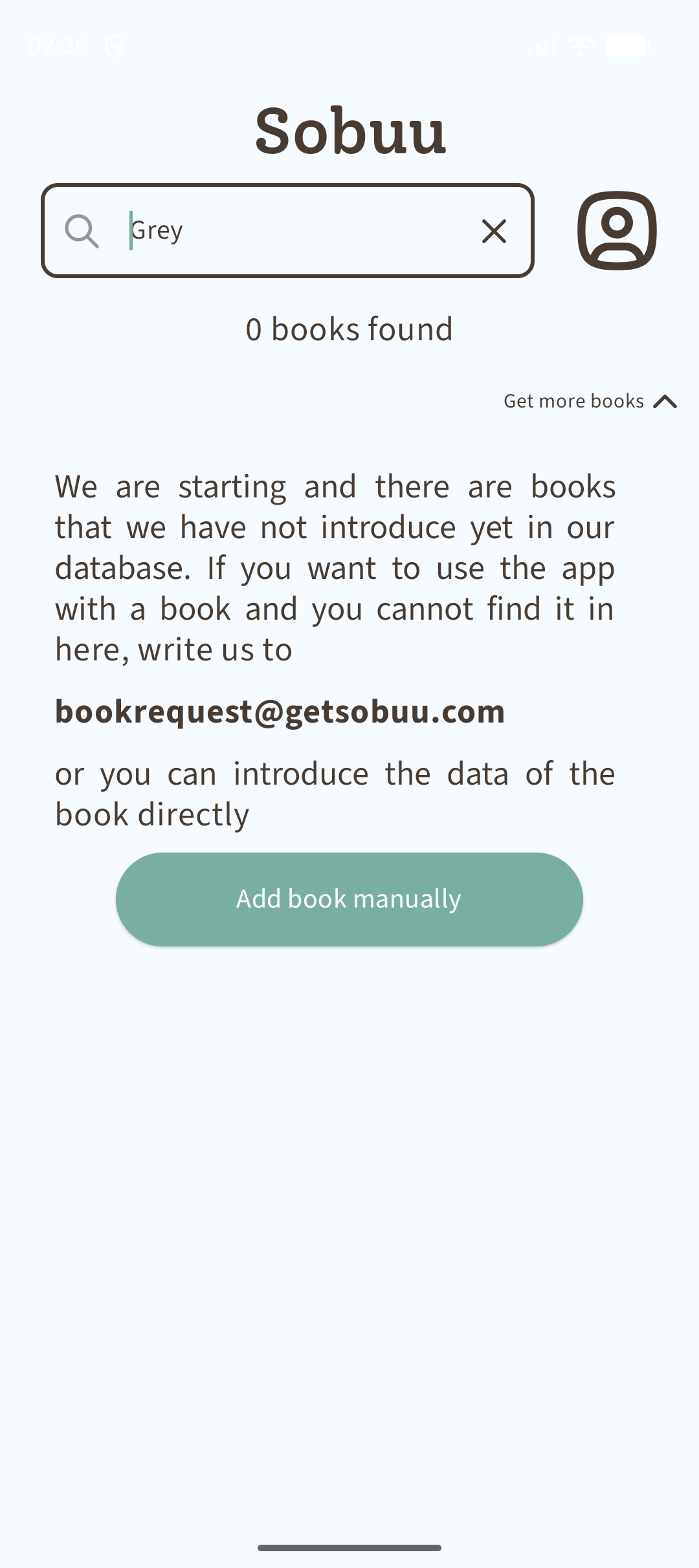
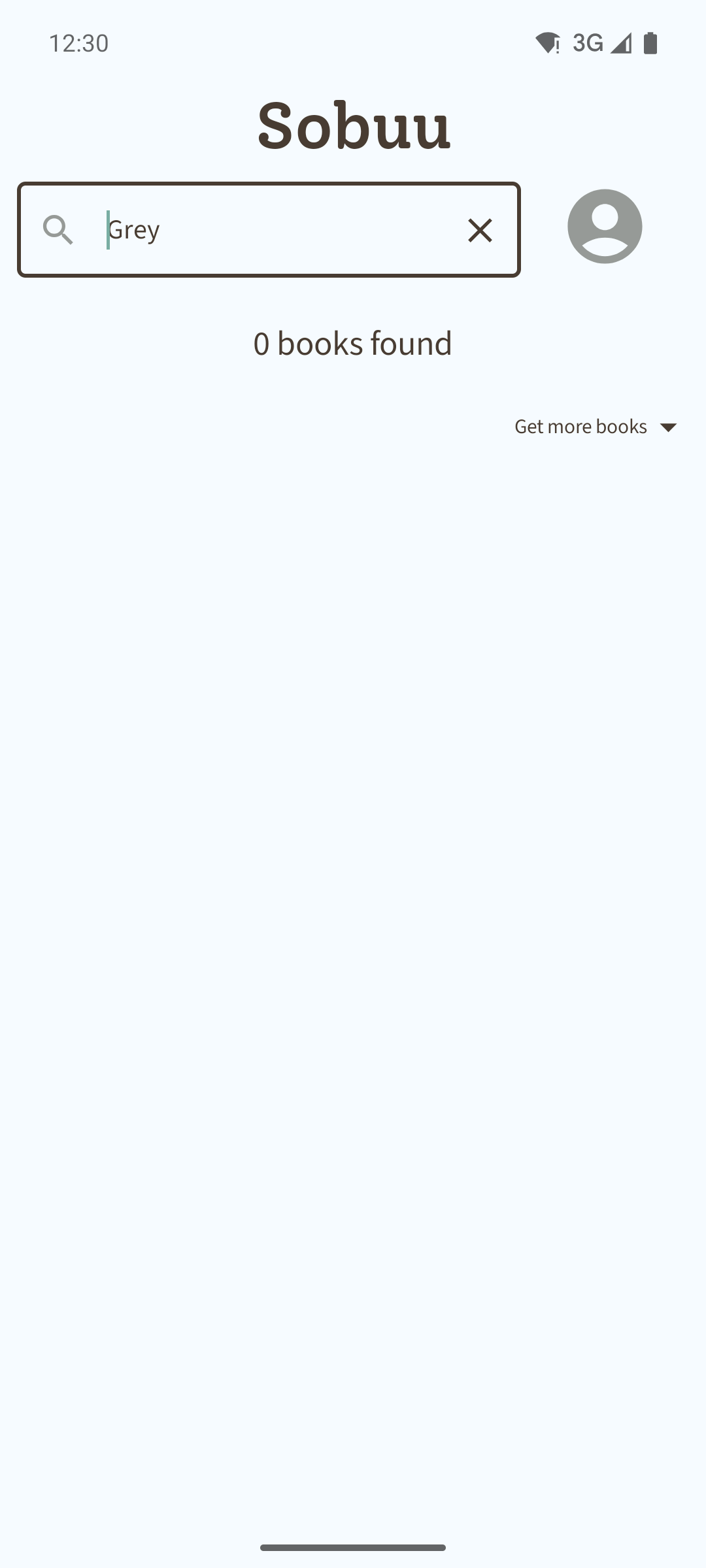
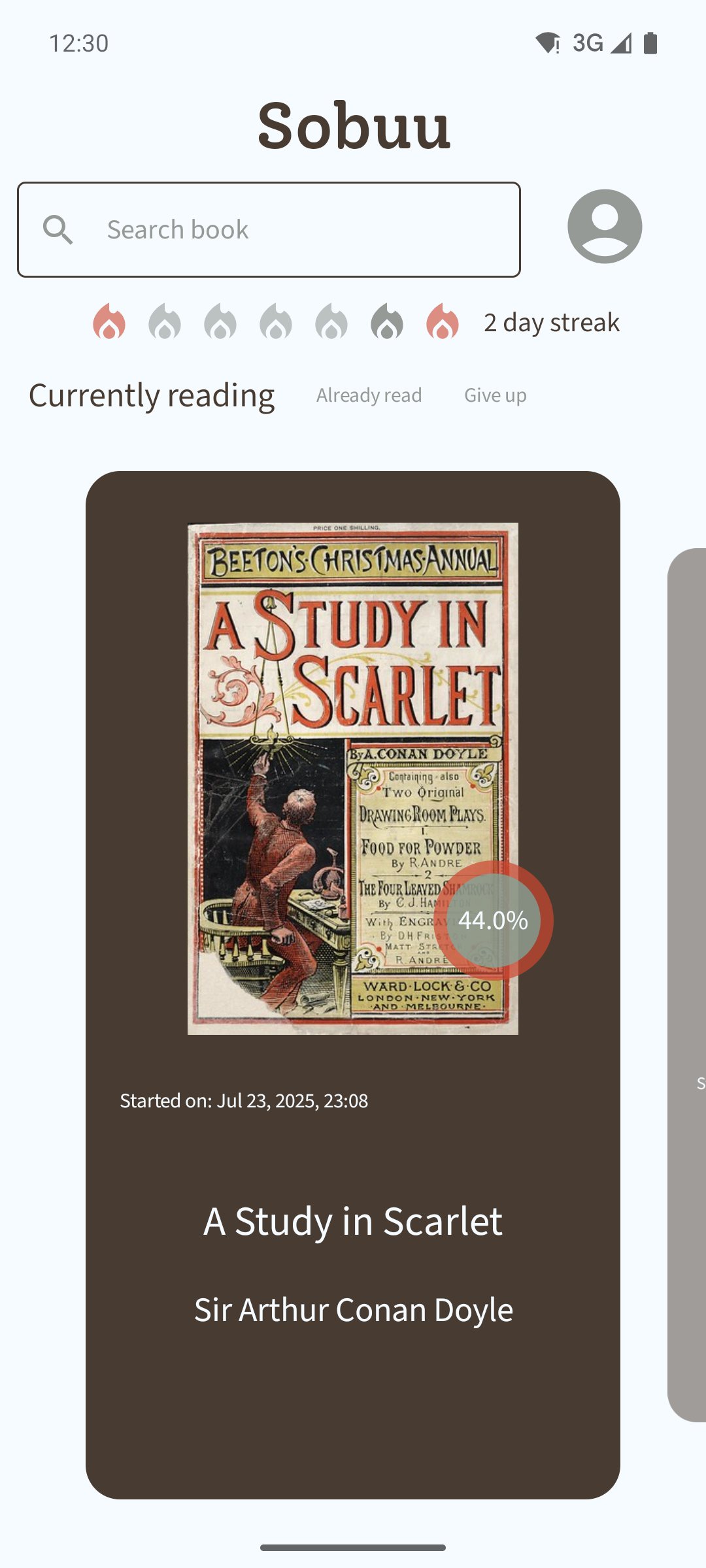
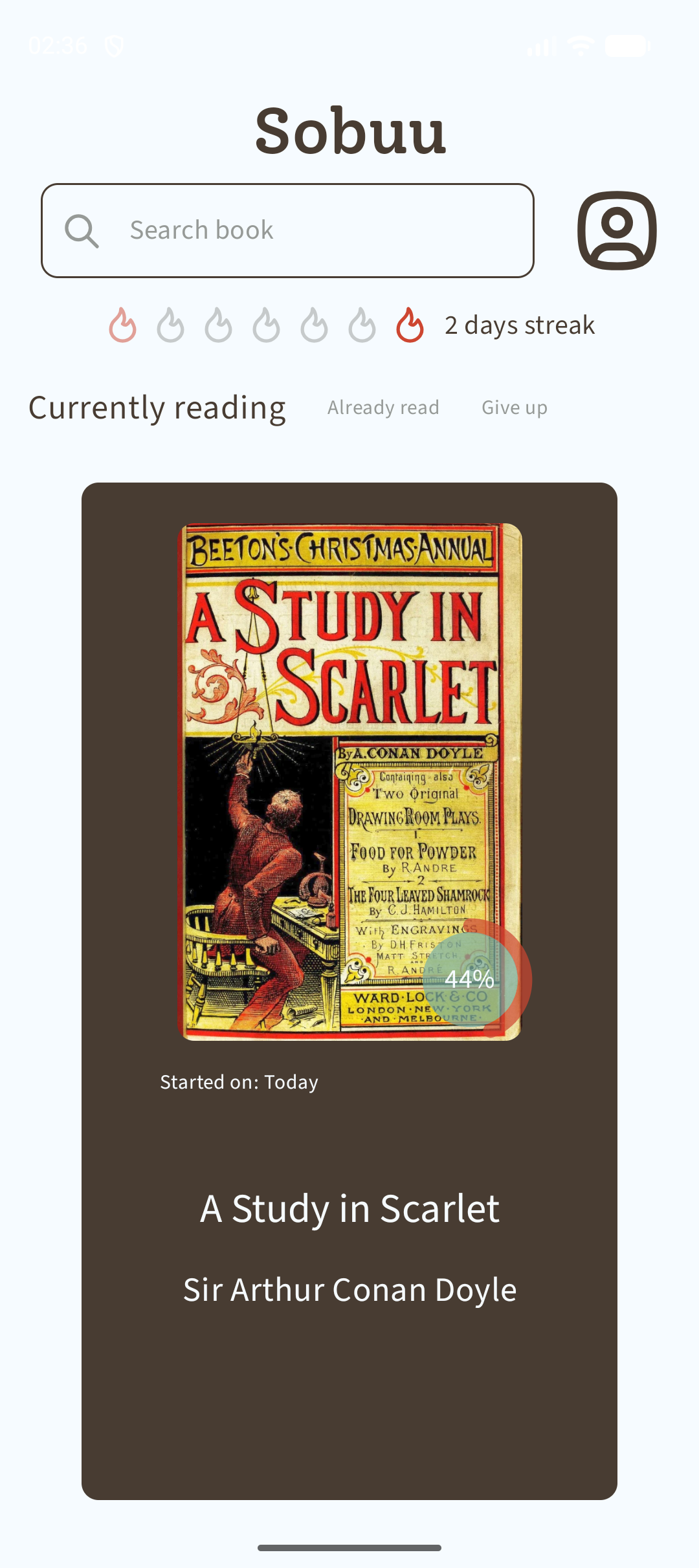
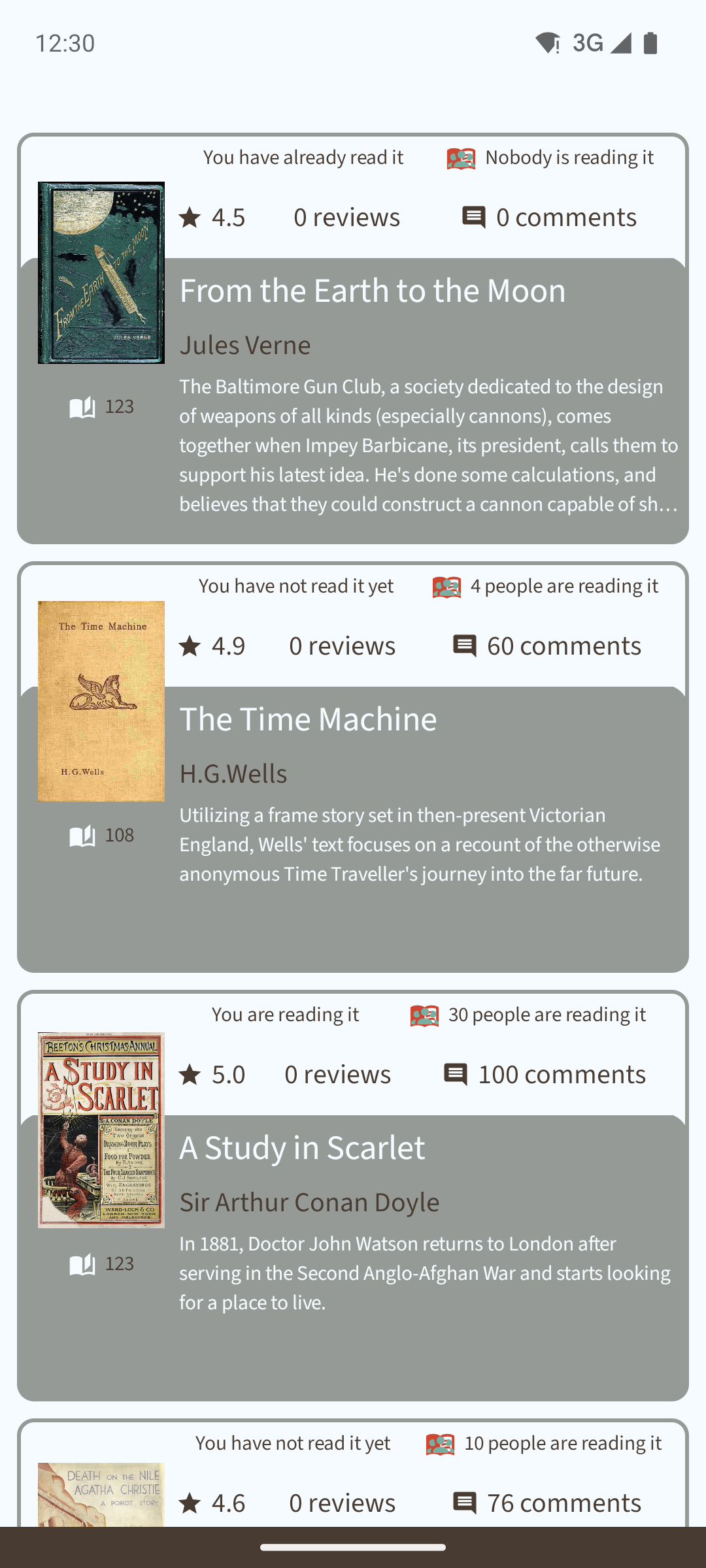
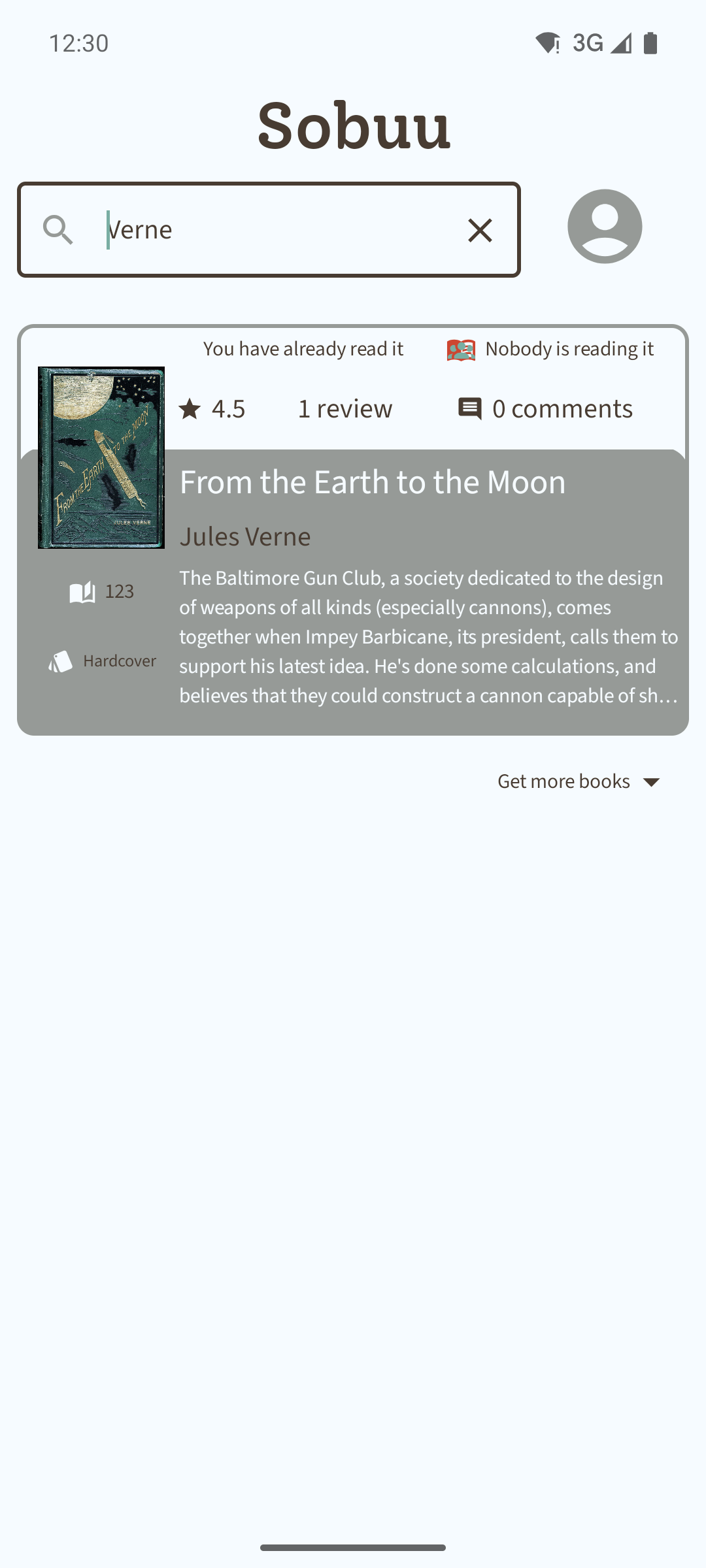
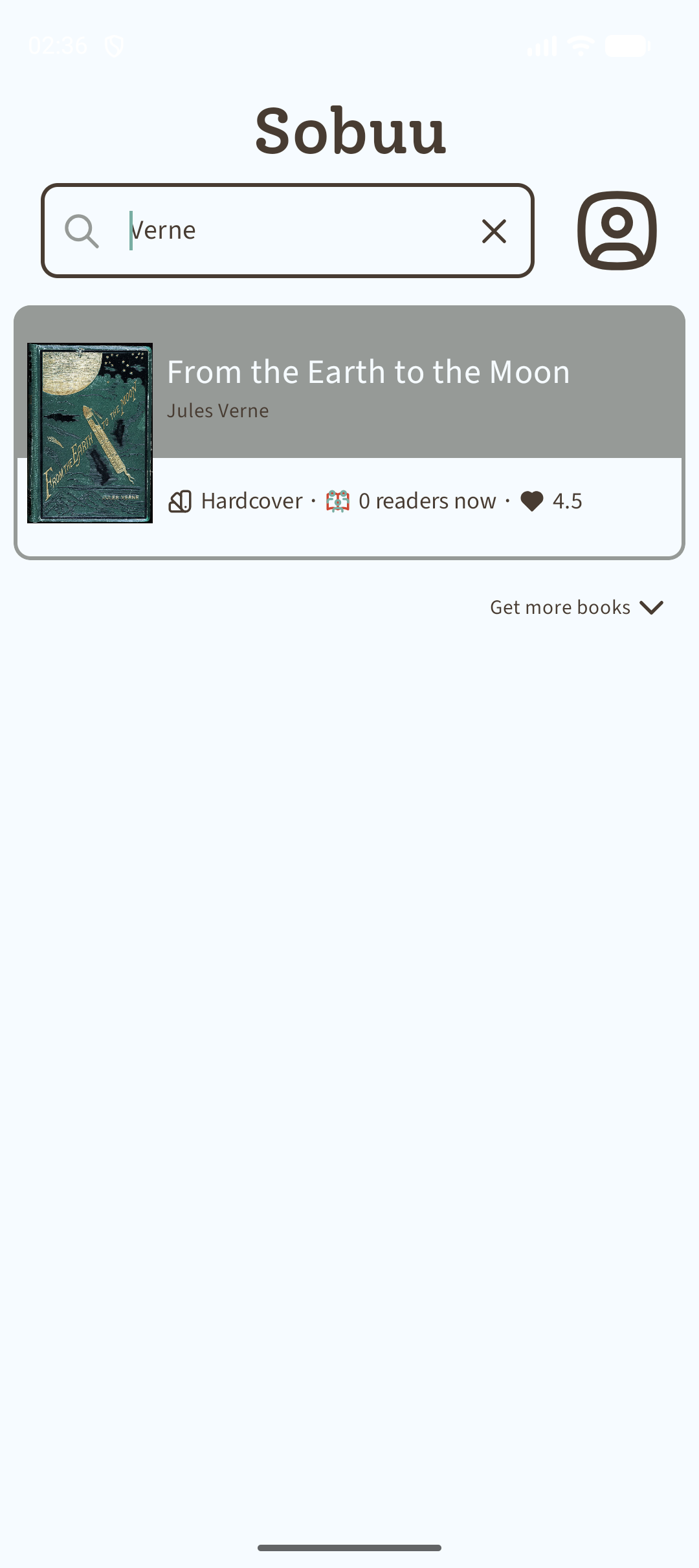
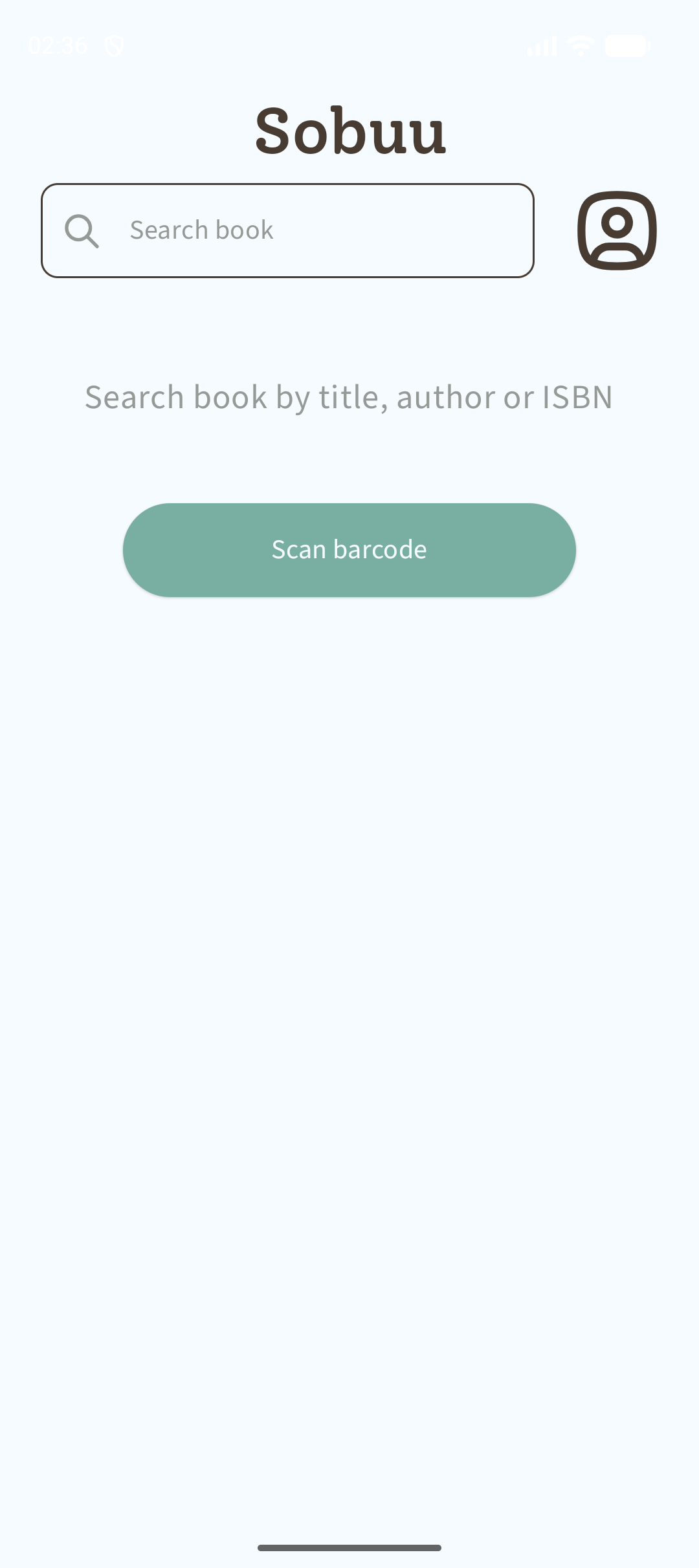
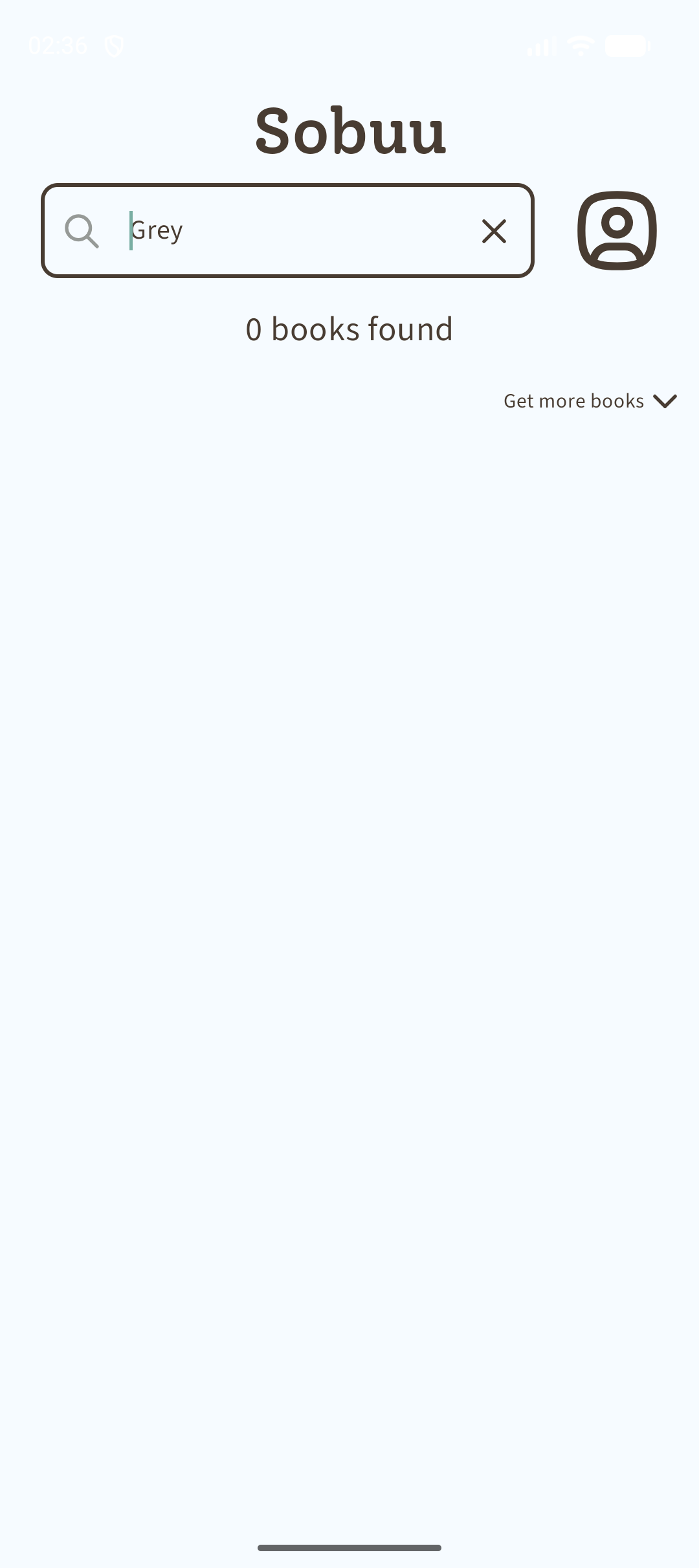
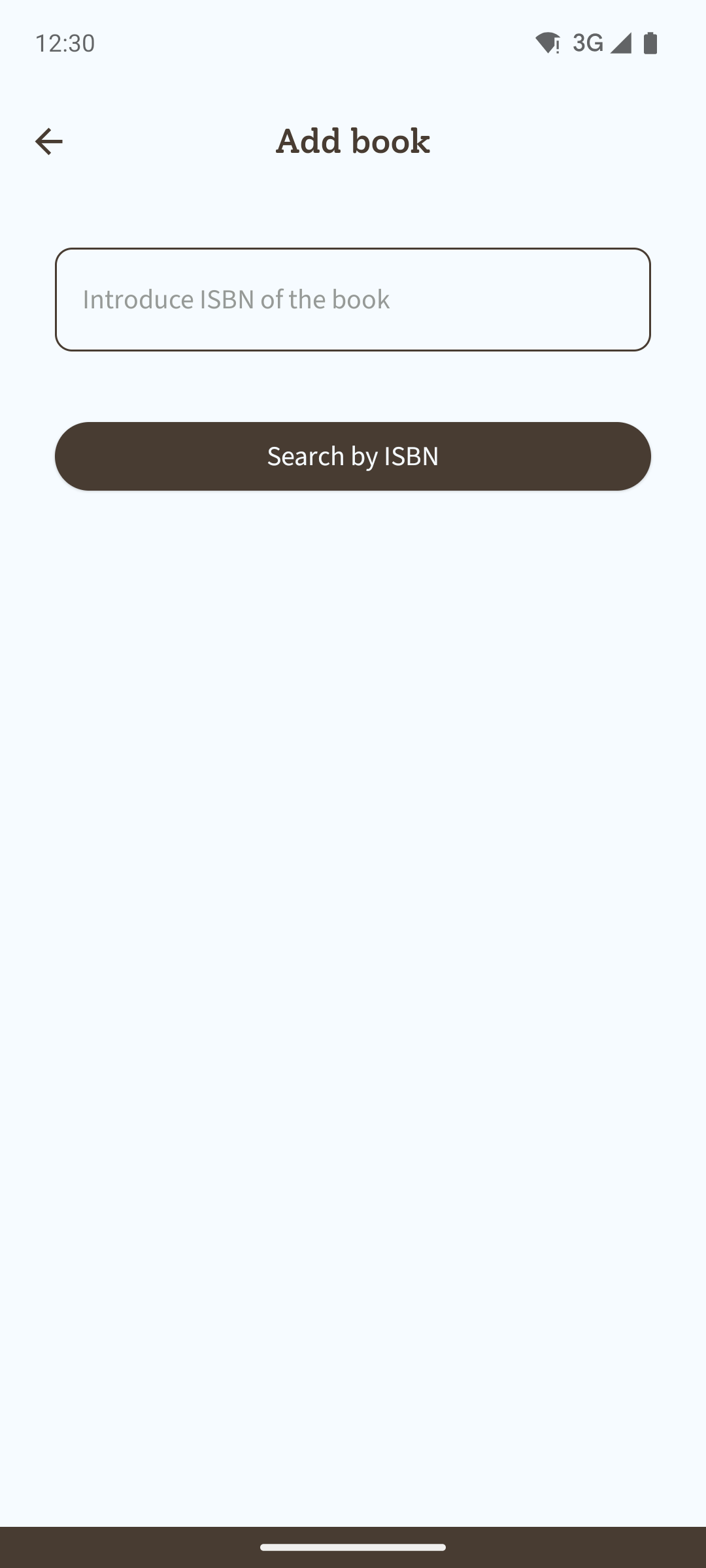
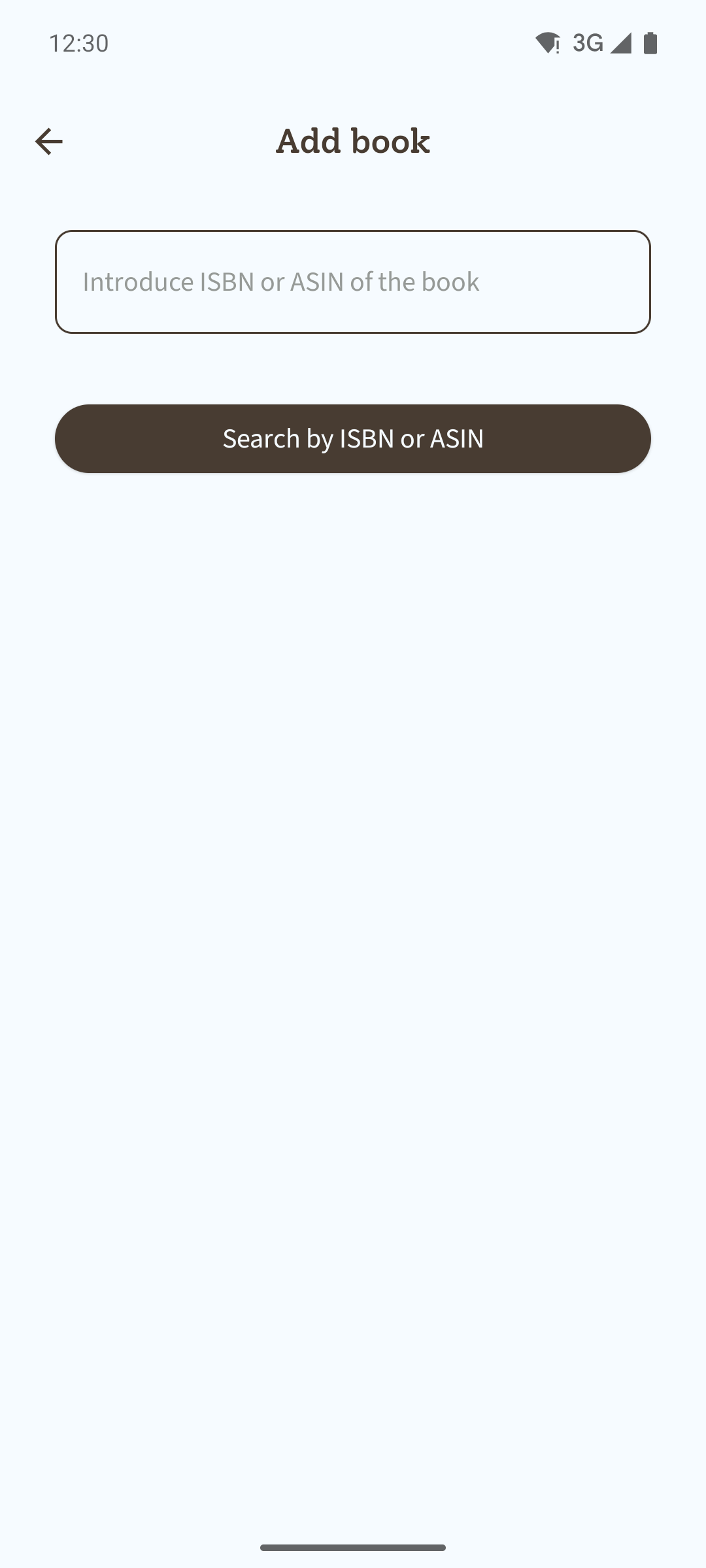
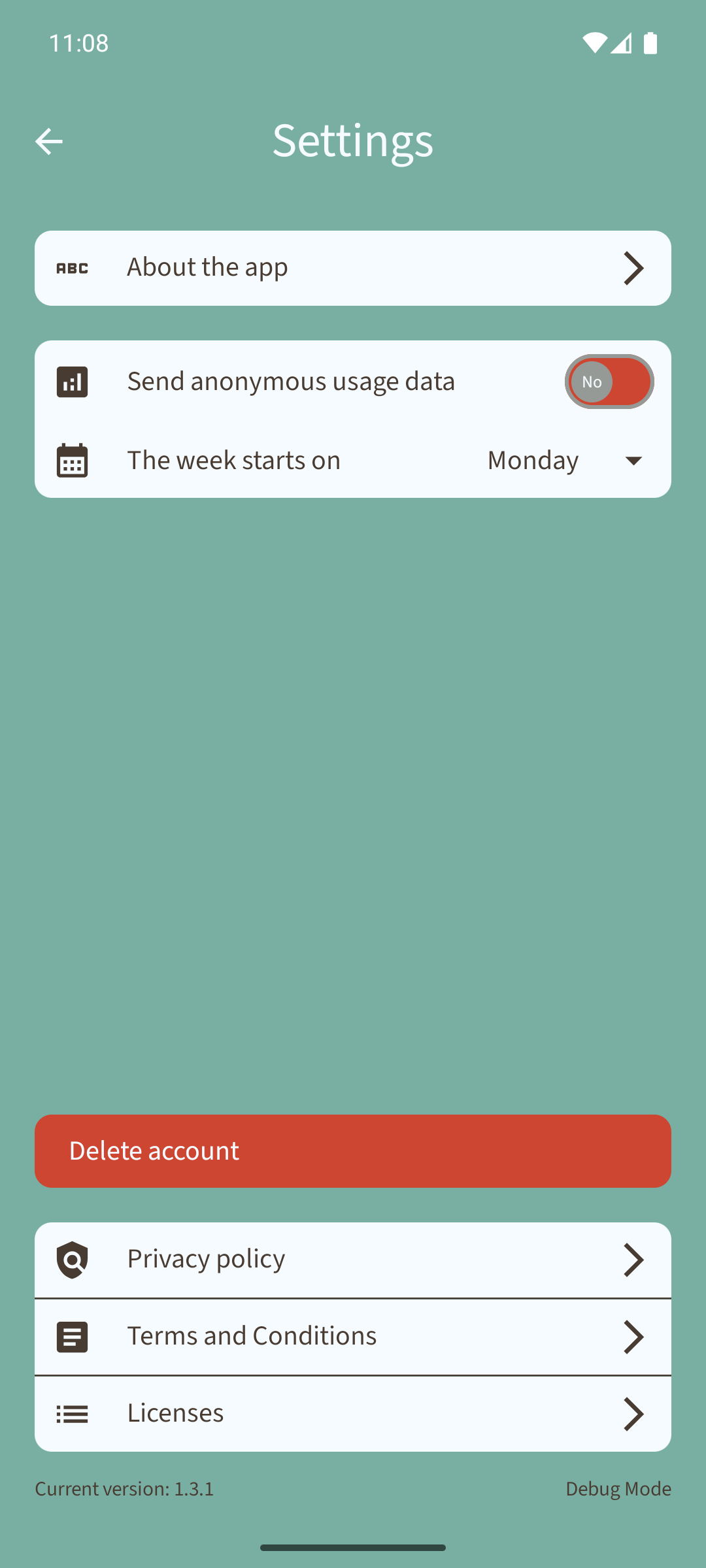
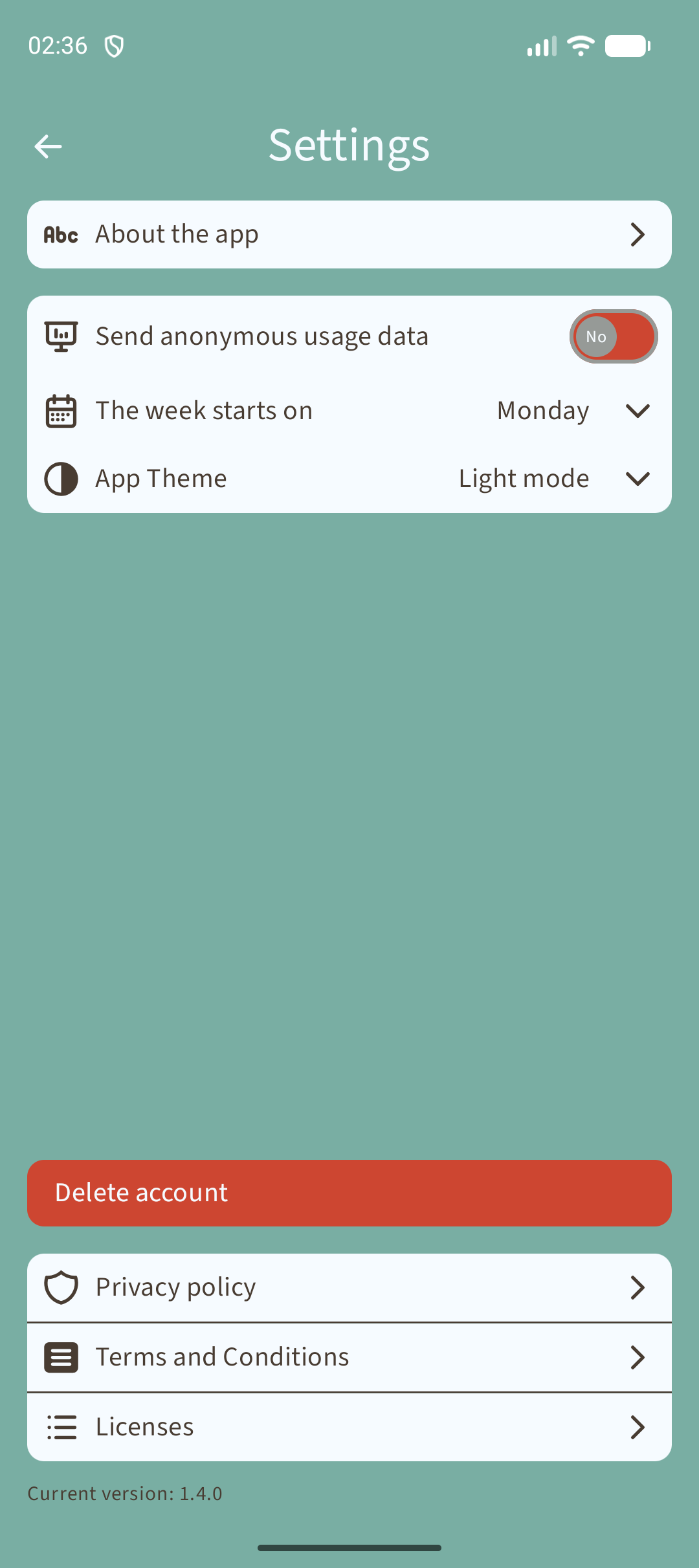
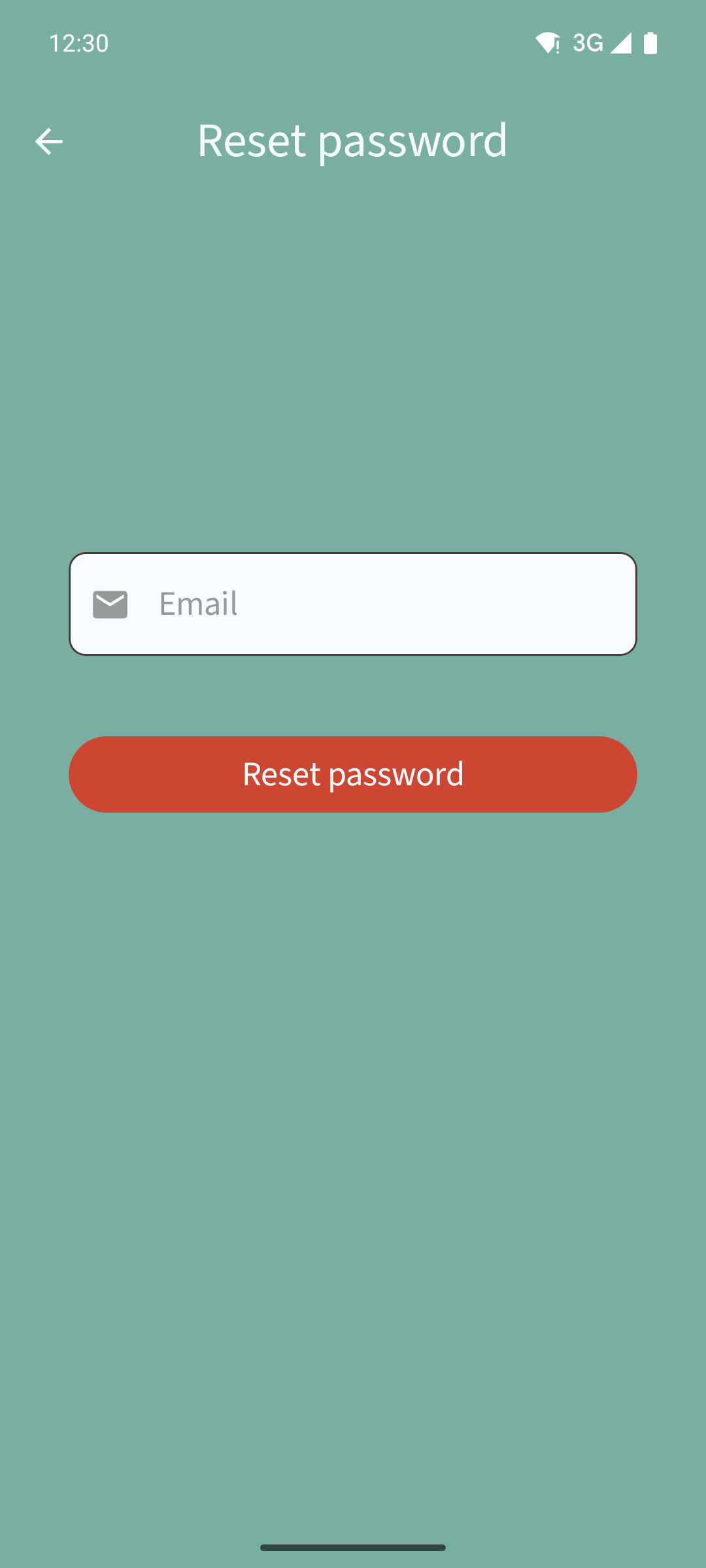
Sobuu is used to track books reading and organise your readings. You can also let comments in a page or in the percentage of the book that you feel it should be commented. Others can read those comments and reply them.

Screenshots

Sobuu screenshot 1
Sobuu screenshot 2
Sobuu screenshot 3
Sobuu screenshot 4
Sobuu screenshot 5
Sobuu screenshot 6
Sobuu screenshot 7
Sobuu screenshot 8
Sobuu screenshot 9
Sobuu screenshot 10
Sobuu screenshot 11
Sobuu screenshot 12
Sobuu screenshot 13
Sobuu screenshot 14
Sobuu screenshot 15
Sobuu screenshot 16
Sobuu screenshot 17
Sobuu screenshot 18
Sobuu screenshot 19
Sobuu screenshot 20
Sobuu screenshot 21
Sobuu screenshot 22
Sobuu screenshot 23
Sobuu screenshot 24
Sobuu screenshot 25
Sobuu screenshot 26
Sobuu screenshot 27
Sobuu screenshot 28
Sobuu screenshot 29
Sobuu screenshot 30
Sobuu screenshot 31
Sobuu screenshot 32
Sobuu screenshot 33
Sobuu screenshot 34
Sobuu screenshot 35
Sobuu screenshot 36
Sobuu screenshot 37
Sobuu screenshot 38
Sobuu screenshot 39
Sobuu screenshot 40
Sobuu screenshot 41
Sobuu screenshot 42
Sobuu screenshot 43
Sobuu screenshot 44
Sobuu screenshot 45
Sobuu screenshot 46
Sobuu screenshot 47
Sobuu screenshot 48
Sobuu screenshot 49
Sobuu screenshot 50
Sobuu screenshot 51
Sobuu screenshot 52
Sobuu screenshot 53
Sobuu screenshot 54
Sobuu screenshot 55
Sobuu screenshot 56

What’s new

📚 Create and share tier lists of the books you've finished. Just long-press the "Already read" tab on the home screen.

⭐ New option to recommend the app to a friend or leave a review.

📖 Resume abandoned books from where you left off, or start over from the beginning. Just long-press the abandoned book.

🔗 Share the books you start reading.

How to install

  1. Download the APK from the button at the top of this page.
  2. Allow “Install unknown apps” for your browser or file manager only, not for every app.
  3. Open the downloaded file and confirm the installation.
  4. If installation fails with “App not installed,” remove an earlier build of the same app first. A signature conflict is the usual cause.

Data safety

  • Every file is checked against its published SHA-256 before it is listed.
  • Files are scanned for malware on every update.
  • The permissions each app requests are listed on its own page.
  • Read the full safety policy for how we test, flag, and delist files.

Comments

Recent approved comments · sorted by newest

Verification code
Be specific and keep it about the app. No links. Comments are reviewed before publication. Device and Android details are recorded automatically. Privacy policy.

Loading recent comments...

View all comments