
Quick answer
No-root network monitor, firewall and PCAP dumper for Android
F-Droid repository metadata
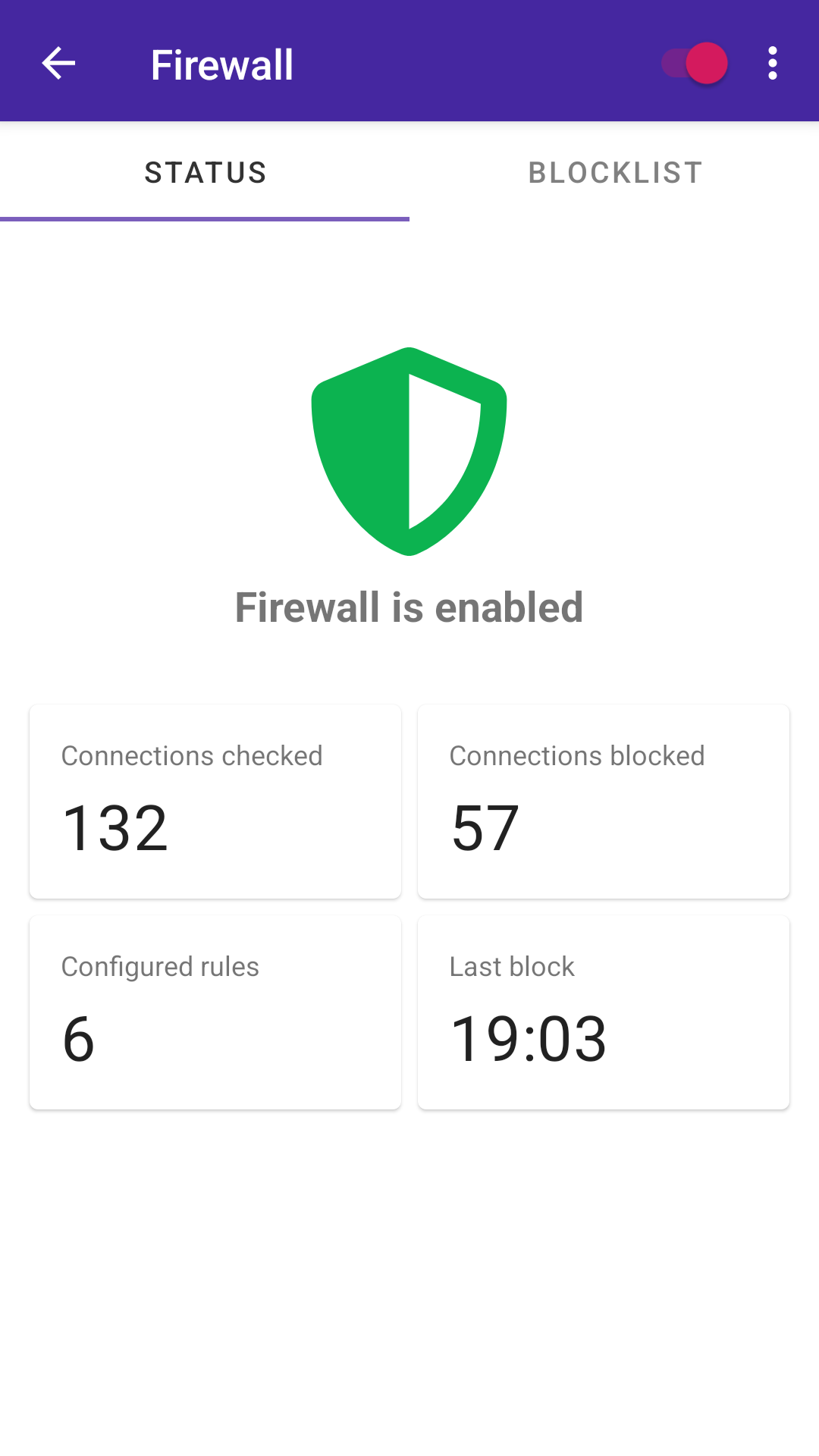
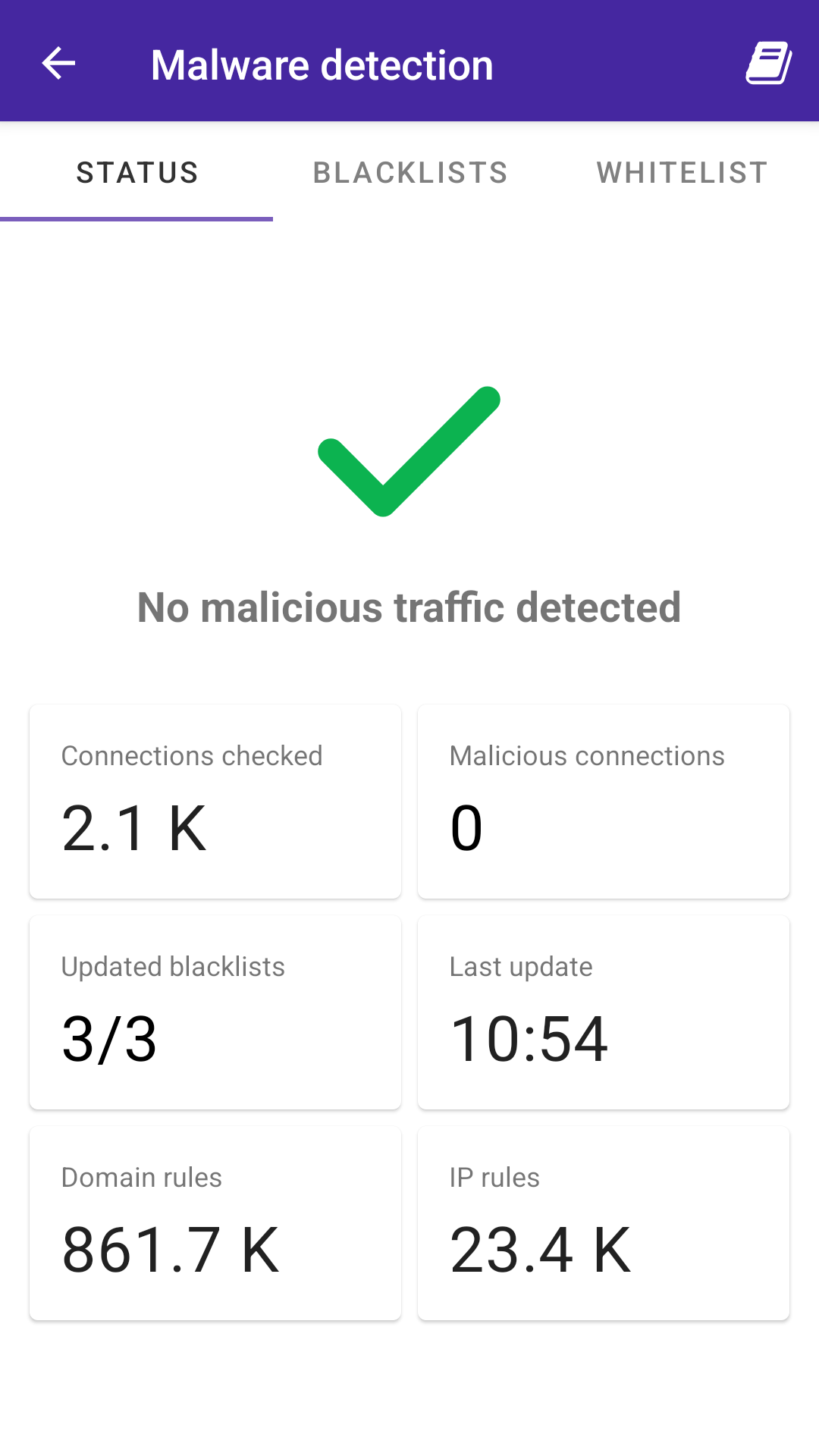
PCAPdroid is a privacy-friendly open source app which can track, analyze and block the connections made by the other apps on the device.
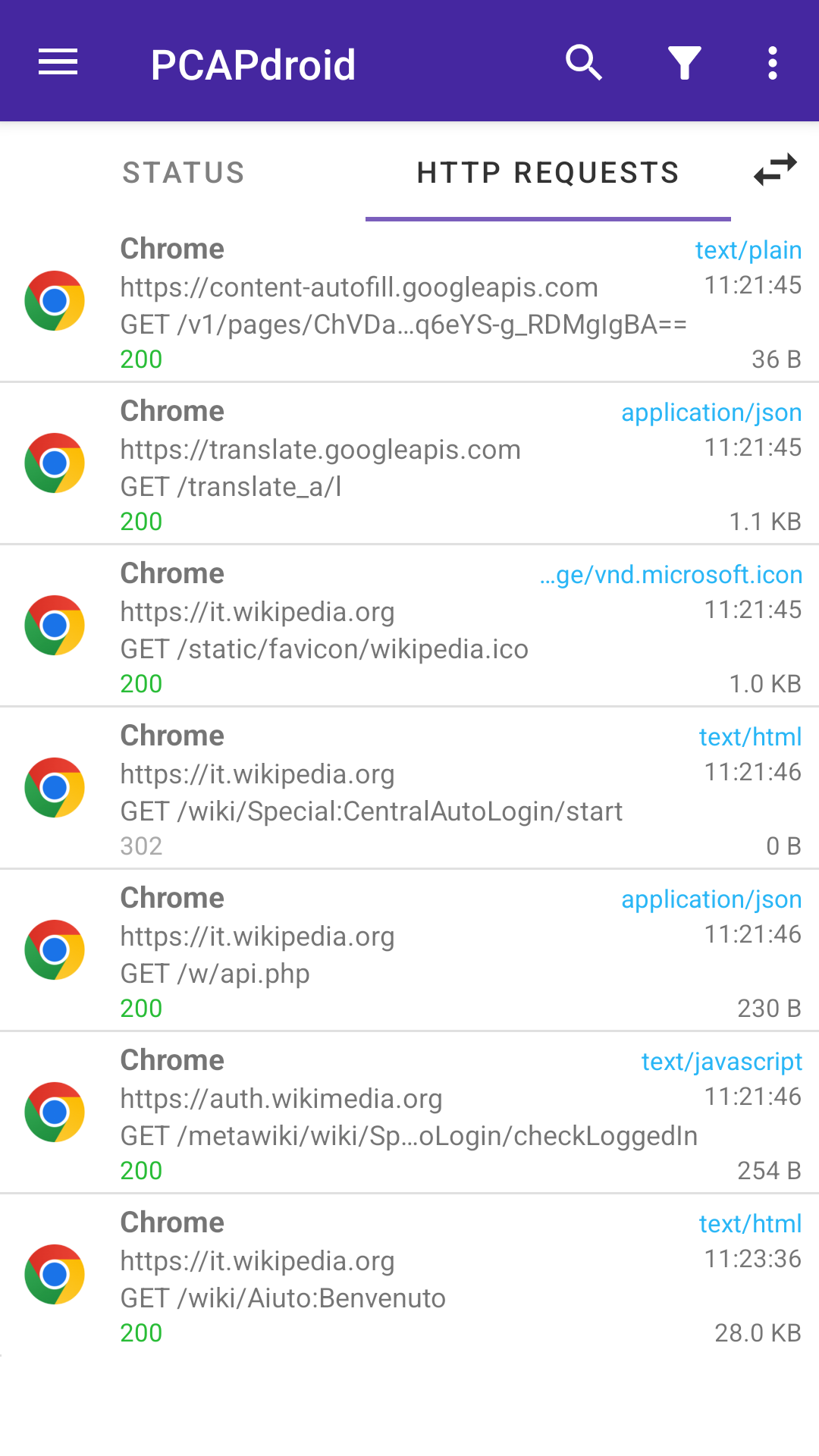
It can also export a PCAP dump of the traffic, inspect HTTP requests, decrypt TLS traffic and much more.
PCAPdroid simulates a VPN in order to capture the network traffic without root. It does not use a remote VPN server, instead data is processed locally on the device.
Main features:
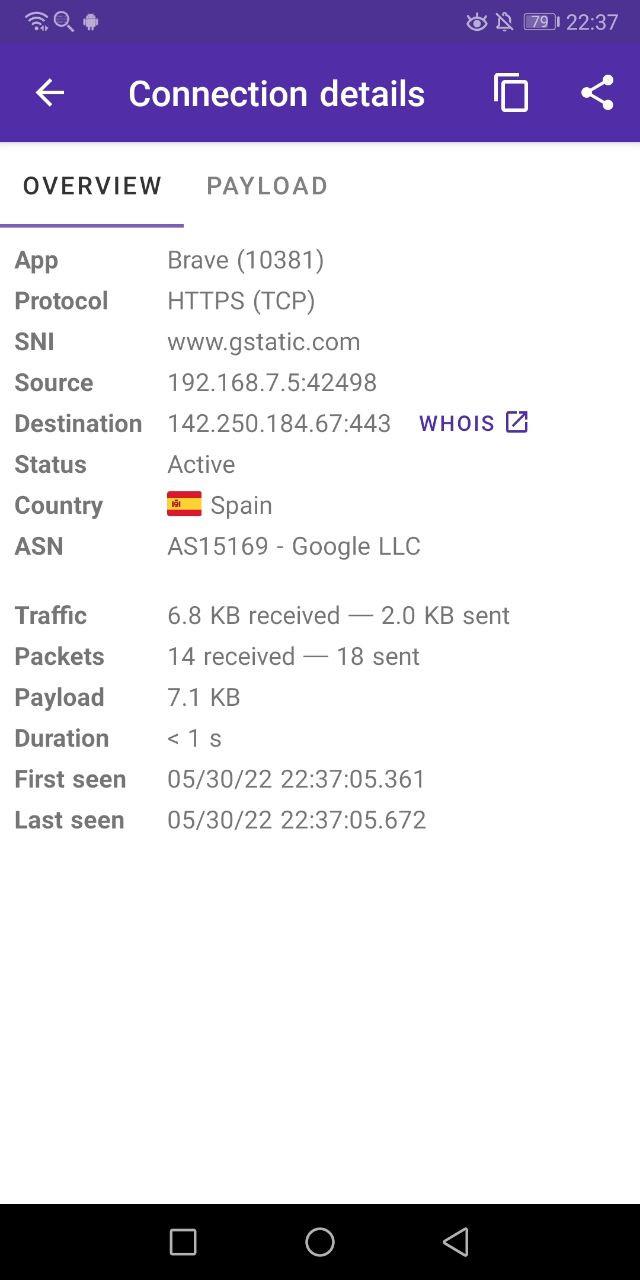
* Log and analyze the connections made by user and system apps
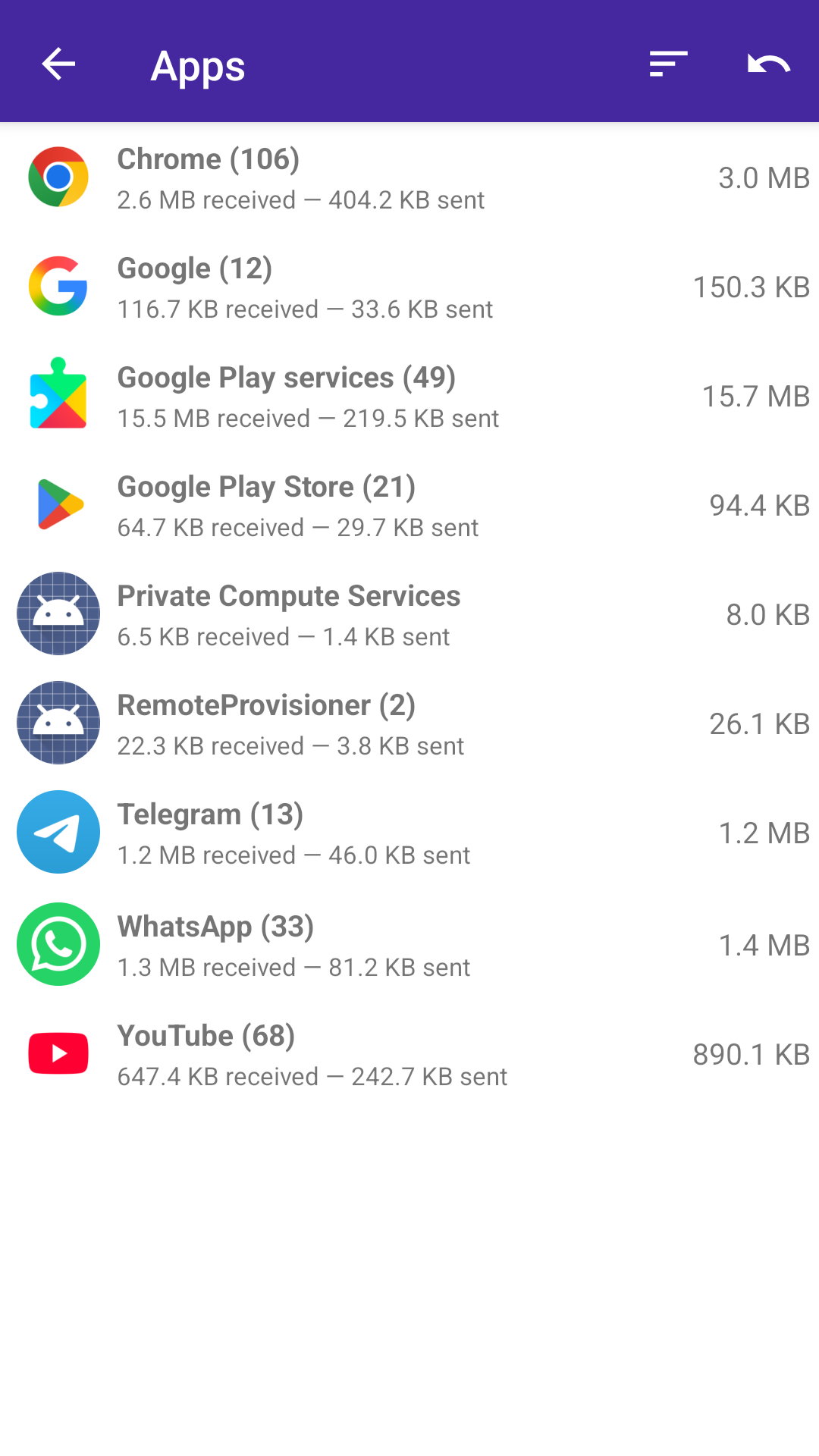
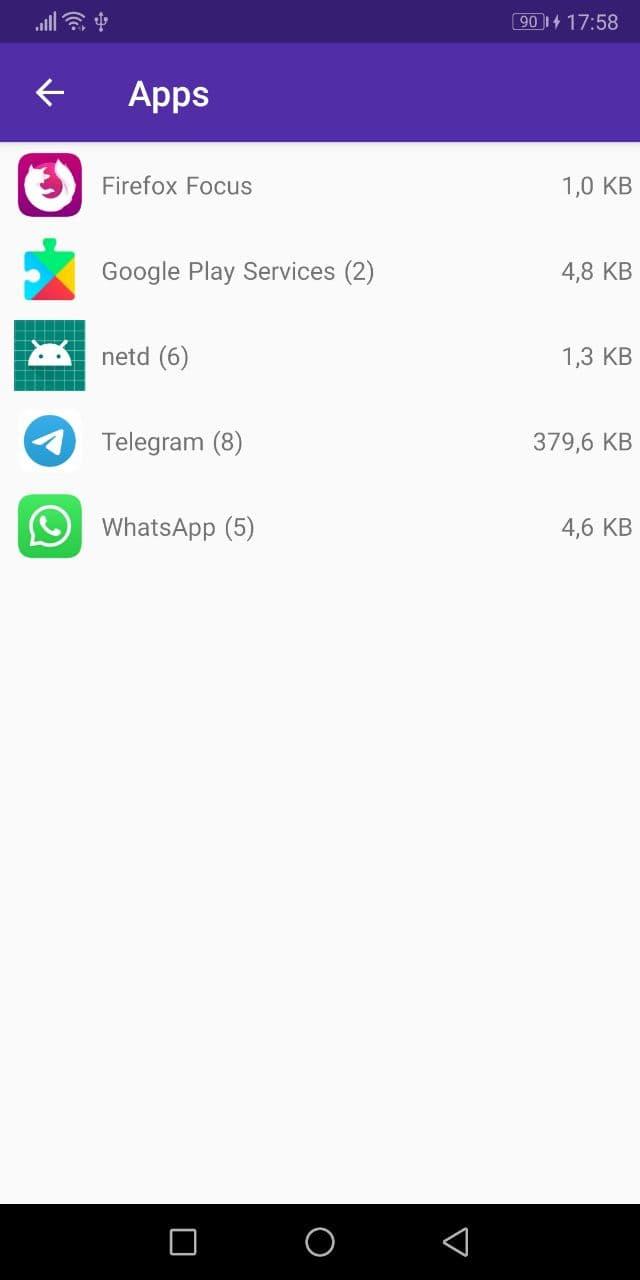
* Get a summary of how much data each app sent and received
* Low battery usage for continuous, all-day capture
* Extract hosts and IP addresses from DNS, TLS and HTTP
* Record the traffic to PCAP files with additional app metadata
* Send traffic via PCAP-over-IP for real-time analysis (e.g. on Wireshark)
* Decrypt the HTTPS/TLS traffic, extract the URLs and save the SSLKEYLOGFILE
* Inspect the HTTP requests/replies and export them to HAR
* Identify the country and ASN of the remote server via offline DB lookups
* On rooted devices, capture the traffic while other VPN apps are running
If you plan to use PCAPdroid to perform packet analysis, check out the specific section of the manual.
Join the international PCAPdroid community on Telegram or on Matrix.
Screenshots
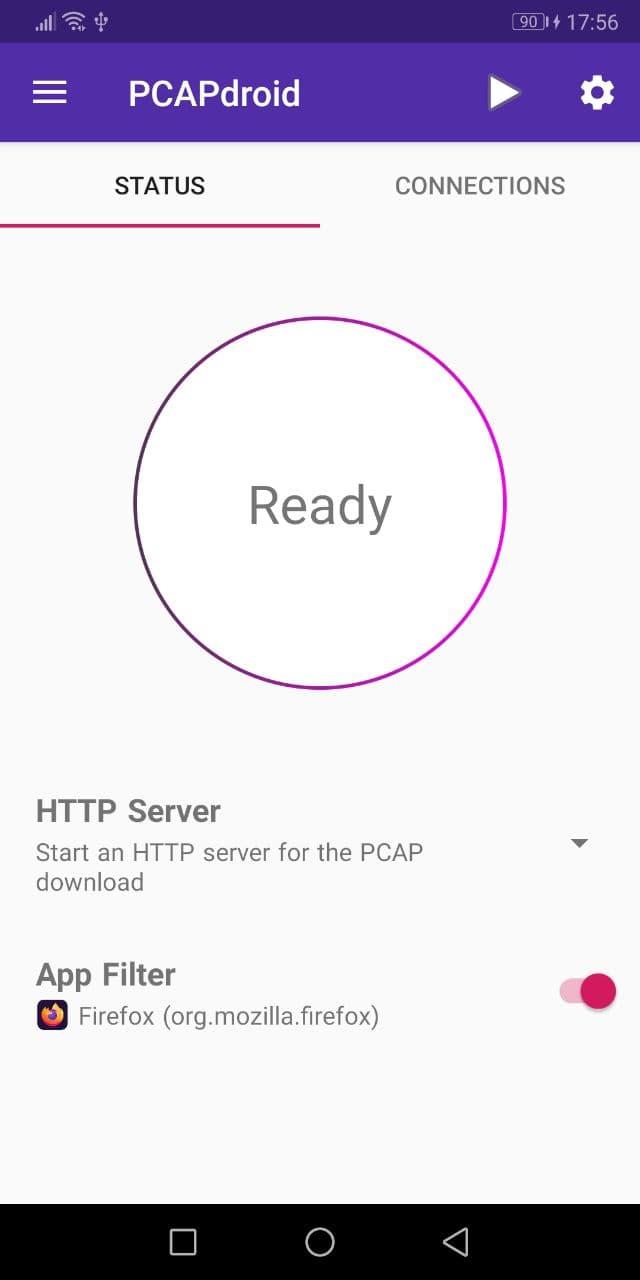
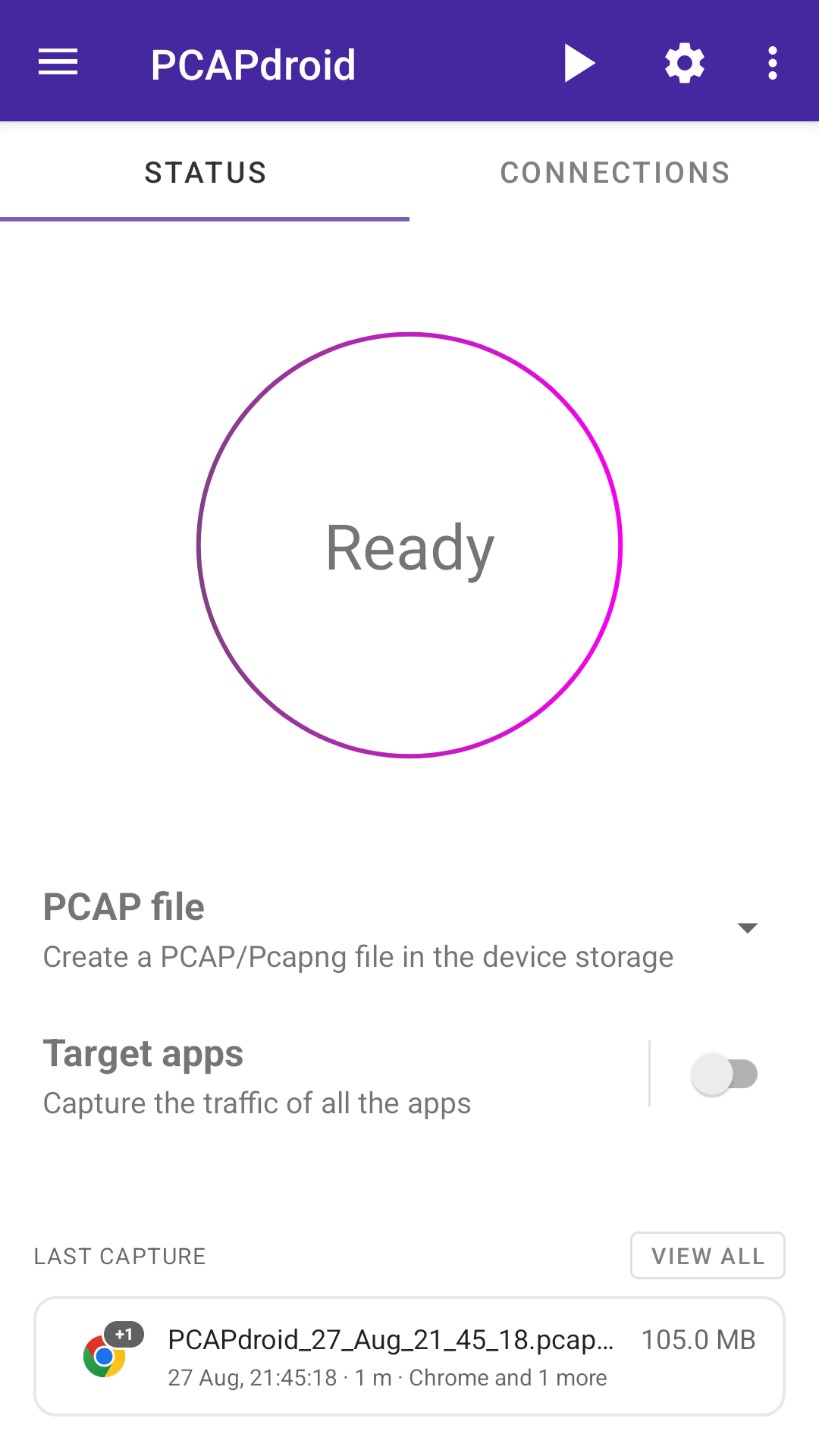
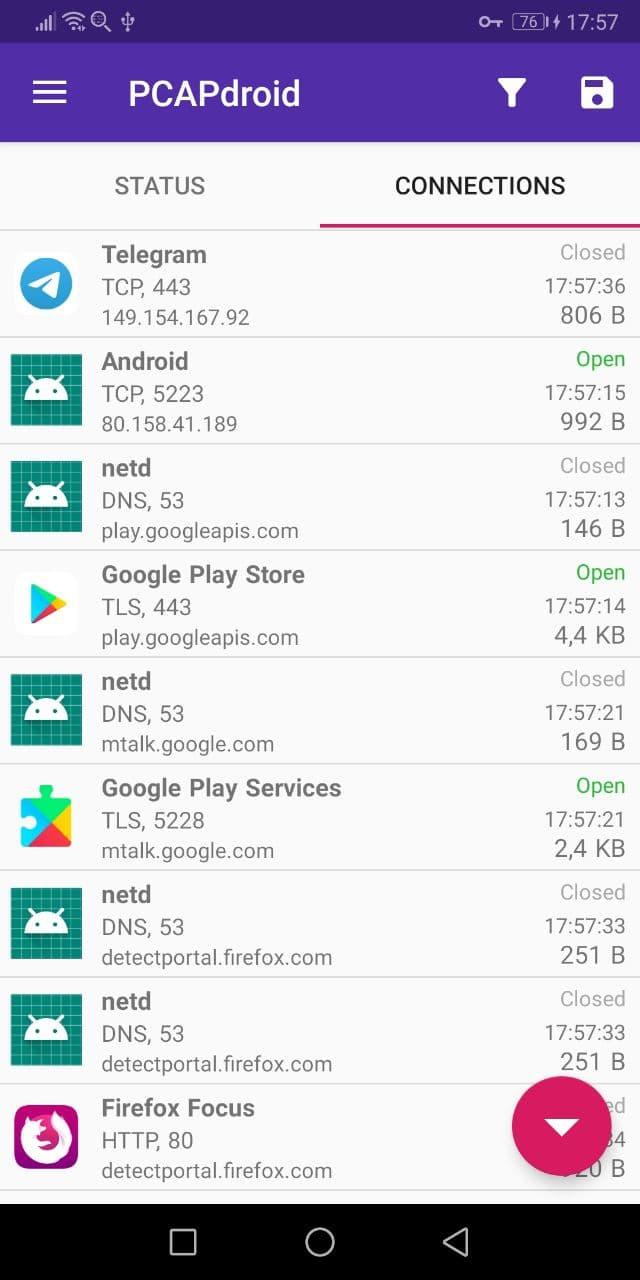
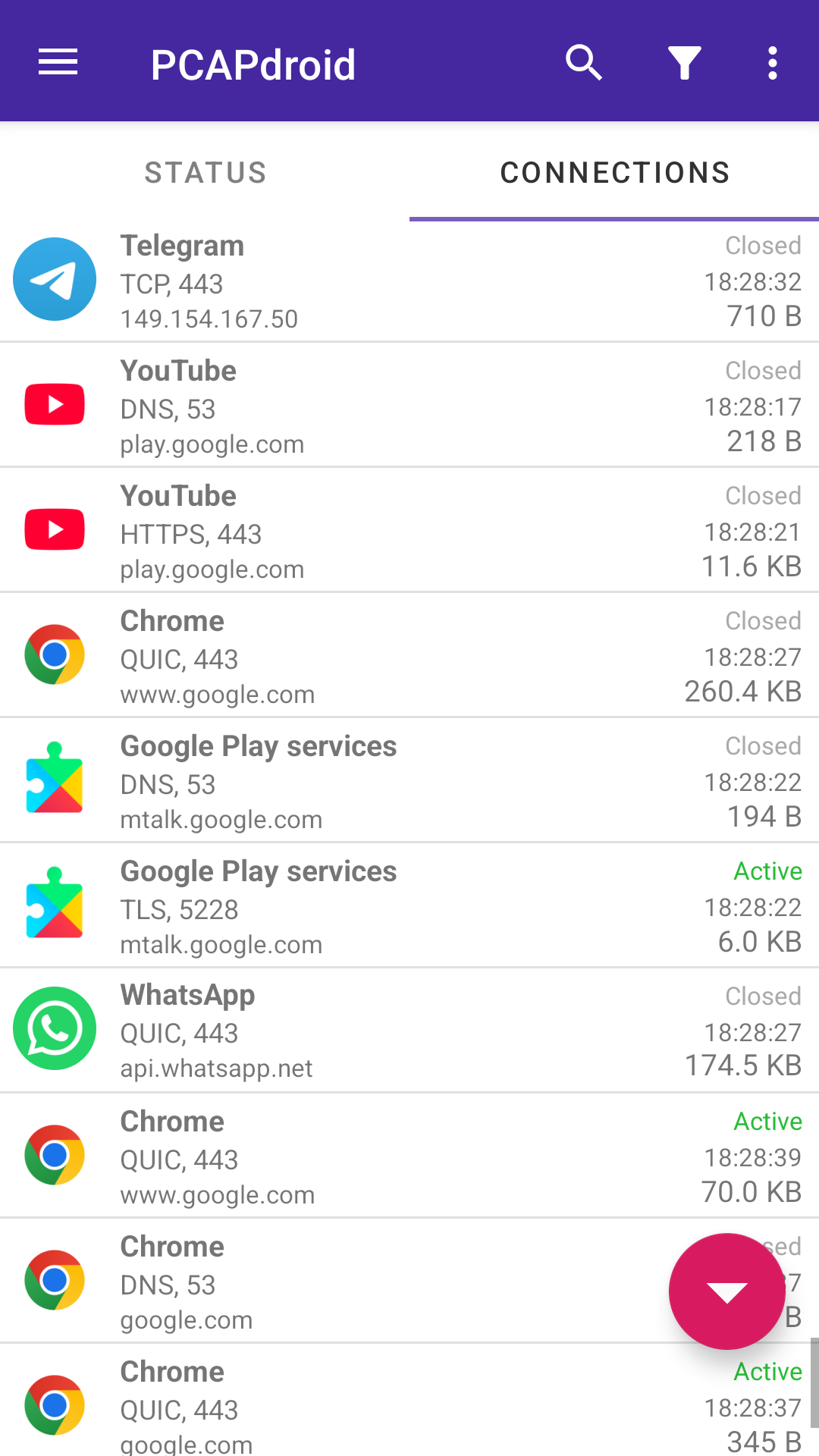
How to install
- Download the APK from the button at the top of this page.
- Allow “Install unknown apps” for your browser or file manager only, not for every app.
- Open the downloaded file and confirm the installation.
- If installation fails with “App not installed,” remove an earlier build of the same app first. A signature conflict is the usual cause.
Data safety
- Every file is checked against its published SHA-256 before it is listed.
- Files are scanned for malware on every update.
- The permissions each app requests are listed on its own page.
- Read the full safety policy for how we test, flag, and delist files.
Comments
Recent approved comments · sorted by newest
View all comments