
Quick answer
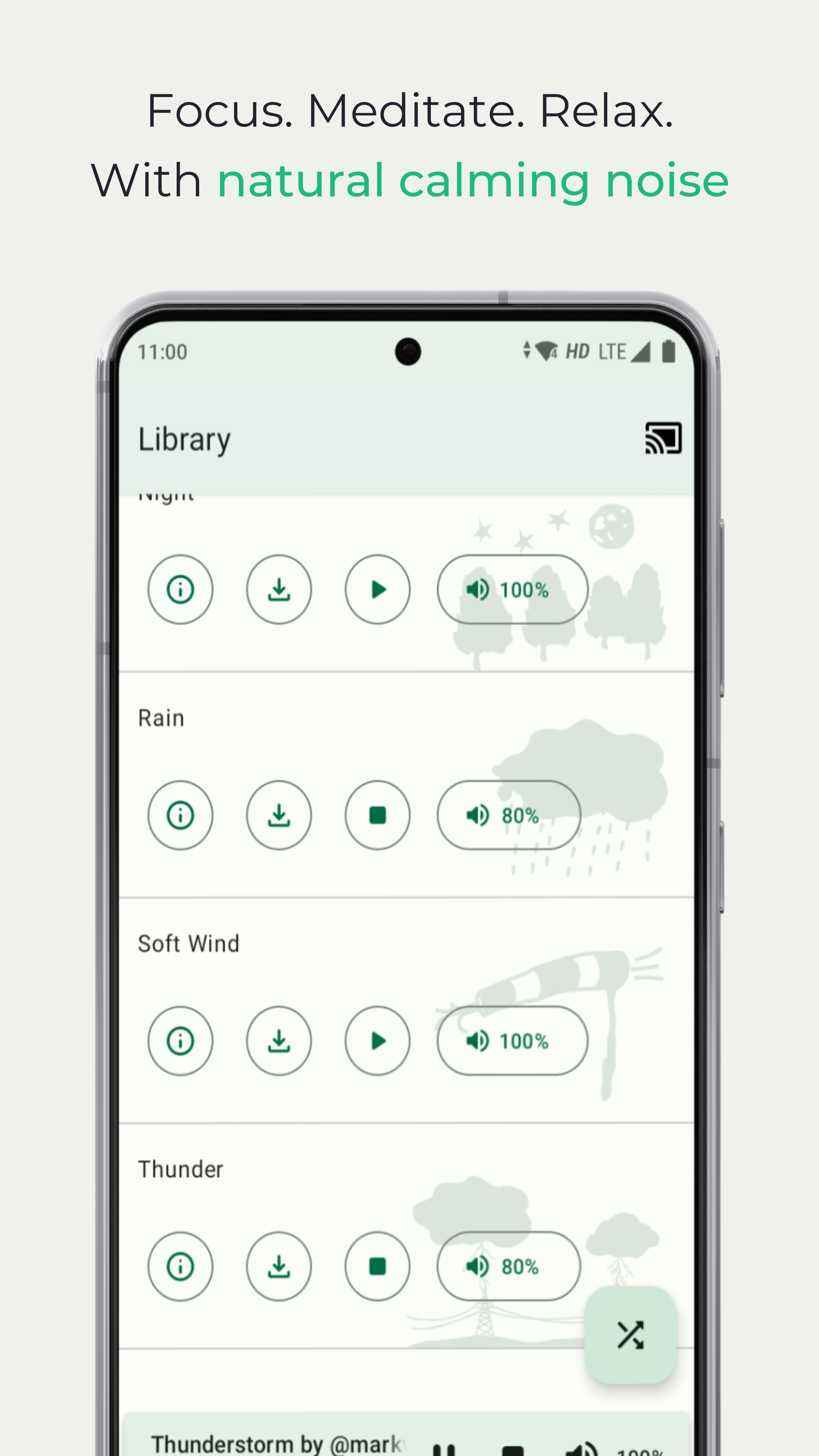
Focus, meditate and relax with natural calming noise.
F-Droid repository metadata
For a lot of people, a little uniform background noise is helpful to remain calm and focused. In some cases, it also boosts productivity and lowers the effects of stress and anxiety. Background noise also masks tinnitus, calms agitated infants and improves reading and meditation experiences.
Noice is an app that allows you to create personalised sound environments. It enables you to combine different sounds at different volume levels to create perfect ambient atmospheres. These custom sound surroundings let you drown out distractions and allow you to concentrate. You can also use it to generate a serene, peaceful aura that encourages you to relax and fall asleep.
BENEFITS
• Reduce your stress and anxiety using a personalised ambience
• Relax and unwind in a pacifying environment of your choice
• Boost your productivity by replacing distracting noise
• Improve concentration by being in a consistent atmosphere
• Aid your reading and meditation experience with natural soundscapes
• Calm down your babies using relaxing sounds
• Mask your tinnitus with easing noise
• Block distractions to lay back and fall asleep
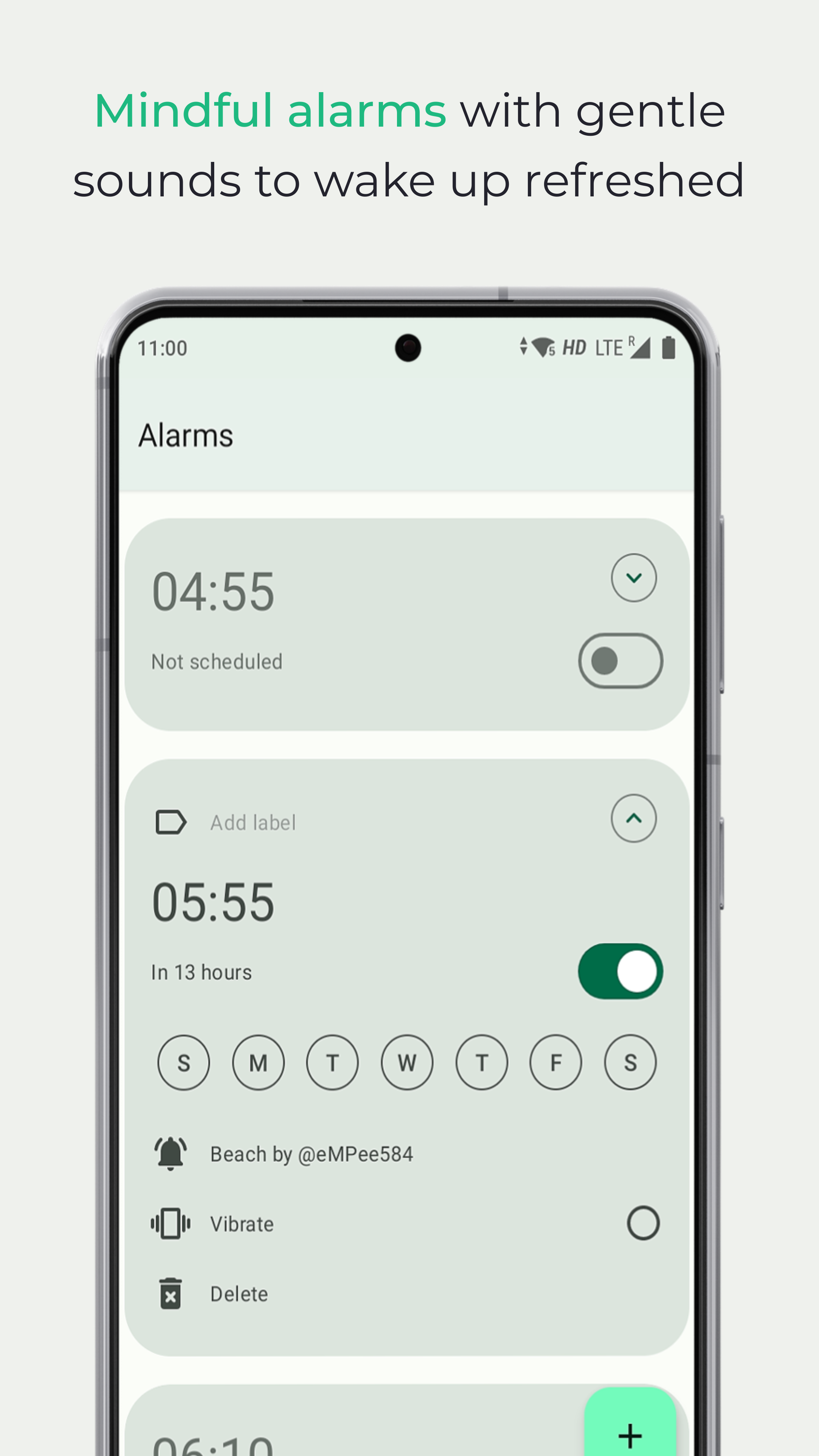
• Start your days to the gentler sounds of nature with mindful alarms
• Soothe your migraines and headaches
FREE FEATURES
• Rich sound library
• Google Cast or Chromecast enabled*
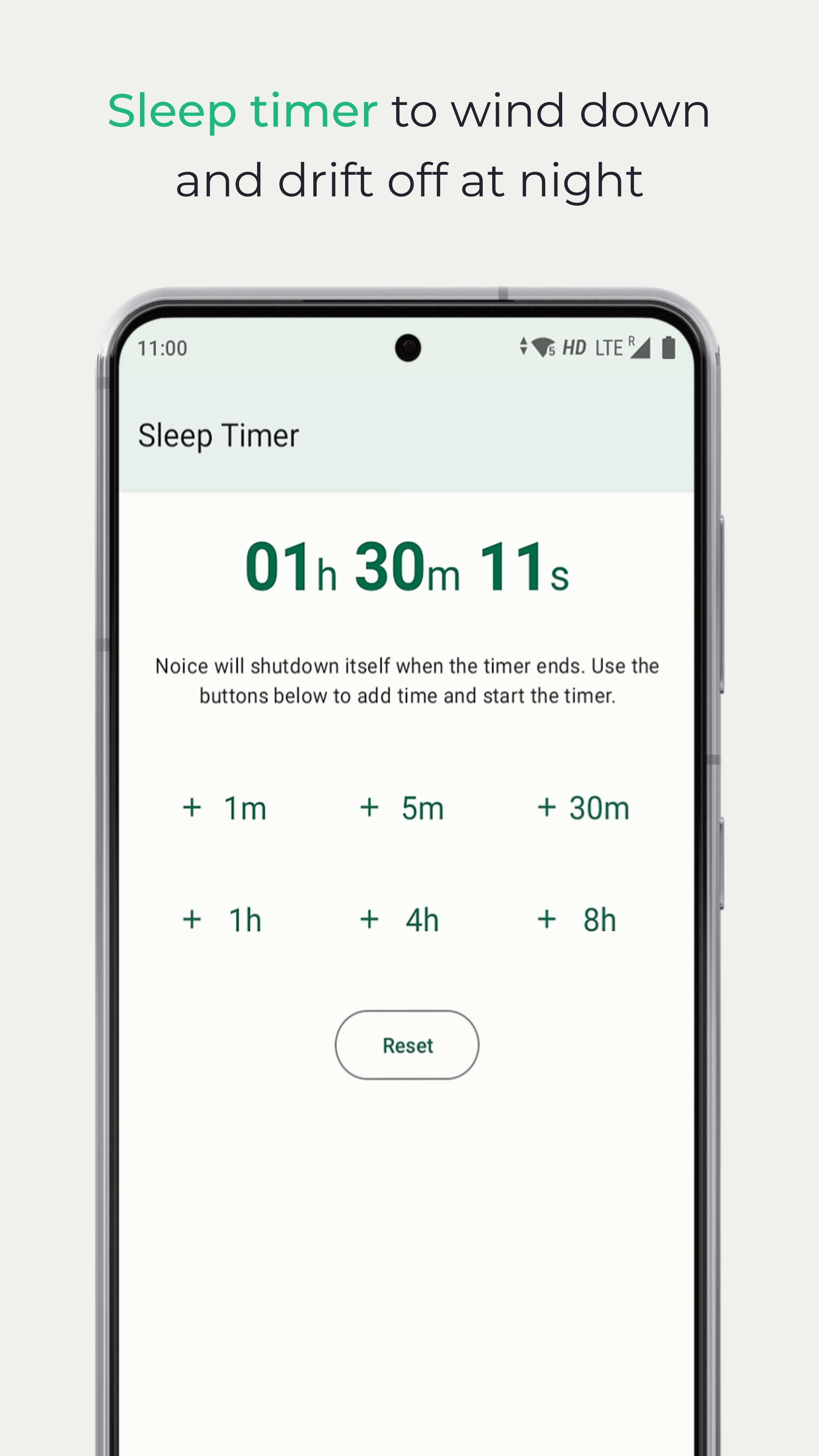
• Auto sleep timer
• Alarm Clock with up to 2 active alarms
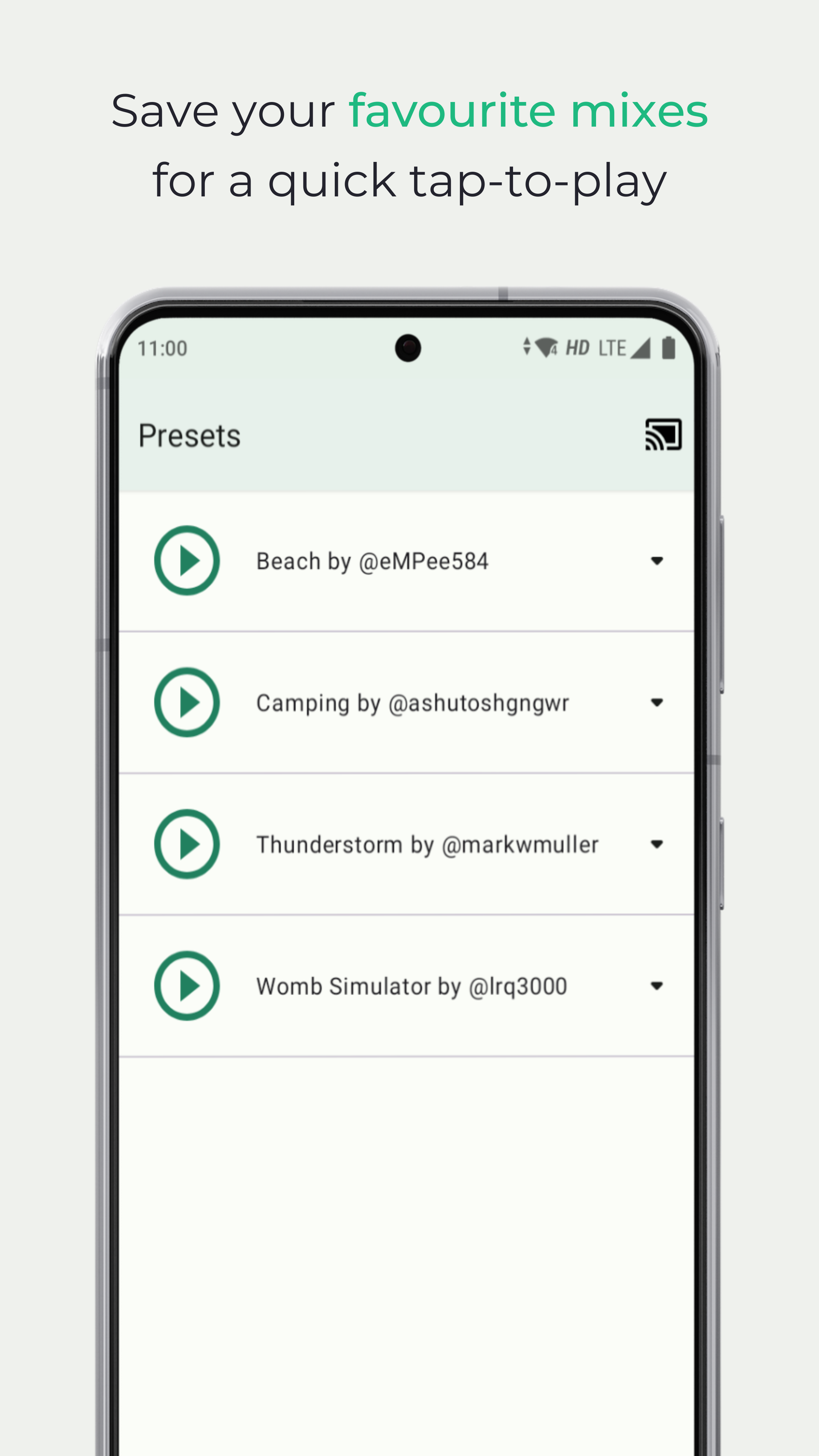
• Make and save your personalised mixes
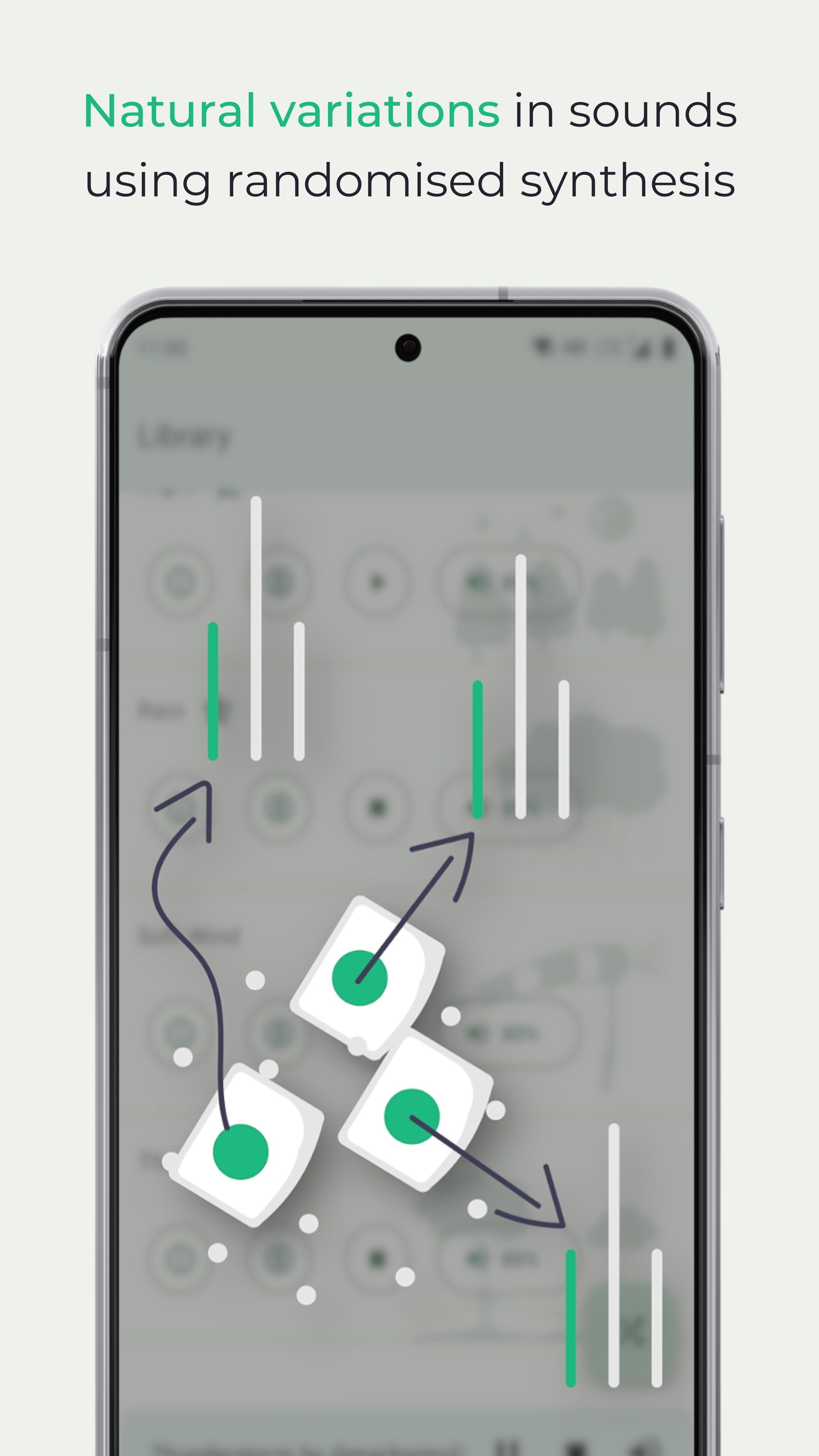
• Random mix generator to suit your every mood
• Individual volume control for each sound
• Play alongside a currently playing music player
• Use Material You Dynamic colours on Android 12L or higher
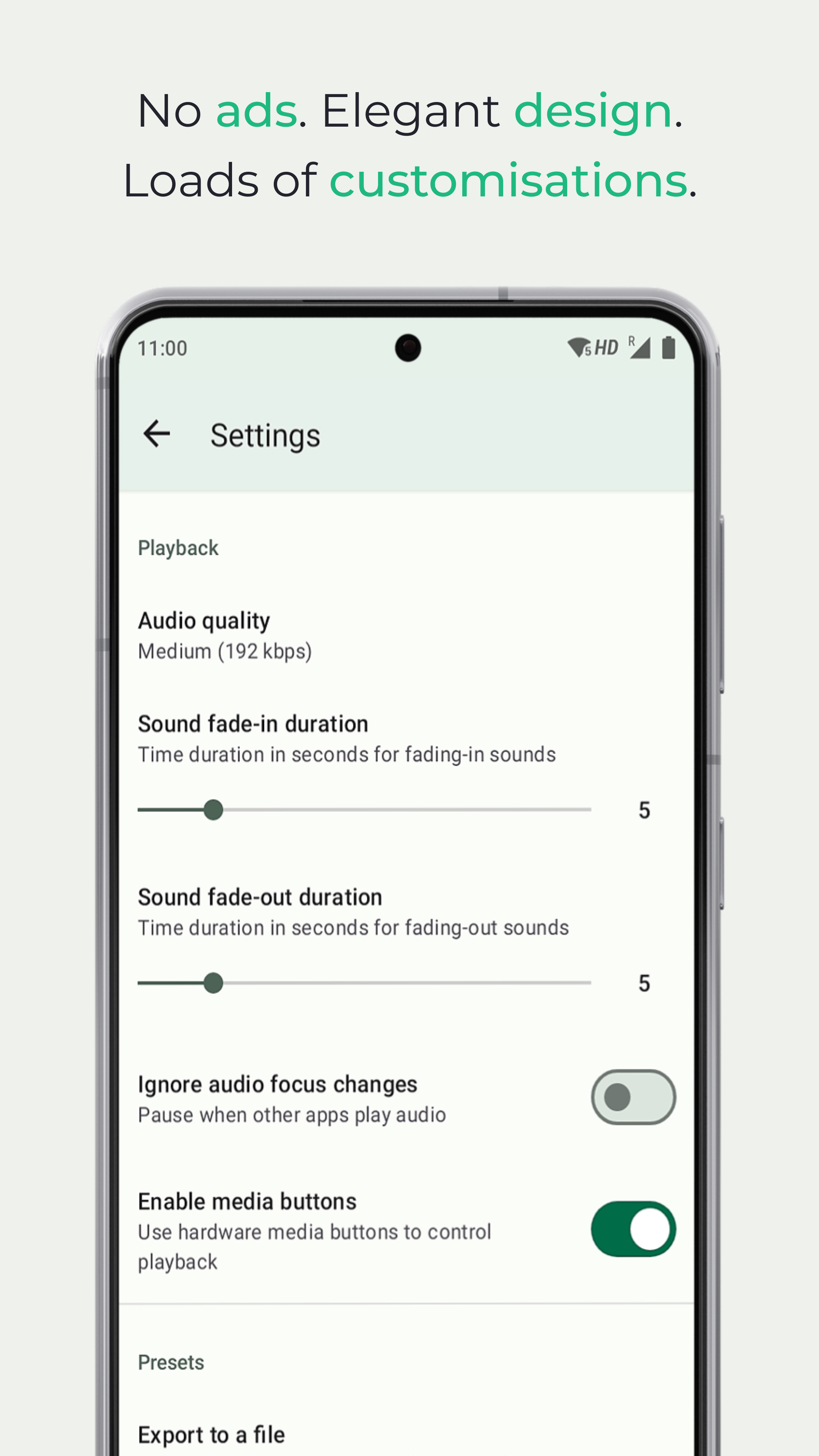
• No advertisements of any kind
* Chromecast is only available when you download Noice from Google Play.
PREMIUM FEATURES
• Unlock additional audio clips in sounds
• Real and natural sound variations generated on demand
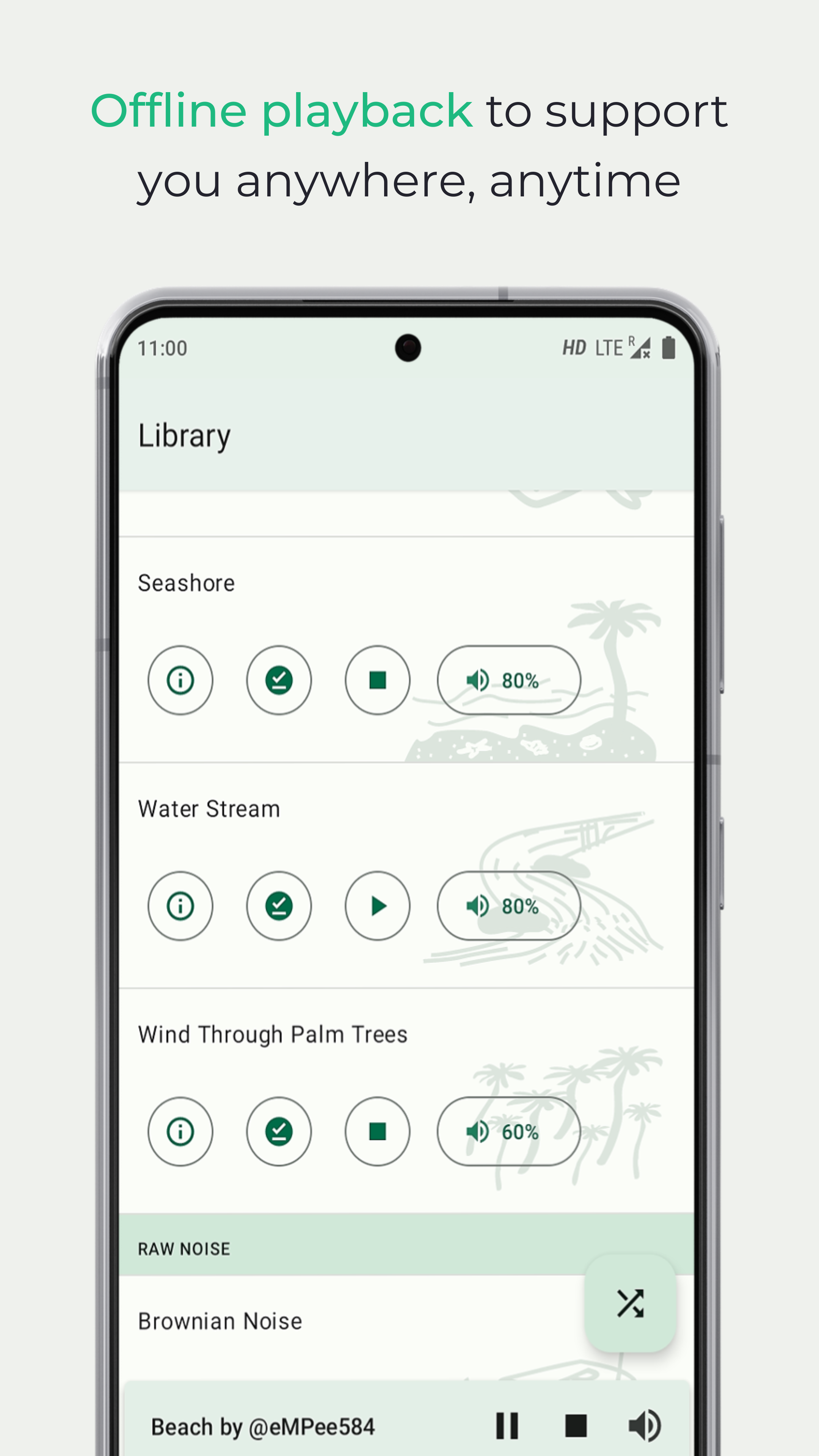
• Full offline playback
• Ultra high-quality audio for streaming and downloading (up to 320 kbps)
• Unlimited active alarms
SOUND LIBRARY
• Life (birds, crickets, wolves, heartbeat, purring cat)
• Weather (morning or dawn, night, rain, thunder)
• Places (bonfire or campfire, coffee shop, library, office, seaside, riverbank, scuba diving)
• Travel (train, in-flight, creaking ship, electric car)
• Things (fan, wall clock, wind chimes)
• Raw noise (white, pink, brownian)
APP PERMISSIONS
• view network connections: for sound streaming and downloading
• full network access: for communicating with the Noice servers, sound streaming and downloading
• run at startup: for ensuring that Alarms persist across device reboots
• prevent device from sleeping: for keeping the device CPU awake to provide uninterrupted playback when the screen turns off
• install shortcuts: for adding Preset Shortcuts to the home screen
• run foreground service: for continuous playback when the app is in the background
• display full-screen notifications on a locked device: for displaying the alert when an alarm fires
• control vibration: for vibrating the device when a vibration-enabled alarm fires
Noice is open-source software.
https://github.com/trynoice/android-app
Screenshots
How to install
- Download the APK from the button at the top of this page.
- Allow “Install unknown apps” for your browser or file manager only, not for every app.
- Open the downloaded file and confirm the installation.
- If installation fails with “App not installed,” remove an earlier build of the same app first. A signature conflict is the usual cause.
Data safety
- Every file is checked against its published SHA-256 before it is listed.
- Files are scanned for malware on every update.
- The permissions each app requests are listed on its own page.
- Read the full safety policy for how we test, flag, and delist files.
Comments
Recent approved comments · sorted by newest
View all comments