
Quick answer
The easy to use open-source podcast player for mobile and tablet.
F-Droid repository metadata
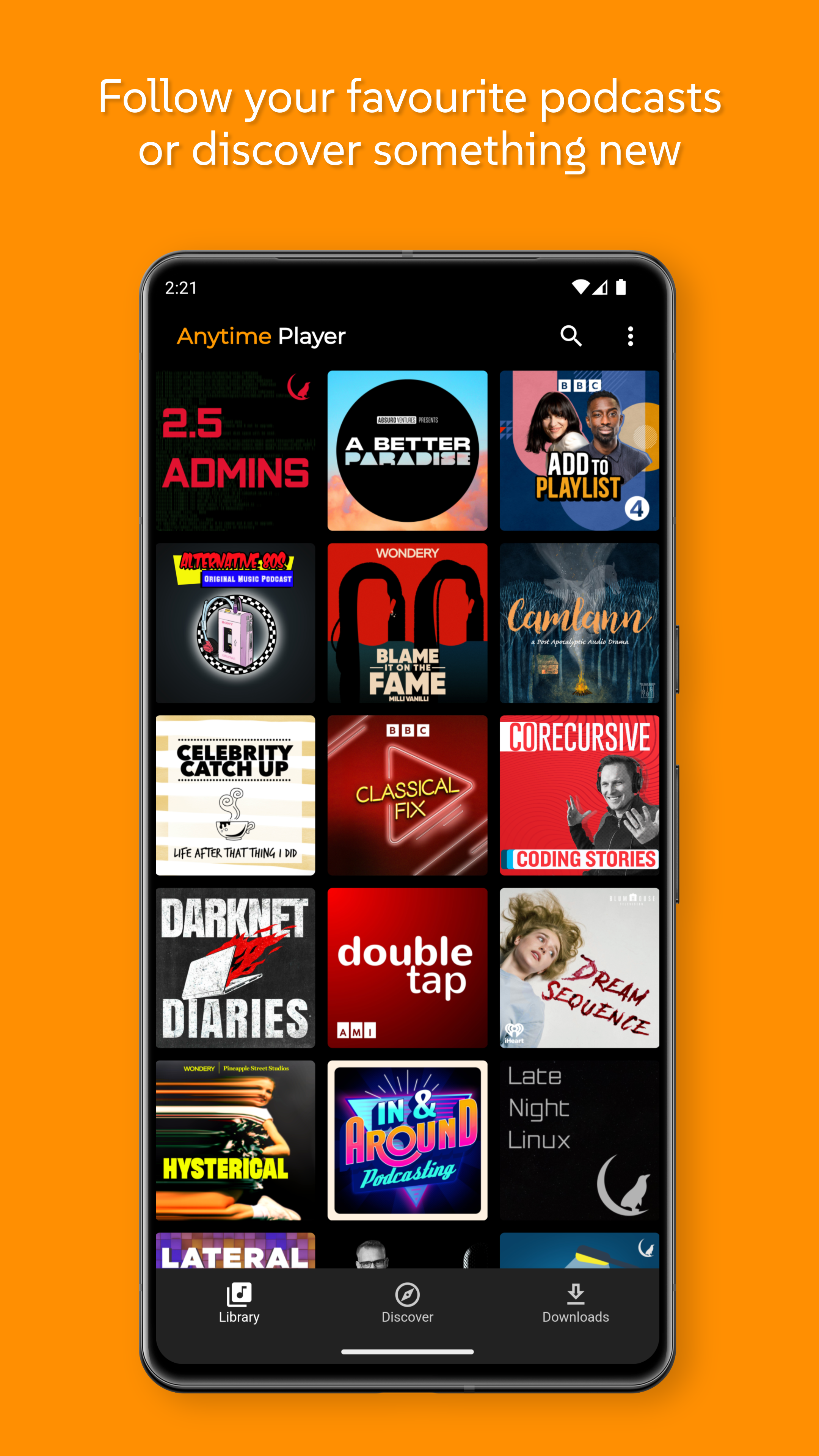
Anytime Podcast Player is a free and open-source podcast player that's designed to be simple and easy to use. Anytime is Podcasting 2.0 ready and will support more features as the app is developed.
Discover podcasts:
- Search from over 4 million free podcasts.
- Discover something new in the podcast charts.
- Follow your favourite podcasts so you never miss an episode.
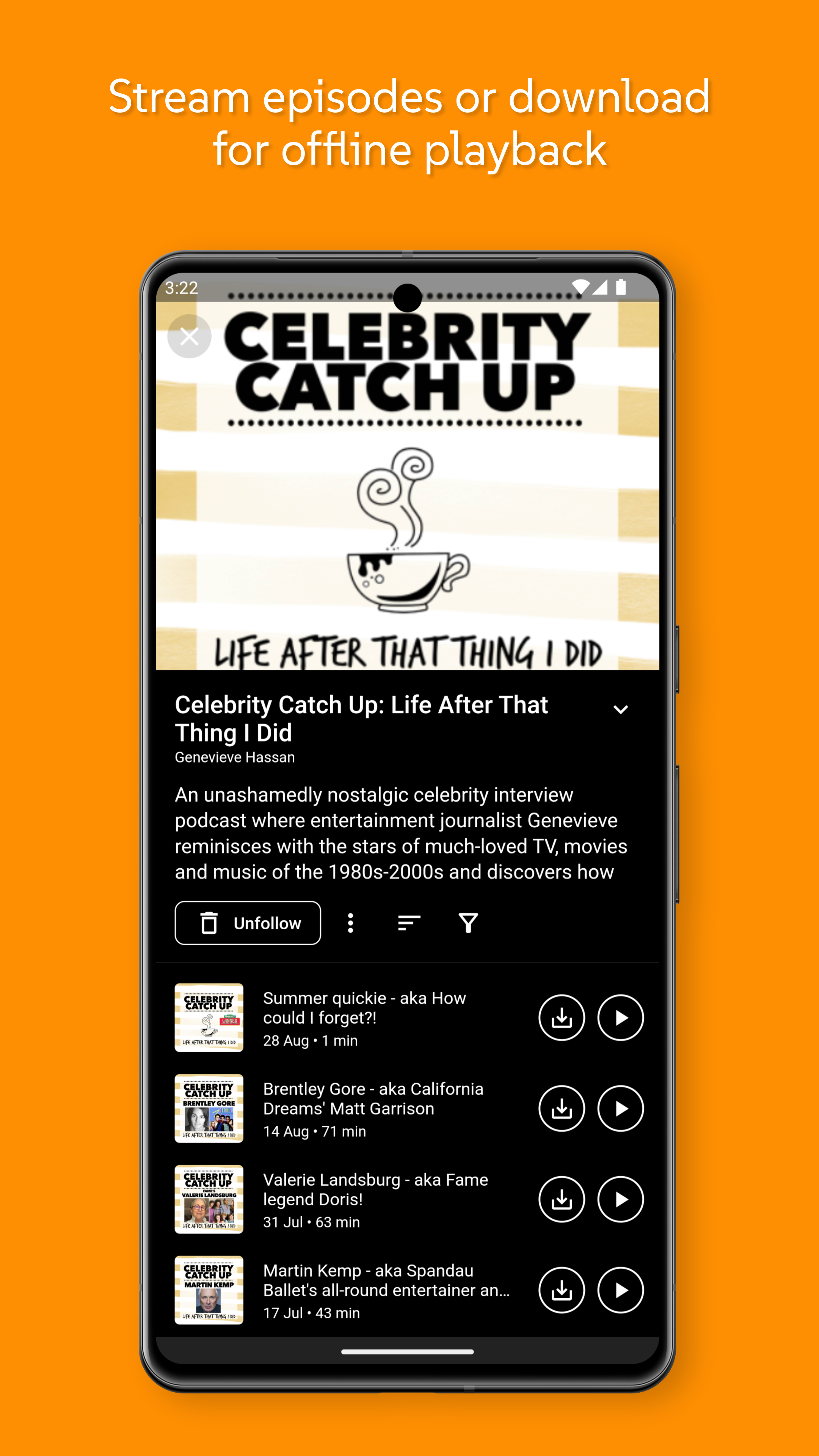
- Stream episodes or download for offline playback later.
Features:
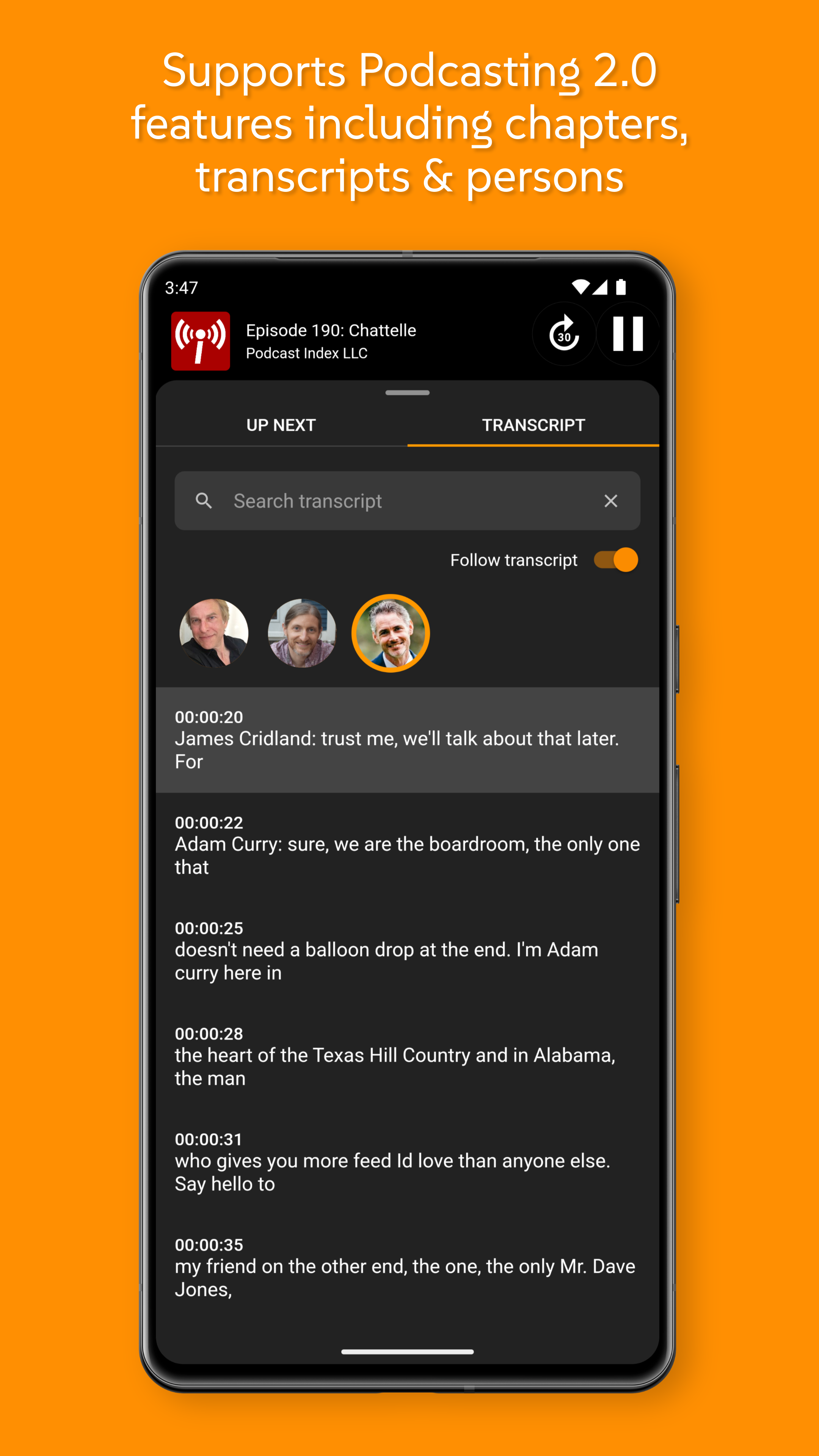
- View episode chapters and skip to the part of an episode you're interested in*
- Directly support the show via funding links*
- Read, search or follow along with transcripts (where available)*
- Listen at faster or slower speeds.
- Sort & filter episodes.
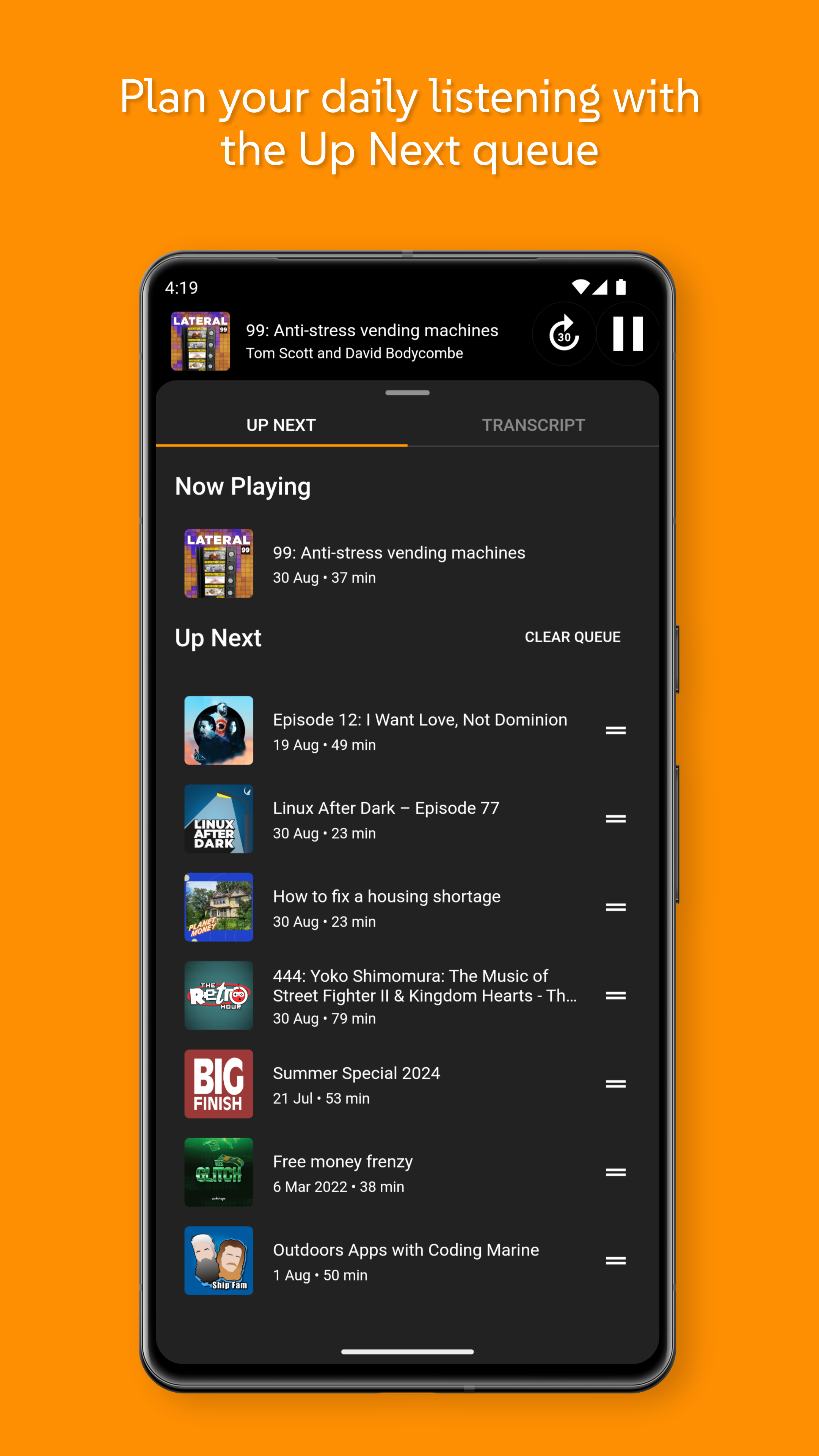
- Pause a streamed or downloaded episode and pickup where you left off later on.
- Playback controllable from notification shade.
- Playback controllable from WearOS device.
- OPML import & export.
* Chapters, funding links and transcripts appear for podcasts that support Podcasting 2.0.
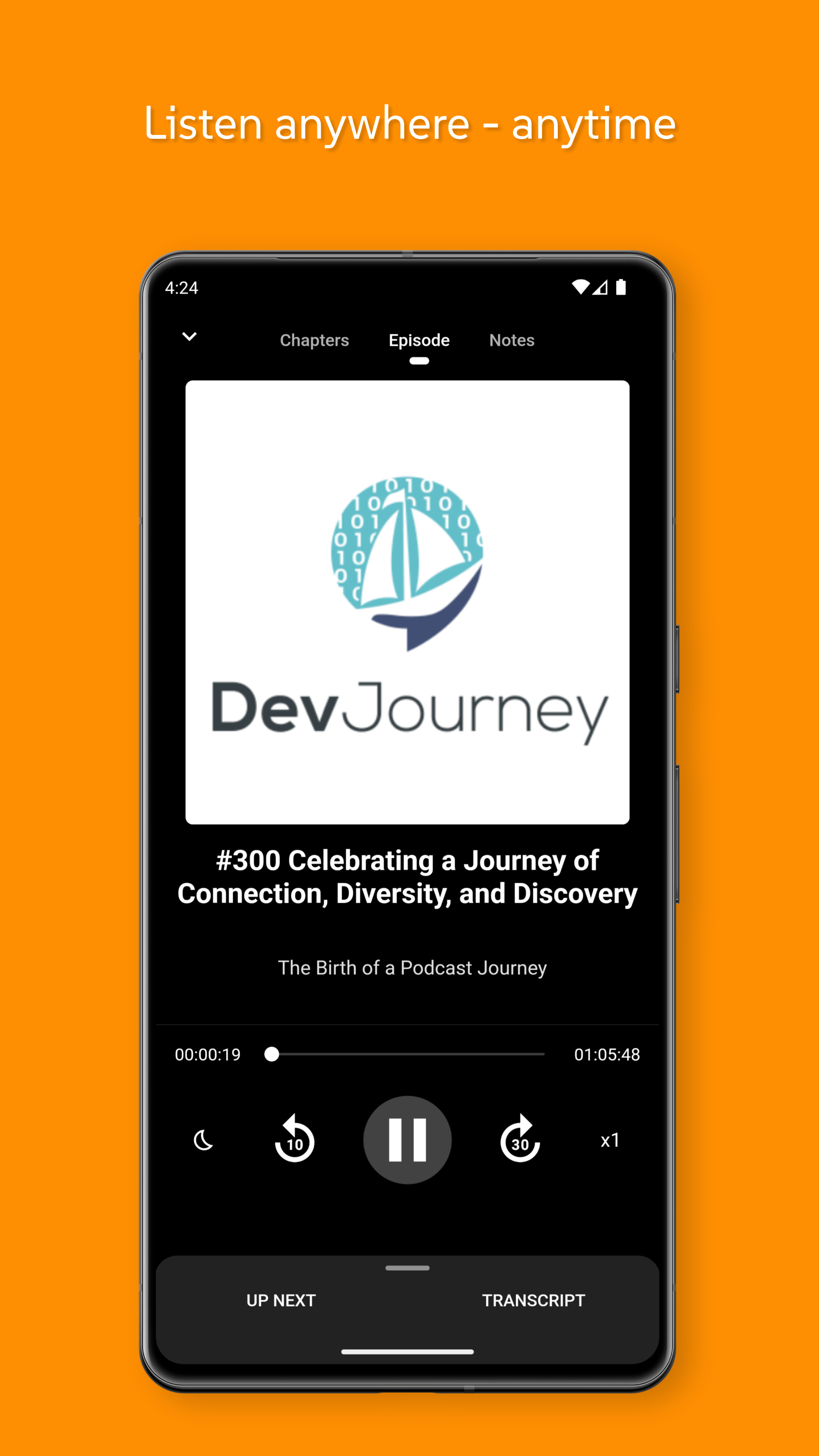
Screenshots
How to install
- Download the APK from the button at the top of this page.
- Allow “Install unknown apps” for your browser or file manager only, not for every app.
- Open the downloaded file and confirm the installation.
- If installation fails with “App not installed,” remove an earlier build of the same app first. A signature conflict is the usual cause.
Data safety
- Every file is checked against its published SHA-256 before it is listed.
- Files are scanned for malware on every update.
- The permissions each app requests are listed on its own page.
- Read the full safety policy for how we test, flag, and delist files.
Comments
Recent approved comments · sorted by newest
View all comments