Quick answer
An app for managing NewPipe databases
F-Droid repository metadata
BendyStraw
An app for managing NewPipe databases.
BendyStraw imports NewPipeData-*.zip files and lets you:
Import/export playlists:
Search your watch history to build new playlists
Note about Permissions On Android 13+
BendyStraw asks for the manage external storage permission, here's why:
An app for managing NewPipe databases.
BendyStraw imports NewPipeData-*.zip files and lets you:
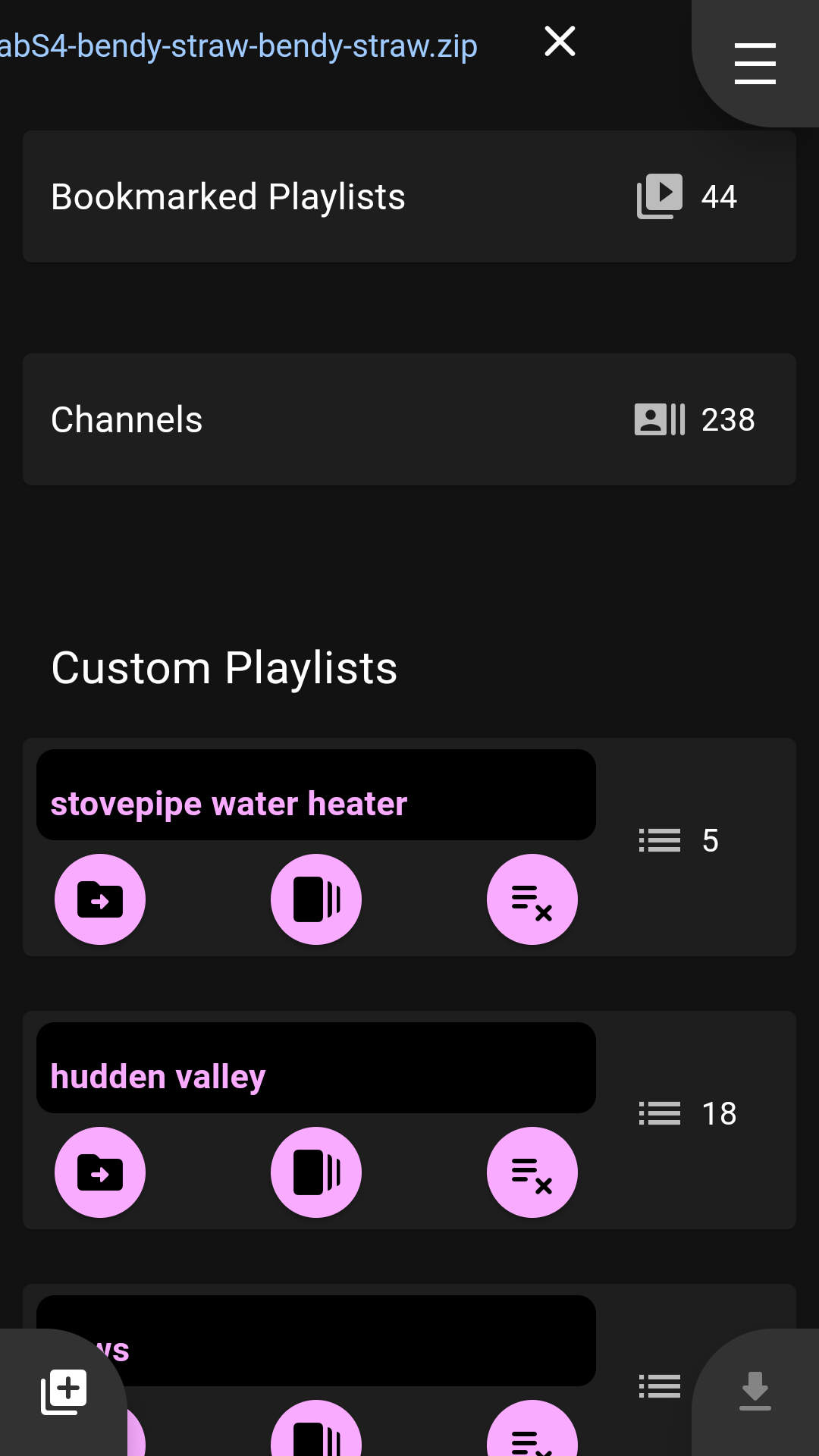
- Open multiple zips at the same time, so you can combine data from several devices
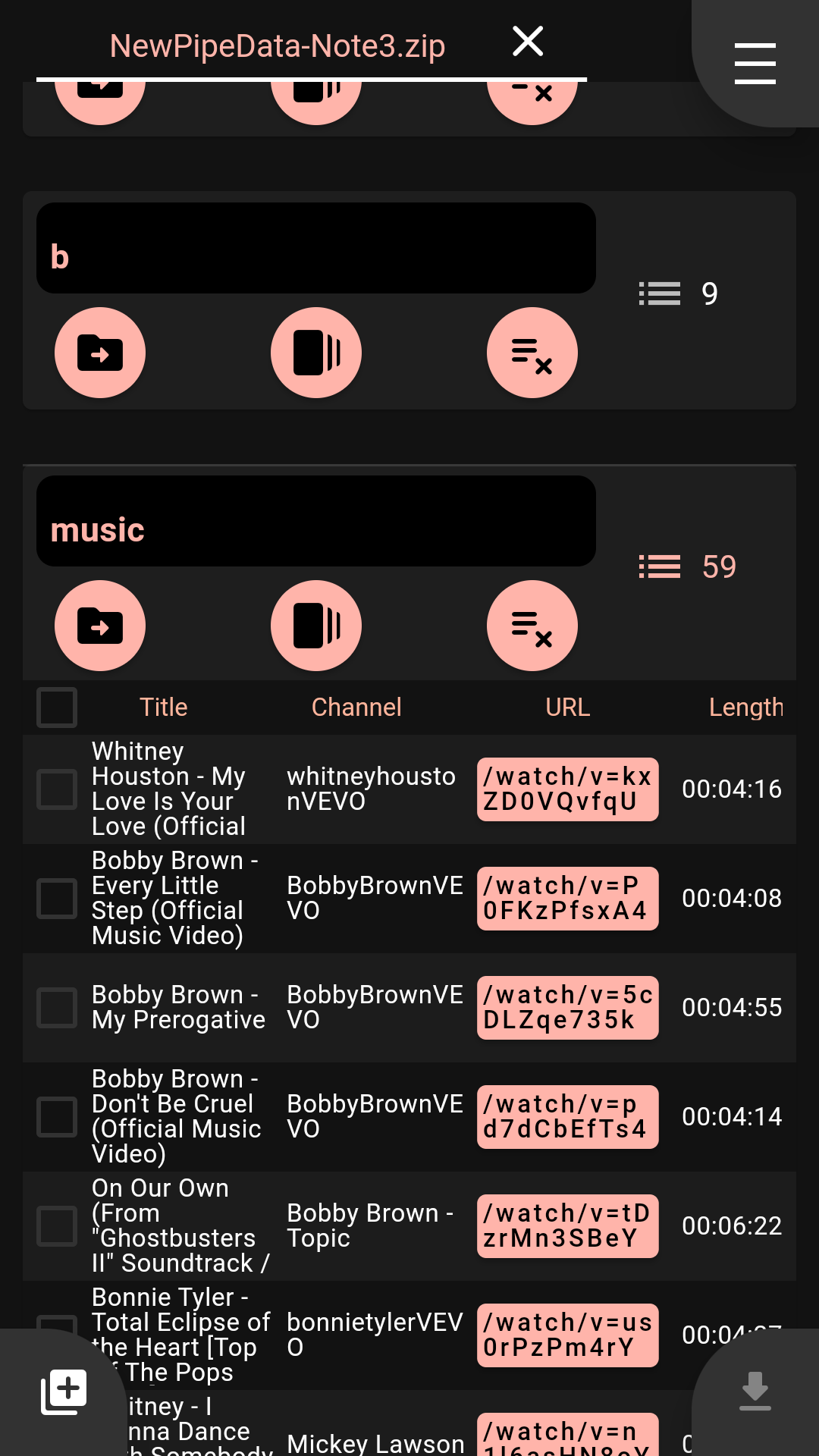
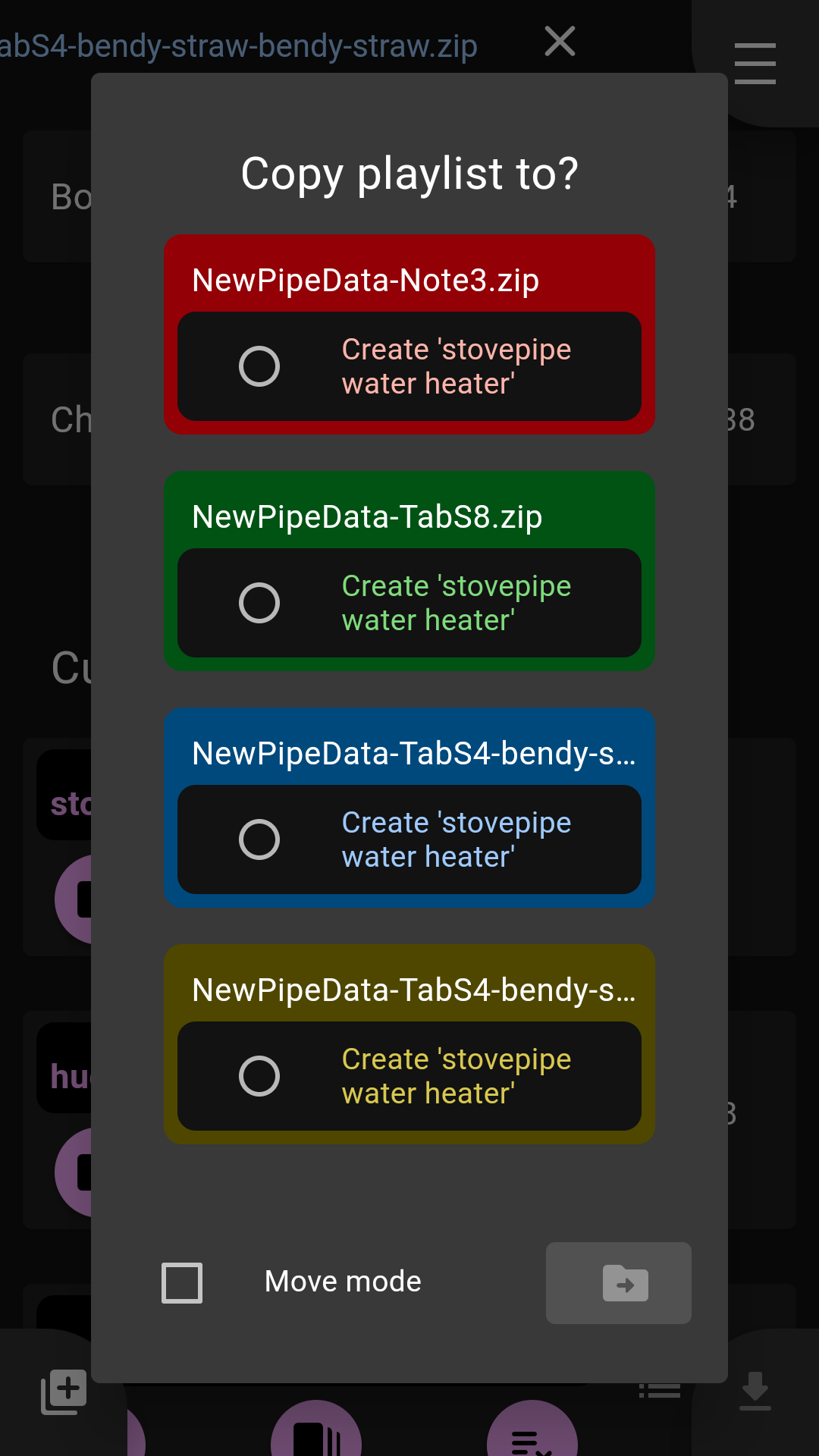
- Delete Copy Move Rename your custom playlists
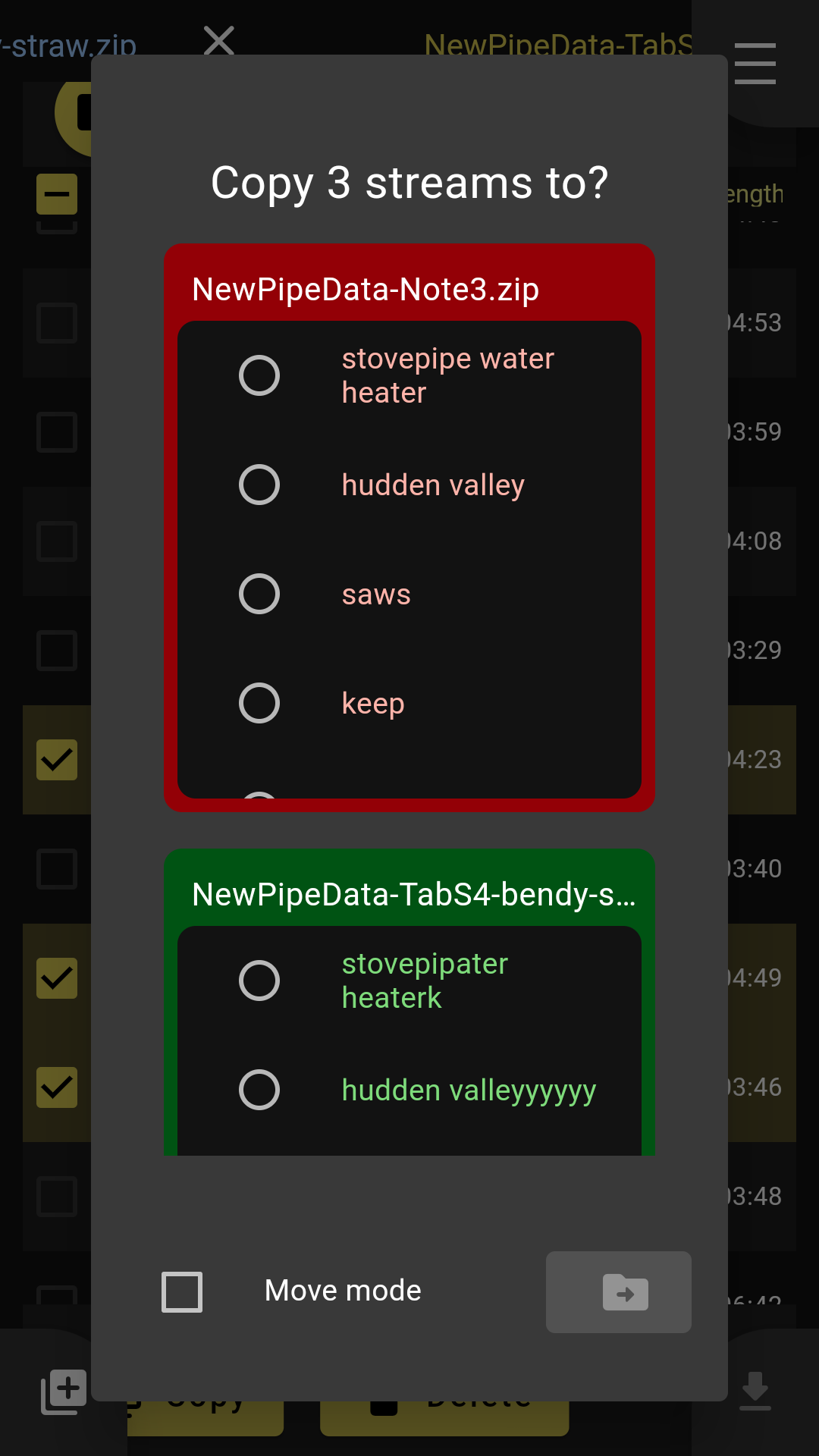
- Delete Copy Move streams from one playlist to another
- Delete Copy Move channel subscriptions between databases
- Delete Copy Move remote (bookmarked) playlists
- Re-order playlists, sorting the streams by Title, Channel or Length (just tap the column headings in the tables)
- Shuffle or reverse playlists
- Create new playlists
- Drag and drop tracks to re-order playlists
Import/export playlists:
- Streams (audio/video) can be opened directly from
BendyStraw, as the URLs are clickable
- If you set video links (in your Android settings) to open in NewPipe you can make a split-screen view and jump around your playlists
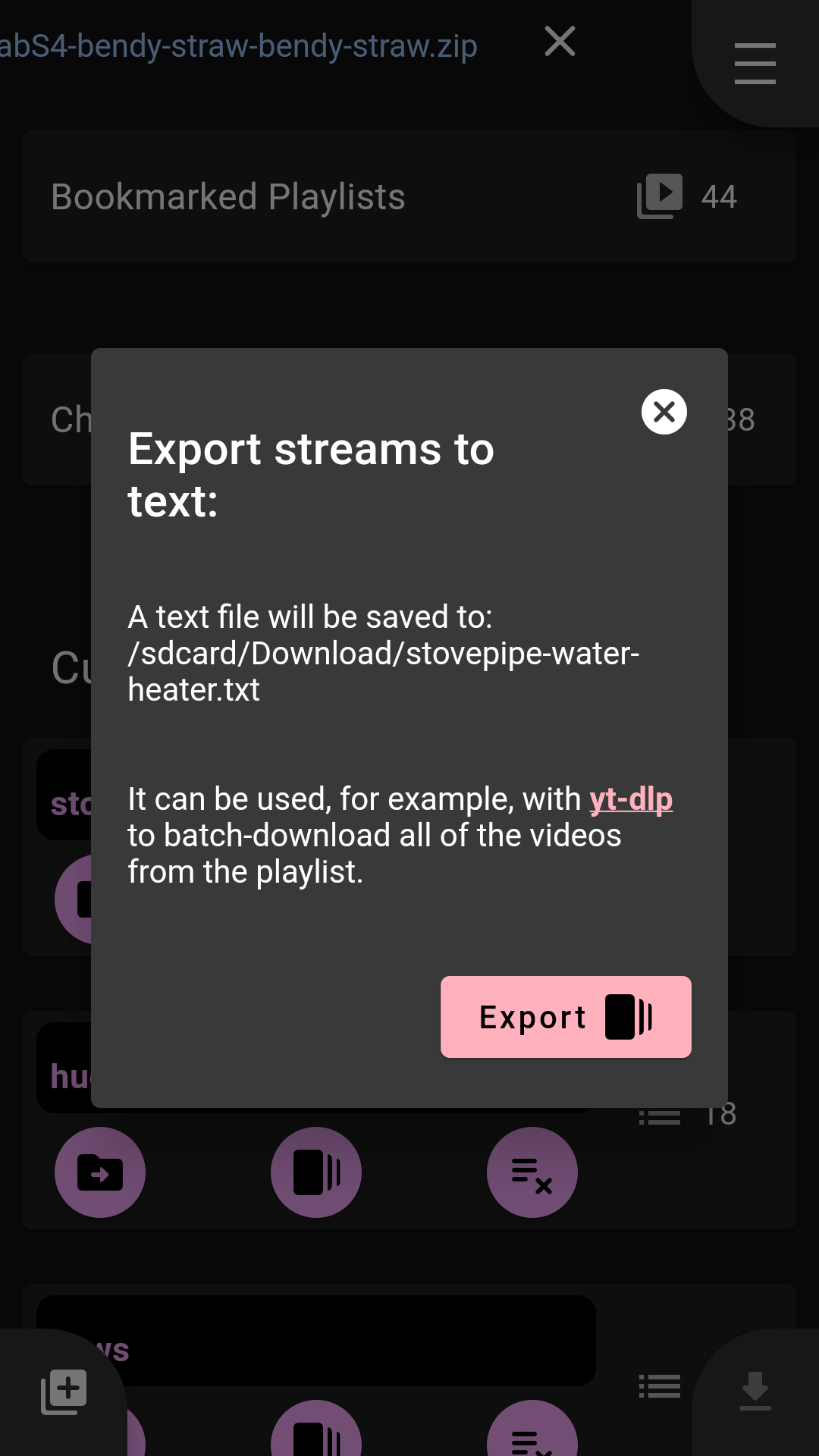
- Export playlist as raw text, for example to be used with yt-dlp
- Import playlists from JSON (the button to do this is hidden by default, go to the settings menu to show it)
- Open as a temporary YouTube playlist in your browser
- Depending on your device settings YouTube might open in your browser or a web view or something else... to find out how to configure this do a web search for 'android set default apps'
- Dark/light themes
Search your watch history to build new playlists
- Search through your watch history
- Results are displayed in a special search playlist and can be copied into other playlists
Note about Permissions On Android 13+
BendyStraw asks for the manage external storage permission, here's why:
- A typical use-case for this app is to open several zip files, concurrently, from multiple locations including Download directories (these files would be, for example, multiple NewPipe exports from multiple devices, which you want to combine).
- Each zip is extracted so that its contained newpipe.db SQLite database can be read/written while you are editing.
- After editing, the extracted files are written back to a new zip, and/or overwrite the original zips.
- Choose not to grant the permission, and uninstall the app.
- Check the source code to see that I'm not doing anything nefarious, or ask somebody to check it for you (at time
Screenshots
How to install
- Download the APK from the button at the top of this page.
- Allow “Install unknown apps” for your browser or file manager only, not for every app.
- Open the downloaded file and confirm the installation.
- If installation fails with “App not installed,” remove an earlier build of the same app first. A signature conflict is the usual cause.
Data safety
- Every file is checked against its published SHA-256 before it is listed.
- Files are scanned for malware on every update.
- The permissions each app requests are listed on its own page.
- Read the full safety policy for how we test, flag, and delist files.
Comments
Recent approved comments · sorted by newest
View all comments