Quick answer
Simplifies comparing photos of tamper-evident seals using your eyes
F-Droid repository metadata
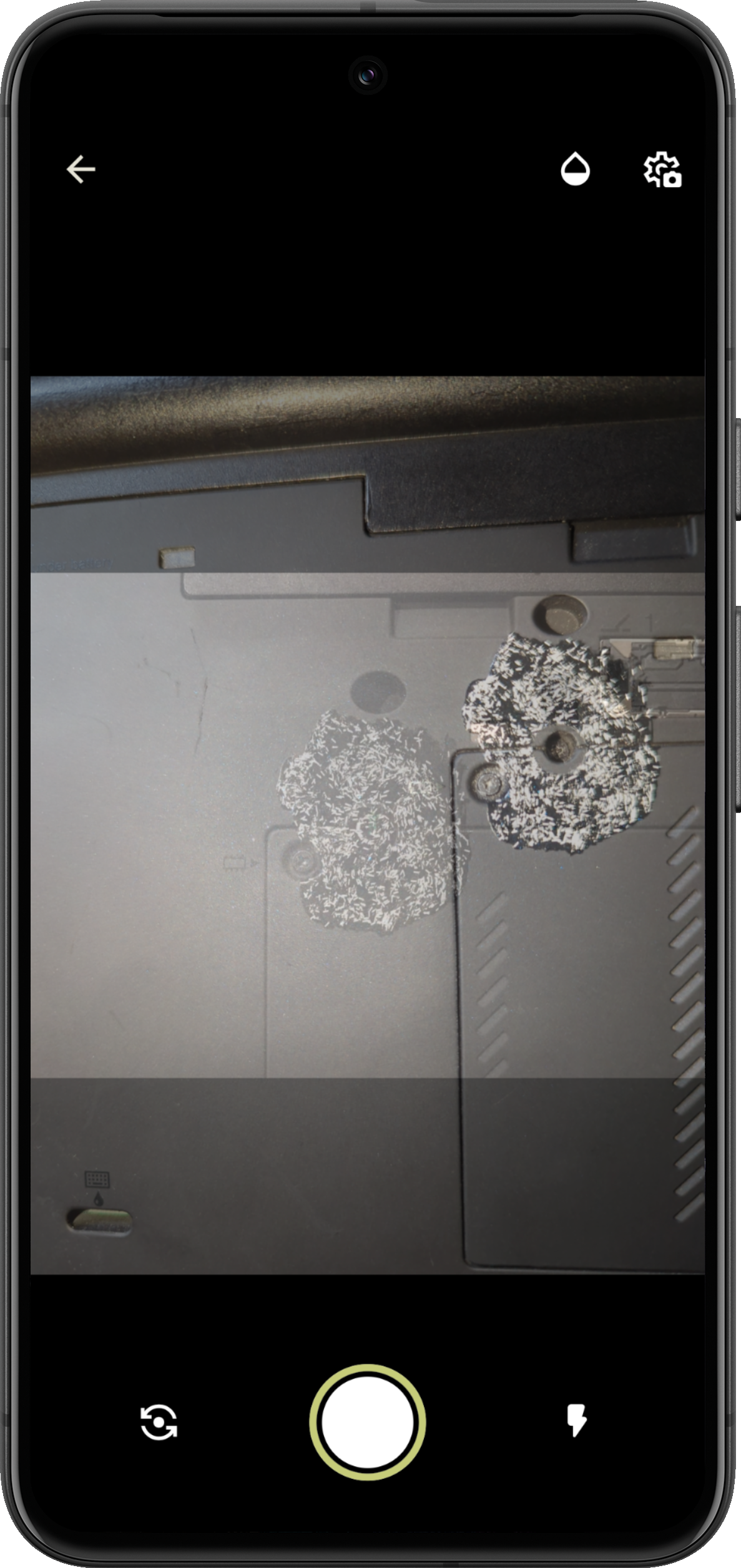
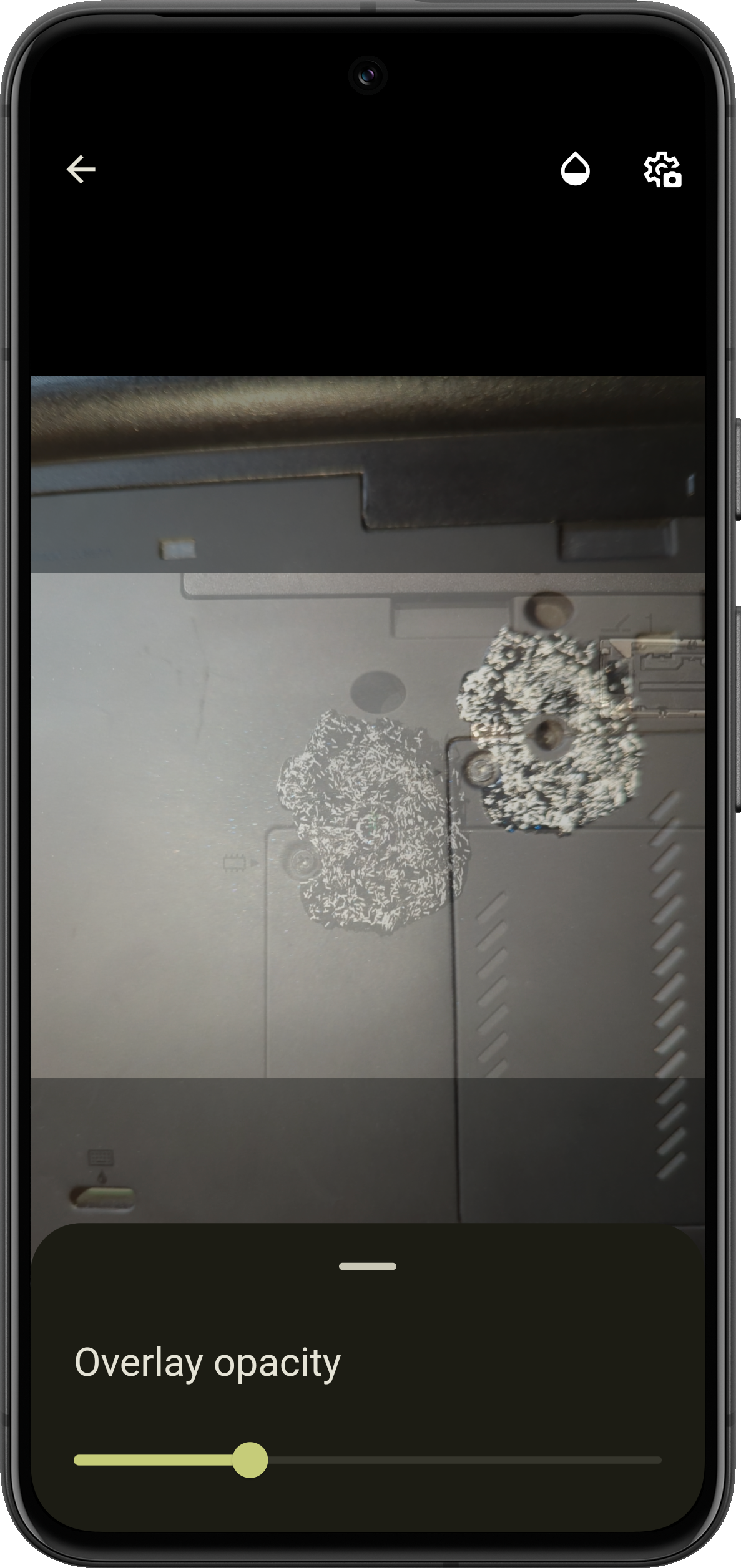
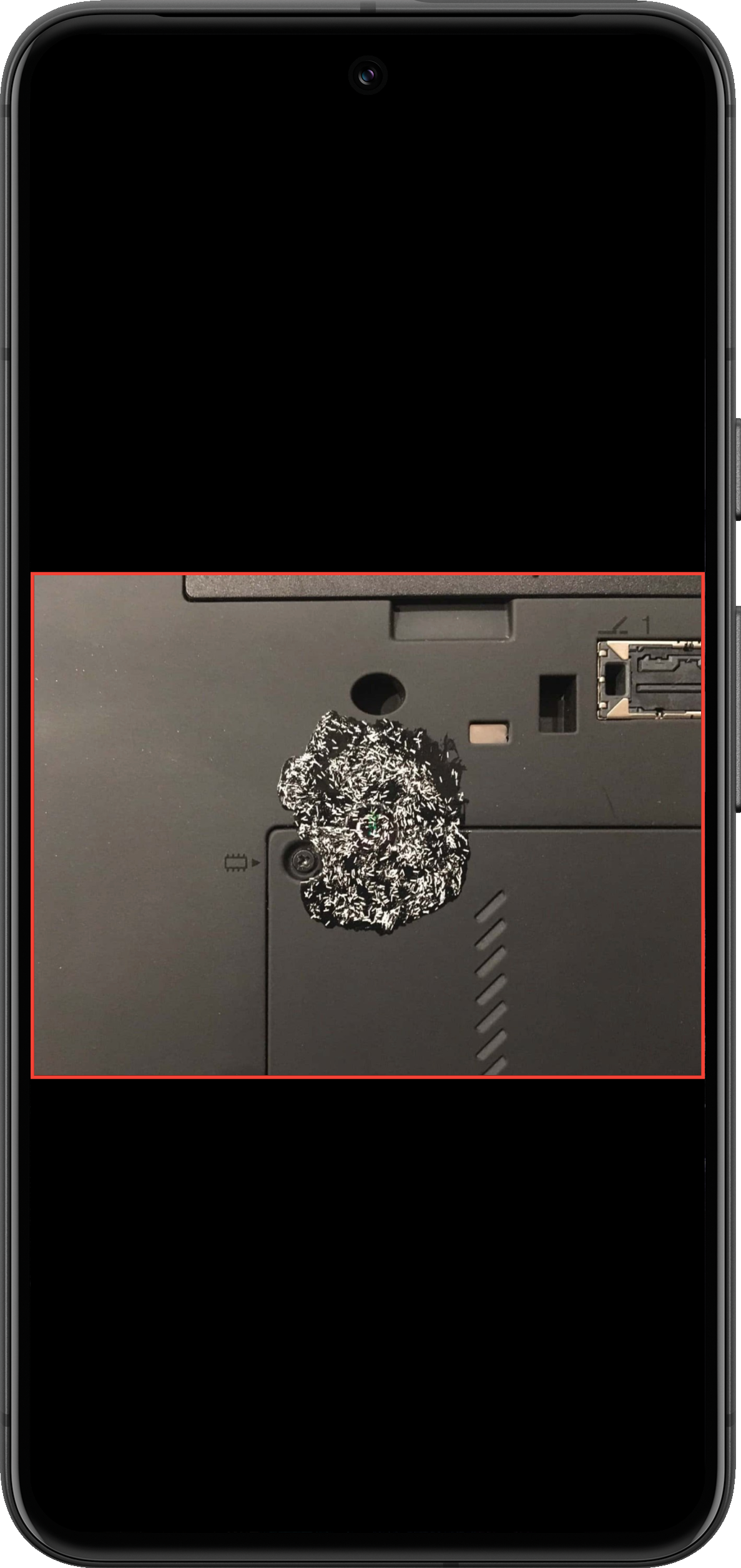
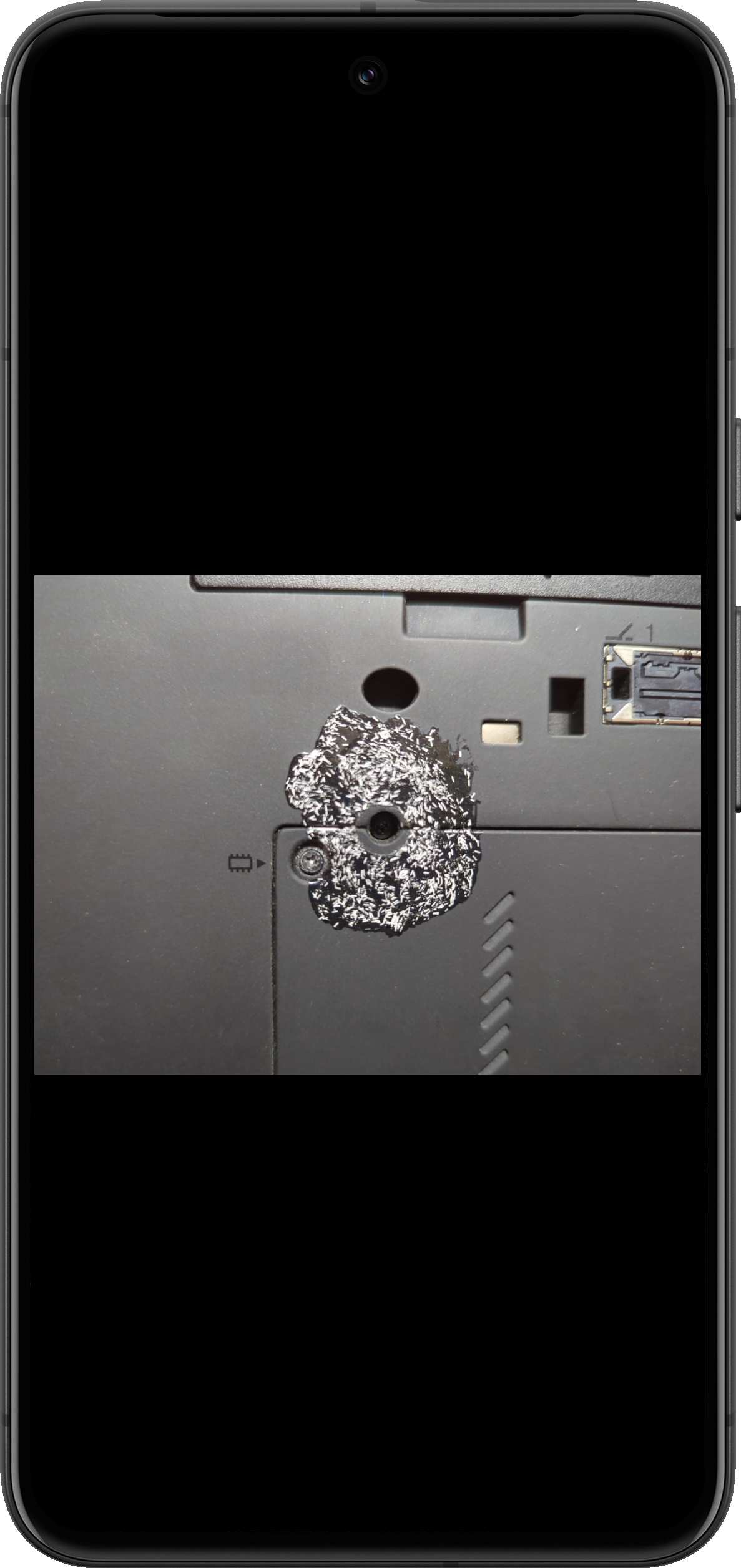
The concept of "blink comparison" method is simple - the app allows you to quickly switch pictures without delay so you can see the differences.
"Blink comparison" method uses high efficiency pattern recognition by human eyes, to permit quick verification between a reference picture and an actual one being taken on the spot. For example, in the goal of detecting tampering in high contrast nail polish tamper-evident seals.
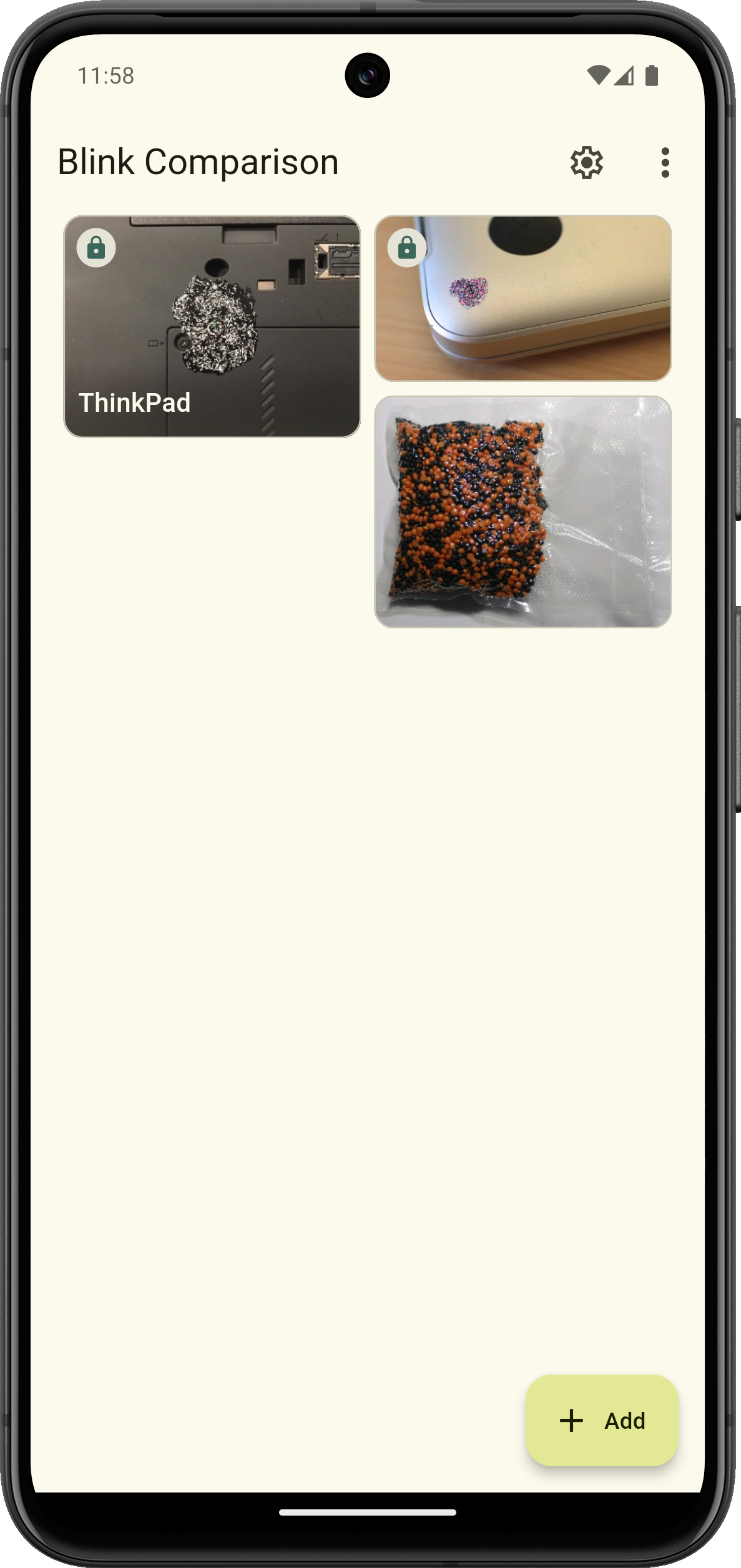
📋 Features
* Free and Open Source software (FOSS)
* Support for various platforms and devices (currently Android only)
* Add and store reference pictures in the app or take a photo on the spot
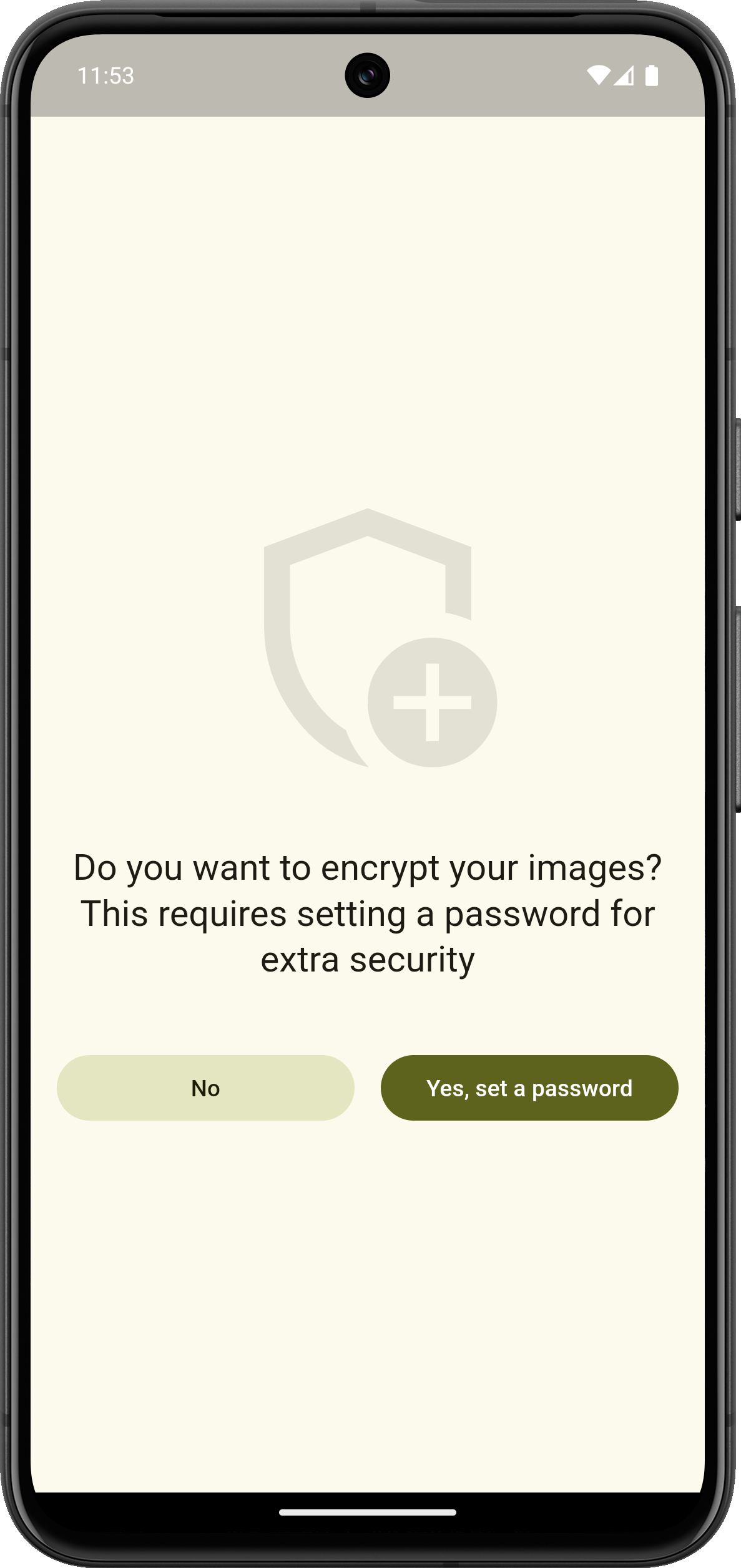
* Encrypting images (optional), making it harder to steal or replacement
* Compare a reference image with the one just taken using "blink comparison" method
* Helps to take a compared photo in the correct position, at the correct angle, lighting and distance
* Material Design 3
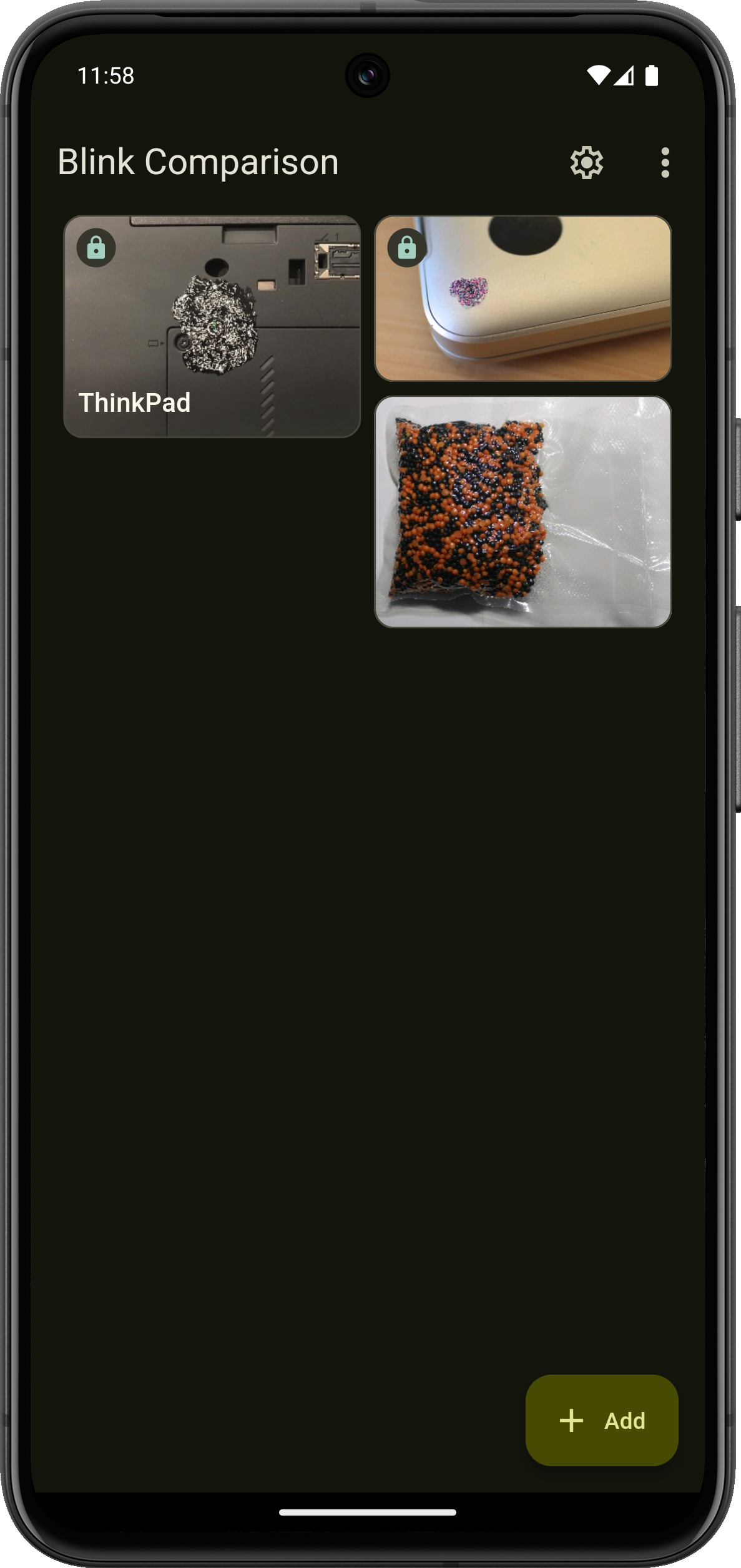
* Night theme
* Responsive UI for different devices form factors
For more information, please see here: https://github.com/proninyaroslav/blink-comparison/blob/HEAD/README.md
Privacy Policy: https://github.com/proninyaroslav/blink-comparison/blob/HEAD/PRIVACY.md
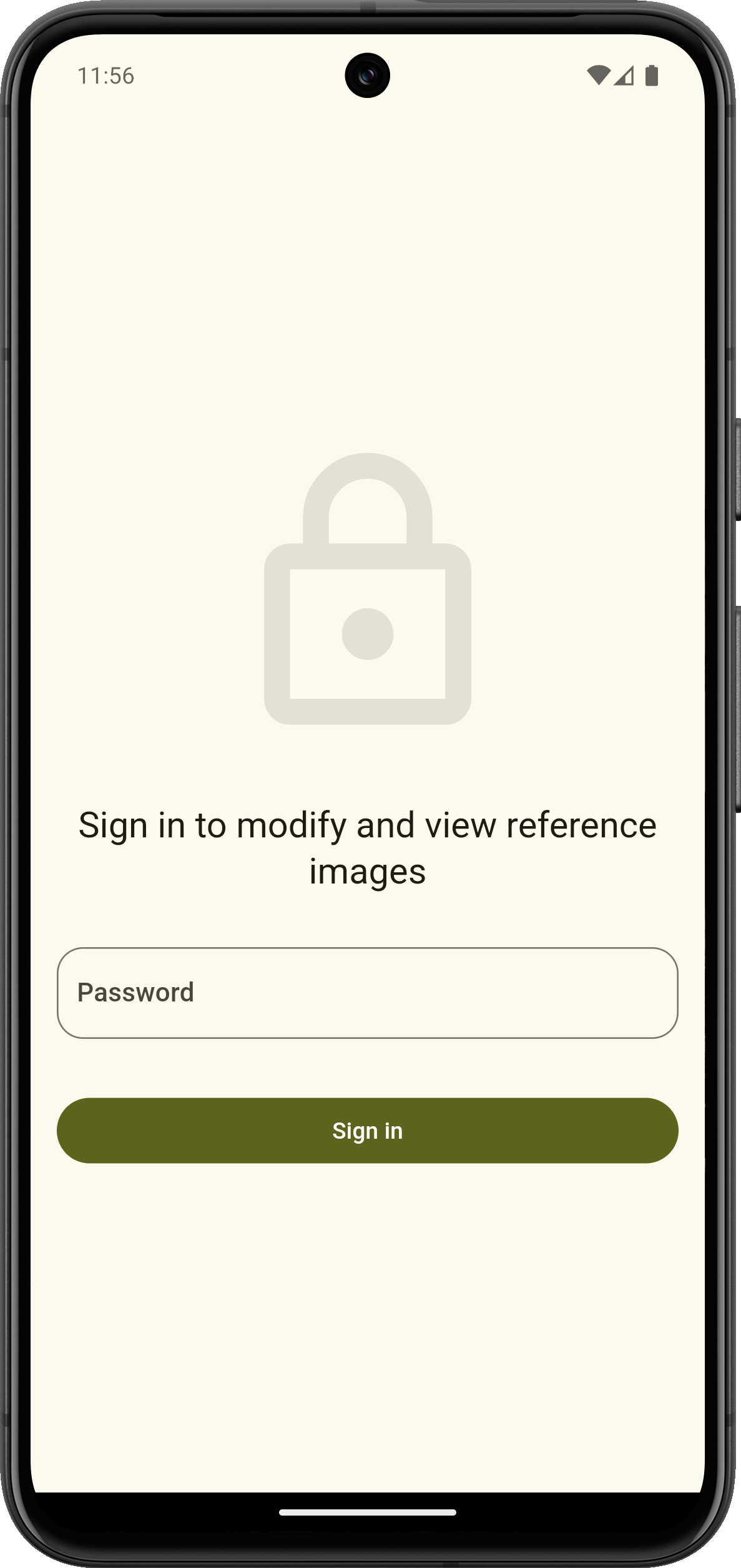
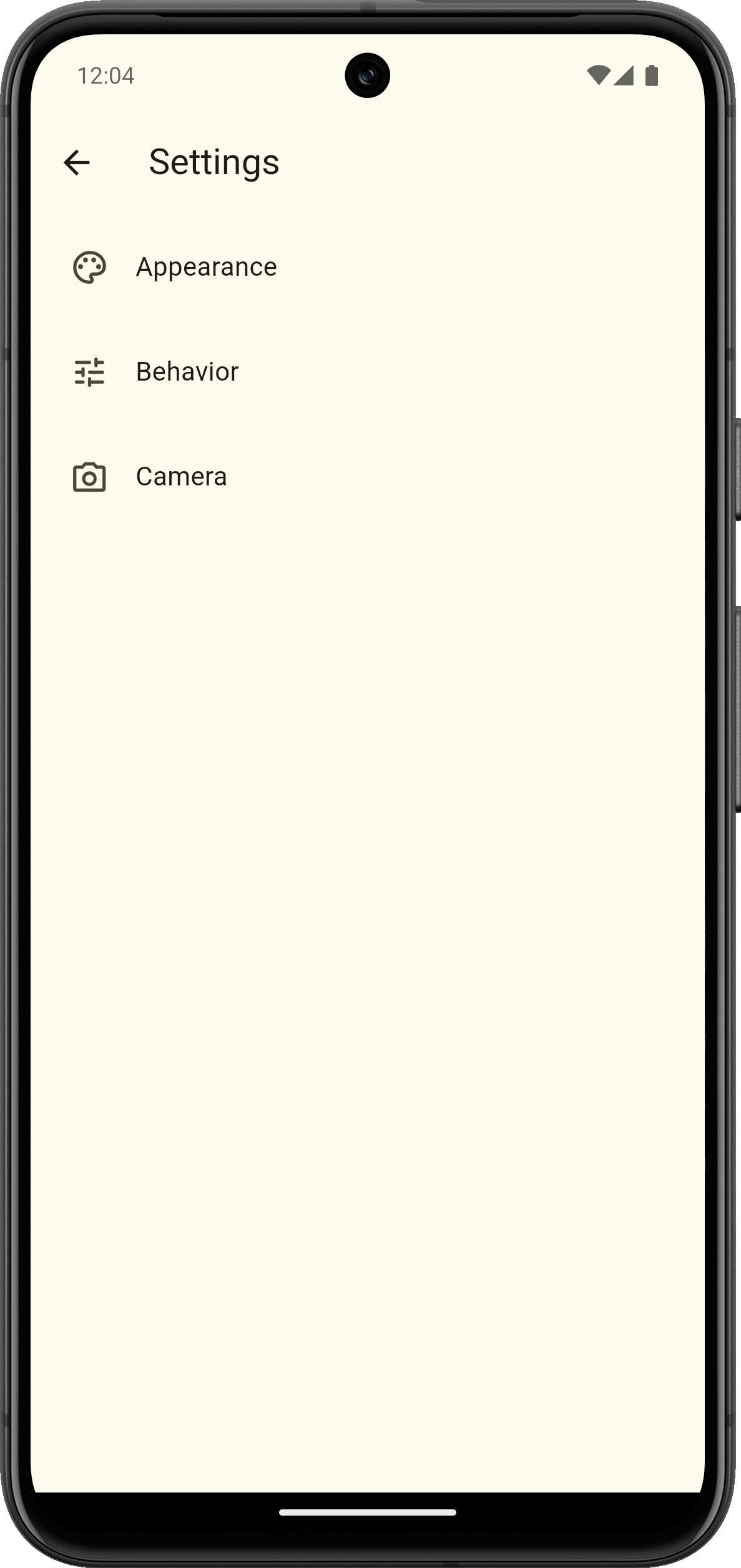
Screenshots
How to install
- Download the APK from the button at the top of this page.
- Allow “Install unknown apps” for your browser or file manager only, not for every app.
- Open the downloaded file and confirm the installation.
- If installation fails with “App not installed,” remove an earlier build of the same app first. A signature conflict is the usual cause.
Data safety
- Every file is checked against its published SHA-256 before it is listed.
- Files are scanned for malware on every update.
- The permissions each app requests are listed on its own page.
- Read the full safety policy for how we test, flag, and delist files.
Comments
Recent approved comments · sorted by newest
View all comments