What’s new
Ported the viewer to Bevy 0.19, which fixes the screen flickering seen on many
Android devices (a missing-synchronization bug in the Vulkan renderer, now fixed
upstream in wgpu). Lowered the minimum requirement to Android 9 (API 28).

Updated Sep 22, 2026
Real-time visualization of musical pitches from live audio
F-Droid repository metadata
PitchVis listens to your microphone and turns the musical pitches it hears into a colorful, real-time visualization.
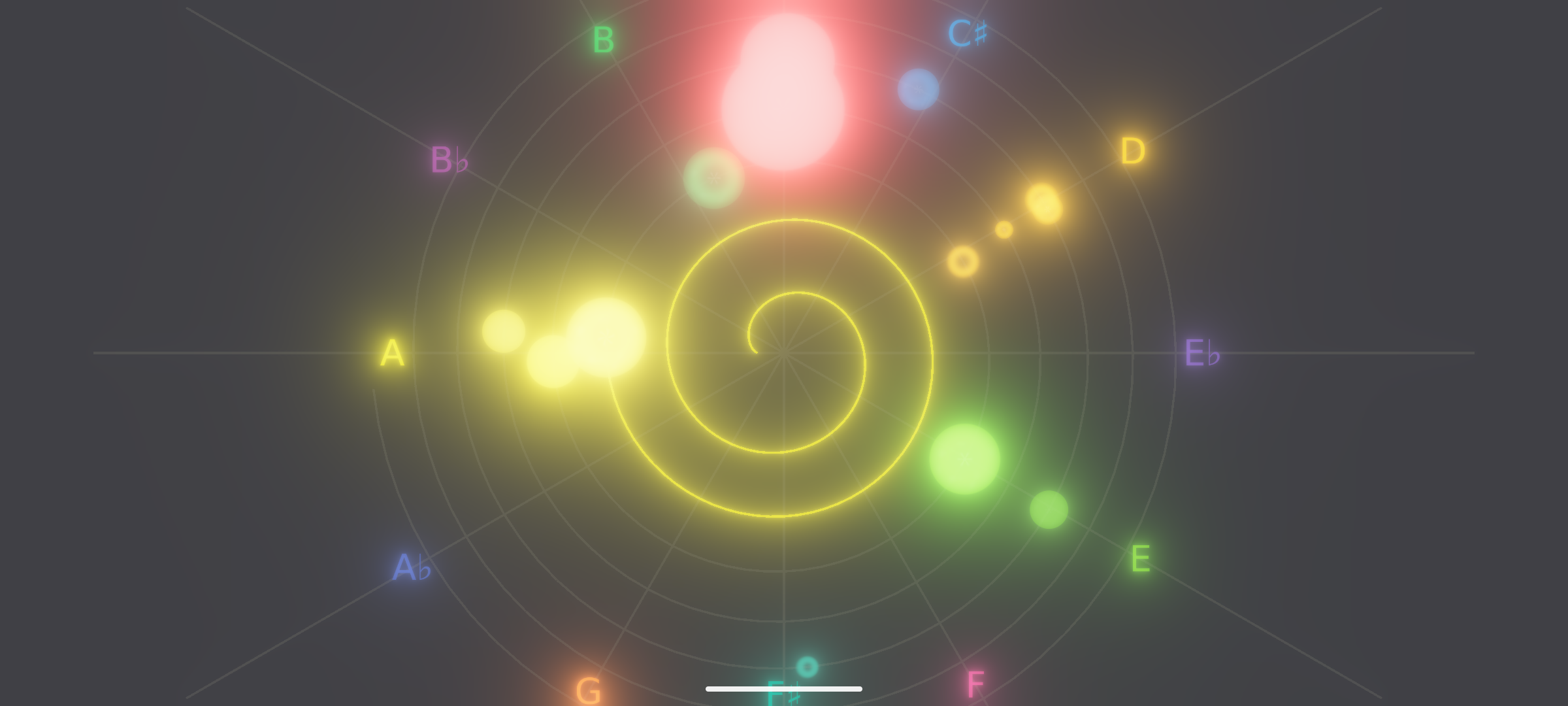
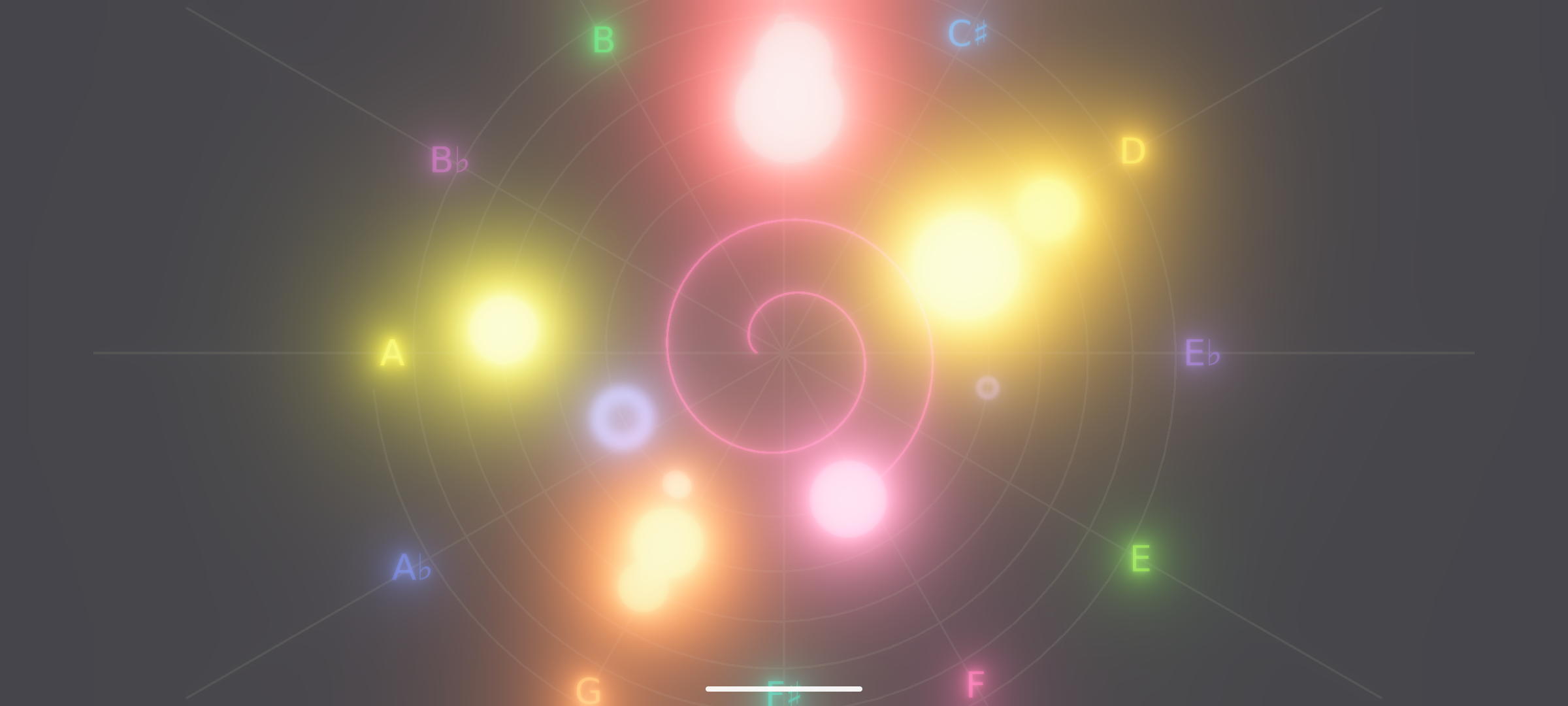
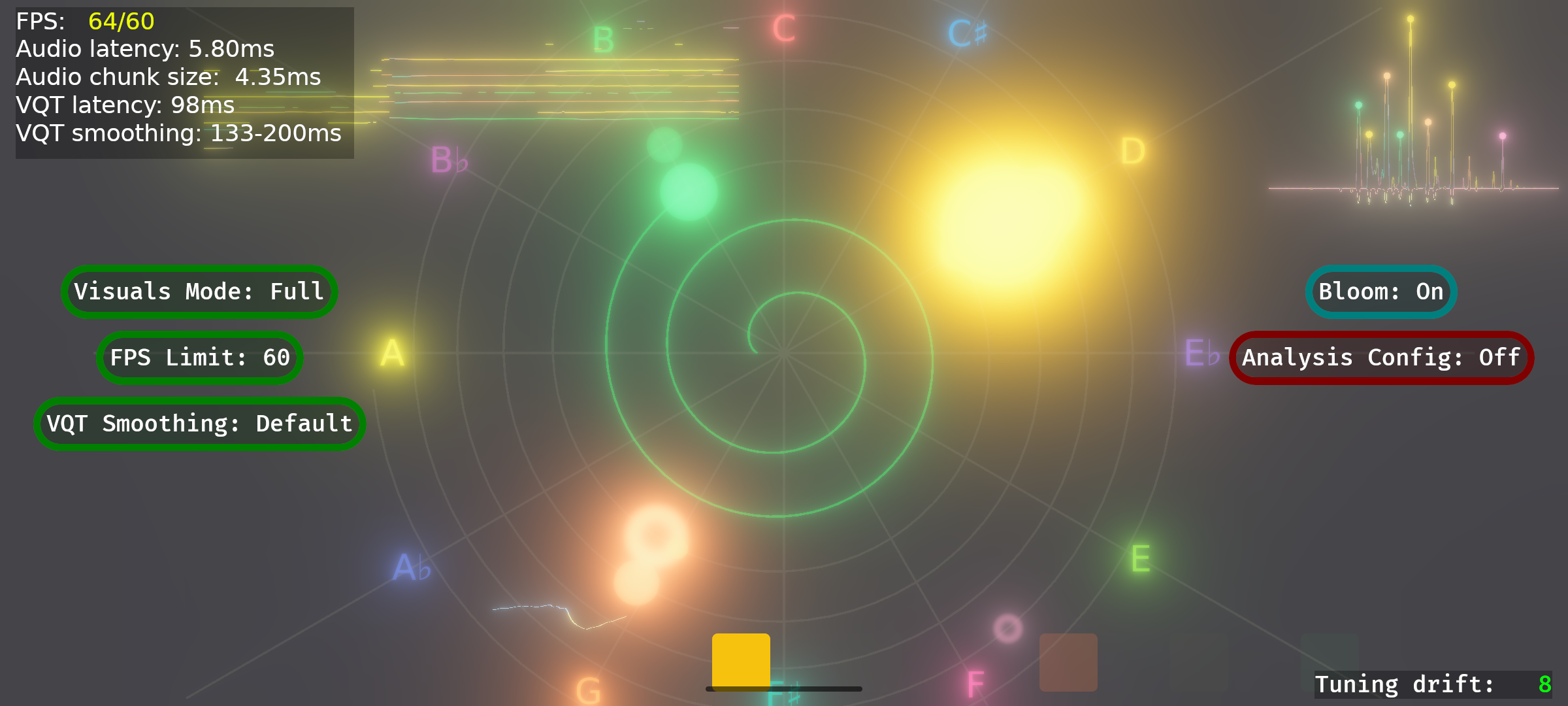
Under the hood it runs a Variable-Q Transform (VQT) over the live audio signal, which gives high frequency resolution in the low registers where music lives, then detects the prominent pitches and maps each one to a color. The result is an animated picture of the harmony, melody and tuning of whatever you play or sing. It is displayed in a spiral, 12 pitches per octave, one octave per spiral rotation.
Features:
* Real-time pitch analysis of live microphone input * Variable-Q Transform tuned for musical signals (especially choir singing) * Pitch-to-color mapping in a perceptual color space * Several visual modes (Full, Zen, Performance, Galaxy) * Tuning drift display in cents * Runs fully offline
PitchVis is useful for musicians, singers, music students and anyone curious about the structure of the sounds around them. It works with any instrument or voice.
PitchVis works fully offline and never connects to the internet. It uses the microphone permission for normal operation; the notification and foreground-service permissions are used only by an optional advanced mode that analyzes audio played by the device itself — audio only, never screen content.
Ported the viewer to Bevy 0.19, which fixes the screen flickering seen on many
Android devices (a missing-synchronization bug in the Vulkan renderer, now fixed
upstream in wgpu). Lowered the minimum requirement to Android 9 (API 28).
Recent approved comments · sorted by newest
View all comments