What’s new
- Update Arabic language.
- Navigation smoother.
Updated Sep 22, 2026
A modern remake of Neko—your classic desktop cat pet on Android.
F-Droid repository metadata
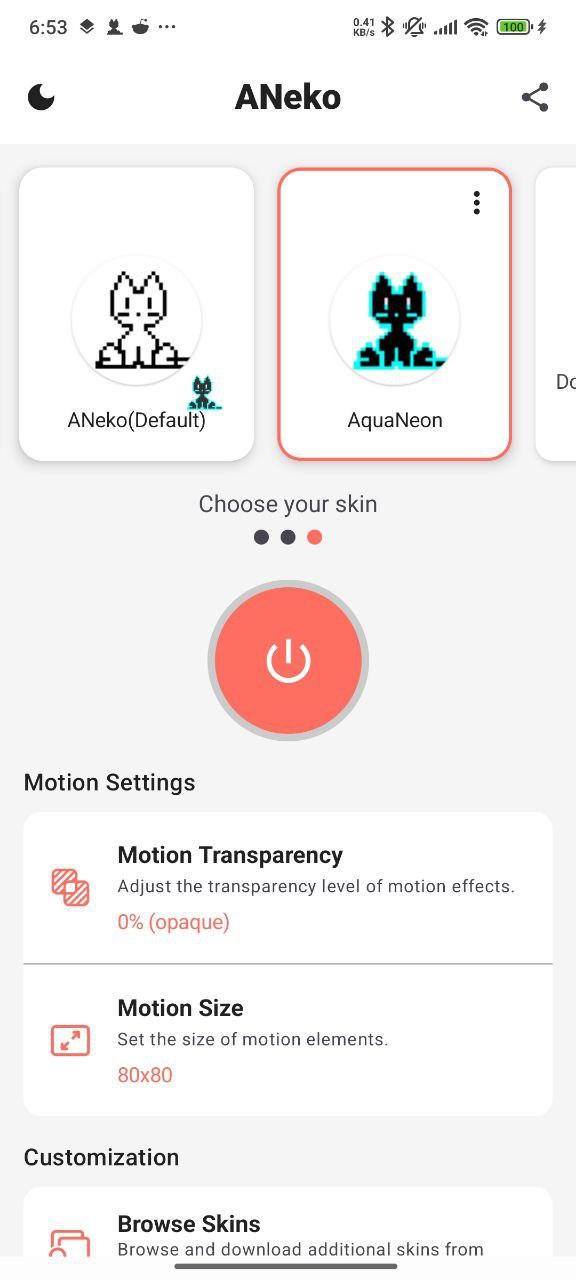
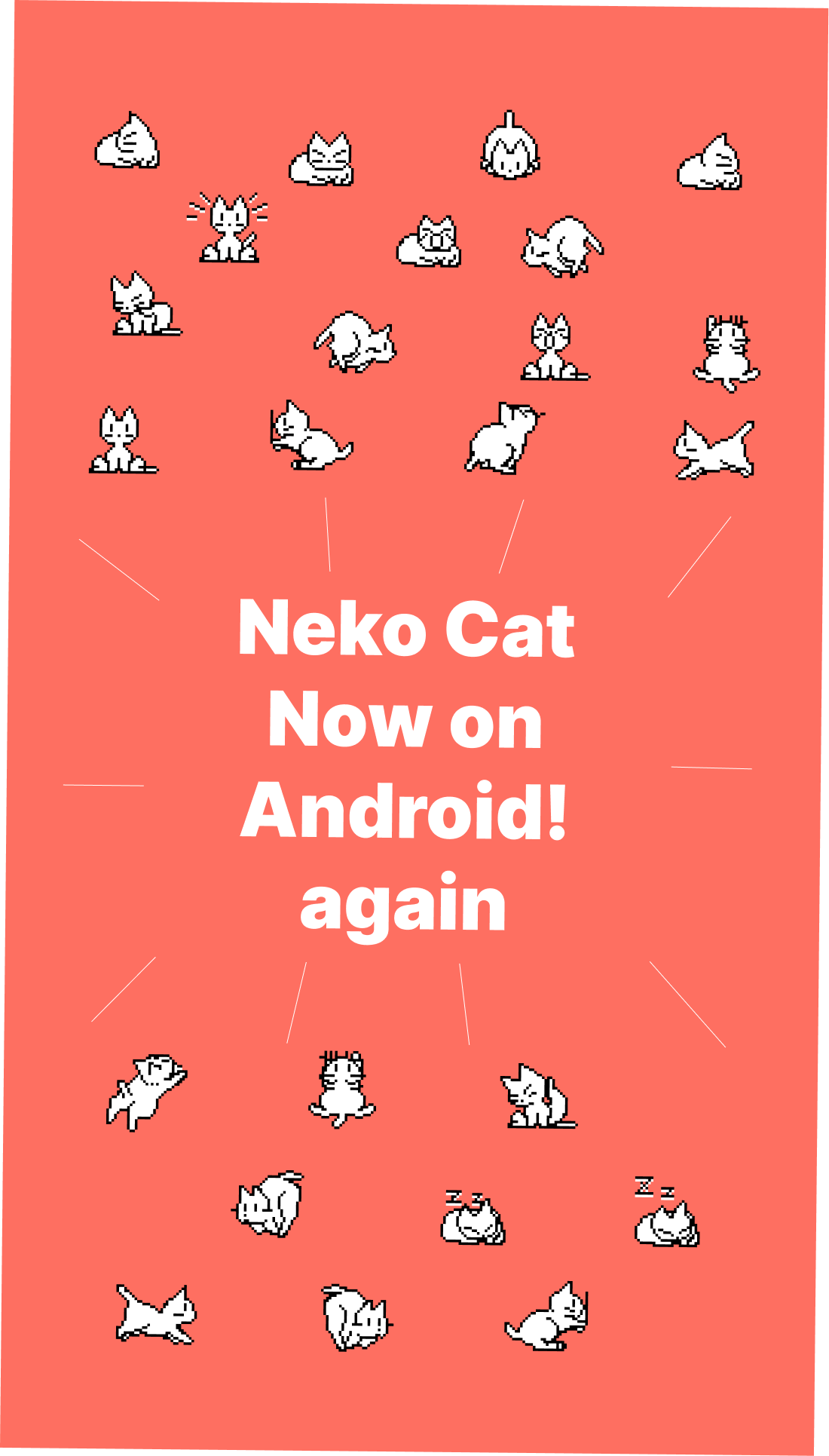
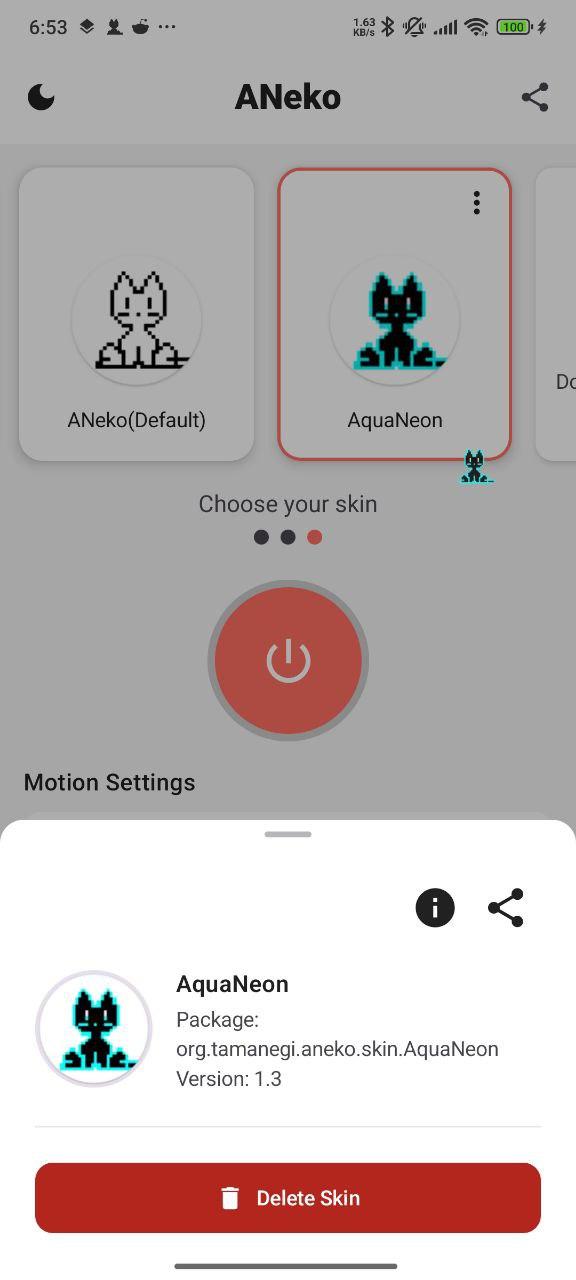
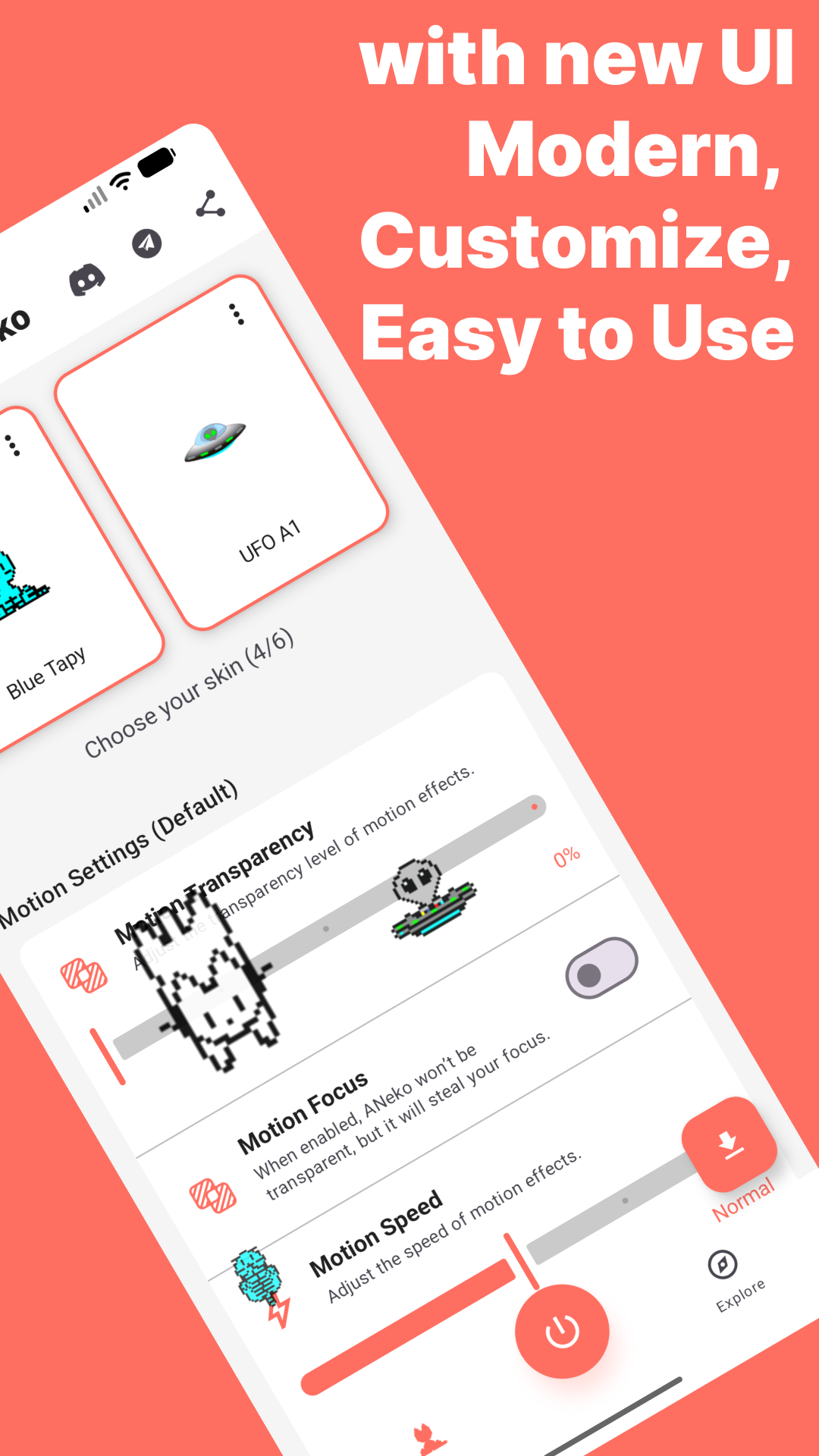
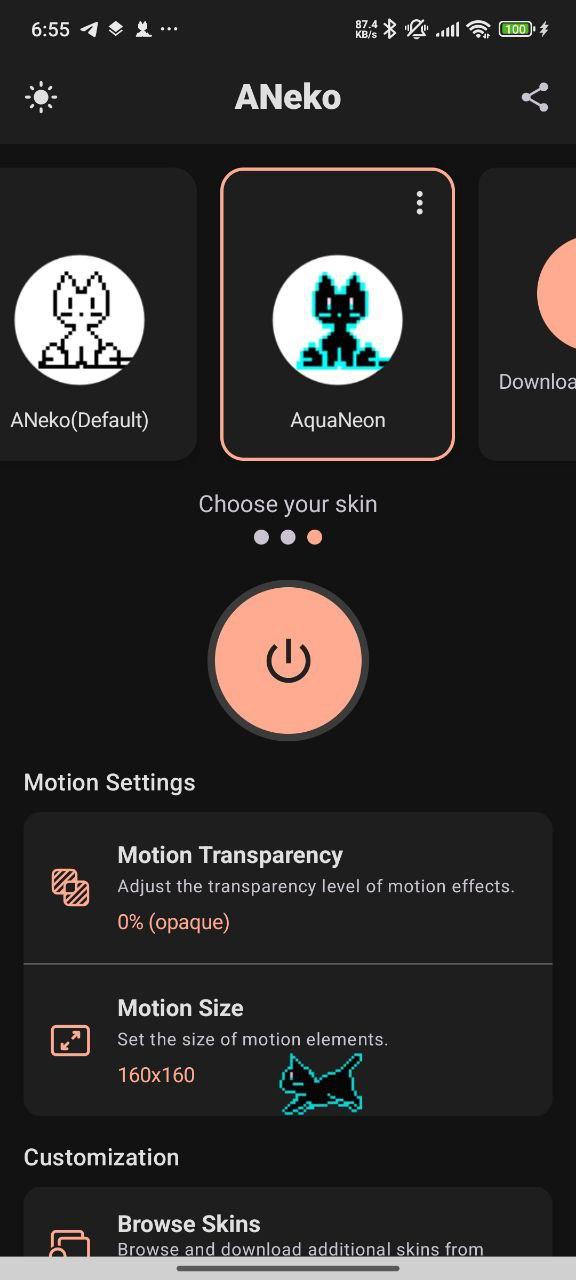
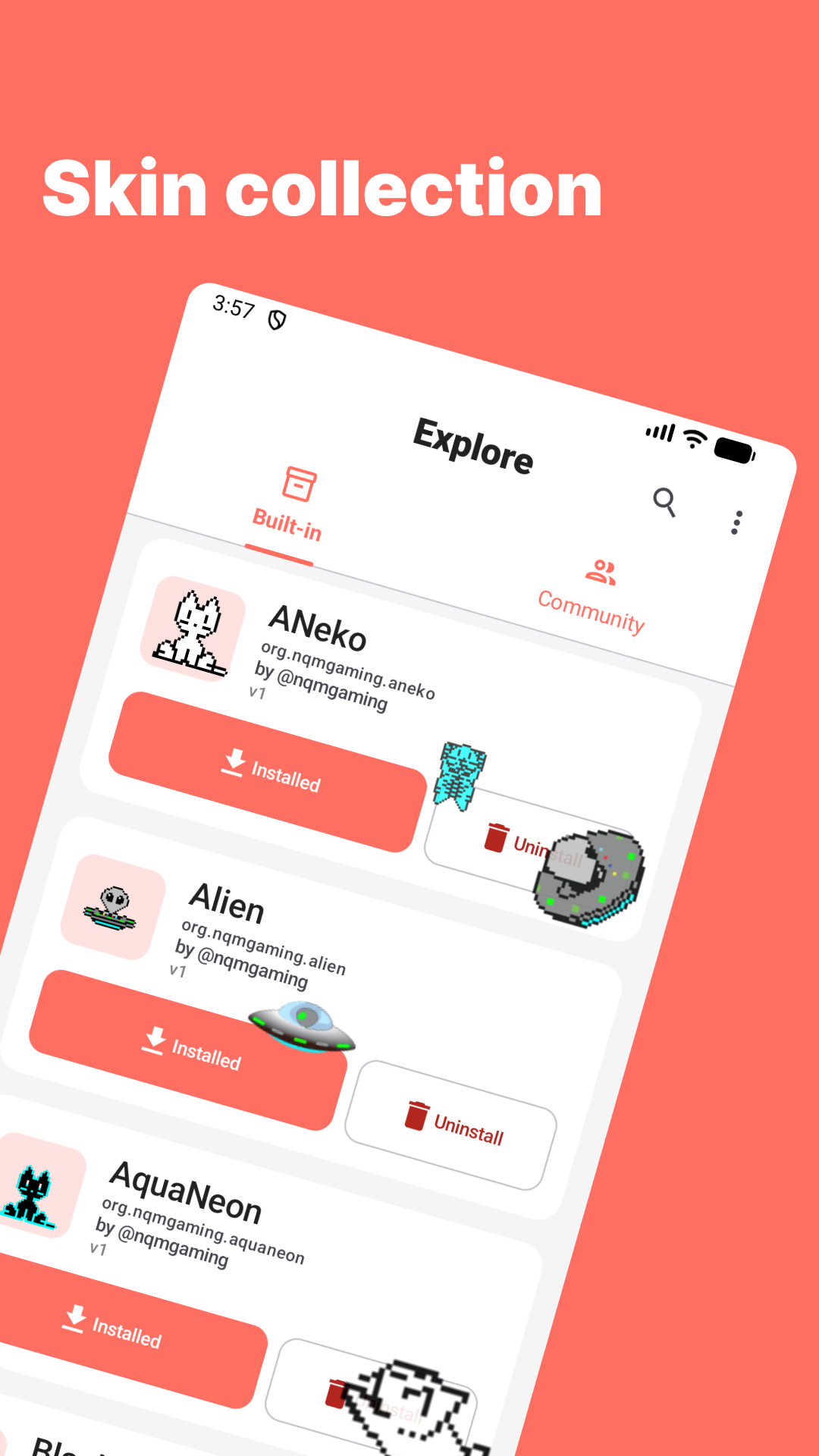
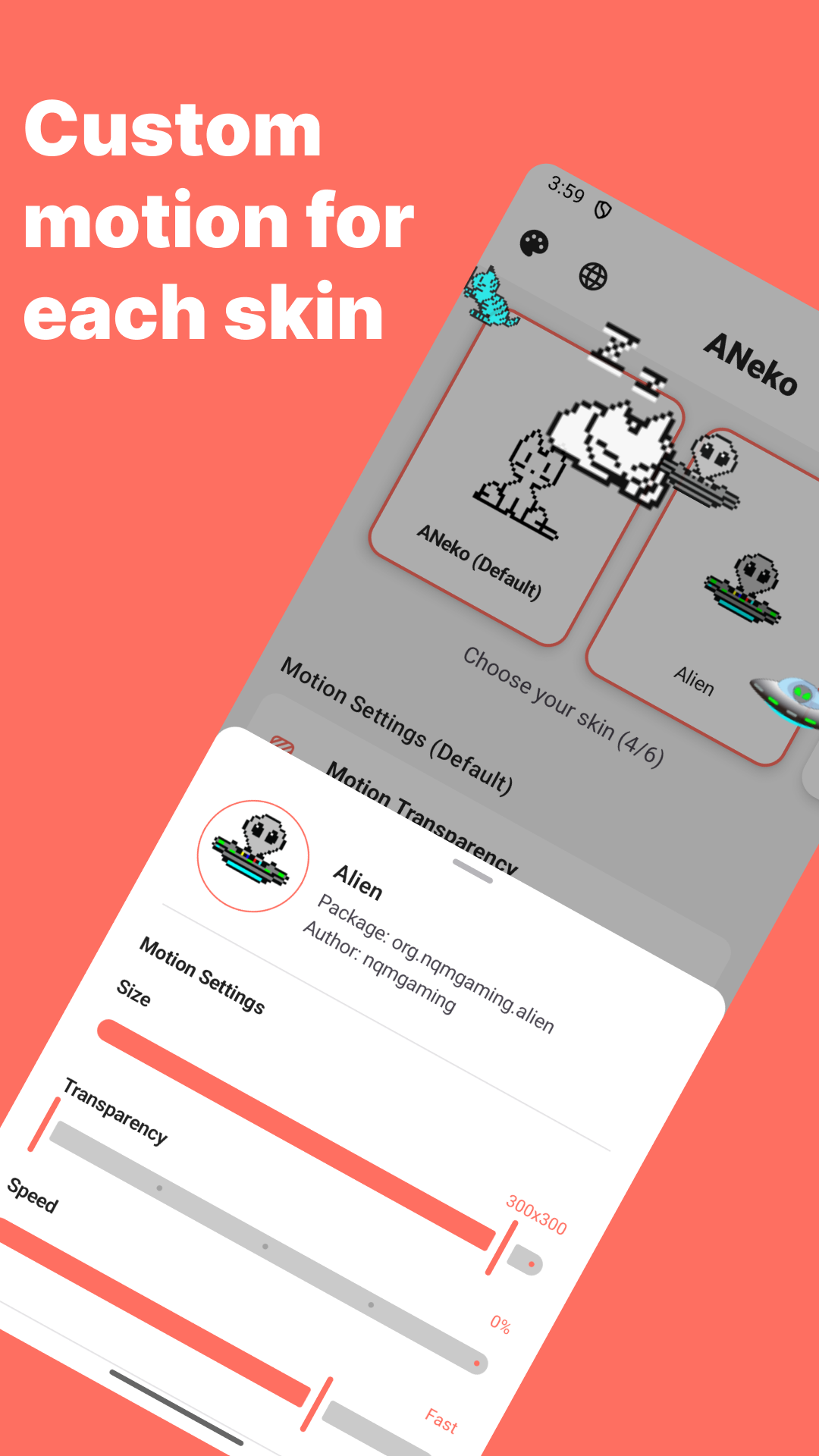
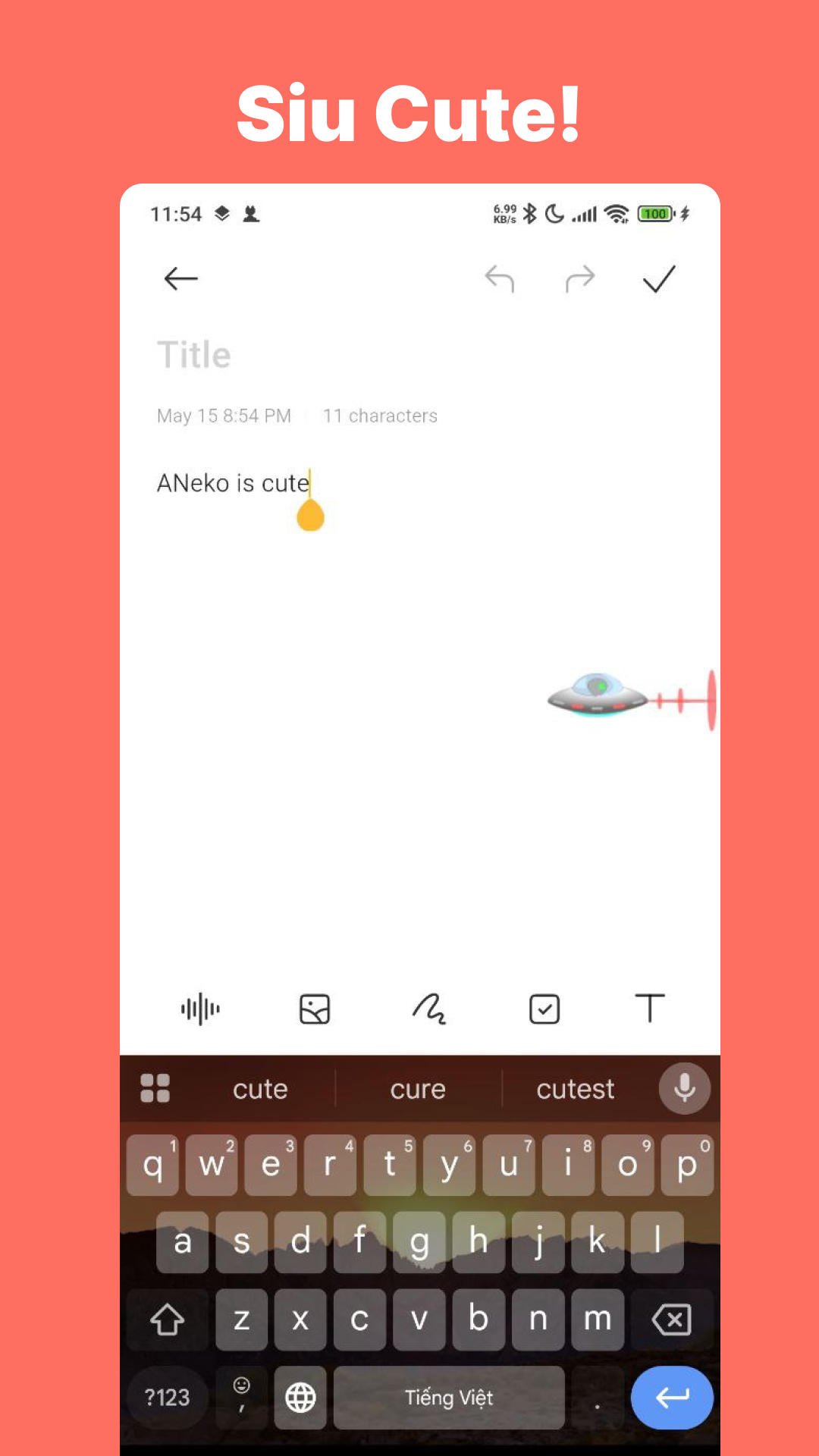
Bring the classic desktop cat to life on your Android screen with ANeko Reborn—a modern remake of the original Neko software and its Android ports ANeko and ANeko Plus. Originally popular on early computer systems, Neko was a tiny animated cat that followed your cursor across the screen. ANeko Reborn revives this nostalgic experience for modern Android devices, bringing back the charm of a playful cat companion that moves freely over your interface. ANeko Reborn is built for smooth performance and updated compatibility while staying true to the spirit of the originals. Features: • Enjoy a virtual cat that walks, sits, and sleeps on your screen • Switch between different classic and custom Neko skins • Designed for modern Android versions with improved stability • Based on the legacy of nekoDA, oneko, ANeko, and other similar apps
Whether you remember Neko from your desktop days or are just discovering it for the first time, ANeko Reborn is a delightful and nostalgic companion that runs right on your phone.
Open-source project: https://github.com/pass-with-high-score/ANeko Learn more about the original software: https://en.wikipedia.org/wiki/Neko_(software)
- Update Arabic language.
- Navigation smoother.
Recent approved comments · sorted by newest
View all comments