What’s new
- Added Catalan and Russian translations
- Updated Dutch, French, German, Lithuanian and Norwegian Bokmål translations
- Tested with Android 15 and 16
Updated Sep 22, 2026
Simplifies tagging your CDs and LPs with MusicBrainz Picard
F-Droid repository metadata
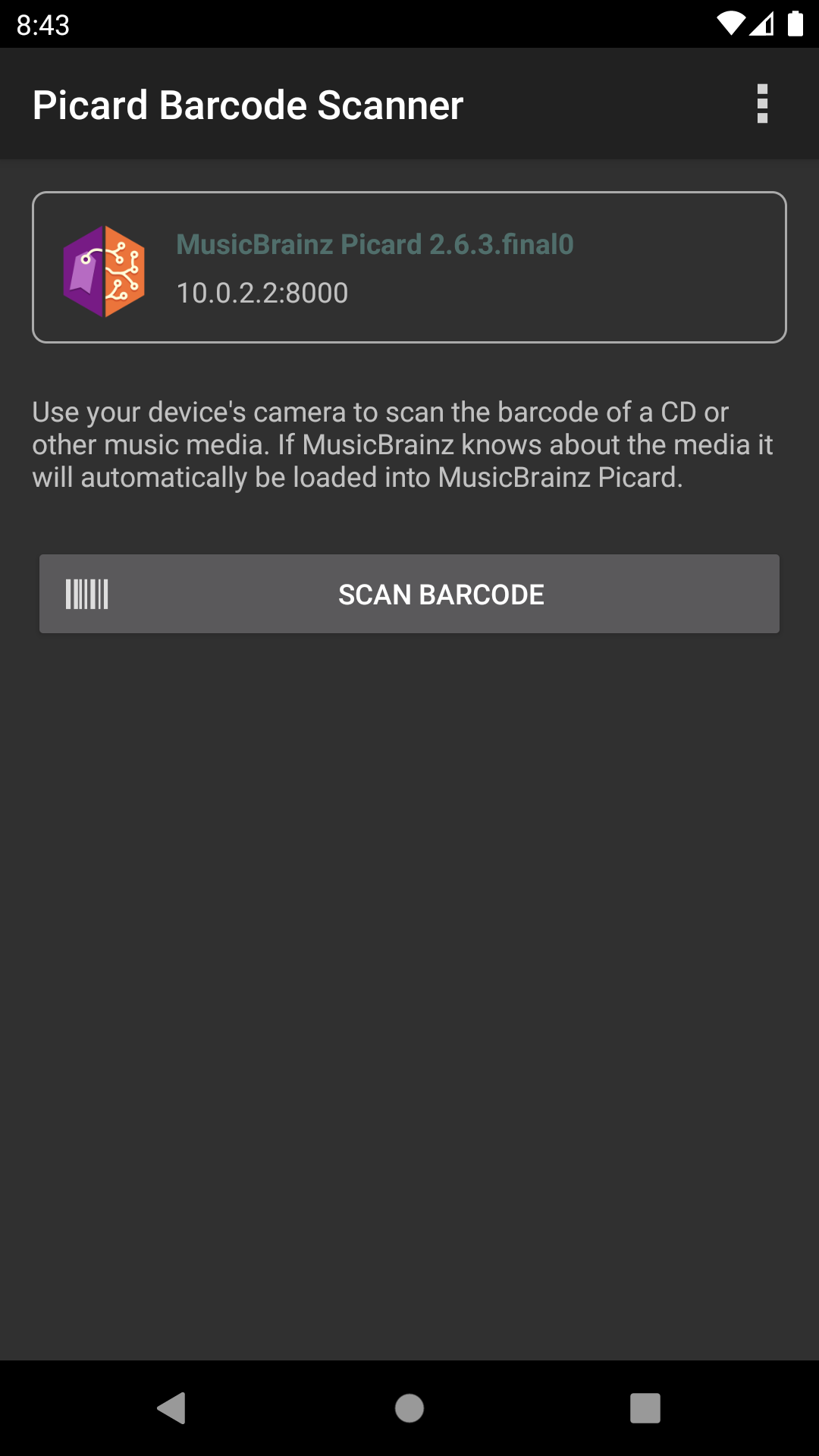
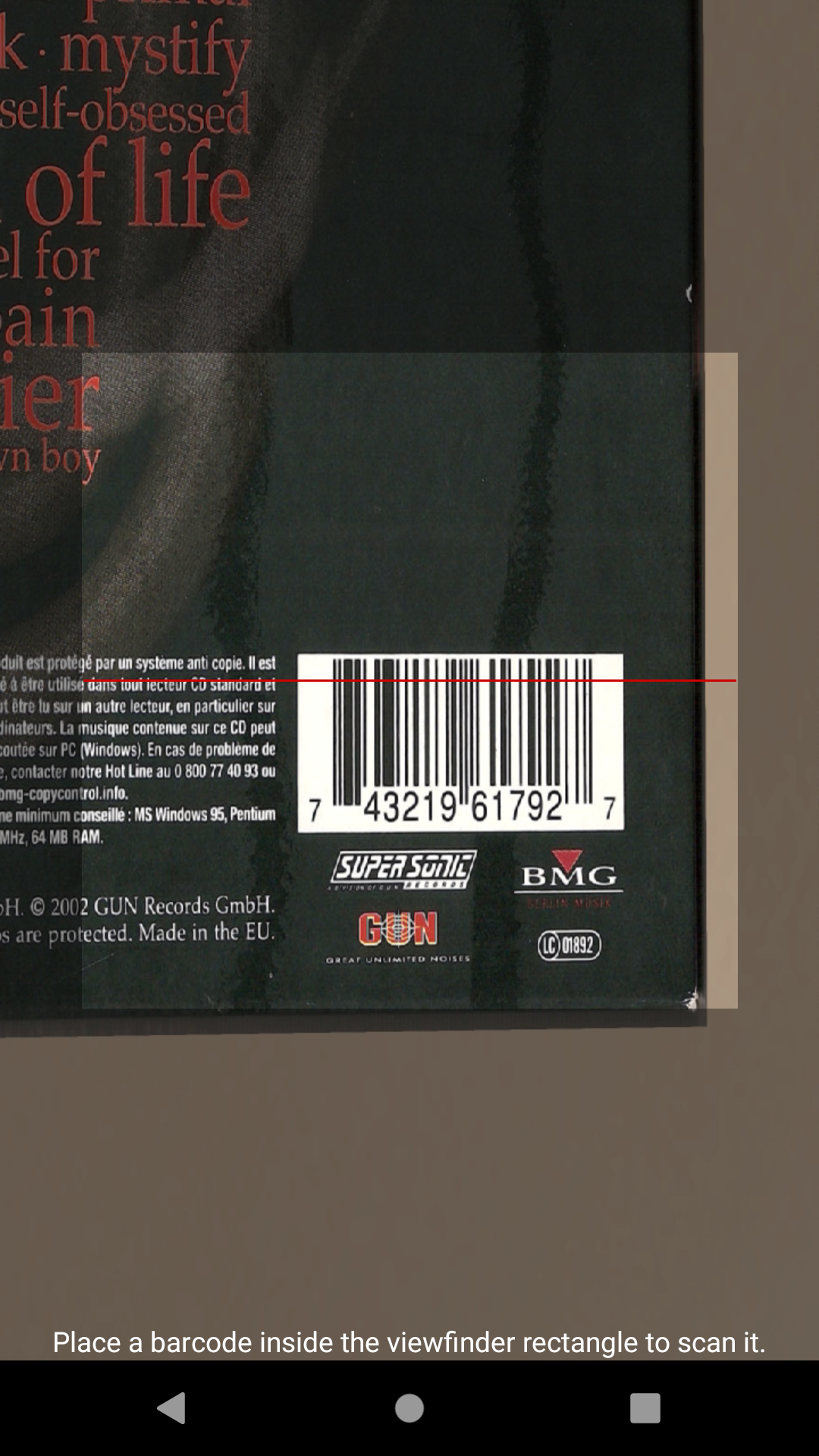
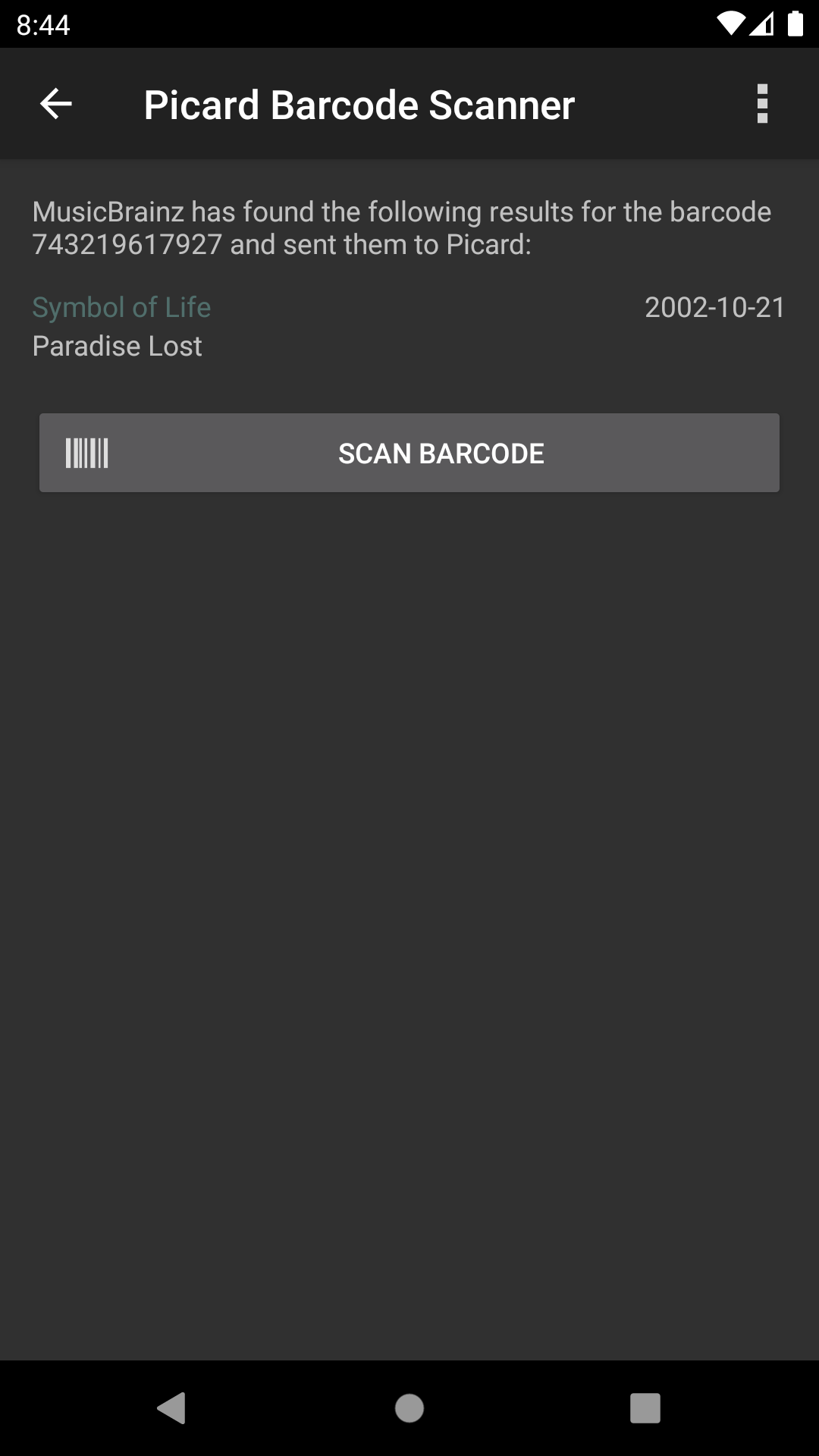
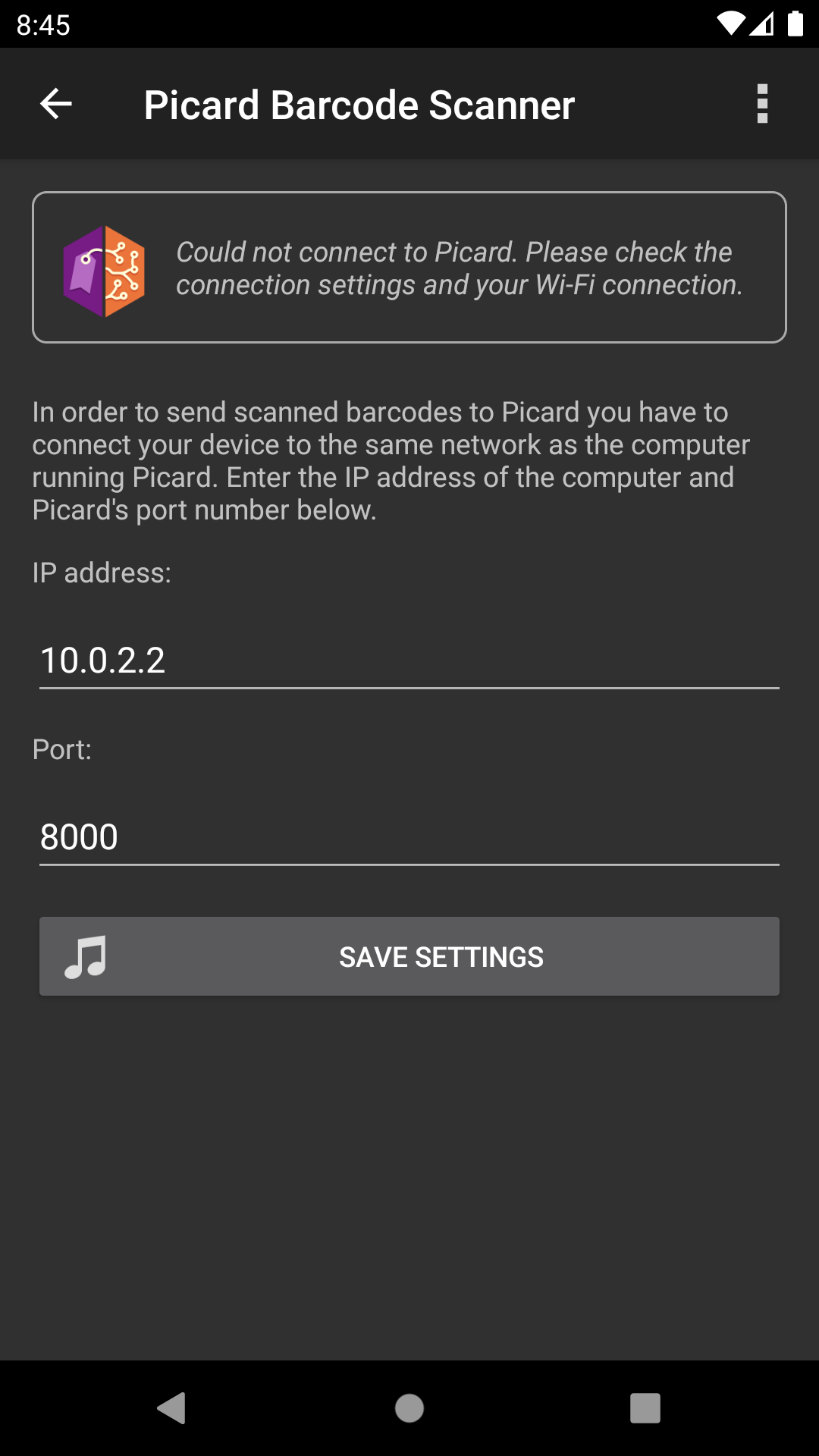
Picard Barcode Scanner allows you to load releases into MusicBrainz Picard by using your Android device as a barcode scanner. Just scan the barcode of an album and it will search MusicBrainz for matching releases and loads them into Picard on your desktop computer.
This is especially useful if you have your physical music collection already digitized and want to tag the files using exactly the album you own.
Please note: This is not a music file tagger for Android but rather a helper tool for MusicBrainz Picard on your desktop.
Requirements: • Picard 1.0 or later • Your Android device and the computer running Picard should be both on the same network, and the port 8000 should be accessible
This app is free software published under the GPLv3. The source code is available on GitHub.
You can help translate this app into your language. Please visit the Picard Barcode Scanner localization project on https://translate.uploadedlobster.com/engage/picard-barcode-scanner/
- Added Catalan and Russian translations
- Updated Dutch, French, German, Lithuanian and Norwegian Bokmål translations
- Tested with Android 15 and 16
Recent approved comments · sorted by newest
View all comments