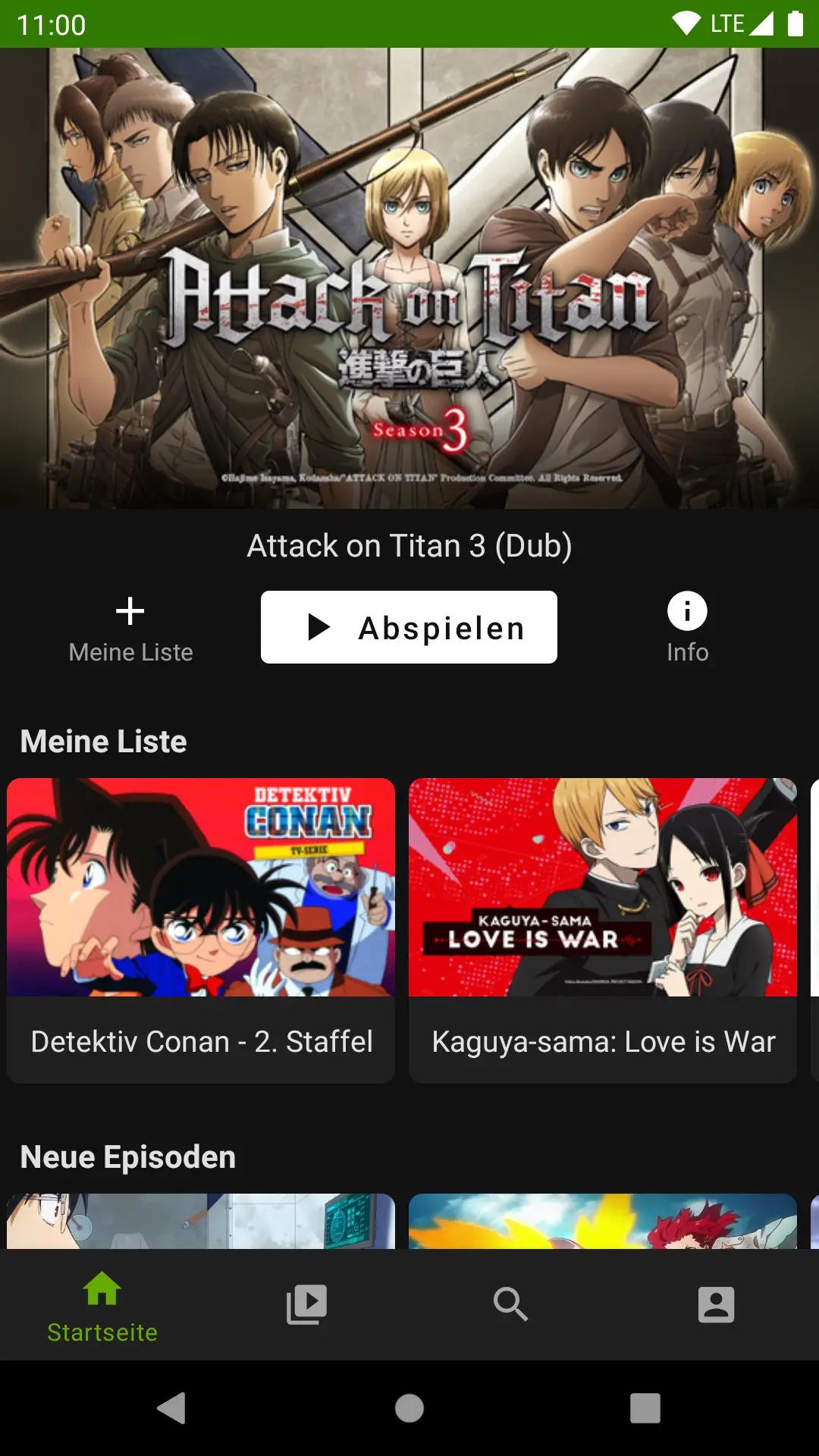
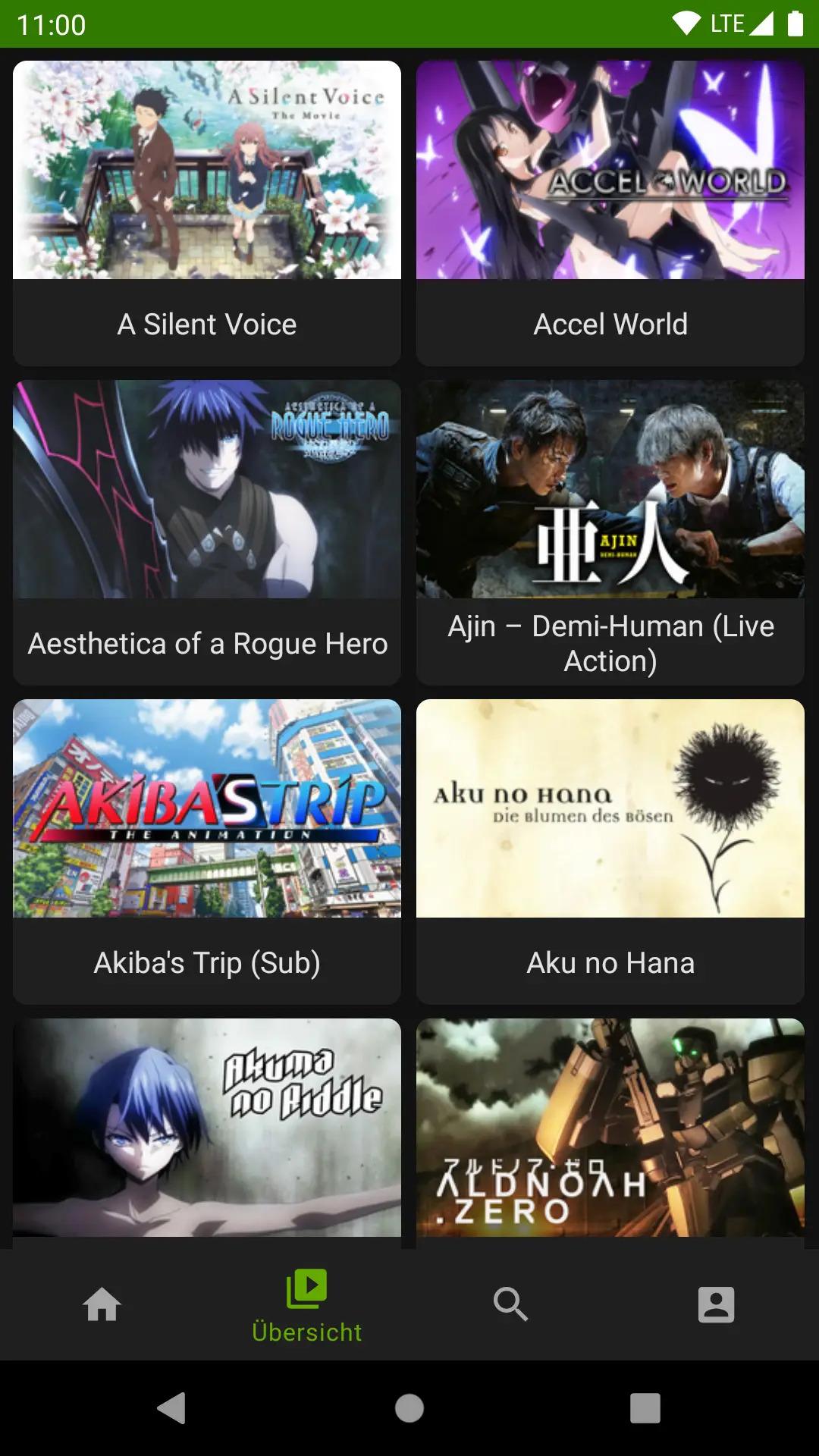
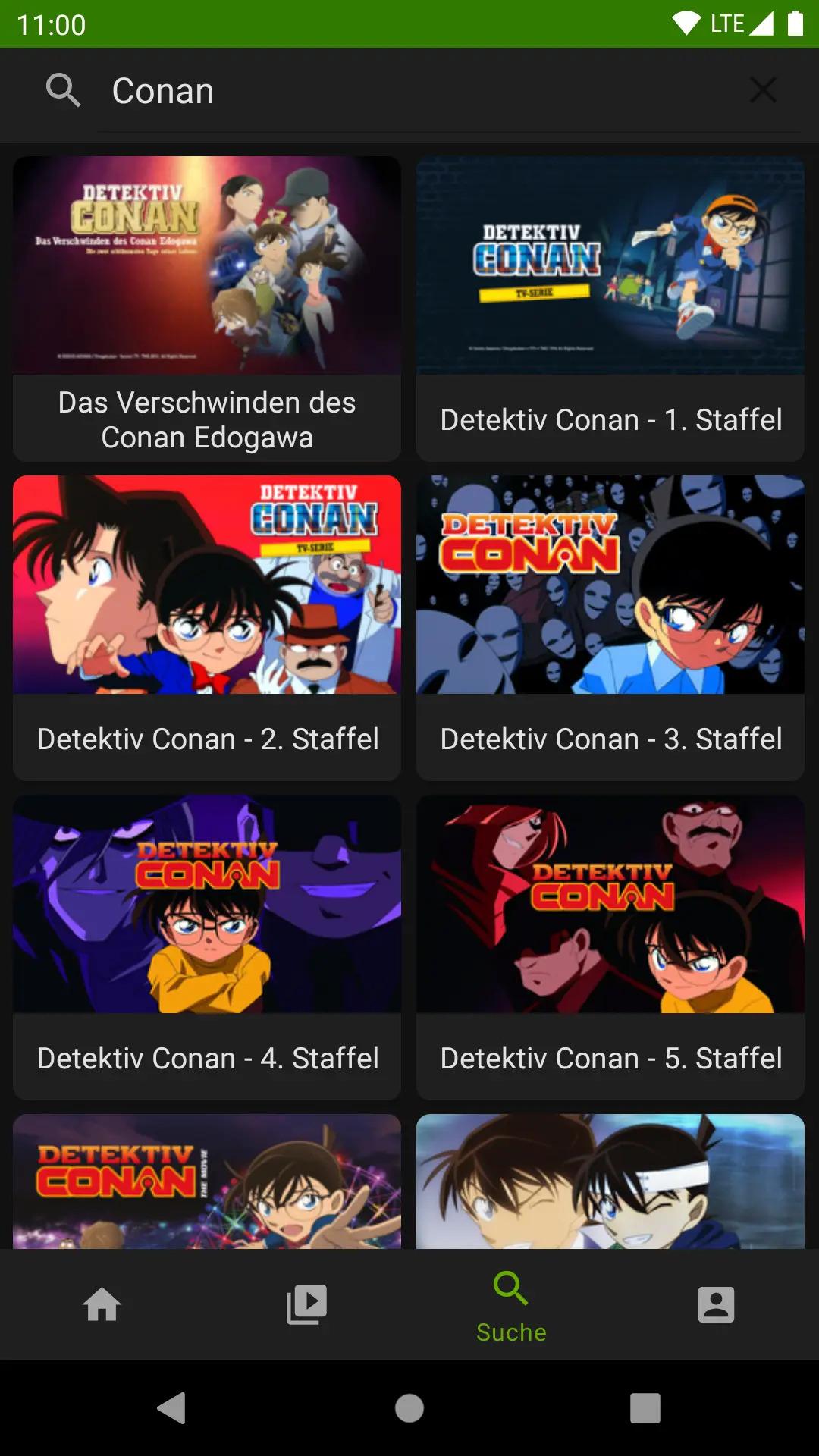
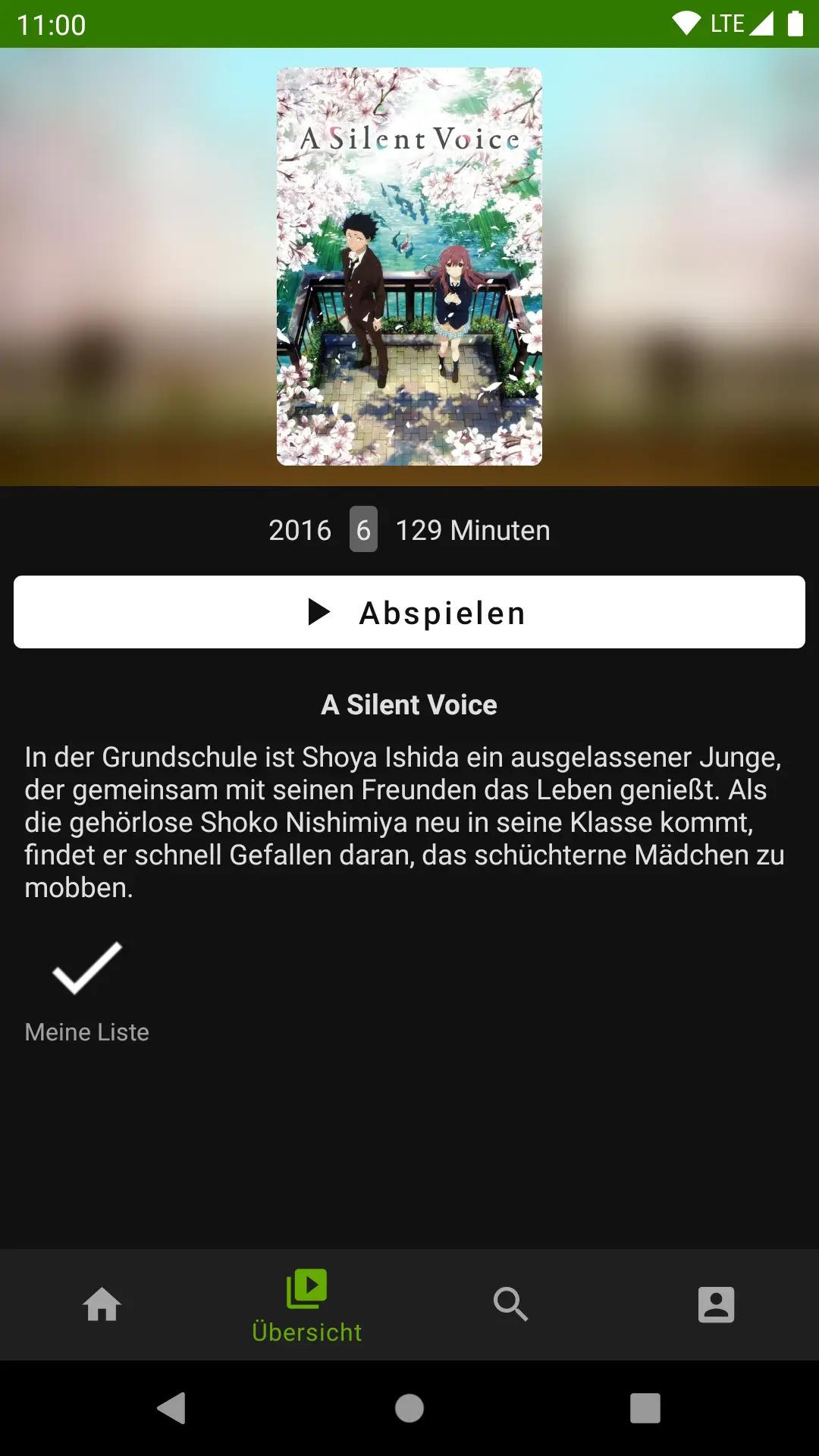
* Watch all animes from Crunchyroll on your Android device
* Native Player based on ExoPayer
* Prefer the OmU version via the app settings
* Picture in Picture Mode
* Skip the OP/ED thanks to the TeapodMetaDB integration
To use Teapod you have to login with your Crunchyroll account.
This Project is not associated with Crunchyroll in any way.
TeapodMetaDB supports only shows where metradata is present.
Help us to expand the database: https://gitlab.com/Seil0/teapodmetadb
* Migrate crunchyroll parser to v2 (fixes crunchyroll) * Add skip intro function * Add a separate Watchlist fragment * Dynamically set column count based on the display size * Minor UI/UX improvements
Full changelog: https://git.mosad.xyz/Seil0/teapod/compare/1.0.0...1.1.0-beta1
How to install
Download the APK from the button at the top of this page.
Allow “Install unknown apps” for your browser or file manager only, not for every app.
Open the downloaded file and confirm the installation.
If installation fails with “App not installed,” remove an earlier build of the same app first. A signature conflict is the usual cause.
Data safety
Every file is checked against its published SHA-256 before it is listed.
Files are scanned for malware on every update.
The permissions each app requests are listed on its own page.
Read the full safety policy for how we test, flag, and delist files.