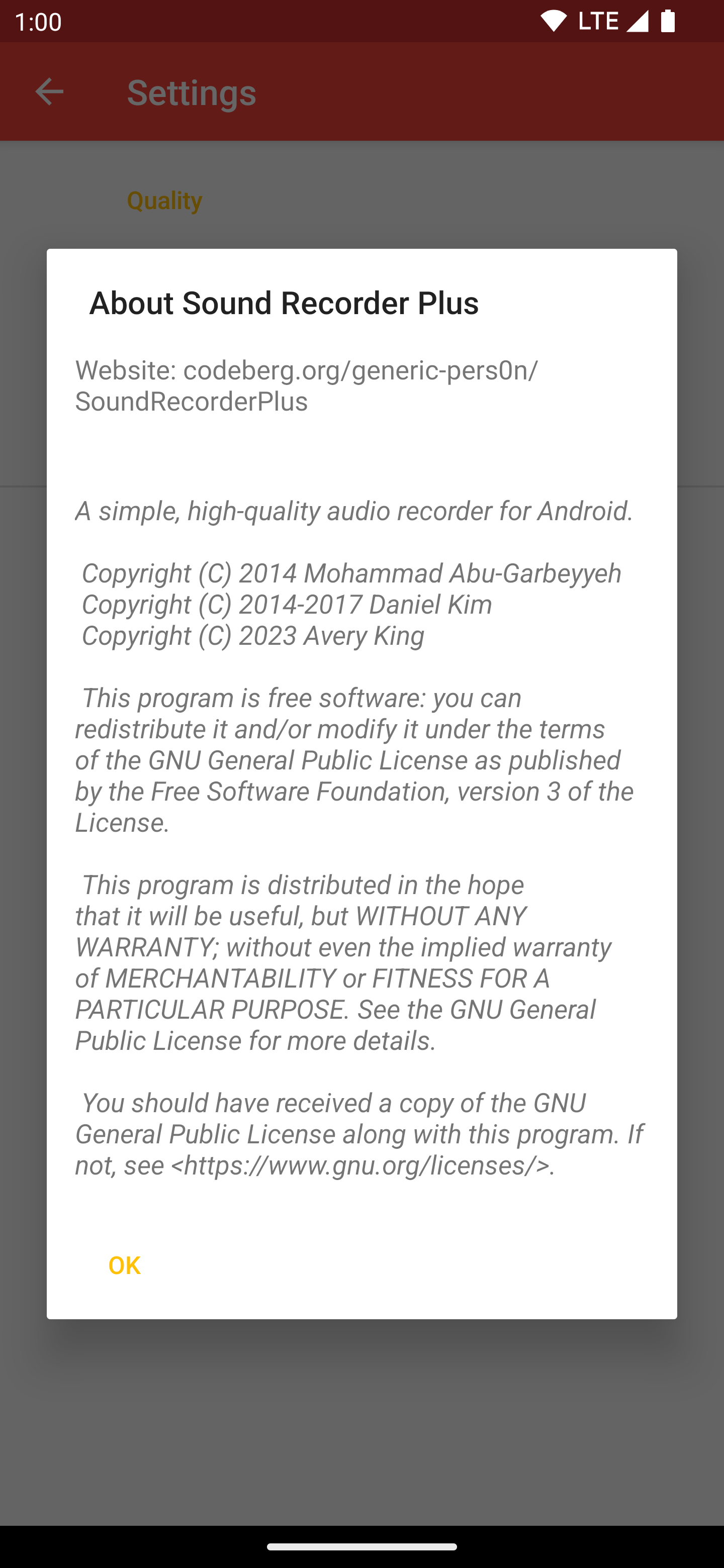
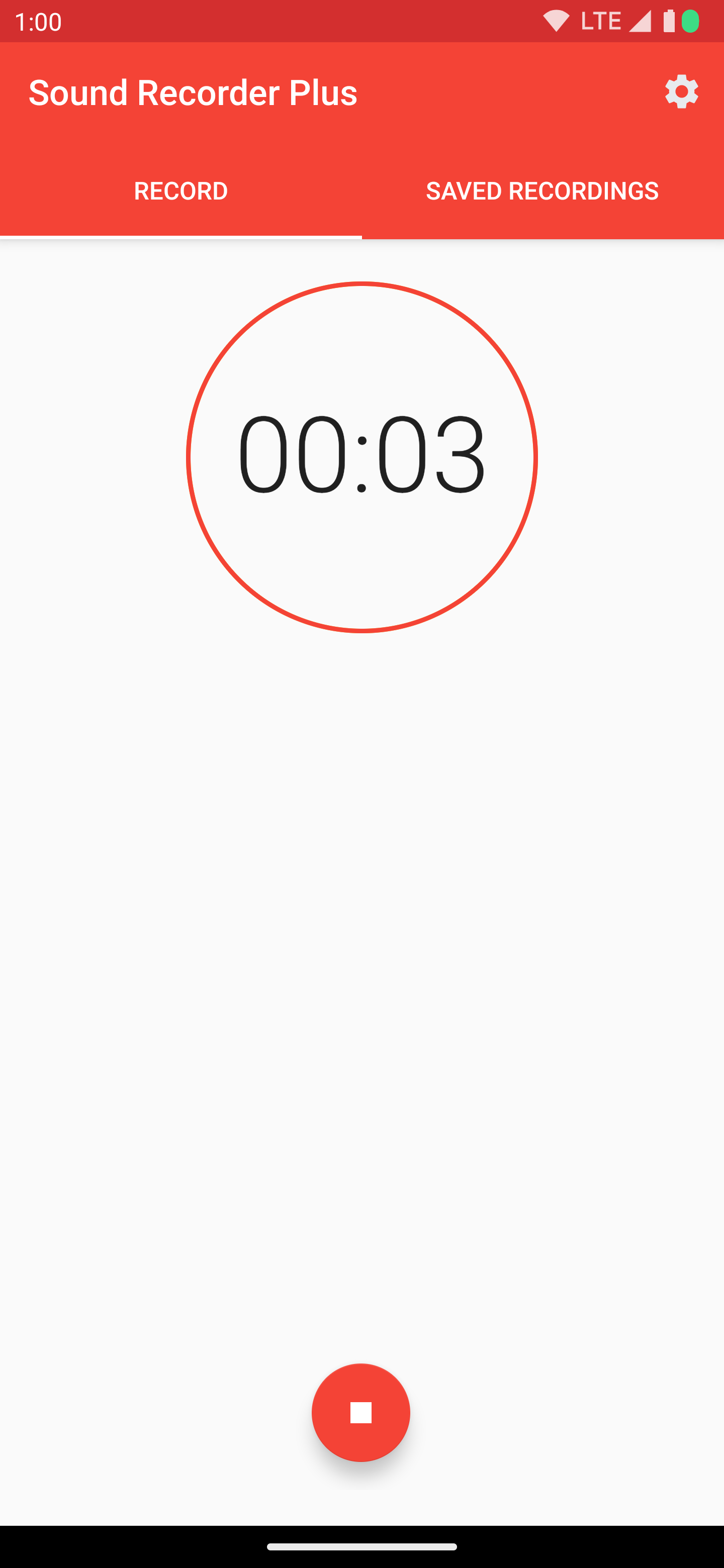
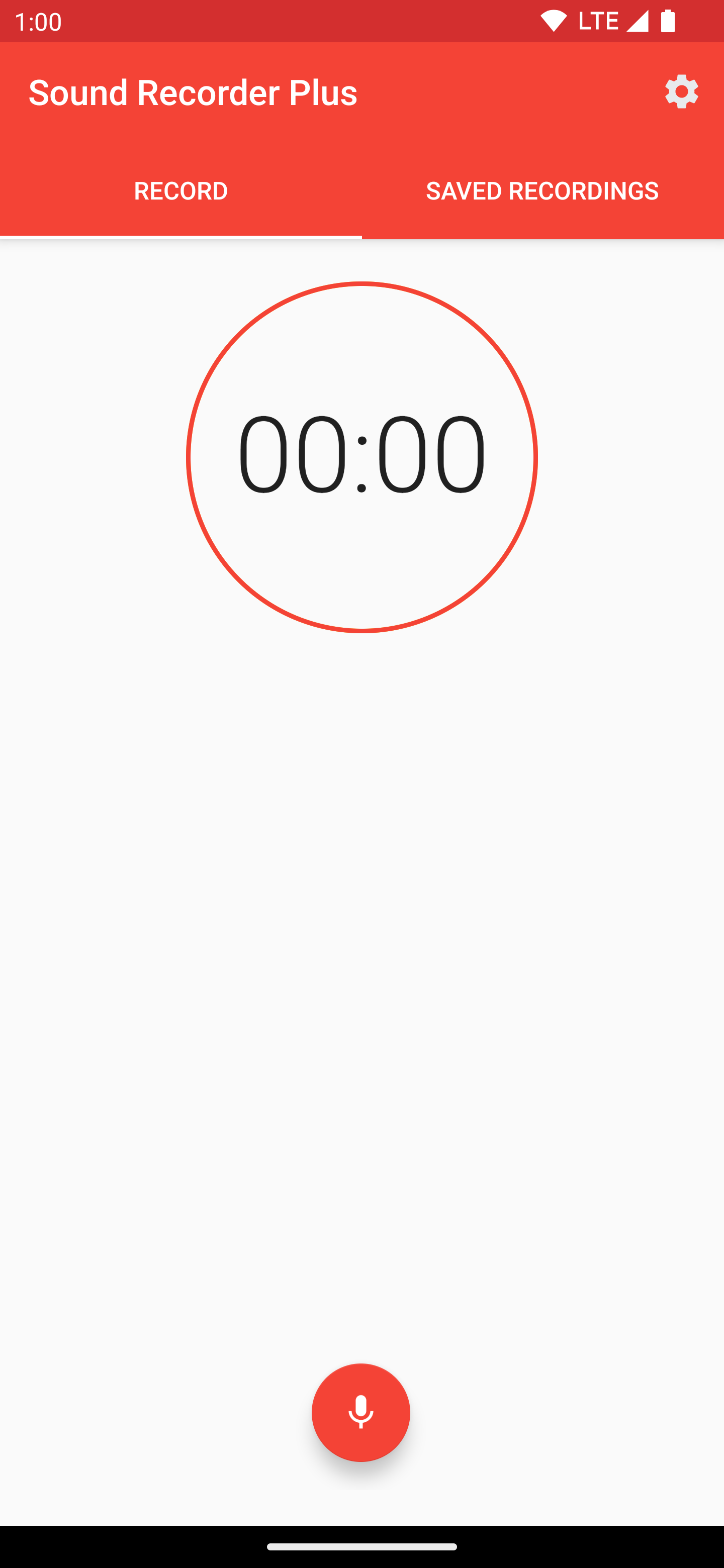
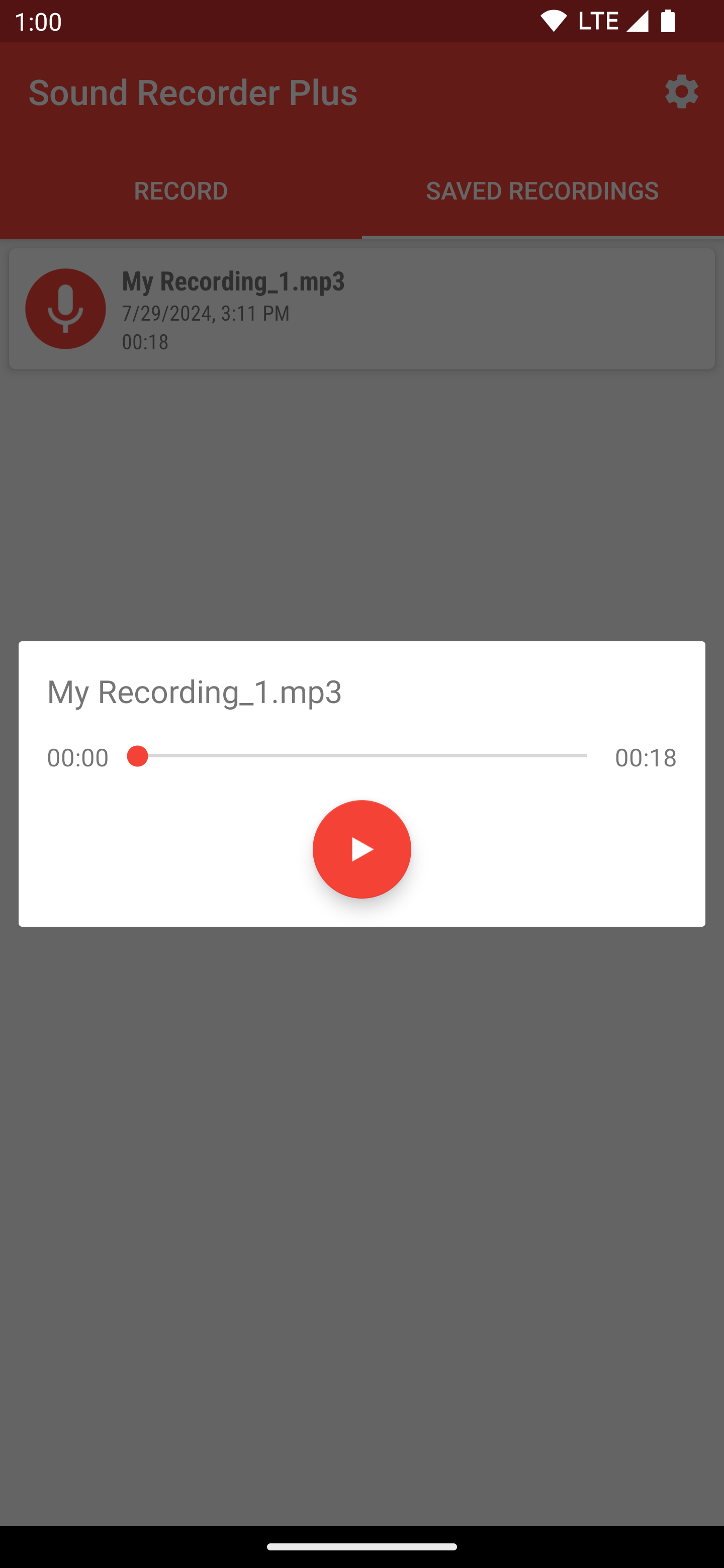
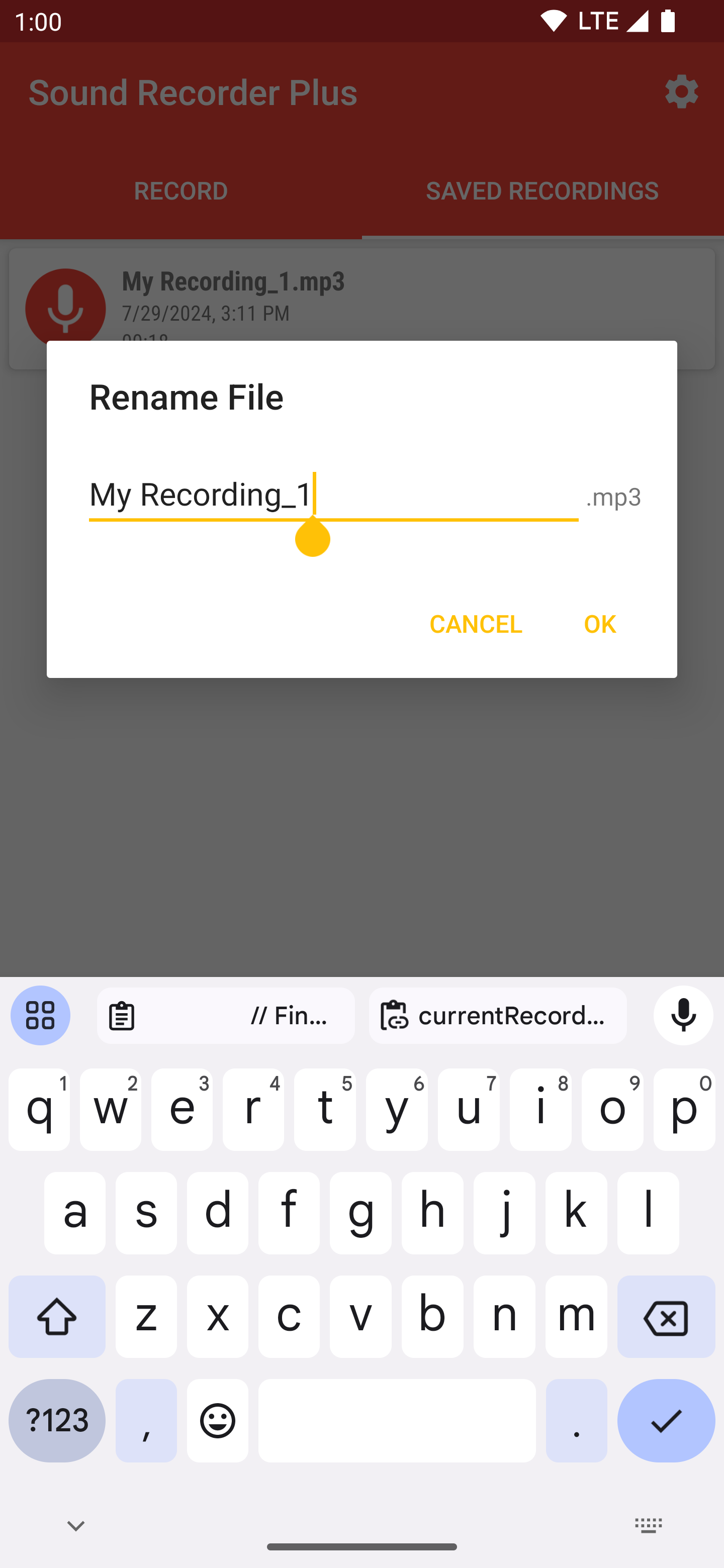
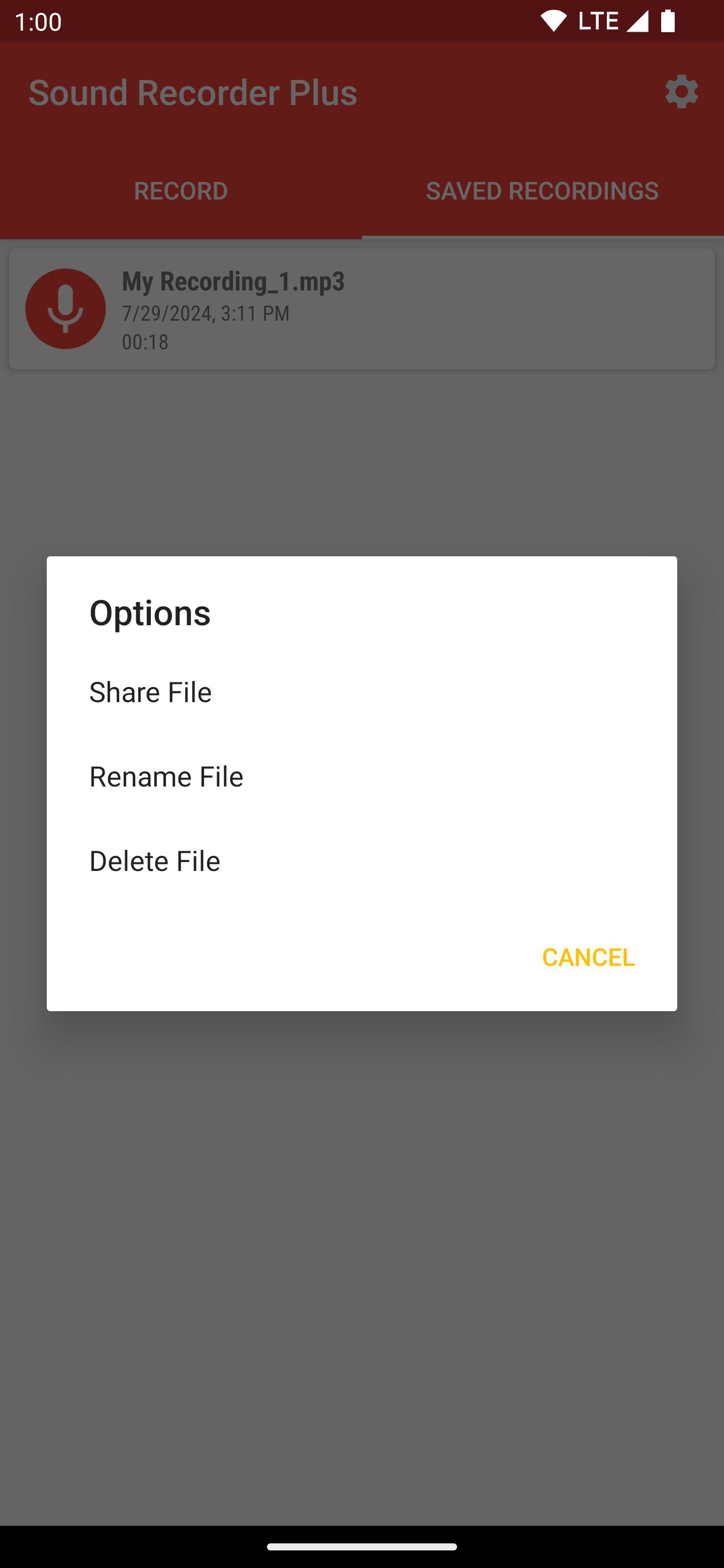
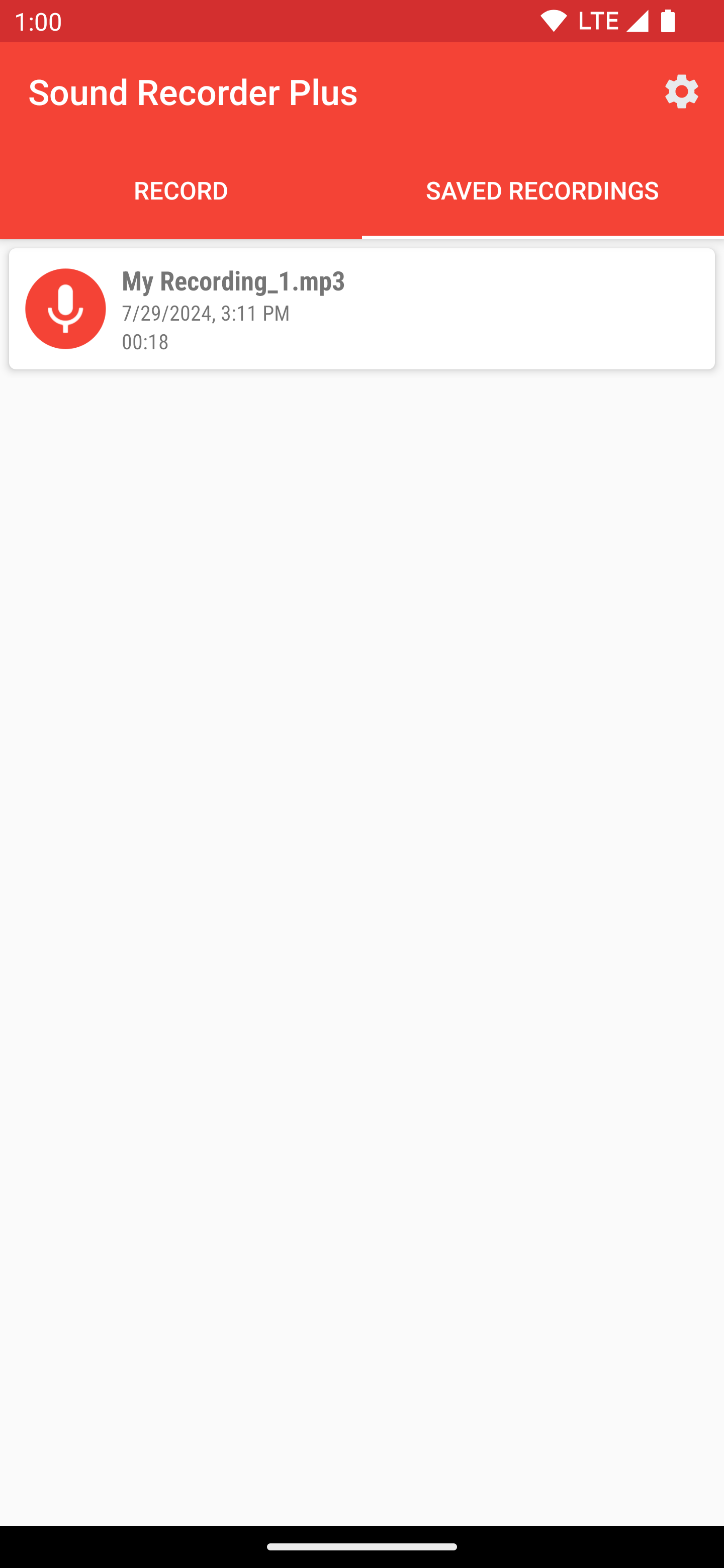
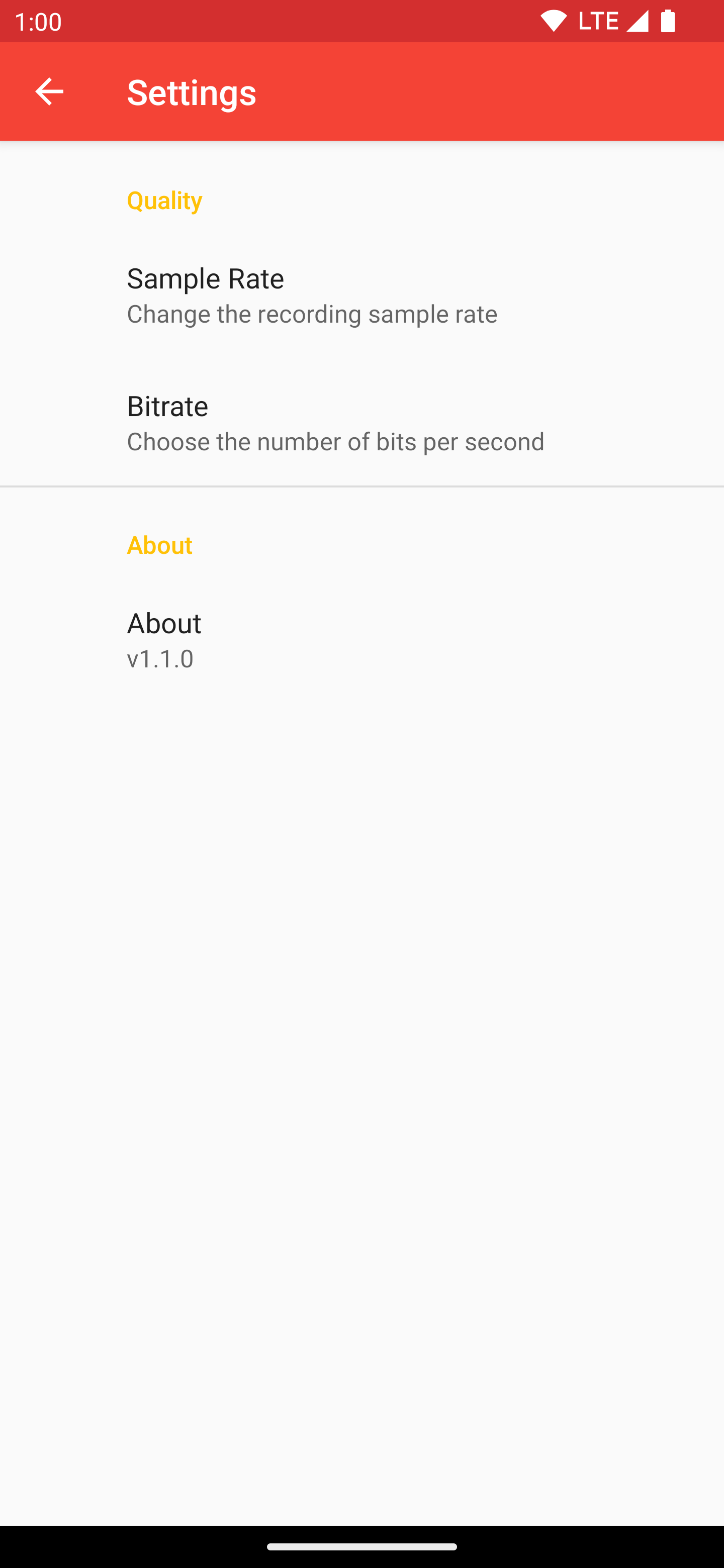
Sound Recorder Plus is a free and open source sound recorder for Android based on Sound Recorder. It has the following features:
* Easy recording. Just hit the record button, hit stop when finished, and you're done!
* Recording management. Manage your recordings straight in the app with no hassle.
* High quality recording. Record in high quality by default or fine-tune the bitrate and sample rate yourself.
* Persistent recordings. Recordings exist even after uninstall or clearing the app's storage.
Sound Recorder Plus also has the following improvements over its original counterpart:
* Support for modern versions of Android. Android 7.0 or later is required.
* High quality recording. This option is enabled by default.
* Improved RTL support. The app now fully adapts to languages with an RTL layout.
Screenshots
What’s new
Initial release. There are several changes and improvements over the original:
* Raised minimum SDK to 24 (Android 7.0). * Added support for permissions management. * Full RTL layout support. * High-quality recording is enabled by default. * Performed refactoring and code cleanups under-the-hood. * Minor UI layout tweaks.
How to install
Download the APK from the button at the top of this page.
Allow “Install unknown apps” for your browser or file manager only, not for every app.
Open the downloaded file and confirm the installation.
If installation fails with “App not installed,” remove an earlier build of the same app first. A signature conflict is the usual cause.
Data safety
Every file is checked against its published SHA-256 before it is listed.
Files are scanned for malware on every update.
The permissions each app requests are listed on its own page.
Read the full safety policy for how we test, flag, and delist files.