
Quick answer
Repost and download Instagram posts by clicking "Copy Share URL" in Instagram.
F-Droid repository metadata
Easily and quickly repost photos and videos from Instagram. Just open instrepost then open instagram and click on "Share To...". Then select this App.
Note: Users with a private profile can not be reposted or downloaded.
All posts are downloaded into a folder called instarepost on your device.
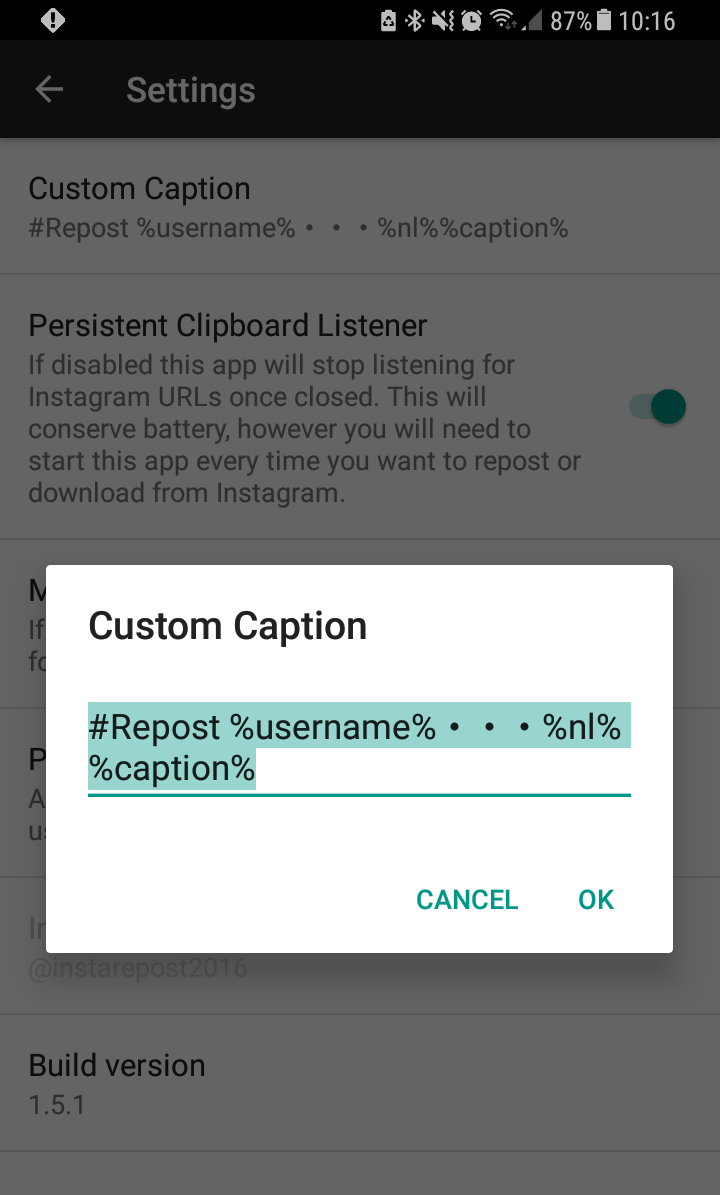
Under settings you can adjust how the post caption is handled. Using the following tags you can pull existing parts from the post into your caption:
%username% = Username of original Post
%caption% = Caption of original Post
%nl% = New line, make a newline
Note: Please attribute photos and videos to the original owners.
If something doesn't work or you want to request a new feature please send an email.
Instant Repost and Downloader is NOT associated, affiliated, endorsed, sponsored or approved by Instagram or Facebook.
This app is now open source and the source can be downloaded here: https://github.com/sschueller/easyrepost
Screenshots
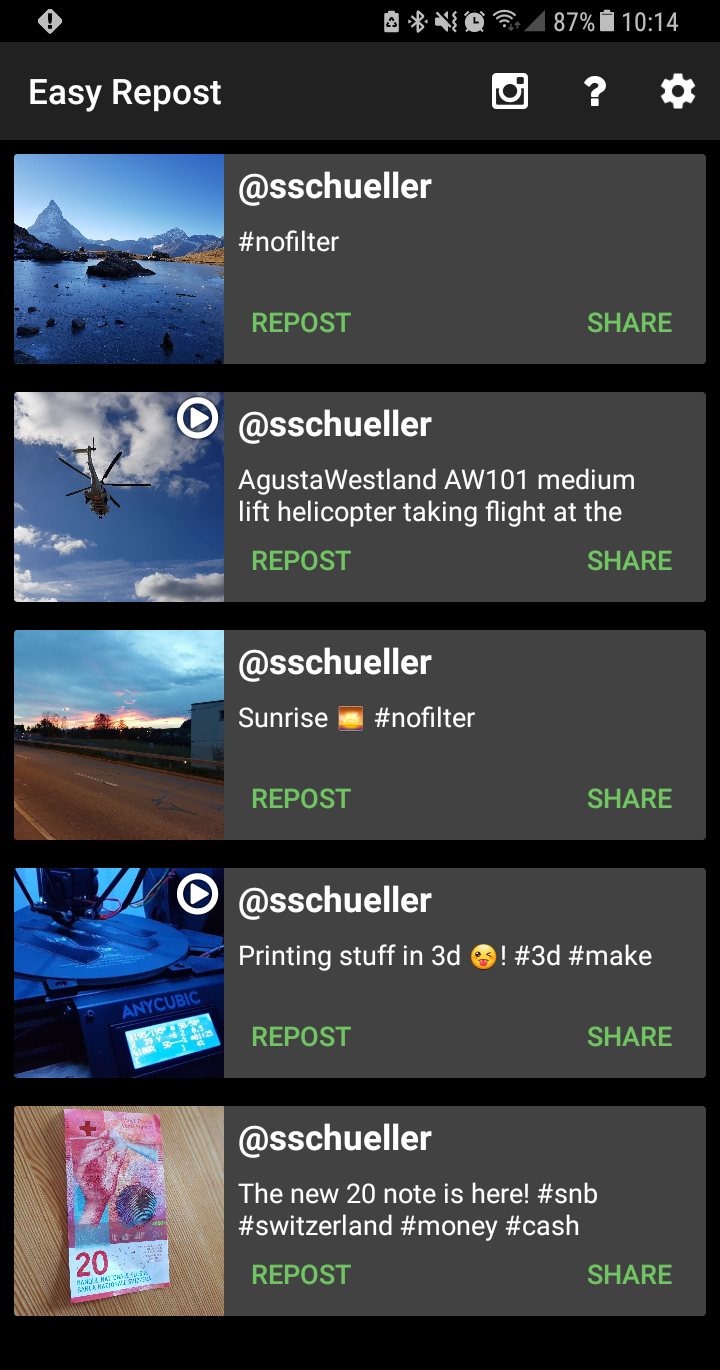
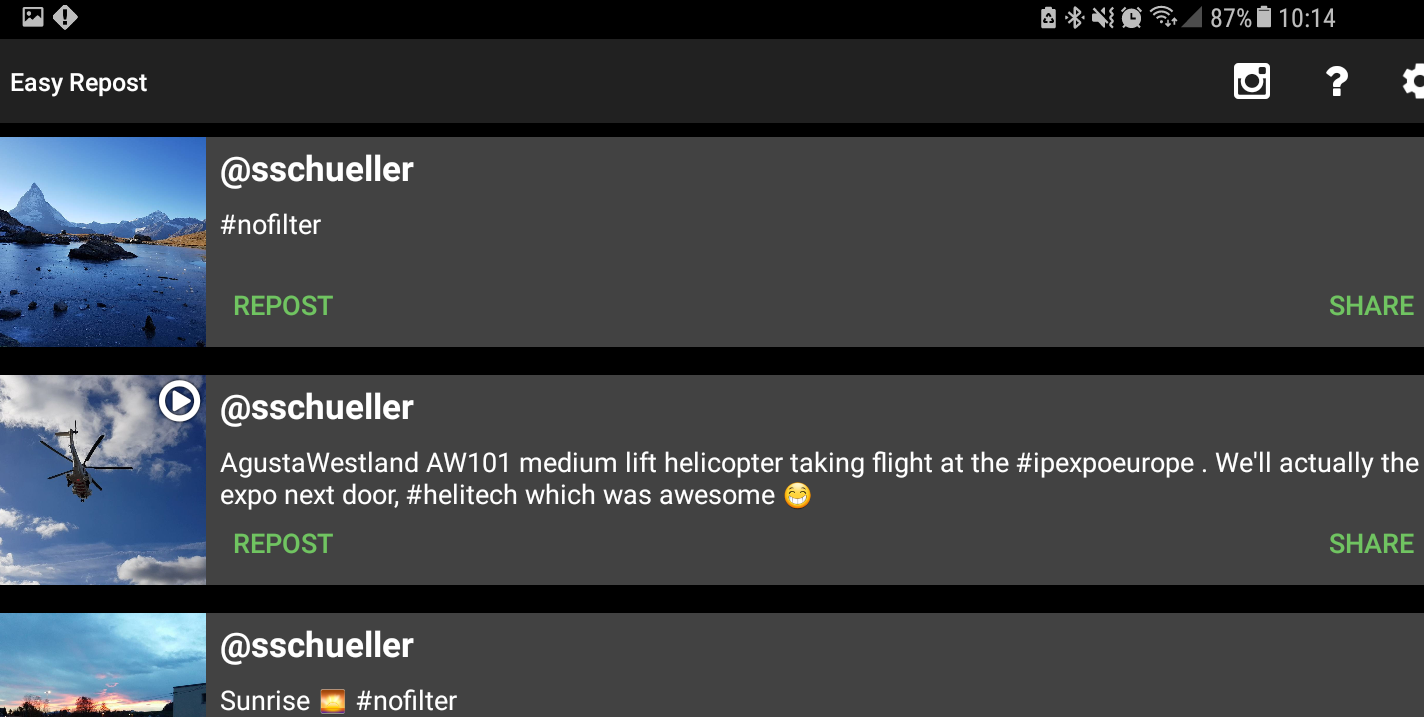
How to install
- Download the APK from the button at the top of this page.
- Allow “Install unknown apps” for your browser or file manager only, not for every app.
- Open the downloaded file and confirm the installation.
- If installation fails with “App not installed,” remove an earlier build of the same app first. A signature conflict is the usual cause.
Data safety
- Every file is checked against its published SHA-256 before it is listed.
- Files are scanned for malware on every update.
- The permissions each app requests are listed on its own page.
- Read the full safety policy for how we test, flag, and delist files.
Comments
Recent approved comments · sorted by newest
View all comments