What’s new
* Request users to grant the 'PROJECT_MEDIA' permission on Android 15+ due to new screen sharing restrictions

Updated Sep 22, 2026
System-wide JamesDSP implementation for non-rooted devices
F-Droid repository metadata
Use JamesDSP as a system-wide audio processing engine without any root access.
This app has several limitations that may be deal-breaking to some people; please read this whole document before using the app. Shizuku (Android 11+) or ADB access via a computer is required for the initial setup.
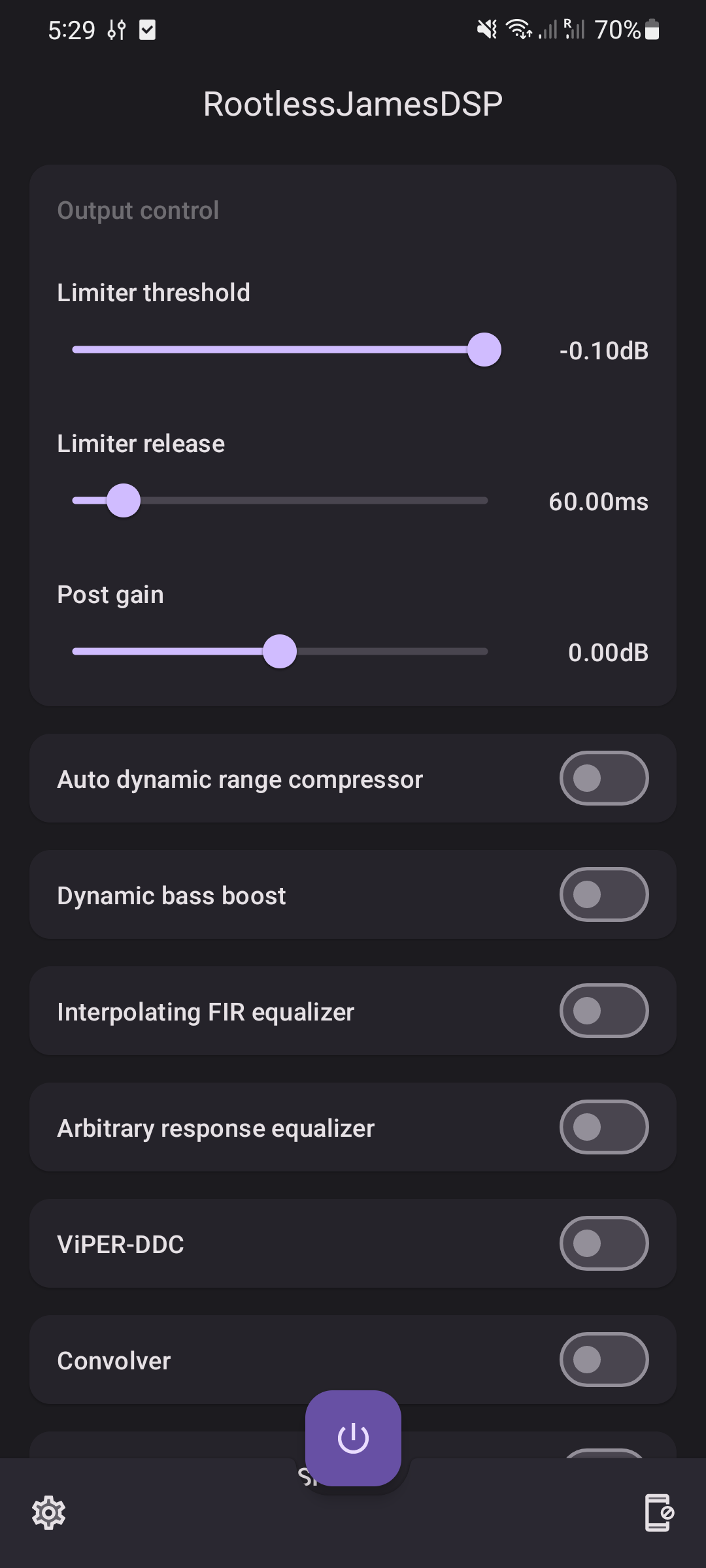
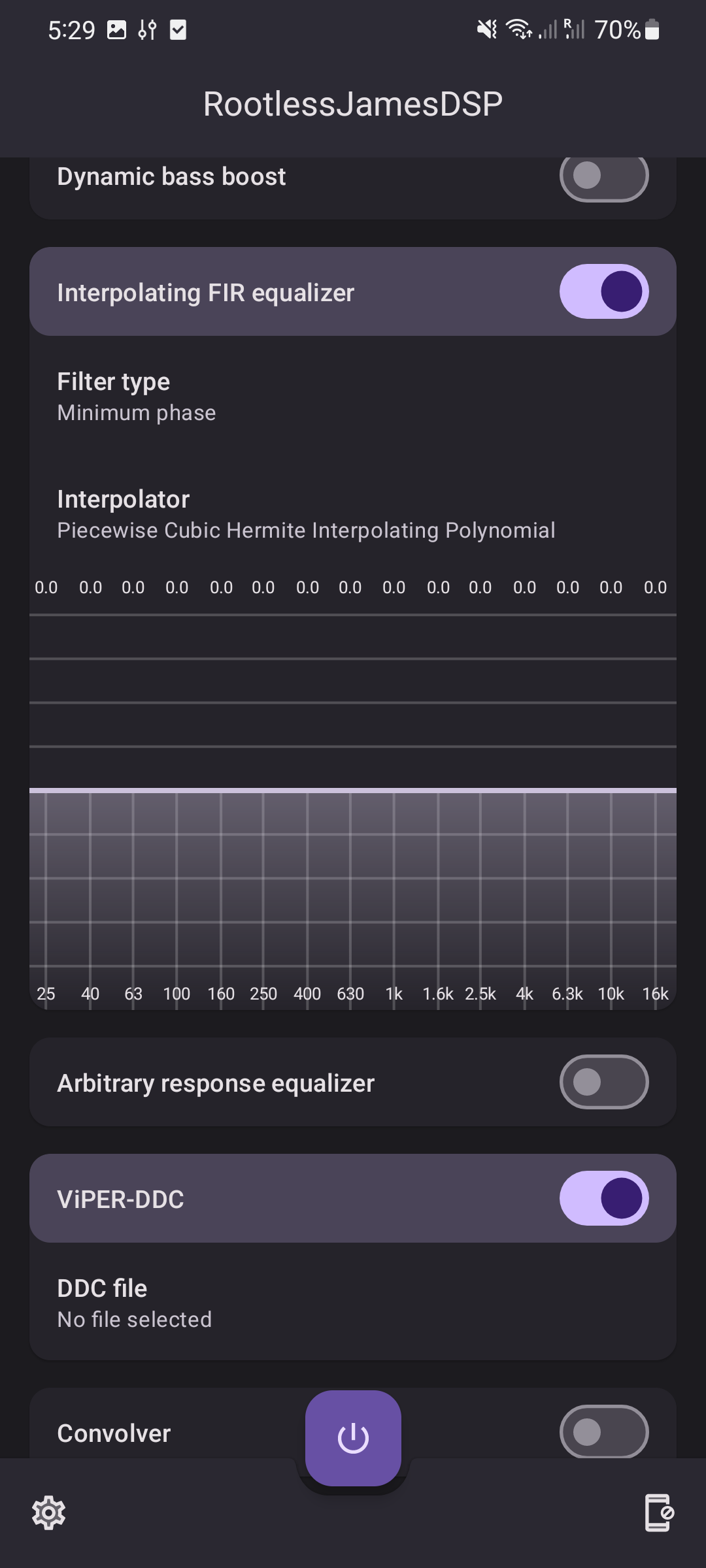
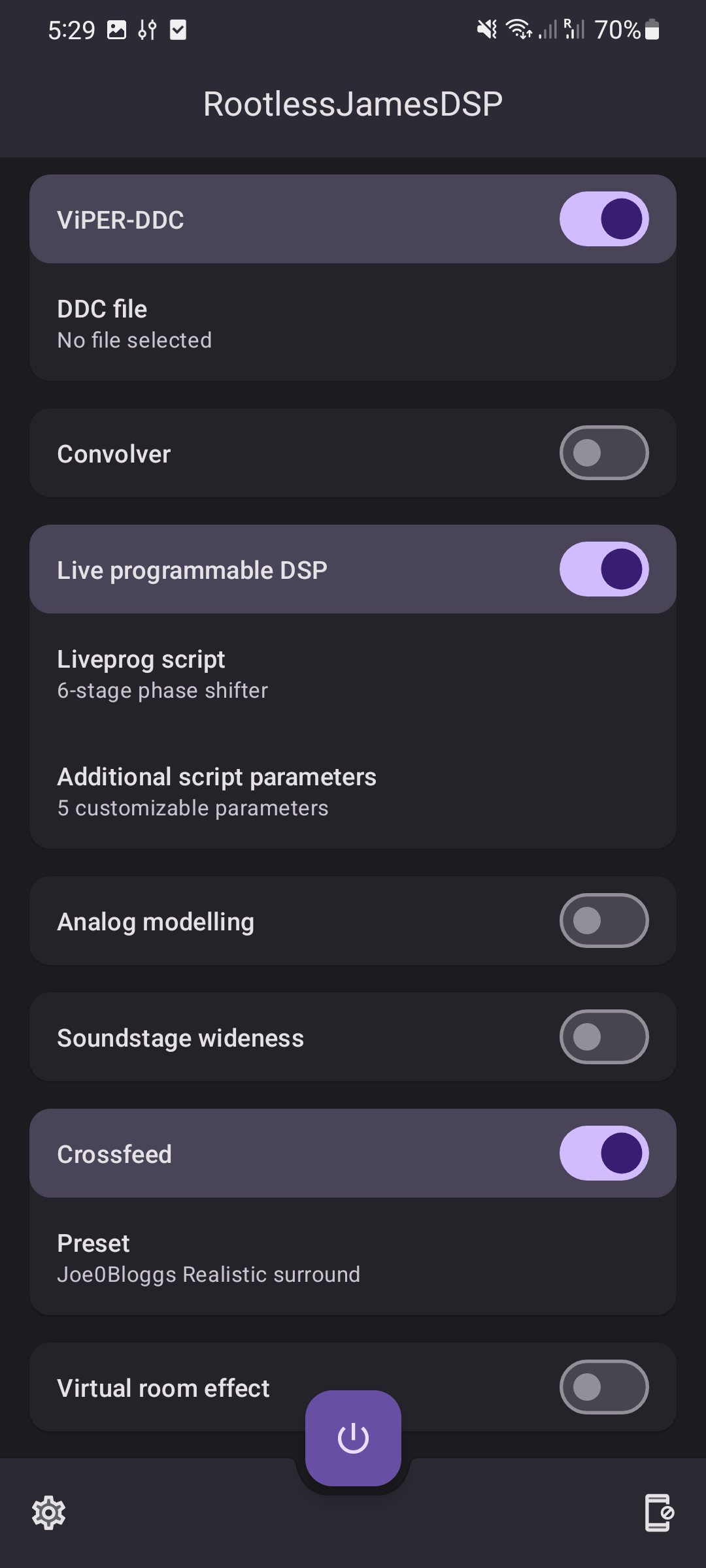
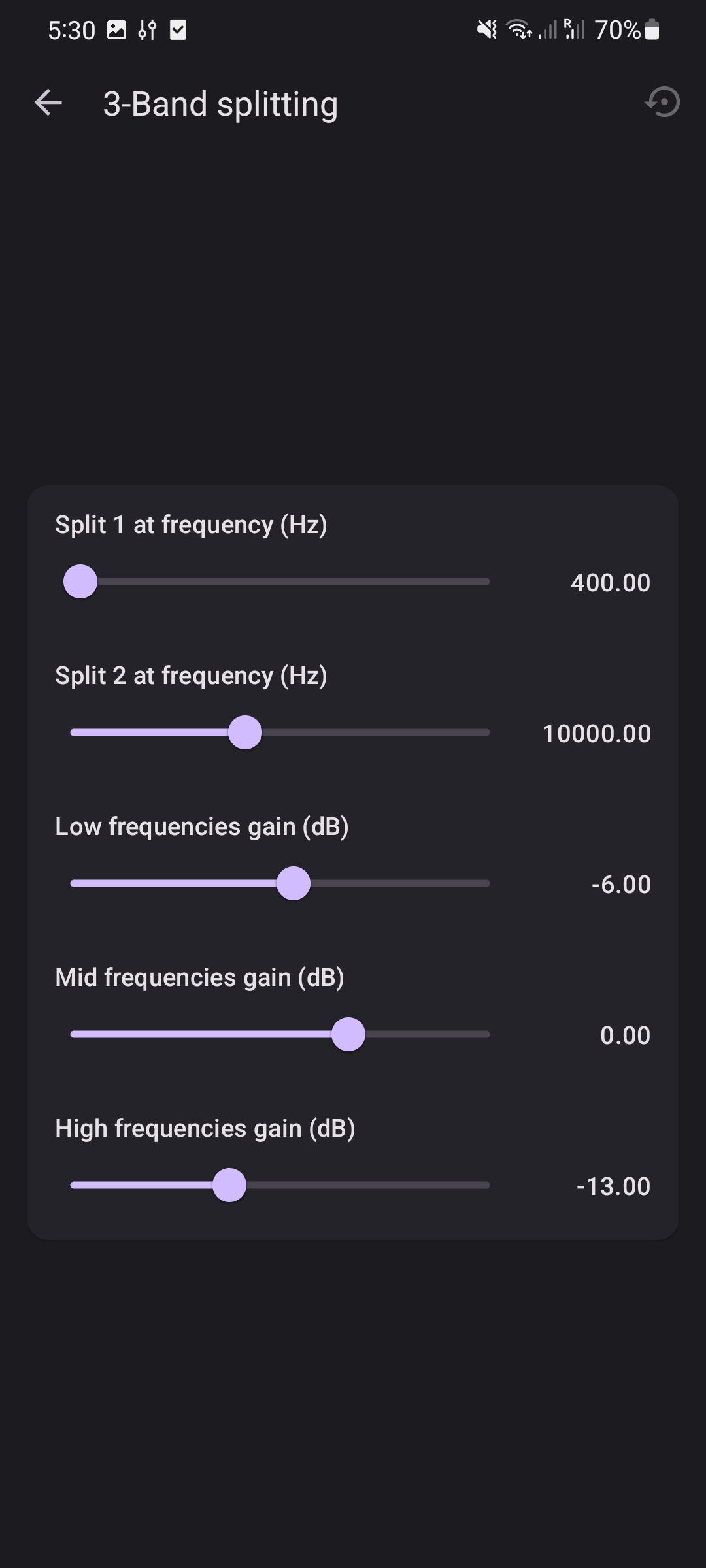
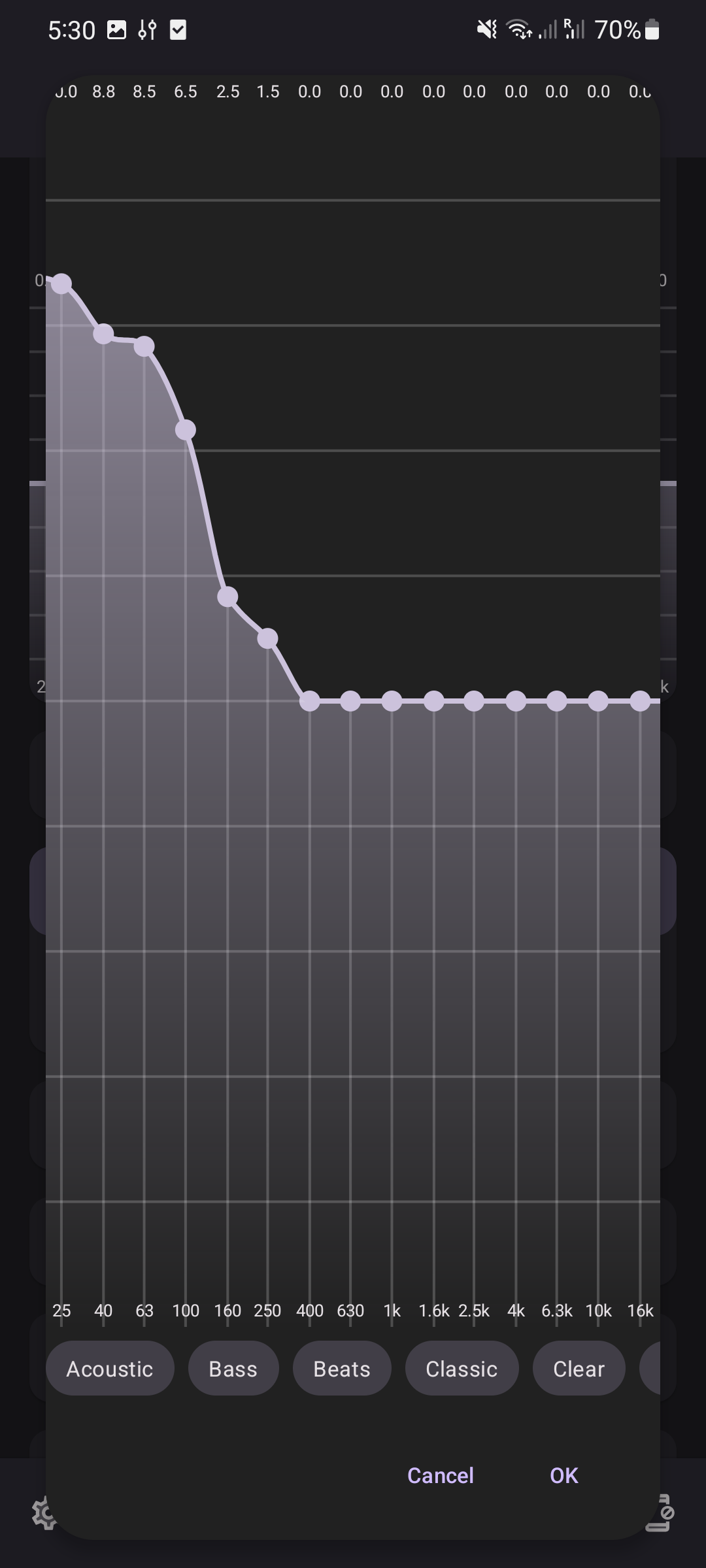
JamesDSP supports the following audio effects: * Limiter control * Output gain control * Auto dynamic range compressor * Dynamic bass boost * Interpolating FIR equalizer * Arbitrary response equalizer (Graphic EQ) * ViPER-DDC * Convolver * Live-programmable DSP (scripting engine for audio effects) * Analog modelling * Soundstage wideness * Crossfeed * Virtual room effect (reverb)
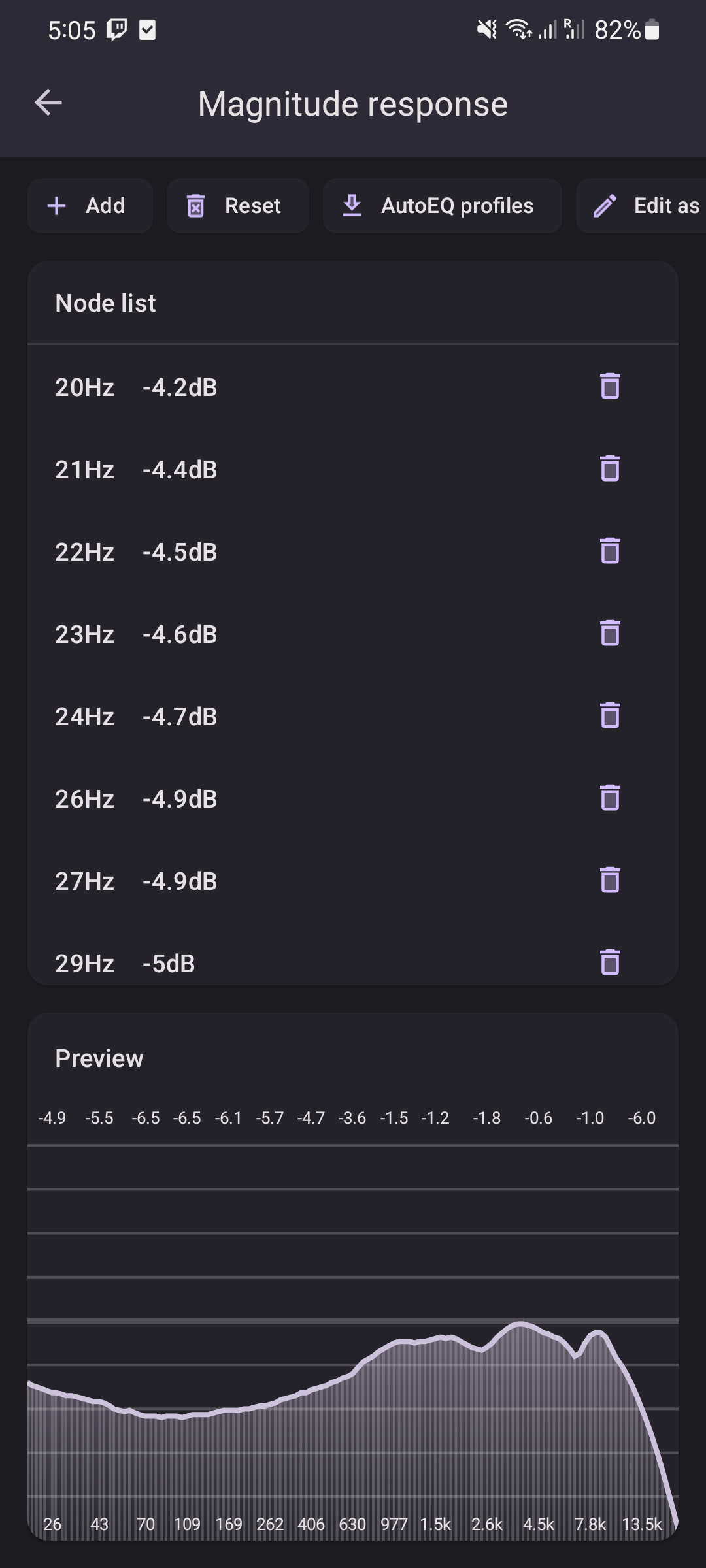
Additionally, this app integrates directly with AutoEQ. Using AutoEQ integration, you can search and import frequency responses that aim to correct your headphone to a neutral sound. Go to 'Arbitrary response equalizer > Magnitude response > AutoEQ profiles' to get started.
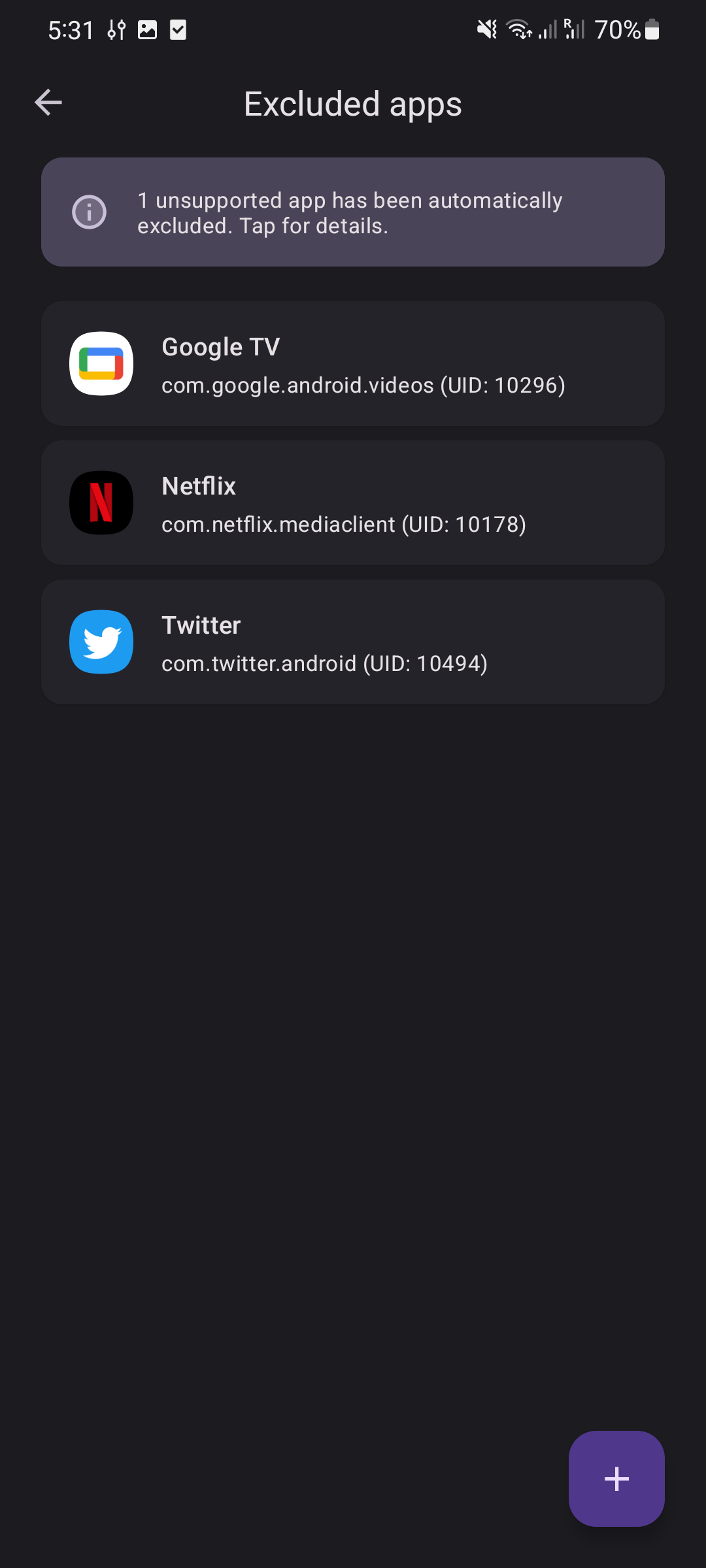
--- Limitations * Apps blocking internal audio capture remain unprocessed (e.g., Spotify, Google Chrome) * Apps using some types of HW-accelerated playback may cause issues and need to be manually excluded (e.g., some Unity games) * Cannot coexist with (some) other audio effect apps (e.g., Wavelet and other apps that make use of the `DynamicsProcessing` Android API)
- Apps confirmed working: * YouTube * YouTube Music * Amazon Music * Deezer * Poweramp * Substreamer * Twitch * ...
- Unsupported apps include: * Spotify (Note: Spotify ReVanced patch is required to support Spotify) * Google Chrome * SoundCloud * ...
--- Translation Please help us translate this app here: https://crowdin.com/project/rootlessjamesdsp To request a new language that isn't enabled on Crowdin yet, please open an issue here on GitHub and I will turn it on.
* Request users to grant the 'PROJECT_MEDIA' permission on Android 15+ due to new screen sharing restrictions
Recent approved comments · sorted by newest
View all comments