
Quick answer
Securely, easily add a watermark to your sensitive photos.
F-Droid repository metadata
Securely, easily add a watermark to your sensitive photos. To prevent them from being leaked or exploited by the BAD GUY.
Of course, it is also suitable for making emojis.
## Characteristics ### Exciting 👓
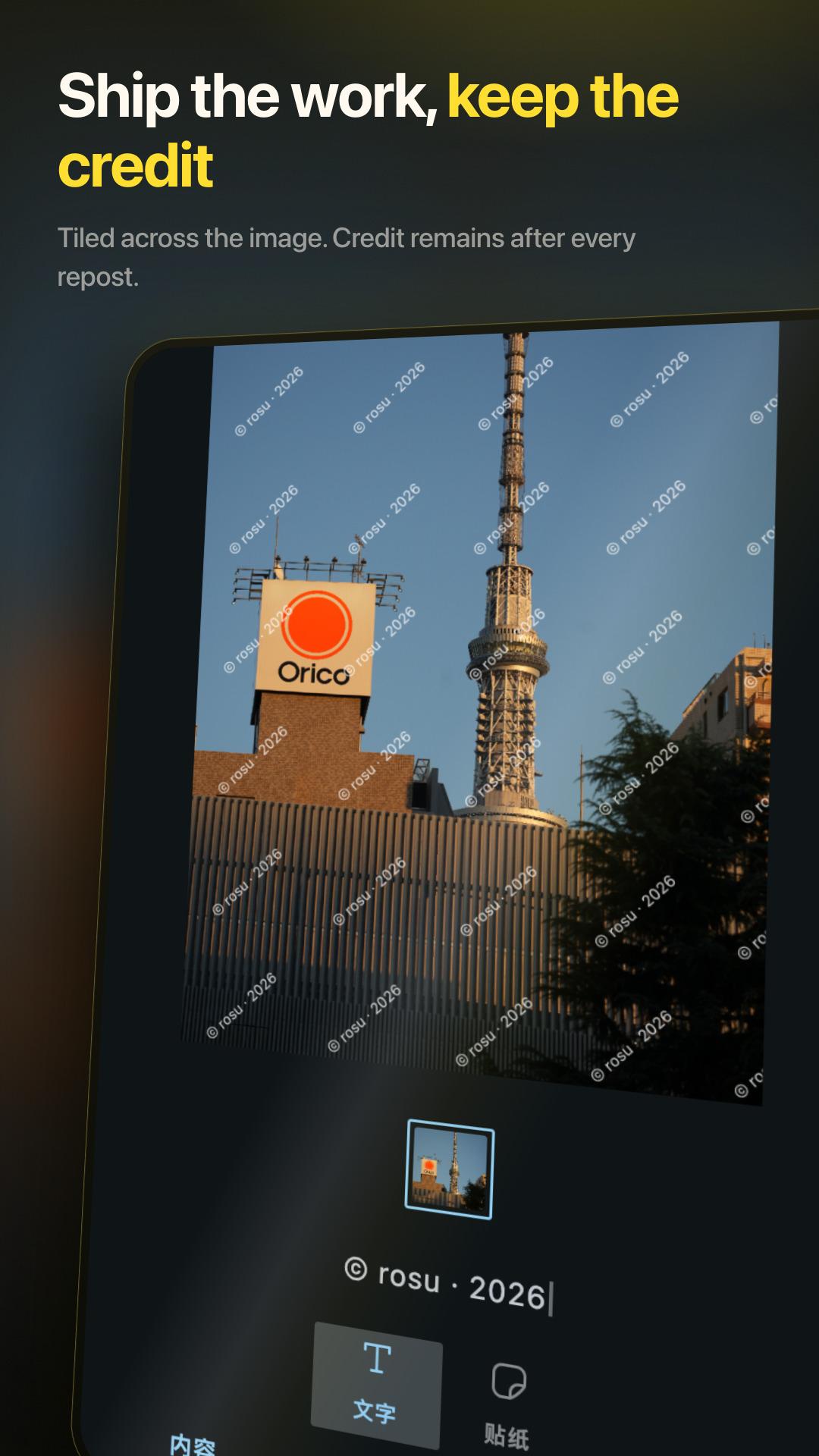
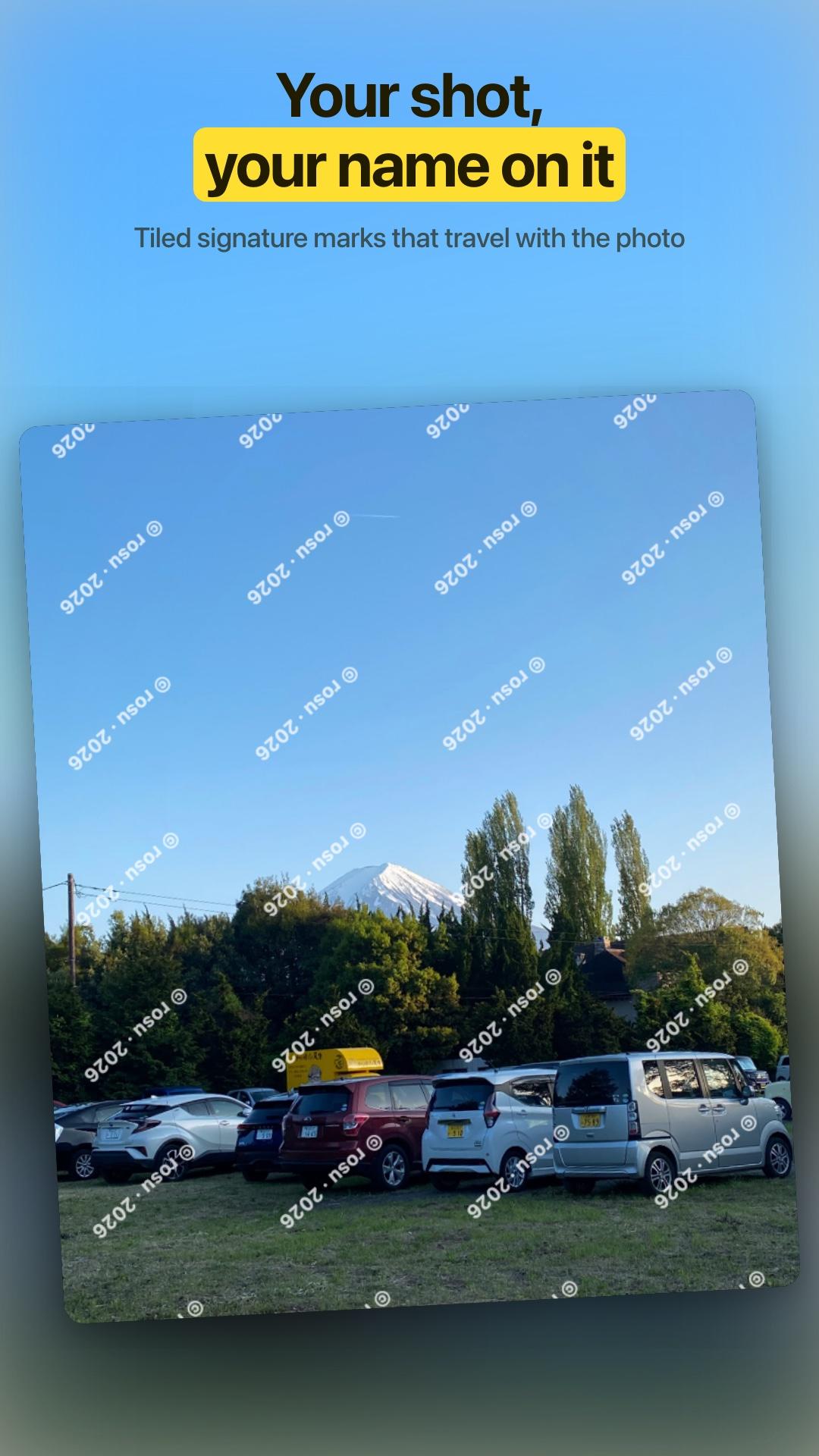
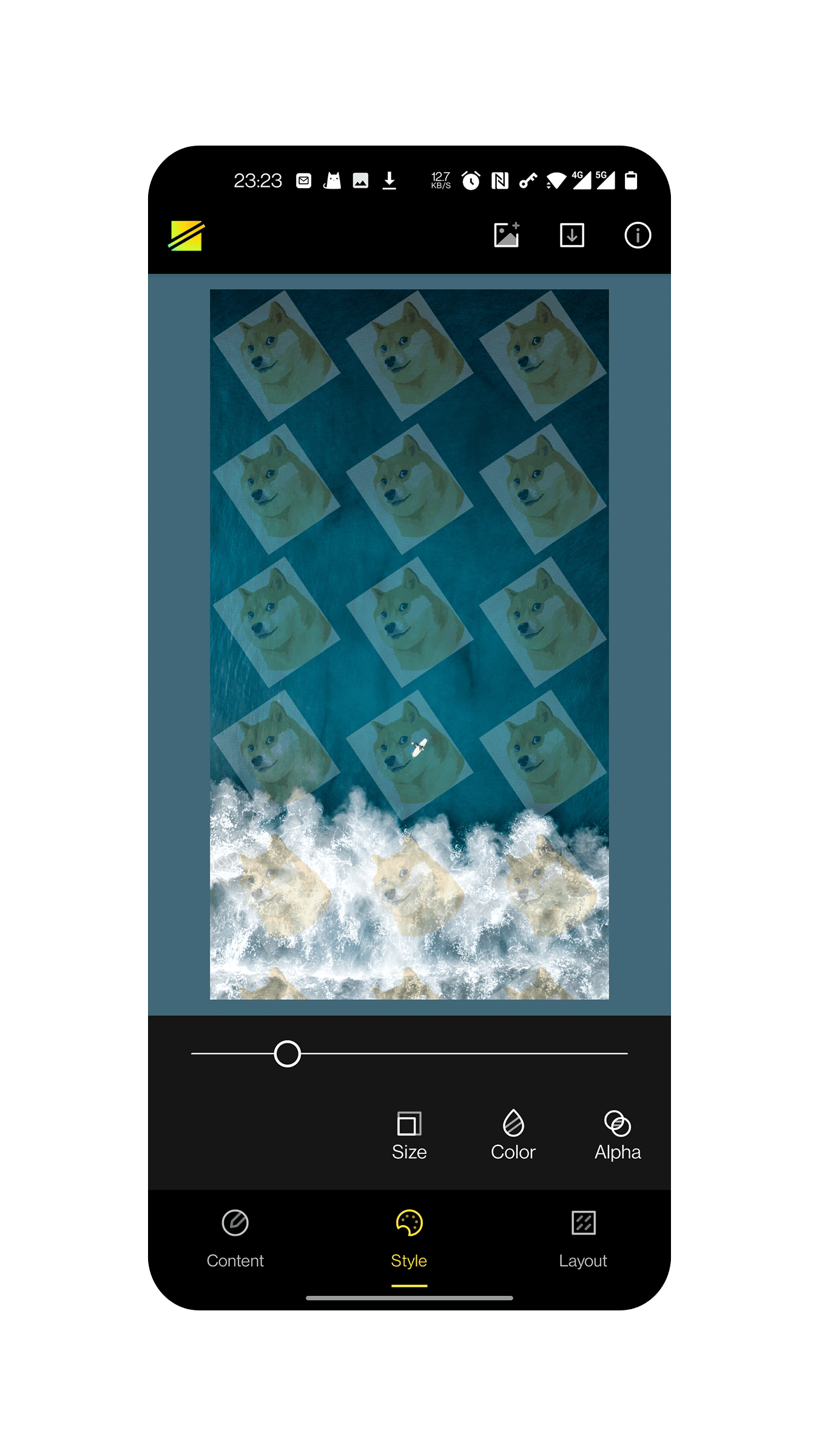
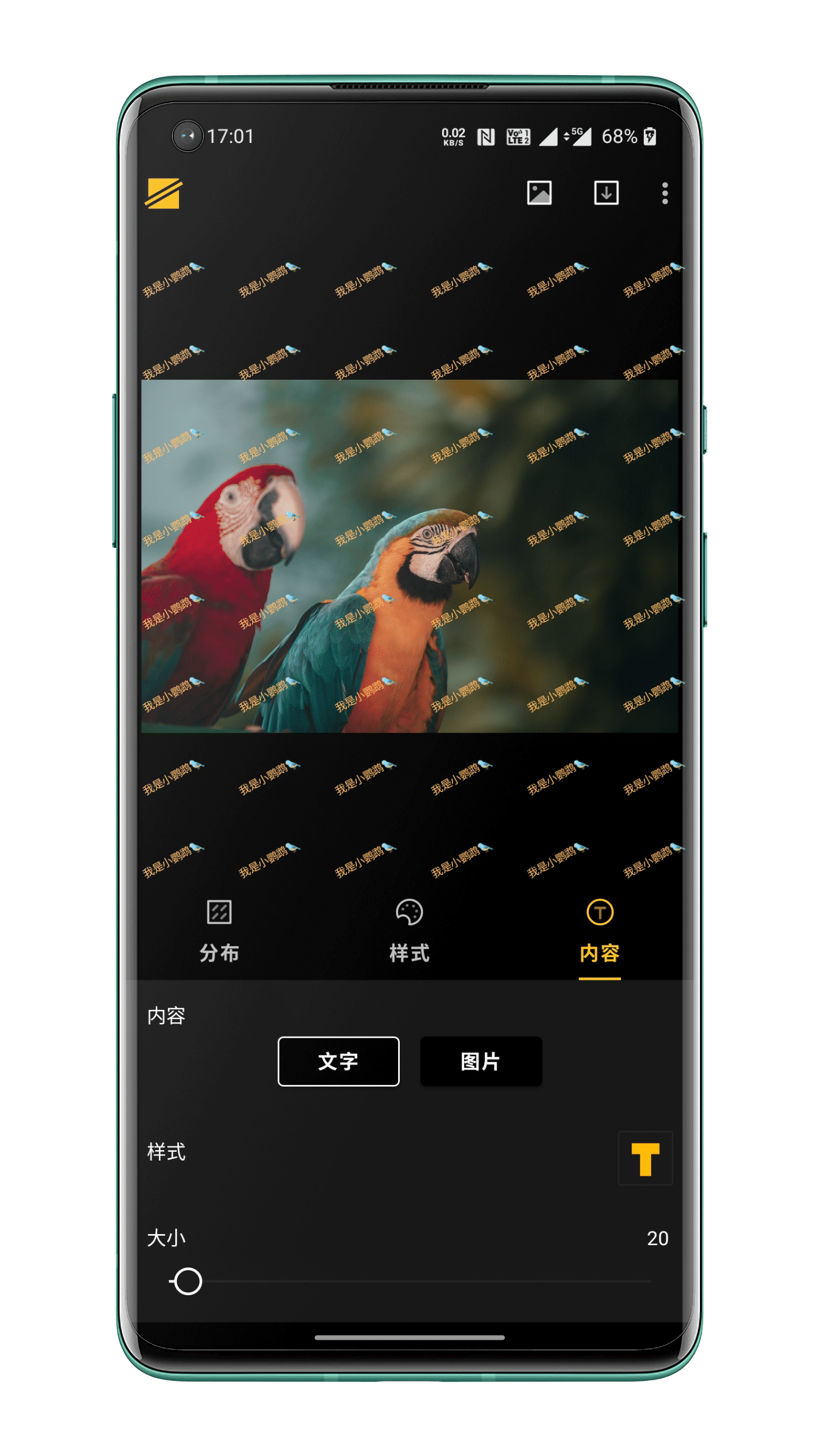
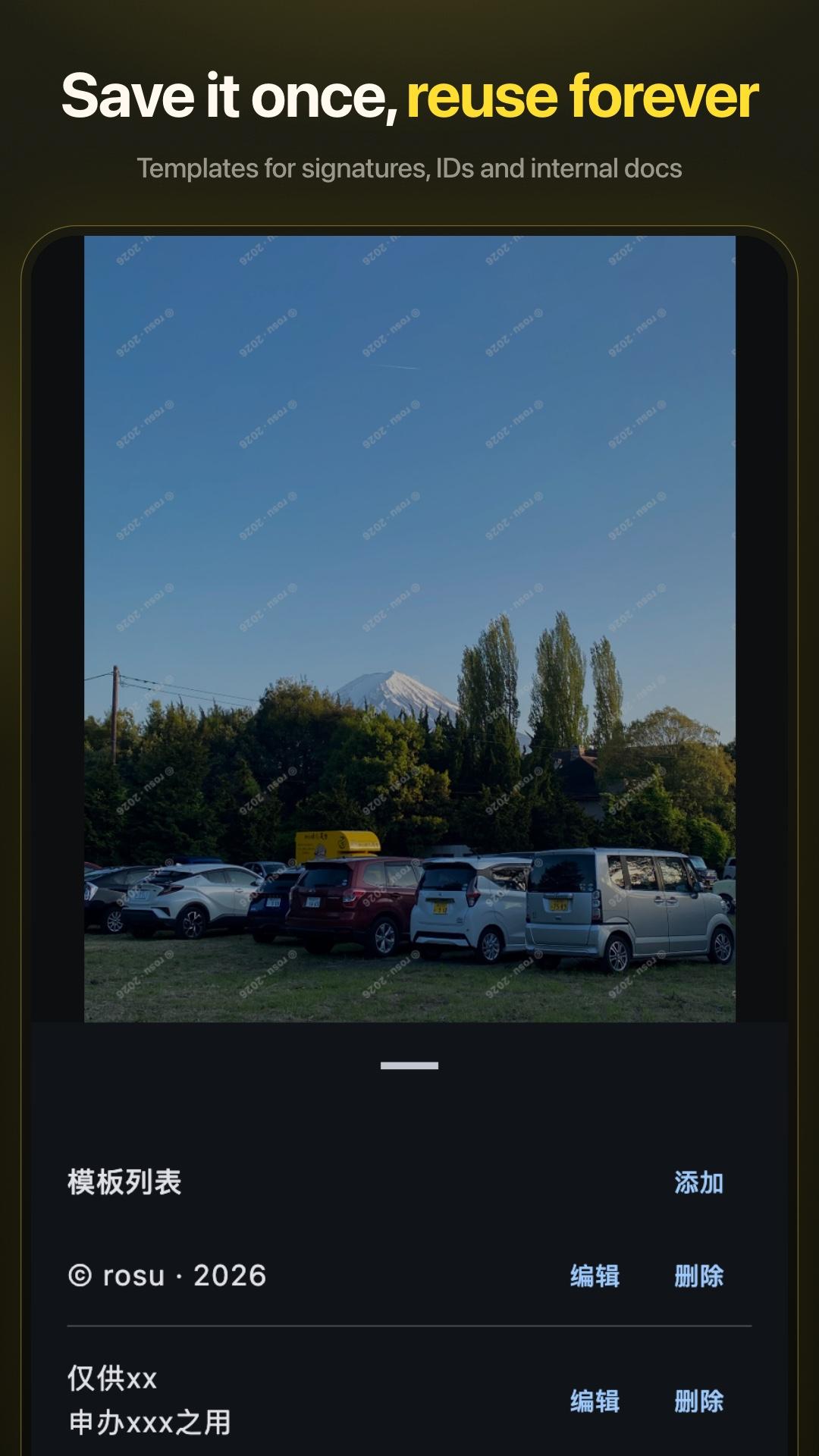
Purely offline local applications , code to see on open source. Vertical and horizontal spacing can be adjusted, the color of light and dark change at will. Rotate freely in all sizes and angles, text and pictures can be printed. The watermark repeats all over the picture, and it's a little hard for the bad guys to remove it.
### Seriously (pushes up glasses)
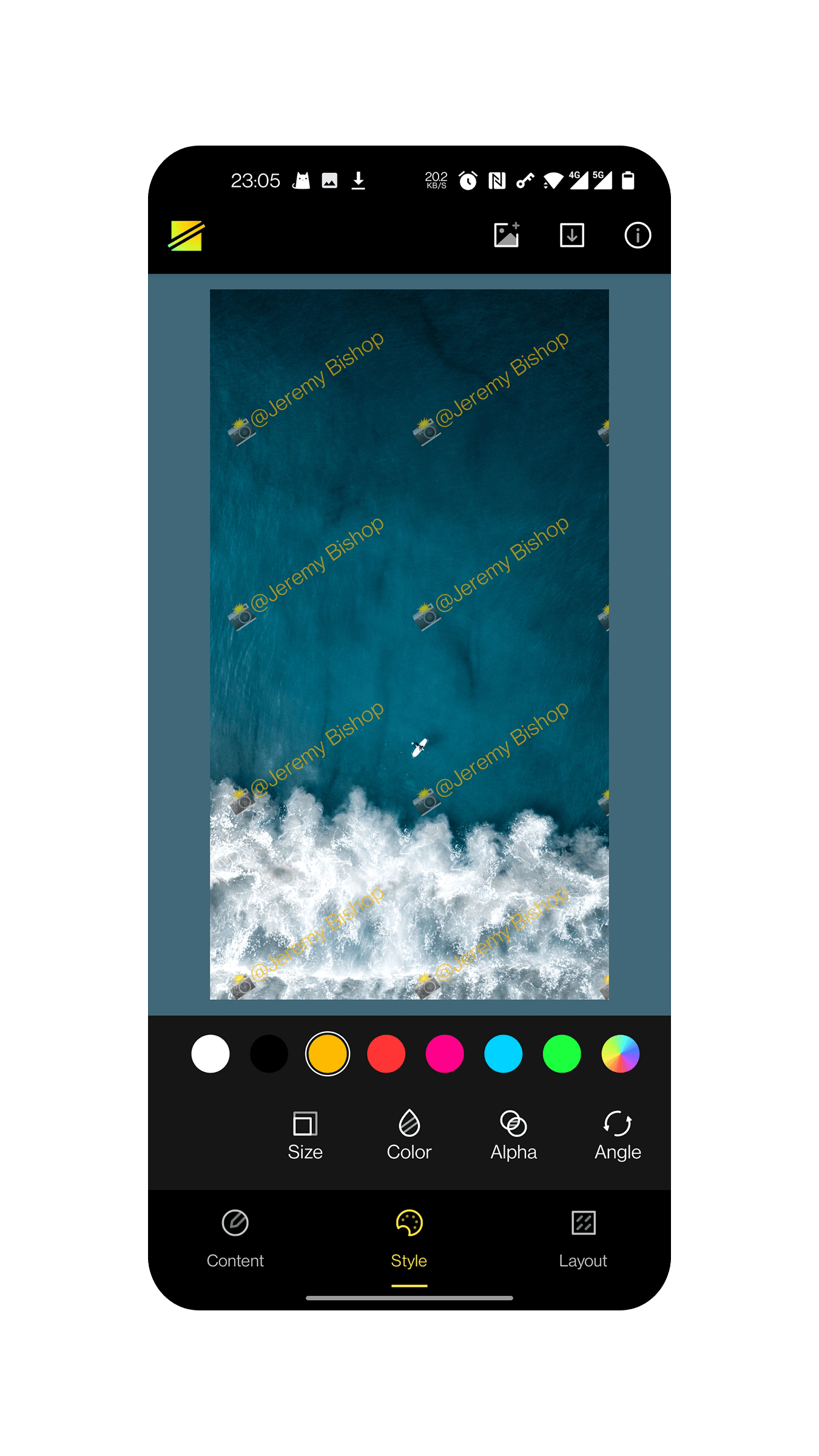
- Security: The code is completely open source and uses a loose MIT protocol, you are free to Fork yourself to modify and remove code you think is problematic ;) No network requests, no network request permissions, no fear of your photos being compromised. users with API >= 29 don't even need to request any permissions. (28 and below users need to apply for storage permissions to access and store photos) No stats, no Device IDs, no crash reporting, no third-party SDK — what's yours is yours. - Layout: support for horizontal and vertical intervals between the watermark, automatically repeat the full picture. - Style: font color, transparency, size and rotation angle can be adjusted. - Content: Support text watermark and image watermark.
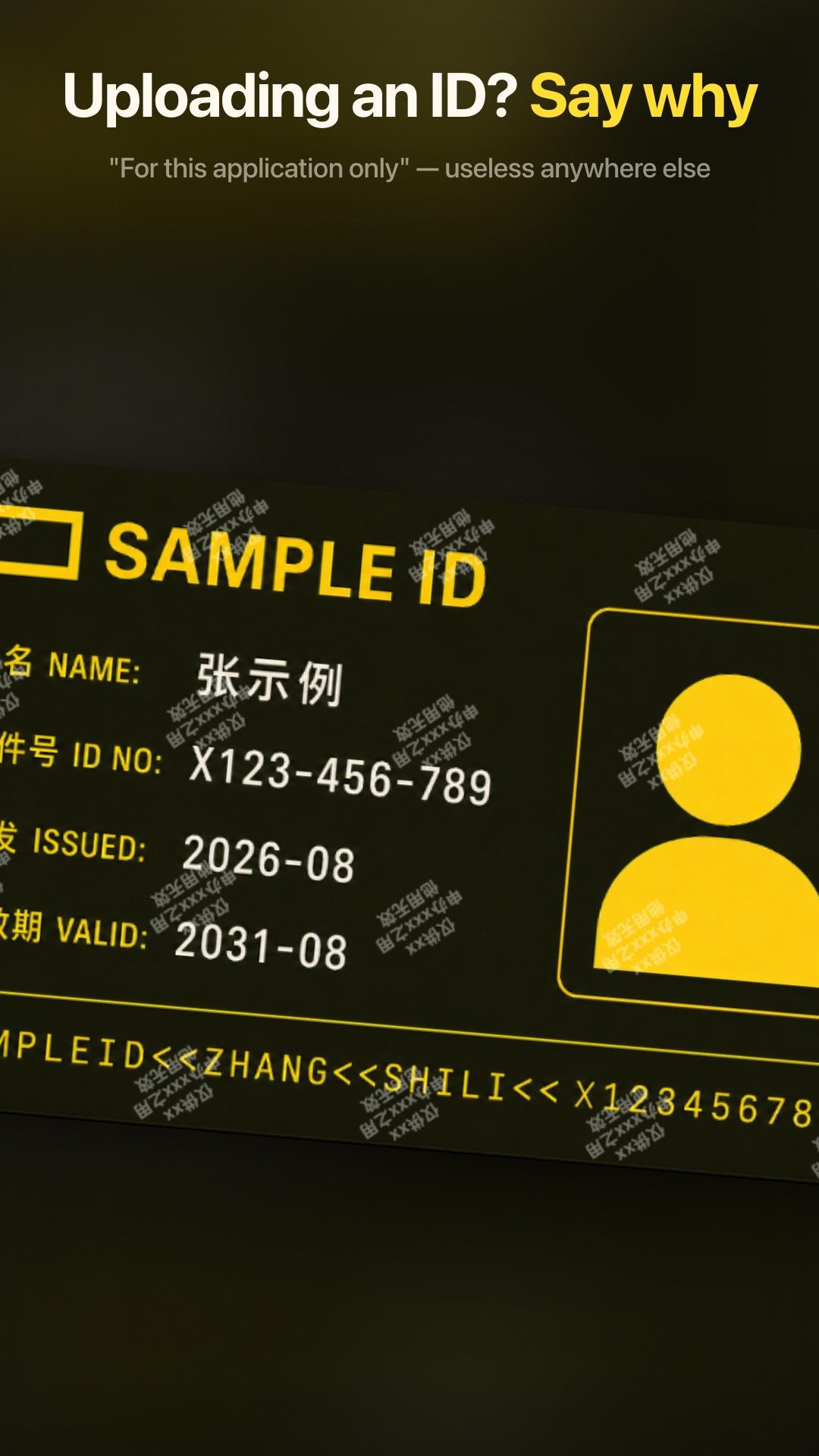
## Use You can use it however you want. It is more suitable for situations where you need to submit a photo ID, a hand-held photo ID or a sensitive photo. Example.
Various real names in the country, uploading front and back photos of ID cards at every turn, even handheld ID photos. Pre-project previews, samples, copyrighted or simply spoofed images Reference text.
This photo is for xx for xxx purposes only, no other use.
You can turn down the transparency, just don't block the key information.
We can't prevent leaks, but we can reduce their value — and at least annoy the leaker.
## UI Designed by renowned UI guru @tovi (👏🤪) Anything you think doesn't work well is my UI restore that doesn't work, and has nothing to do with the UI draft. xD This app was designed by @tovi, so all rights to the UI and related design resources belong to him and may not be used without permission from any person or organization.
## Open Source License. Third party libraries used.
daniel-stonuk/material-about-library skydoves/ColorPickerView material-components/material-components-android
## Feedback and contribution We welcome your comments and suggestions in the issues section, or you can contribute your code by submitting a PR directly to us. Of course, you can also contact the developer directly via telegram or email and we'll get back to you shortly.
Screenshots
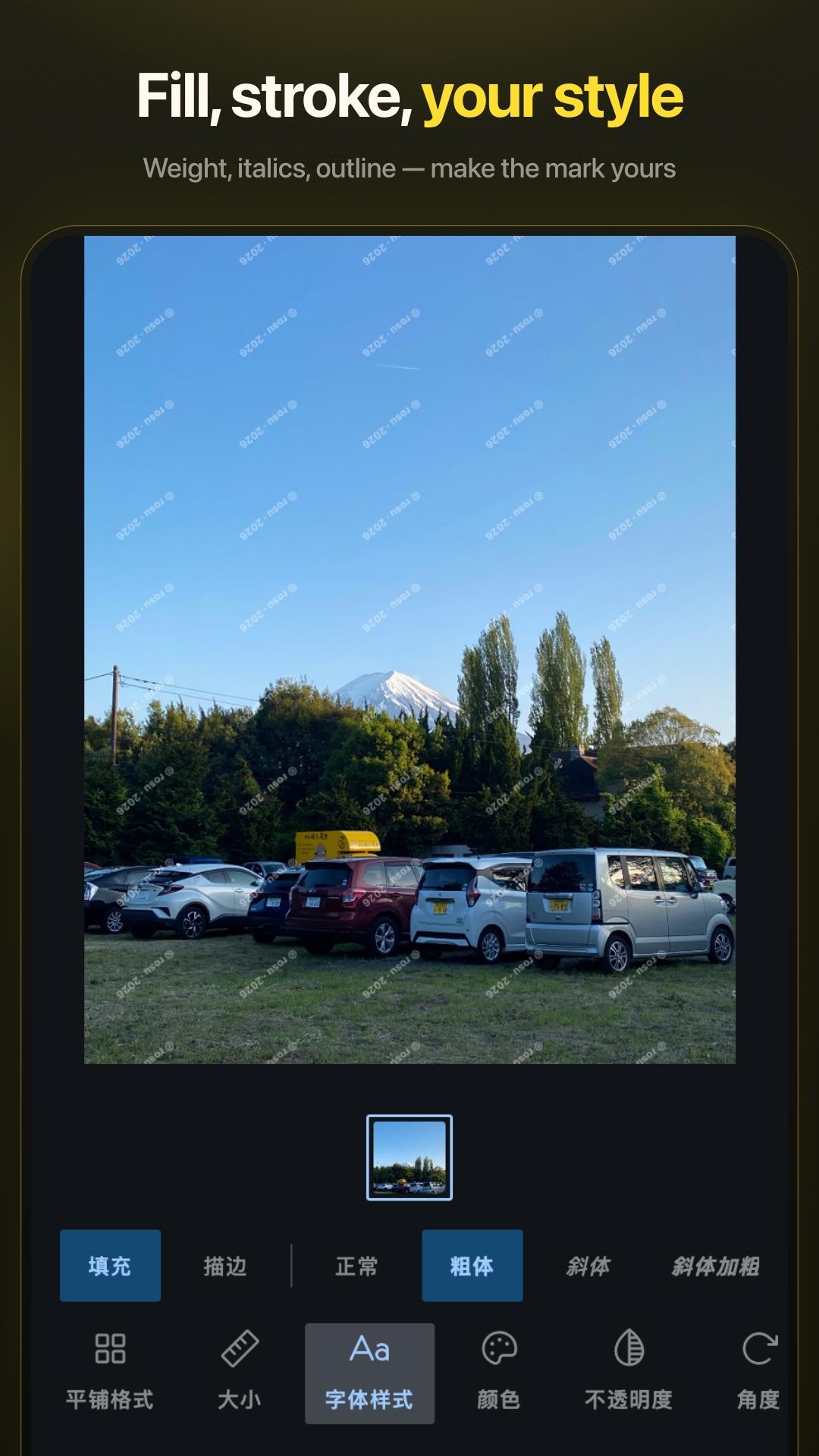
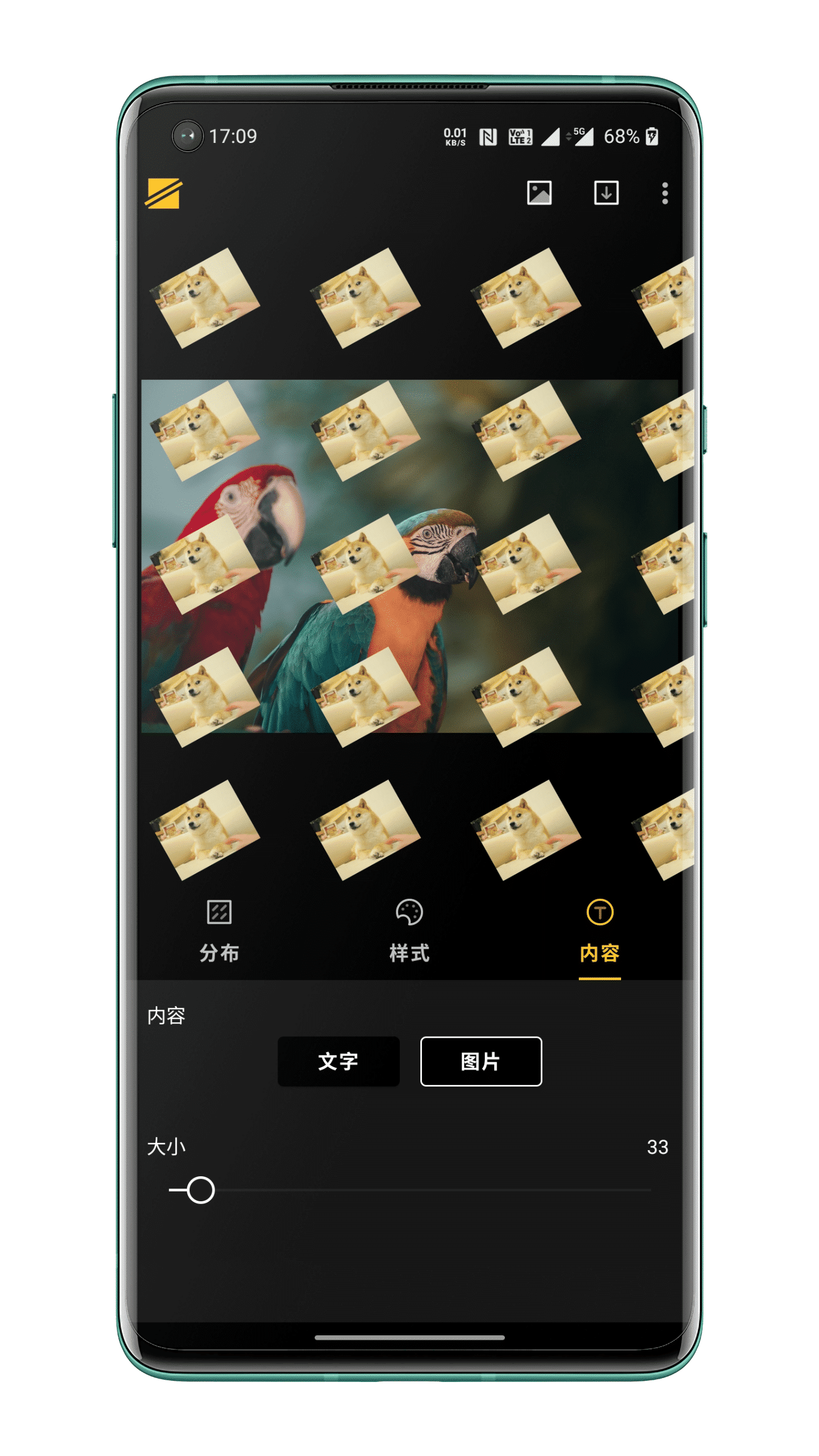
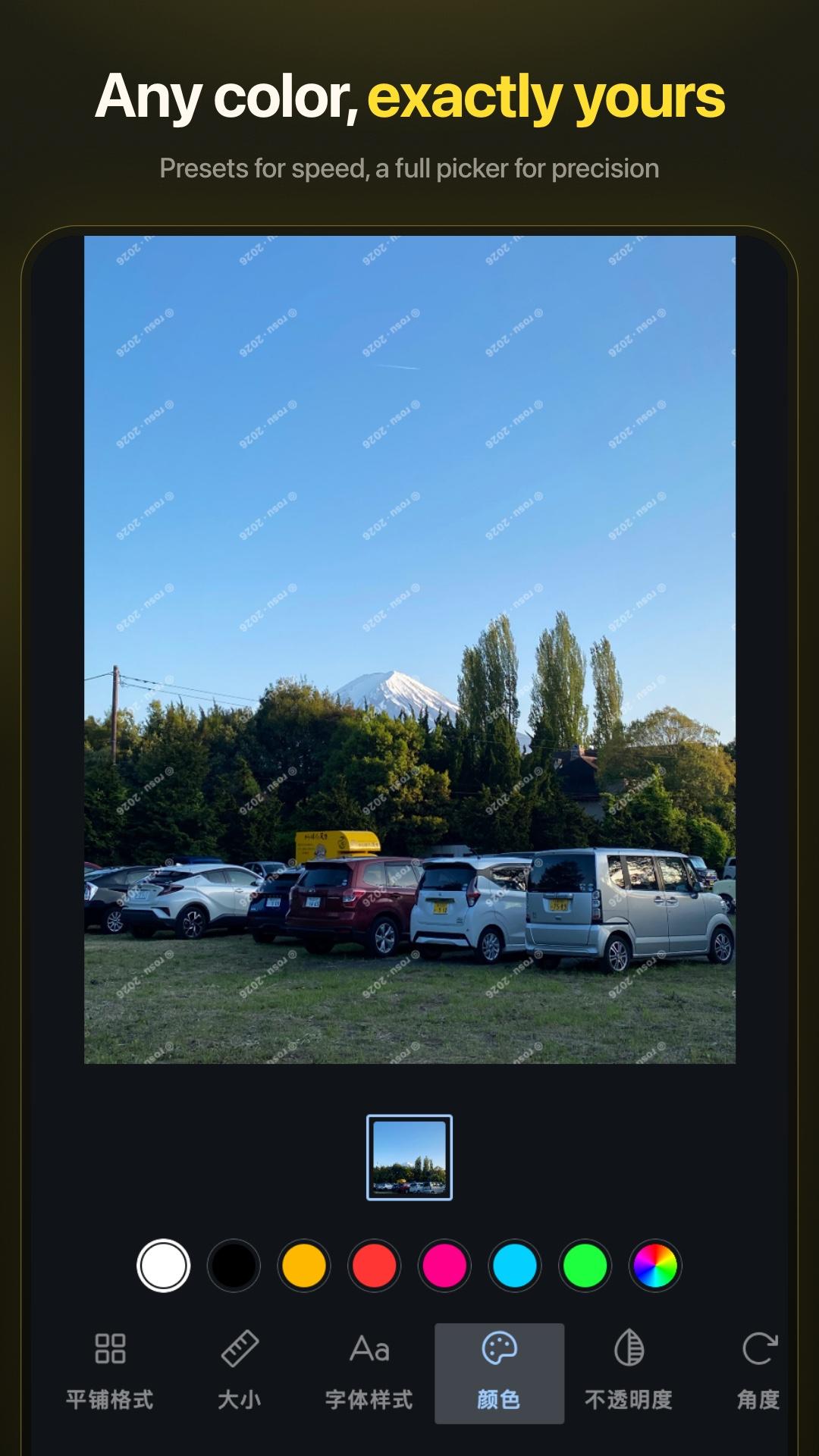
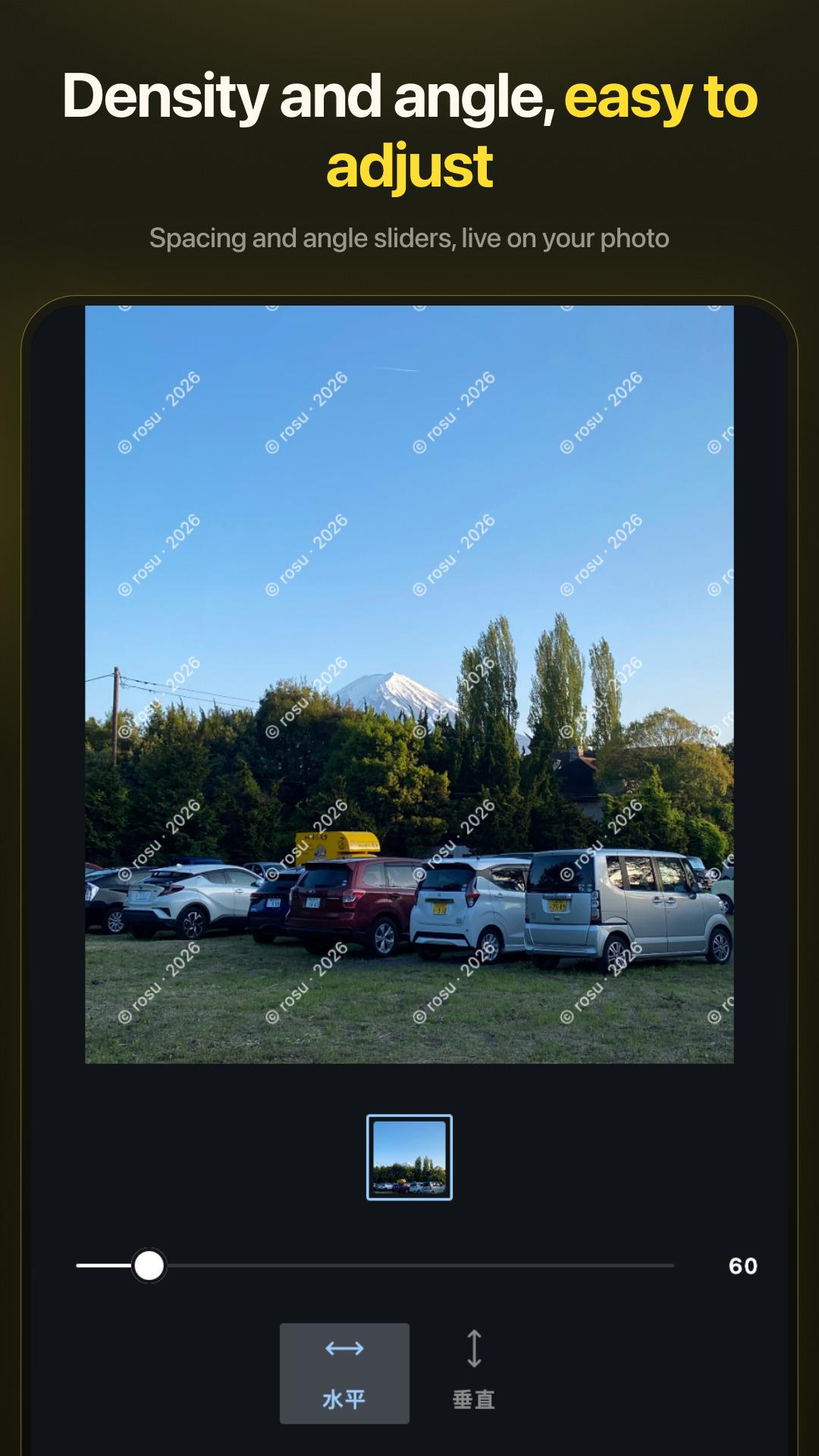
How to install
- Download the APK from the button at the top of this page.
- Allow “Install unknown apps” for your browser or file manager only, not for every app.
- Open the downloaded file and confirm the installation.
- If installation fails with “App not installed,” remove an earlier build of the same app first. A signature conflict is the usual cause.
Data safety
- Every file is checked against its published SHA-256 before it is listed.
- Files are scanned for malware on every update.
- The permissions each app requests are listed on its own page.
- Read the full safety policy for how we test, flag, and delist files.
Comments
Recent approved comments · sorted by newest
View all comments