
Quick answer
Sync photos fastly using USB capability
F-Droid repository metadata
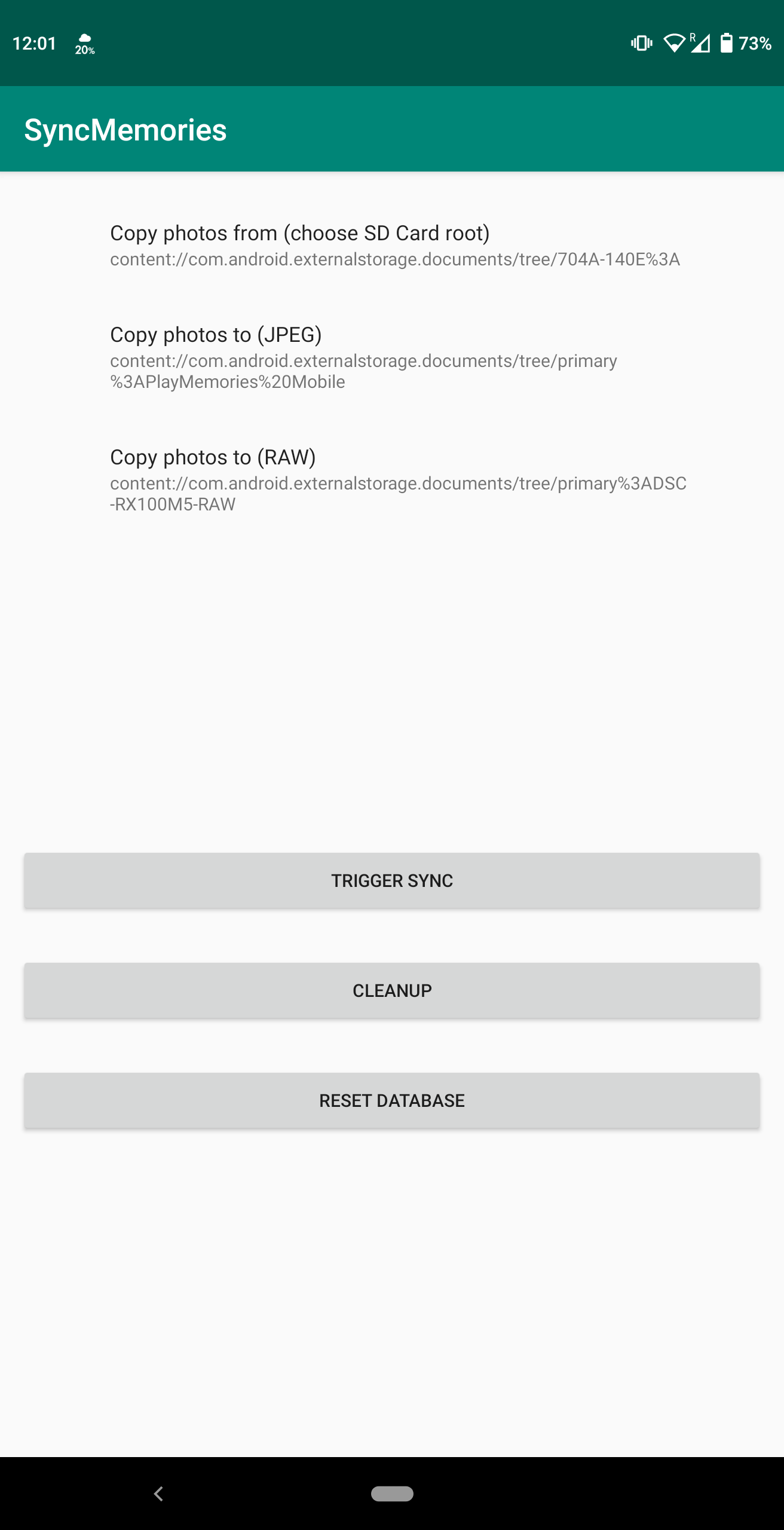
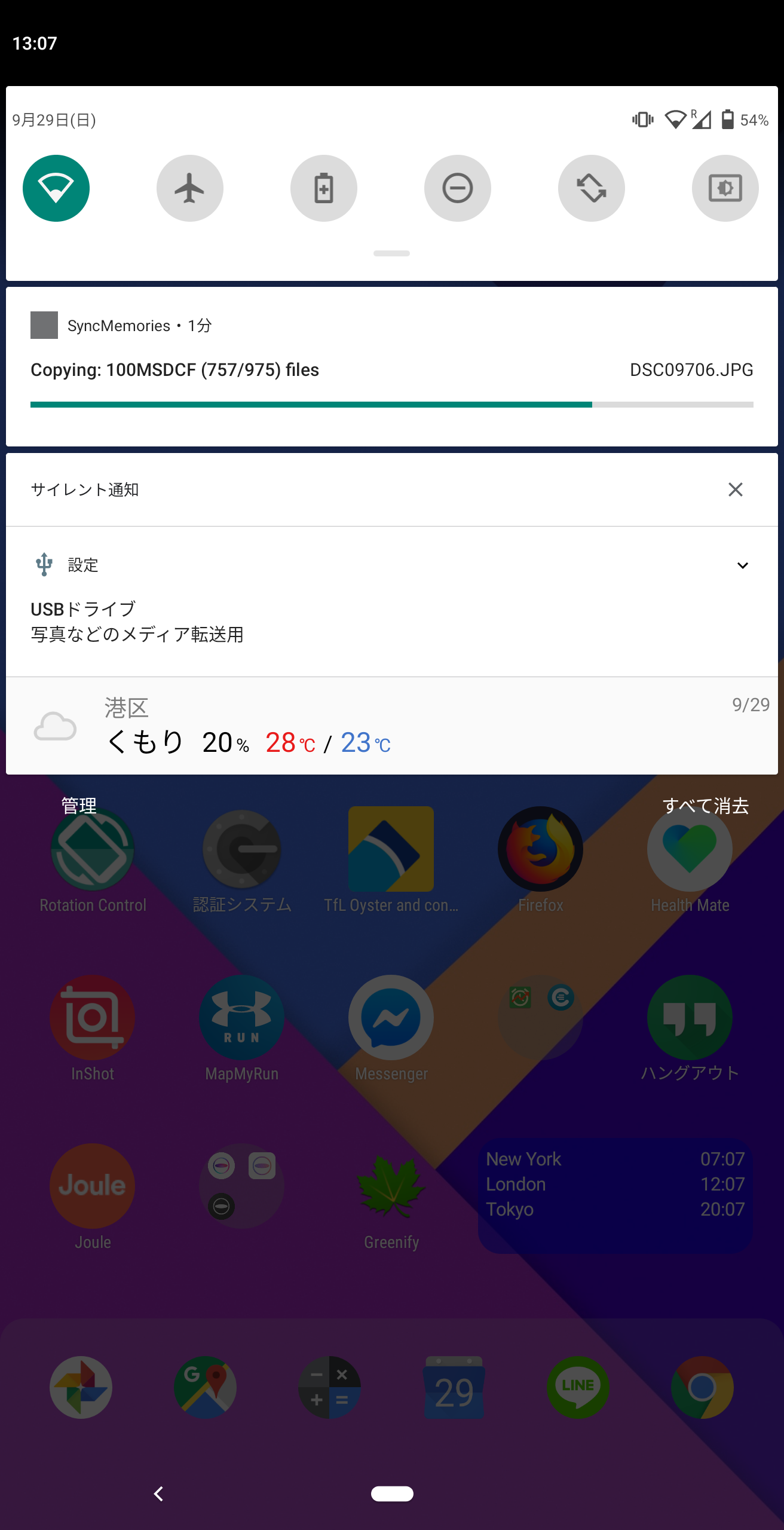
Got tired of spending time transferring GBs of photo files from your cameras to your phones/tablets via Wi-Fi? Try sync-memories to leverage your device’s USB capability.
* Direct transfer via USB * Normally, 3-4 times FASTER than Wi-Fi * Doesn't block device (phone/tablet) Wi-Fi * Skip synched files * Avoid redundant copying based on file size so corrupt (incomplete) files are re-transfered on the next sync * RAW image files (.ARW) supported * RAW files can be stored into separate directory so you can easily handle your backup preferences * e.g. send JPEG to Google Photos and send JPEG+RAW to Amazon Prime Photos
Screenshots
How to install
- Download the APK from the button at the top of this page.
- Allow “Install unknown apps” for your browser or file manager only, not for every app.
- Open the downloaded file and confirm the installation.
- If installation fails with “App not installed,” remove an earlier build of the same app first. A signature conflict is the usual cause.
Data safety
- Every file is checked against its published SHA-256 before it is listed.
- Files are scanned for malware on every update.
- The permissions each app requests are listed on its own page.
- Read the full safety policy for how we test, flag, and delist files.
Comments
Recent approved comments · sorted by newest
View all comments